How to install Nginx on Azure Linux virtual machine
To Install Nginx On Azure Linux Virtual Machine
Introduction:
For web servers, Nginx is a free and open-source application for Linux. It works as a reverse proxy server, directing web traffic to specific servers. Nginx can be used independently as a web server.
Installation procedure:
Step 1: Log in to Azure Portal
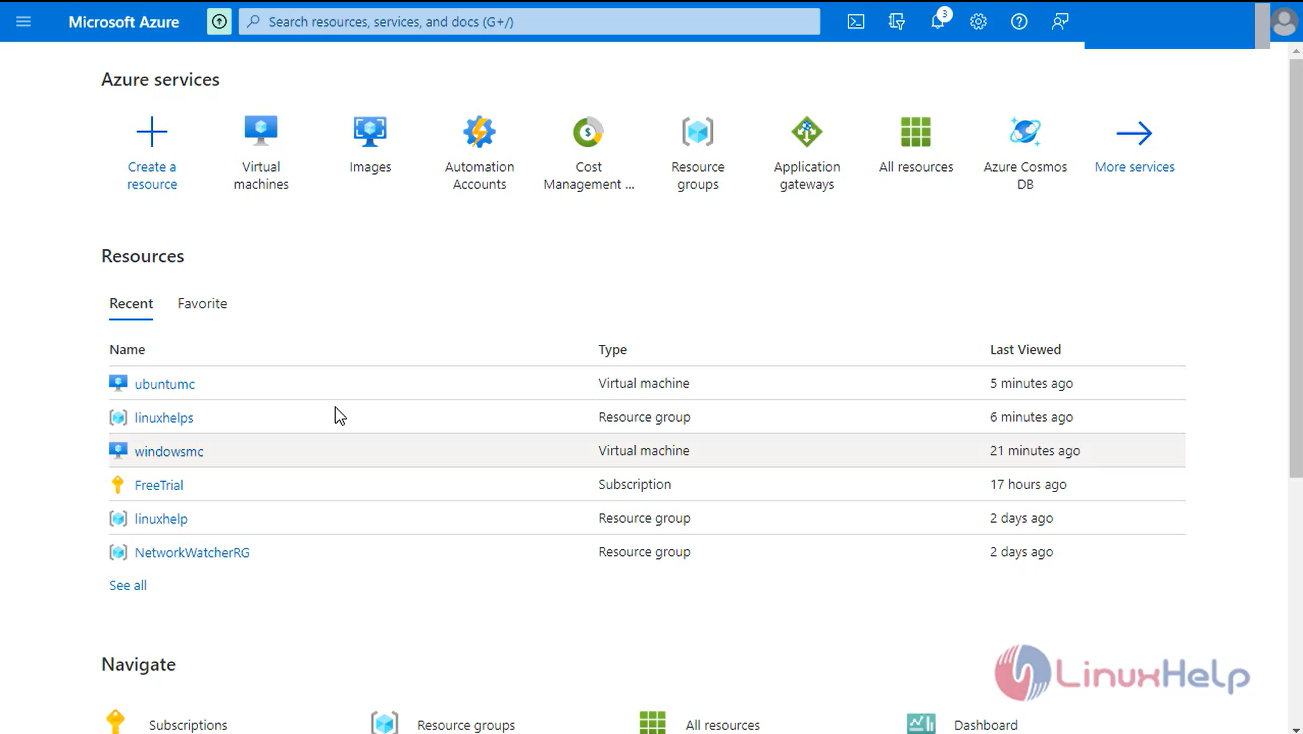
Step 2: Select your VM
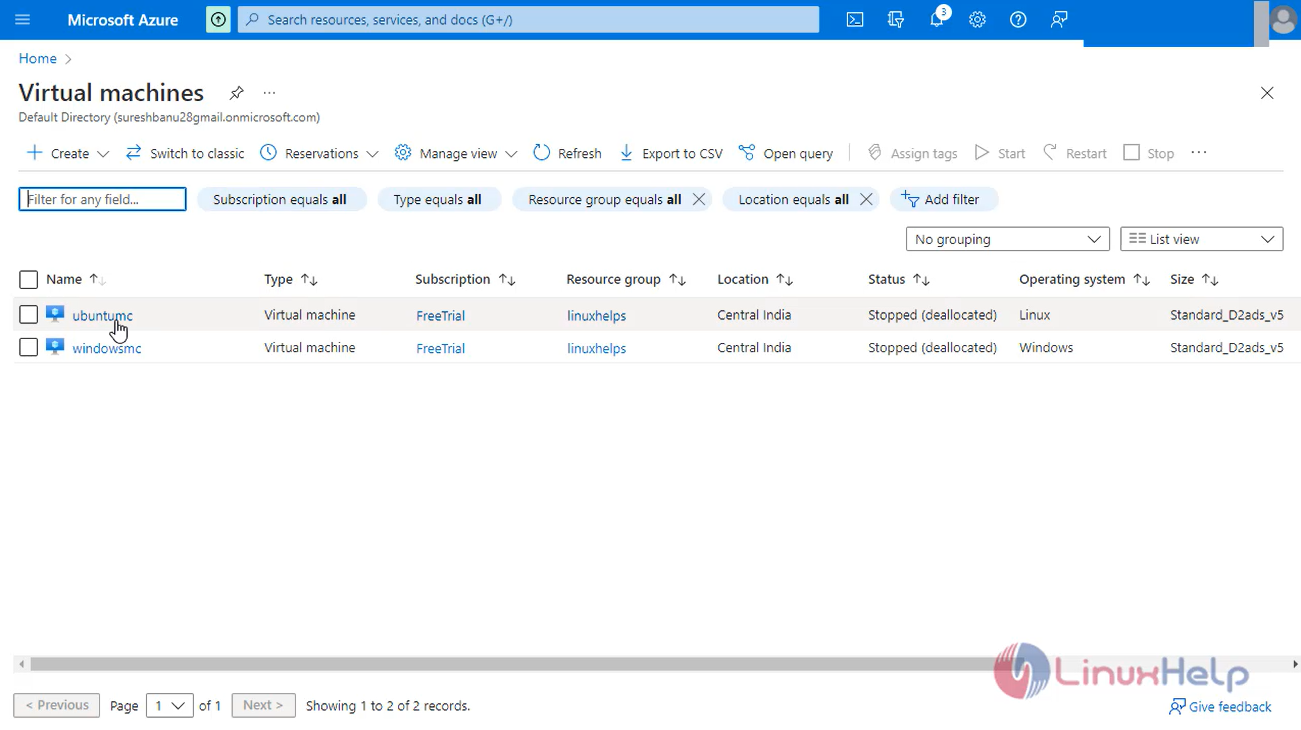
Step 3: Start the Virtual machine
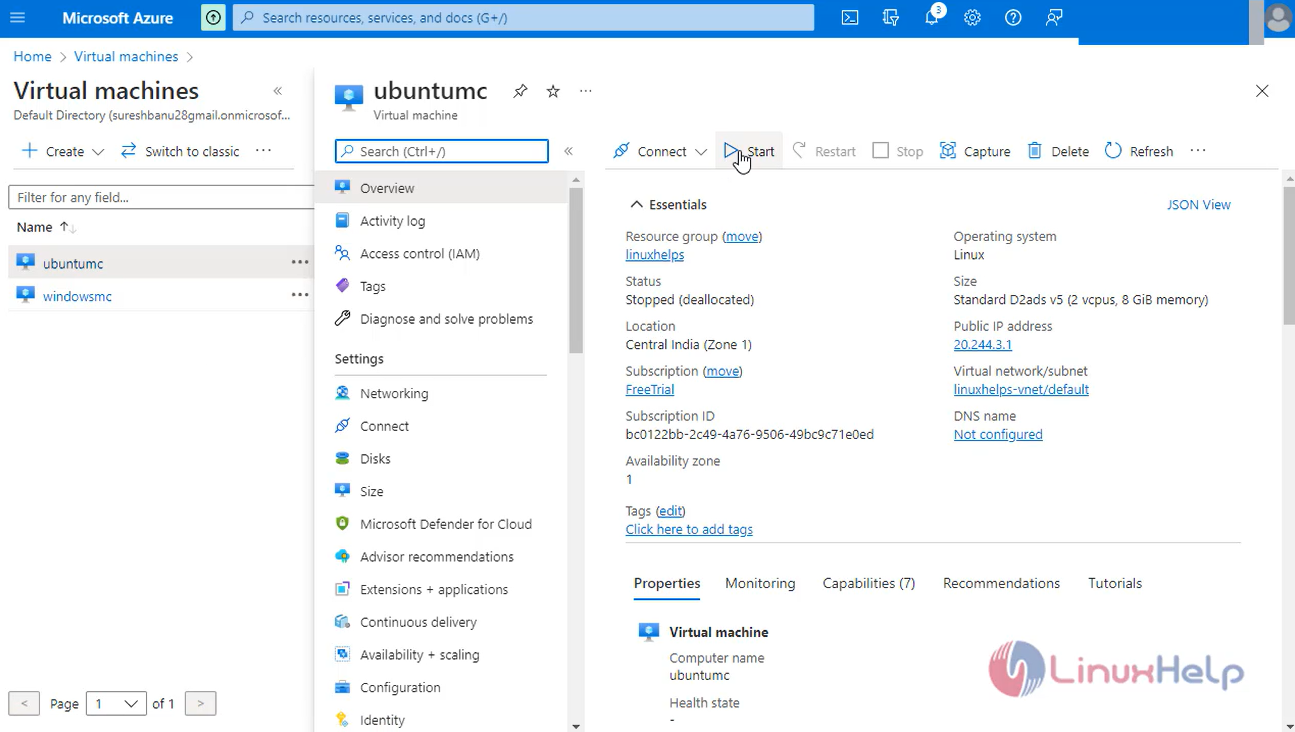
Step 4: Go to command prompt login to the Linux machine
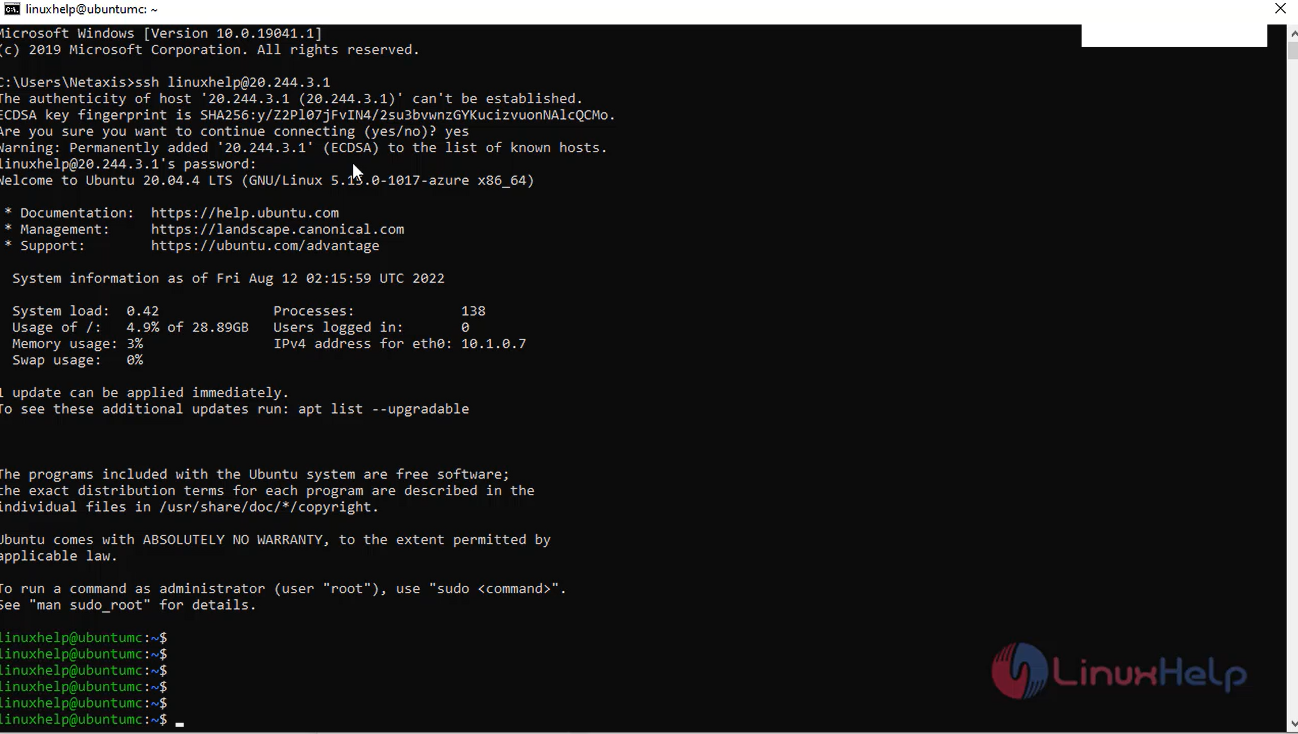
Step 5: check the OS version
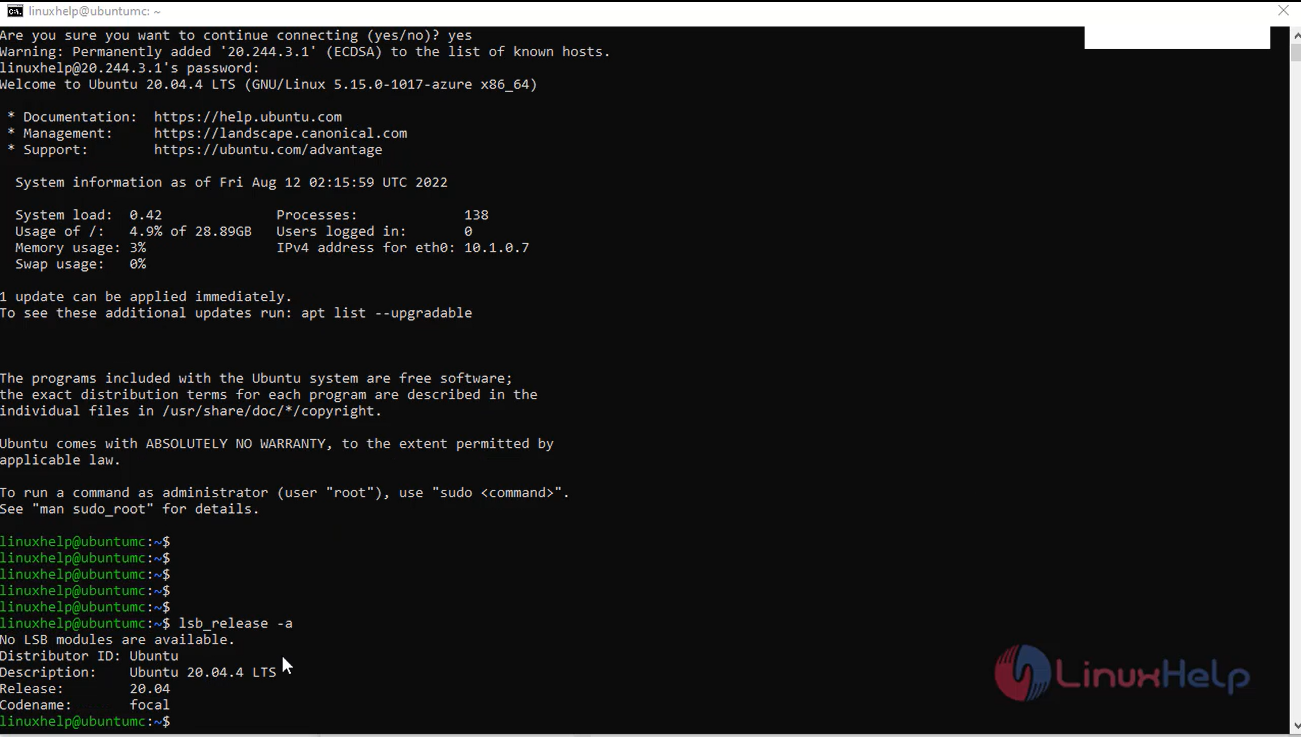
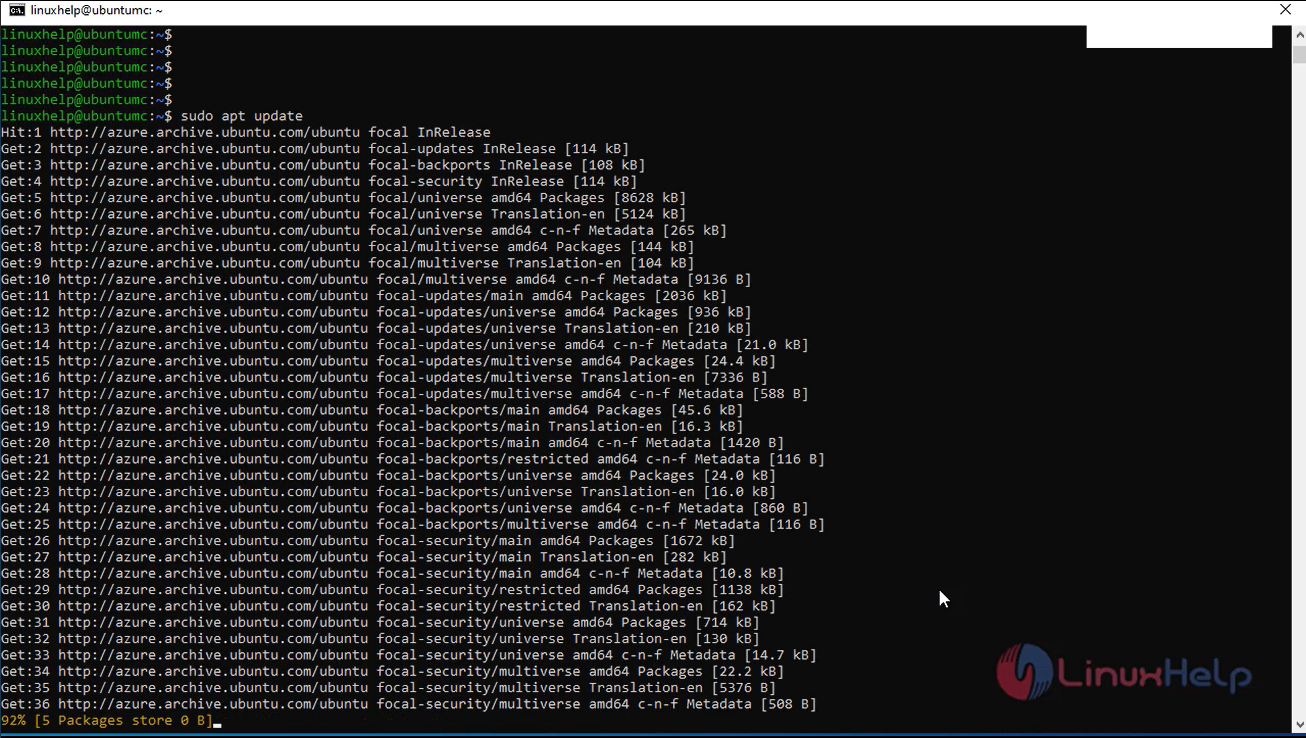
Step 6: Now, update the repositories
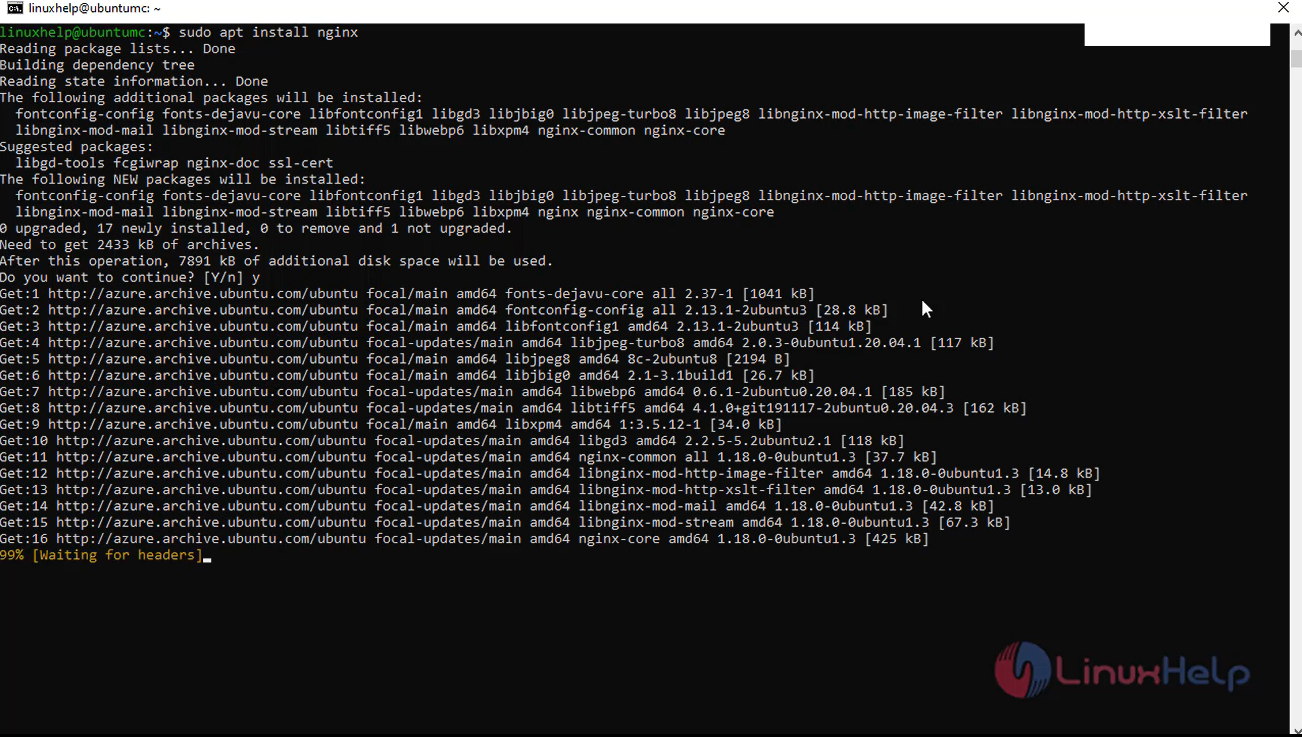
Step 7: Install the Nginx server
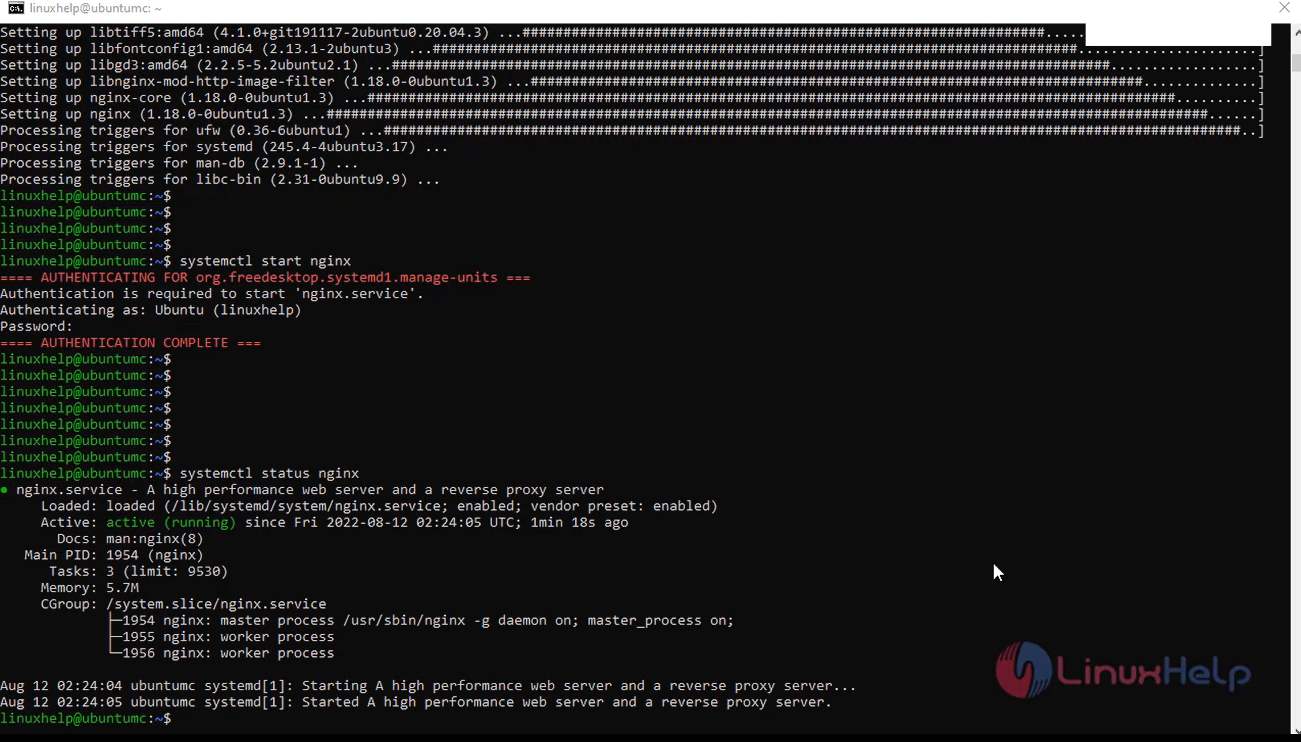
Step 8: start and check the status from nginx server
Step 9: Go to browser, browse the azure virtual machine Ip address. Here you can view the output of the nginx server
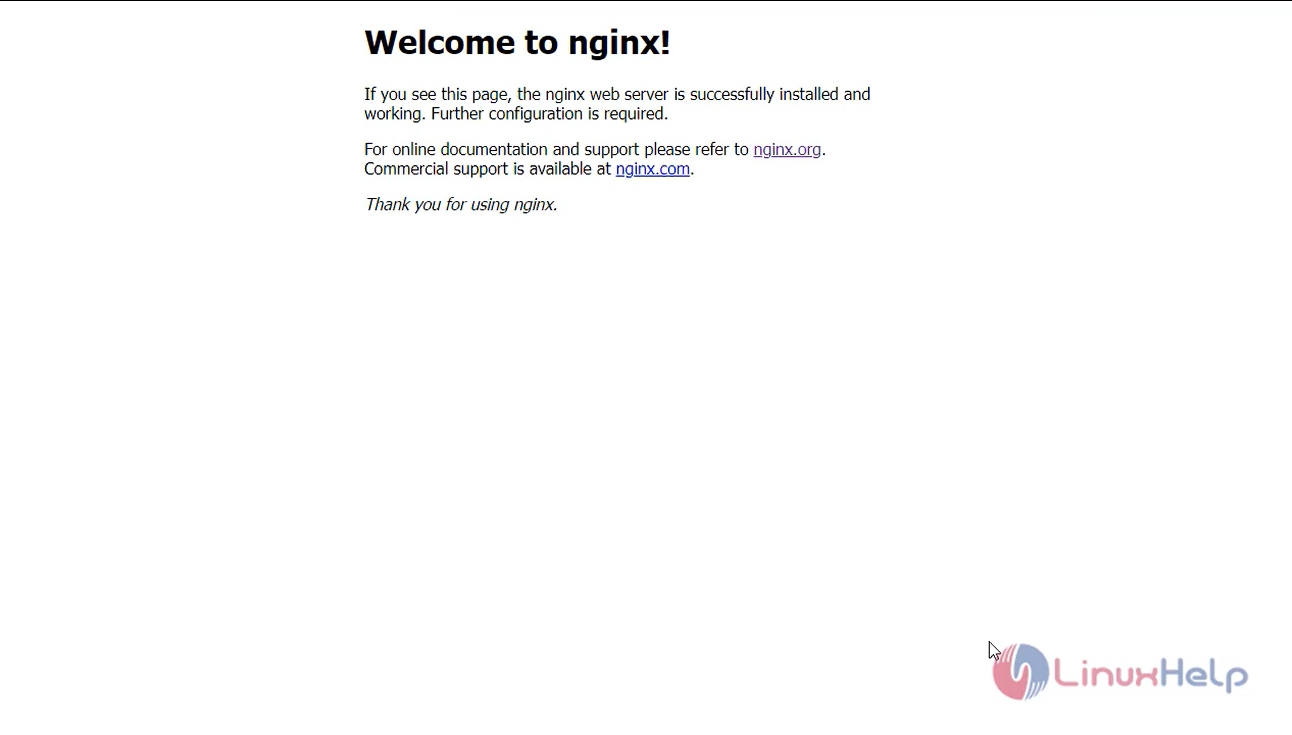
Step 10: Next, change the configuration file for welcome to linuxhelp.com
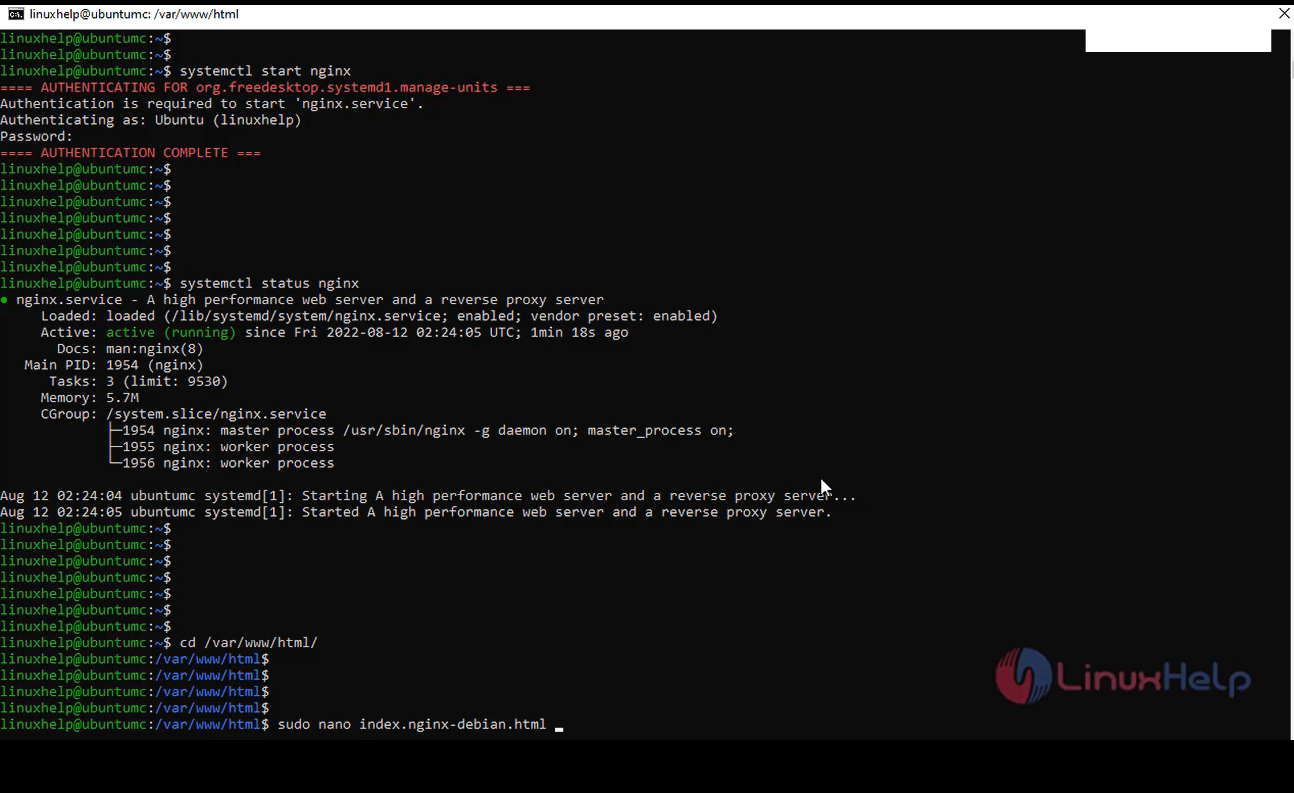
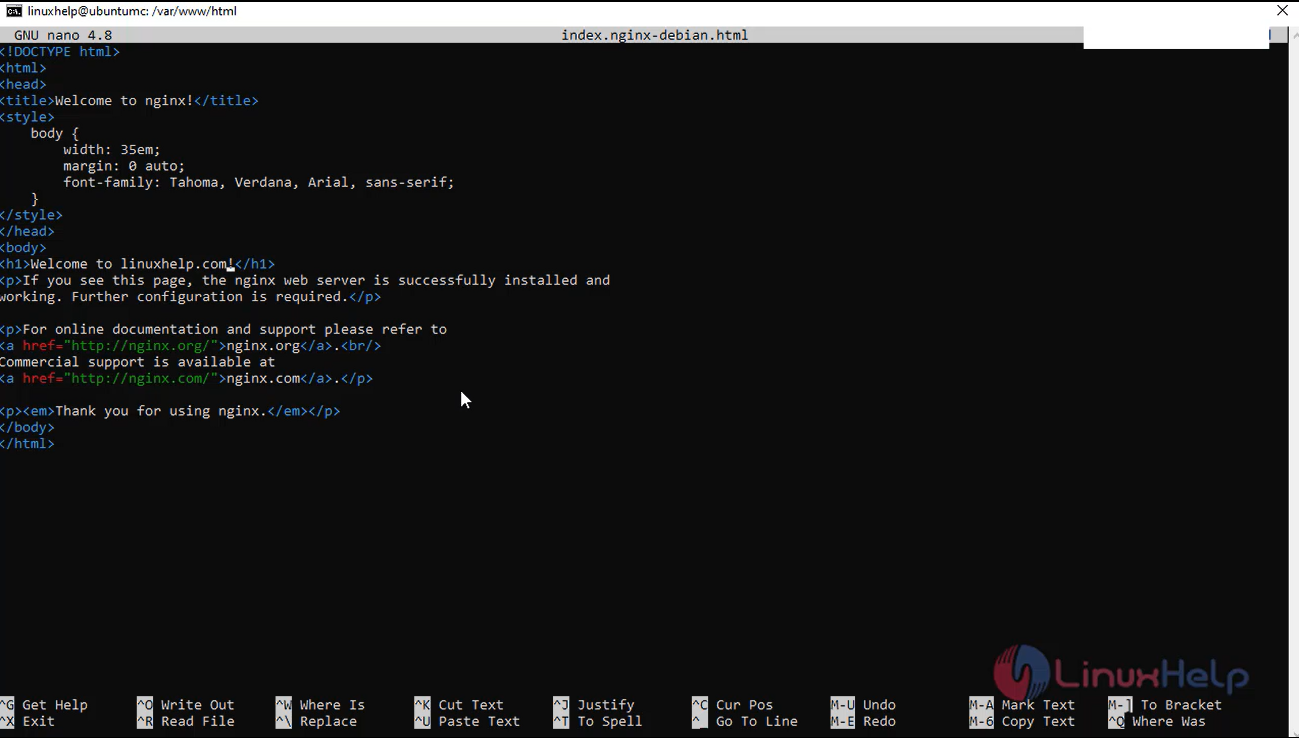
Step 11: Again, go to the browser Refresh the page and change the configuration

Conclusion:
We have reached the end of this article. In this guide, we have walked you through the steps required to install nginx on azure Linux virtual machine. Your feedback is much welcome.
Comments ( 0 )
No comments available