How to install NixNote 2 in Ubuntu
To install NixNote 2 in Ubuntu
NixNote is an unofficial Evernote client for Linux distributions that is programmed in C++. Installation of NixNote 2 is explained in this manual.
To install Nixnote
First download the installation package from the following link,
https://sourceforge.net/projects/nevernote/files/
Once the download is completed, move the downloads folder to /home/user1/ location.
root@linuxhelp:/home/user1# cd Downloads/
root@linuxhelp:/home/user1/Downloads# ls -l
total 2768
drwxr-xr-x  2 user1 user1    4096 Sep  6 12:18 ./
drwxr-xr-x 16 user1 user1    4096 Sep  6 12:16 ../
-rw-rw-r--  1 user1 user1 2826130 Sep  6 12:18 nixnote2-2.0-beta8_amd64.deb
Now start installing Nixnote applet.
root@linuxhelp:/home/user1/Downloads# dpkg -i nixnote2-2.0-beta8_amd64.deb
Selecting previously unselected package nixnote2.
..
..
dpkg: dependency problems prevent configuration of nixnote2:
 nixnote2 depends on libpoppler-qt4-4  however:
  Package libpoppler-qt4-4 is not installed.
 nixnote2 depends on libqtwebkit4  however:
  Package libqtwebkit4 is not installed.
&hellip
&hellip
Processing triggers for man-db (2.7.5-1) ...
Errors were encountered while processing:
 nixnote2
During the installation, dependency error may occurred. To solve this error run the following command.
root@linuxhelp:/home/user1/Downloads# apt-get -f install
Reading package lists... Done
Building dependency tree
Reading state information... Done
Correcting dependencies... Done
..
..
Setting up i965-va-driver:amd64 (1.7.0-1) ...
Setting up vdpau-va-driver:amd64 (0.7.4-5) ...
Setting up va-driver-all:amd64 (1.7.0-1) ...
Setting up vdpau-driver-all:amd64 (1.1.1-3ubuntu1) ...
Processing triggers for libc-bin (2.23-0ubuntu3) ...
Once again start the Nixnote installation by utilizing the following command.
root@linuxhelp:/home/user1/Downloads# dpkg -i nixnote2-2.0-beta8_amd64.deb
(Reading database ... 172620 files and directories currently installed.)
Preparing to unpack nixnote2-2.0-beta8_amd64.deb ...
Unpacking nixnote2 (2.0-beta8) over (2.0-beta8) ...
Setting up nixnote2 (2.0-beta8) ...
Processing triggers for gnome-menus (3.13.3-6ubuntu3) ...
Processing triggers for desktop-file-utils (0.22-1ubuntu5) ...
Processing triggers for bamfdaemon (0.5.3~bzr0+16.04.20160415-0ubuntu1) ...
Rebuilding /usr/share/applications/bamf-2.index...
Processing triggers for mime-support (3.59ubuntu1) ...
Processing triggers for man-db (2.7.5-1) ...
To open NixNote2
Run the following command to start the NixNote2.
root@linuxhelp:/home/user1/Downloads# nixnote2
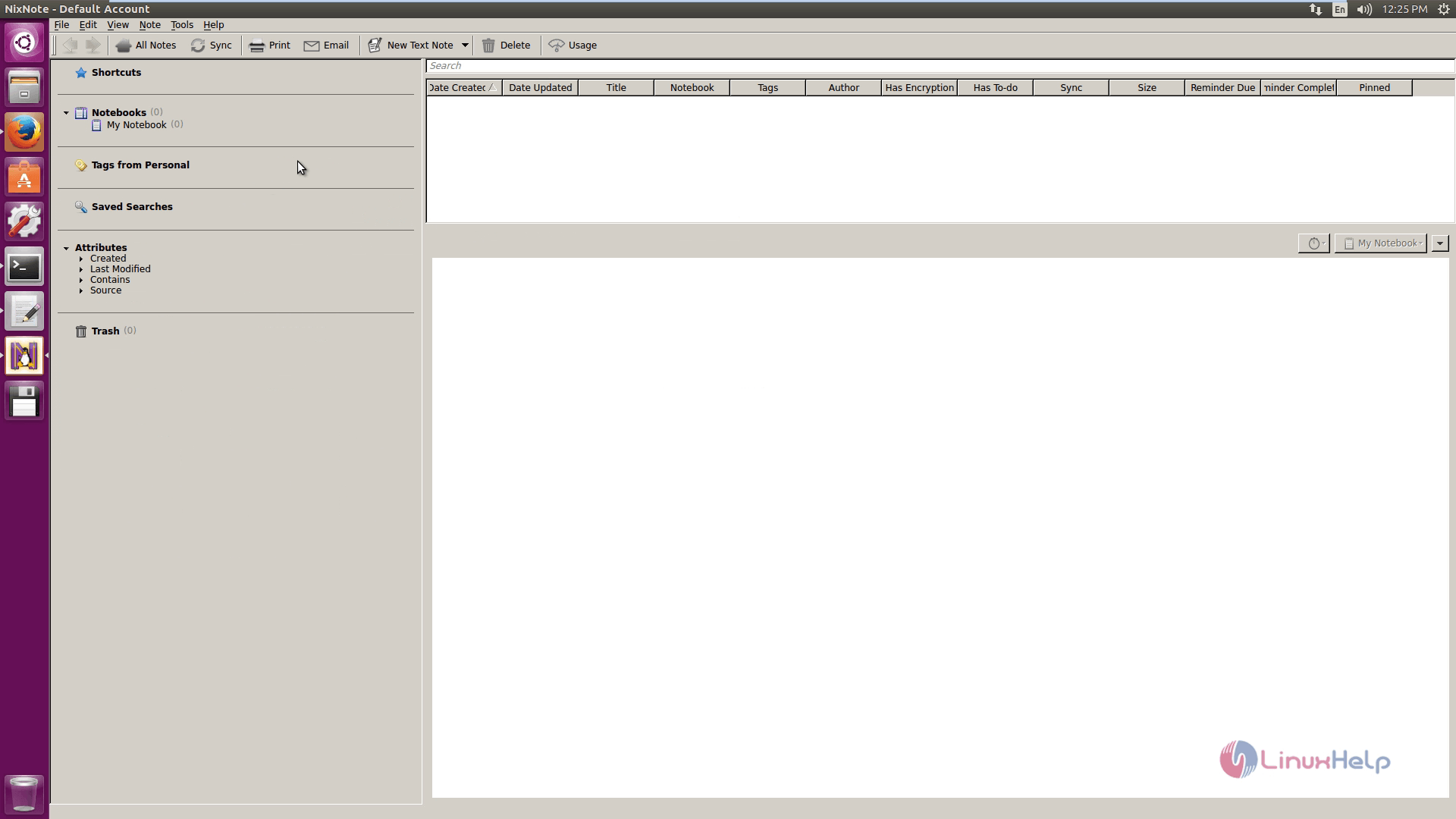
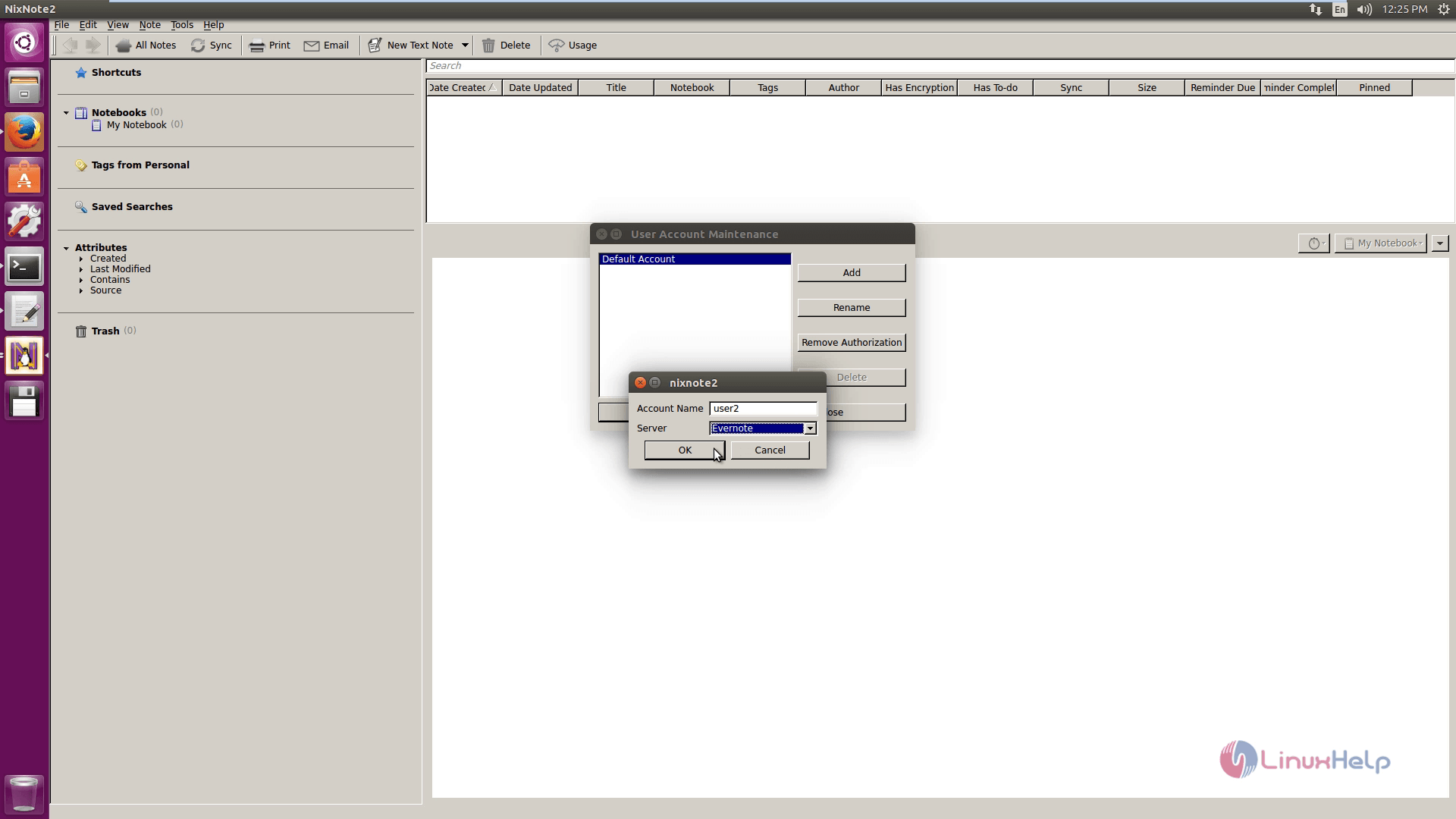
Now create new user using User account maintenance tab. Click on Add and enter the name of Account and Server.
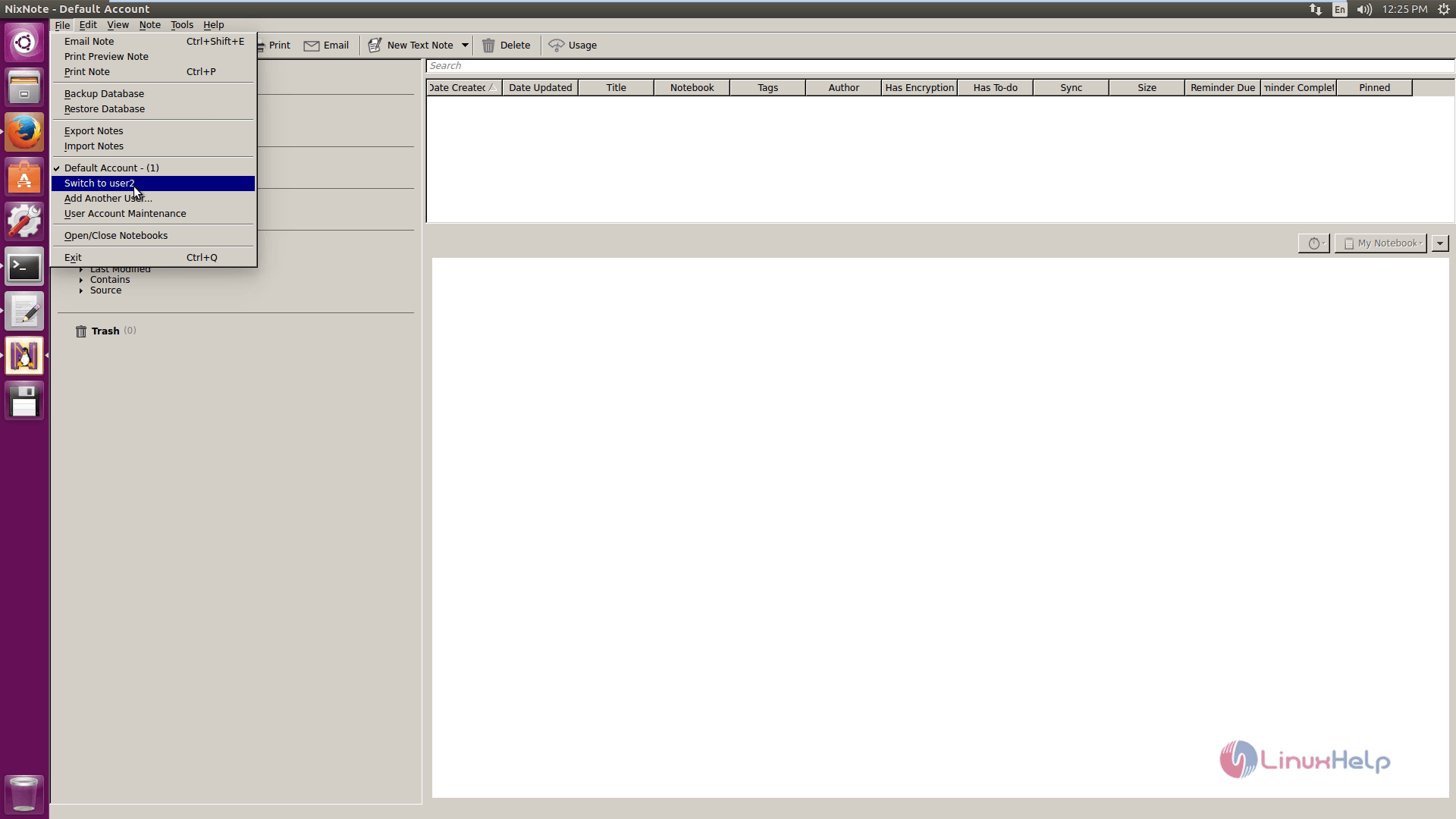
Switch to another User by hitting the Switch to user2 option.
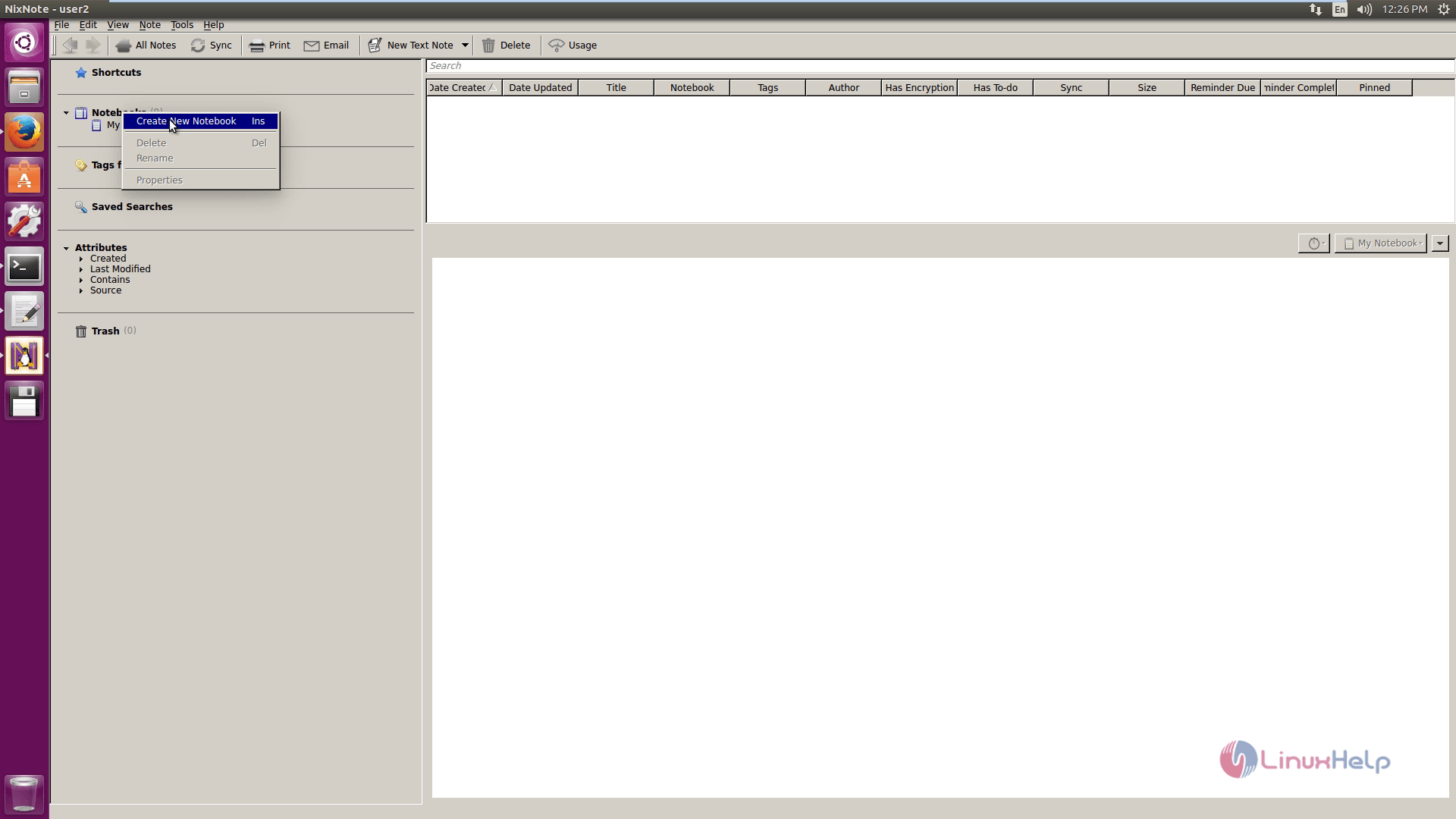
Start creating new notebook.
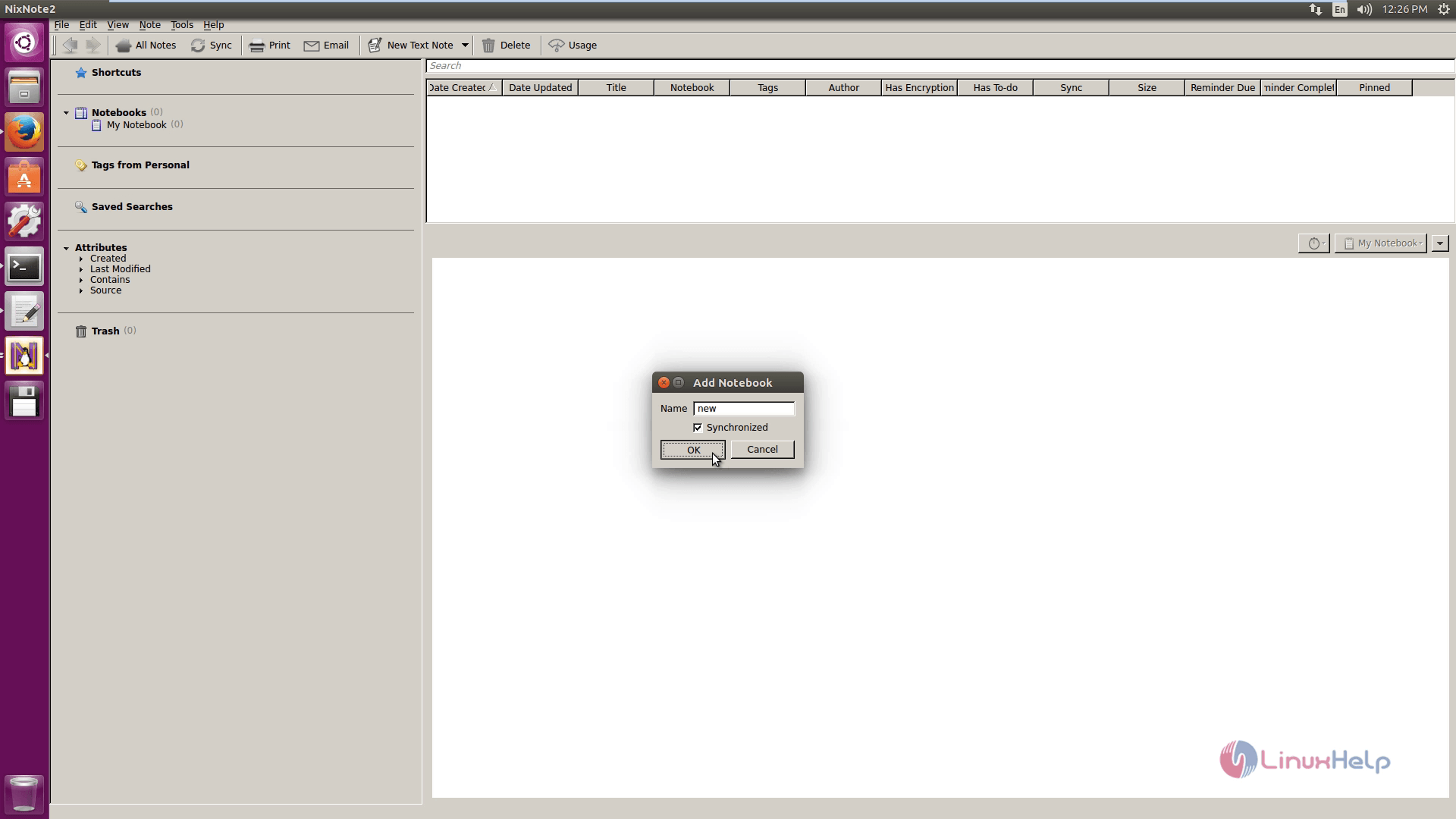
To add note, click on Add Note.
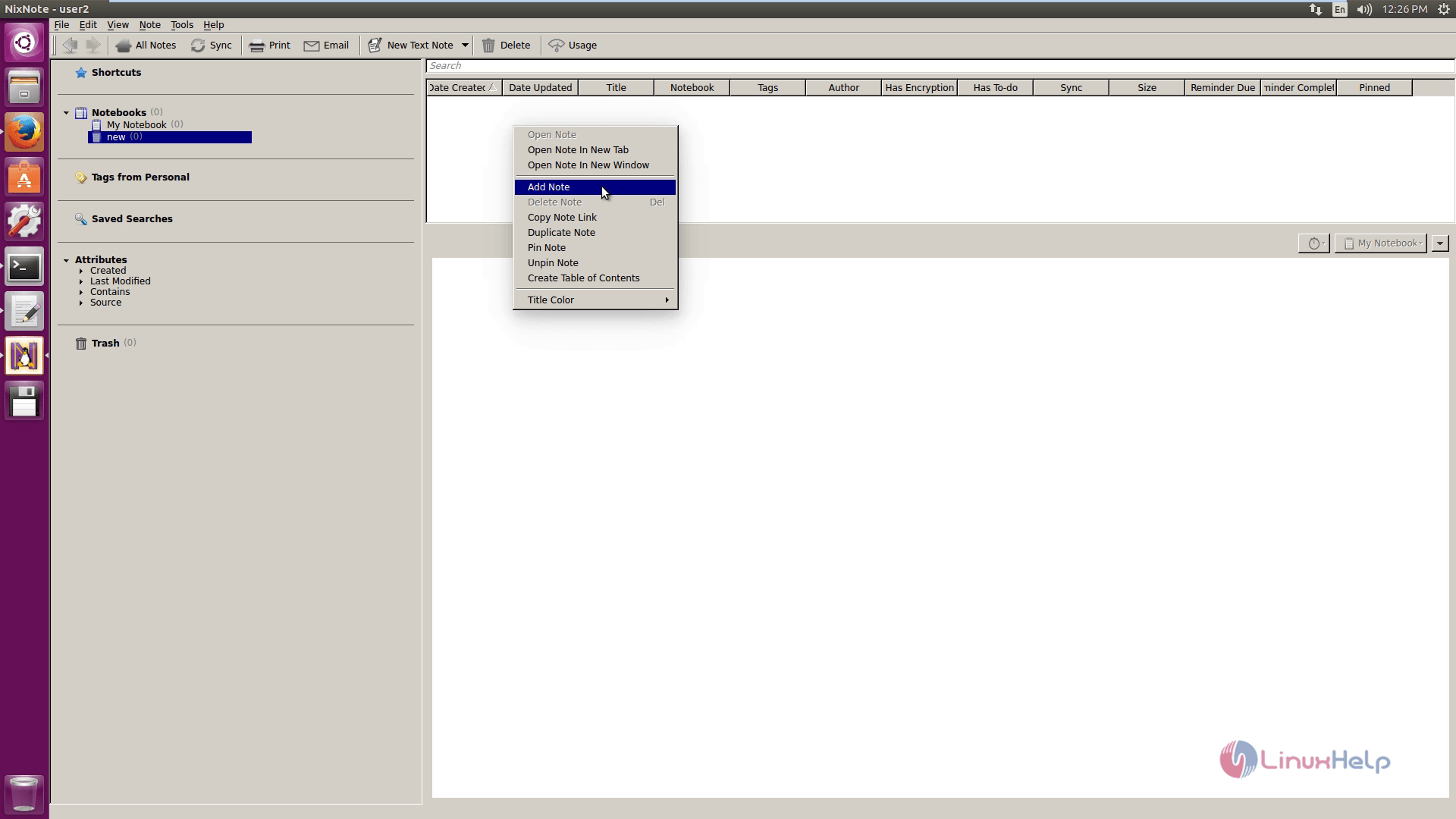
And you can add the tags to the note.
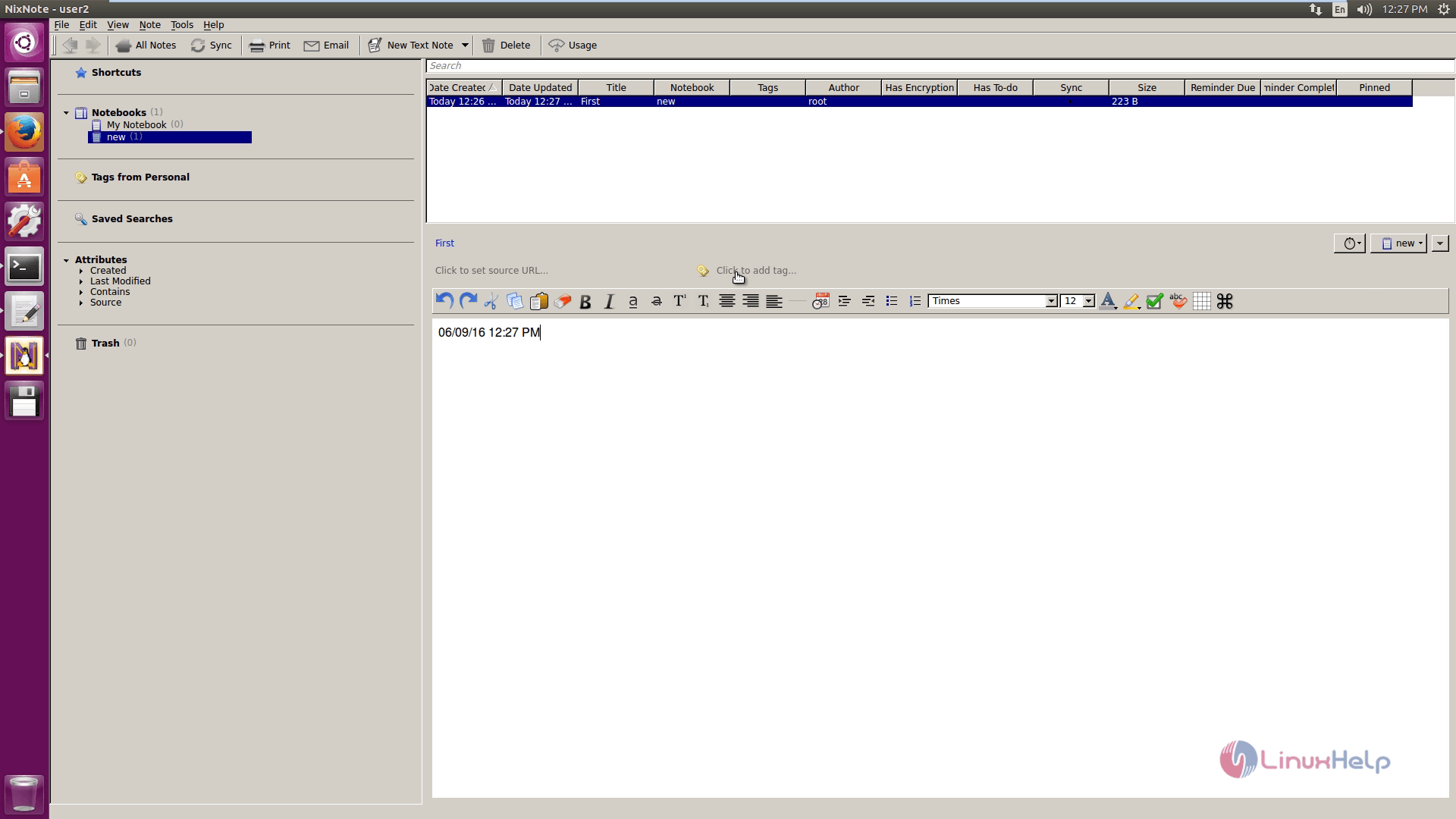
To print note, click on Print note.
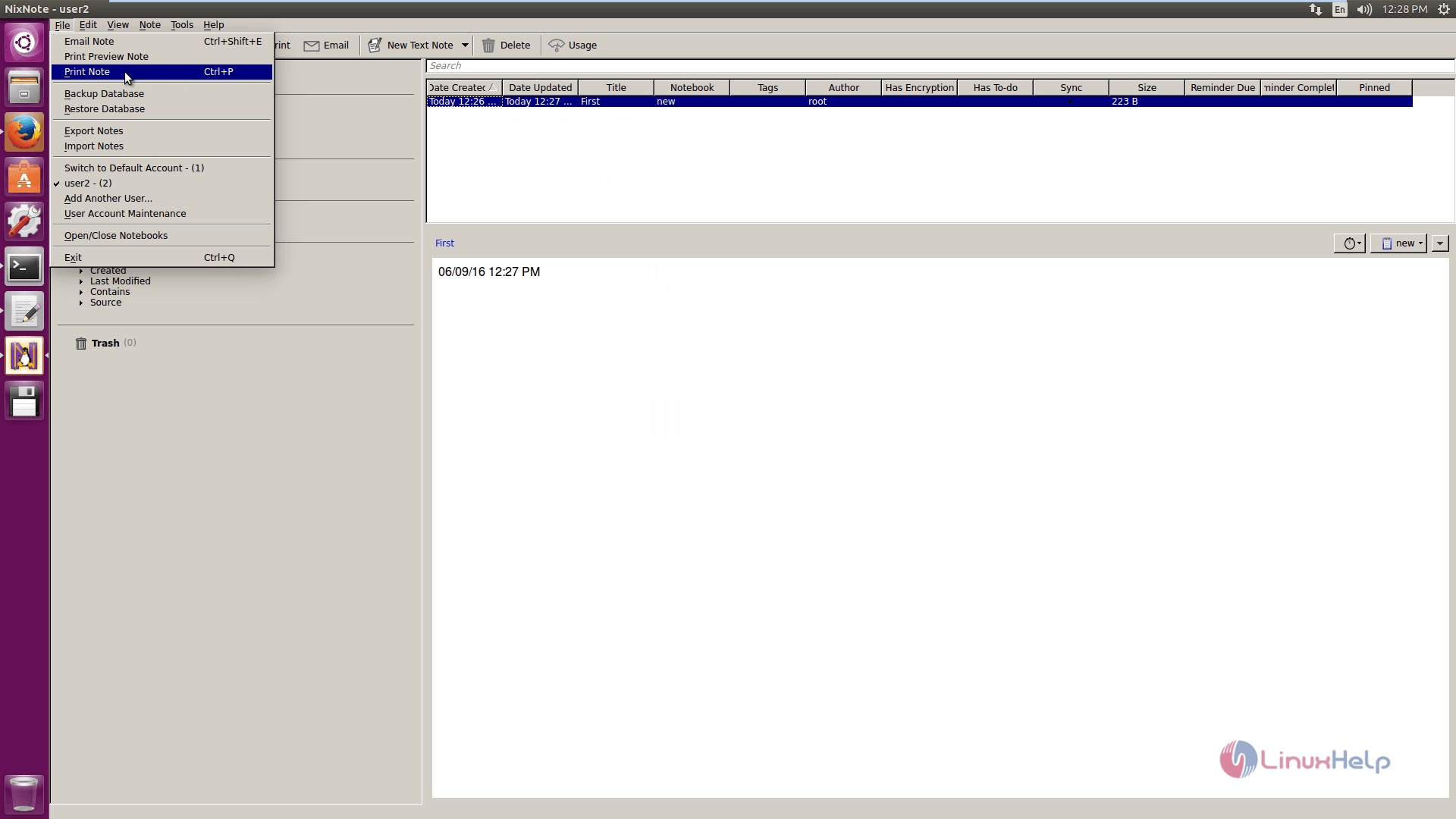
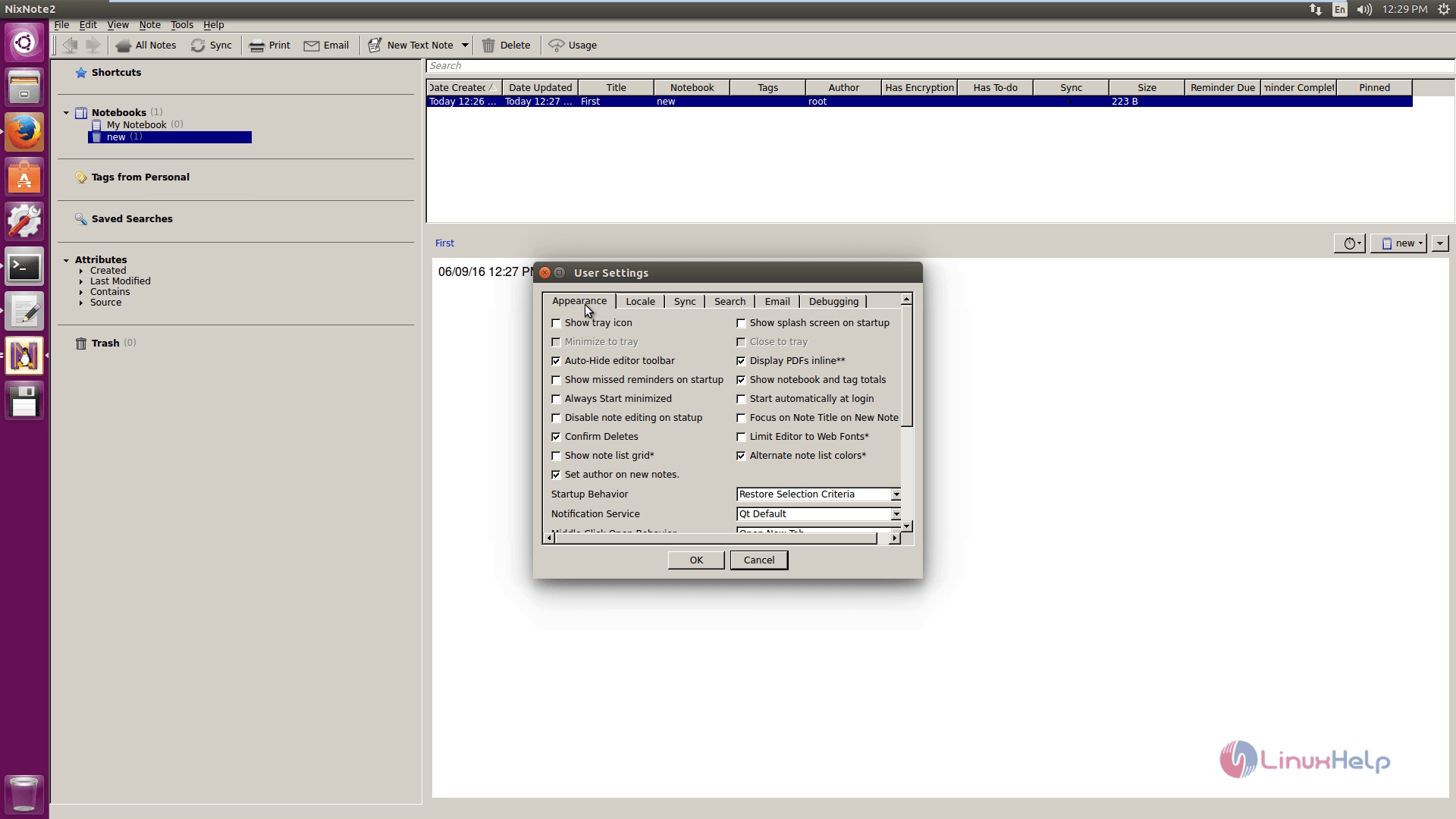
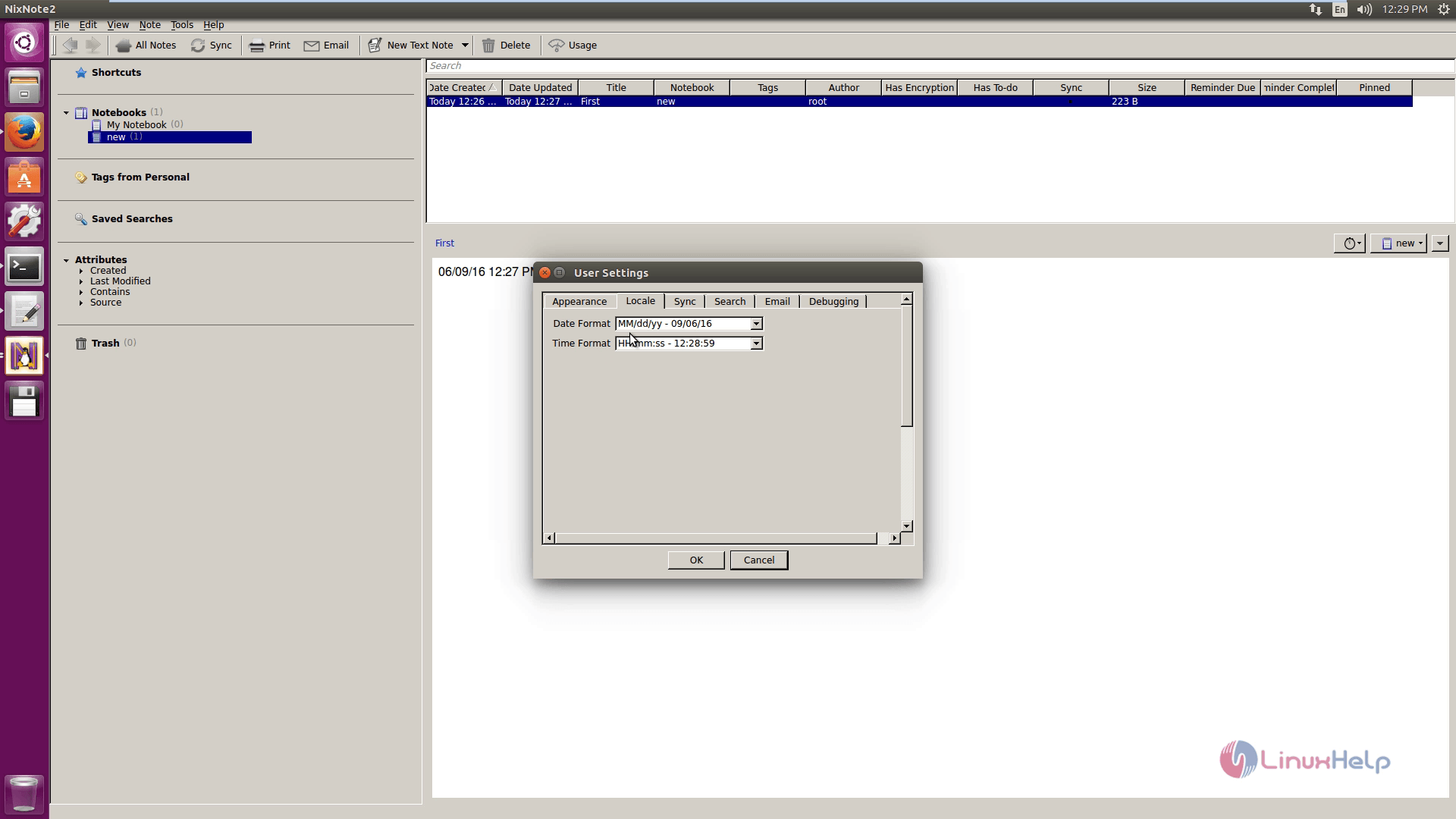
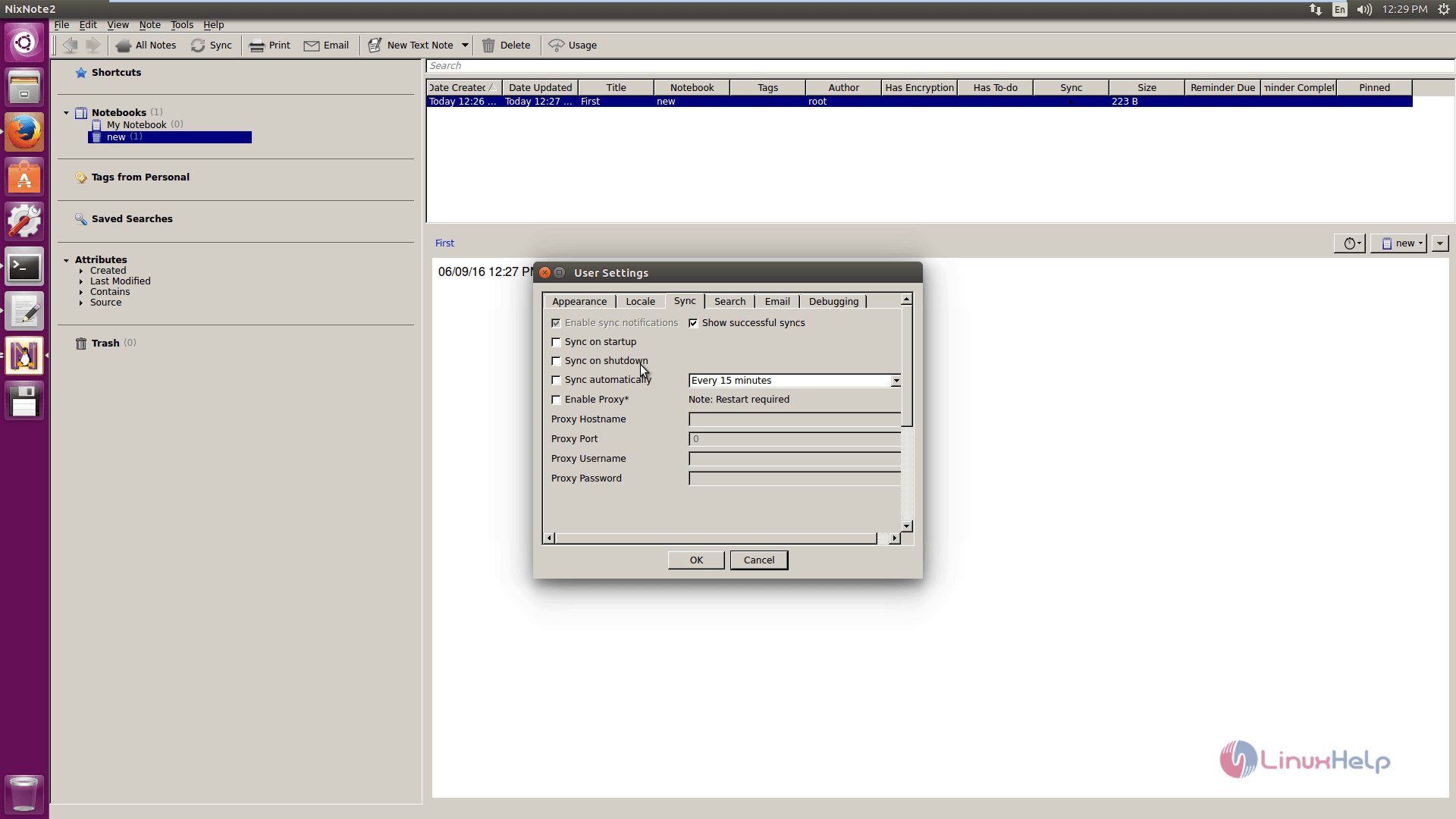
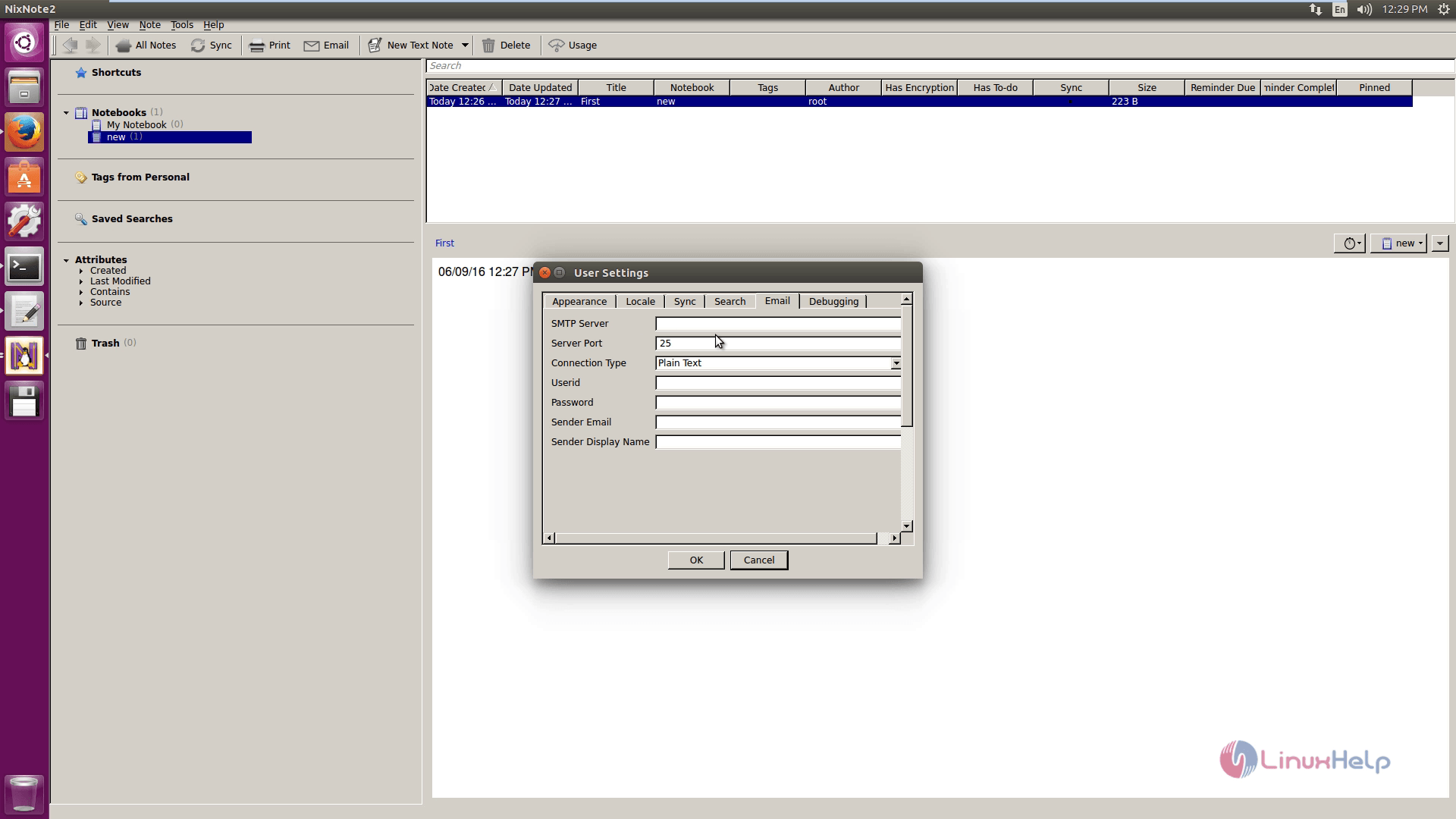
Click on User settings and check for appearance, Locale, Sync, Search, Email and Debugging.
Locale
Sync
E-mail
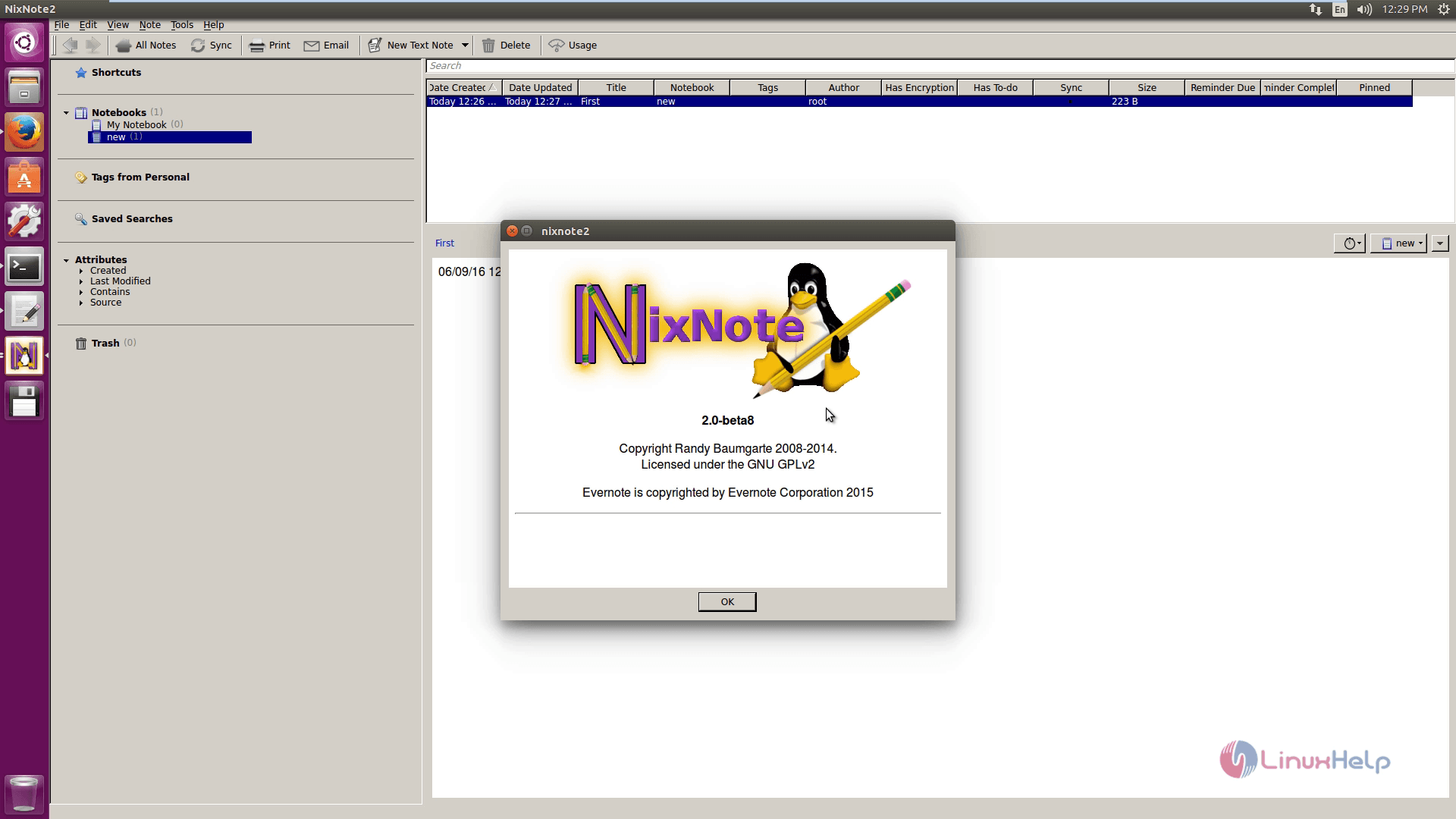
About Nixnote.
Comments ( 0 )
No comments available