How to Install OcenAudio 3.3.10 On Solus 3
To Install OcenAudio 3.3.10 On Solus 3
OcenAudio is an open source free cross platform audio editor application and a nice audacity alternative. We can’ t compare this application with audacity as audacity comes with more advanced features but ocenaudio can be used for basic audio auditing tasks. The best part of this application is it’ s completely lightweight, consumes less memory and a nice user-friendly application. Apart from that, it is packed with several other features.
Features
- Can edit multiple audio files at a time without impacting the application performance.
- Ocenaudio free audio editor can work on background Hence it allows to do your other work.
- You can use this application to edit large sized audio files.
It is so simple to install OcenAudio 3.3.10 On Solus 3 and this tutorial covers the ground on the same process.
Installing OcenAudio 3.3.10
First you need to update your system by making use of the following command.
root@linuxhelp1 ~ # eopkg update-repo
Updating repository: Solus
eopkg-index.xml.xz.sha1sum     (40.0  B)100%    652.75 KB/s [00:00:00] [complete]
Solus repository information is up-to-date.
Once it is done, you need to download the installation package by making use of the following command.
root@linuxhelp1 ~ # eopkg bi --ignore-safety https://raw.githubusercontent.com/solus-project/3rd-party/master/multimedia/music/ocenaudio/pspec.xml
pspec.xml                      (4.0 KB)100%     60.86 MB/s [00:00:00] [complete]
actions.py                     (415.0  B)100%      5.57 MB/s [00:00:00] [complete]
DEBUG: InstallDB initialized in 0.00759601593018.
DEBUG: RepoDB initialized in 0.000188112258911.
Unsatisfied Build Dependencies: binutils
DEBUG: PackageDB initialized in 0.087070941925.
Do you want to install the unsatisfied build dependencies (yes/no)y
Installing build dependencies.
DEBUG: HistoryDB initialized in 0.000499963760376.
DEBUG: PackageDB initialized in 0.116999864578.
DEBUG: RepoDB initialized in 0.000259876251221.
DEBUG: checking binutils-libs release 30
DEBUG: InstallDB initialized in 0.00249791145325.
DEBUG: checking glibc release > = 47
digraph G {
binutils[ label = " binutils(2.29.1,30)"  ]
}
DEBUG: ComponentDB initialized in 0.0044858455658.
.
.
Building source...
Testing package...
Installing...
DEBUG: return value for " LC_ALL=C /usr/bin/readelf -d /var/eopkg/ocenaudio-3.3.10-12/install/opt/ocenaudio/lib/libqtocen.so.3.3.10"  is 0
DEBUG: return value for " LC_ALL=C /usr/bin/readelf -d /var/eopkg/ocenaudio-3.3.10-12/install/opt/ocenaudio/lib/libdspb.so.3.3.10"  is 0
DEBUG: return value for " LC_ALL=C /usr/bin/readelf -d /var/eopkg/ocenaudio-3.3.10-12/install/opt/ocenaudio/lib/libbase.so.3.3.10"  is 0
DEBUG: return value for " LC_ALL=C /usr/bin/readelf -d /var/eopkg/ocenaudio-3.3.10-12/install/opt/ocenaudio/lib/libiaudio.so.3.3.10"  is 0
DEBUG: return value for " LC_ALL=C /usr/bin/readelf -d /var/eopkg/ocenaudio-3.3.10-12/install/opt/ocenaudio/lib/libocen.so.3.3.10"  is 0
DEBUG: return value for " LC_ALL=C /usr/bin/readelf -d /var/eopkg/ocenaudio-3.3.10-12/install/opt/ocenaudio/lib/libqtocenmixer.so.3.3.10"  is 0
DEBUG: return value for " LC_ALL=C /usr/bin/readelf -d /var/eopkg/ocenaudio-3.3.10-12/install/opt/ocenaudio/lib/libqtocencore.so.3.3.10"  is 0
Building package: ocenaudio
Creating ocenaudio-3.3.10-12-1-x86_64.eopkg...
Keeping build directory
You need to install OcenAudio now by making use of the following command.
root@linuxhelp1 ~ # eopkg it ocenaudio*.eopkg
The following packages will be installed in order to satisfy dependencies:
gconf  jack-audio-connection-kit
Do you want to continue? (yes/no)y
Safety switch forces the upgrade of following packages:
kmod  less  xz
Following packages will be installed:
celt  gconf  jack-audio-connection-kit  kmod  less  libsamplerate  xz
Total size of package(s): 2.30 MB
There are extra packages due to dependencies. Do you want to continue? (yes/no)y
.
.
Extracting the files of gconf
Installed gconf
  ⌛ Syncing filesystems                                                running
 [✓] Syncing filesystems                                                success
 [✓] Updating dynamic library cache                                     success
 [✓] Updating manpages database                                         success
Installation order: ocenaudio
Installing ocenaudio, version 3.3.10, release 12
Extracting the files of ocenaudio
Installed ocenaudio
 [✓] Syncing filesystems                                                success
 [✓] Updating mimetype database                                         success
 [✓] Updating icon theme cache: hicolor                                 success
 [✓] Updating desktop database                                          success
Now that, OcenAudio is installed you can launch it from your Solus search field.
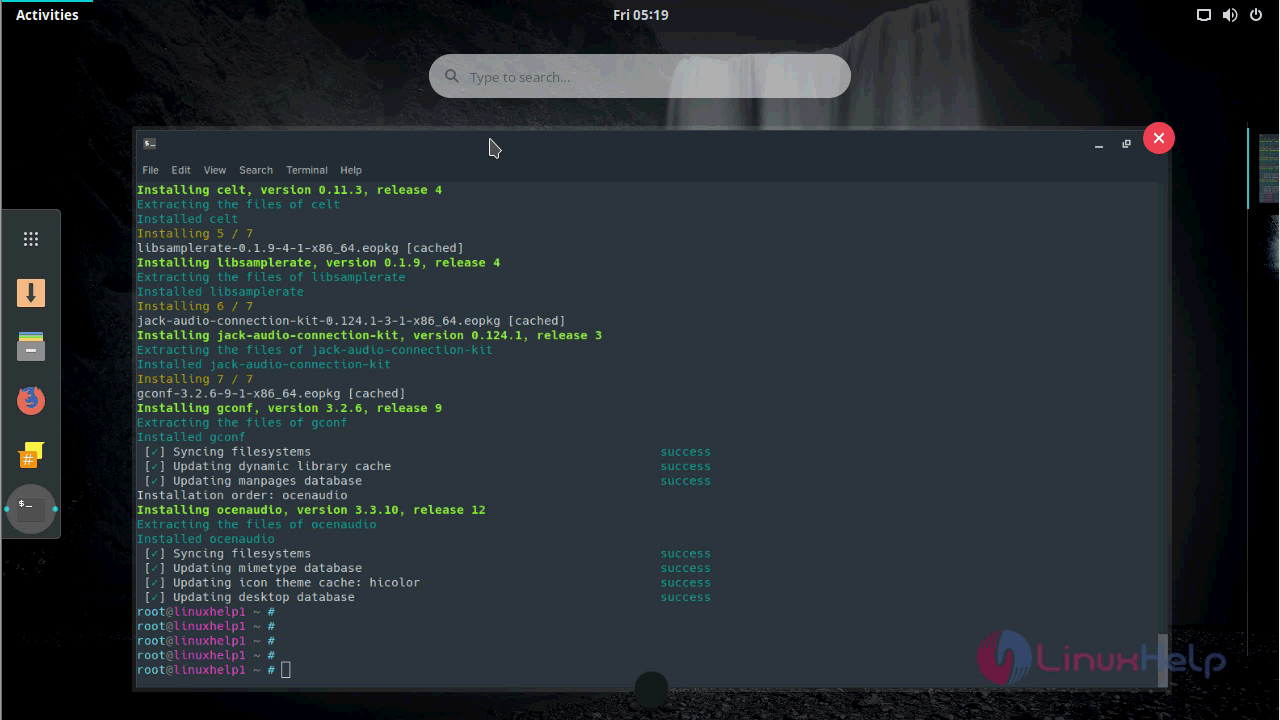
Type the name OcenAudio in the search field.
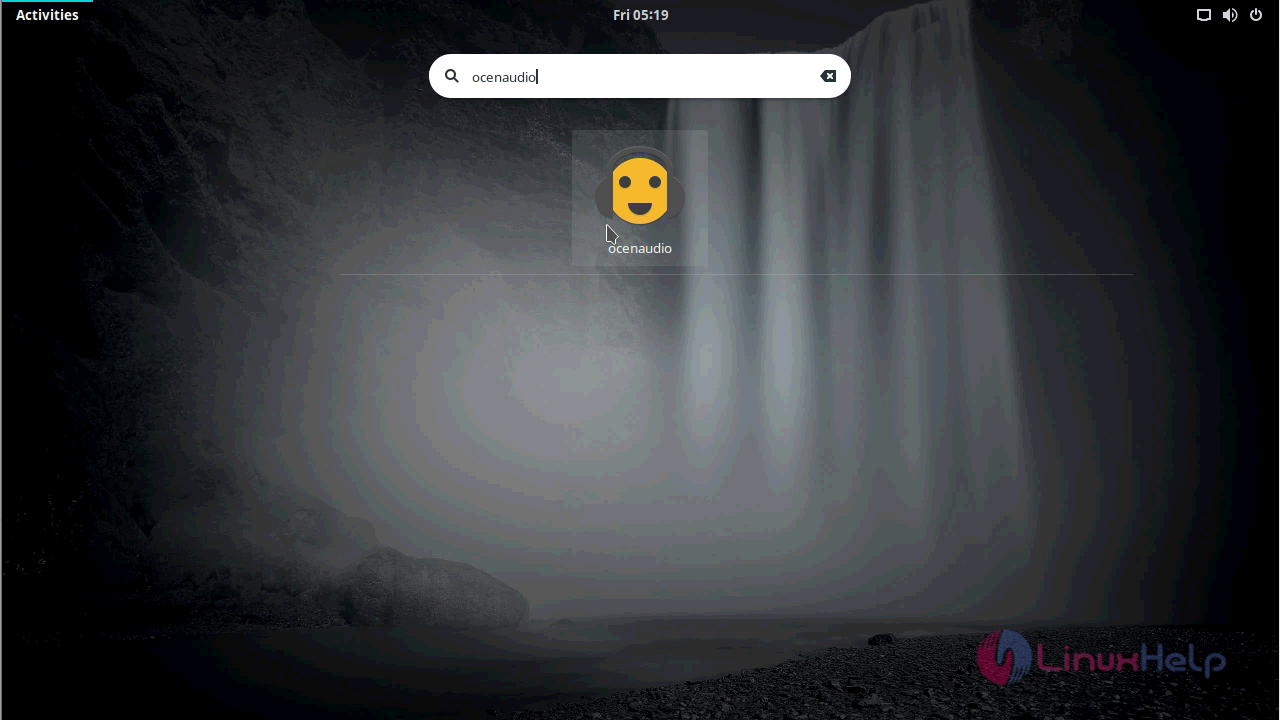
When the application icon appear, click on it to open.
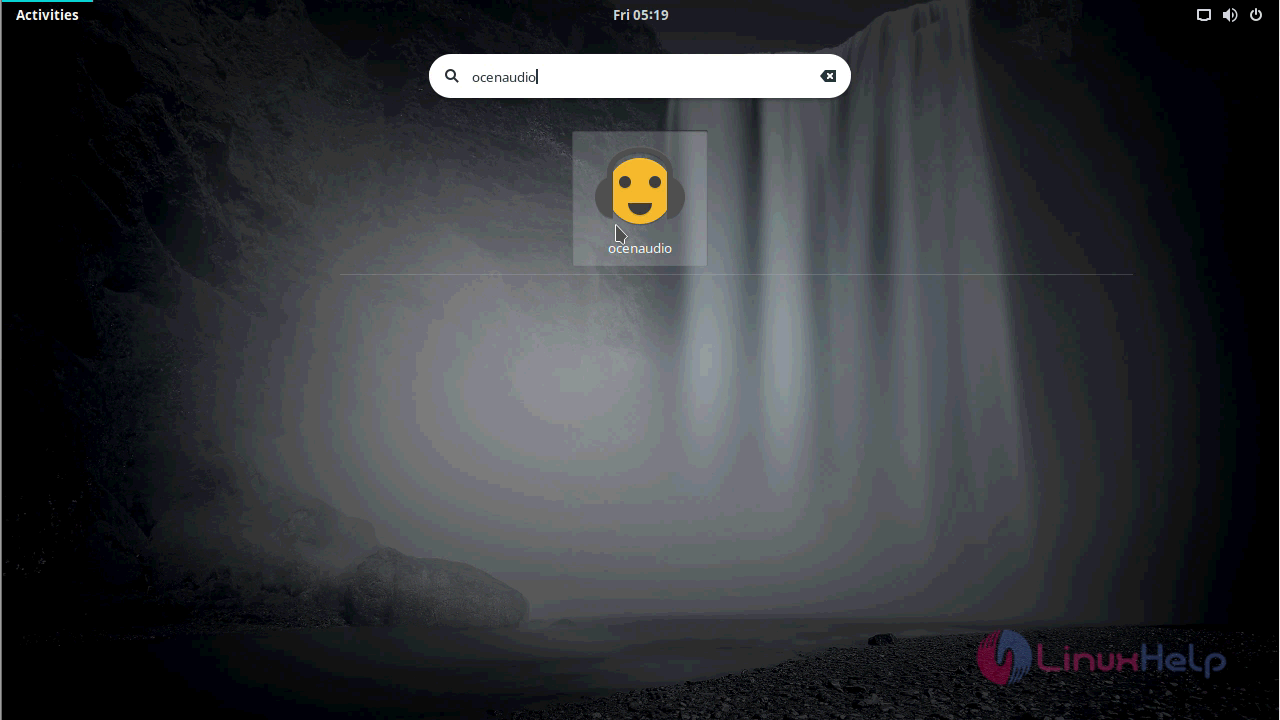
The application icon appears on you OcenAudio
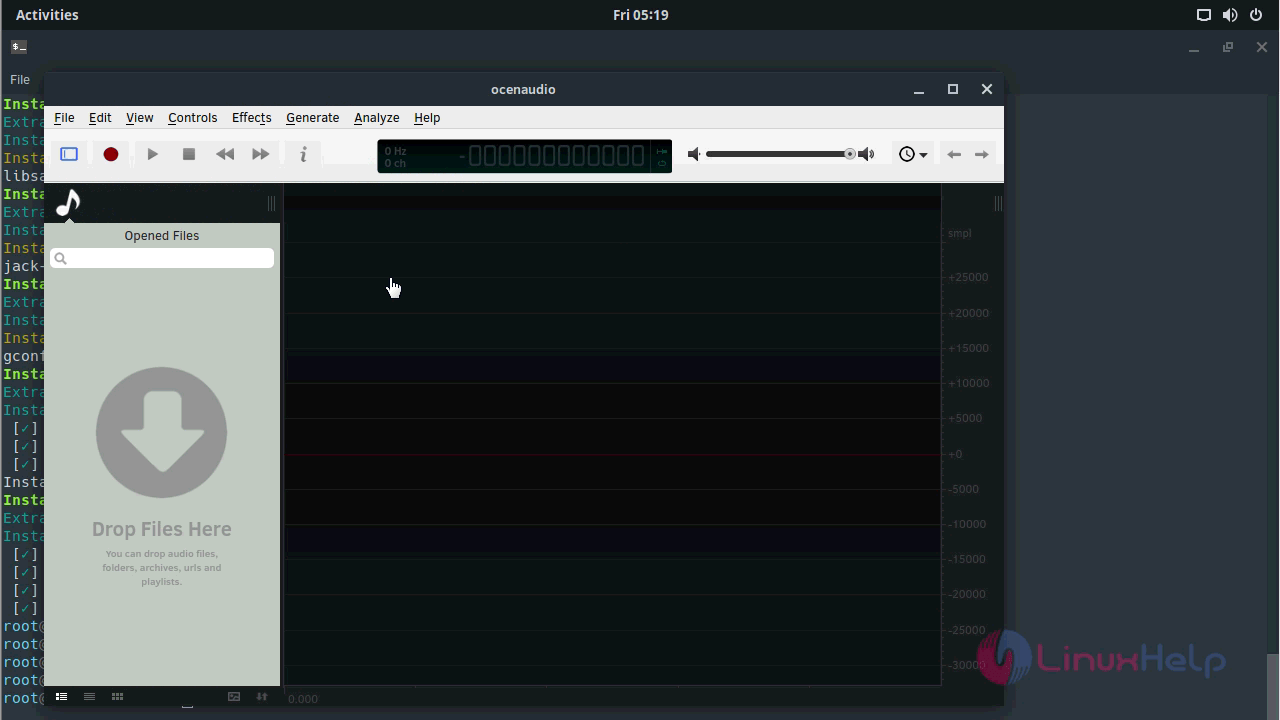
You can learn information about the OcenAudio application by checking the version.
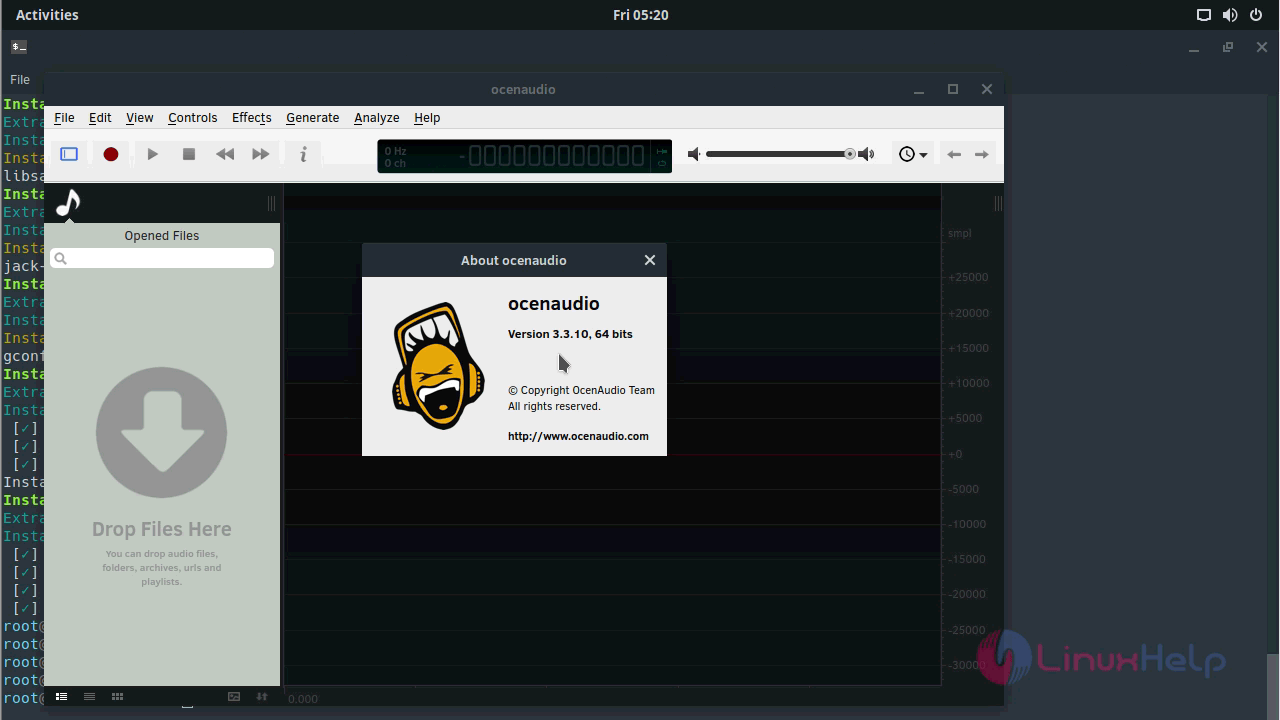
With this, the installation of OcenAudio 3.3.10 On Solus 3 comes to an end.
Comments ( 0 )
No comments available