How to install OcenAudio 3.4.1 on Ubuntu 18.04
To install OcenAudio 3.4.1 on Ubuntu 18.04
OcenAudio is an open source free audio editor application and a nice audacity alternative. We cant compare this application with audacity comes with more advanced features. But OcenAudio is just used for basic audio auditing tasks. It is completely lightweight application and its available for major using operating systems such as Windows, Linux, and Mac OS.
Installation
Download an OcenAudio package from the terminal using the wget command
root@linuxhelp1:~# wget http://www.ocenaudio.com/downloads/ocenaudio_debian9_64.deb?
--2018-06-19 15:55:35--  http://www.ocenaudio.com/downloads/ocenaudio_debian9_64.deb?
Resolving www.ocenaudio.com (www.ocenaudio.com)... 46.101.149.147, 107.170.112.160, 2a03:b0c0:3:d0::86:9001
Connecting to www.ocenaudio.com (www.ocenaudio.com)|46.101.149.147|:80... connected.
HTTP request sent, awaiting response... 302 Found
Location: /downloads/index.php/ocenaudio_debian9_64.deb? [following]
--2018-06-19 15:55:36--  http://www.ocenaudio.com/downloads/index.php/ocenaudio_debian9_64.deb?
Reusing existing connection to www.ocenaudio.com:80.
HTTP request sent, awaiting response... 200 OK
Length: 12757384 (12M) [application/octet-stream]
Saving to: ‘ ocenaudio_debian9_64.deb?’

ocenaudio_debian9_64.deb?                        100%[========================================================================================================> ]  12.17M   514KB/s    in 64s

2018-06-19 15:56:40 (196 KB/s) - ‘ ocenaudio_debian9_64.deb?’  saved [12757384/12757384]
Install Gdebi package, which will use to resolve their dependency while installing any Debian packages
root@www:~# apt-get install gdebi -y
Reading package lists... Done
Building dependency tree
Reading state information... Done
The following additional packages will be installed:
  gdebi-core gnome-icon-theme libgtk2-perl libpango-perl
Suggested packages:
  libgtk2-perl-doc
The following NEW packages will be installed:
.
.
Processing triggers for desktop-file-utils (0.23-1ubuntu3.18.04.1) ...
Setting up gdebi-core (0.9.5.7+nmu2) ...
Setting up gnome-icon-theme (3.12.0-3) ...
update-alternatives: using /usr/share/icons/gnome/scalable/places/debian-swirl.svg to provide /usr/share/icons/gnome/scalable/places/start-here.svg (start-here.svg) in auto mode
Processing triggers for man-db (2.8.3-2) ...
Processing triggers for gnome-menus (3.13.3-11ubuntu1) ...
Setting up libpango-perl (1.227-2build1) ...
Setting up gdebi (0.9.5.7+nmu2) ...
Setting up libgtk2-perl (2:1.24992-1build1) ...
Install Ocenaudio application using the Gdebi command
root@www:~# gdebi ocenaudio_debian9_64.deb
Reading package lists... Done
Building dependency tree
Reading state information... Done
Reading state information... Done
Requires the installation of the following packages: libdouble-conversion1 libqt5concurrent5 libqt5core5a libqt5dbus5 libqt5gui5 libqt5network5 libqt5svg5 libqt5widgets5 libxcb-xinerama0 qt5-gtk-platformtheme qttranslations5-l10n

Ocenaudio is a fast, cross-platform audio editor.
Do you want to install the software package? [y/N]:y
.
.
Selecting previously unselected package ocenaudio.
(Reading database ... 188682 files and directories currently installed.)
Preparing to unpack ocenaudio_debian9_64.deb ...
Unpacking ocenaudio (3.4.1-1) ...
Setting up ocenaudio (3.4.1-1) ...
Processing triggers for desktop-file-utils (0.23-1ubuntu3.18.04.1) ...
Processing triggers for gnome-menus (3.13.3-11ubuntu1) ...
Processing triggers for mime-support (3.60ubuntu1) ...
Processing triggers for hicolor-icon-theme (0.17-2) ...
Processing triggers for shared-mime-info (1.9-2) ...
After the installation, you can access the application from the menu as follows
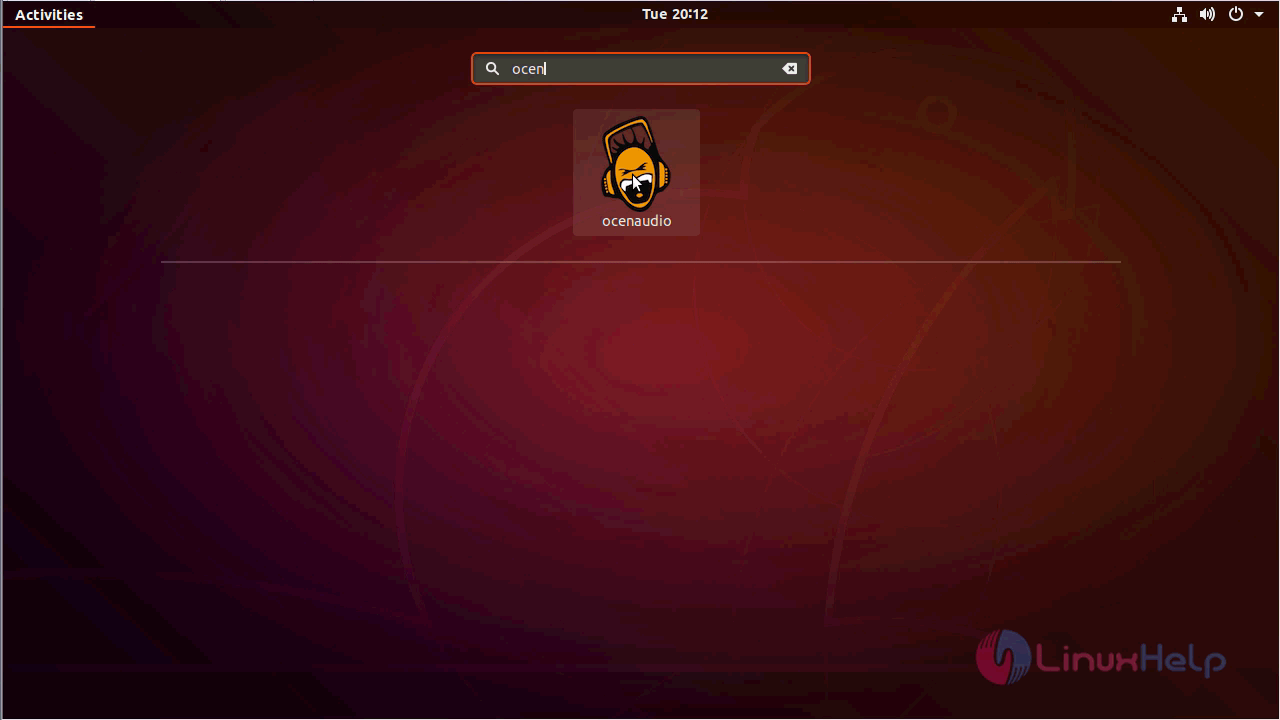
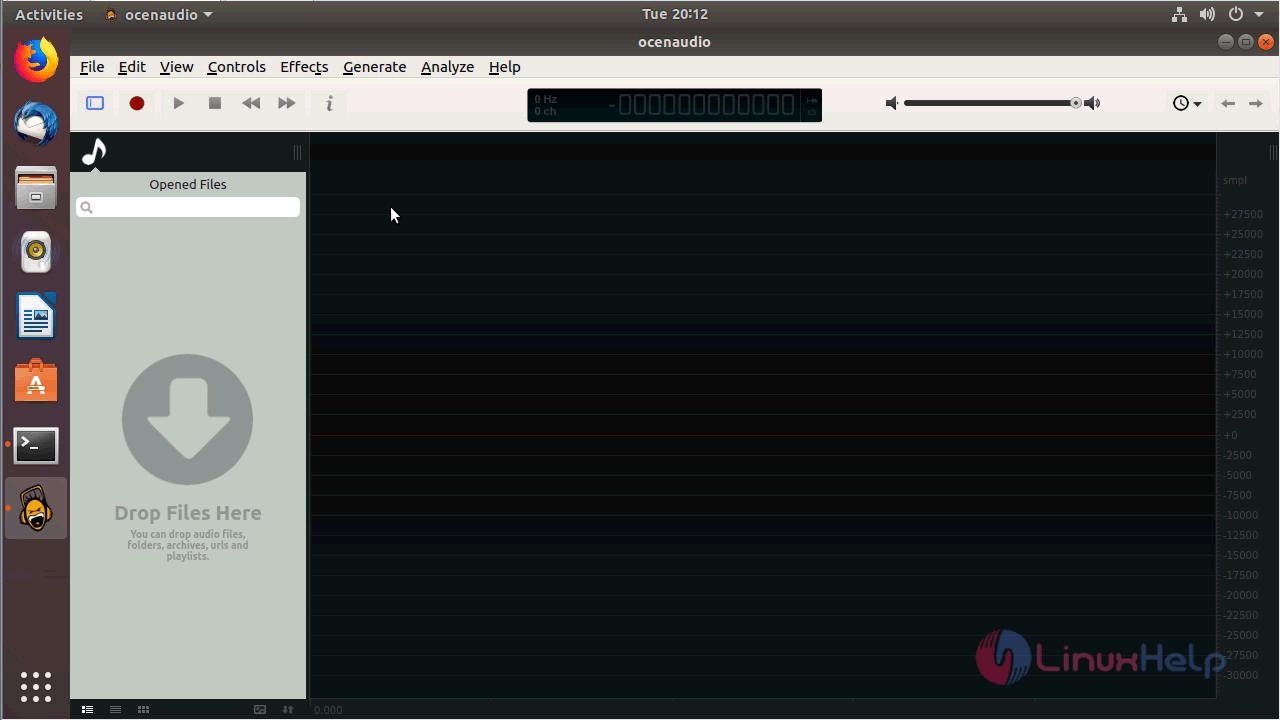
Ocenaudio application
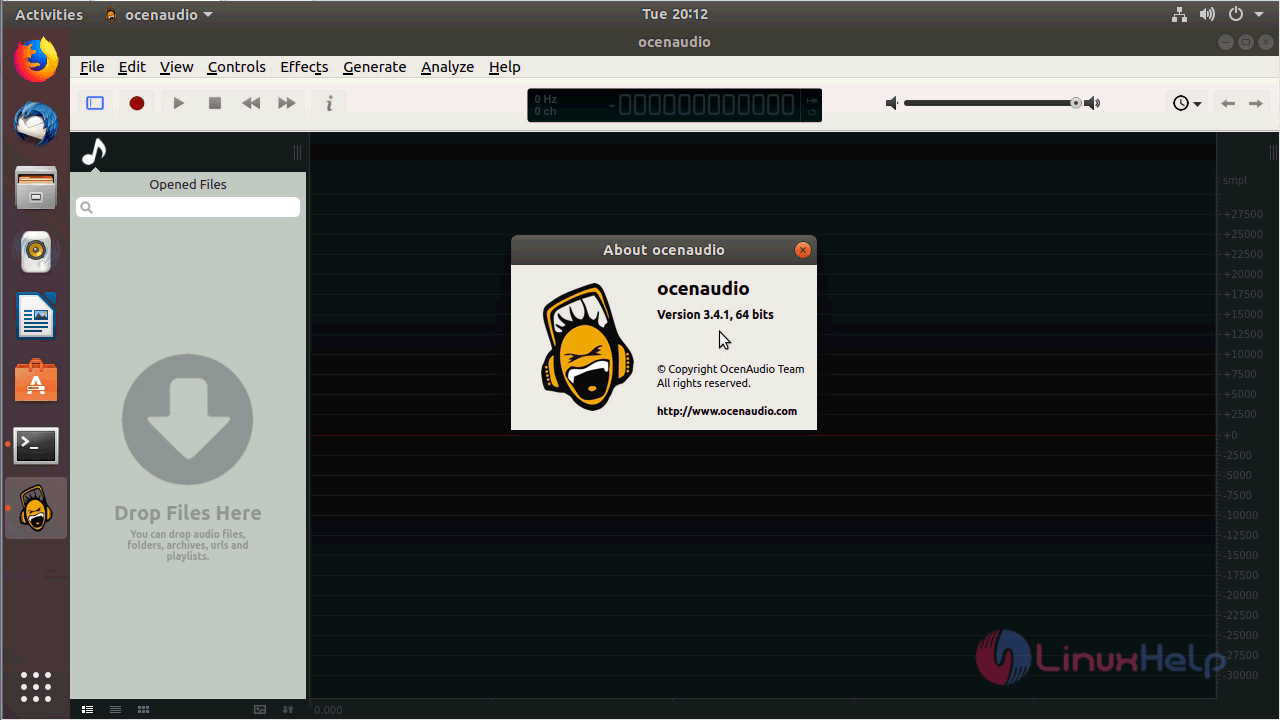
Version of OcenAudio.
With this, the method to install OcenAudio 3.4.1 on Ubuntu 18.04 comes to an end.
Comments ( 0 )
No comments available