How to install open source social network V4.6 on linuxmint-18.03
To install open source social network V4.6 on linuxmint-18.03
Opensource-Social network (OSSN) is a social networking software written in PHP. It allows you to make a social networking website and helps your members build social relationships, with people who share similar professional or personal interests.
Pre-requirements
Install LAMP (Apache, php7.0, mariadb-server)
In MariaDB (create database, user and give privileges to the user)
FOR PHP INSTALLATION
apt-get install python-software-properties
add-apt-repository ppa:ondrej/php
apt-get update
apt-get install php7.0-mysql php7.0-curl php7.0-json php7.0-cgi php7.0 libapache2-mod-php7.0 php7.0-mcrypt php7.0-xmlrpc php7.0-gd php7.0-mbstring php7.0  php7.0-common  php7.0-xmlrpc php7.0-soap
php7.0-xml php7.0-intl  php7.0-cli  php7.0-ldap php7.0-zip php7.0-readline php7.0-imap php7.0-tidy php7.0-recode php7.0-sq php7.0-intl
Installation
Download open source social network package using wget command
linuxhelp ~ # wget https://www.opensource-socialnetwork.org/downloads/ossn-v4.6-1513783390.zip
--2018-05-18 12:43:39--  https://www.opensource-socialnetwork.org/downloads/ossn-v4.6-1513783390.zip
Resolving www.opensource-socialnetwork.org (www.opensource-socialnetwork.org)... 104.27.132.60, 104.27.133.60, 2400:cb00:2048:1::681b:853c, ...
Connecting to www.opensource-socialnetwork.org (www.opensource-socialnetwork.org)|104.27.132.60|:443... connected.
HTTP request sent, awaiting response... 200 OK
Length: 2304895 (2.2M) [application/zip]
Saving to: ‘ ossn-v4.6-1513783390.zip’

ossn-v4.6-1513783390.zip 100%[=================================> ]   2.20M   272KB/s    in 7.5s

2018-05-18 12:43:52 (302 KB/s) - ‘ ossn-v4.6-1513783390.zip’  saved [2304895/2304895]
Extract the package using the following command.
linuxhelp ~ # unzip ossn-v4.6-1513783390.zip
Archive:  ossn-v4.6-1513783390.zip
   creating: ossn/
  inflating: ossn/.gitignore
  inflating: ossn/.travis.yml
   creating: ossn/actions/
   creating: ossn/actions/administrator/
   creating: ossn/actions/administrator/cache/
  inflating: ossn/actions/administrator/cache/create.php
  inflating: ossn/actions/administrator/cache/flush.php
   creating: ossn/actions/administrator/component/
  inflating: ossn/actions/administrator/component/com_install.php
.
.
.
inflating: ossn/vendors/tinymce/skins/lightgray/img/loader.gif
 extracting: ossn/vendors/tinymce/skins/lightgray/img/object.gif
  inflating: ossn/vendors/tinymce/skins/lightgray/img/trans.gif
  inflating: ossn/vendors/tinymce/skins/lightgray/img/wline.gif
  inflating: ossn/vendors/tinymce/skins/lightgray/skin.ie7.min.css
  inflating: ossn/vendors/tinymce/skins/lightgray/skin.min.css
   creating: ossn/vendors/tinymce/themes/
   creating: ossn/vendors/tinymce/themes/modern/
  inflating: ossn/vendors/tinymce/themes/modern/theme.min.js
  inflating: ossn/vendors/tinymce/tinymce.min.js
Move the file to the following location
linuxhelp ~ # ls
ossn  ossn-v4.6-1513783390.zip
linuxhelp ~ # mv ossn /var/www/html/
Switch to the directory
linuxhelp ~ # cd /var/www/html/
linuxhelp html # ls
index.html  ossn
Change the ownership and permission of the ossn directory
linuxhelp html # chown -R www-data:www-data ossn/
linuxhelp html # chmod -R 775 ossn/

We have to  create the virtualhost for open source social network:
linuxhelp html # cd /etc/apache2/sites-available/
linuxhelp sites-available # vim ossn.conf
< VirtualHost *:80>
ServerName www.linuxhelp1.com
DocumentRoot /var/www/html/ossn/
< Directory /var/www/html/ossn/>
AllowOverride All
Order allow,deny
allow from all
< /Directory>
< /VirtualHost>
Enable the ossn.conf file
linuxhelp sites-available # a2ensite ossn.conf
Enabling site ossn.
To activate the new configuration, you need to run:
  service apache2 reload
Make an entry host file
linuxhelp sites-available # vim /etc/hosts
< give your ip>    < give your localip>
Restart the apache service
linuxhelp sites-available # systemctl restart apache2.service
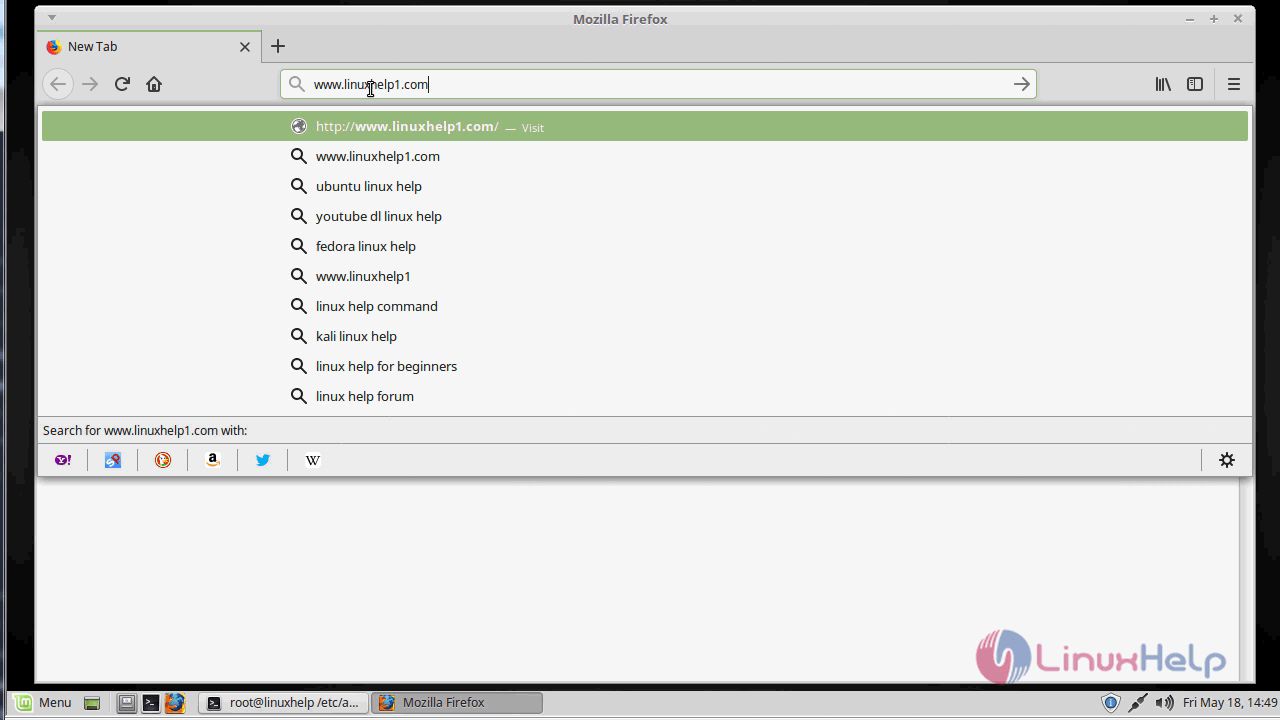
Open a browser and type http: //local IP (or) domain name
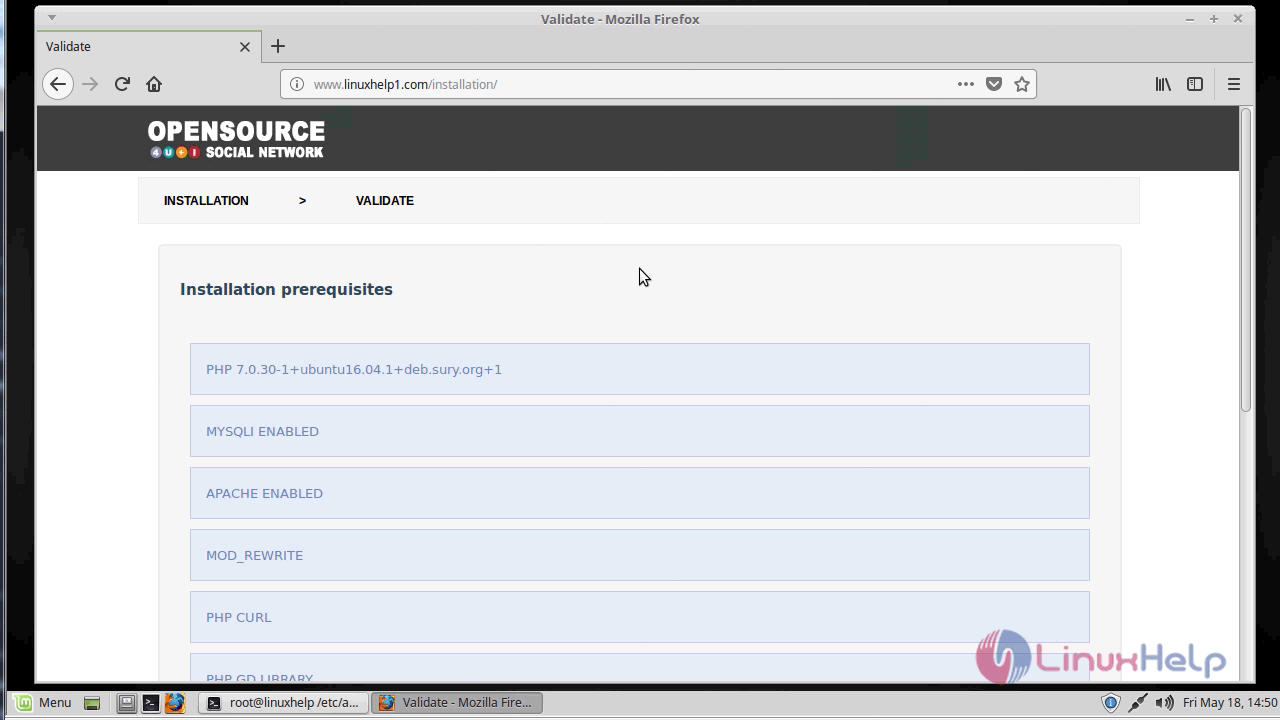
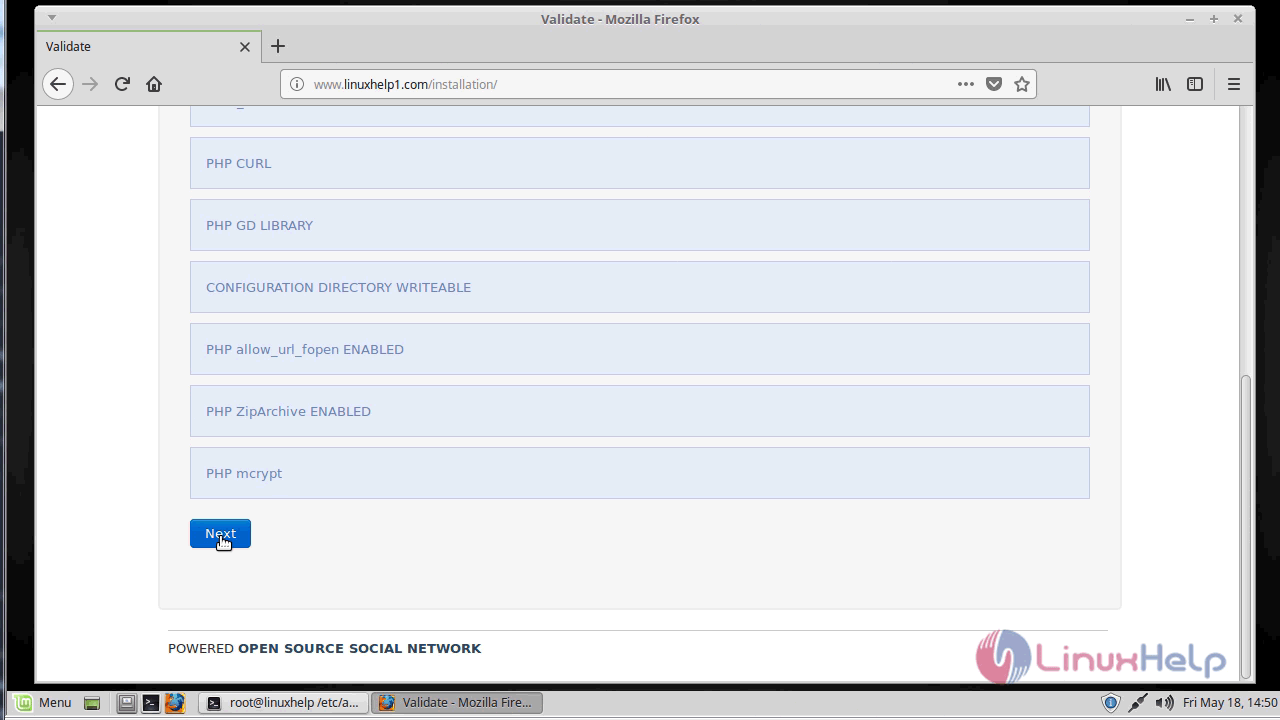
Verify the installation pre-requirements
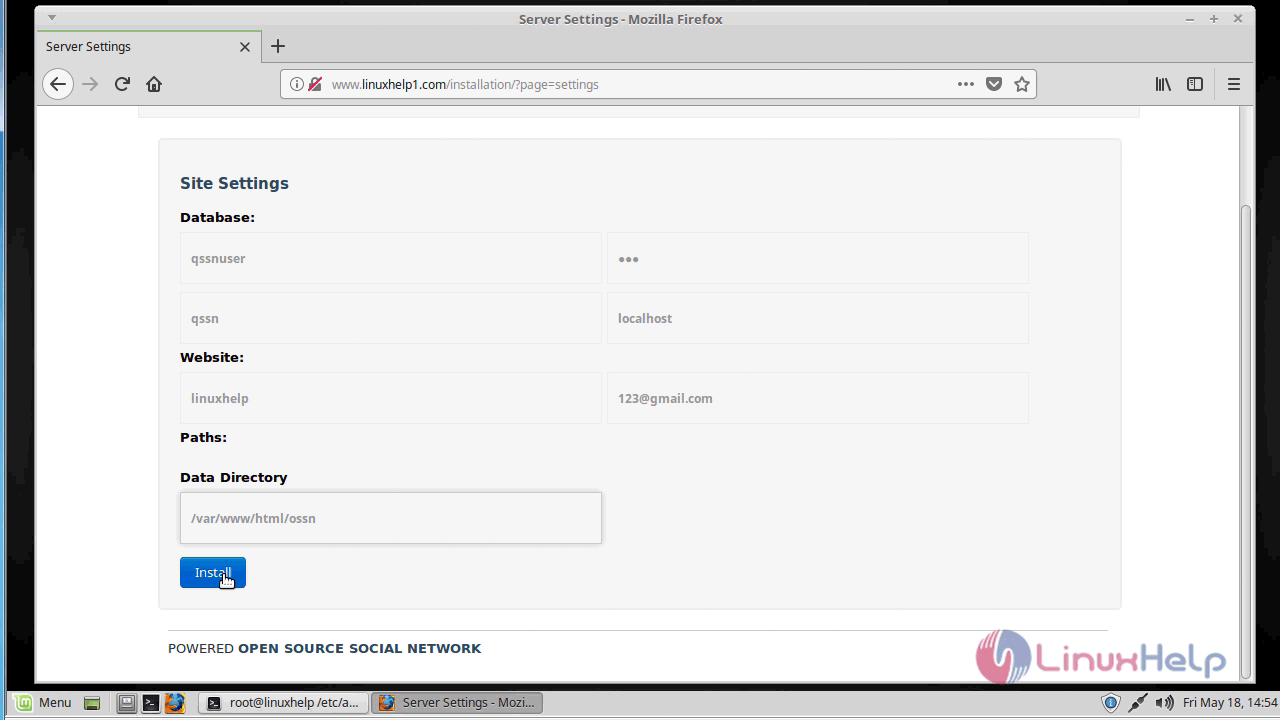
Configure the database setting
Configure the admin user setting
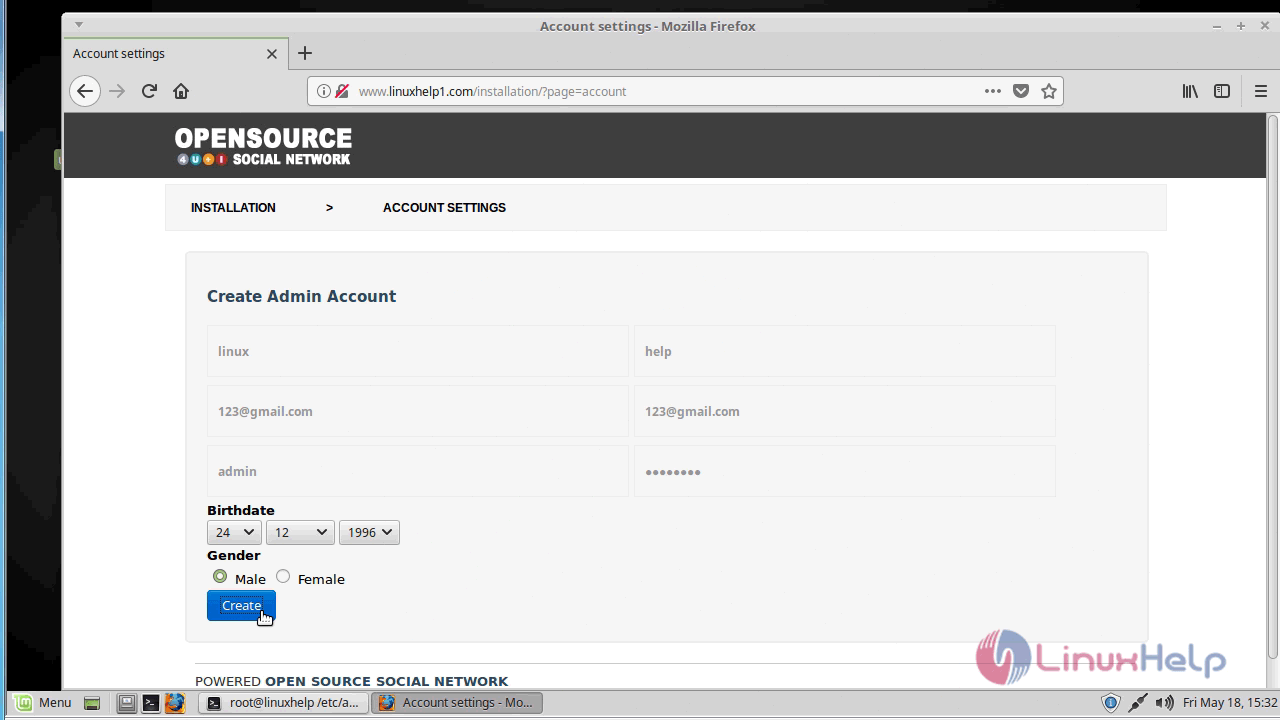
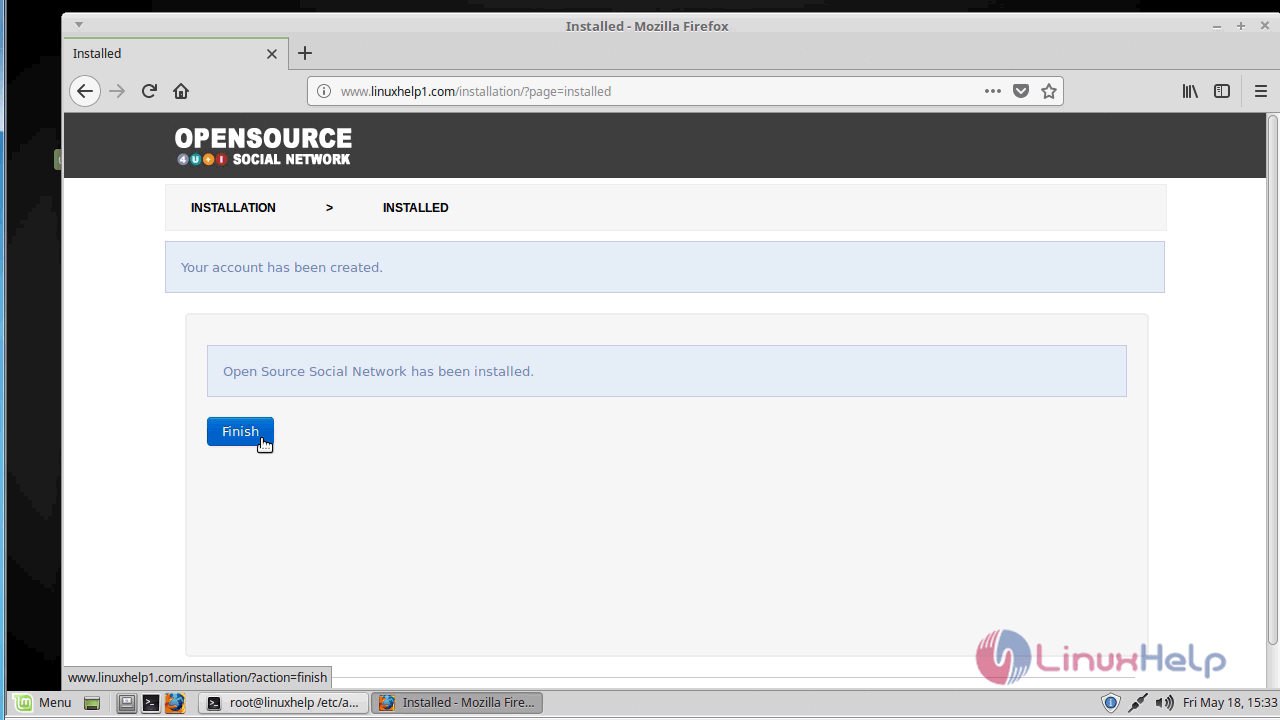
After the installation, you will see the following page as shown below.
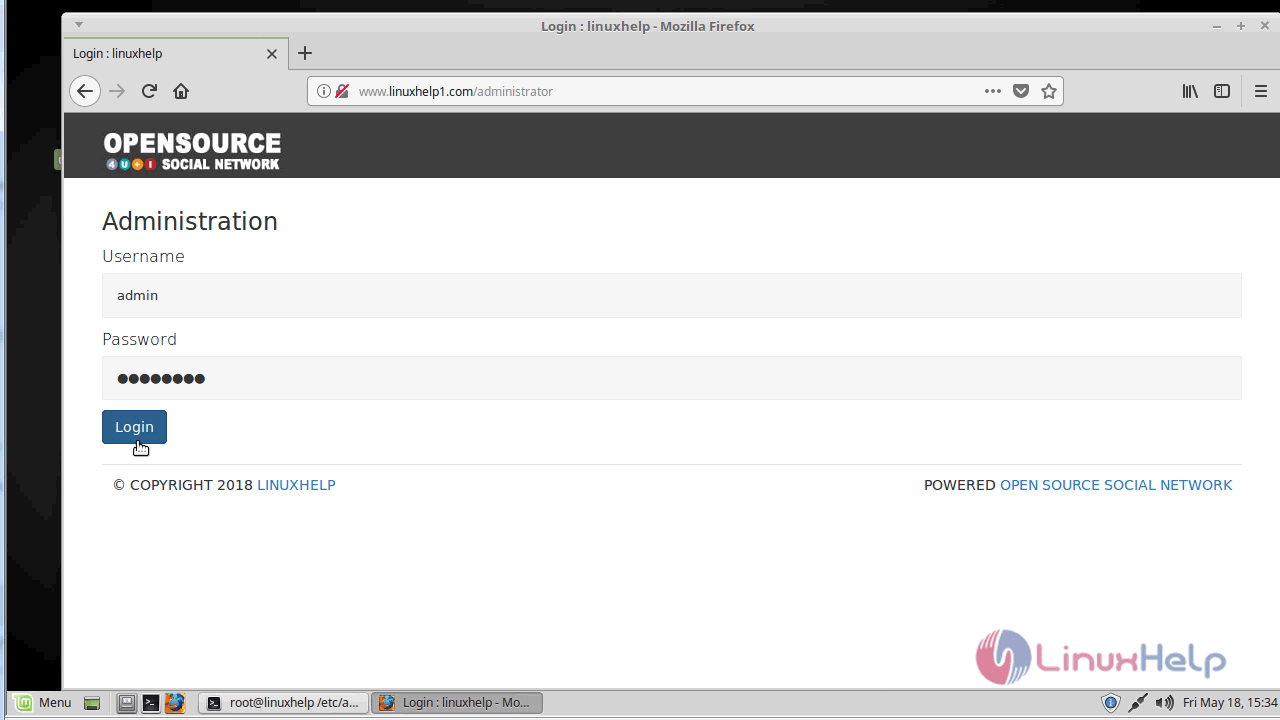
Login using admin user credentials.
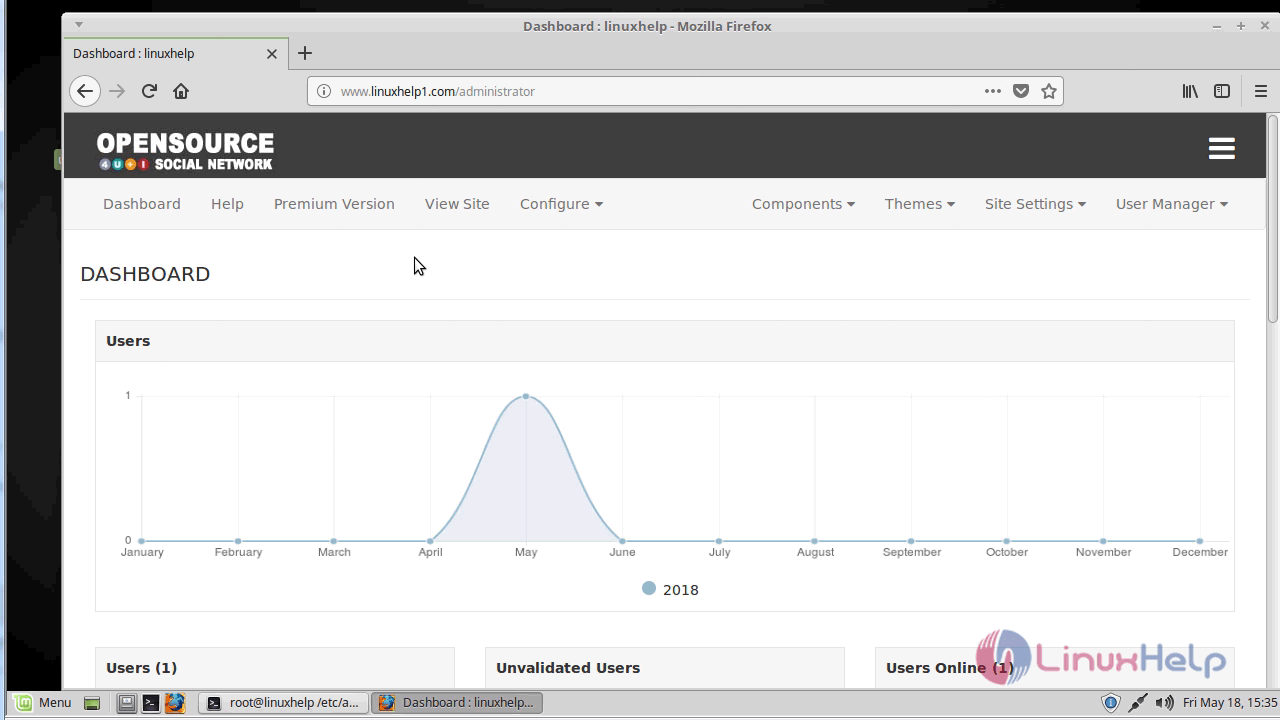
Admin Dashboard of open source social network
With this, the method to install open source social network V4.6 on linuxmint-18.03 comes to an end.
Comments ( 0 )
No comments available