How to install OpenShot 2.4 on Ubuntu 16.04
To install OpenShot on Ubuntu 16.04
OpenShot Video Editor is a free, open-source, and cross-platform video editor that can also be used for making videos, photos, music files and helps the user to create any type of film. Apart from this, OpenShot also supports various enhancement options like sub-titles, transitions, and effects. You can also export the media file created using OpenShot directly to DVD, YouTube, Vimeo, Xbox, PlayStation, and many other common formats. OpenShot also has several other features and some of them are listed below.
Features
- Fixed Image Sequence exporting. Supports PNG, JPG, PPM, BMP and a few others. Also added ‘ Audio Only’ and ‘ Video Only’ export options.
- Adding new Freeze and Freeze & Zoom presets, to quickly insert freezes into clips
- Removing ‘ show waveform’ from separate audio menu, to increase speed of separating audio.
- Improving undo/redo support.
- Protect file menu from invalid file_id.
- Protect timeline dropEvent from empty item_id.
- It is so simple to install OpenShot on Ubuntu 16.04 and this article covers the same process.
Installing OpenShot
Before you begin with the installation of OpenShot, make sure you add the necessary repo file into repository.
root@example:/home/user1/Desktop# add-apt-repository ppa:openshot.developers/ppa
 This PPA contains the current stable version of OpenShot Video Editor.
Press [ENTER] to continue or ctrl-c to cancel adding it
.
.
.
gpg: /tmp/tmpyjlu0y2v/trustdb.gpg: trustdb created
gpg: key B9BA26FA: public key " Launchpad OpenShot Development PPA"  imported
gpg: Total number processed: 1
gpg:               imported: 1  (RSA: 1)
OK
After that, update the machine by invoking the following command.
root@example:/home/user1/Desktop# apt-get update
Hit:1 http://security.ubuntu.com/ubuntu xenial-security InRelease
Hit:2 http://in.archive.ubuntu.com/ubuntu xenial InRelease
Hit:3 http://ppa.launchpad.net/openshot.developers/ppa/ubuntu xenial InRelease
Hit:4 http://in.archive.ubuntu.com/ubuntu xenial-updates InRelease
Hit:5 http://in.archive.ubuntu.com/ubuntu xenial-backports InRelease
Reading package lists... Done
Now, install the OpenShot package by executing the following command.
root@example:/home/user1/Desktop# apt install openshot-qt
Reading package lists... Done
Building dependency tree
Reading state information... Done
The following additional packages will be installed:
  i965-va-driver libaacs0 libavcodec-ffmpeg56 libavformat-ffmpeg56 libavresample-ffmpeg2 libavutil-ffmpeg54 libbdplus0 libbluray1
  libcrystalhd3 libgme0 libgsm1 libjsoncpp1 libllvm4.0 libmagick++-6.q16-5v5 libmodplug1 libmp3lame0 libopenjpeg5
.
.
.
Setting up vdpau-va-driver:amd64 (0.7.4-5) ...
Setting up va-driver-all:amd64 (1.7.0-1) ...
Setting up vdpau-driver-all:amd64 (1.1.1-3ubuntu1) ...
Processing triggers for libc-bin (2.23-0ubuntu3) ...
OpenShot has been installed, you can now launch the OpenShot video editor from Ubuntu dashboard.
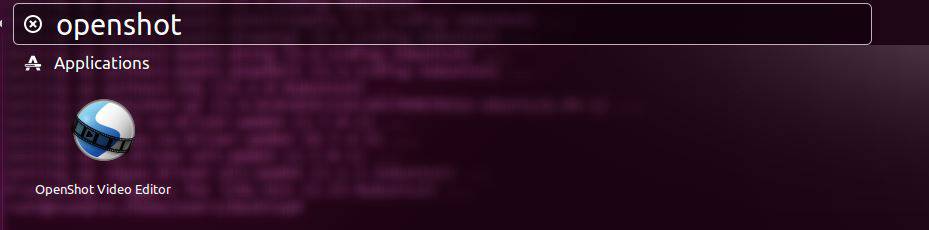
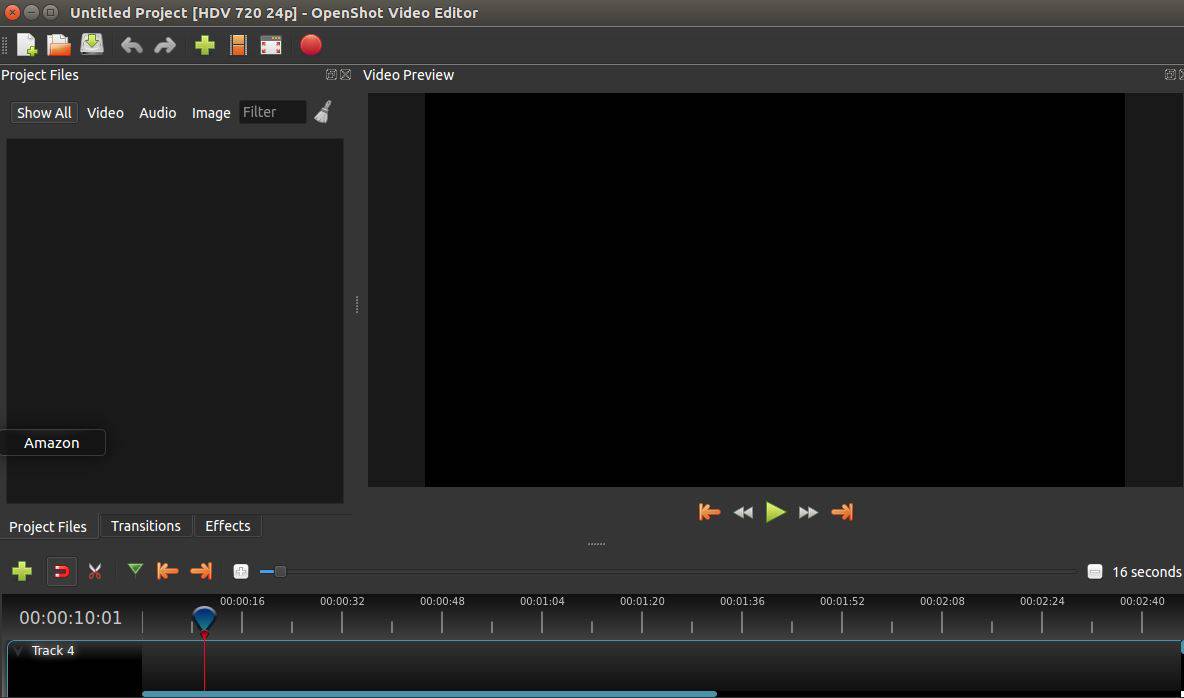
Now openshot 2.4 is installed. You can edit and create video, audio and many other kind of files.
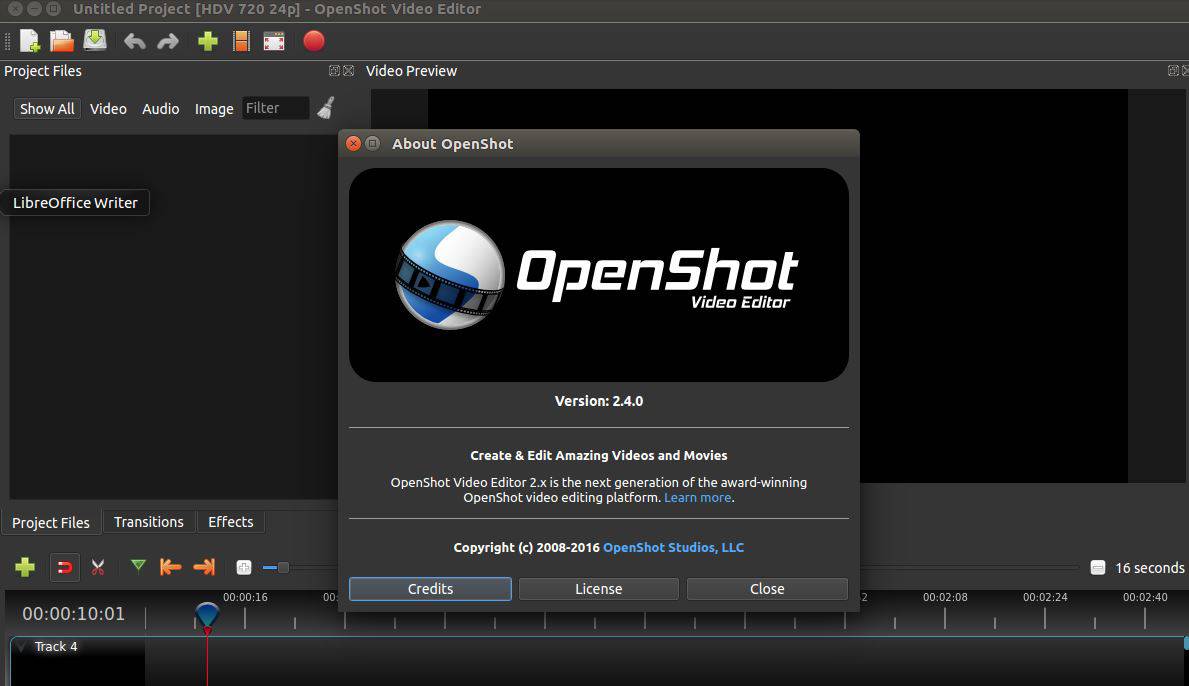
You can check the version of the editor.
With this, the installation of OpenShot comes to an end.
Comments ( 0 )
No comments available