How to install Opera 51 on Linux Mint 18.3
To install Opera 51 on Linux Mint 18.3
Opera web browser is one of the most widely used web browser across various platforms and devices. With excellent support for HTML5, Opera web browser user interface looks neat and clean. This tutorial covers the method to install Opera 51 on Linux Mint 18.3
INSTALLATION
First, in order to install Opera, you need to go to its official website Opera website and select operating system you wish to install Opera Web Browser.
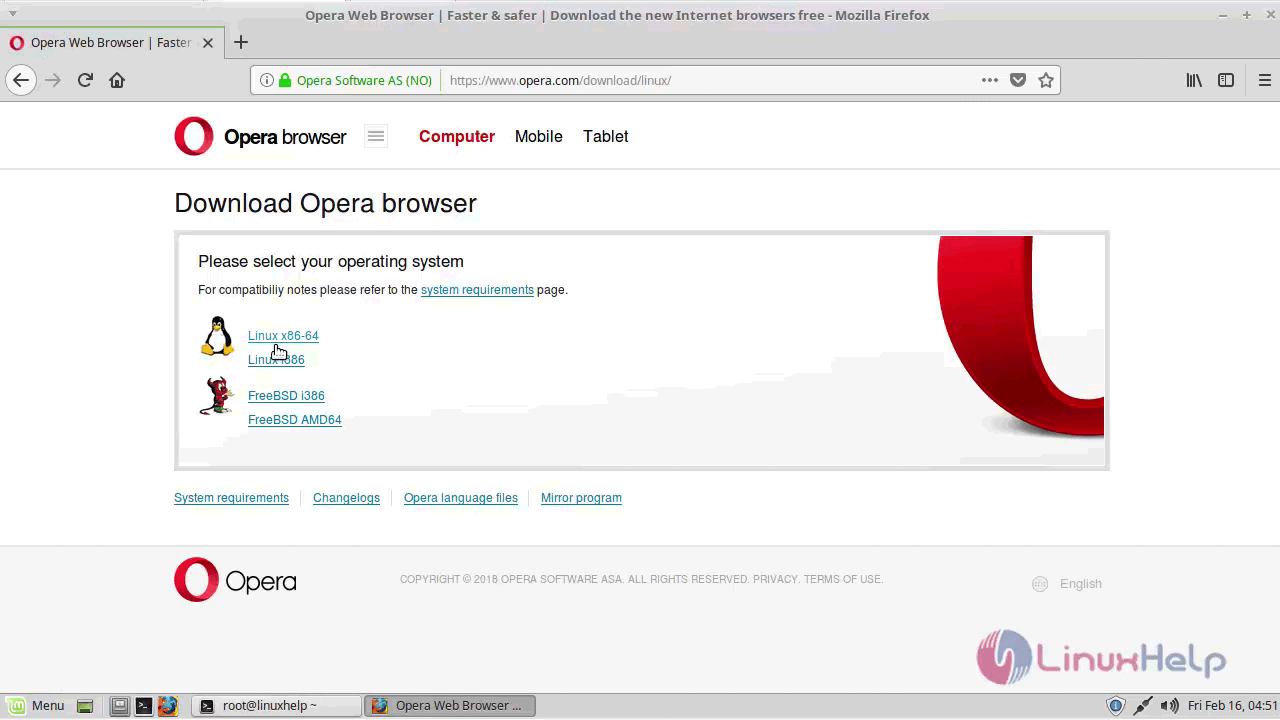
Then, click on “ Download” button and wait for the file to be downloaded.
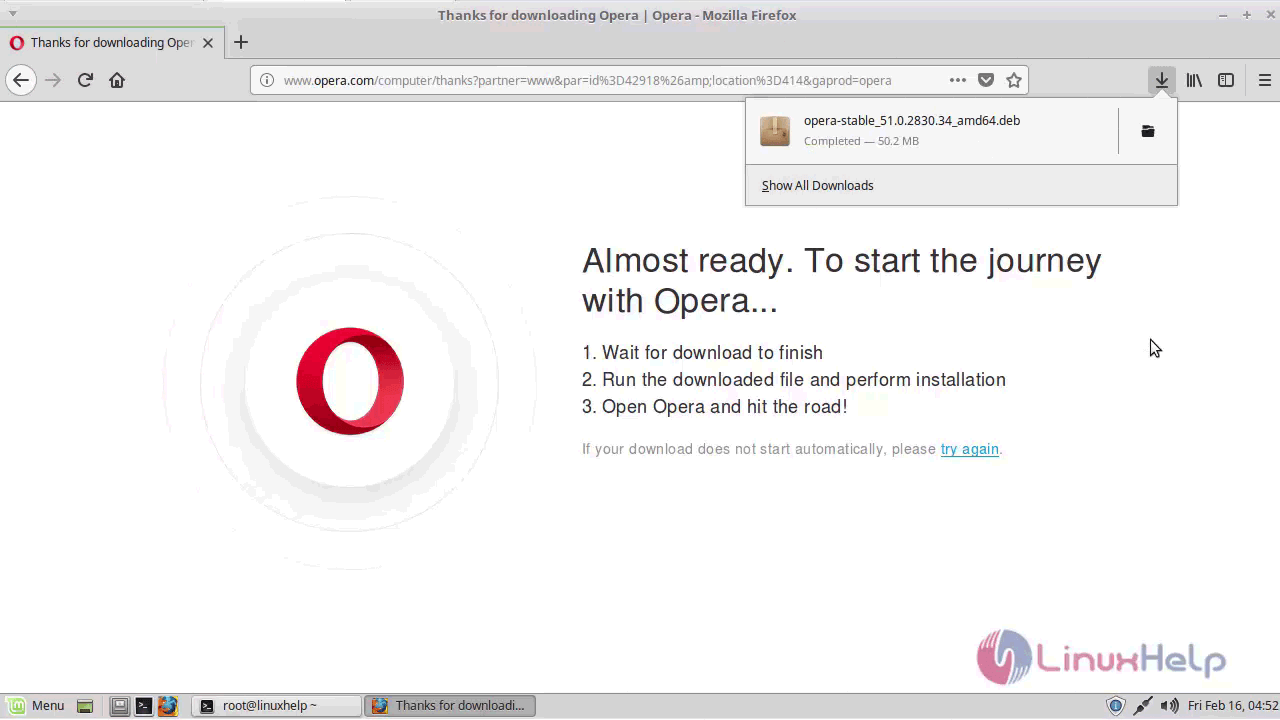
Once the download is finished, locate the file in “ Downloads” folder and open it by making use of the following command.
linuxhelp ~ # cd /home/user/Downloads/
And install the package as follows.
linuxhelp Downloads # dpkg -i opera-stable_51.0.2830.34_amd64.deb
Selecting previously unselected package opera-stable.
(Reading database ... 224212 files and directories currently installed.)
Preparing to unpack opera-stable_51.0.2830.34_amd64.deb ...
Unpacking opera-stable (51.0.2830.34) ...
dpkg: dependency problems prevent configuration of opera-stable:
 opera-stable depends on libcurl3 (> = 7.16.2)  however:
  Package libcurl3 is not installed.

dpkg: error processing package opera-stable (--install):
 dependency problems - leaving unconfigured
Processing triggers for hicolor-icon-theme (0.15-0ubuntu1) ...
Processing triggers for desktop-file-utils (0.22+linuxmint1) ...
Processing triggers for mime-support (3.59ubuntu1) ...
Processing triggers for shared-mime-info (1.5-2ubuntu0.1) ...
Errors were encountered while processing:
 opera-stable
If dependency error occurs, you need to run the following command to resolve it.
linuxhelp Downloads # apt-get install -f
Reading package lists... Done
Building dependency tree
Reading state information... Done
Correcting dependencies... Done
The following additional packages will be installed:
  libcurl3
The following NEW packages will be installed:
  libcurl3
.
.
update-alternatives: warning: skip creation of /usr/share/man/man1/gnome-www-browser.1.gz because associated file /usr/share/man/man1/opera.1.gz (of link group gnome-www-browser) doesn' t exist
Processing triggers for libc-bin (2.23-0ubuntu9) ...
After that, you shall install the package again.
linuxhelp Downloads # dpkg -i opera-stable_51.0.2830.34_amd64.deb
(Reading database ... 224339 files and directories currently installed.)
Preparing to unpack opera-stable_51.0.2830.34_amd64.deb ...
Unpacking opera-stable (51.0.2830.34) over (51.0.2830.34) ...
Setting up opera-stable (51.0.2830.34) ...
Processing triggers for hicolor-icon-theme (0.15-0ubuntu1) ...
Processing triggers for desktop-file-utils (0.22+linuxmint1) ...
Processing triggers for mime-support (3.59ubuntu1) ...
Processing triggers for shared-mime-info (1.5-2ubuntu0.1) ...
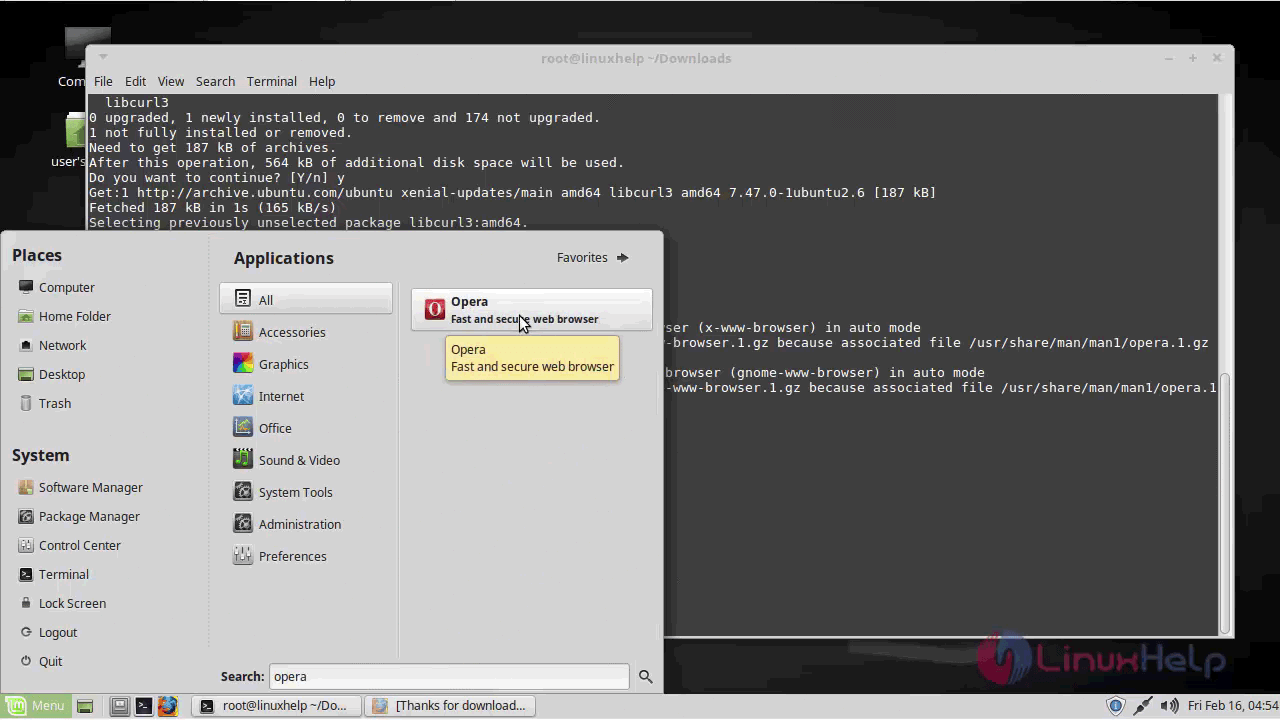
Once you are through with the installation, you shall launch it from the Linux Mint search field.
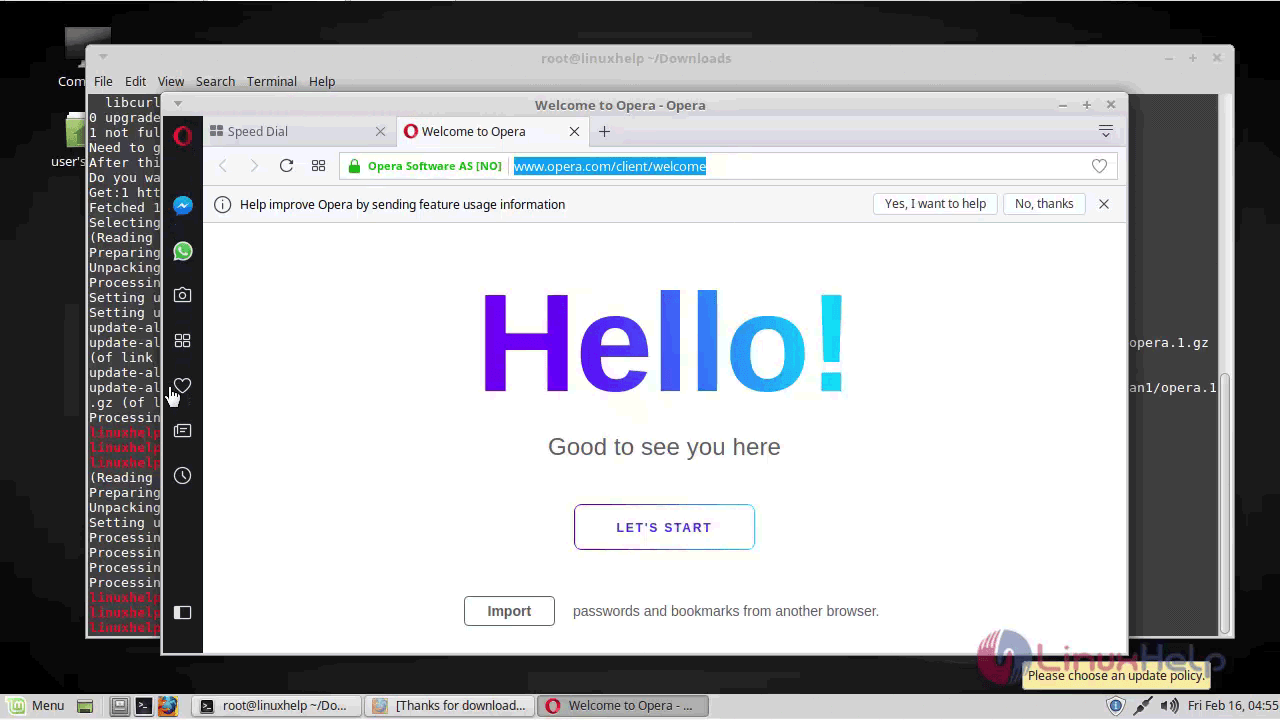
With this, the tutorial on the installation of Opera 51 on Linux Mint comes to an end.
Comments ( 0 )
No comments available