How to install Opera Browser on Debian 9
To install Opera Browser on Debian 9
Opera is a fast, secure and easy-to-use web browser that works well on all the Linux distributions. It is now designed with a built-in ad blocker, battery saver and free VPN, which means it saves time and resources for its users. Also, Opera browser is packed with several other advanced features such as speed dial, pop-up blocking, private browsing and tabbed browsing. Installing Opera browser is not a tedious task, and this tutorial will help you get idea about the installation process involved with Opera browser on Debian 9.0
Installing Opera
If you want to download the Opera package, use the wget command as follows. It fetches the download package to your system.
root@linuxhelp:~# wget http://download4.operacdn.com/ftp/pub/opera/desktop/40.0.2308.62/linux/opera-stable_40.0.2308.62_amd64.deb
--2017-09-09 02:01:43--  http://download4.operacdn.com/ftp/pub/opera/desktop/40.0.2308.62/linux/opera-stable_40.0.2308.62_amd64.deb
Resolving download4.operacdn.com (download4.operacdn.com)... 184.51.27.159
Connecting to download4.operacdn.com (download4.operacdn.com)|184.51.27.159|:80... connected.
HTTP request sent, awaiting response... 200 OK
Length: 47169022 (45M) [application/x-debian-package]
Saving to: ‘ opera-stable_40.0.2308.62_amd64.deb’

opera-stable_40.0.2 100%[===================> ]  44.98M  1011KB/s    in 58s

2017-09-09 02:02:42 (789 KB/s) - ‘ opera-stable_40.0.2308.62_amd64.deb’  saved [47169022/47169022]
You should also do one other thing before you kick-start the installation process. You need to add the dependencies, and that can be done by executing the following command.
root@linuxhelp:~# apt install apt-transport-https libcurl3
Reading package lists... Done
Building dependency tree
Reading state information... Done
The following NEW packages will be installed:
  apt-transport-https libcurl3
.
.
Setting up libcurl3:amd64 (7.52.1-5) ...
Processing triggers for libc-bin (2.24-11) ...
Now is the time to install the Opera browser. Trigger its installation by executing the following command.
root@linuxhelp:~# dpkg -i opera-stable*.deb
Selecting previously unselected package opera-stable.
(Reading database ... 196166 files and directories currently installed.)
Preparing to unpack opera-stable_40.0.2308.62_amd64.deb ...
.
.
Processing triggers for libc-bin (2.24-11) ...
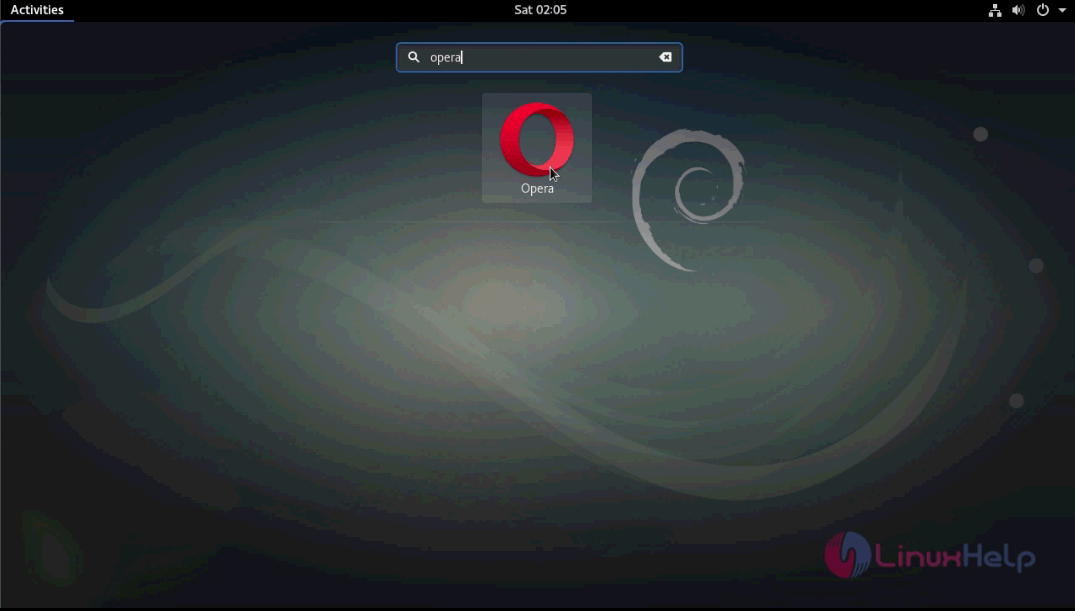
The Browser has been installed. You can launch the browser by searching for opera from the activities search-bar. The application' s icon gets displayed on your machine as you type its name. Click the icon to open the application.
The browser appears on your screen.
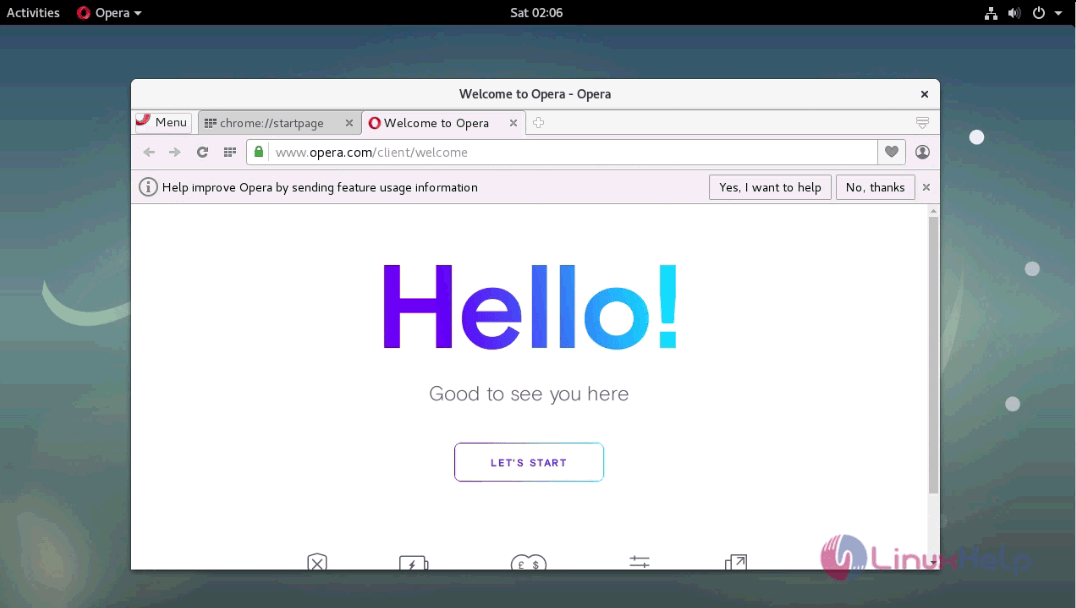
With this, the installation of Opera browser on Debian 9.0 is complete.
Comments ( 0 )
No comments available