How to install Otter Browser in Ubuntu
{{postValue.id}}
To install Otter Browser in Ubuntu 16.04
Otter Browser is an open source lightweight internet browser. Its interface is developed using Qt5 and WebKit. Installation of Otter Browser tool is explained in this manual.
Features
- Loads plugin on demand
- Go to Page dialog support is provided
- Sidebar support is provided
- Customized menu bar
- Support tool for spell check is available
- Supports third-party cookies
- Supports customizing text and icon of toolbar entries
- Support for adding arbitrary menus
- Avails Trash to Bookmarks Manager
- added Ctrl+Tab tabs switching
- added option to set user style sheet
- added tray icon
To install Otter browser
Before starting with the installation, append the following repositories.
root@linuxhelp1:~# sudo add-apt-repository ppa:otter-browser/release
 Up-to-date packages for Otter Browser.

http://otter-browser.org/

Otter Browser
 Web browser controlled by the user, not vice-versa
 A project aiming to recreate classic Opera (12.x) UI using Qt5.
 More info: https://launchpad.net/~otter-browser/+archive/ubuntu/release
Press [ENTER] to continue or ctrl-c to cancel adding it

gpg: keyring `/tmp/tmpfa6mo1x7/secring.gpg'  created
gpg: keyring `/tmp/tmpfa6mo1x7/pubring.gpg'  created
gpg: requesting key 45A4FB57 from hkp server keyserver.ubuntu.com
gpg: /tmp/tmpfa6mo1x7/trustdb.gpg: trustdb created
gpg: key 45A4FB57: public key " Launchpad PPA for Otter Browser"  imported
gpg: Total number processed: 1
gpg:               imported: 1  (RSA: 1)
OK

The repository has been added.
Utilise the below command to update the newly added repositories.
root@linuxhelp1:~# apt-get update
Get:1 http://security.ubuntu.com/ubuntu xenial-security InRelease [94.5 kB]
Hit:2 http://in.archive.ubuntu.com/ubuntu xenial InRelease
Get:3 http://ppa.launchpad.net/otter-browser/release/ubuntu xenial InRelease [18.1 kB]
Get:4 http://in.archive.ubuntu.com/ubuntu xenial-updates InRelease [95.7 kB]
Get:5 http://ppa.launchpad.net/otter-browser/release/ubuntu xenial/main amd64 Packages [632 B]
Get:6 http://ppa.launchpad.net/otter-browser/release/ubuntu xenial/main i386 Packages [632 B]
Get:7 http://ppa.launchpad.net/otter-browser/release/ubuntu xenial/main Translation-en [256 B]
Hit:8 http://in.archive.ubuntu.com/ubuntu xenial-backports InRelease
Fetched 210 kB in 7s (26.9 kB/s)
Reading package lists... Done

The newly added repository for installing otter browser has been updated
Now its time to install the Otter browser.
root@linuxhelp1:~# sudo apt-get install otter-browser
Reading package lists... Done
Building dependency tree
Reading state information... Done
The following packages were automatically installed and are no longer required:
  libpango1.0-0 libpangox-1.0-0 linux-headers-4.4.0-21 linux-headers-4.4.0-21-generic linux-image-4.4.0-21-generic
  linux-image-extra-4.4.0-21-generic
Use ' sudo apt autoremove'  to remove them.
The following additional packages will be installed:
  gstreamer0.10-plugins-base gstreamer0.10-plugins-good gstreamer0.10-x libgstreamer-plugins-base0.10-0
  libgstreamer0.10-0 libqt5xmlpatterns5
Suggested packages:
  libvisual-0.4-plugins gstreamer0.10-tools
The following NEW packages will be installed:
  gstreamer0.10-plugins-base gstreamer0.10-plugins-good gstreamer0.10-x libgstreamer-plugins-base0.10-0
  libgstreamer0.10-0 libqt5xmlpatterns5 otter-browser
0 upgraded, 7 newly installed, 0 to remove and 15 not upgraded.
Need to get 6,244 kB of archives.
After this operation, 27.0 MB of additional disk space will be used.
Do you want to continue? [Y/n] y
Get:1 http://in.archive.ubuntu.com/ubuntu xenial/universe amd64 libgstreamer0.10-0 amd64 0.10.36-1.5ubuntu1 [646 kB]
Get:2 http://ppa.launchpad.net/otter-browser/release/ubuntu xenial/main amd64 otter-browser amd64 0.9.10-1~xenial~ppa1 [2,122 kB]
Get:3 http://in.archive.ubuntu.com/ubuntu xenial/universe amd64 libgstreamer-plugins-base0.10-0 amd64 0.10.36-2 [443 kB]
Get:4 http://in.archive.ubuntu.com/ubuntu xenial/universe amd64 gstreamer0.10-plugins-base amd64 0.10.36-2 [566 kB]
Get:5 http://in.archive.ubuntu.com/ubuntu xenial/universe amd64 gstreamer0.10-plugins-good amd64 0.10.31-3+nmu4ubuntu2~gcc5.1 [1,443 kB]
.
.
.
Setting up libgstreamer0.10-0:amd64 (0.10.36-1.5ubuntu1) ...
Setting up libgstreamer-plugins-base0.10-0:amd64 (0.10.36-2) ...
Setting up gstreamer0.10-plugins-base:amd64 (0.10.36-2) ...
Setting up gstreamer0.10-plugins-good:amd64 (0.10.31-3+nmu4ubuntu2~gcc5.1) ...
Setting up gstreamer0.10-x:amd64 (0.10.36-2) ...
Setting up libqt5xmlpatterns5:amd64 (5.5.1-2build1) ...
Setting up otter-browser (0.9.10-1~xenial~ppa1) ...
Processing triggers for libc-bin (2.23-0ubuntu3) ...
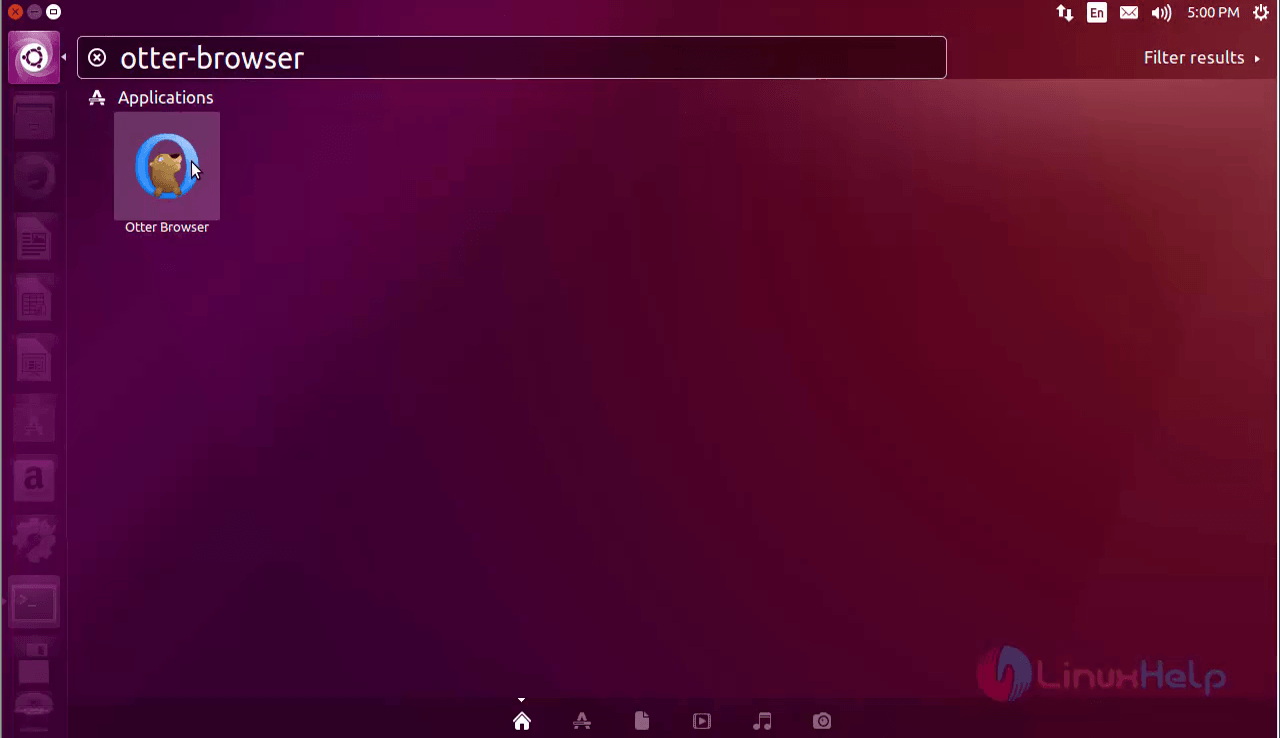
Search and Open the Otter- browser in the dashboard.
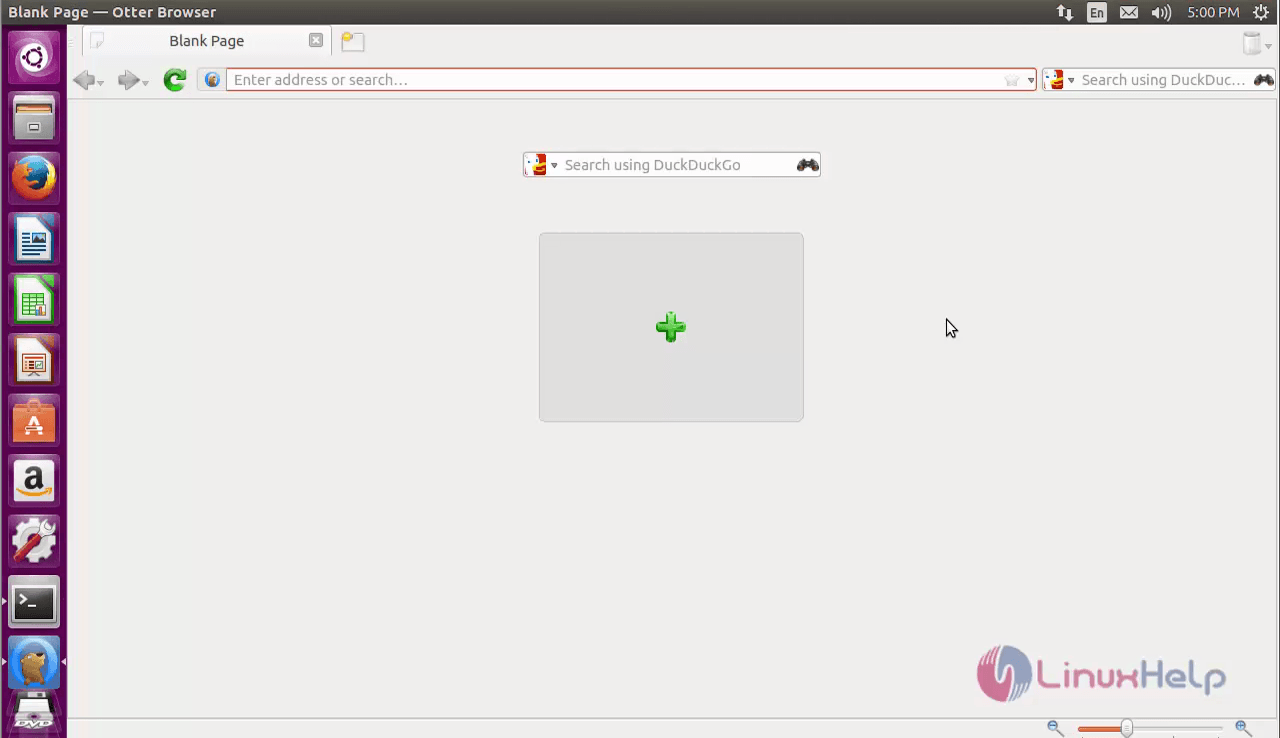
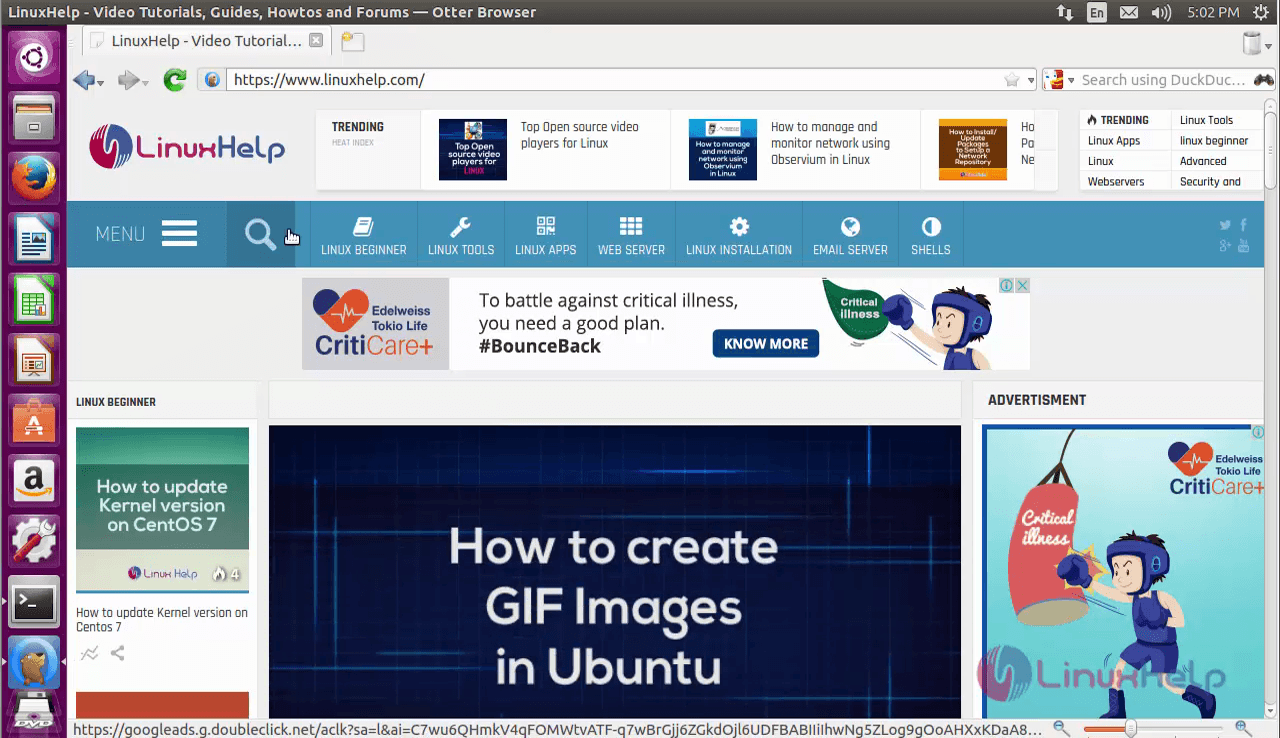
Now refine user search using the Otter browser.
Comments ( 0 )
No comments available