How to install Otter browser in Ubuntu 17.04
To install Otter browser in Ubuntu 17.04
Otter Browser is an open source lightweight internet browser. Its interface is developed using Qt5 and WebKit framework. It contains a wide range of features such as plugins on demand, page dialog support, customized menu bar, spell check tool, customizing text and icon, arbitrary menus, and style sheet. This tutorial covers the installation procedure of Otter Browser in Ubuntu 17.04.
Installation procedure
To proceed with the installation procedure, add the required repository by executing the following command.
root@linuxhelp:~# add-apt-repository ppa:otter-browser/release
 Up-to-date packages for Otter Browser.

http://otter-browser.org/
Otter Browser
 Web browser controlled by the user, not vice-versa
 A project aiming to recreate classic Opera (12.x) UI using Qt5.
 More info: https://launchpad.net/~otter-browser/+archive/ubuntu/release
Press [ENTER] to continue or ctrl-c to cancel adding it

gpg: keybox ' /tmp/tmpe1vduetq/pubring.gpg'  created
gpg: /tmp/tmpe1vduetq/trustdb.gpg: trustdb created
gpg: key D33ACF5045A4FB57: public key " Launchpad PPA for Otter Browser"  imported
gpg: Total number processed: 1
gpg:               imported: 1
OK
The repositories are added. Update the repo by executing the apt-get update command.
root@linuxhelp:~# apt-get update
Hit:1 http://in.archive.ubuntu.com/ubuntu zesty InRelease
Get:2 http://ppa.launchpad.net/otter-browser/release/ubuntu zesty InRelease [15.9 kB]
Hit:3 http://in.archive.ubuntu.com/ubuntu zesty-updates InRelease
Hit:4 http://in.archive.ubuntu.com/ubuntu zesty-backports InRelease
Get:5 http://ppa.launchpad.net/otter-browser/release/ubuntu zesty/main amd64 Packages [656 B]
Hit:6 http://security.ubuntu.com/ubuntu zesty-security InRelease
Get:7 http://ppa.launchpad.net/otter-browser/release/ubuntu zesty/main i386 Packages [656 B]
Get:8 http://ppa.launchpad.net/otter-browser/release/ubuntu zesty/main Translation-en [256 B]
Fetched 17.5 kB in 2s (6,410 B/s)
Reading package lists... Done
The target system is updated with the required repositories. Next install the Otter Browser application by running the following command.
root@linuxhelp:~# apt-get install otter-browser
Reading package lists... Done
Building dependency tree
Reading state information... Done
Recommended packages:
  gstreamer0.10-plugins-base gstreamer0.10-plugins-good
The following NEW packages will be installed:
  otter-browser
0 upgraded, 1 newly installed, 0 to remove and 283 not upgraded.
Need to get 2,619 kB of archives.
After this operation, 14.5 MB of additional disk space will be used.
Get:1 http://ppa.launchpad.net/otter-browser/release/ubuntu zesty/main amd64 otter-browser amd64 0.9.91-1~zesty~ppa1 [2,619 kB]
.
.
.
Processing triggers for desktop-file-utils (0.23-1ubuntu2) ...
Processing triggers for bamfdaemon (0.5.3+17.04.20170406-0ubuntu1) ...
Rebuilding /usr/share/applications/bamf-2.index...
Setting up otter-browser (0.9.91-1~zesty~ppa1) ...
Processing triggers for man-db (2.7.6.1-2) ...
Processing triggers for gnome-menus (3.13.3-6ubuntu5) ...
Processing triggers for hicolor-icon-theme (0.15-1) ...
The application is successfully installed. Type the application name in the Ubuntu dashboard and click on the icon to run the application.
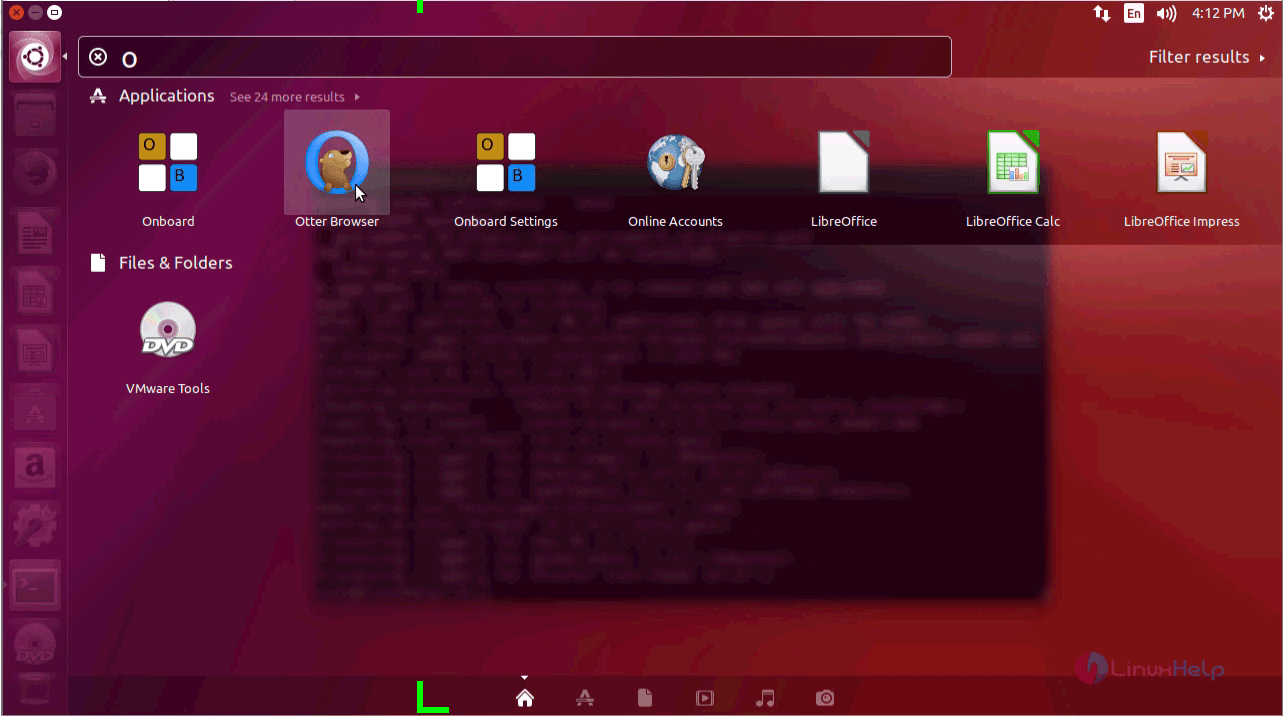
The Otter Browser is running successfully.
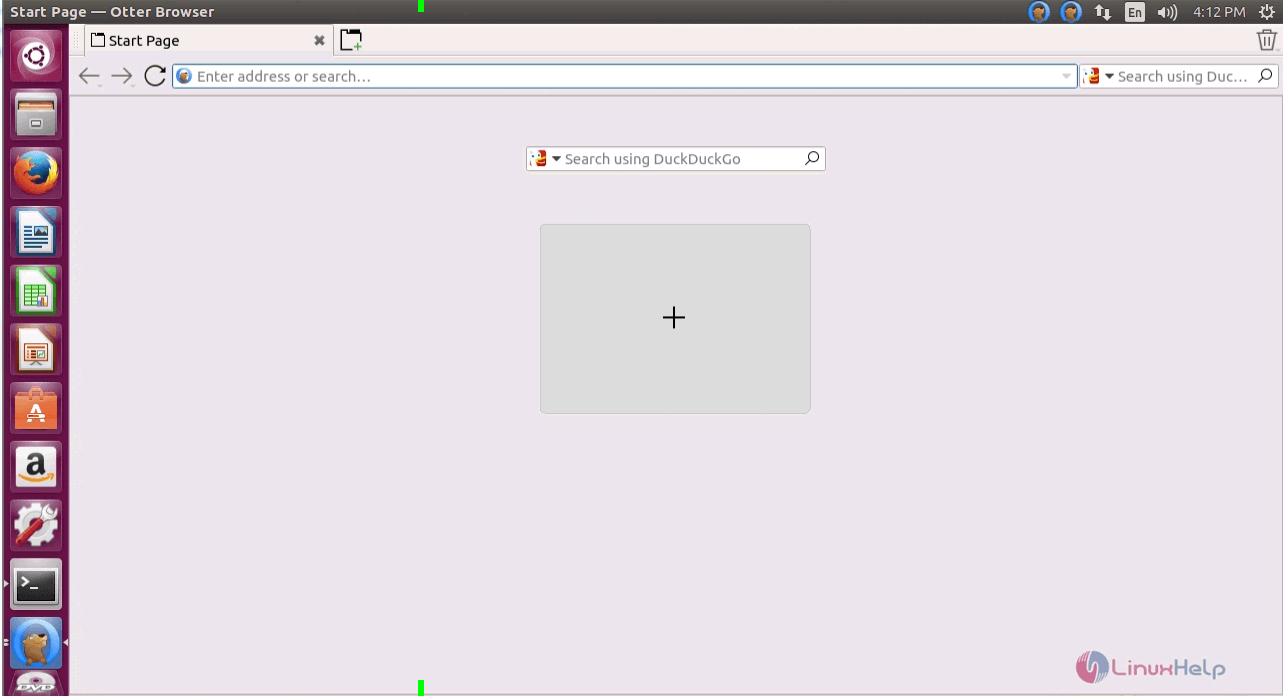
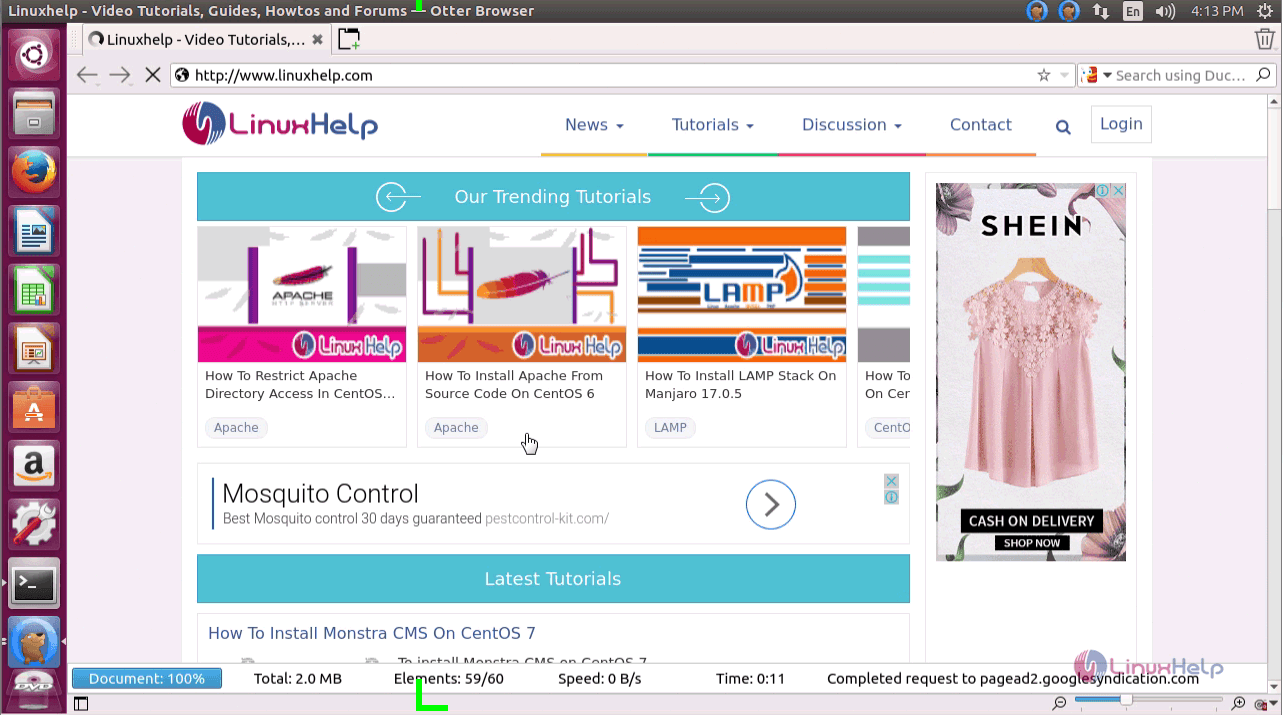
The installation procedure of otter browser on Ubuntu 17.04 is done without any glitches.
Comments ( 0 )
No comments available