• Categories
    Category
    {{ postCtrl.tags }}
    • {{ category.tag_type }}

      • {{tag.tag_name}}
      • View more
  • Categories
    Category
    {{ postCtrl.tags }}
    • {{ category.tag_type }}

      • {{tag.tag_name}}
      • View more
  • News
  • Tutorials
  • Forums
  • Tags
  • Users
Tutorial News Comments FAQ Related Articles

How To Install Parole 1.0.1 on Ubuntu 18.04

{{postValue.id}}

To Install Parole 1.0.1 on Ubuntu 18.04

Parole is a simple media player used for Linux and other UNIX like operating systems. It is designed to be efficient, using very few system resources. It is based on the Gstreamer framework and allows for plugin extensions to support most open file formats.

Installation

Add the repository of Parole using PPA as follows.

root@linuxhelp1:~#  add-apt-repository ppa:ubuntuhandbook1/apps
 Apps that are not available in Ubuntu universe repositories or the Ubuntu repositories only provide an old version
Maintained by http://ubuntuhandbook.org
Liferea News Reader:
.
.
Hit:5 http://security.ubuntu.com/ubuntu bionic-security InRelease       
Get:6 http://ppa.launchpad.net/ubuntuhandbook1/apps/ubuntu bionic/main amd64 Packages [5,524 B]
Get:7 http://ppa.launchpad.net/ubuntuhandbook1/apps/ubuntu bionic/main i386 Packages [5,520 B]
Get:8 http://ppa.launchpad.net/ubuntuhandbook1/apps/ubuntu bionic/main Translation-en [3,472 B]
Fetched 29.9 kB in 2s (14.7 kB/s)        
Reading package lists... Done

Update the system repository

root@linuxhelp1:~# apt-get update
Hit:1 http://in.archive.ubuntu.com/ubuntu bionic InRelease
Hit:2 http://ppa.launchpad.net/ubuntuhandbook1/apps/ubuntu bionic InRelease
Hit:3 http://in.archive.ubuntu.com/ubuntu bionic-updates InRelease      
Hit:4 http://security.ubuntu.com/ubuntu bionic-security InRelease       
Hit:5 http://in.archive.ubuntu.com/ubuntu bionic-backports InRelease    
Reading package lists... Done

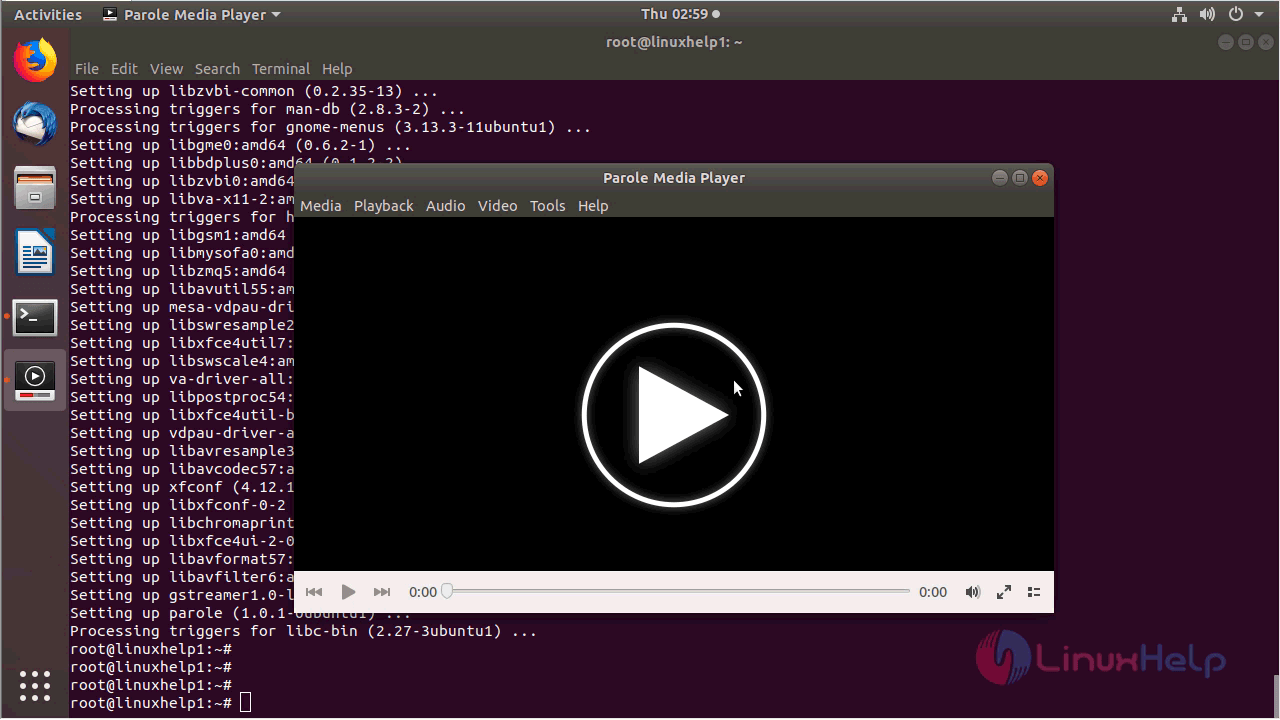
Proceed to install the Parole application as follows.

root@linuxhelp1:~# apt-get install parole -y
Reading package lists... Done
Building dependency tree      
Reading state information... Done
The following packages were automatically installed and are no longer required:
  apache2-bin apache2-data apache2-utils libapr1 libaprutil1 libaprutil1-dbd-sqlite3
  libaprutil1-ldap
Use ' sudo apt autoremove'  to remove them.
The following additional packages will be installed:
.
.
Setting up xfconf (4.12.1-1) ...
Setting up libxfconf-0-2 (4.12.1-1) ...
Setting up libchromaprint1:amd64 (1.4.3-1) ...
Setting up libxfce4ui-2-0:amd64 (4.13.4-1ubuntu1) ...
Setting up libavformat57:amd64 (7:3.4.2-2) ...
Setting up libavfilter6:amd64 (7:3.4.2-2) ...
Setting up gstreamer1.0-libav:amd64 (1.14.0-1) ...
Setting up parole (1.0.1-0ubuntu1) ...
Processing triggers for libc-bin (2.27-3ubuntu1) ...

After the installation, you can access the application from the menu.
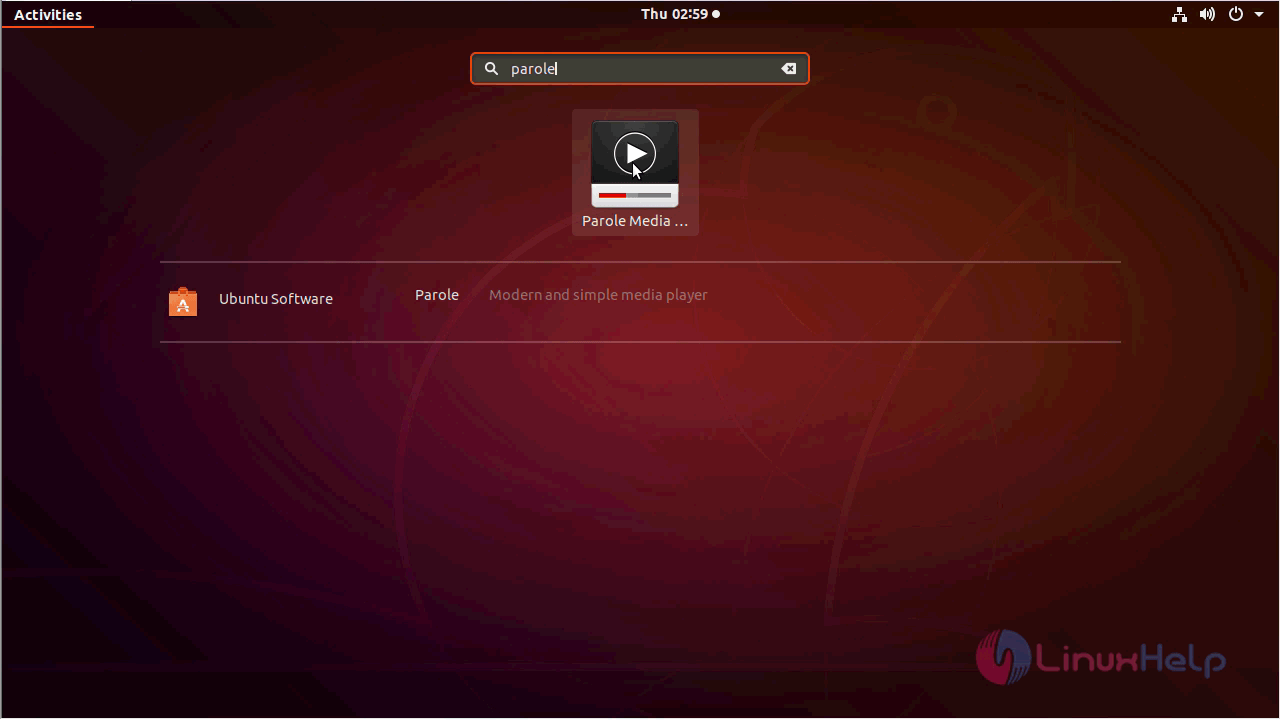
Ubuntu_menu

click

You can play any Audio or video file using via Parole
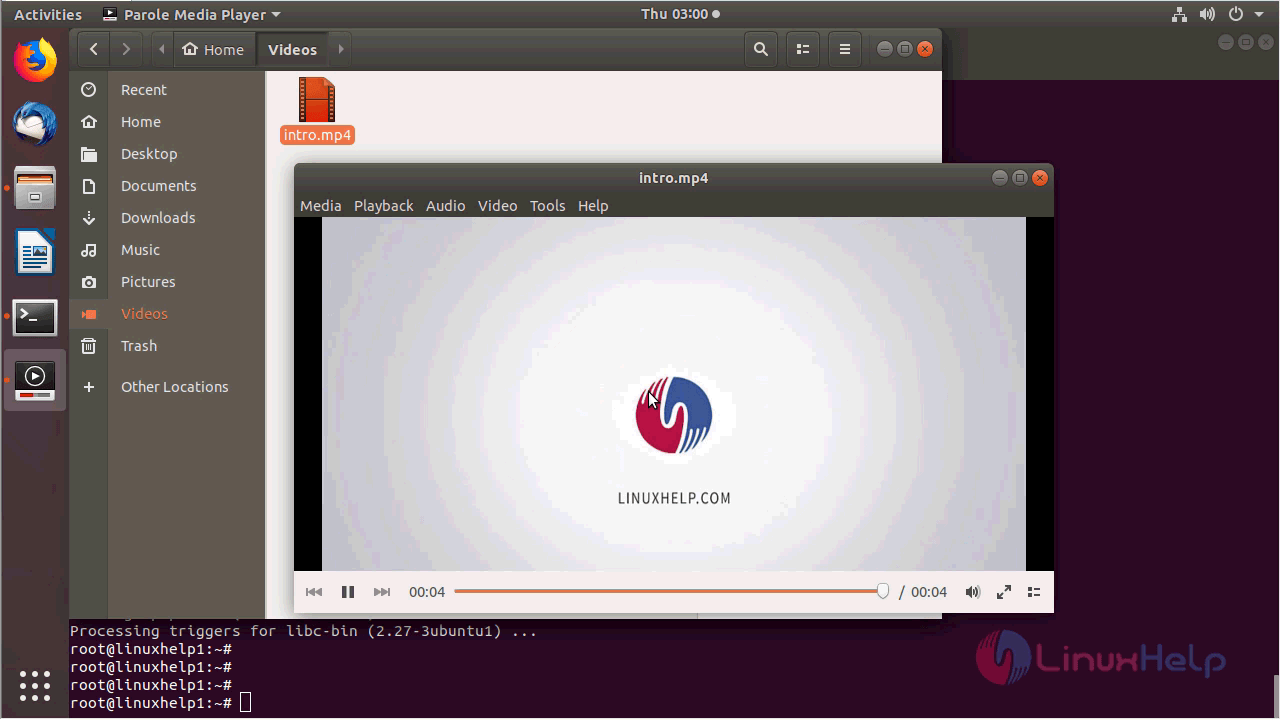
play_video

you can verify the version by navigating to the help menu.
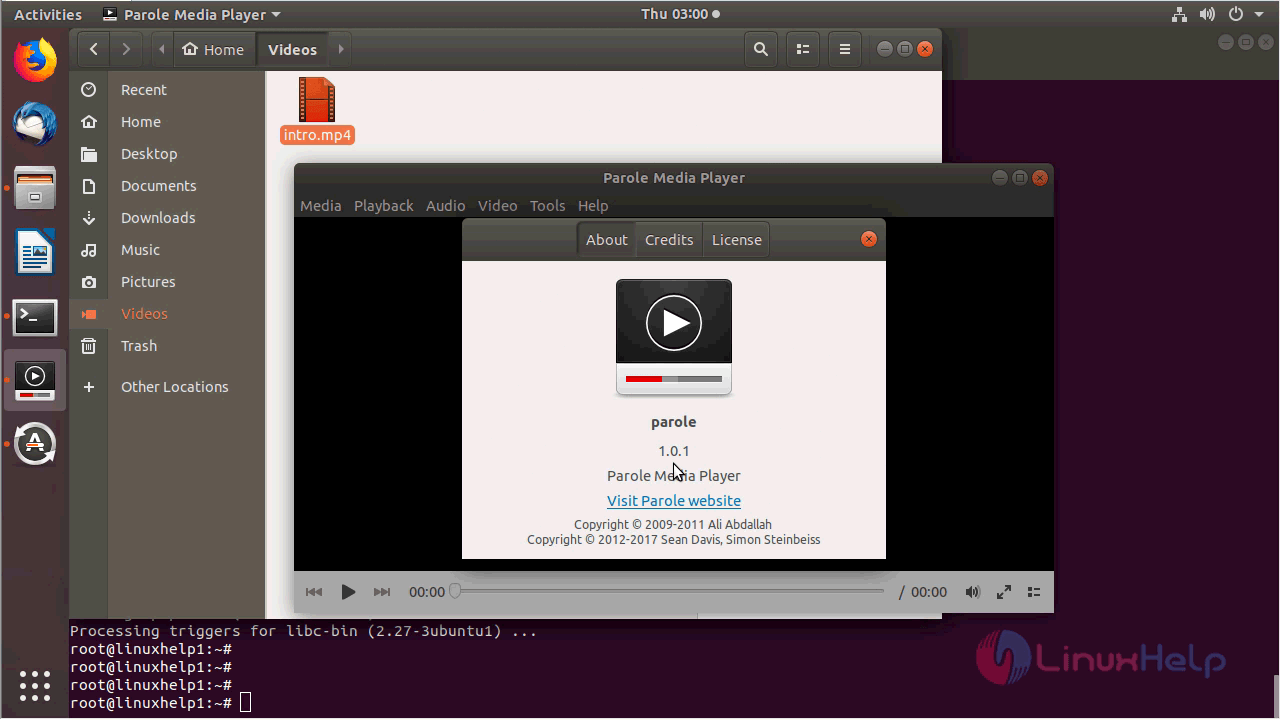
version

With this, the method to Install Parole 1.0.1 on Ubuntu 18.04 comes to an end.

Tags:
matthew
Author: 

Comments ( 0 )

No comments available

Add a comment
{{postCtrl.cmtErrMsg}}

Frequently asked questions ( 5 )

Q

Is there any alternative of parole media player?

A

PotPlayer AIMP SMPlayer MX Player.

Q

How to remove this application?

A

Run the following command,
# apt-get remove parole

Q

Can I control Parole with keyboard shortcuts?

A

To configure Parole keyboard shortcuts in Xubuntu, go to the folder ~/.config/xfce4/xfconf/xfce-perchannel-xml/ and open the following file with a text editor (double-click will open in browser
xfce4-keyboard-shortcuts.xml

Q

When I start parole it is not clear how to load and start the movie. The movie is a dvd purchased from the store. How do I start the movie using parole?

A

It works although the Insert Disc menu item is still grey. To Play, click Open Location and put there dvd:///dev/sr0 . Also be sure you might need to have next previously installed:

sudo apt-get install libdvdread4
sudo /usr/share/doc/libdvdread4/install-css.sh
sudo apt-get install libdvdcss2

Q

what is the license of parole media player?

A

It is free software and distributed under the GNU General Public License.

Back To Top!
Rank
User
Points

Top Contributers

userNamenaveelansari
135850

Top Contributers

userNameayanbhatti
92510

Top Contributers

userNamehamzaahmed
32150

Top Contributers

1
userNamelinuxhelp
31040

Top Contributers

userNamemuhammadali
24500
Can you help Owen ?
How to add SSH key to my Gitlab account

I need to add the SSH key in my gitlab account. How to do so ????

Networking
  • Routing
  • trunk
  • Netmask
  • Packet Capture
  • domain
  • HTTP Proxy
Server Setup
  • NFS
  • KVM
  • Memory
  • Sendmail
  • WebDAV
  • LXC
Shell Commands
  • Cloud commander
  • Command line archive tools
  • last command
  • Shell
  • terminal
  • Throttle
Desktop Application
  • Linux app
  • Pithos
  • Retrospect
  • Scribe
  • TortoiseHg
  • 4Images
Monitoring Tool
  • Monit
  • Apache Server Monitoring
  • EtherApe 
  • Arpwatch Tool
  • Auditd
  • Barman
Web Application
  • Nutch
  • Amazon VPC
  • FarmWarDeployer
  • Rukovoditel
  • Mirror site
  • Chef
Contact Us | Terms of Use| Privacy Policy| Disclaimer
© 2025 LinuxHelp.com All rights reserved. Linux™ is the registered trademark of Linus Torvalds. This site is not affiliated with linus torvalds in any way.