How to install Parole media player in Ubuntu 16.04
How to install Parole media player in Ubuntu 16.04
Parole Media Player is a free, cross-platform modern Xfce media player. It is designed to be efficient, using very few system resources. It is based on the Gstreamer framework and allows for plugin extensions to support most open file formats. This article covers the installation procedure of Parole media player in Ubuntu 16.04.
Installation procedure
To install Parole Media Player, add the required repositories to the target system by executing the following command.
root@linuxhelp:/home/user1/Desktop# add-apt-repository ppa:ubuntuhandbook1/apps
 Apps that are not available in Ubuntu universe repositories or the Ubuntu repositories only provide an old version
Maintained by http://ubuntuhandbook.org
...
...
...
gpg: keyring `/tmp/tmpvzgrfcvj/secring.gpg'  created
gpg: keyring `/tmp/tmpvzgrfcvj/pubring.gpg'  created
gpg: requesting key 852541CB from hkp server keyserver.ubuntu.com
gpg: /tmp/tmpvzgrfcvj/trustdb.gpg: trustdb created
gpg: key 852541CB: public key " Launchpad PPA for Panda Jim"  imported
gpg: Total number processed: 1
gpg:               imported: 1  (RSA: 1)
OK
The repositories are added successfully. Update the local repository index by running the apt-get update command.
root@linuxhelp:/home/user1/Desktop# apt-get update
Hit:1 http://in.archive.ubuntu.com/ubuntu xenial InRelease
Get:2 http://ppa.launchpad.net/ubuntuhandbook1/apps/ubuntu xenial InRelease [17.5 kB]
Get:3 http://ppa.launchpad.net/ubuntuhandbook1/apps/ubuntu xenial/main amd64 Packages [3,480 B]
Get:4 http://ppa.launchpad.net/ubuntuhandbook1/apps/ubuntu xenial/main i386 Packages [3,484 B]
Get:5 http://in.archive.ubuntu.com/ubuntu xenial-updates InRelease [102 kB]
Get:6 http://ppa.launchpad.net/ubuntuhandbook1/apps/ubuntu xenial/main Translation-en [2,108 B]
Get:7 http://security.ubuntu.com/ubuntu xenial-security InRelease [102 kB]
Get:8 http://in.archive.ubuntu.com/ubuntu xenial-backports InRelease [102 kB]
Fetched 333 kB in 2s (111 kB/s)
Reading package lists... Done
The target system is updated with the required repositories. Then install the Parole media player by running the following command.
root@linuxhelp:/home/user1/Desktop# apt-get install parole
Reading package lists... Done
Building dependency tree
Reading state information... Done
...
...
...
Setting up libtagc0:amd64 (1.9.1-2.4ubuntu1) ...
Setting up libxfce4util-bin (4.12.1-2) ...
Setting up parole (0.9.1-0build1~ubuntu16.04) ...
Processing triggers for libc-bin (2.23-0ubuntu3) ...
The Parole media player is installed in the target system. To run the application from the terminal execute the following parole command.
root@linuxhelp:/home/user1/Desktop# parole
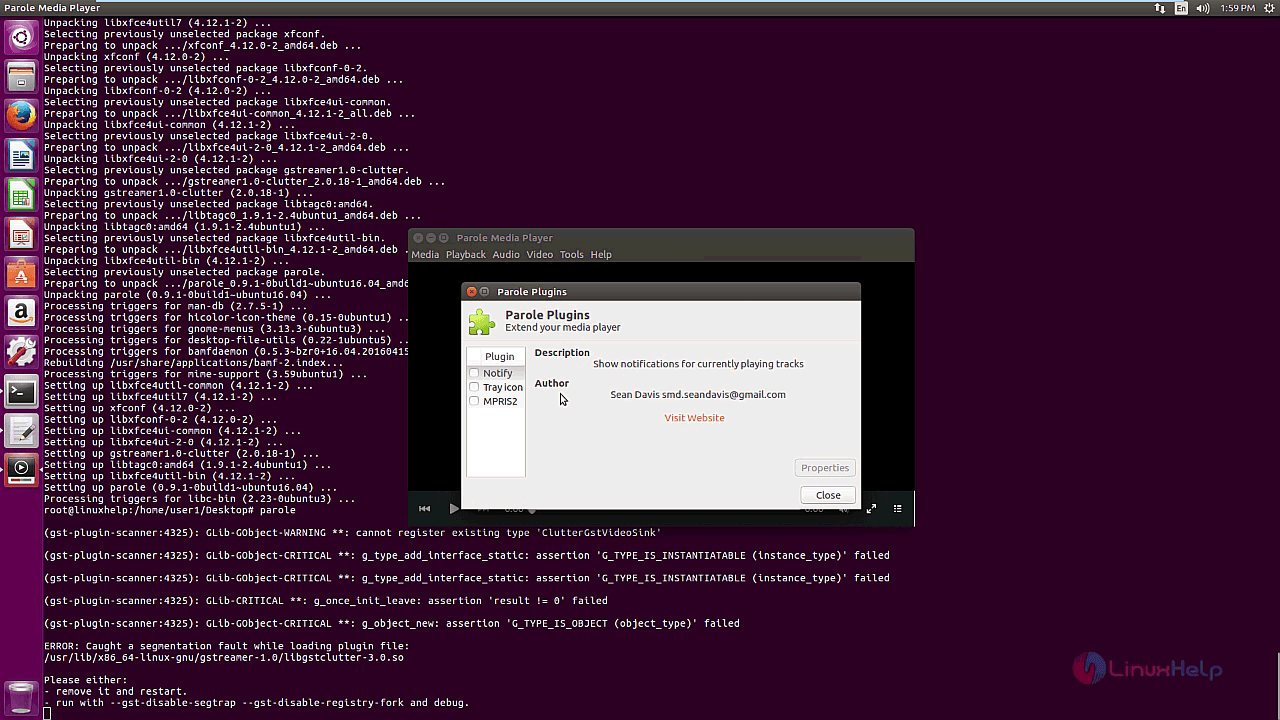
The Parole is running successfully and a pop-up window shows the list of Parole plugins that can be used in the media player.
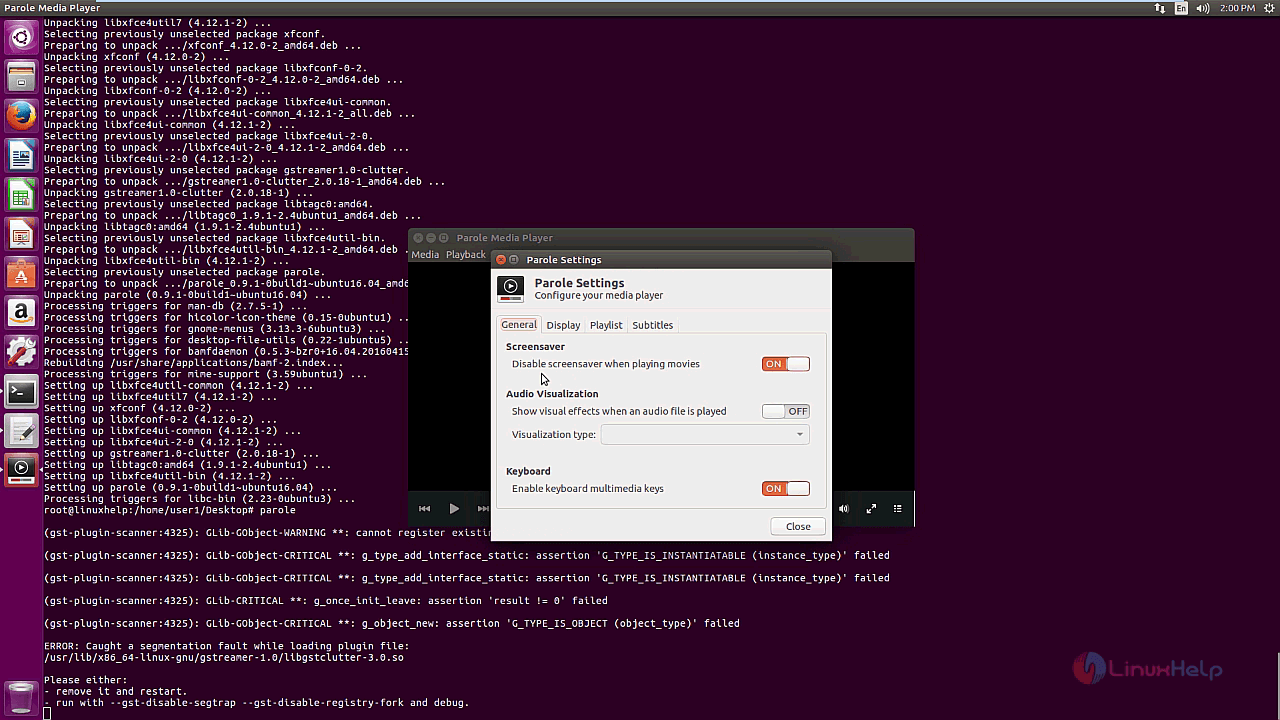
Next, a window contains the parole general settings contains some list of settings such as screensaver, audio visualization and keyboard settings.
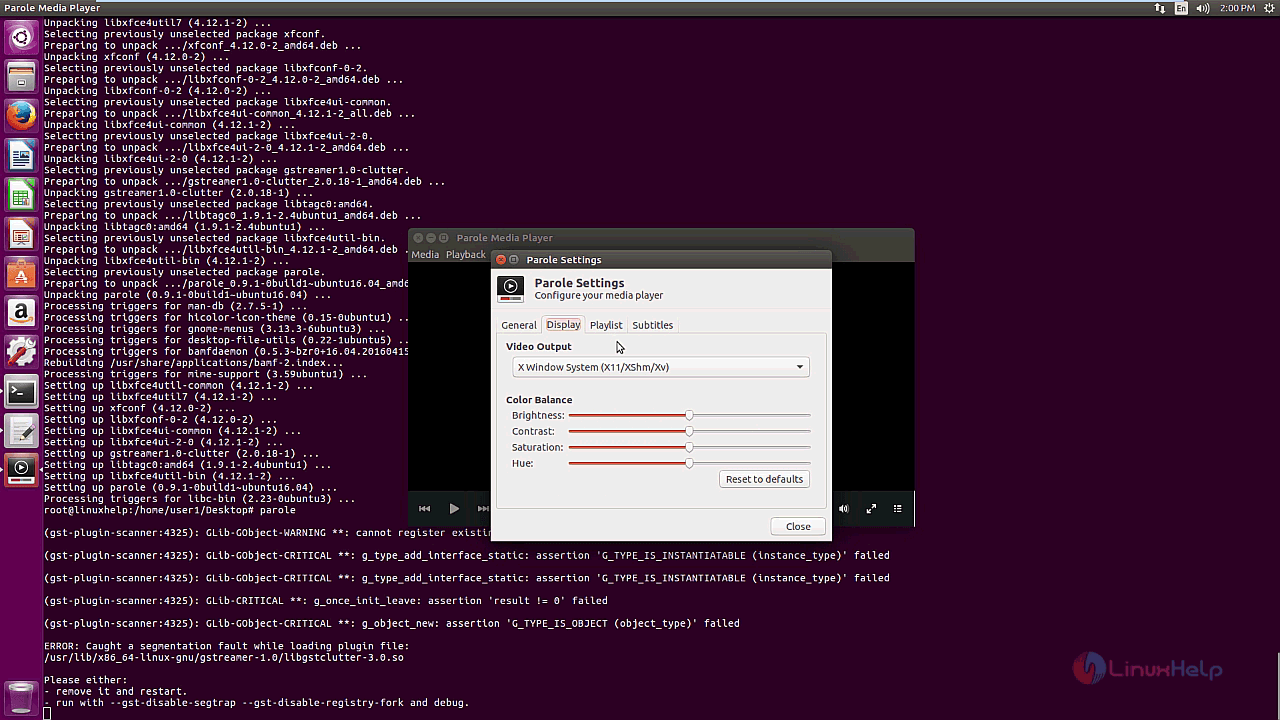
The user can change the parole display settings and save the changes.
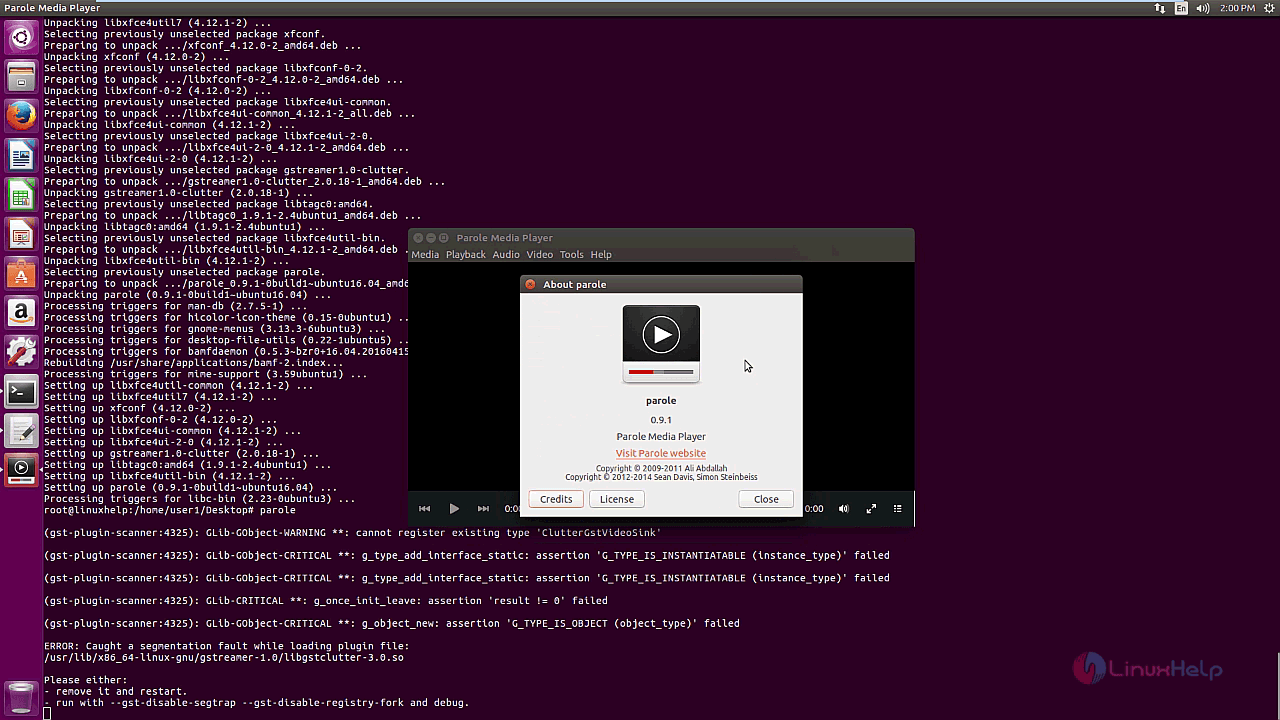
The About parole window contains the information about the current version of parole media player and its license.
Wasn' t that an easy installation procedure? Parole plays local media files, such as WAV, MP3 and MPEG, as well as CDs and DVDs.
Comments ( 0 )
No comments available