How to install PhotoCollage in Ubuntu
To install PhotoCollage in Ubuntu
Photo Collage is an image editing tool used to create Photo Collage layout in Linux distribution. Users can combine their multiple favorite photos into one single photo. A simple User Interface can create Collages for photos randomly. It allows the users to collage 100 numbers of photos with high resolution. Installation of PhotoCollage in Ubuntu is explained in this manual.
Installation of PhotoCollage
Add PPA repository to install photocollage.
root@linuxhelp:~# add-apt-repository ppa:dhor/myway
 Every photographer needs some tools...

 More info: https://launchpad.net/~dhor/+archive/ubuntu/myway
Press [ENTER] to continue or ctrl-c to cancel adding it

gpg: keyring `/tmp/tmpqm1hryd0/secring.gpg'  created
gpg: keyring `/tmp/tmpqm1hryd0/pubring.gpg'  created
gpg: requesting key 93330B78 from hkp server keyserver.ubuntu.com
gpg: /tmp/tmpqm1hryd0/trustdb.gpg: trustdb created
gpg: key 93330B78: public key " Launchpad PPA for Dariusz Duma"  imported
gpg: Total number processed: 1
gpg:               imported: 1  (RSA: 1)
OK
Update the system repository with the following command.
root@linuxhelp:~# apt-get update
Hit http://in.archive.ubuntu.com wily InRelease
Hit http://in.archive.ubuntu.com wily-updates InRelease
Hit http://security.ubuntu.com wily-security InRelease
Get:1 http://ppa.launchpad.net wily InRelease [15.4 kB]
Hit http://in.archive.ubuntu.com wily-backports InRelease
Hit http://in.archive.ubuntu.com wily/main Sources
Hit http://security.ubuntu.com wily-security/main Sources
Hit http://in.archive.ubuntu.com wily/restricted Sources
Get:2 http://ppa.launchpad.net wily/main amd64 Packages [12.2 kB]
Hit http://in.archive.ubuntu.com wily/universe Sources
Hit http://security.ubuntu.com wily-security/restricted Sources
Hit http://in.archive.ubuntu.com wily/multiverse Sources
Hit http://security.ubuntu.com wily-security/universe Sources
Get:3 http://ppa.launchpad.net wily/main i386 Packages [12.0 kB]
Hit http://in.archive.ubuntu.com wily/main amd64 Packages
.
.
.
Hit http://in.archive.ubuntu.com wily-backports/main amd64 Packages
Hit http://in.archive.ubuntu.com wily-backports/restricted amd64 Packages
Hit http://in.archive.ubuntu.com wily-backports/universe amd64 Packages
Hit http://in.archive.ubuntu.com wily-backports/multiverse amd64 Packages
Hit http://in.archive.ubuntu.com wily-backports/main i386 Packages
Hit http://in.archive.ubuntu.com wily-backports/restricted i386 Packages
Hit http://in.archive.ubuntu.com wily-backports/universe i386 Packages
Hit http://in.archive.ubuntu.com wily-backports/multiverse i386 Packages
Hit http://in.archive.ubuntu.com wily-backports/main Translation-en
Hit http://in.archive.ubuntu.com wily-backports/multiverse Translation-en
Hit http://in.archive.ubuntu.com wily-backports/restricted Translation-en
Hit http://in.archive.ubuntu.com wily-backports/universe Translation-en
Fetched 48.2 kB in 1min 4s (750 B/s)
Reading package lists... Done
Now its time to install the PhotoCollage package.
root@linuxhelp:~# apt-get install photocollage -y
Reading package lists... Done
Building dependency tree
Reading state information... Done
The following NEW packages will be installed:
  photocollage
0 upgraded, 1 newly installed, 0 to remove and 252 not upgraded.
Need to get 174 kB of archives.
After this operation, 590 kB of additional disk space will be used.
Get:1 http://ppa.launchpad.net/dhor/myway/ubuntu/ wily/main photocollage amd64 1.4.0-1dhor~wily [174 kB]
Fetched 174 kB in 2s (82.5 kB/s)
Selecting previously unselected package photocollage.
(Reading database ... 176941 files and directories currently installed.)
Preparing to unpack .../photocollage_1.4.0-1dhor~wily_amd64.deb ...
Unpacking photocollage (1.4.0-1dhor~wily) ...
Processing triggers for gnome-menus (3.13.3-6ubuntu1) ...
Processing triggers for desktop-file-utils (0.22-1ubuntu3) ...
Processing triggers for bamfdaemon (0.5.2~bzr0+15.10.20150627.1-0ubuntu1) ...
Rebuilding /usr/share/applications/bamf-2.index...
Processing triggers for mime-support (3.58ubuntu1) ...
Processing triggers for hicolor-icon-theme (0.15-0ubuntu1) ...
Setting up photocollage (1.4.0-1dhor~wily) ...
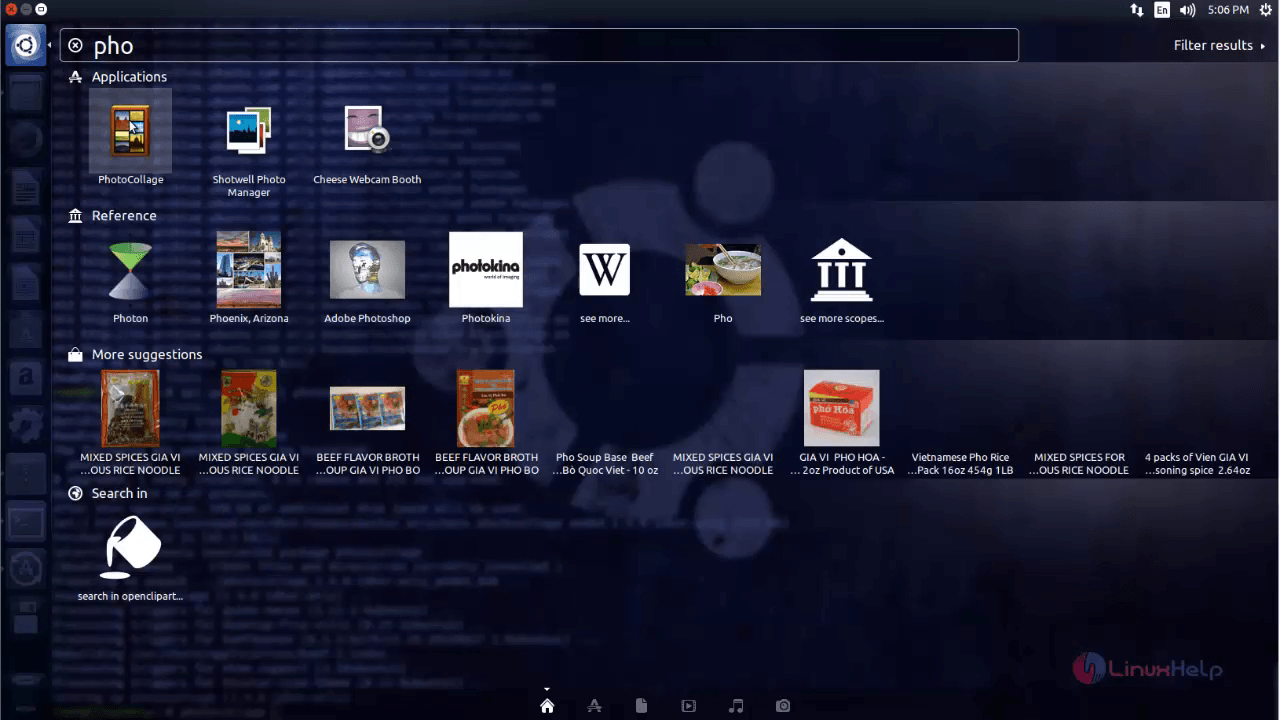
Open the photocollage from the Unity dash.
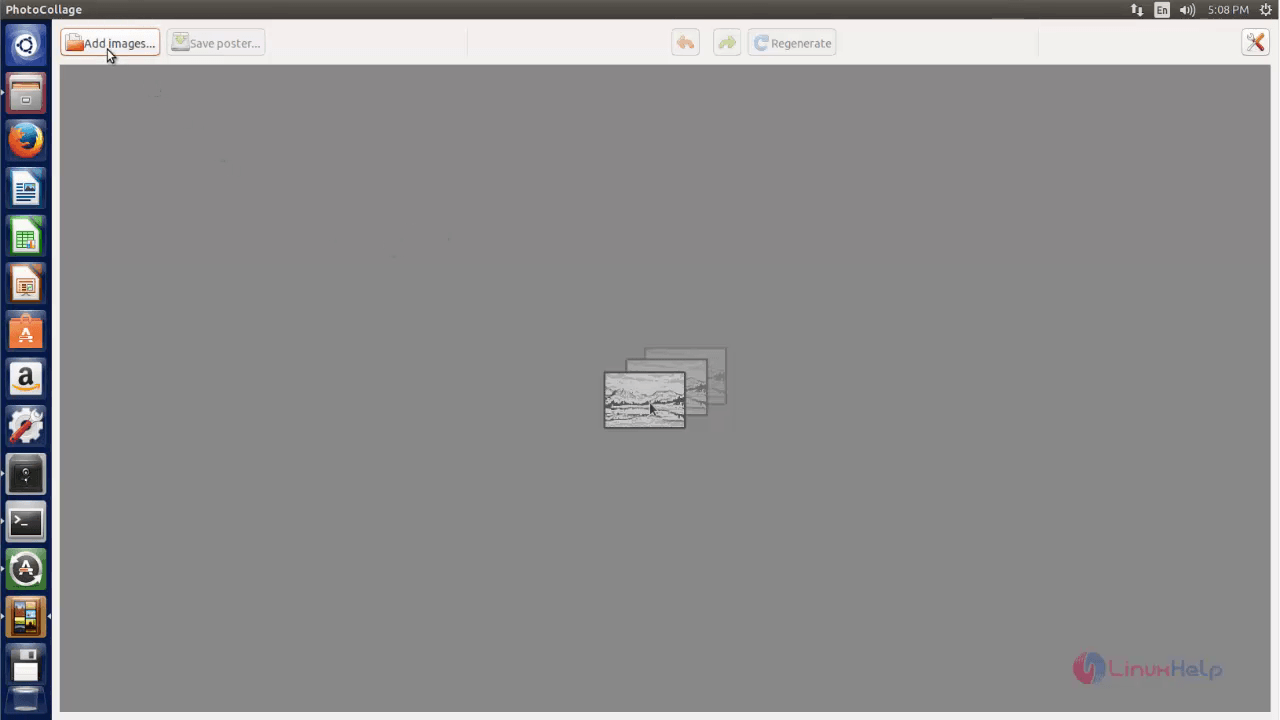
Click on Add images icon to add photos.
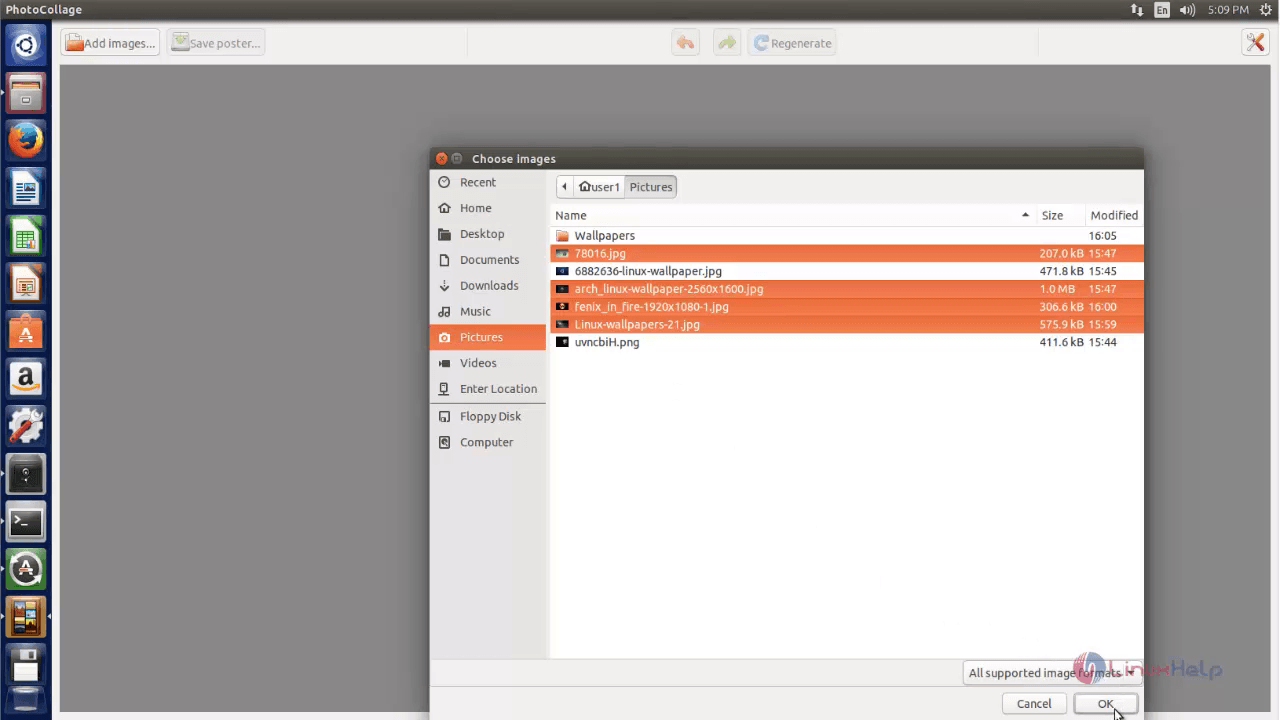
Select number of photos to combine it into a single photo.
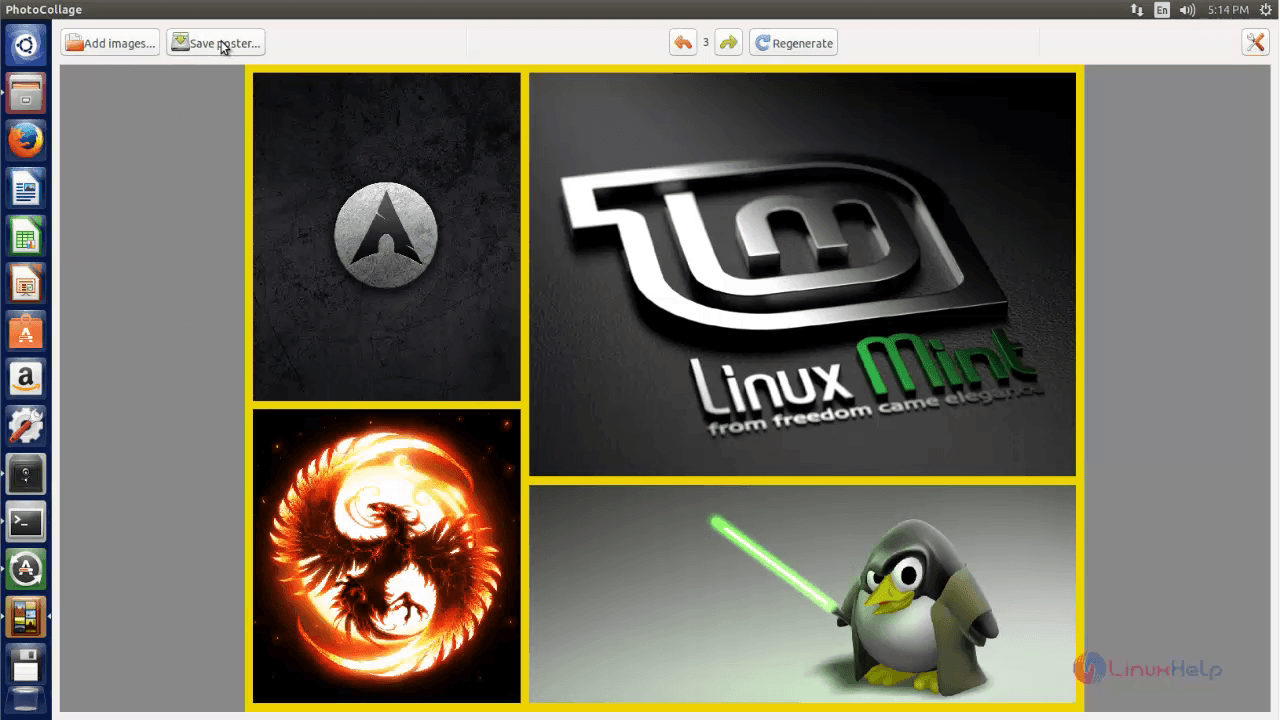
Now you can see the photos. collaged.
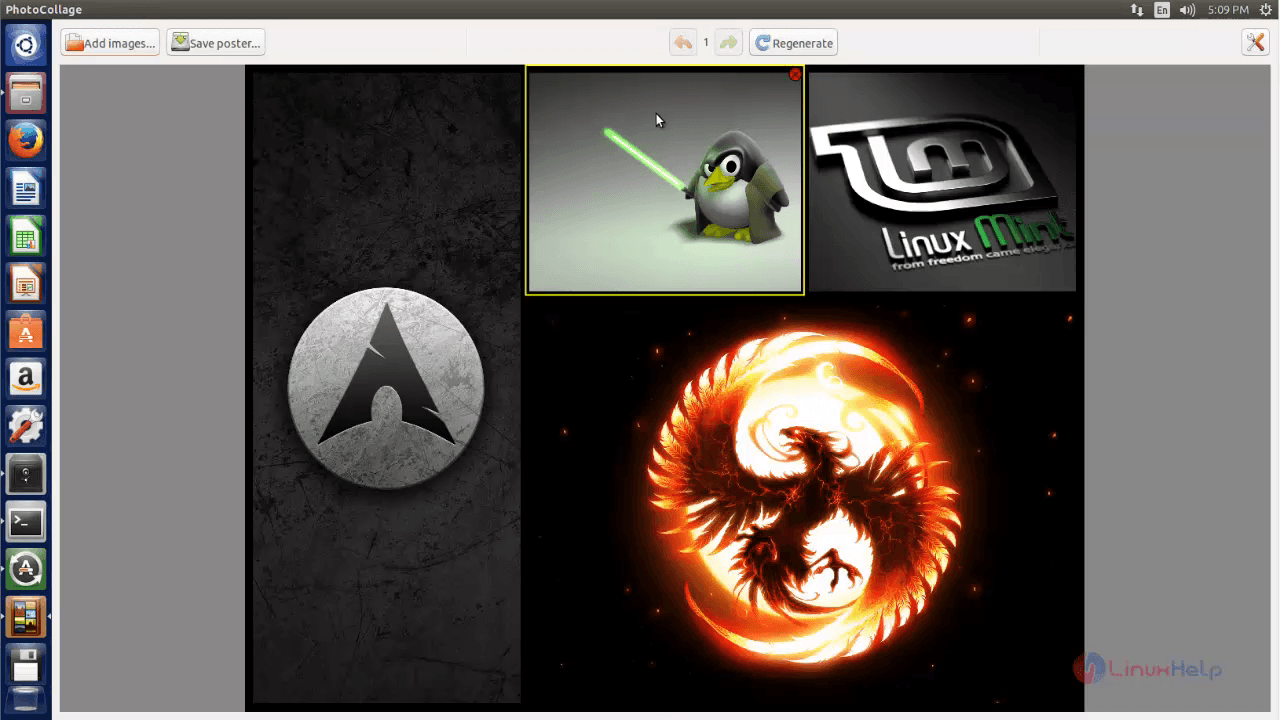
If you want to change the layout, just click on the Regenerate option.
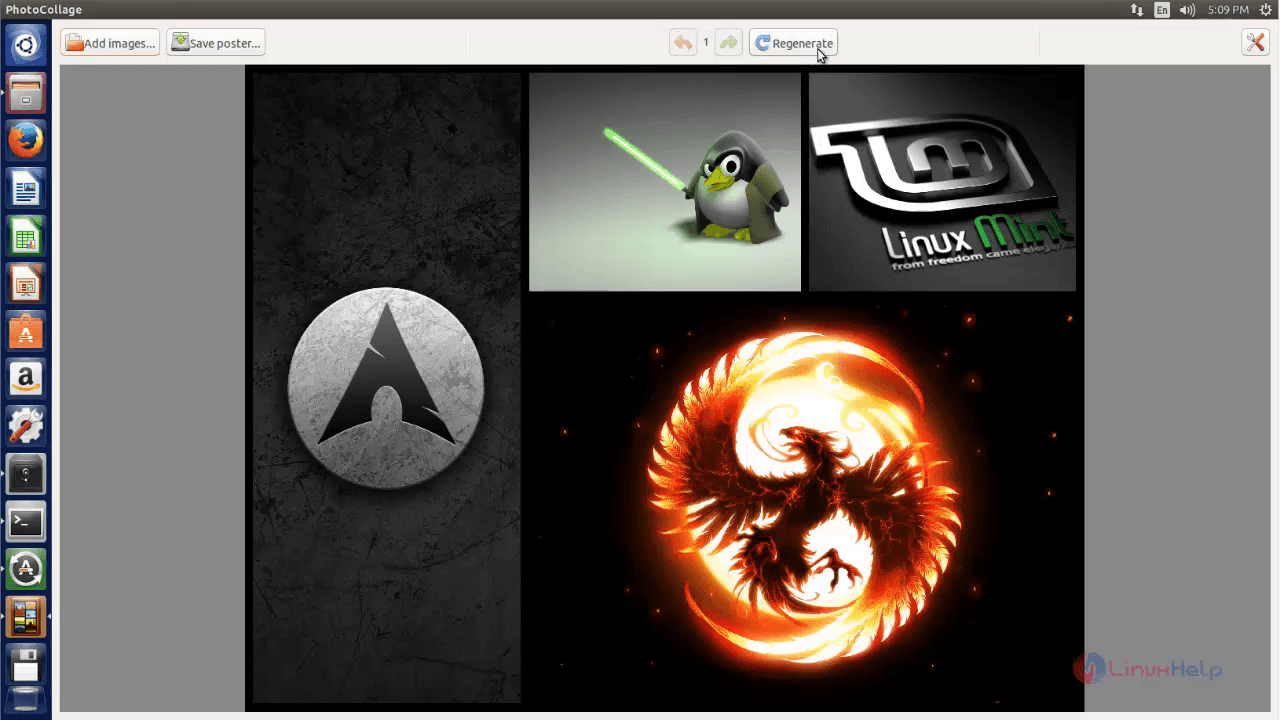
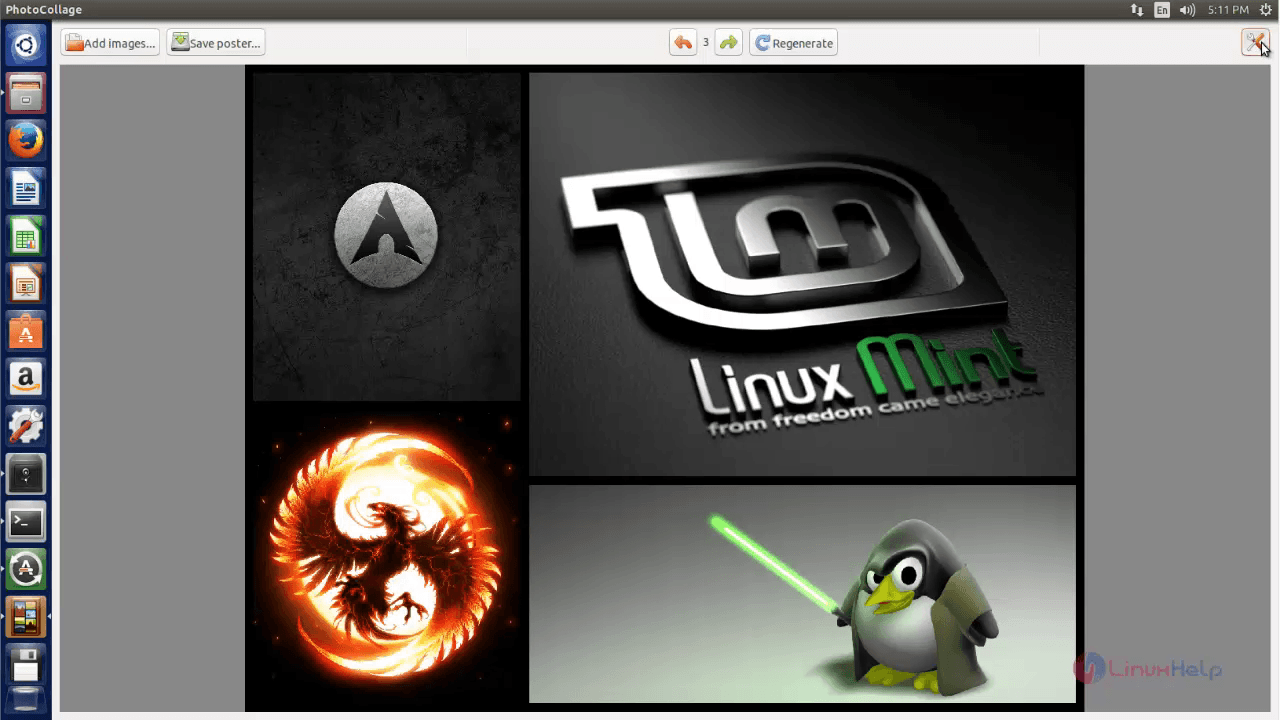
Click on the settings icon to change the settings.
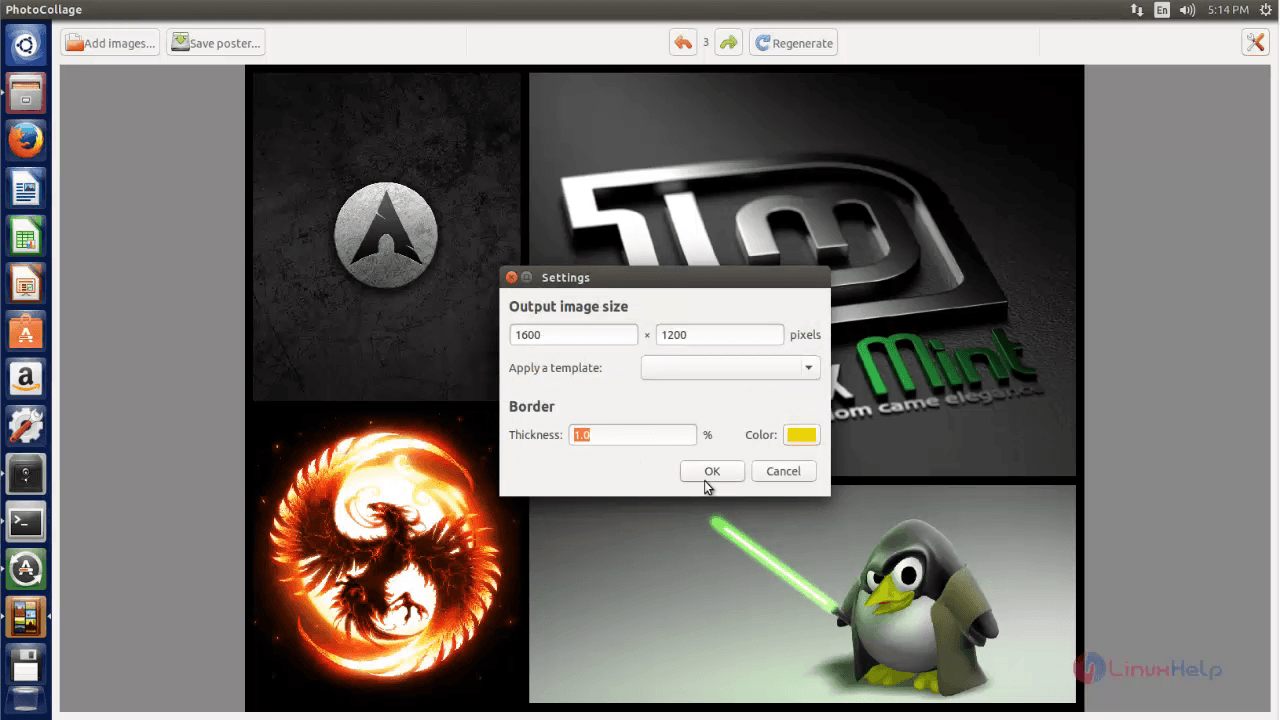
Change the image size, border thickness and color. Click on OK option to save the changes.
Now you can able to see the changes as shown below.
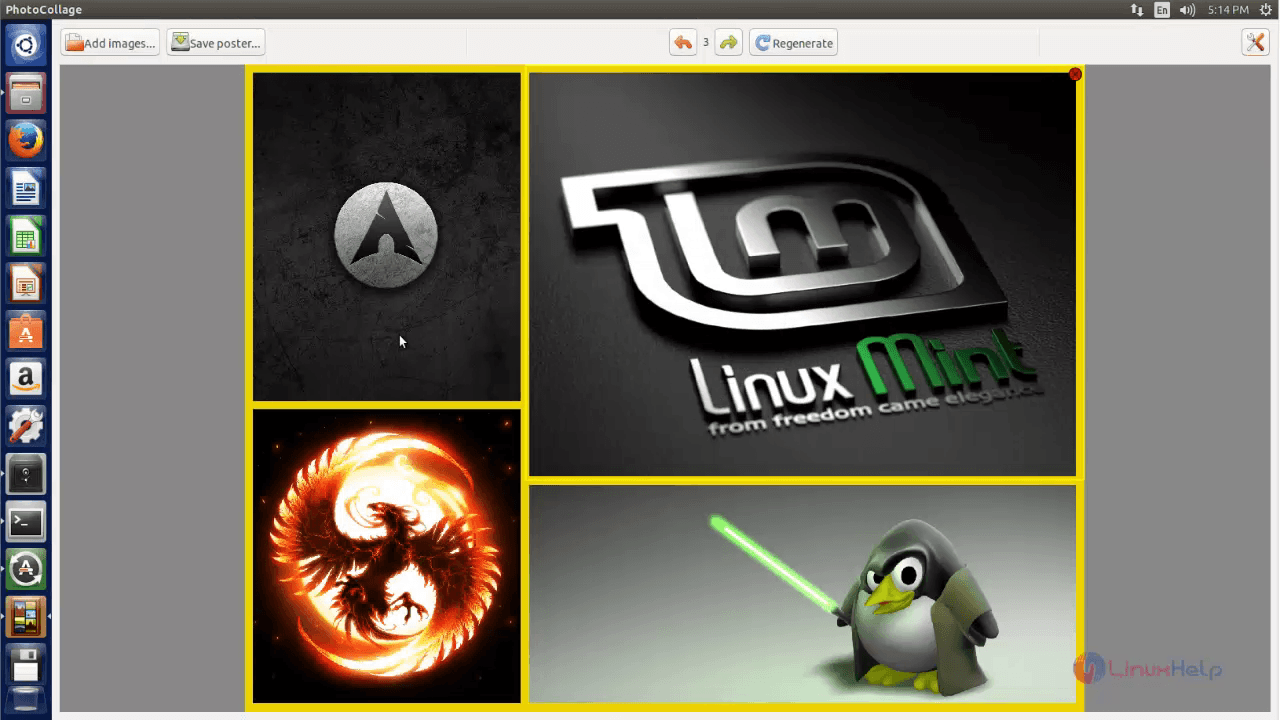
Click on save poster to save the collage.
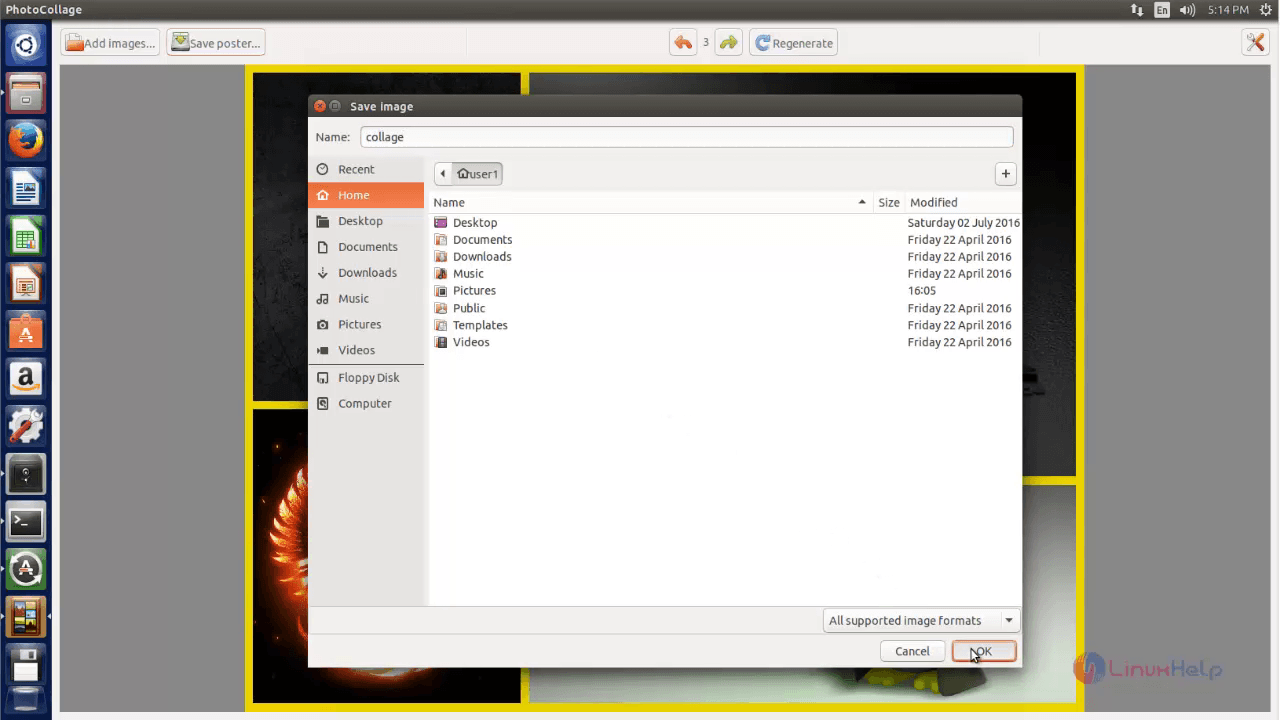
Enter the name and select the location, then click on OK option to save the created Collage.
Comments ( 0 )
No comments available