How to install photoqt on Linux mint 18.03
{{postValue.id}}
To install photoqt on Linux mint 18.03
PhotoQT is an open-source image viewer designed with advanced manipulation features and file management. It allows the users to rotate, flip and zoom images. Users can also able to delete or move and rename the images. Installation of PhotoQt in Linux mint 18.03 is discussed in this article.
Installation
Use “apt-add-repository” command to add the photoqt repo file.
linuxhelp ~ # apt-add-repository ppa:lumas/photoqt
You are about to add the following PPA:
 Contains packages for PhotoQt Image Viewer.
 More info: https://launchpad.net/~lumas/+archive/ubuntu/photoqt
Press Enter to continue or Ctrl+C to cancel
Executing: /tmp/tmp.eUdUf2XVxs/gpg.1.sh --keyserver
hkp://keyserver.ubuntu.com:80
--recv-keys
14FAB9FD
gpg: requesting key 14FAB9FD from hkp server keyserver.ubuntu.com
gpg: key 14FAB9FD: public key "Launchpad PPA for Lukas Spies" imported
gpg: Total number processed: 1
gpg:               imported: 1  (RSA: 1)
Let's first start with updating the system repositories
linuxhelp ~ # apt-get update
Hit:1 http://archive.ubuntu.com/ubuntu xenial InRelease
Get:2 http://archive.canonical.com/ubuntu xenial InRelease [11.5 kB]
Ign:3 http://packages.linuxmint.com sylvia InRelease
Get:4 http://ppa.launchpad.net/lumas/photoqt/ubuntu xenial InRelease [18.0 kB]
Get:5 http://archive.canonical.com/ubuntu xenial/partner amd64 Packages [3,124 B]
.
.
.
Get:33 http://archive.ubuntu.com/ubuntu xenial-updates/universe amd64 Packages [683 kB]
Get:34 http://archive.ubuntu.com/ubuntu xenial-updates/universe i386 Packages [625 kB]
Get:35 http://archive.ubuntu.com/ubuntu xenial-updates/universe Translation-en [276 kB]
Get:36 http://archive.ubuntu.com/ubuntu xenial-updates/multiverse amd64 Packages [16.4 kB]
Get:37 http://archive.ubuntu.com/ubuntu xenial-updates/multiverse i386 Packages [15.5 kB]
Fetched 6,189 kB in 10s (613 kB/s)
Reading package lists... Done
Finally install the photoqt application.
linuxhelp ~ # apt-get install photoqt
Reading package lists... Done
Building dependency tree
Reading state information... Done
The following additional packages will be installed:
  exiv2 graphicsmagick kimageformat-plugins liballegro4.4 libattica0.4 libdevil1c2 libdlrestrictions1
  libexiv2-14 libfreeimage3 libfreeimageplus3 libgraphicsmagick++-q16-12 libgraphicsmagick-q16-3
  libjxr0 libkdecore5 libkdeui5 libkexiv2-11v5 libkexiv2-data libopenjp2-7 libpoppler-qt5-1
  libqgsttools-p1 libqt5multimedia5 libqt5multimedia5-plugins libqt5multimediaquick-p5
  libqt5multimediawidgets5 libraw-bin libwebp6 libwebpmux3 qml-module-qtgraphicaleffects
  qml-module-qtmultimedia qml-module-qtquick-controls qml-module-qtquick-layouts
.
.
.
Setting up libqgsttools-p1:amd64 (5.5.1-4ubuntu2) ...
Setting up libqt5multimedia5-plugins:amd64 (5.5.1-4ubuntu2) ...
Setting up libqt5multimediaquick-p5:amd64 (5.5.1-4ubuntu2) ...
Setting up libraw-bin (0.17.1-1ubuntu0.3) ...
Setting up qml-module-qtmultimedia:amd64 (5.5.1-4ubuntu2) ...
Setting up photoqt (1.7.1.2-1) ...
Processing triggers for libc-bin (2.23-0ubuntu9) ...
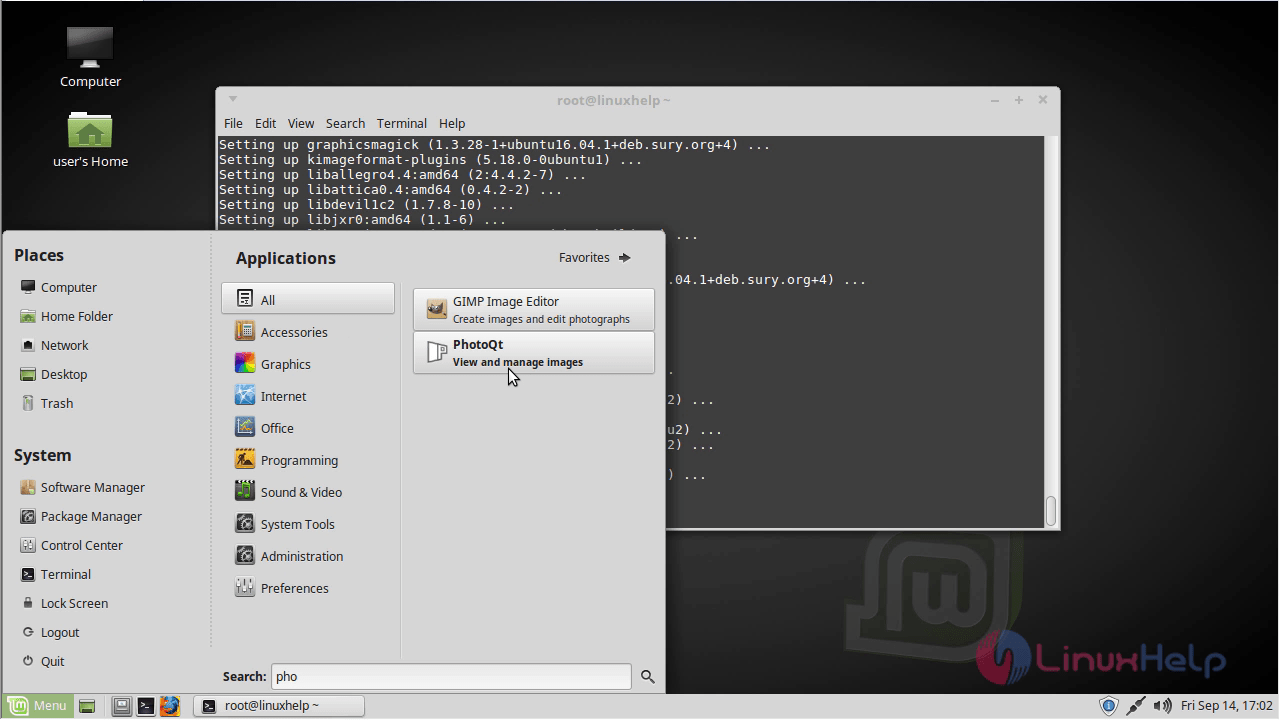
Once Installation is done you can access the application from the Menu as shown here
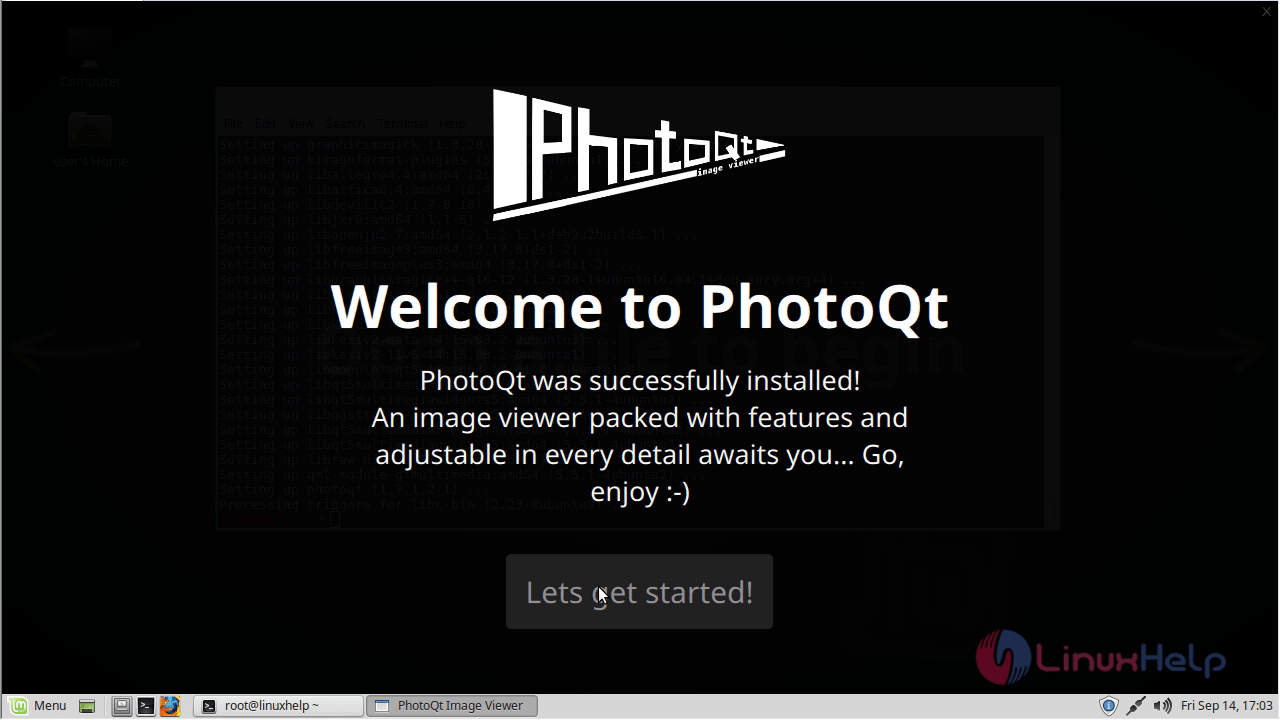
 Welcome page of photoQt application.
Now, you can able to use the photoqt application.
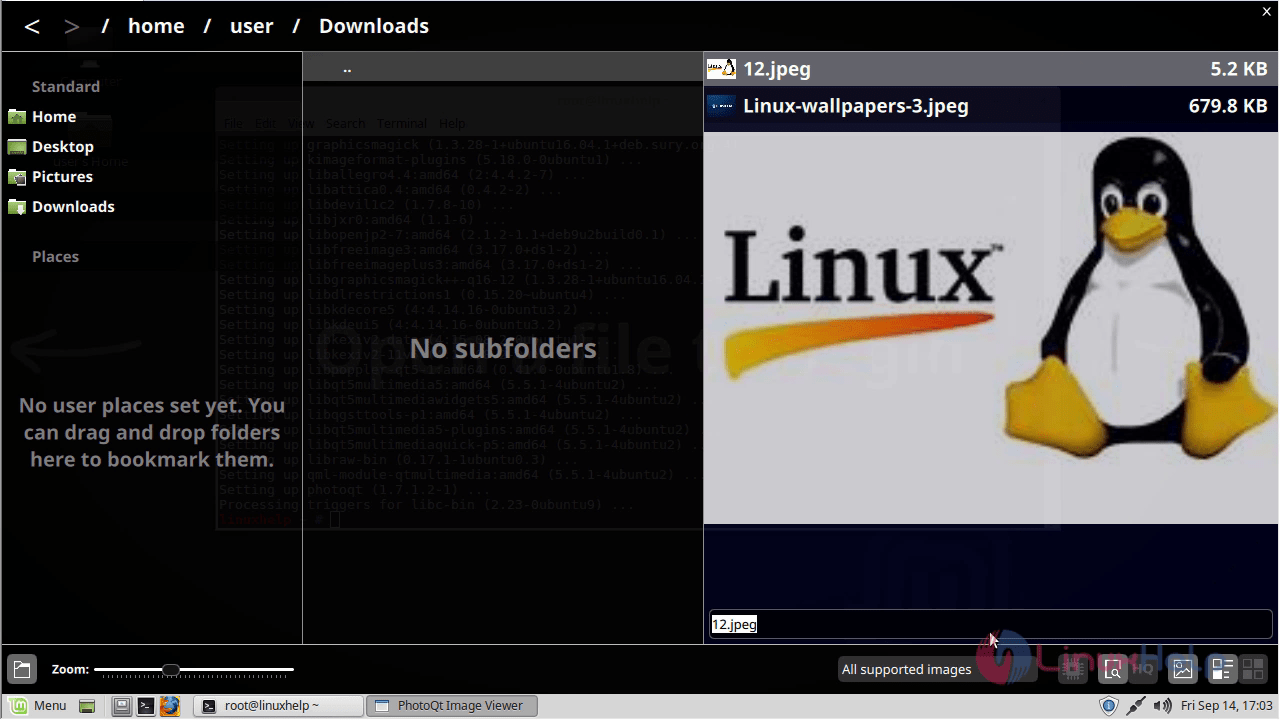
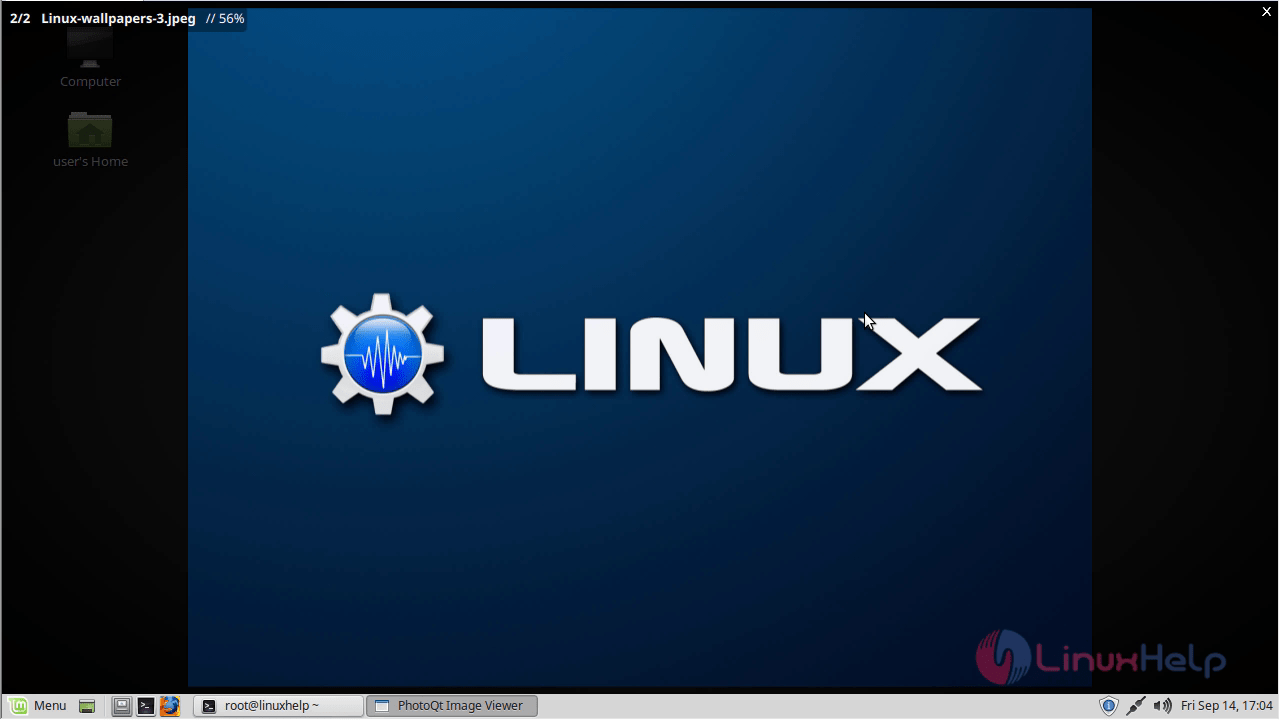
With this, the method to install photoqt on Linuxmint-18.03 comes to an end.
Comments ( 0 )
No comments available