How to install Pidgin 2.12.0 on Ubuntu 18.04
To install Pidgin 2.12.0 on Ubuntu 18.04
Pidgin is a free and widely used instant messaging chat application, which gives you the ability to log into multiple chat network accounts simultaneously. This application allows you to chat with friends on most of the popular chat services like Google Talk, AIM, ICQ, Jabber/XMPP, Bonjour, Gadu-Gadu, IRC, Novell GroupWise Messenger, Lotus Sametime, SILC, SIMPLE, MXit, and Zephyr.
Installation
Download a package using this following URL
root@linuxhelp1:~# wget http://security.ubuntu.com/ubuntu/pool/universe/p/pidgin/pidgin_2.12.0-1ubuntu4_amd64.deb
--2018-05-09 00:32:09--  http://security.ubuntu.com/ubuntu/pool/universe/p/pidgin/pidgin_2.12.0-1ubuntu4_amd64.deb
Resolving security.ubuntu.com (security.ubuntu.com)... 91.189.91.23, 91.189.91.26, 91.189.88.149, ...
Connecting to security.ubuntu.com (security.ubuntu.com)|91.189.91.23|:80... connected.
HTTP request sent, awaiting response... 200 OK
Length: 488308 (477K) [application/x-debian-package]
Saving to: ‘ pidgin_2.12.0-1ubuntu4_amd64.deb’

pidgin_2.12.0-1ubuntu4_ 100%[==============================> ] 476.86K  --.-KB/s    in 0.01s

2018-05-09 00:32:11 (44.8 MB/s) - ‘ pidgin_2.12.0-1ubuntu4_amd64.deb’  saved [488308/488308]
Now install Gdebi which will be used to resolve their dependencies when installing a Debian packages
root@linuxhelp1:~# apt-get install gdebi
Reading package lists... Done
Building dependency tree
Reading state information... Done

The following packages were automatically installed and are no longer required:

 apache2-bin apache2-data apache2-utils libapr1 libaprutil1 libaprutil1-dbd-sqlite3
  libaprutil1-ldap

Use ' sudo apt autoremove'  to remove them.

The following additional packages will be installed:

.
.
Setting up gdebi-core (0.9.5.7+nmu2) ...
Setting up gnome-icon-theme (3.12.0-3) ...
update-alternatives: using /usr/share/icons/gnome/scalable/places/debian-swirl.svg to provide /usr/share/icons/gnome/scalable/places/start-here.svg (start-here.svg) in auto mode
Processing triggers for man-db (2.8.3-2) ...
Processing triggers for gnome-menus (3.13.3-11ubuntu1) ...
Setting up libpango-perl (1.227-2build1) ...
Setting up gdebi (0.9.5.7+nmu2) ...
Setting up libgtk2-perl (2:1.24992-1build1) ...
Now install Pidgin application using the Gdebi command
root@linuxhelp1:~# gdebi pidgin_2.12.0-1ubuntu4_amd64.deb
Reading package lists... Done
Building dependency tree
Reading state information... Done
Reading state information... Done
.
.
Setting up pidgin (1:2.12.0-1ubuntu4) ...
Processing triggers for gnome-menus (3.13.3-11ubuntu1) ...
Processing triggers for desktop-file-utils (0.23-1ubuntu3) ...
Processing triggers for mime-support (3.60ubuntu1) ...
Processing triggers for man-db (2.8.3-2) ...
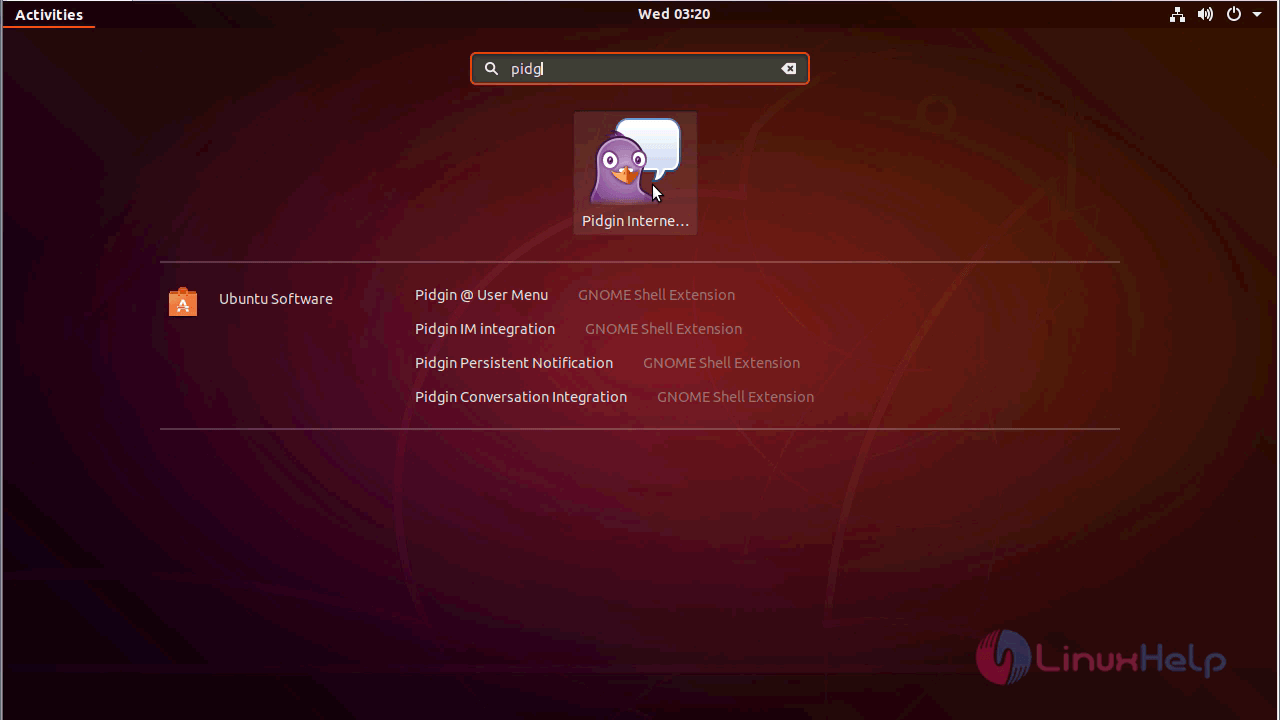
After installation, you can access the application from the menu as follows
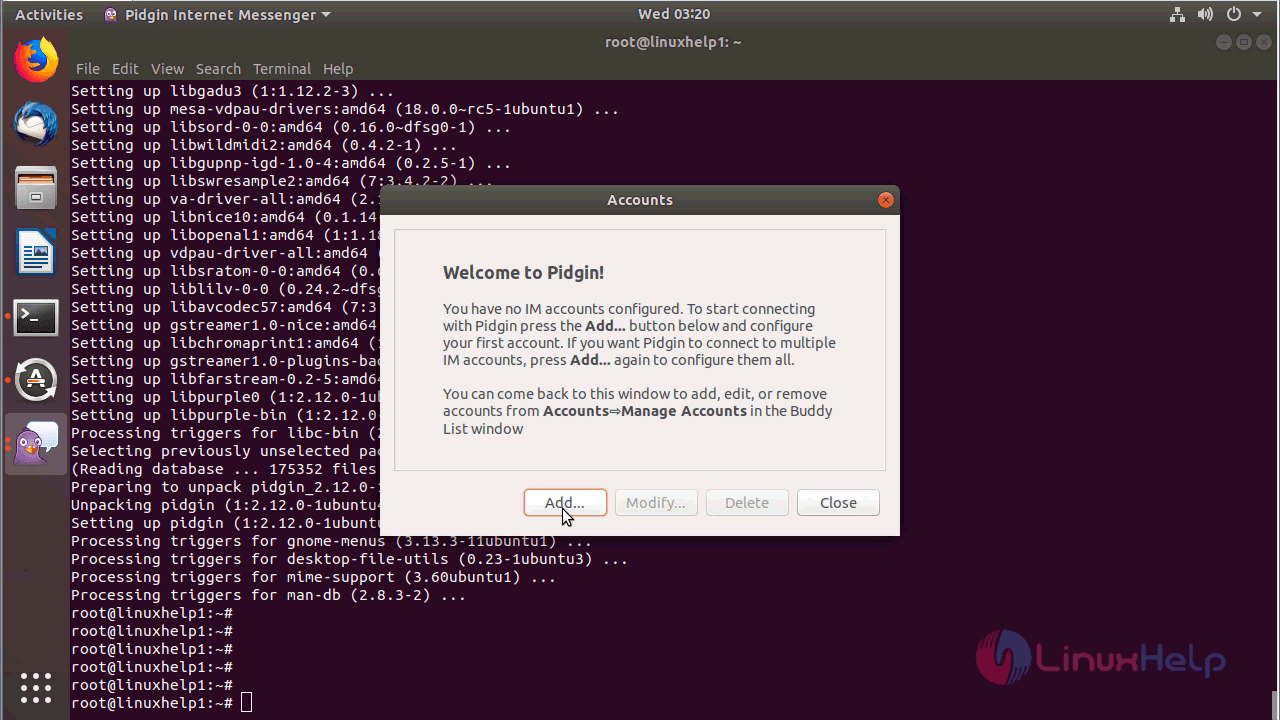
After launching the application you will see the welcome page of pidgin as shown here
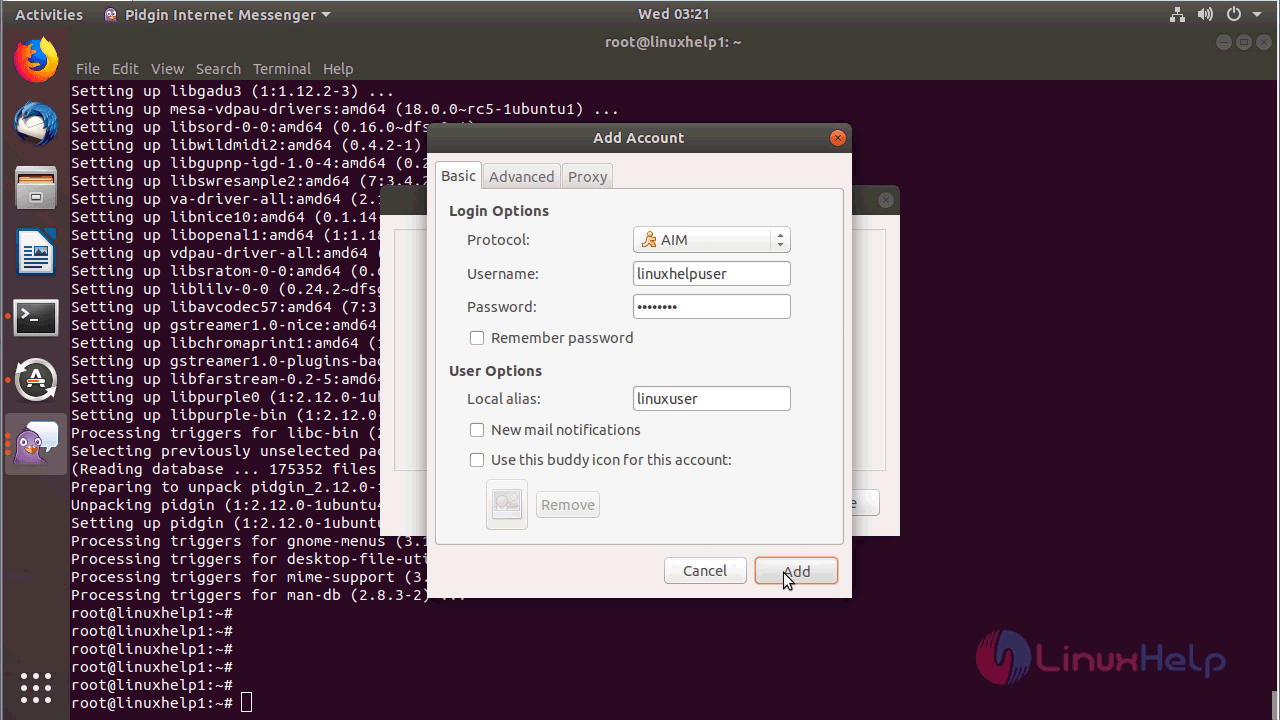
Add a User account in it
Next, you will see the chatting console of pidgin cms
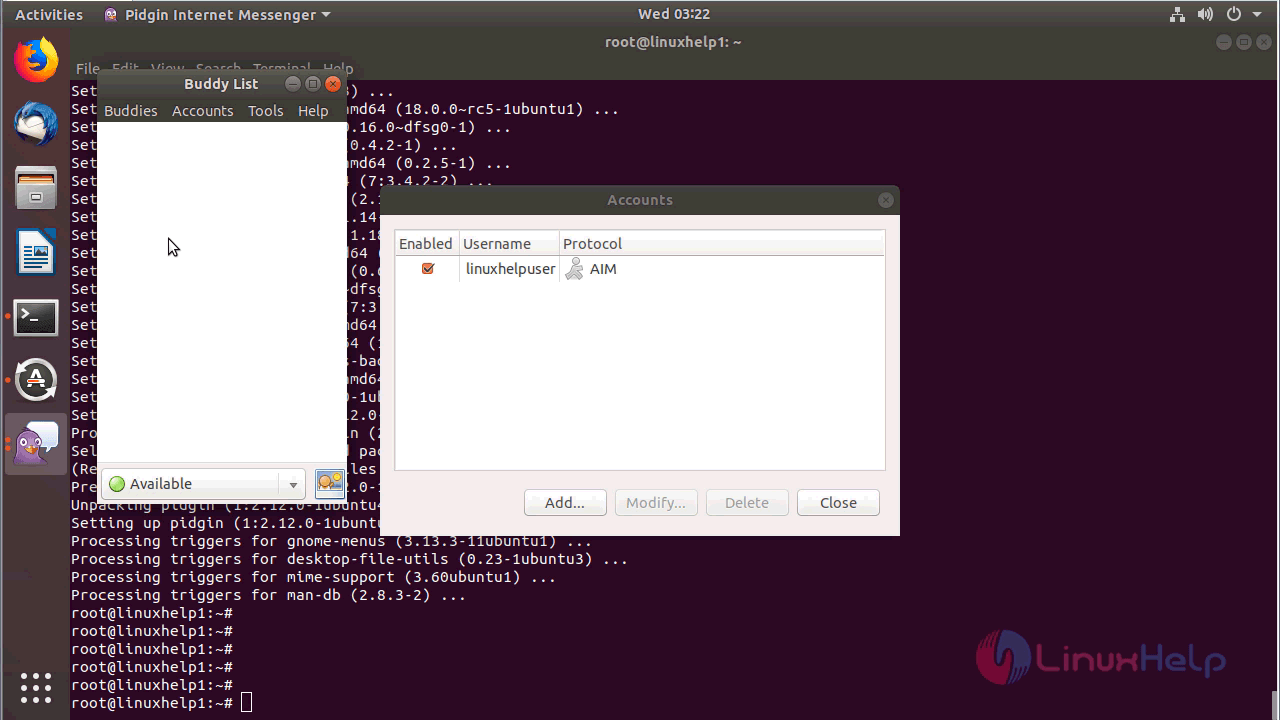
with this, the method to install Pidgin 2.12.0 on Ubuntu 18.04 comes to an end.
Comments ( 0 )
No comments available