How to install Pinta 1.6 on Ubuntu 18.04
{{postValue.id}}
To install Pinta 1.6 on Ubuntu 18.04
Pinta is a lightweight image editor with a wide collection of tools and options. It is used for performing animation effects such as resizing images, adjusting the colors of images, adding effects to the pictures, etc. This tutorial will explain how to install Pinta on Ubuntu 18.04.
Installation
Update the system repository using the following command
root@linuxhelp1:~# apt-get update
Hit:1 http://archive.canonical.com/ubuntu bionic InRelease
Hit:2 http://in.archive.ubuntu.com/ubuntu bionic InRelease
Hit:3 http://in.archive.ubuntu.com/ubuntu bionic-updates InRelease
Hit:4 http://in.archive.ubuntu.com/ubuntu bionic-backports InRelease
Hit:5 http://security.ubuntu.com/ubuntu bionic-security InRelease
Reading package lists... Done
Install the Pinta package using the following command
root@linuxhelp1:~# apt-get install pinta -y
Reading package lists... Done
Building dependency tree
Reading state information... Done
The following additional packages will be installed:
  binfmt-support ca-certificates-mono cli-common gnome-icon-theme libgdiplus libgif7
  libglib2.0-cil libgtk2.0-cil libmono-addins-gui0.2-cil libmono-addins0.2-cil
  libmono-cairo4.0-cil libmono-corlib4.5-cil libmono-i18n-west4.0-cil libmono-i18n4.0-cil
  libmono-posix4.0-cil libmono-security4.0-cil libmono-sharpzip4.84-cil
  libmono-system-configuration4.0-cil libmono-system-core4.0-cil
  libmono-system-drawing4.0-cil libmono-system-security4.0-cil libmono-system-xml4.0-cil
  libmono-system4.0-cil mono-4.0-gac mono-gac mono-runtime mono-runtime-common
  mono-runtime-sgen
Suggested packages:
  monodoc-gtk2.0-manual libmono-i18n4.0-all libgamin0
The following NEW packages will be installed:
.
.
Certificate added: C=US, O=VISA, OU=Visa International Service Association, CN=Visa eCommerce Root
Certificate added: C=US, OU=www.xrampsecurity.com, O=XRamp Security Services Inc, CN=XRamp Global Certification Authority
Certificate added: C=RO, O=certSIGN, OU=certSIGN ROOT CA
Certificate added: C=TW, O=" Chunghwa Telecom Co., Ltd." , OU=ePKI Root Certification Authority
Certificate added: C=US, O=" thawte, Inc." , OU=Certification Services Division, OU=" (c) 2006 thawte, Inc. - For authorized use only" , CN=thawte Primary Root CA
Certificate added: C=US, O=" thawte, Inc." , OU=" (c) 2007 thawte, Inc. - For authorized use only" , CN=thawte Primary Root CA - G2
Certificate added: C=US, O=" thawte, Inc." , OU=Certification Services Division, OU=" (c) 2008 thawte, Inc. - For authorized use only" , CN=thawte Primary Root CA - G3
148 new root certificates were added to your trust store.
Import process completed.
Done
done.
Once Installation is done you can access the Pinta from the Menu as shown here
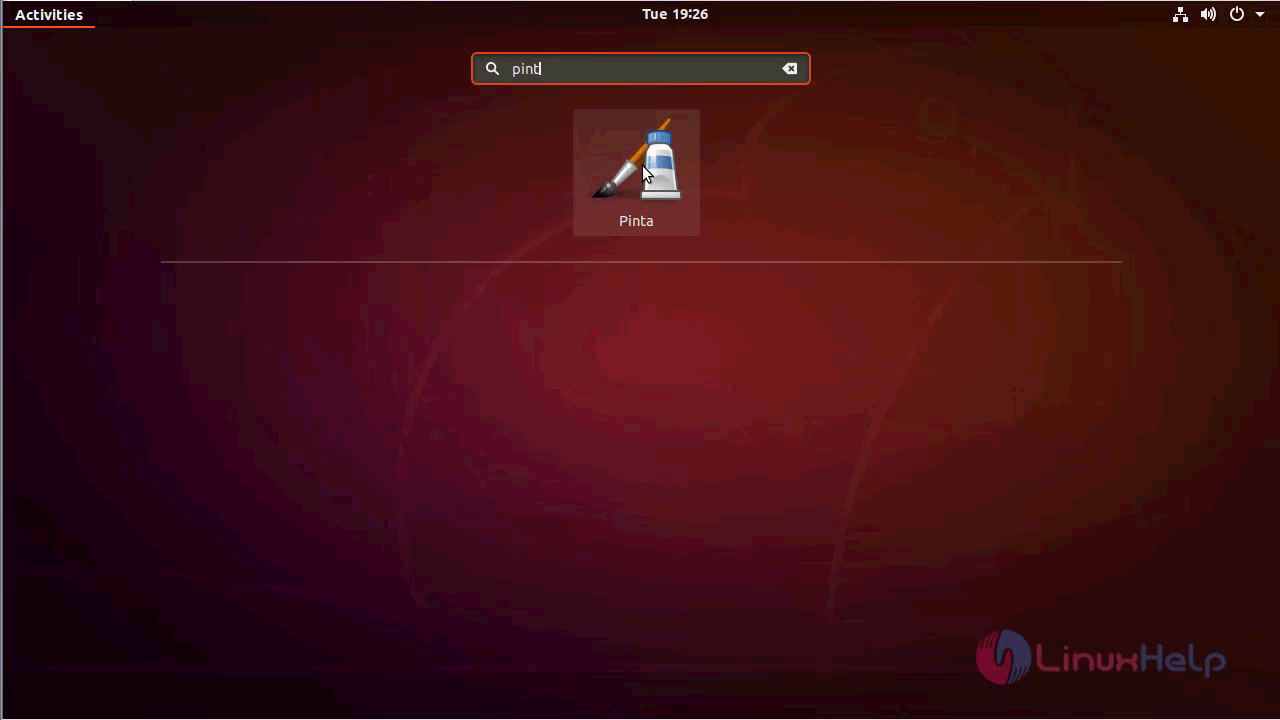
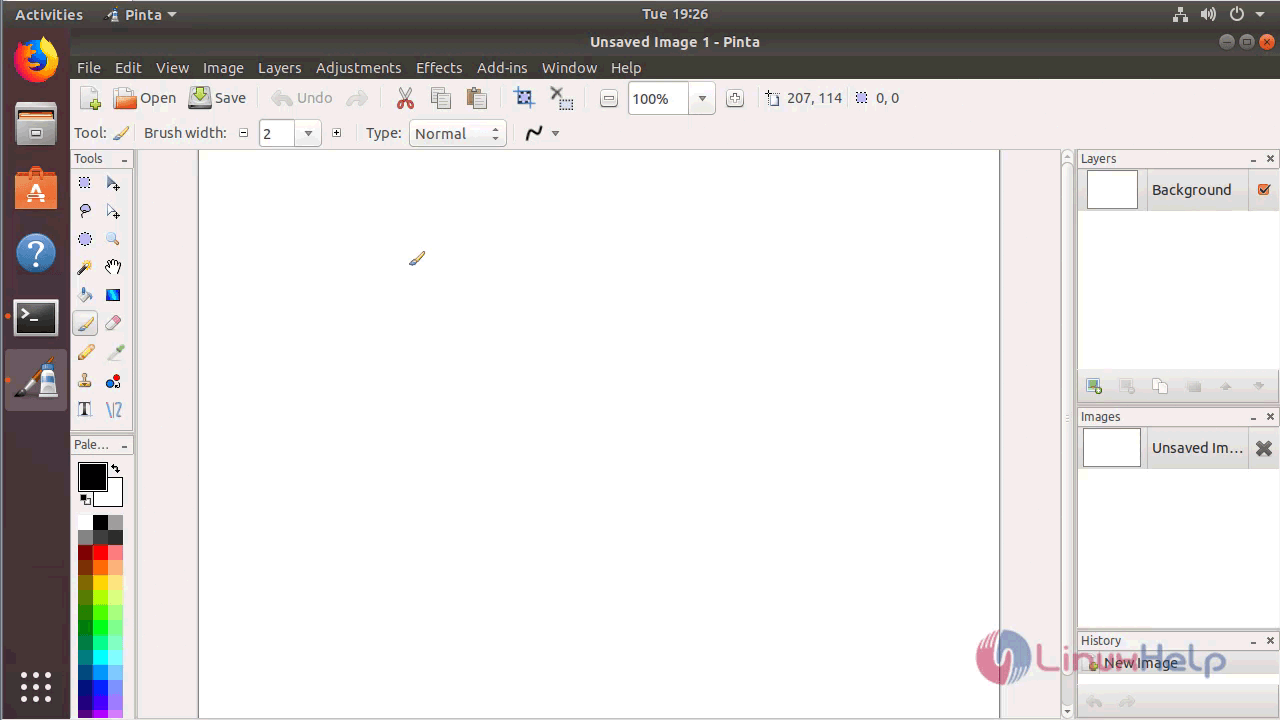
Pinta application
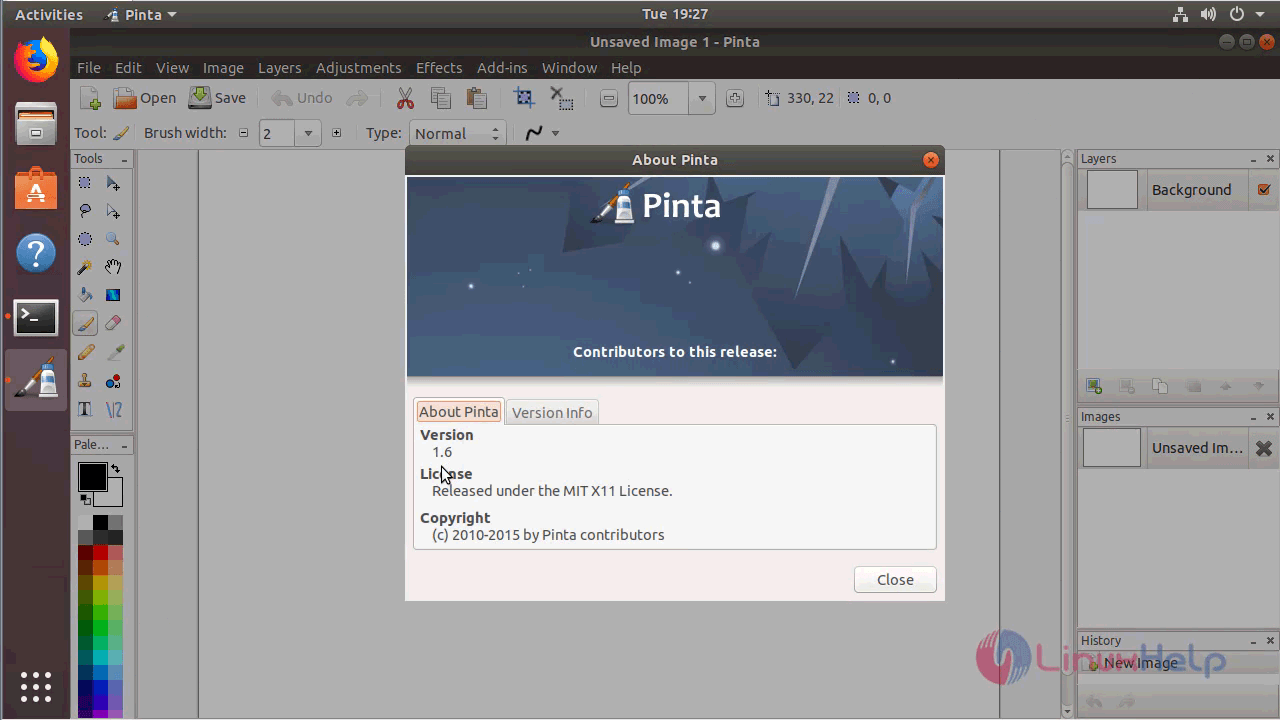
The version of Pinta can be found in Help-> About
With this, the method to install Pinta on Ubuntu 18.04 comes to an end.
Comments ( 0 )
No comments available