How to install Piwik on OpenSUSE Leap 42.3
To install Piwik on OpenSUSE Leap 42.3
Piwik is an open analytics platform currently used by individuals, companies, and governments all over the world. It helps you to track the number of websites visitors and create complex reports for the analyzed websites. With Piwik, your data will always be yours. It is so simple to install Piwik and this tutorial covers the method to install Piwik on OpenSUSE Leap 42.3.
Requirements
LAMP Stack
- Apache
- MariaDB
- PHP 7
Installing Piwik
Before starting the installation process, download the package using wget command along with its official download link by making use of the following command.
linuxhelp:~ # wget https://builds.piwik.org/piwik.zip
--2017-11-27 10:07:12--  https://builds.piwik.org/piwik.zip
Resolving builds.piwik.org (builds.piwik.org)... 185.31.40.177
Connecting to builds.piwik.org (builds.piwik.org)|185.31.40.177|:443... connected.
HTTP request sent, awaiting response... 200 OK
Length: 18427167 (18M) [application/zip]
Saving to: ‘ piwik.zip’

100%[==============================================================================================================================================> ] 18,427,167   920KB/s   in 31s

2017-11-27 10:07:45 (576 KB/s) - ‘ piwik.zip’  saved [18427167/18427167]
Once it is downloaded, you need to extract the package by making use of the following command.
linuxhelp:~ # unzip piwik.zip -d /srv/www/htdocs/
Archive:  piwik.zip
   creating: /srv/www/htdocs/piwik/
  inflating: /srv/www/htdocs/piwik/SECURITY.md
  inflating: /srv/www/htdocs/piwik/LEGALNOTICE
   creating: /srv/www/htdocs/piwik/tests/
  inflating: /srv/www/htdocs/piwik/tests/README.md
   creating: /srv/www/htdocs/piwik/config/
  inflating: /srv/www/htdocs/piwik/config/global.php
.
.
.
.
creating: /srv/www/htdocs/piwik/plugins/MobileMessaging/templates/
  inflating: /srv/www/htdocs/piwik/plugins/MobileMessaging/templates/credentials.twig
  inflating: /srv/www/htdocs/piwik/plugins/MobileMessaging/templates/SMSReport.twig
  inflating: /srv/www/htdocs/piwik/plugins/MobileMessaging/templates/index.twig
  inflating: /srv/www/htdocs/piwik/plugins/MobileMessaging/templates/macros.twig
  inflating: /srv/www/htdocs/piwik/plugins/MobileMessaging/templates/reportParametersScheduledReports.twig
  inflating: /srv/www/htdocs/How to install Piwik.html
And once it is done, you need to move inside the apache document root by making use of the following command and then list the contents of the location.
linuxhelp:~ # cd /srv/www/htdocs/
linuxhelp:/srv/www/htdocs # ls -l
total 24
-rw-r--r--  1 root   root  336 Oct 12 08:30 How to install Piwik.html
drwxrwxr-x  2 wwwrun www  4096 Oct  9 23:15 gif
-rwxrwxr-x  1 wwwrun www  2356 Mar 18  2017 info2html.css
drwxr-xr-x 12 root   root 4096 Oct 12 08:30 piwik
You need to provide appropriate owner permission and file execution permissions with the help of the following command.
linuxhelp:/srv/www/htdocs # chown -R wwwrun:www /srv/www/htdocs/
linuxhelp:/srv/www/htdocs # chmod -R 775 /srv/www/htdocs/
Once it is done, you need to configure the Apache’ s VirtualHost, so open a .conf file by running the following command.
linuxhelp:/srv/www/htdocs # vim /etc/apache2/conf.d/piwik.conf
And make the following entry into it.
< VirtualHost *:80>
DocumentRoot " /srv/www/htdocs"
ServerName www.linuxhelp1.com
< Directory " /srv/www/htdocs/" >
DirectoryIndex index.php
Options FollowSymLinks
AllowOverride All
Require all granted
< /Directory>
< /VirtualHost>
Once it is done, you need to restart your apache service by making use of the following command.
linuxhelp:/srv/www/htdocs # systemctl restart apache
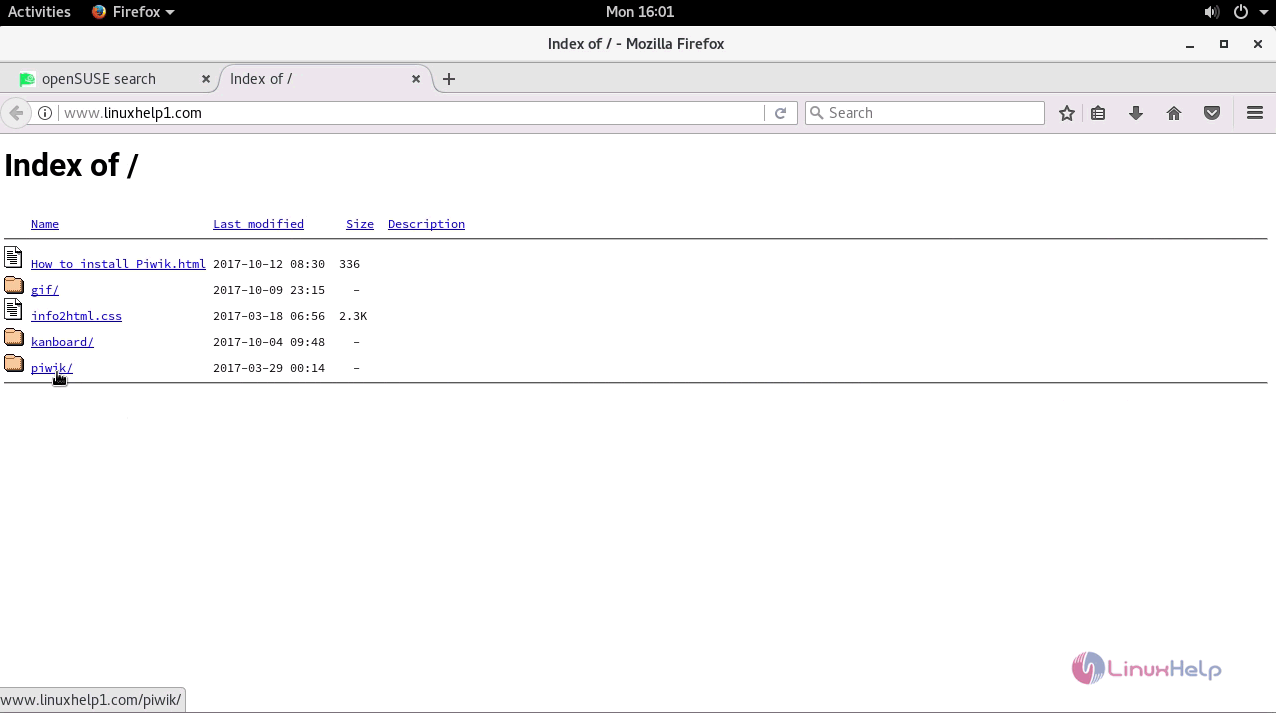
And then, open your browser and type http://yourdomain in the URL field. In the index list, choose Piwik.
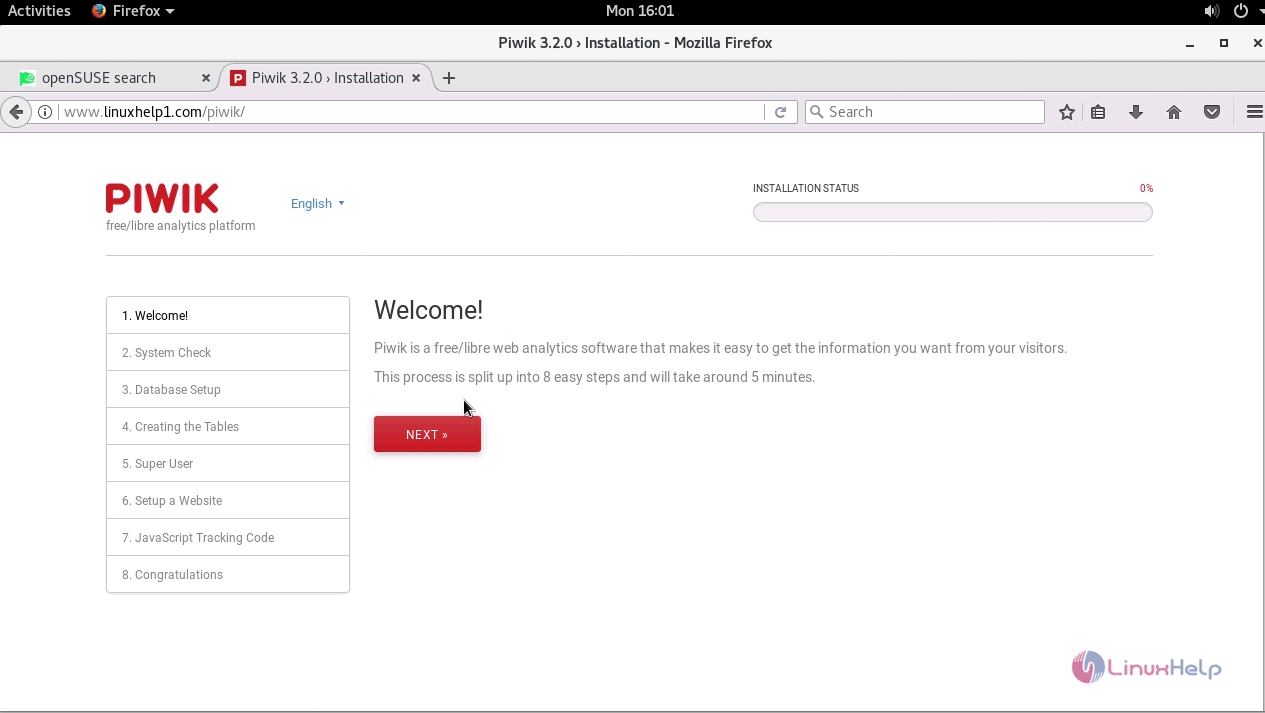
You will be taken to the Piwik installation setup. Click Next to proceed further.
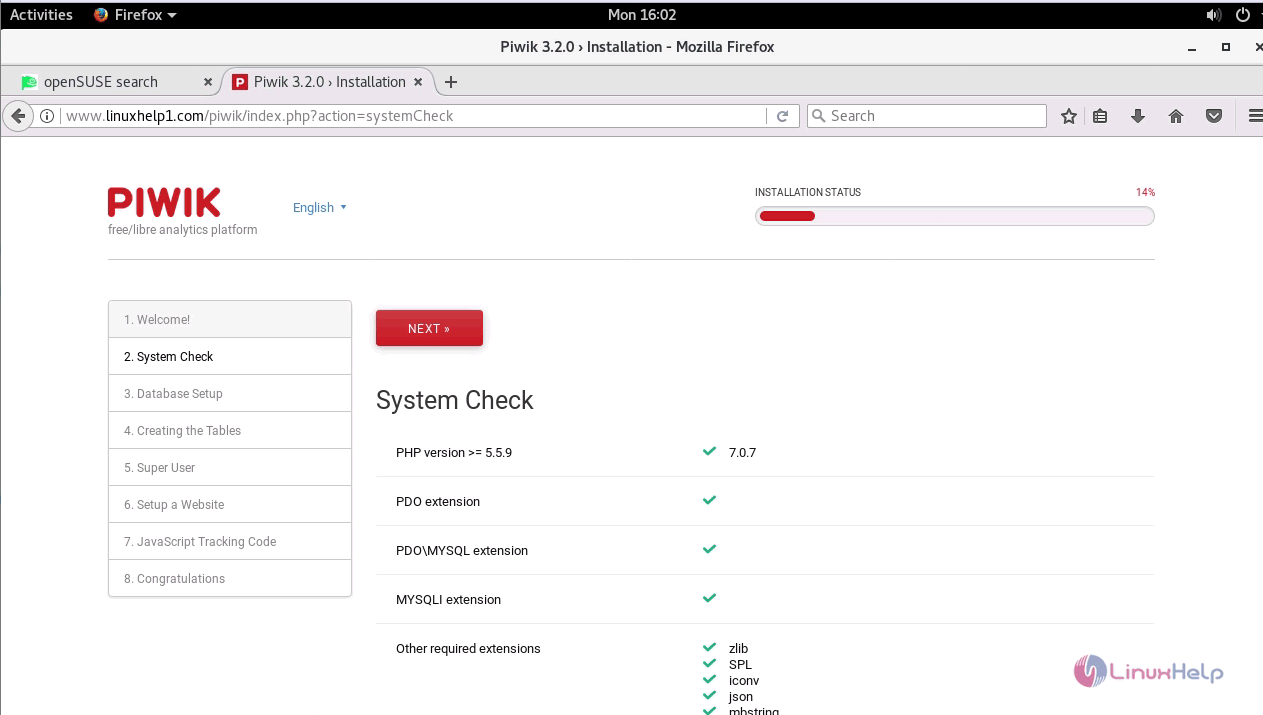
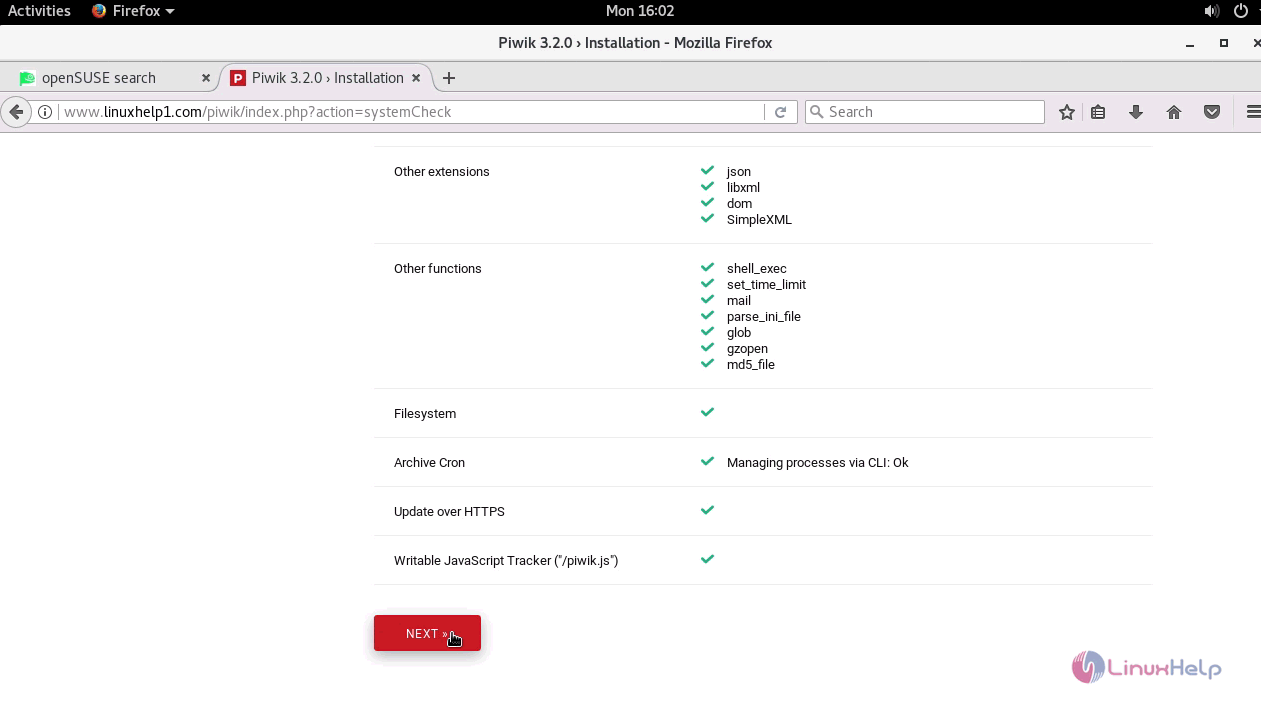
In the next step, the system check takes place. Proceed further by clicking on the Next button.
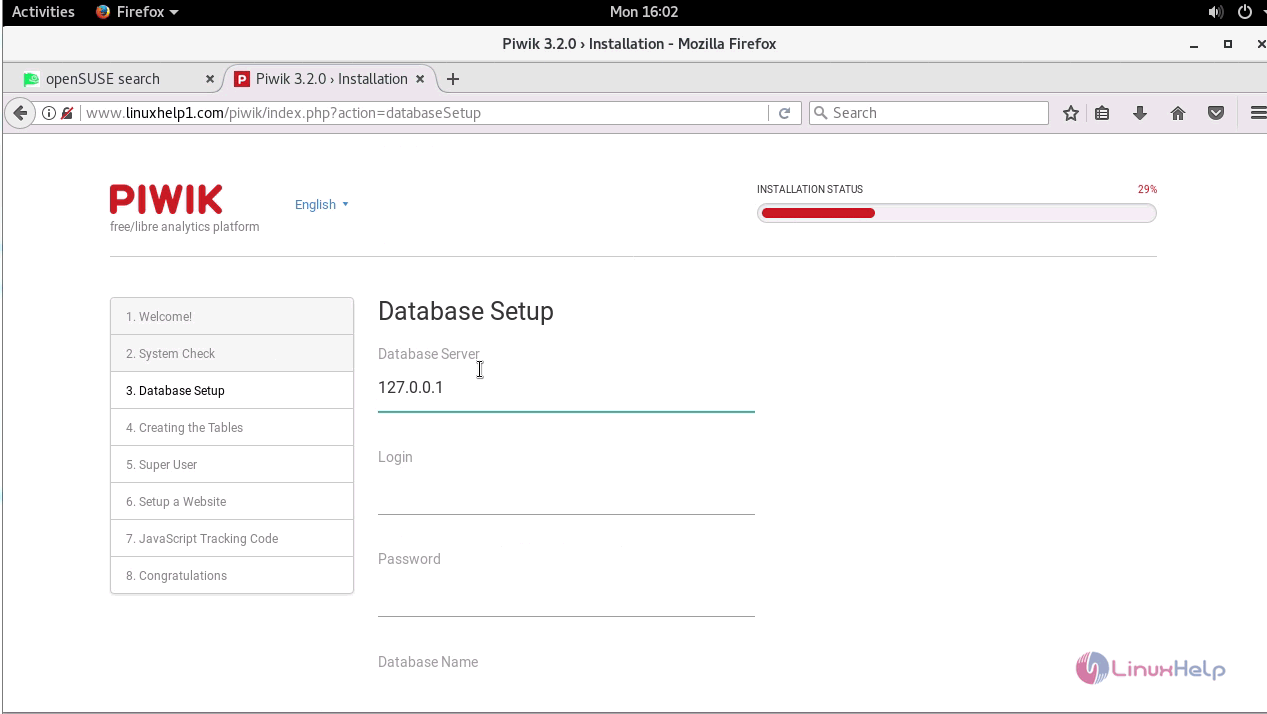
And then you need to do Database setup.
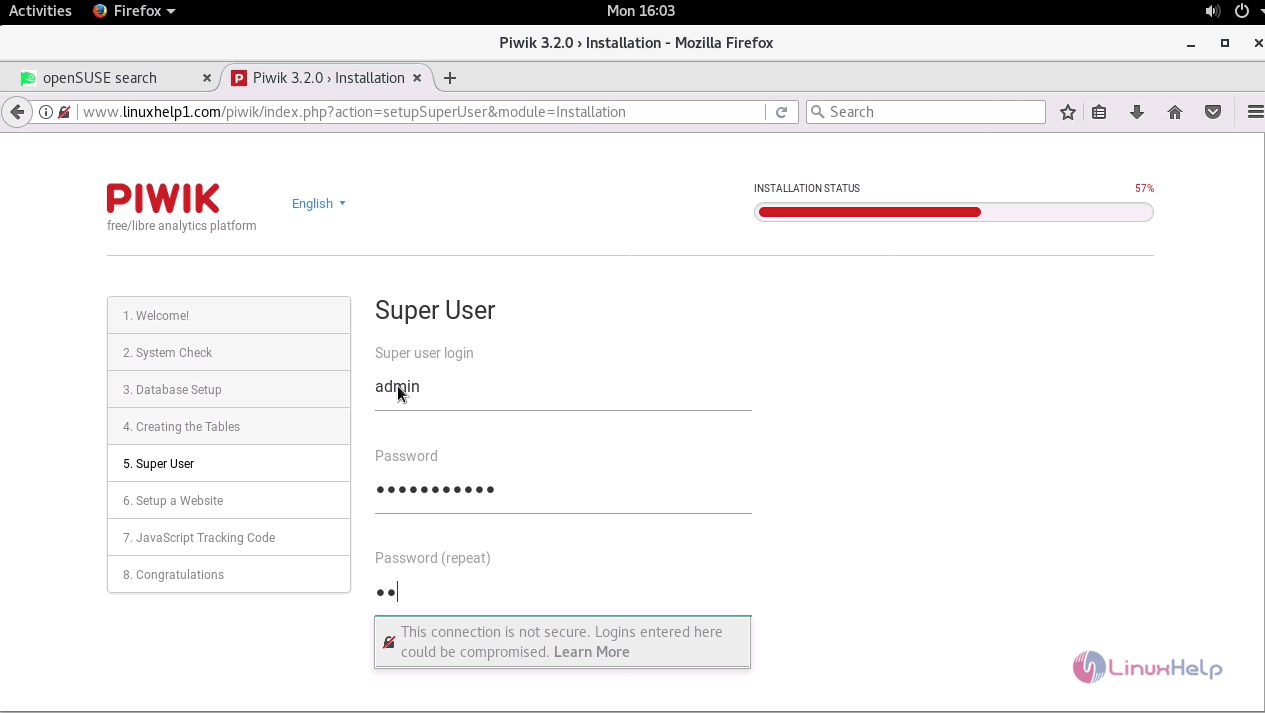
Also, you need to create a superuser account.
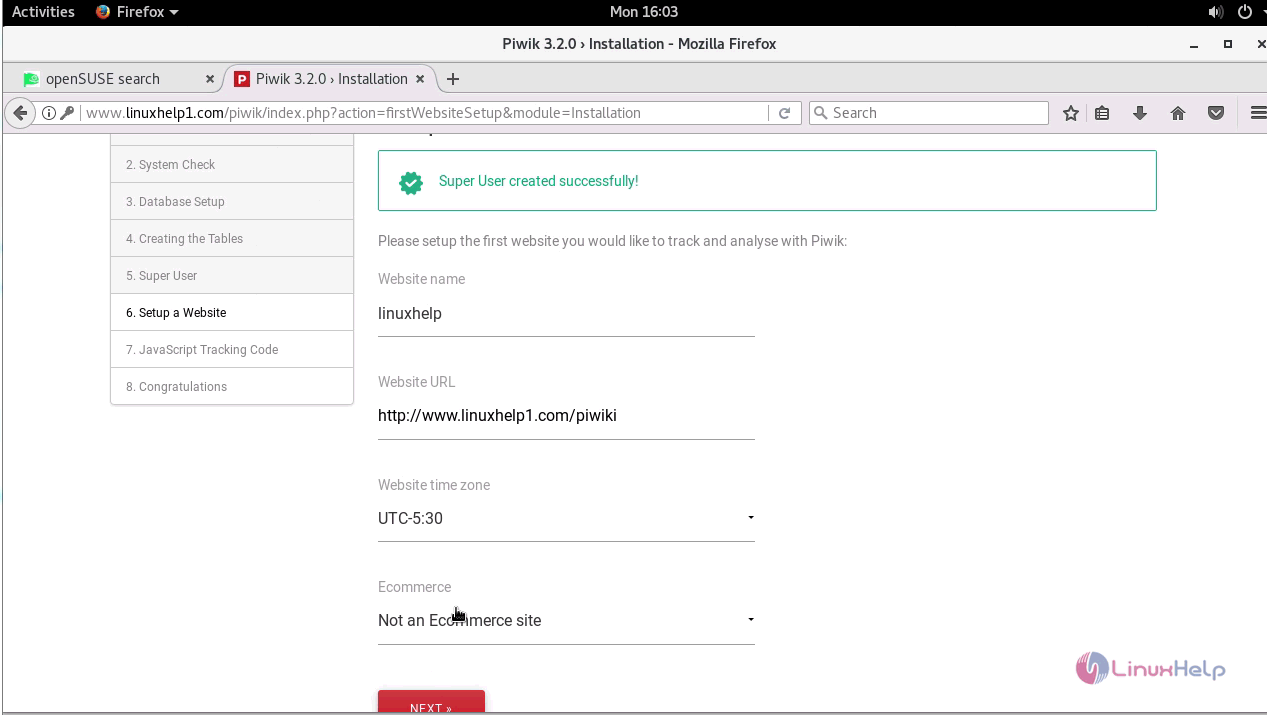
Finally, you need to set up a website.
With this, the installation of piwik on OpenSUSE leap 42.3 comes to an end.
Comments ( 0 )
No comments available