How To install pogo audio player in Ubuntu 17.04
To install Pogo Player in Ubuntu 17.04
Pogo is a simple and lightweight audio player which is fast and easy-to-use. It is forked from Decibel Audio Player and supports a wide variety of common audio formats. It is built using Python programming language and also makes use of gtreamer and GTK+. Due to its clear interface, the screen can be very efficiently used. Other features include: Fast search on the hard-drive and in the playlist, smart album grouping, cover display, desktop notifications and no music library.
Installing Pogo Player
Before you begin with the installation, make sure you add the necessary repo by executing &ldquo add-apt-repository&rdquo command.
root@linuxhelp:~# add-apt-repository ppa:pogo-dev/stable
 This PPA contains stable Pogo builds.

Installation instructions for the terminal:

sudo add-apt-repository ppa:pogo-dev/stable
sudo apt-get update
sudo apt-get install pogo

Alternatively you can add ppa:pogo-dev/stable to your system' s Software Sources in the Ubuntu Software-Center.
 More info: https://launchpad.net/~pogo-dev/+archive/ubuntu/stable
Press \[ENTER\] to continue or ctrl-c to cancel adding it

gpg: keybox ' /tmp/tmportljqqd/pubring.gpg'  created
gpg: /tmp/tmportljqqd/trustdb.gpg: trustdb created
gpg: key F2244A5C0D4D9B55: public key " Launchpad PPA for Pogo Dev"  imported
gpg: Total number processed: 1
gpg:               imported: 1
OK
Once it is done, update the apt source by running the following command.
root@linuxhelp:~# apt-get update Get:1 http://ppa.launchpad.net/pogo-dev/stable/ubuntu zesty InRelease \[15.4 kB\]
Get:2 http://ppa.launchpad.net/pogo-dev/stable/ubuntu zesty/main i386 Packages \[624 B\]
Get:3 http://security.ubuntu.com/ubuntu zesty-security InRelease \[89.2 kB\]
Get:4 http://ppa.launchpad.net/pogo-dev/stable/ubuntu zesty/main amd64 Packages \[624 B\]
Get:5 http://ppa.launchpad.net/pogo-dev/stable/ubuntu zesty/main Translation-en \[540 B\]
Hit:6 http://in.archive.ubuntu.com/ubuntu zesty InRelease
Get:7 http://in.archive.ubuntu.com/ubuntu zesty-updates InRelease \[89.2 kB\]
Get:8 http://in.archive.ubuntu.com/ubuntu zesty-backports InRelease \[89.2 kB\]
Fetched 285 kB in 3s (84.6 kB/s)
Reading package lists... Done
Now is the time to install the pogo player. Trigger its installation process by executing the following command.
root@linuxhelp:~# apt-get install pogo Reading package lists... Done
Building dependency tree
Reading state information... Done
The following additional packages will be installed:
  gnome-settings-daemon python3-mutagen
Suggested packages:
  python-mutagen-doc
The following NEW packages will be installed:
  gnome-settings-daemon pogo python3-mutagen
0 upgraded, 3 newly installed, 0 to remove and 174 not upgraded.
Need to get 0 B/594 kB of archives.
After this operation, 3,044 kB of additional disk space will be used.
Do you want to continue? \[Y/n\] y
Selecting previously unselected package python3-mutagen.
(Reading database ... 170934 files and directories currently installed.)
Preparing to unpack .../python3-mutagen\_1.36-1\_all.deb ...
Unpacking python3-mutagen (1.36-1) ...
Selecting previously unselected package pogo.
Preparing to unpack .../pogo\_0.9.2-0~674~ubuntu17.04.1\_all.deb ...
Unpacking pogo (0.9.2-0~674~ubuntu17.04.1) ...
Selecting previously unselected package gnome-settings-daemon.
Preparing to unpack .../gnome-settings-daemon\_3.24.2-0ubuntu0.1\_amd64.deb ...
Unpacking gnome-settings-daemon (3.24.2-0ubuntu0.1) ...
Setting up python3-mutagen (1.36-1) ...
Setting up gnome-settings-daemon (3.24.2-0ubuntu0.1) ...
Processing triggers for mime-support (3.60ubuntu1) ...
Processing triggers for desktop-file-utils (0.23-1ubuntu2) ...
Processing triggers for bamfdaemon (0.5.3+17.04.20170406-0ubuntu1) ...
Rebuilding /usr/share/applications/bamf-2.index...
Setting up pogo (0.9.2-0~674~ubuntu17.04.1) ...
Processing triggers for man-db (2.7.6.1-2) ...
Processing triggers for gnome-menus (3.13.3-6ubuntu5) ...
Processing triggers for hicolor-icon-theme (0.15-1) ...
We are though with the installation. You can now use your application search bar and type &ldquo pogo&rdquo
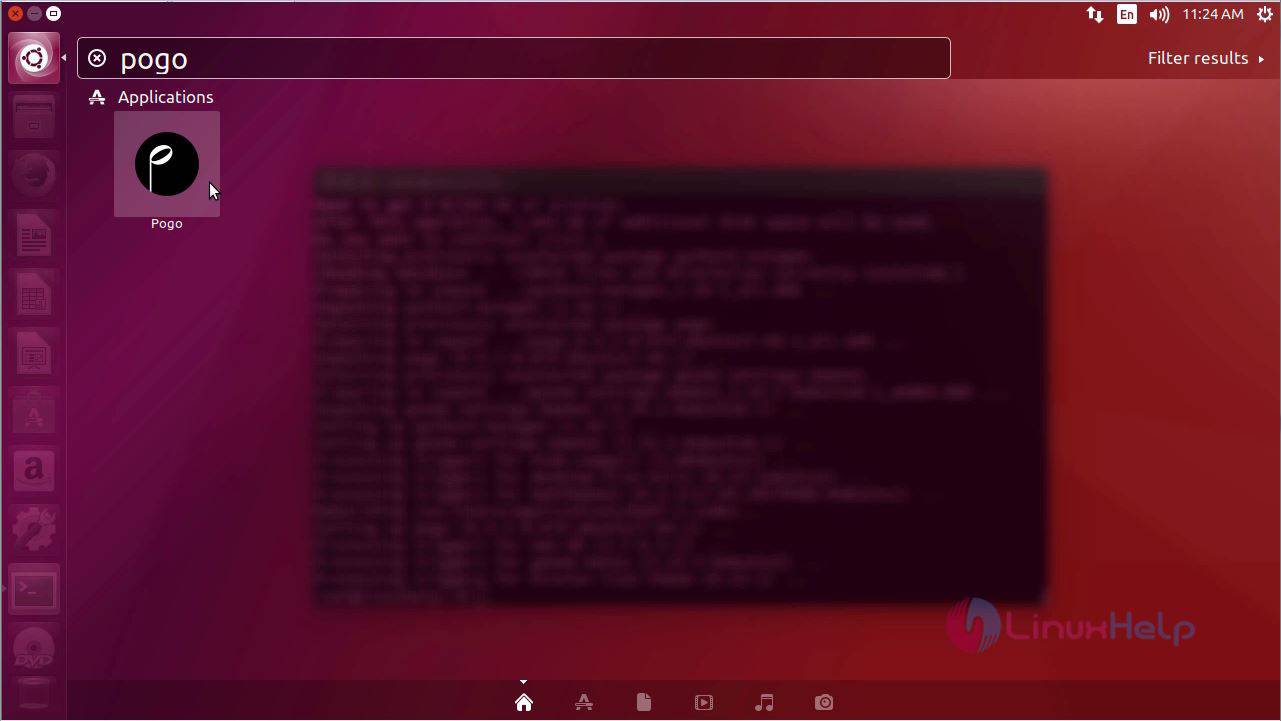
Click the pogo player icon to open the player.
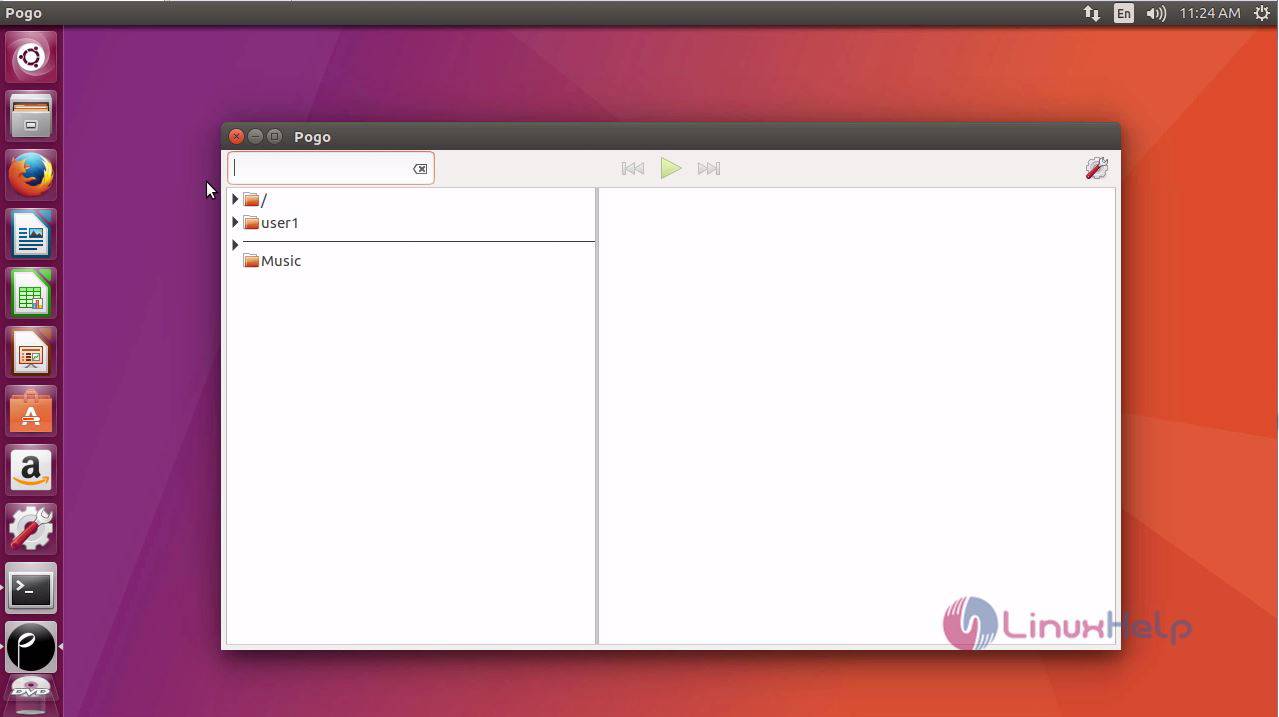
Next open the audio file directory
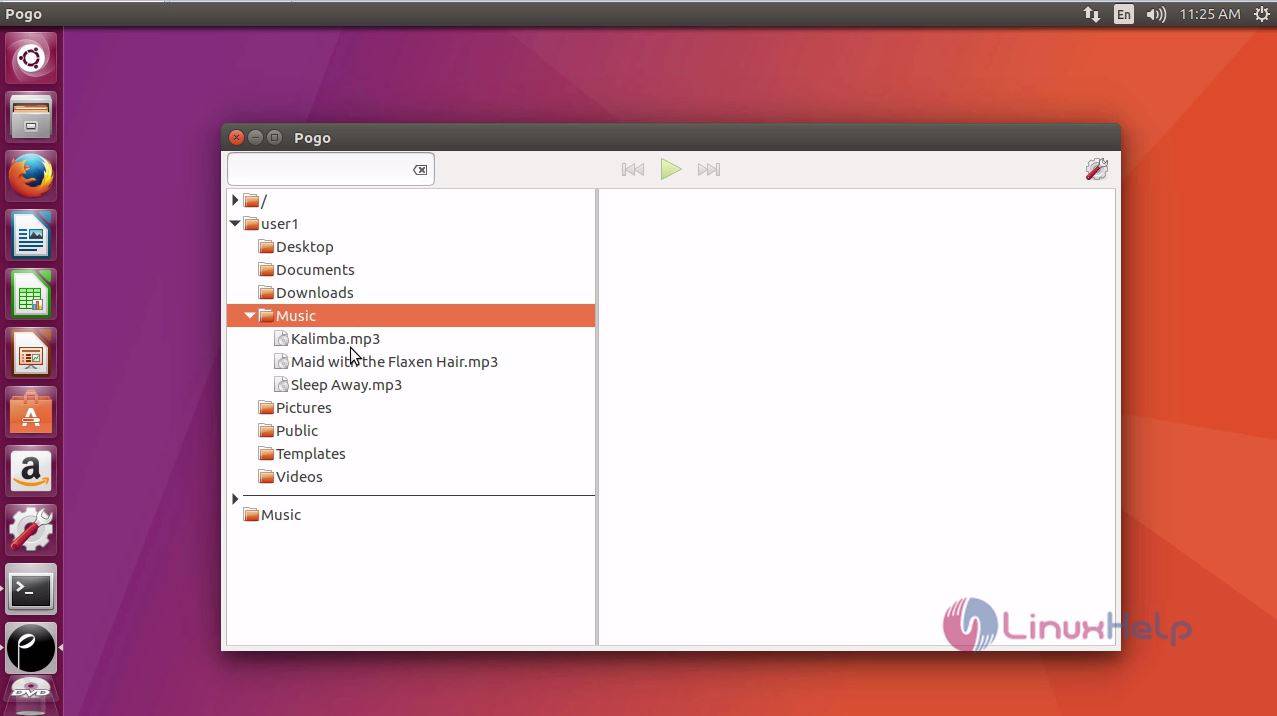
And double click the audio file to play it.
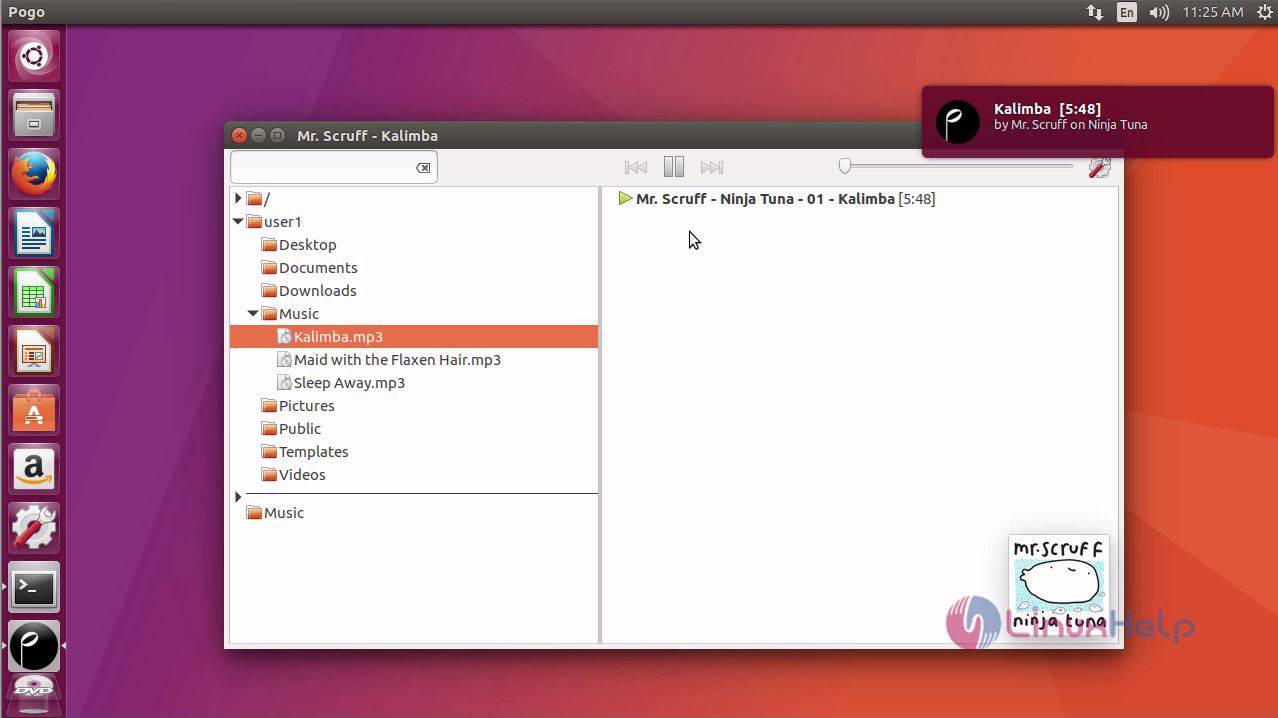
Enjoy playing and listening audios from the Pogo player.
Comments ( 0 )
No comments available