How to install Pragha music player – 1.3.91.1 on Ubuntu – 18.04
To install Pragha music player &ndash 1.3.91.1 on Ubuntu &ndash 18.04
Pragha is a Lightweight Music Player for GNU/Linux, based on Gtk, SQLite, and completely written in C, constructed to be fast, light, and simultaneously tries to be complete without obstructing the daily work. Library with multiple views, according to tags or folder structure. It is so simple to install Pragha music player 1.3.91.1 on Ubuntu 18.04 and this tutorial covers the ground on the same process.
Installing Pragha
Add the repository that contains the pragha music player by using the following command.
root@linuxhelp1:~# add-apt-repository ppa:ubuntuhandbook1/pragha
 Pragha is a Lightweight Music Player for GNU/Linux.

https://github.com/matiasdelellis/pragha

 More info: https://launchpad.net/~ubuntuhandbook1/+archive/ubuntu/pragha
Press [ENTER] to continue or Ctrl-c to cancel adding it.
.
.
Hit:5 http://in.archive.ubuntu.com/ubuntu bionic-updates InRelease
Get:6 http://ppa.launchpad.net/ubuntuhandbook1/pragha/ubuntu bionic/main amd64 Packages [712 B]
Get:7 http://ppa.launchpad.net/ubuntuhandbook1/pragha/ubuntu bionic/main Translation-en [288 B]
Hit:8 http://in.archive.ubuntu.com/ubuntu bionic-backports InRelease
Fetched 17.1 kB in 3s (6,705 B/s)
Reading package lists... Done
After adding a repository need to update the system repository package.
root@linuxhelp1:~# apt-get update
Hit:1 http://ppa.launchpad.net/ubuntuhandbook1/pragha/ubuntu bionic InRelease
Hit:2 http://security.ubuntu.com/ubuntu bionic-security InRelease
Get:3 http://in.archive.ubuntu.com/ubuntu bionic InRelease [235 kB]
Hit:4 http://in.archive.ubuntu.com/ubuntu bionic-updates InRelease
Hit:5 http://in.archive.ubuntu.com/ubuntu bionic-backports InRelease
Fetched 235 kB in 2s (143 kB/s)
Reading package lists... Done
Now you can install the Pragha music player by using the following command.
root@linuxhelp1:~# apt-get install pragha
Reading package lists... Done
Building dependency tree
Reading state information... Done
The following packages were automatically installed and are no longer required:
  apache2-bin apache2-data apache2-utils libapr1 libaprutil1 libaprutil1-dbd-sqlite3
  libaprutil1-LDAP
Use ' sudo apt autoremove'  to remove them.
The following additional packages will be installed:
.
.
Processing triggers for hicolor-icon-theme (0.17-2) ...
Setting up libkeybinder-3.0-0:amd64 (0.3.2-1) ...
Setting up libxfce4util7:amd64 (4.12.1-3) ...
Setting up libxfce4util-bin (4.12.1-3) ...
Setting up xfconf (4.12.1-1) ...
Setting up libxfconf-0-2 (4.12.1-1) ...
Setting up libxfce4ui-2-0:amd64 (4.13.4-1ubuntu1) ...
Setting up pragha (1.3.91.1-0build1~18.04) ...
Processing triggers for libc-bin (2.27-0ubuntu2) ...
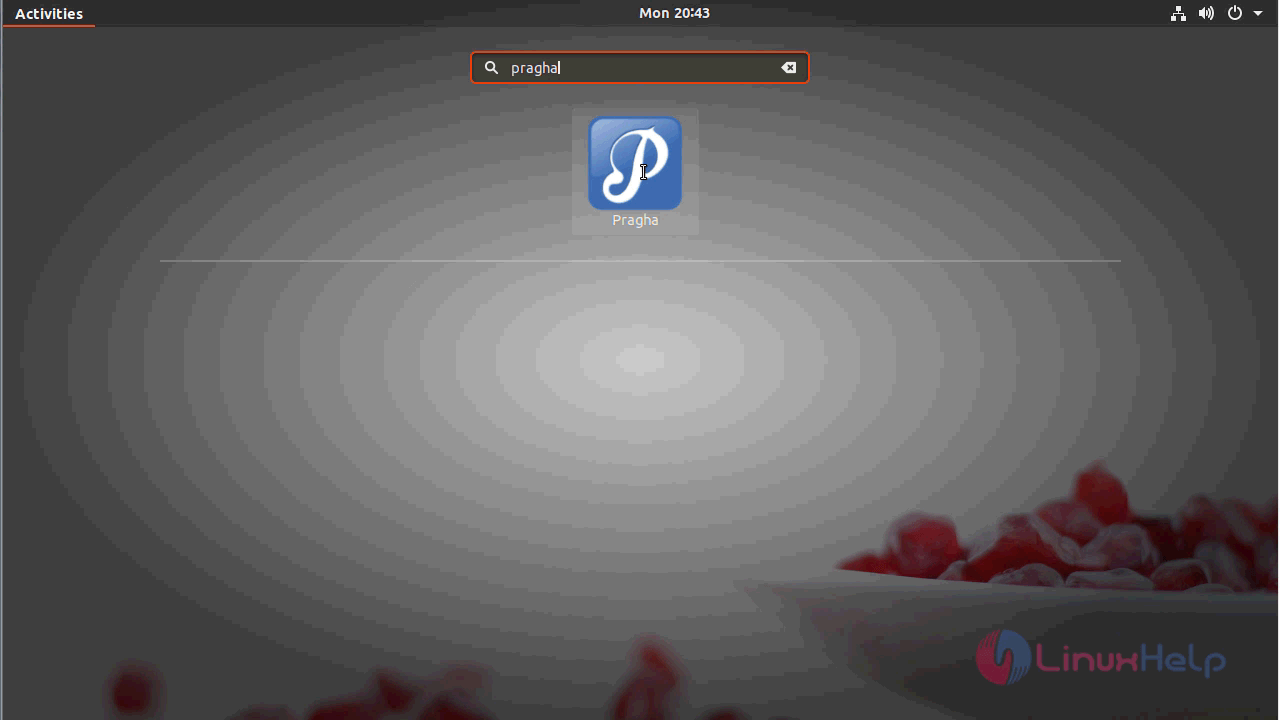
The application is installed now and you can access it by searching from menu.
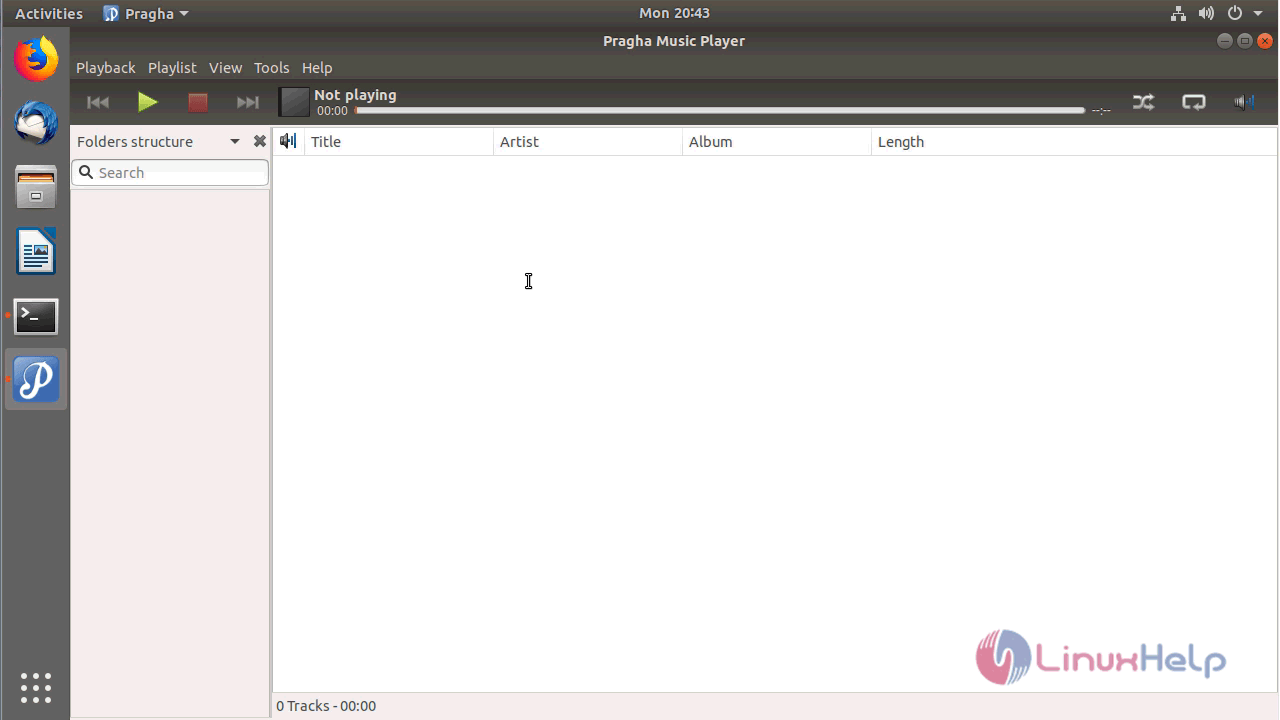
The application has been launched now and you can add the audio files to start playing it.
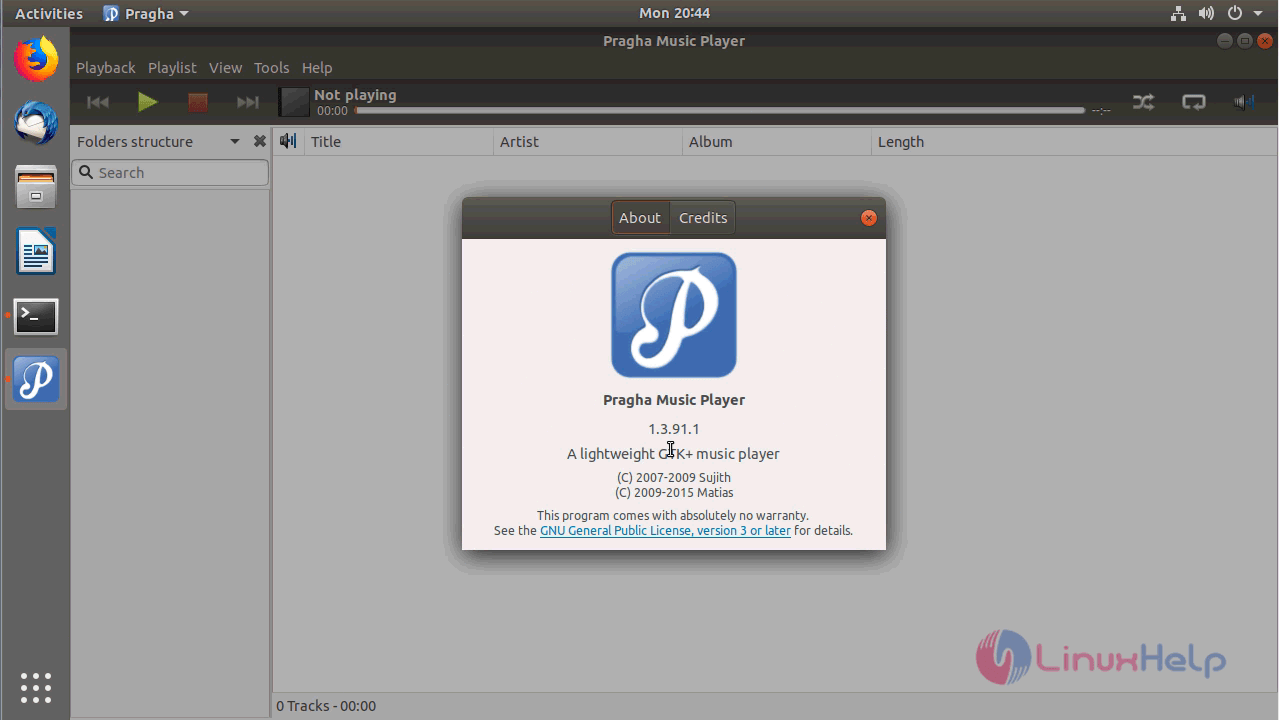
You can verify the installed version from the help menu by navigating to about option.
With this, the method to install Pragha music player &ndash 1.3.91.1 on Ubuntu &ndash 18.04
Comments ( 0 )
No comments available