How to install Precurio CRM on Ubuntu 18.04
To install Precurio CRM on Ubuntu 18.04
Precurio is an open platform for collaborative business solutions that delivers exceptional value in terms of cost savings and benefits to our customers. The idea was conceived in 2007 as a response to the difficulty involved in setting up off-the-shelf intranet software. We also know how difficult it is to customize these products to the needs of your organization. Precurio is the ultimate middle ground for IT managers torn between developing an in-house intranet portal, and purchasing an off-the-shelf intranet solution.
Prerequisites
Precurio CRM requires a webserver to function based on LAMP setup on your system and also with following required PHP modules
apt-get install php-mysql php-curl php-json php-cgi php libapache2-mod-php php-mcrypt php-xmlrpc php-gd php-mbstring php  php-common  php-xmlrpc php-soap  php-xml php-intl  php-cli  php-ldap php-zip
php-readline php-imap php-tidy php-recode php-sqlite3 php-xdebug php-gettext php-dev php-pear php-memcache php-memcached php-bz2
Update the system repository
root@www:~# apt-get update
Hit:2 http://in.archive.ubuntu.com/ubuntu bionic-updates InRelease
Hit:3 http://in.archive.ubuntu.com/ubuntu bionic-backports InRelease
Hit:4 http://security.ubuntu.com/ubuntu bionic-security InRelease
Get:1 http://in.archive.ubuntu.com/ubuntu bionic InRelease [235 kB]
Get:5 http://in.archive.ubuntu.com/ubuntu bionic/main amd64 Packages [1,018 kB]
.
.
Get:15 http://in.archive.ubuntu.com/ubuntu bionic/multiverse amd64 Packages [150 kB]
Get:16 http://in.archive.ubuntu.com/ubuntu bionic/multiverse i386 Packages [143 kB]
Get:17 http://in.archive.ubuntu.com/ubuntu bionic/multiverse amd64 DEP-11 Metadata [40.9 kB]
Get:18 http://in.archive.ubuntu.com/ubuntu bionic/multiverse DEP-11 64x64 Icons [223 kB]
Fetched 8,920 kB in 18s (505 kB/s)
Reading package lists... Done
Create the new database
root@www:~# mysql -u root -p
Enter password:
Welcome to the MariaDB monitor.  Commands end with   or g.
Your MariaDB connection id is 49
Server version: 10.1.29-MariaDB-6 Ubuntu 18.04

Copyright (c) 2000, 2017, Oracle, MariaDB Corporation Ab and others.

Type ' help '  or ' h'  for help. Type ' c'  to clear the current input statement.

MariaDB [(none)]>  create database precurio
Query OK, 1 row affected (0.69 sec)

MariaDB [(none)]>  grant all privileges on precurio.* to ' curiouser' @' localhost'  identified by ' 123'
Query OK, 0 rows affected (0.12 sec)

MariaDB [(none)]>  flush privileges
Query OK, 0 rows affected (0.03 sec)

MariaDB [(none)]>  exit
Bye
Switch to the following directory
root@www:~# cd /home/user1/Downloads/
Unzip the package
root@www:/home/user1/Downloads# unzip precurio.zip
Archive:  precurio.zip
   creating: precurio/
  inflating: precurio/.htaccess
   creating: precurio/application/
   creating: precurio/application/admin/
   creating: precurio/application/admin/controllers/
  inflating: precurio/application/admin/controllers/ApprovalController.php
  inflating: precurio/application/admin/controllers/BackupController.php
  inflating: precurio/application/admin/controllers/BaseController.php
  inflating: precurio/application/admin/controllers/BugController.php
.
.
  inflating: precurio/public/uploads/profile_pic.jpg
  inflating: precurio/public/uploads/questionmark.jpg
   creating: precurio/public/uploads/thumb/
  inflating: precurio/public/uploads/thumb/Thumbs.db
   creating: precurio/public/uploads/tmp/
  inflating: precurio/public/uploads/tmp/Thumbs.db
 extracting: precurio/public/uploads/upgrade.png
   creating: precurio/public/uploads/workflow/
  inflating: precurio/public/uploads/workflow/Thumbs.db
  inflating: precurio/README.txt
  inflating: precurio/UPGRADE.txt
Move the file
root@www:/home/user1/Downloads# mv precurio /var/www/
Switch to the Following directory
root@www:/home/user1/Downloads# cd /var/www/
Change ownership and permission for the file
root@www:/var/www# chown -R www-data.www-data precurio
root@www:/var/www# chmod -R 775 precurio
Create new virtualhost
root@www:/var/www# vim /etc/apache2/sites-available/precurio.conf
< VirtualHost *:80>
ServerName www.linuxhelp1.com
DocumentRoot /var/www/precurio/

< Directory /var/www/precurio/>
AllowOverride All
allow from all
< /Directory>

< /VirtualHost>
Enable the site access
root@www:/var/www# a2ensite precurio.conf
Enabling site precurio.
To activate the new configuration, you need to run:
systemctl reload apache2
Enable the rewrite module
root@www:/var/www# a2enmod rewrite
Enabling module rewrite.
To activate the new configuration, you need to run:
systemctl restart apache2
Disable the default site access
root@www:/var/www# a2dissite 000-default.conf
Site 000-default disabled.
To activate the new configuration, you need to run:
systemctl reload apache2
Restart the apache2 service
root@www:/var/www# systemctl restart apache2
Now you can proceed the further installation and configuration from the browser by navigating to the following URL: http://< ipaddress or domain name
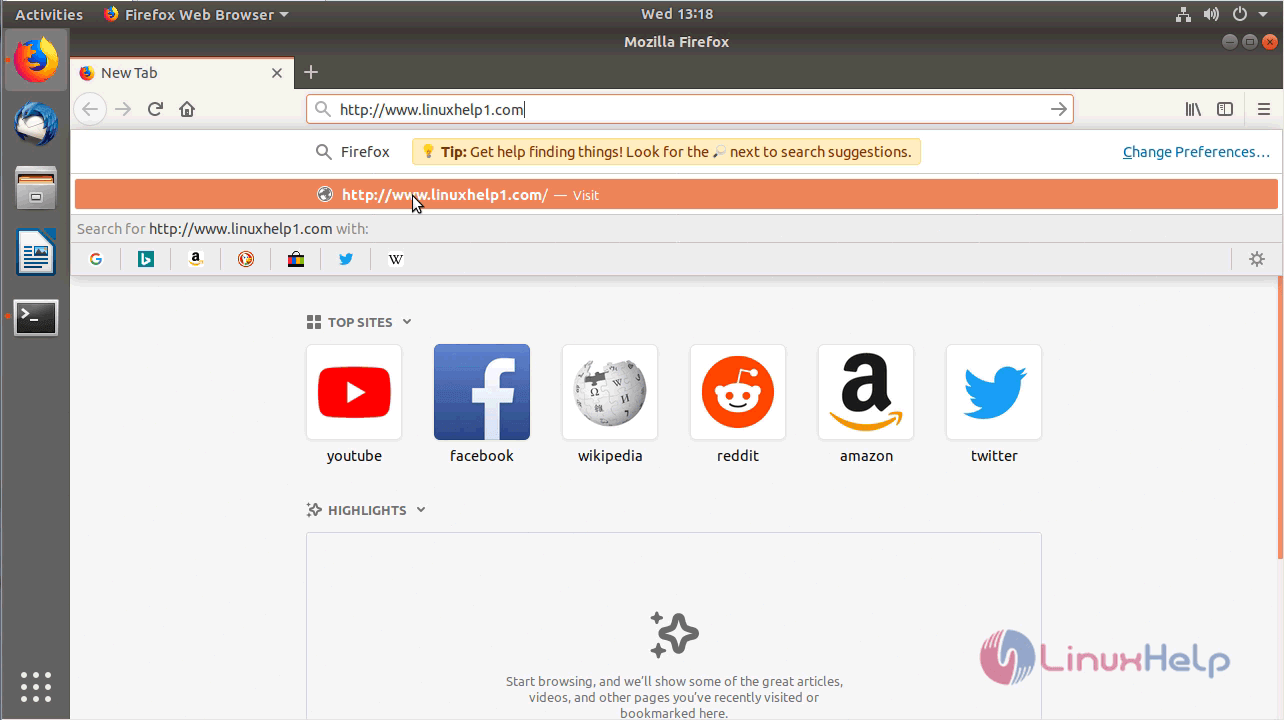
A installer will appear now and configure the settings one by one as follows. First setup the General settings
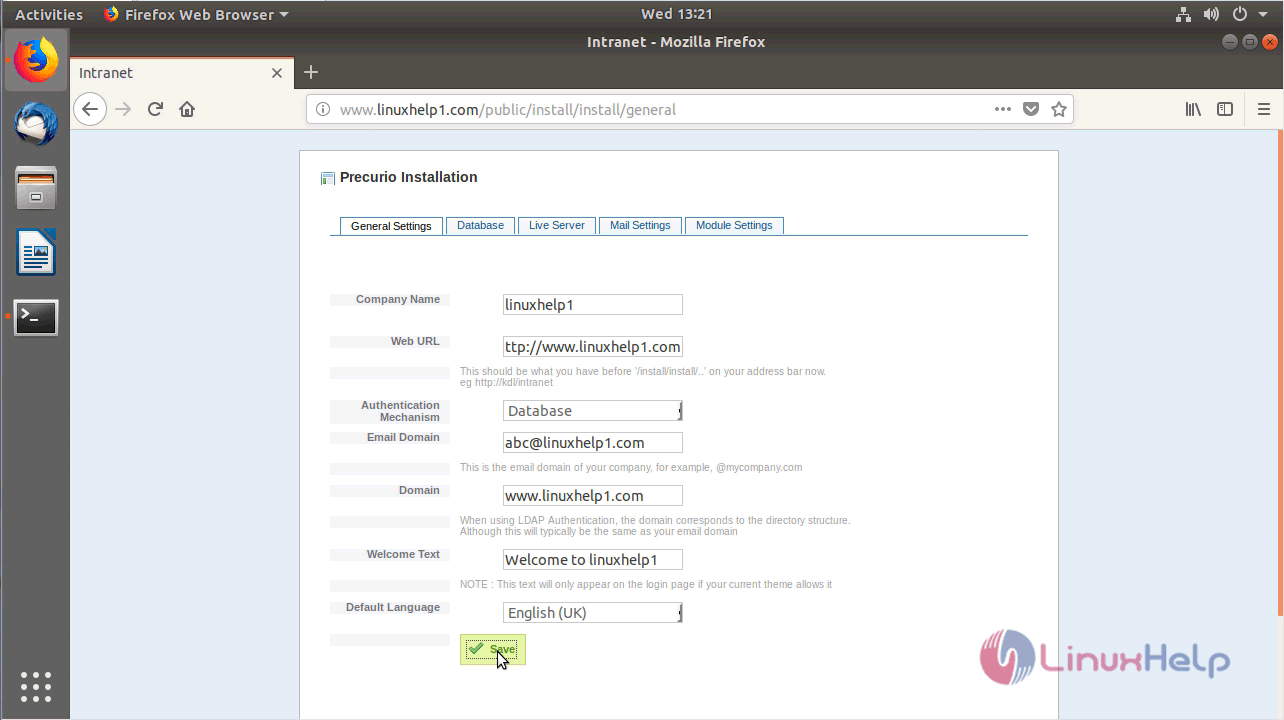
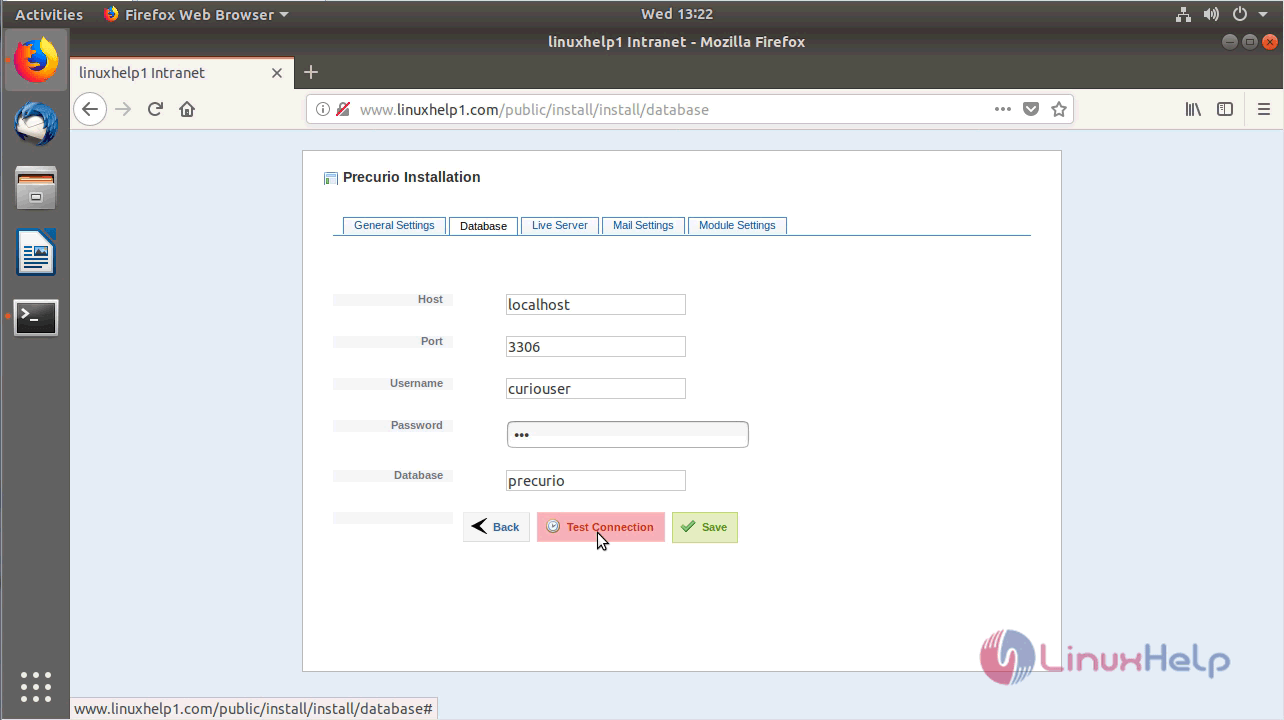
Configure the database settings and check the connection
Once database gets connected a pop will appear as shown below
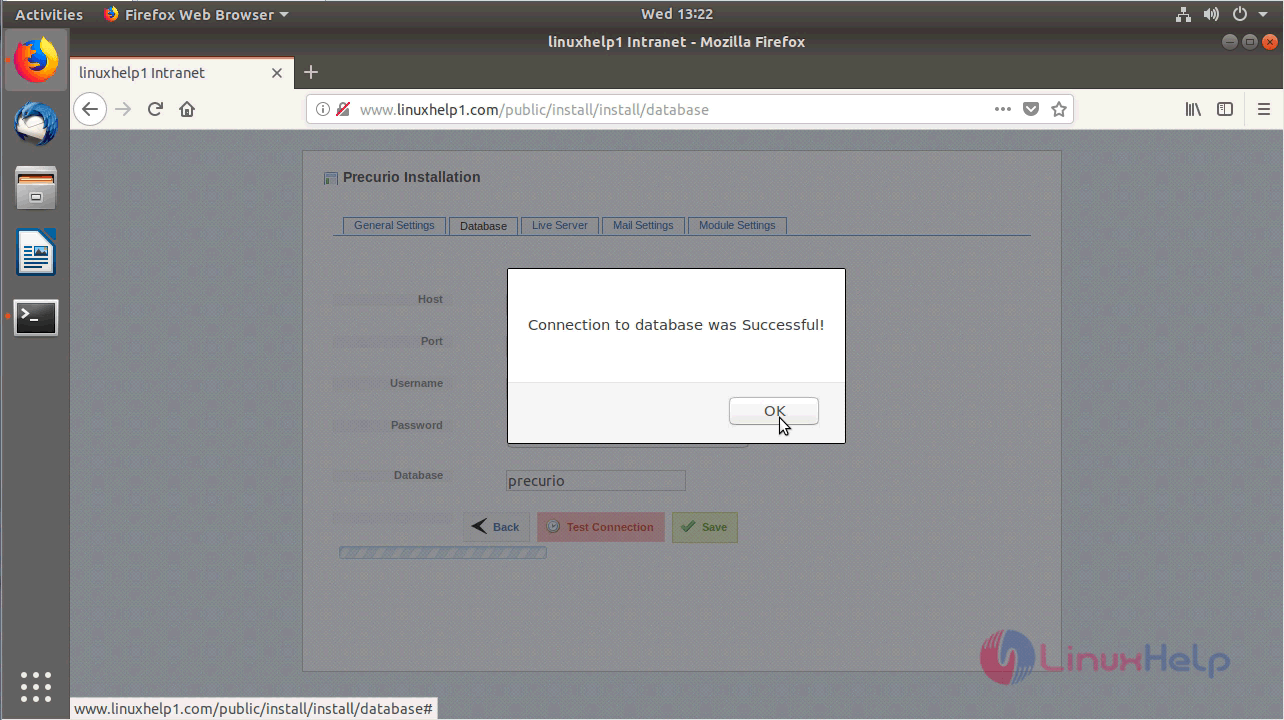
Save the configuration and proceed to next setup
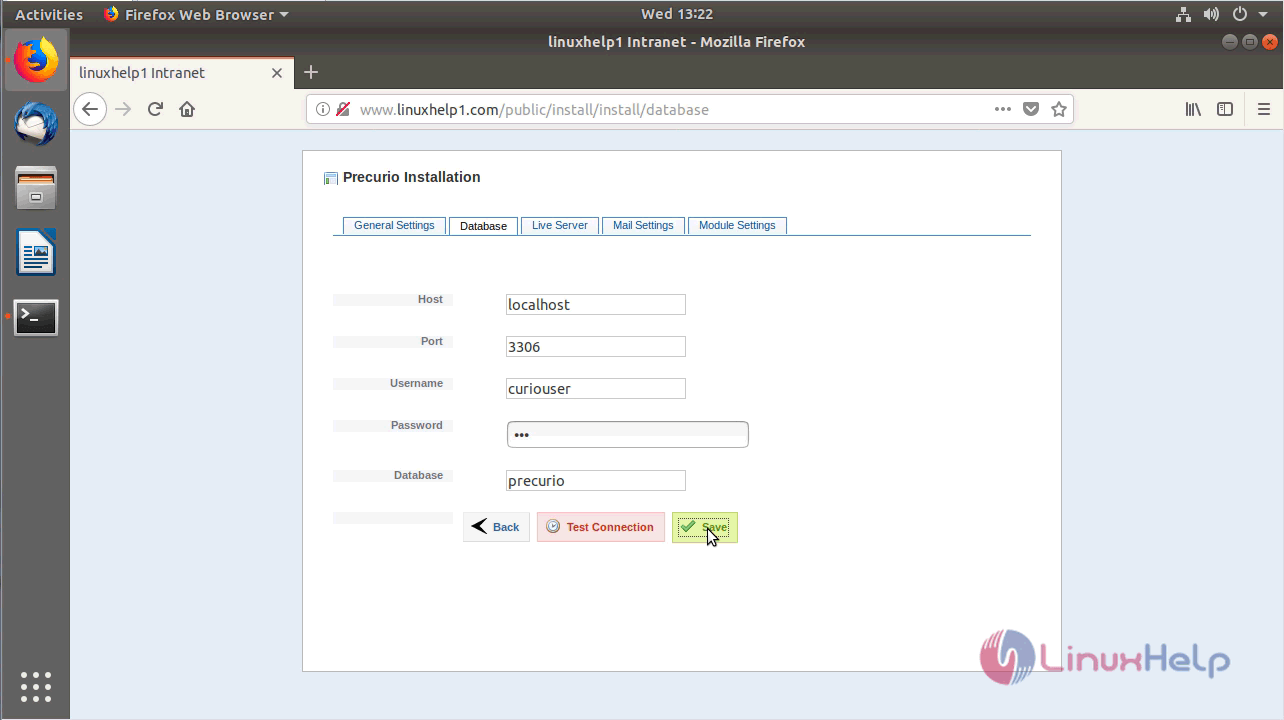
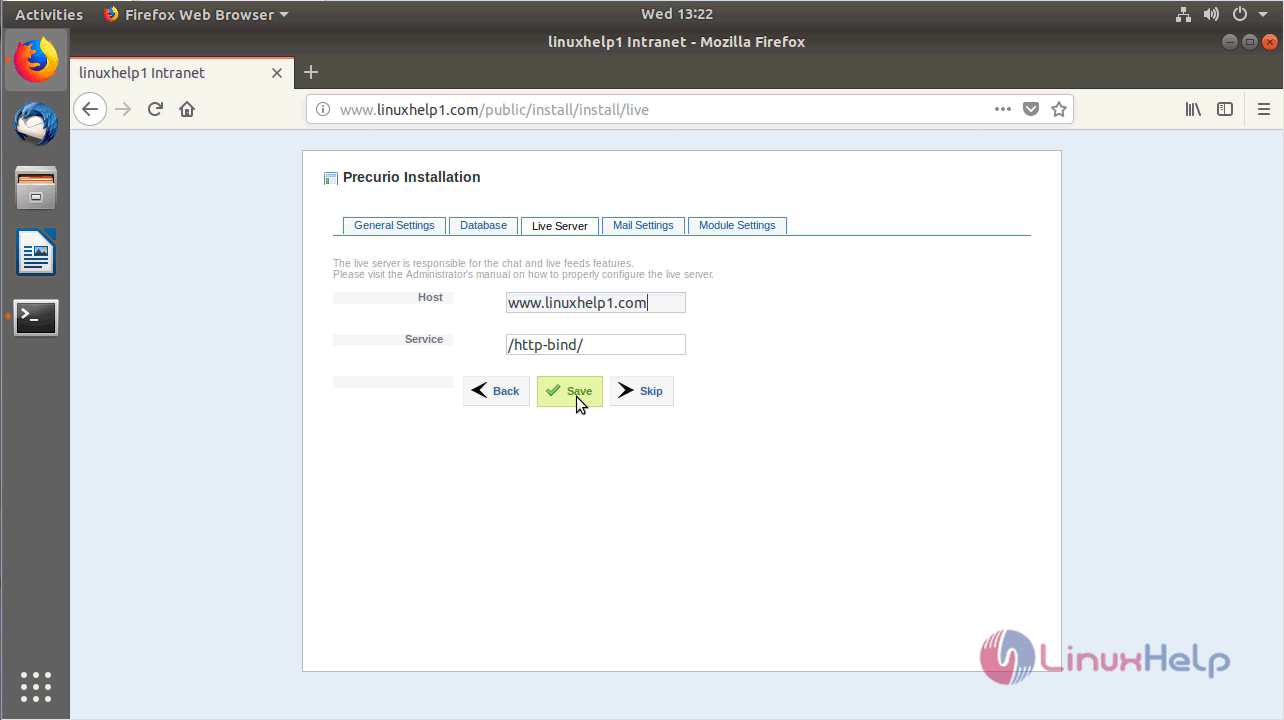
Configure the live server setup as follows
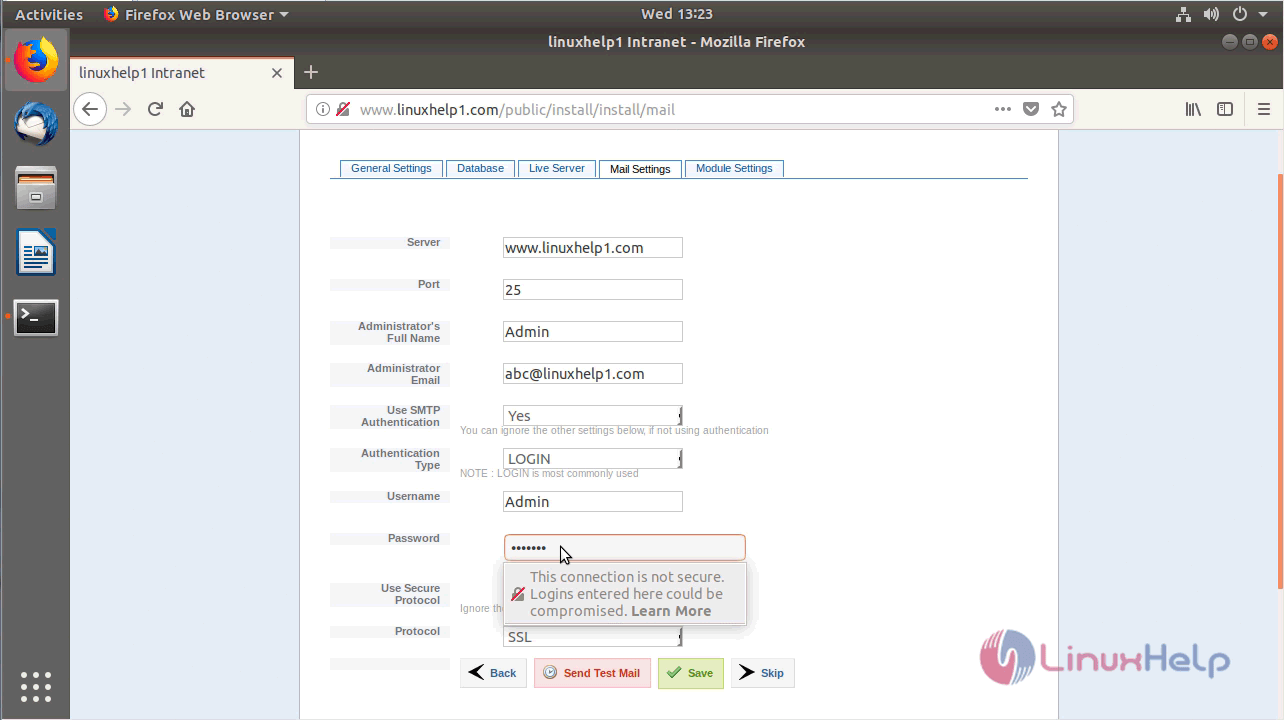
Configure the mail configuration setup as shown below
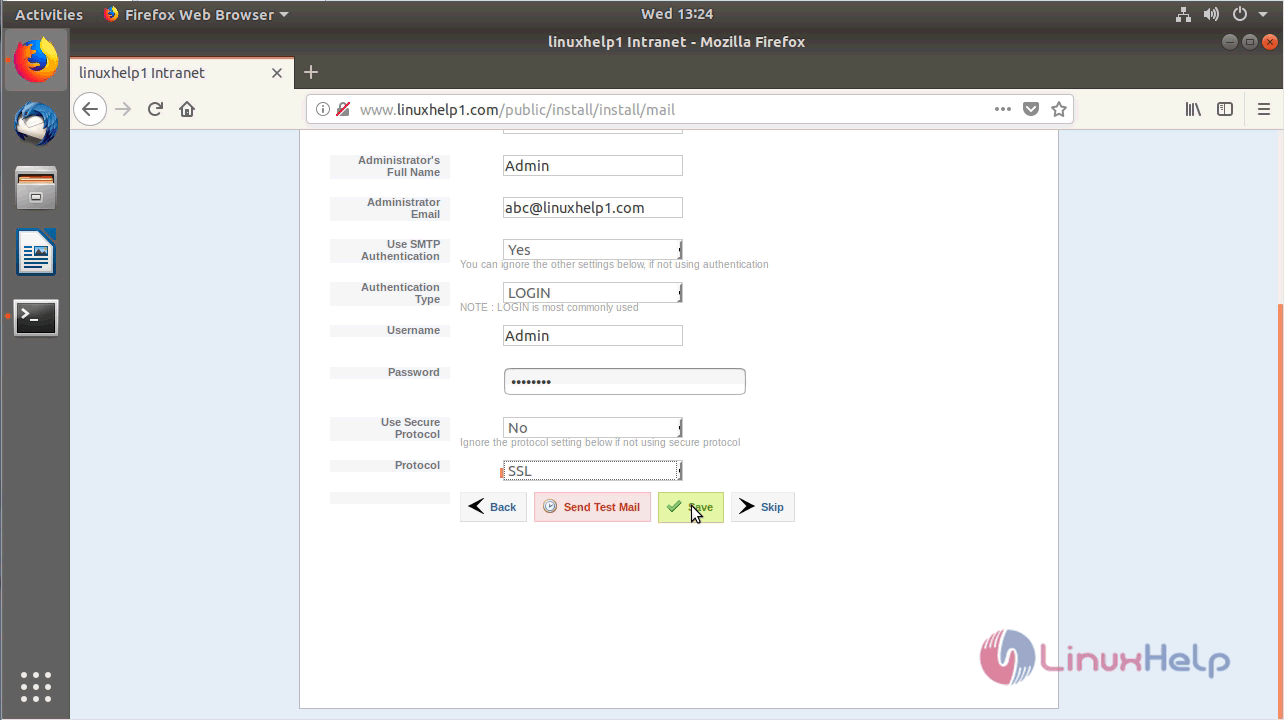
verify the module settings and proceed further.
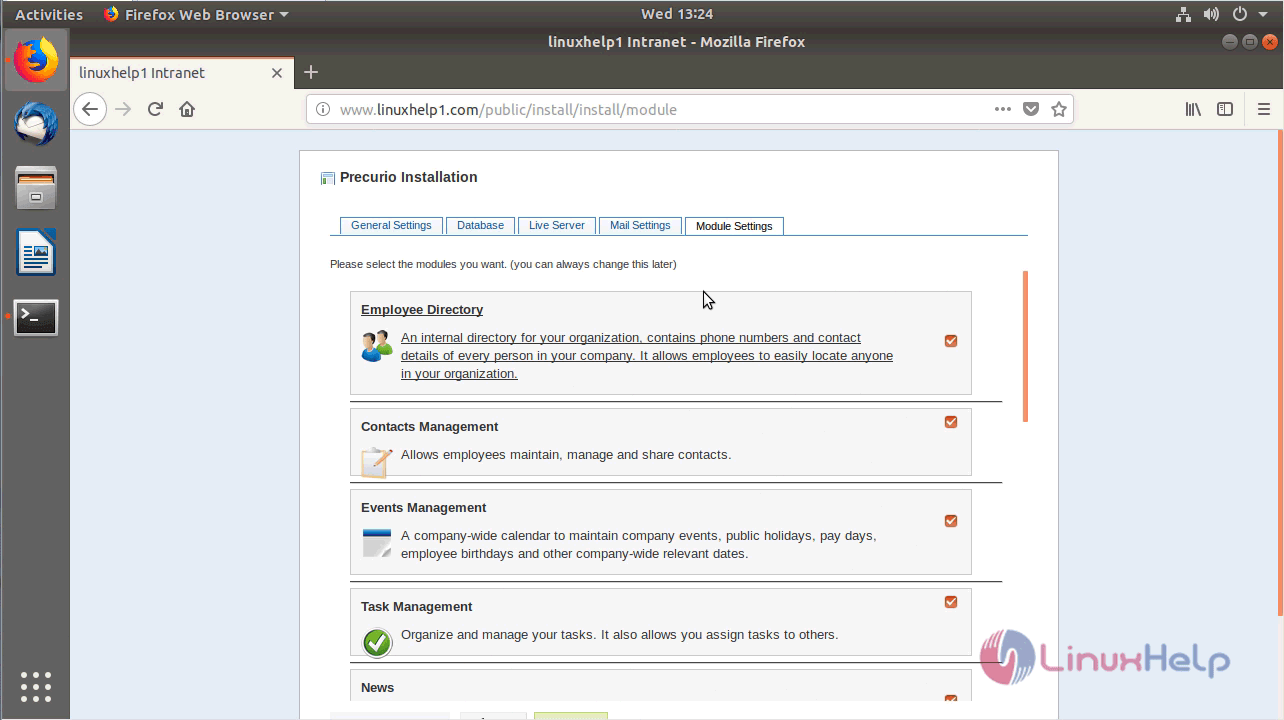
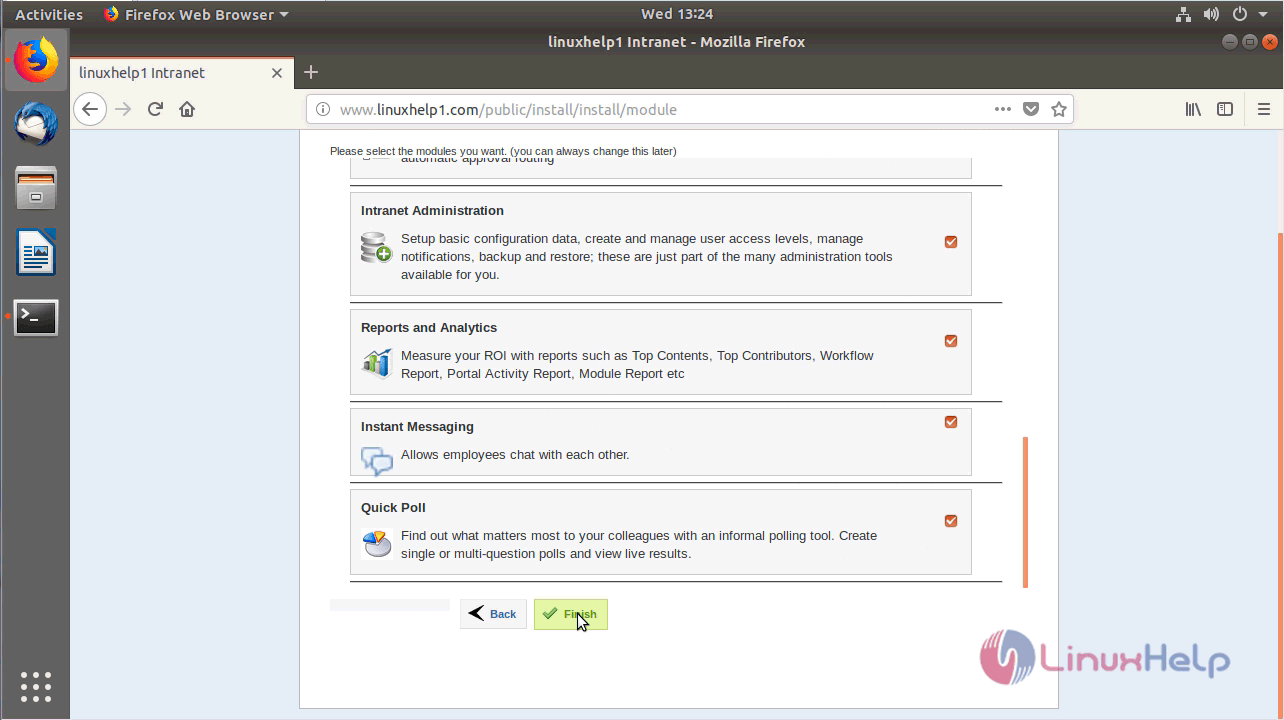
Click on finish once done.
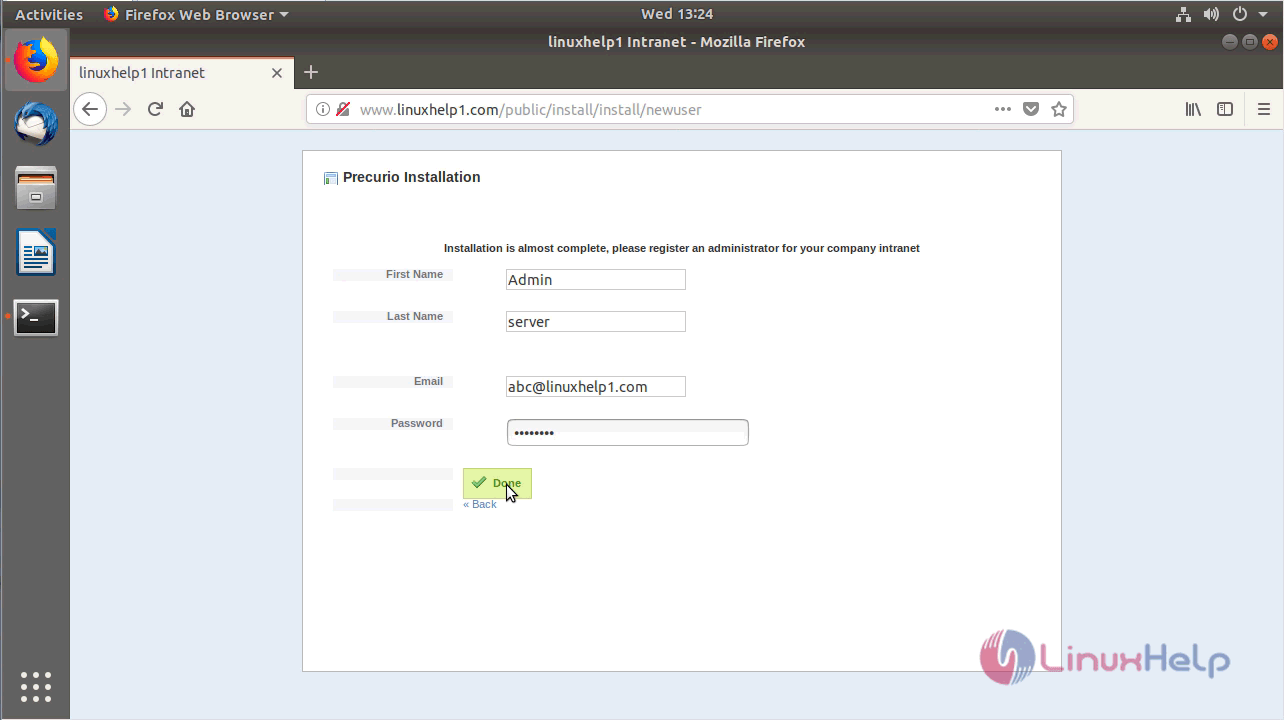
Configure the Admin user credential
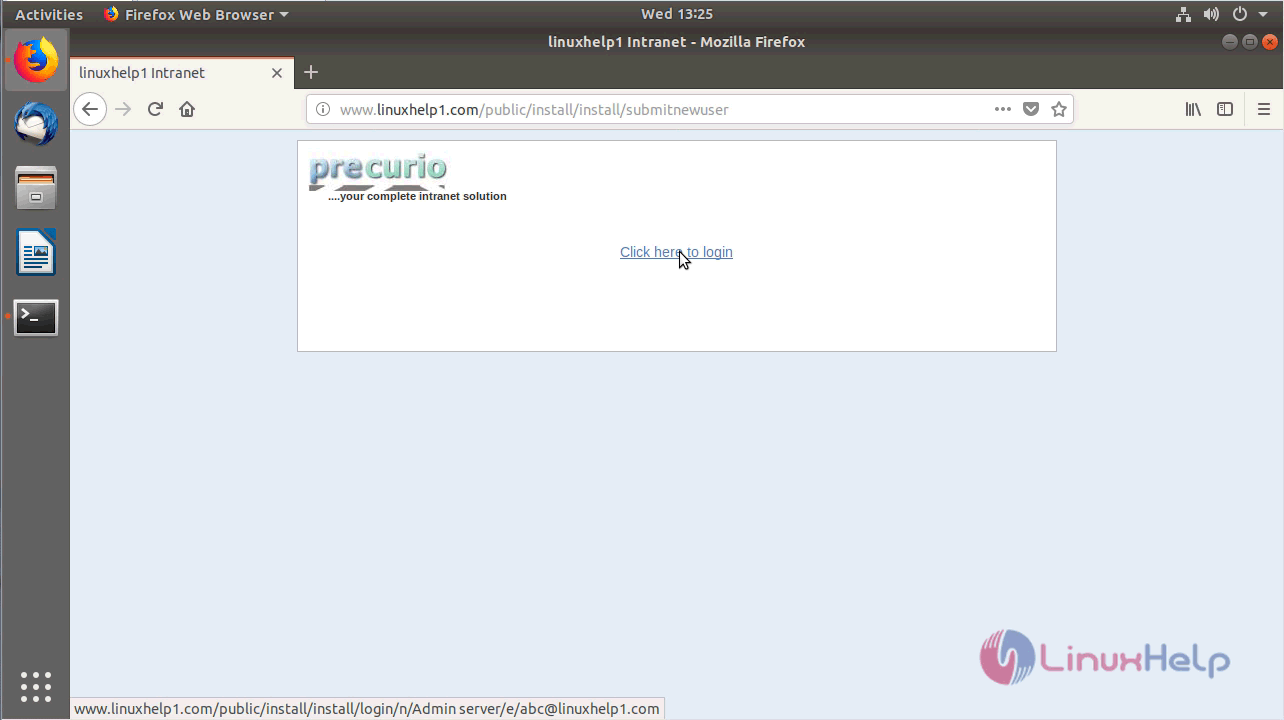
Click on the following option to login
Login with admin user credentials
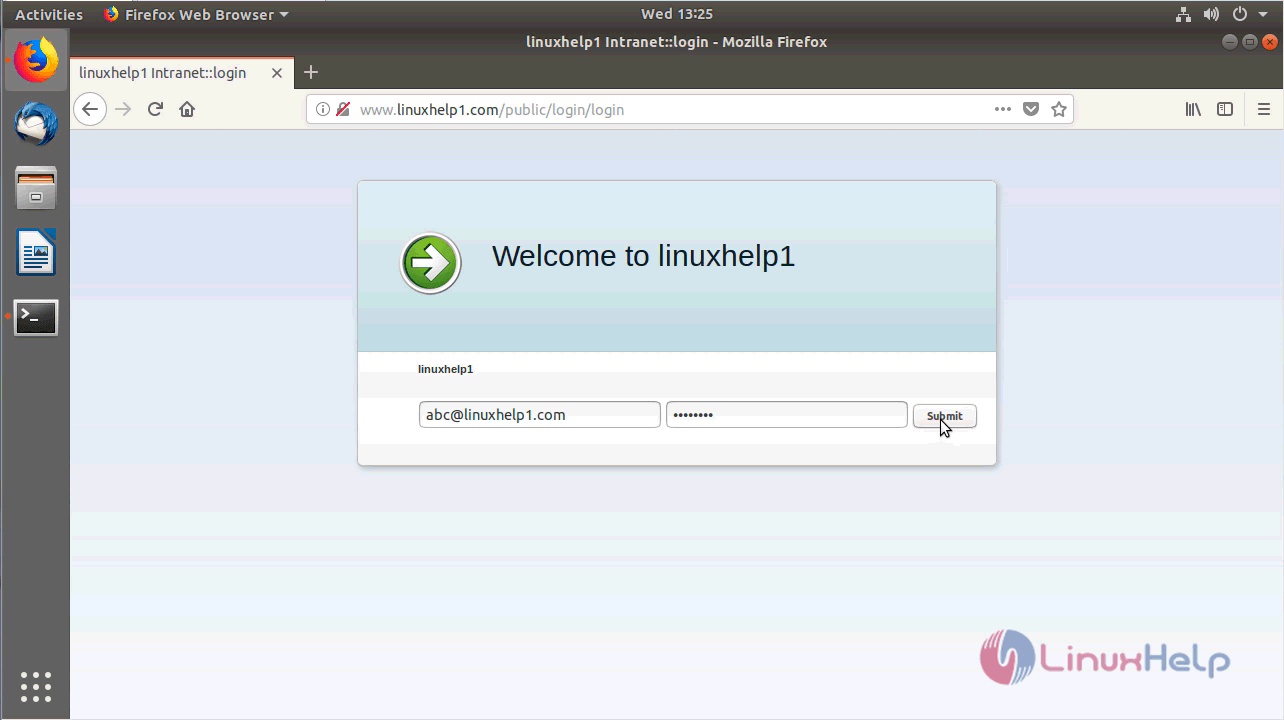
After the successful login, you will see the admin dashboard as shown here. update the profile settings
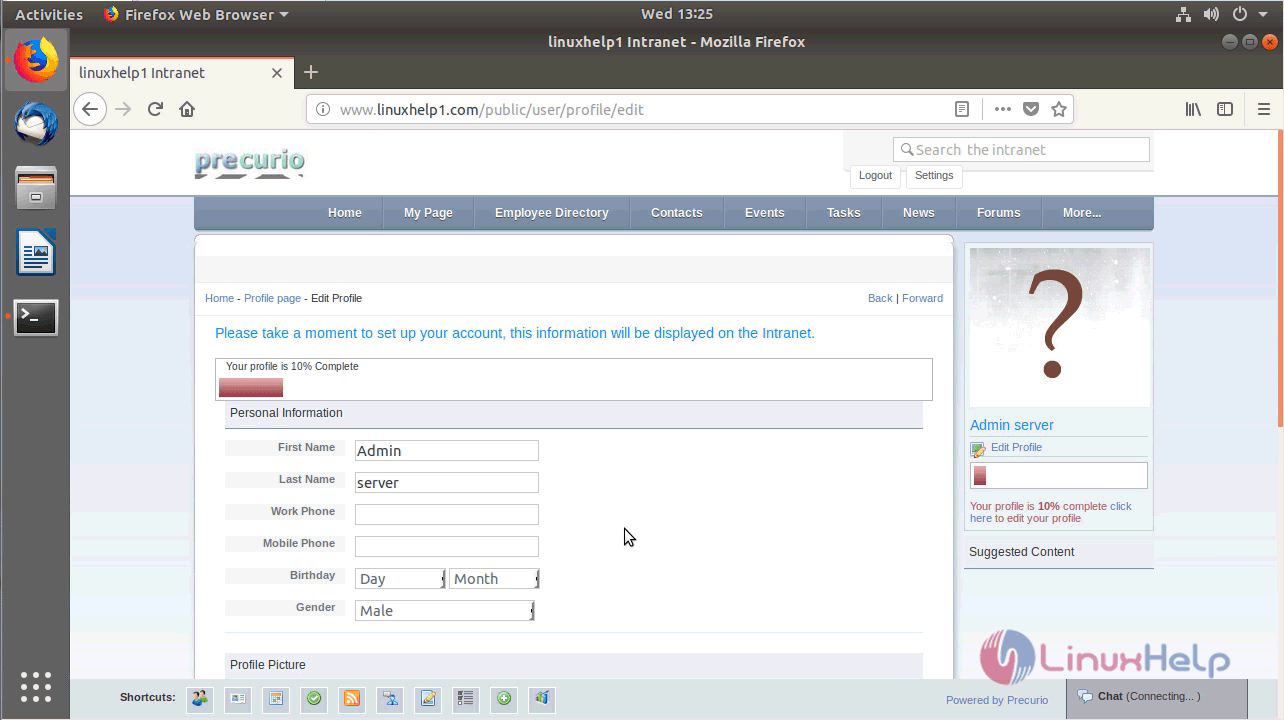
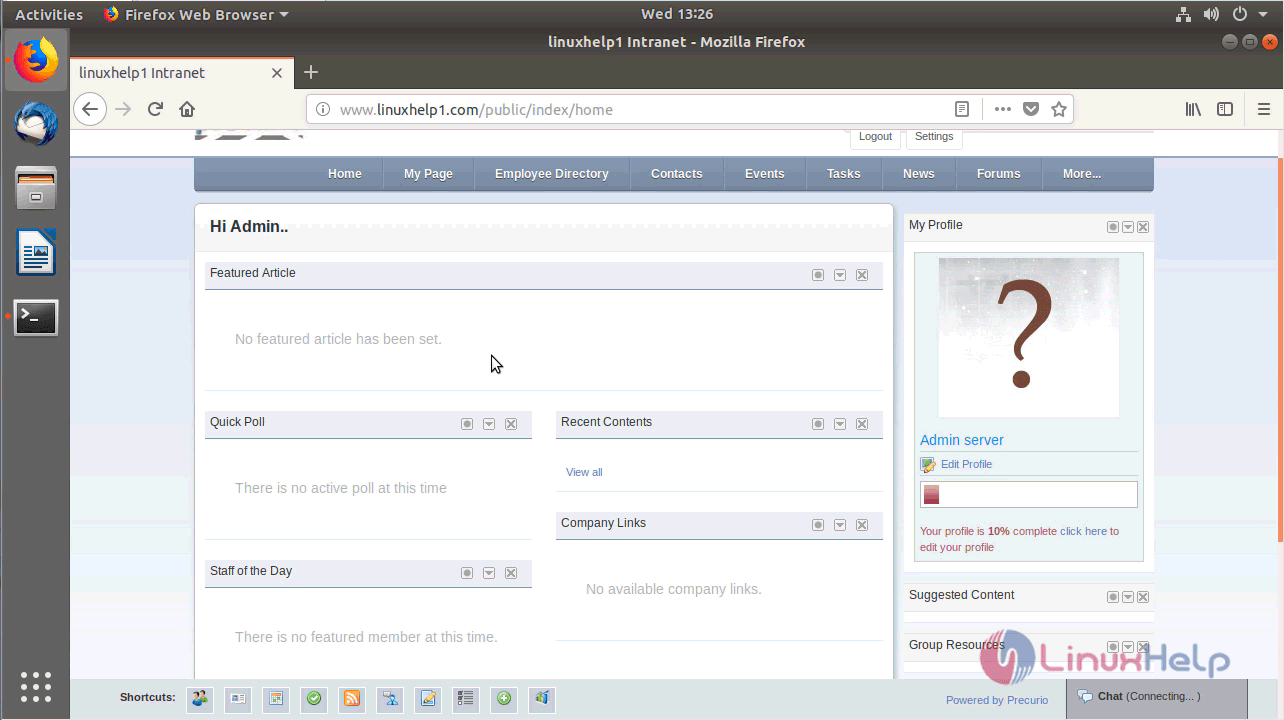
From the following image, you can see the admin cpanel of precurio
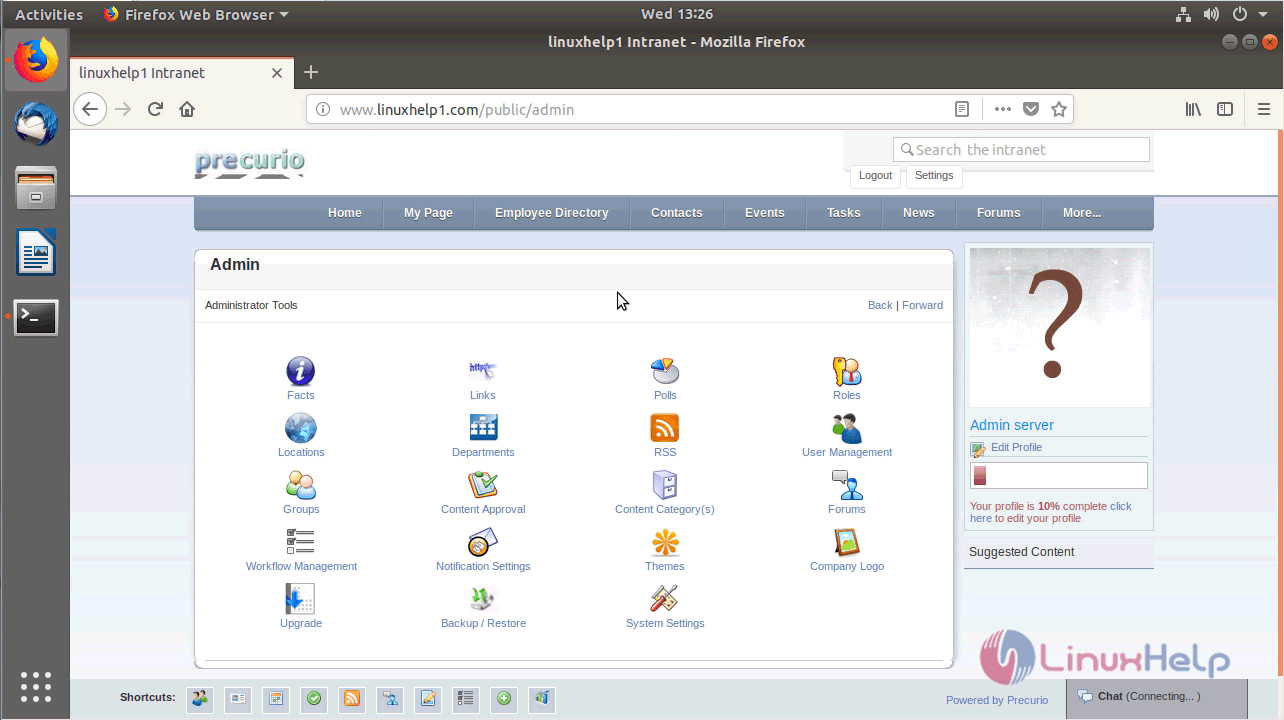
with this, the method to install Precurio CRM on Ubuntu 18.04 comes to an end.
Comments ( 0 )
No comments available