How to install QCAD in Ubuntu
To install QCAD in Ubuntu
QCAD is a multi-platform, open source software project designed from the offset. This QCAD tool is used to create 2D technical drawings for interiors, plans for buildings or mechanical parts. Installation of QCAD is explained in this manual.
To install QCAD
Download the installation package from the QCAD official website or use the following command to get it done.
root@linuxhelp:/home/user1# wget https://www.ribbonsoft.com/archives/qcad/qcad-3.15.4-linux-x86_64.run
--2016-08-27 01:24:33--  https://www.ribbonsoft.com/archives/qcad/qcad-3.15.4-linux-x86_64.run
Resolving www.ribbonsoft.com (www.ribbonsoft.com)... 217.150.250.104
Connecting to www.ribbonsoft.com (www.ribbonsoft.com)|217.150.250.104|:443... connected.
.
.
.
2016-08-27 01:26:49 (615 KB/s) - ‘ qcad-3.15.4-linux-x86_64.run’  saved [84053168/84053168]
root@linuxhelp:/home/user1# ls -l
total 82196
drwxr-xr-x 15 user1 user1     4096 Aug 27 01:24 ./
drwxr-xr-x  3 root  root      4096 Aug  2 15:08 ../
-rw-------  1 user1 user1        8 Aug  2 09:48 .bash_history
-rw-r--r--  1 user1 user1      220 Aug  2 15:08 .bash_logout
-rw-r--r--  1 user1 user1     3771 Aug  2 15:08 .bashrc
drwxr-xr-x  2 user1 user1     4096 Aug 27 01:19 Desktop/
-rw-r--r--  1 user1 user1       25 Aug  2 15:14 .dmrc
drwxr-xr-x  2 user1 user1     4096 Aug  2 15:14 Documents/
drwxr-xr-x  2 user1 user1     4096 Aug  2 15:14 Downloads/
drwxr-xr-x  2 user1 user1     4096 Aug  2 15:14 Music/
drwxr-xr-x  2 user1 user1     4096 Aug  2 15:14 Pictures/
drwxr-xr-x  2 user1 user1     4096 Aug  2 15:14 Public/
-rw-r--r--  1 root  root  84053168 Jun 30 19:18 qcad-3.15.4-linux-x86_64.run
Once the download is completed, set the executable permission for the downloaded package.
root@linuxhelp:/home/user1# chmod +x qcad-3.15.4-linux-x86_64.run
root@linuxhelp:/home/user1# ls -l
total 82196
drwxr-xr-x  2 user1 user1     4096 Aug 27 01:19 Desktop/
drwxr-xr-x  2 user1 user1     4096 Aug  2 15:14 Documents/
drwxr-xr-x  2 user1 user1     4096 Aug  2 15:14 Downloads/
drwxr-xr-x  2 user1 user1     4096 Aug  2 15:14 Music/
drwxr-xr-x  2 user1 user1     4096 Aug  2 15:14 Pictures/
drwxr-xr-x  2 user1 user1     4096 Aug  2 15:14 Public/
-rwxr-xr-x  1 root  root  84053168 Jun 30 19:18 qcad-3.15.4-linux-x86_64.run*
To launch QCAD
Then run the QCAD package, using the following command.
root@linuxhelp:/home/user1# ./qcad-3.15.4-linux-x86_64.run
Verifying archive integrity... All good.
Uncompressing QCAD...............................................................
.
.
.
QCAD Setup...
Making dir /root/opt/qcad-3.15.4-linux-x86_64...
mkdir: created directory ' /root/opt'
mkdir: created directory ' /root/opt/qcad-3.15.4-linux-x86_64'
Copying files...
Invoking postinstall.sh...
    Installing mimetypes...
    Installing mimetype icons...
    Installing desktop menu entries...
    Installing desktop icon...
    Creating uninstall script...
    Setting executable flag...
QCAD Setup finished.
Change the directory of the QCAD as shown below.
root@linuxhelp:/home/user1# cd /root/opt/qcad-3.15.4-linux-x86_64/
root@linuxhelp:~/opt/qcad-3.15.4-linux-x86_64# ls -l
total 111212
drwxr-xr-x 12 root root     4096 Aug 27 01:29 ./
drwxr-xr-x  3 root root     4096 Aug 27 01:28 ../
-rwxr-xr-x  1 root root      167 Aug 27 01:28 bbox*
-rwxr-xr-x  1 root root      161 Aug 27 01:28 dwg2bmp*
-rwxr-xr-x  1 root root      161 Aug 27 01:28 dwg2dwg*
-rwxr-xr-x  1 root root      171 Aug 27 01:28 dwg2maptiles*
-rwxr-xr-x  1 root root      161 Aug 27 01:28 dwg2pdf*
.
.
.
-rwxr-xr-x  1 root root      459 Aug 27 01:28 qcad*
-rwxr-xr-x  1 root root    36032 Aug 27 01:28 qcad-bin*
-rw-r--r--  1 root root   132057 Aug 27 01:28 qcad_icon.png
-rw-r--r--  1 root root      776 Aug 27 01:29 qcad-mimetypes.xml
-rw-r--r--  1 root root      399 Aug 27 01:28 readme.txt
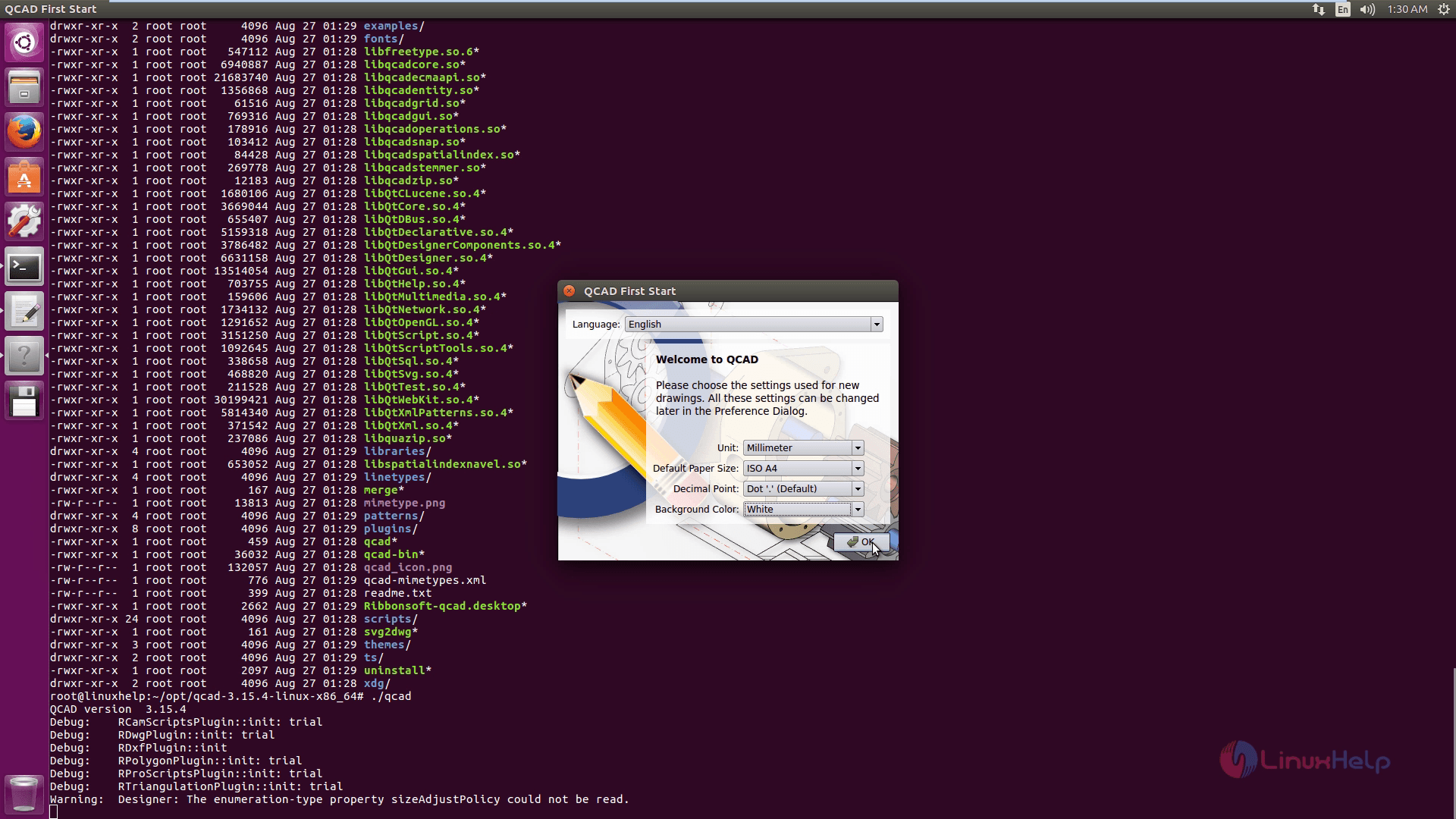
root@linuxhelp:~/opt/qcad-3.15.4-linux-x86_64# ./qcad
QCAD version  3.15.4
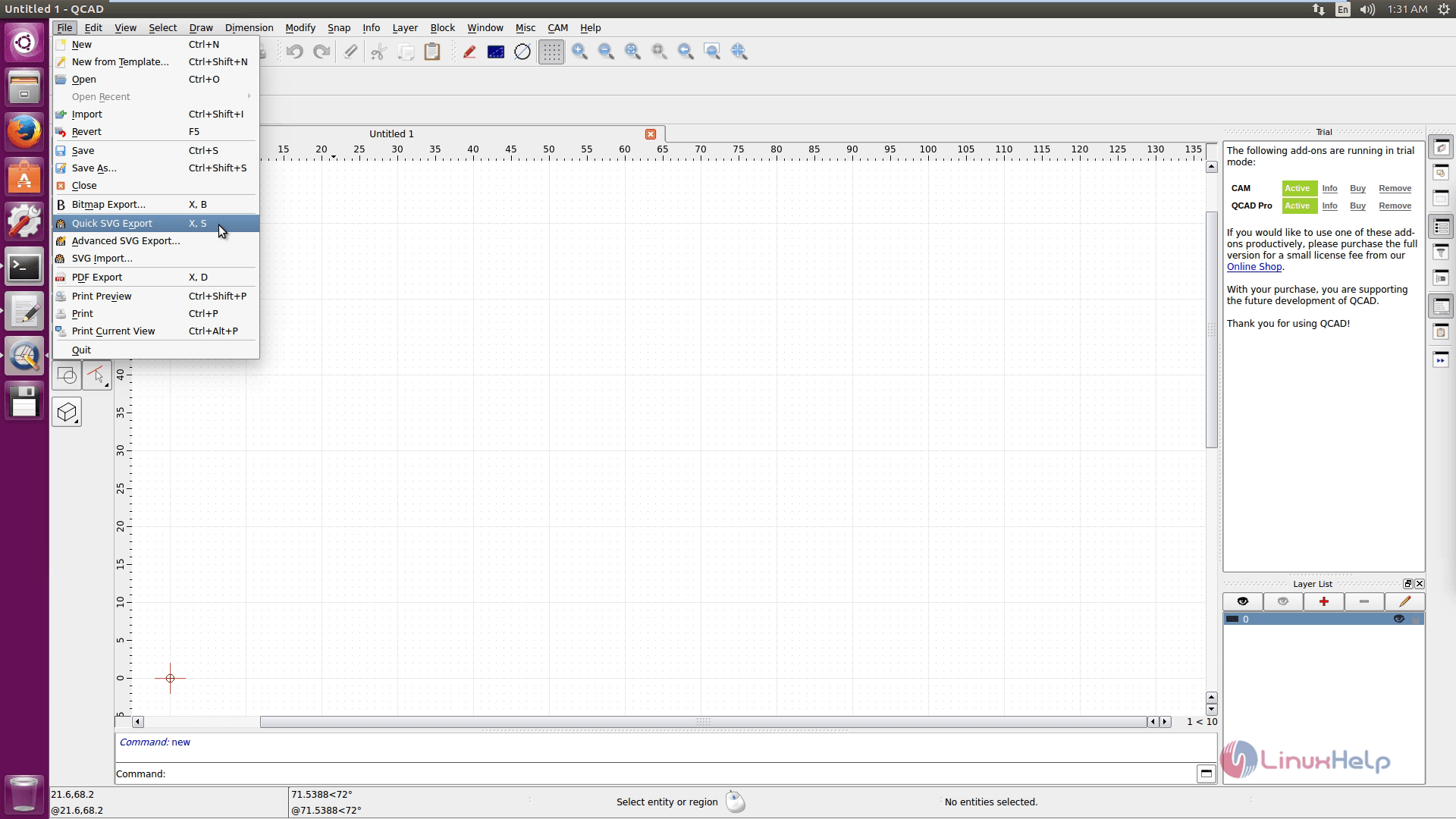
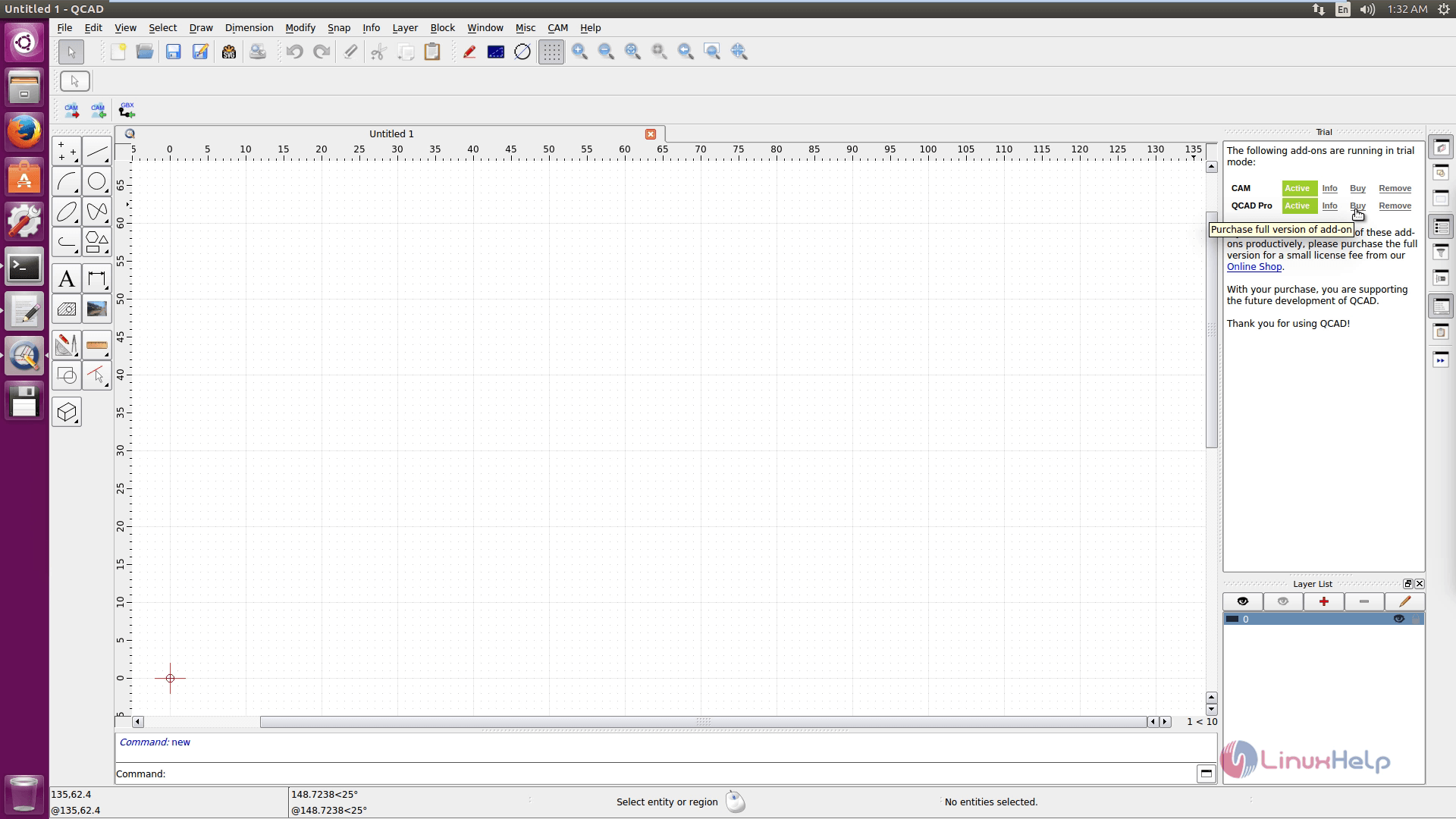
To add a new file or to import/export files, use File interface.
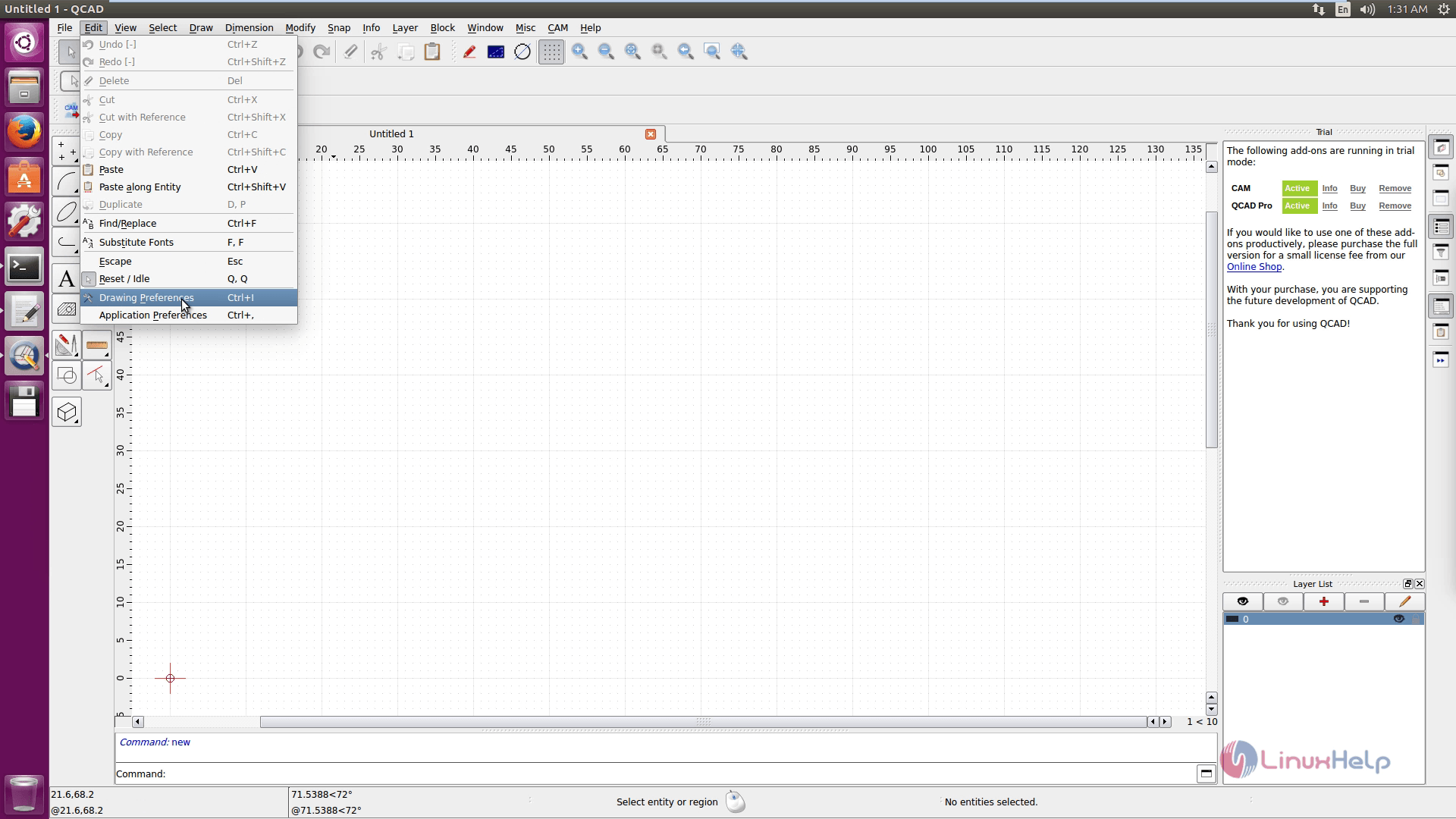
Click on Edit option for editing or to change the drawing and application preferences.
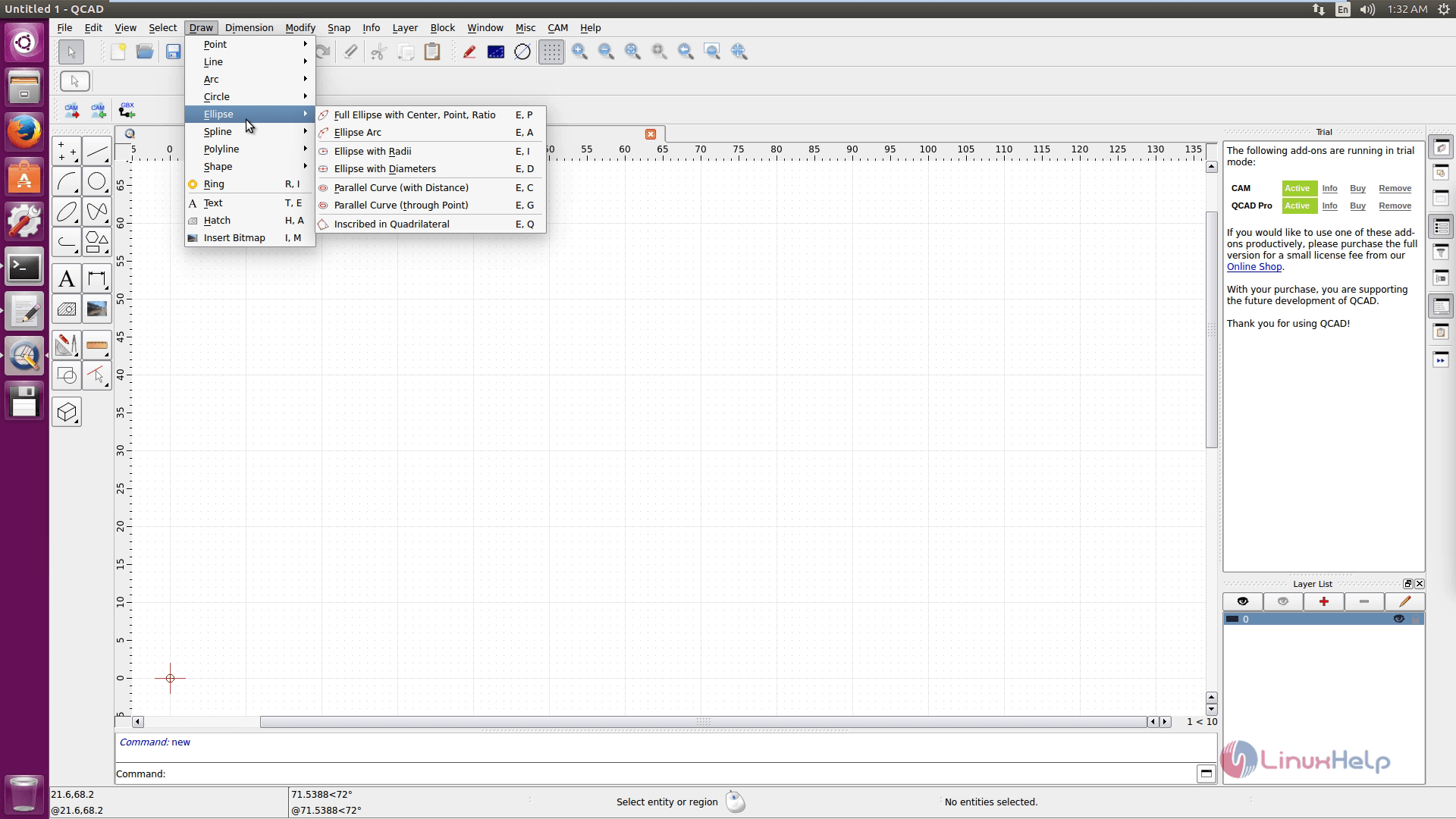
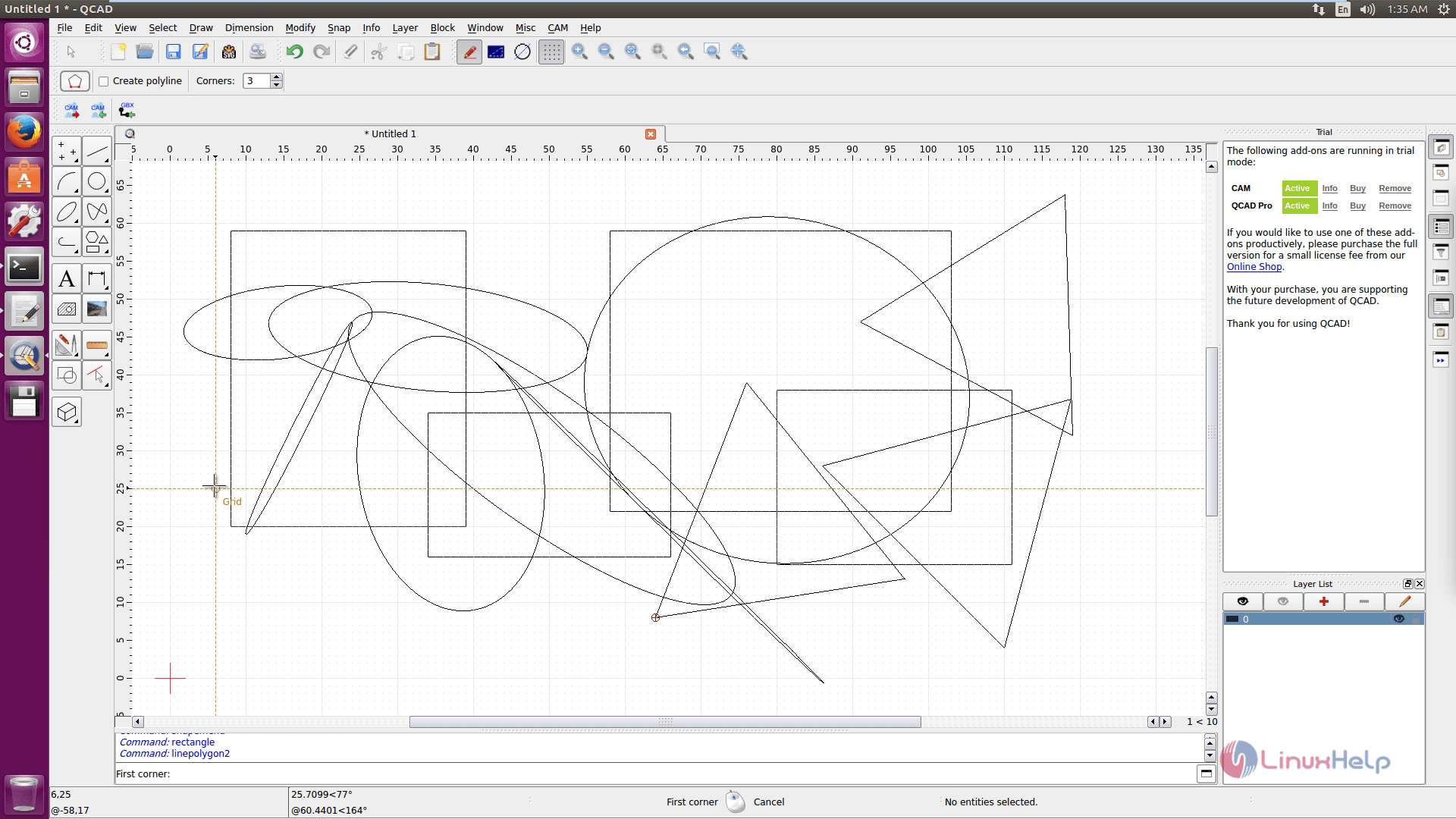
To start your Designs, click Draw. You can also use the icons available in the palette box.
A sample Design.
Comments ( 0 )
No comments available