How to install QOwnnotes 18.5.7 on Ubuntu 18.04
To install QOwnnotes 18.5.7 on Ubuntu 18.04
QOwnNotes is a free, open-source and cross-platform notepad text editor which has markdown support, and also todo list manager. If needed, it can also be used along with notes application of ownCloud or Next cloud. Apart from this, QownNotes is also packed with various other additional features and some of them are given below.
Features
&bull Notes are stored as plain-text files
&bull Supports synchronization of all notes over devices (desktop & mobile) with your ownCloud or Next cloud sync client
&bull The app can be operated with customizable keyboard shortcuts
&bull Support for scripting, including an online script repository where you can install scripts inside the application
&bull It can be carried around on a portable USB stick
&bull Support for Evernote import
It is so simple to install QOwnNotes on Ubuntu 18.04, and this tutorial covers the ground on the same process.
Installation
Add a new repository to install QOwnnotes.
root@linuxhelp1:~# add-apt-repository ppa:pbek/qownnotes
 QOwnNotes is a plain-text file notepad with markdown support and ownCloud / Nextcloud integration
 More info: https://launchpad.net/~pbek/+archive/ubuntu/qownnotes
Press [ENTER] to continue or Ctrl-c to cancel adding it.

Hit:1 http://in.archive.ubuntu.com/ubuntu bionic InRelease
.
.
Get:17 http://security.ubuntu.com/ubuntu bionic-security/universe amd64 DEP-11 Metadata [2,456 B]
Get:18 http://in.archive.ubuntu.com/ubuntu bionic-updates/universe amd64 DEP-11 Metadata [117 kB]
Get:19 http://in.archive.ubuntu.com/ubuntu bionic-updates/universe DEP-11 48x48 Icons [118 kB]
Get:20 http://in.archive.ubuntu.com/ubuntu bionic-updates/universe DEP-11 64x64 Icons [186 kB]
Fetched 1,040 kB in 4s (271 kB/s)
Reading package lists... Done
Next, update the system repository
root@linuxhelp1:~# apt-get update
Hit:1 http://in.archive.ubuntu.com/ubuntu bionic InRelease
Hit:2 http://ppa.launchpad.net/pbek/qownnotes/ubuntu bionic InRelease
Hit:3 http://security.ubuntu.com/ubuntu bionic-security InRelease
Hit:4 http://in.archive.ubuntu.com/ubuntu bionic-updates InRelease
Hit:5 http://in.archive.ubuntu.com/ubuntu bionic-backports InRelease
Reading package lists... Done
Install a Qownnotes application after updating repository
root@linuxhelp1:~# apt-get install qownnotes -y
Reading package lists... Done
Building dependency tree
Reading state information... Done

The following packages were automatically installed and are no longer required:

  apache2-bin apache2-data apache2-utils libapr1 libaprutil1 libaprutil1-dbd-sqlite3
  libaprutil1-ldap
Use ' sudo apt autoremove'  to remove them.
The following additional packages will be installed:
.
.
Setting up libqt5sql5:amd64 (5.9.5+dfsg-0ubuntu1) ...
Setting up qt5-gtk-platformtheme:amd64 (5.9.5+dfsg-0ubuntu1) ...
Setting up libqt5qml5:amd64 (5.9.5-0ubuntu1) ...
Setting up libqt5widgets5:amd64 (5.9.5+dfsg-0ubuntu1) ...
Setting up libqt5printsupport5:amd64 (5.9.5+dfsg-0ubuntu1) ...
Setting up libqt5sql5-sqlite:amd64 (5.9.5+dfsg-0ubuntu1) ...
Setting up libqt5svg5:amd64 (5.9.5-0ubuntu1) ...
Setting up qownnotes (18.05.7-1ubuntu3ppa1~bionic1) ...
Processing triggers for libc-bin (2.27-3ubuntu1) ...
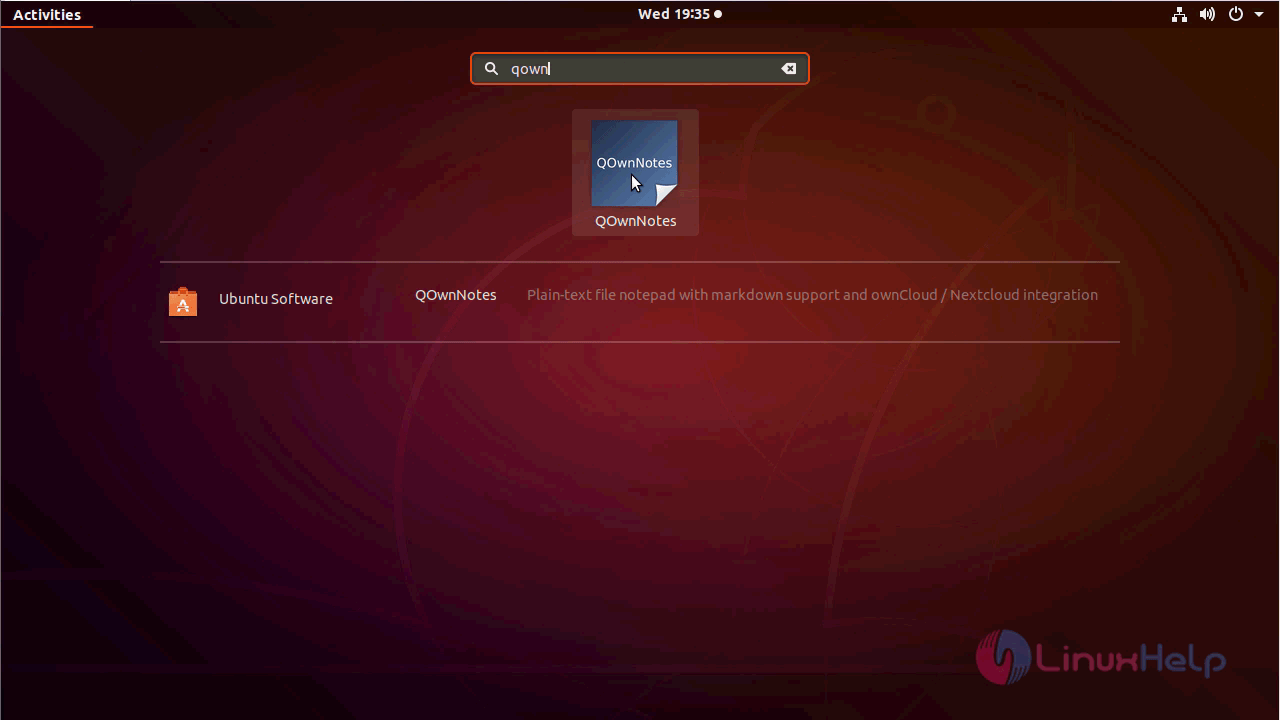
After installing you can access the application from the activity menu.
Choose the saving location for Qownnotes file as follows.
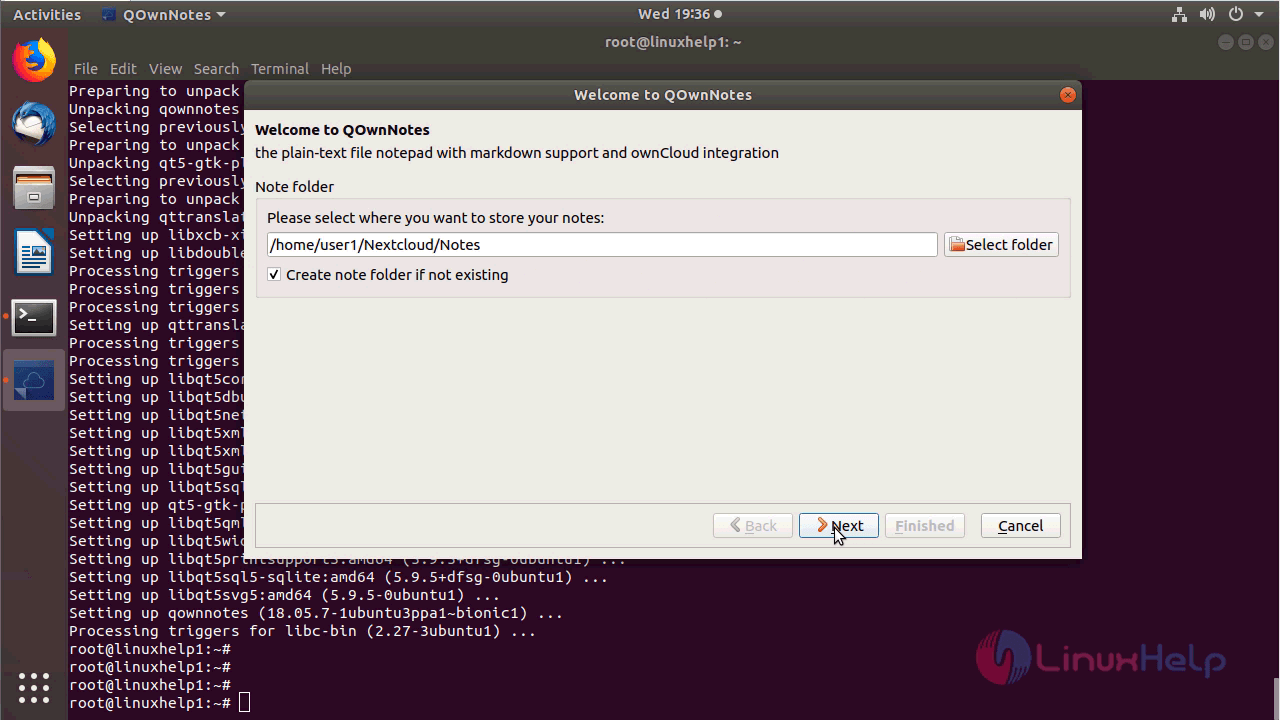
You will see the welcome page of QOwnnotes as shown here.
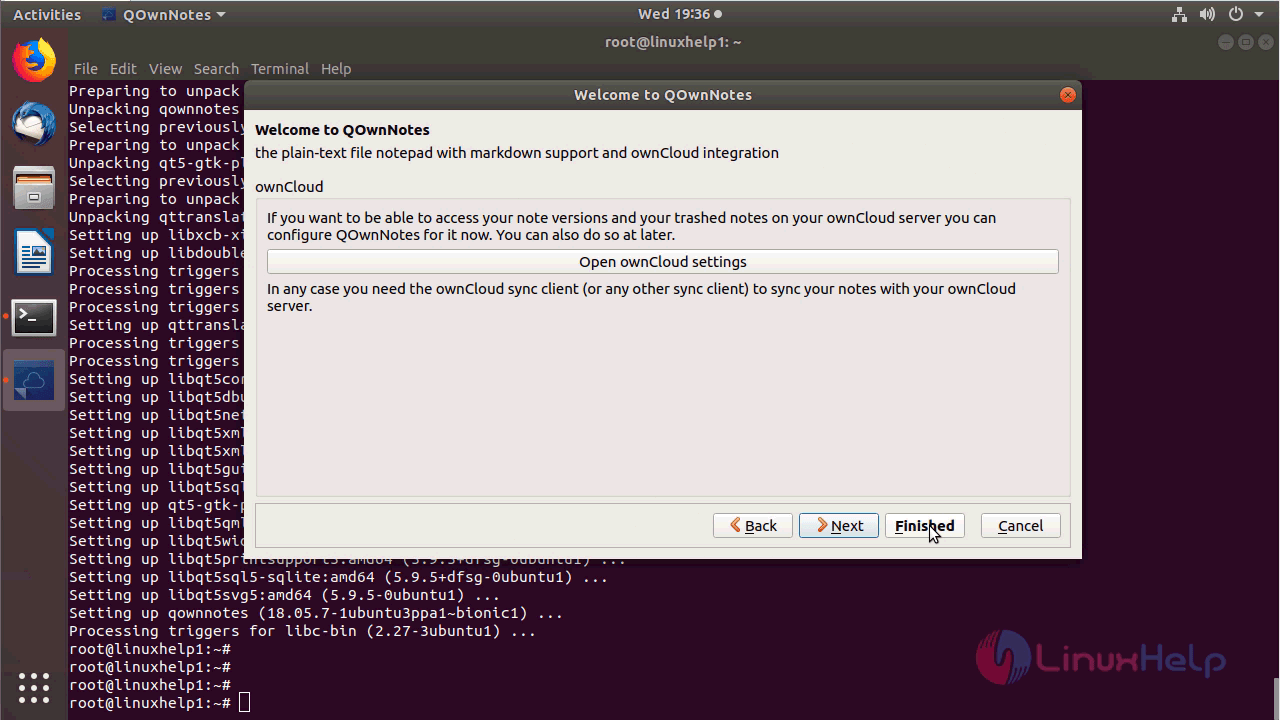
After Finishing the opening setup you can make use of the application.
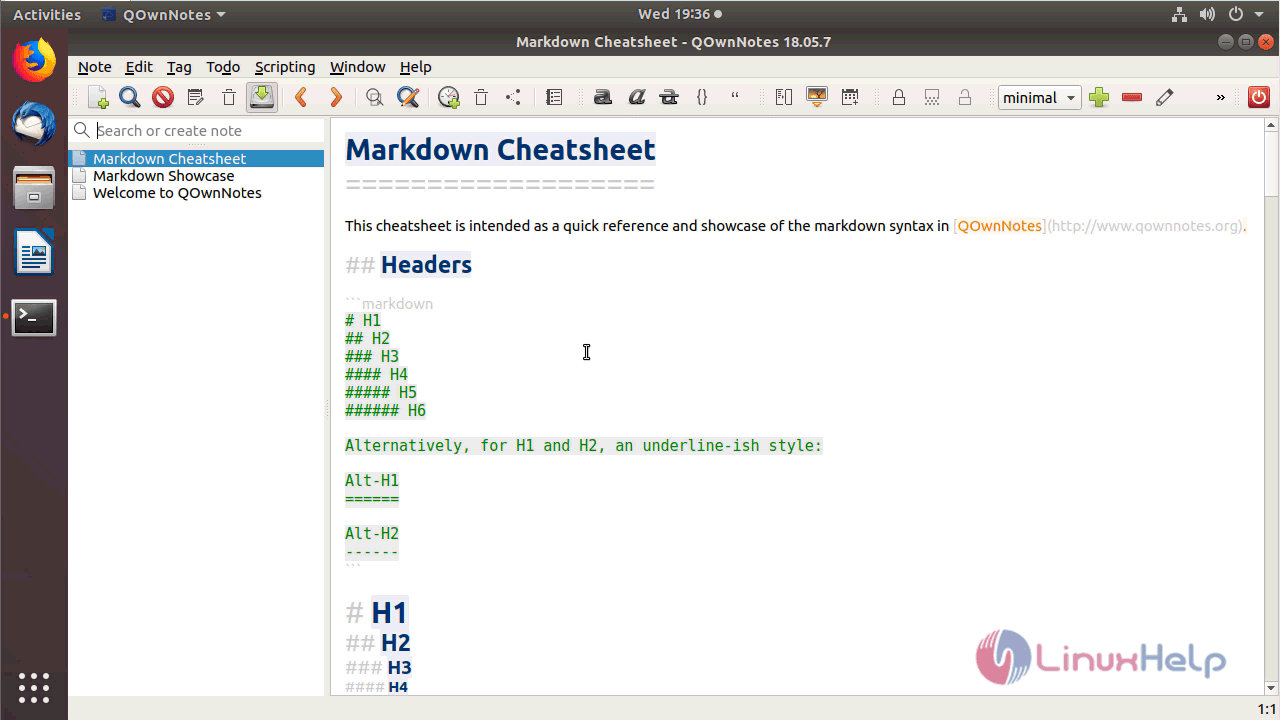
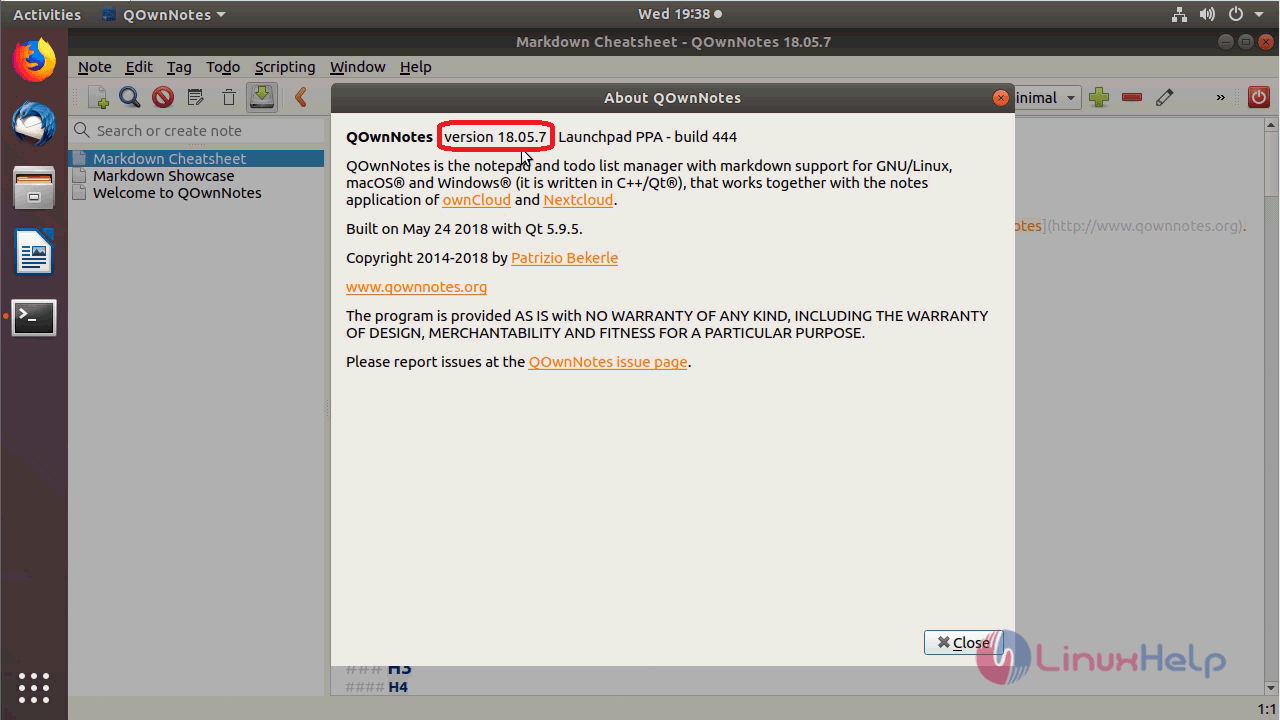
You can verify the version from the Help menu as follows.
With this, the method to install QOwnnotes 18.5.7 on Ubuntu 18.04 comes to an end.
Comments ( 0 )
No comments available