How to Install QTractor on Linuxmint 18.03
To Install QTractor on Linuxmint 18.03
qTractor is an open-source audio and MIDI sequencer, built based on C++ and uses the Qt framework, along with ALSA drivers for MIDI files and JACK drivers for audios. qTractor is also an audio editing tool and features a multi-track tape recorder, multi-select, point-and-click, and drag & drop interaction, undo and redo functionality. In this tutorial, we will cover the installation of Qtractor on Linuxmint-18.03.
Installation
Let's first start with updating the system repositories.
linuxhelp ~ # apt-get update
Hit:1 http://archive.ubuntu.com/ubuntu xenial InRelease
Hit:2 http://archive.canonical.com/ubuntu xenial InRelease
Hit:3 http://archive.ubuntu.com/ubuntu xenial-updates InRelease
Ign:4 http://packages.linuxmint.com sylvia InRelease
Hit:5 http://security.ubuntu.com/ubuntu xenial-security InRelease
Hit:6 http://archive.ubuntu.com/ubuntu xenial-backports InRelease
Hit:7 http://packages.linuxmint.com sylvia Release
Reading package lists... Done
Finally, install the QTractor application.
linuxhelp ~ # apt-get install qtractor -y
Reading package lists... Done
Building dependency tree
Reading state information... Done
The following additional packages will be installed:
  jackd jackd2 liblilv-0-0 liblo7 librubberband2v5 libserd-0-0 libsord-0-0 libsratom-0-0
  libsuil-0-0
Suggested packages:
  jack-tools meterbridge liblo-dev serdi sordi
.
.
.
Setting up jackd2 (1.9.10+20150825git1ed50c92~dfsg-1ubuntu1) ...
Setting up jackd (5) ...
Setting up liblilv-0-0 (0.22.0~dfsg0-1) ...
Setting up liblo7:amd64 (0.28-5) ...
Setting up librubberband2v5:amd64 (1.8.1-6ubuntu2) ...
Setting up qtractor (0.7.1-1) ...
Processing triggers for libc-bin (2.23-0ubuntu9) ...
Once Installation is done you can access the application from the Menu as shown here

Now, you can able to use the QTractor application.
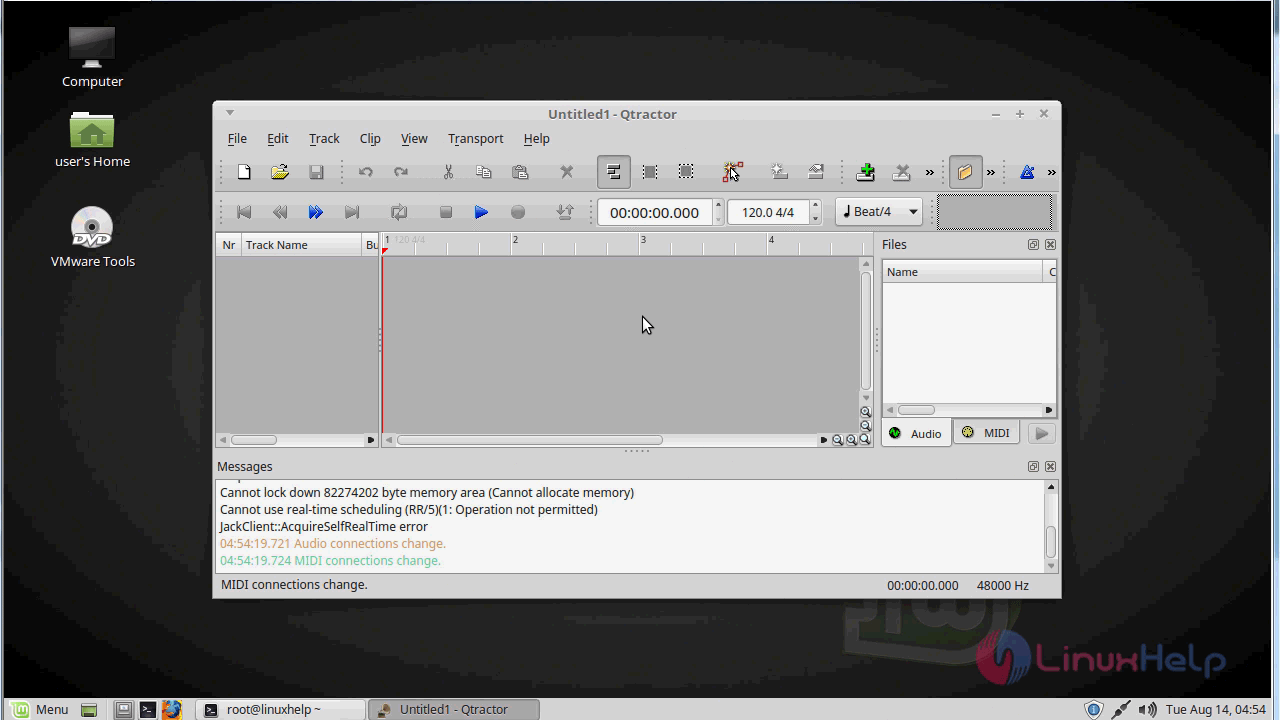
The version of QTractor.
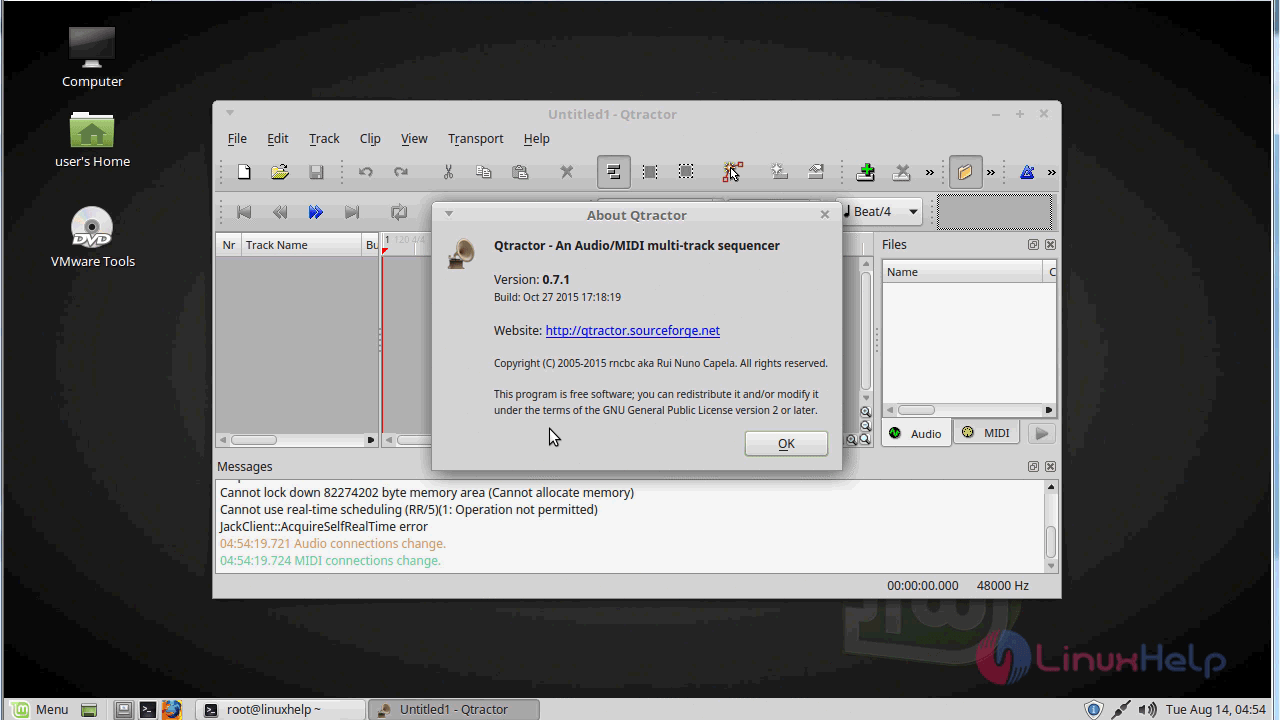
With this, the method to install Qtractor on Linux mint 18.03 comes to an end
Comments ( 0 )
No comments available