How To Install Quick CMS On Centos8
- 00:40 rpm -q centos-release
- 01:02 wget https://opensolution.org/download/home.html?sFile=Quick.Cms_v6.6-en.zip
- 01:24 unzip home.html\?sFile\=Quick.Cms_v6.6-en.zip -d quickcms
- 01:41 mv quickcms/ /var/www/
- 01:51 chown -R apache:apache /var/www/quickcms/
- 02:07 chmod -R 755 /var/www/quickcms/
- 02:20 vim /etc/httpd/conf.d/quick.conf
- 03:36 systemctl restart httpd
Installstion Of Quick CMS On Centos8
Quick CMS is a free content management system software. It has very good tech support and many extensions. It takes less time to install the quick cms software. It requires some knowledge of HTML and CSS to set the page design since there are not many templates to choose from. This video covers the tutorial on Installation Of Quick CMS on centos 8
Installation process
[root@linuxhelp ~]# rpm -q centos-release
centos-release-8.2-2.2004.0.1.el8.x86_64
Download the quick cms from its is official site
[root@linuxhelp ~]# wget https://opensolution.org/download/home.html?sFile=Quick.Cms_v6.6-en.zip
--2020-07-29 06:06:32--  https://opensolution.org/download/home.html?sFile=Quick.Cms_v6.6-en.zip
Resolving opensolution.org (opensolution.org)... 94.152.51.156
Connecting to opensolution.org (opensolution.org)|94.152.51.156|:443... connected.
HTTP request sent, awaiting response... 200 OK
Length: unspecified [application/zip]
Saving to: ‘home.html?sFile=Quick.Cms_v6.6-en.zip’

home.html?sFile=Quick.     [             <=>             ] 787.35K   102KB/s    in 7.7s

2020-07-29 06:06:44 (102 KB/s) - ‘home.html?sFile=Quick.Cms_v6.6-en.zip’ saved [806242]
Once the download is completed is completed exctract the quick cms
[root@linuxhelp ~]# unzip home.html\?sFile\=Quick.Cms_v6.6-en.zip -d quickcms
Archive:  home.html?sFile=Quick.Cms_v6.6-en.zip
   creating: quickcms/core/
  inflating: quickcms/core/common-admin.js
  inflating: quickcms/core/common-admin.php
  inflating: quickcms/core/common.js
  inflating: quickcms/core/common.php
  inflating: quickcms/core/files-admin.php
  inflating: quickcms/core/files.php
  inflating: quickcms/core/lang-admin.php
   creating: quickcms/core/libraries/
  inflating: quickcms/core/libraries/file-jobs.php
.
.
  inflating: quickcms/templates/default/img/powered2.png
  inflating: quickcms/templates/default/page.php
  inflating: quickcms/templates/default/style.css
  inflating: quickcms/templates/default/_lists.php
  inflating: quickcms/admin.php
  inflating: quickcms/index.php
  inflating: quickcms/HOW_TO_INSTALL.txt
Move the quick cms to apache root directory
[root@linuxhelp ~]# mv quickcms/ /var/www/
Set the ownership and permission for quickcms
[root@linuxhelp ~]# chown -R apache:apache /var/www/quickcms/
[root@linuxhelp ~]# chmod -R 755 /var/www/quickcms/
Configure the virtualhost for quick cms
[root@linuxhelp ~]# vim /etc/httpd/conf.d/quick.conf
<virtualhost *:80>
        Servername www.linuxhelp1.com
        Documentroot /var/www/quickcms
<directory /var/www/quickcms>
allowoverride all
require all granted
</directory>
</virtualhost
Once all the setup is complete restart the apache service
[root@linuxhelp ~]# systemctl restart httpd
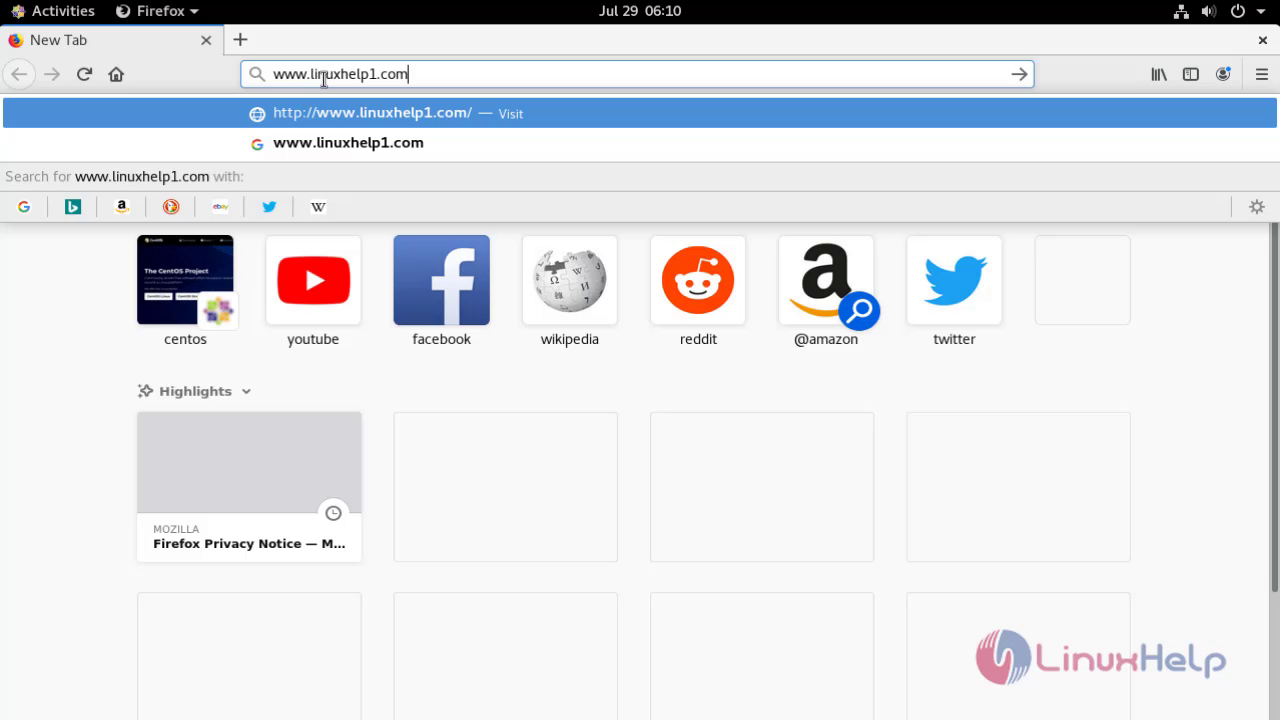
Go to the browser and enter the domain name
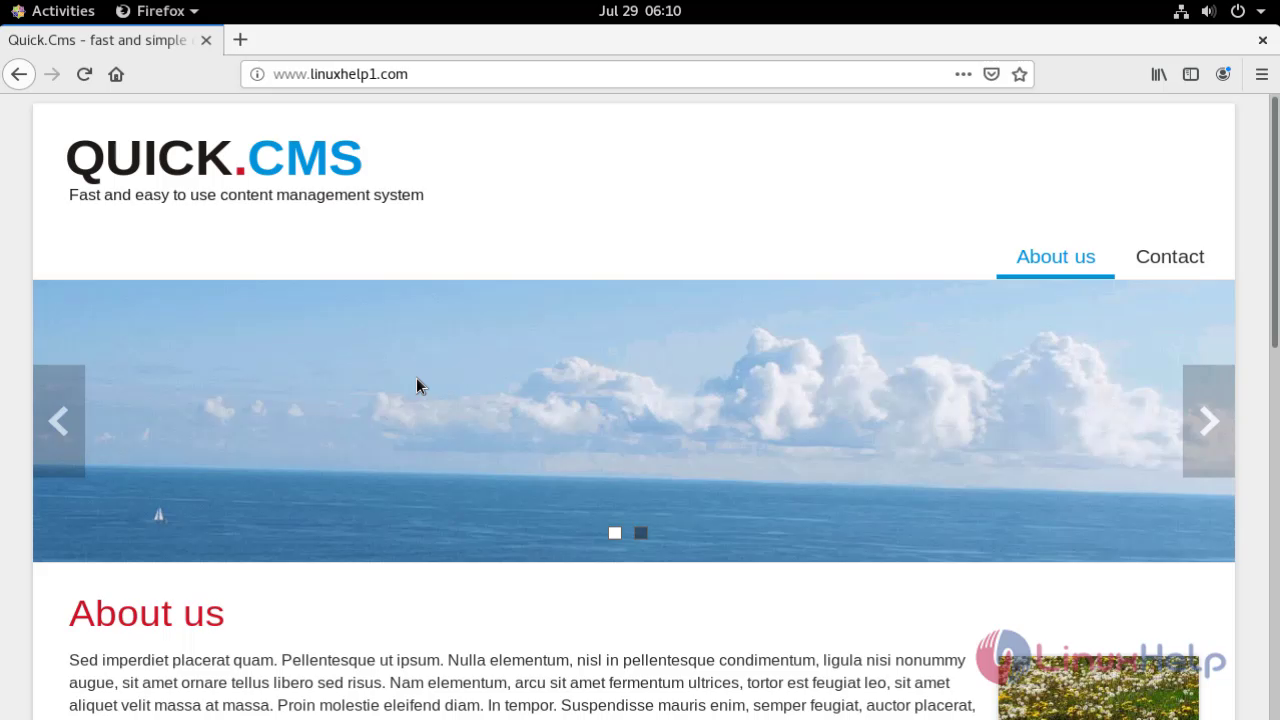
 This is the welcome page of quick cms
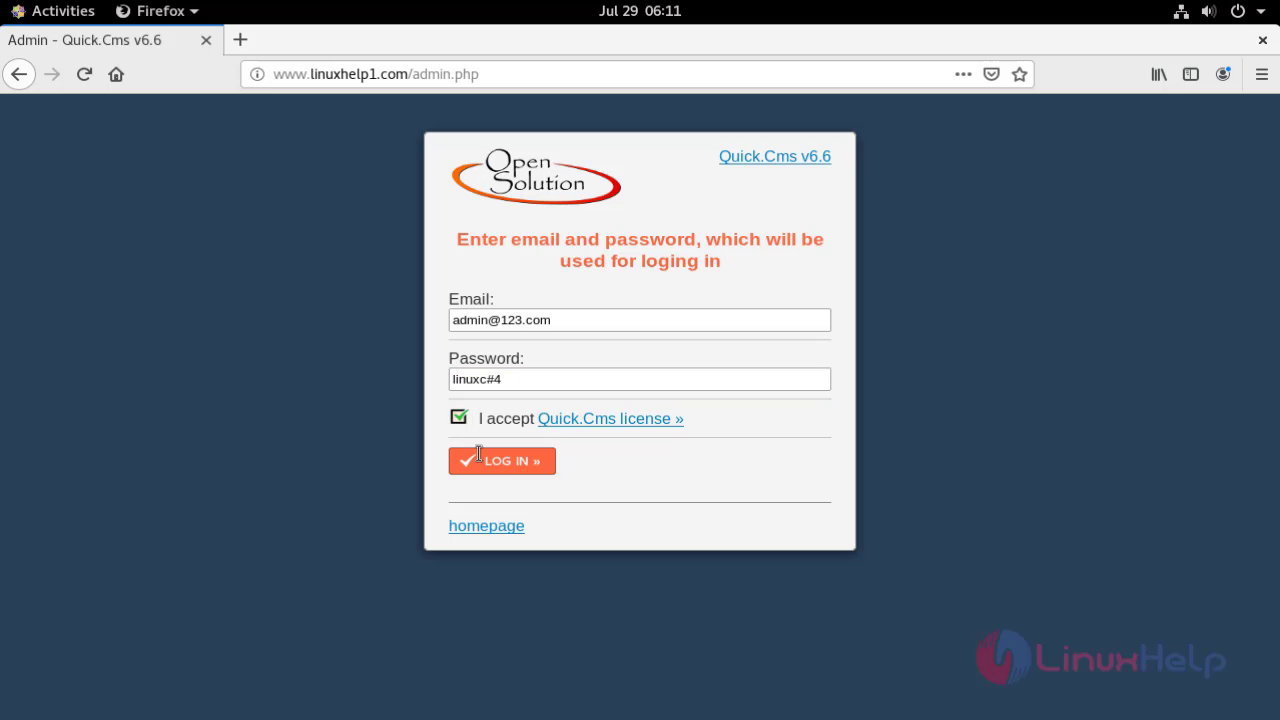
 Go to the admin page and login using the admin credentials
 This is the dashboard of quick cms
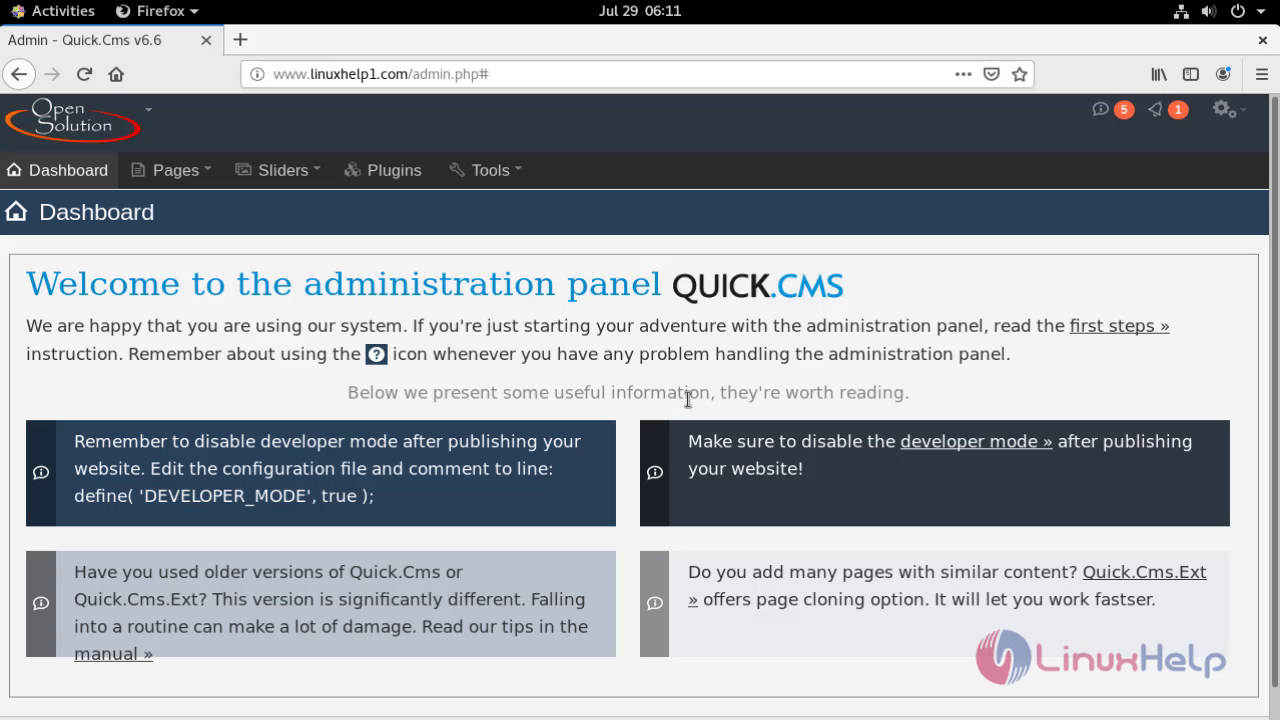 With this the installation of quick cms comes to end
Comments ( 0 )
No comments available