How to install Quickcart 6.7 on Ubuntu 18.04
To install Quickcart 6.7 on Ubuntu 18.04
The quick cart is a free platform to create own shopping Websites like Flipkart, eBay, and Amazon etc. It does not require any Database to run. It just requires a web server and PHP to be installed on the system.
Prerequisites
Install LAMP(Apache, MariaDB, php7)
In MariaDB (create database and user and give privileges to that user )
Php installation with required following modules
add-apt-repository ppa:ondrej/php
apt-get update
apt-get install php7.0 php7.0-mysql php7.0-curl php7.0-json php7.0-cgi libapache2-mod-php7.0 php7.0-mcrypt php7.0-xmlrpc php7.0-gd php7.0-mbstring php7.0  php7.0-common  php7.0-xmlrpc php7.0-soap  php7.0-xml php7.0-intl
php7.0-cli  php7.0-ldap php7.0-zip php7.0-readline php7.0-imap php7.0-tidy php7.0-recode php7.0-sq php7.0-intl
Download a Quickcart CMS package using the following command
root@linuxhelp1:~# wget http://opensolution.org/download/home.html?sFile=Quick.Cart_v6.7.zip
--2018-06-08 13:45:54--  http://opensolution.org/download/home.html?sFile=Quick.Cart_v6.7.zip
Resolving opensolution.org (opensolution.org)... 94.152.51.156
Connecting to opensolution.org (opensolution.org)|94.152.51.156|:80... connected.
HTTP request sent, awaiting response... 200 OK
Length: unspecified [application/zip]
Saving to: ‘ home.html?sFile=Quick.Cart_v6.7.zip’

home.html?sFile=Quick.Cart_v6.7.zip                    [ < =>                                                                                                             ] 646.01K  --.-KB/s    in 0.02s

2018-06-08 13:45:59 (38.3 MB/s) - ‘ home.html?sFile=Quick.Cart_v6.7.zip’  saved [661518]
The downloaded package is a zip file, so unzip the package now
root@linuxhelp1:~# unzip home.html?sFile=Quick.Cart_v6.7.zip -d quickcart
Archive:  home.html?sFile=Quick.Cart_v6.7.zip
   creating: quickcart/core/
  inflating: quickcart/core/common-admin.js
  inflating: quickcart/core/common-admin.php
  inflating: quickcart/core/common.js
  inflating: quickcart/core/common.php
  inflating: quickcart/core/files-admin.php
  inflating: quickcart/core/files.php
.
.
  inflating: quickcart/templates/default/page.php
  inflating: quickcart/templates/default/product.php
  inflating: quickcart/templates/default/style.css
  inflating: quickcart/templates/default/_footer.php
  inflating: quickcart/templates/default/_header.php
  inflating: quickcart/.htaccess
  inflating: quickcart/admin.php
  inflating: quickcart/index.php
  inflating: quickcart/read-me.txt
Move the extracted file into the following path
root@linuxhelp1:~# mv quickcart /var/www/
Switch to the following directory
root@linuxhelp1:~# cd /var/www/
Change the ownership and permission of the file
root@linuxhelp1:/var/www# chown -R www-data.www-data quickcart
root@linuxhelp1:/var/www# chmod -R 775 quickcart
Create a new virtual host configuration for accessing the Quickcart CMS application
root@linuxhelp1:/var/www# vim /etc/apache2/sites-available/quickcart.conf
< VirtualHost *:80>
ServerName www.linuxhelp1.com
DocumentRoot /var/www/quickcart/

< Directory /var/www/quickcart/>
AllowOverride All
allow from all
< /Directory>

< /VirtualHost>
Enable the site access
root@linuxhelp1:/var/www# a2ensite quickcart.conf
Enabling site quickcart.
To activate the new configuration, you need to run:
  systemctl reload apache2
Disable the default access
root@linuxhelp1:/var/www# a2dissite 000-default.conf
Site 000-default disabled.
To activate the new configuration, you need to run:
  systemctl reload apache2
Enable the rewrite module
root@linuxhelp1:/var/www# a2enmod rewrite
Enabling module rewrite.
To activate the new configuration, you need to run:
  systemctl restart apache2
Restart the apache2 service
root@linuxhelp1:/var/www# systemctl restart apache2
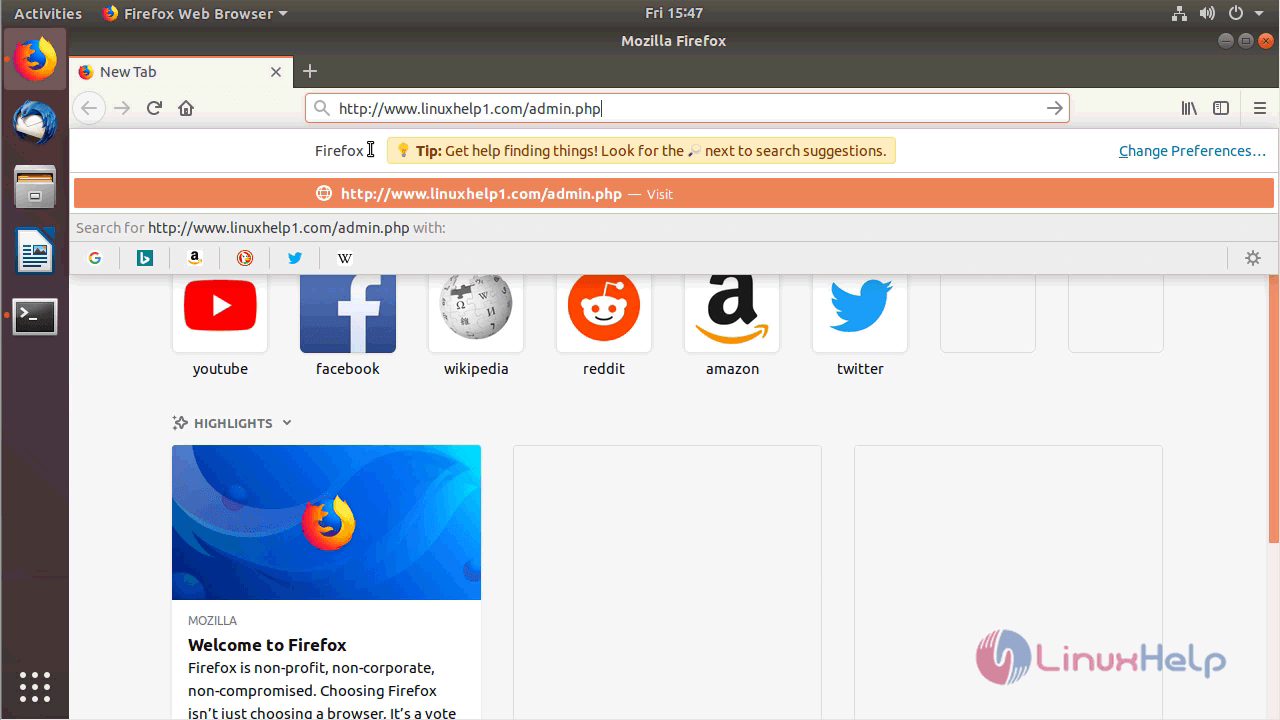
Now you can proceed the further installation and configuration from the browser by navigating to the following URL: http://< ipaddress or domain name
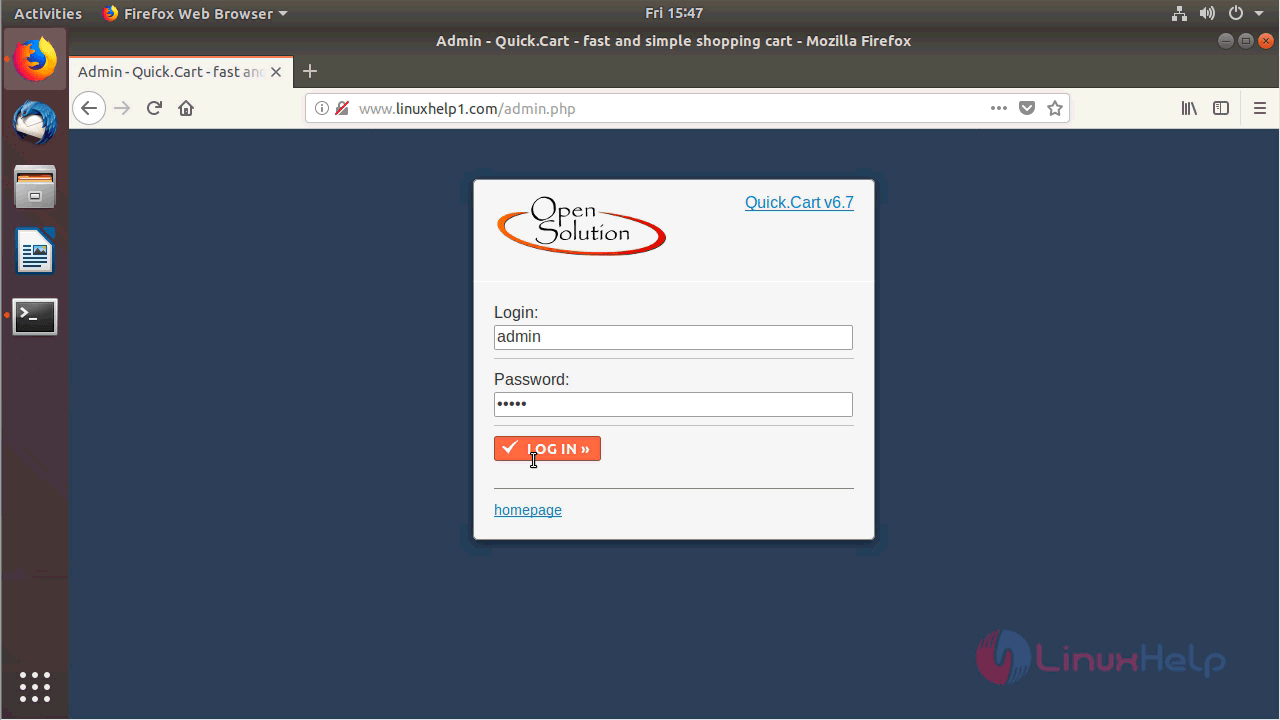
Login page of Quickcart application. Login with username and password as " admin"
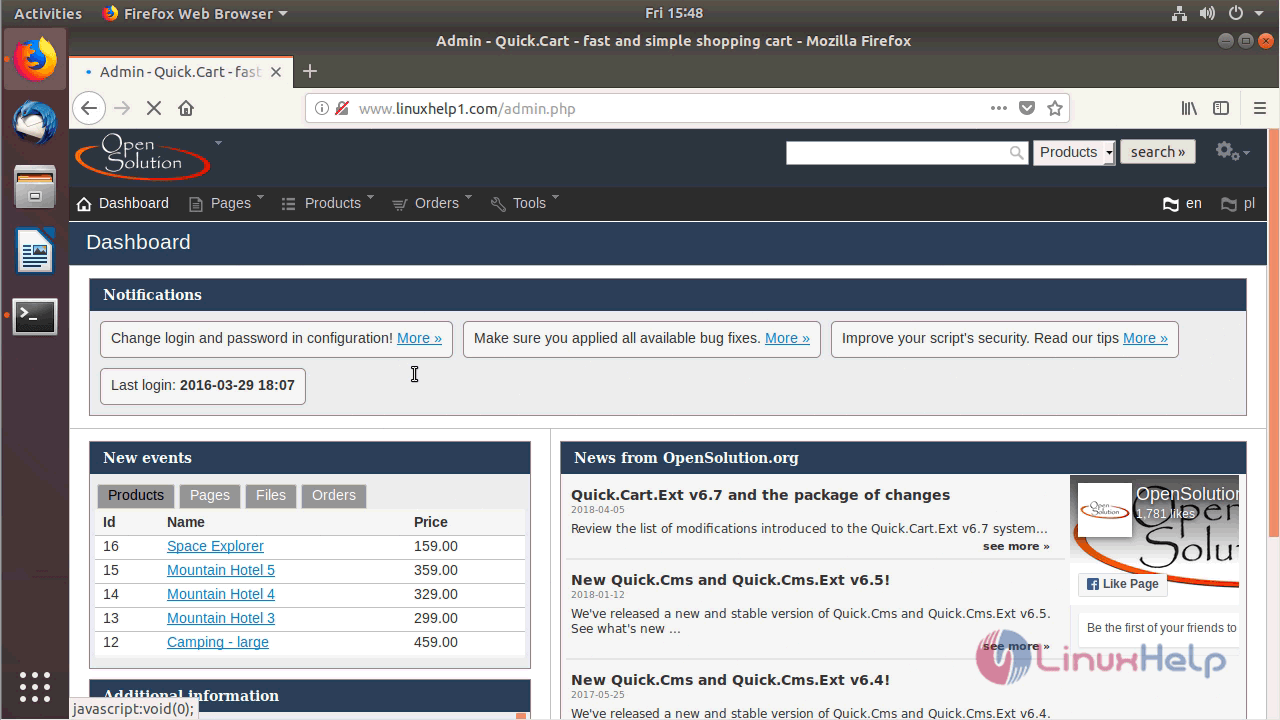
Quickcart dashboard
With this, the method to install Quickcart 6.7 on Ubuntu 18.04 comes to an end.
Comments ( 0 )
No comments available