How to Install QuickCart on CentOS 7.6
- 00:31 rpm -q centos-release
- 00:49 wget https://opensolution.org/download/home.html?sFile=Quick.Cart_v6.7.zip
- 01:06 unzip home.html?sFile=Quick.Cart_v6.7.zip -d quickcart
- 01:17 mv quickcart /var/www/
- 01:30 chown -R apache:apache /var/www/quickcart
- 01:43 chmod -R 755 /var/www/quickcart
- 02:01 vim /etc/httpd/conf.d/quickcart.conf
- 03:14 systemctl restart httpd
Installation of Quick Cart On Centos 7.6
Quick cart is a free platform to create own shopping Websites like Flipkart, eBay, and Amazon etc. It does not require any Database to run. It just requires a web server and PHP to be installed on the system.This tutorial covers the installation of Quick cart on centos 7.6
Requirements for Quick cart:
Apache
Php and it's modules
php php-xml php-mysql php-mbstring php-zip php-soap php-curl php-gd php-ldap php-imap php-common php-mcrypt
Installation procedure
Check the Centos version by using the following command
[root@linuxhelp ~]# rpm -q centos-release
centos-release-7-6.1810.2.el7.centos.x86_64
Once the database configuration is done, download the installation package of Quick cart by using the wget command.
[root@linuxhelp ~]# wget https://opensolution.org/download/home.html?sFile=Quick.Cart_v6.7.zip
--2019-06-01 14:31:26--  https://opensolution.org/download/home.html?sFile=Quick.Cart_v6.7.zip
Resolving opensolution.org (opensolution.org)... 94.152.51.156
Connecting to opensolution.org (opensolution.org)|94.152.51.156|:443... connected.
HTTP request sent, awaiting response... 200 OK
Length: unspecified [application/zip]
Saving to: ‘home.html?sFile=Quick.Cart_v6.7.zip’

    [                         <=>                               ] 661,518     30.4KB/s   in 17s

2019-06-01 14:31:47 (37.0 KB/s) - ‘home.html?sFile=Quick.Cart_v6.7.zip’ saved [661518]
Once the download is completed extract the downloaded package using unzip command.
[root@linuxhelp ~]# unzip home.html?sFile=Quick.Cart_v6.7.zip -d quickcart
Archive:  home.html?sFile=Quick.Cart_v6.7.zip
   creating: quickcart/core/
  inflating: quickcart/core/common-admin.js
  inflating: quickcart/core/common-admin.php
  inflating: quickcart/core/common.js
  inflating: quickcart/core/common.php
  inflating: quickcart/core/files-admin.php
  inflating: quickcart/core/files.php
.
.
  inflating: quickcart/templates/default/product.php
  inflating: quickcart/templates/default/style.css
  inflating: quickcart/templates/default/_footer.php
  inflating: quickcart/templates/default/_header.php
  inflating: quickcart/.htaccess
  inflating: quickcart/admin.php
  inflating: quickcart/index.php
  inflating: quickcart/read-me.txt
Move the Quick cart directory to apache root directory.
[root@linuxhelp ~]# mv quickcart /var/www/
Set the ownership and permission for Quick cart by using the following command.
[root@linuxhelp ~]# chown -R apache:apache /var/www/quickcart
[root@linuxhelp ~]# chmod -R 755 /var/www/quickcart
Configure the virtualhost for accessing the Quick cart.
[root@linuxhelp ~]# vim /etc/httpd/conf.d/quickcart.conf
<Virtualhost *:80>
        servername www.linuxhelp1.com
        documentroot /var/www/quickcart
<directory /var/www/quickcart>
allowoverride all
allow from all
</directory>
</virtualhost>
Restart the apache service by using the following command.
[root@linuxhelp ~]# systemctl restart httpd
Switch to your browser and enter the domain name.
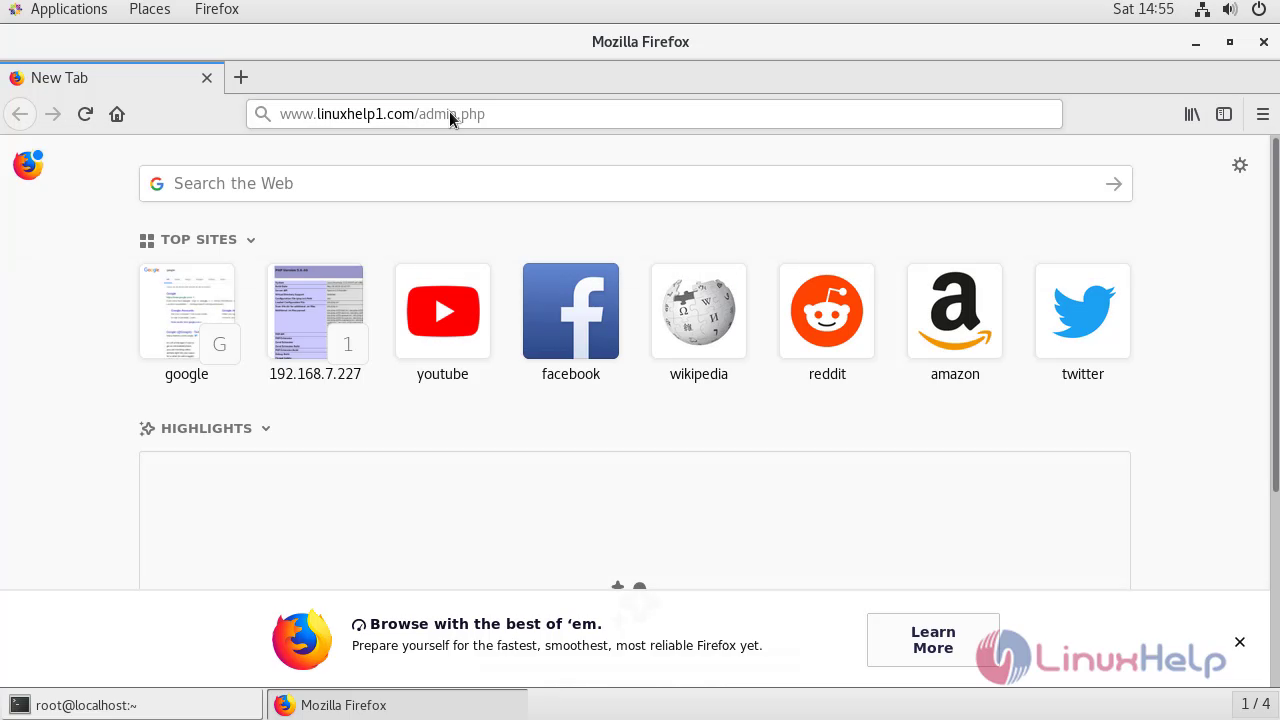 Welcome page of Quick Cart.
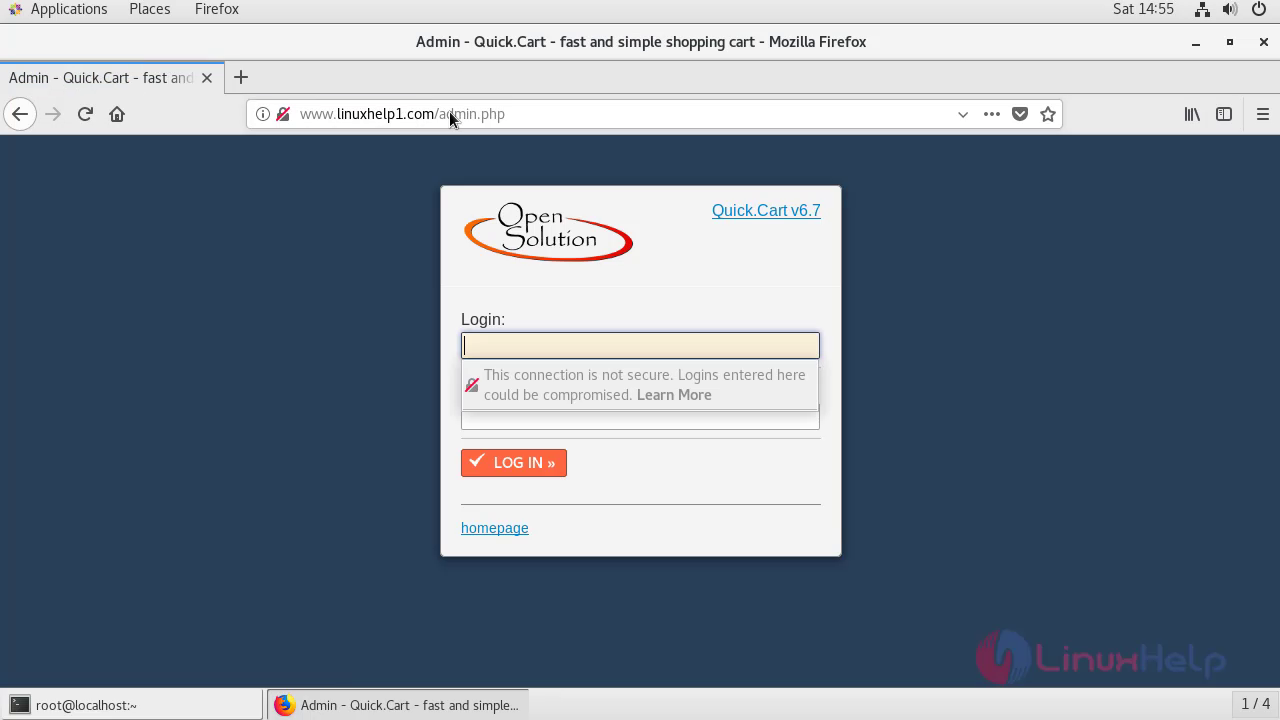
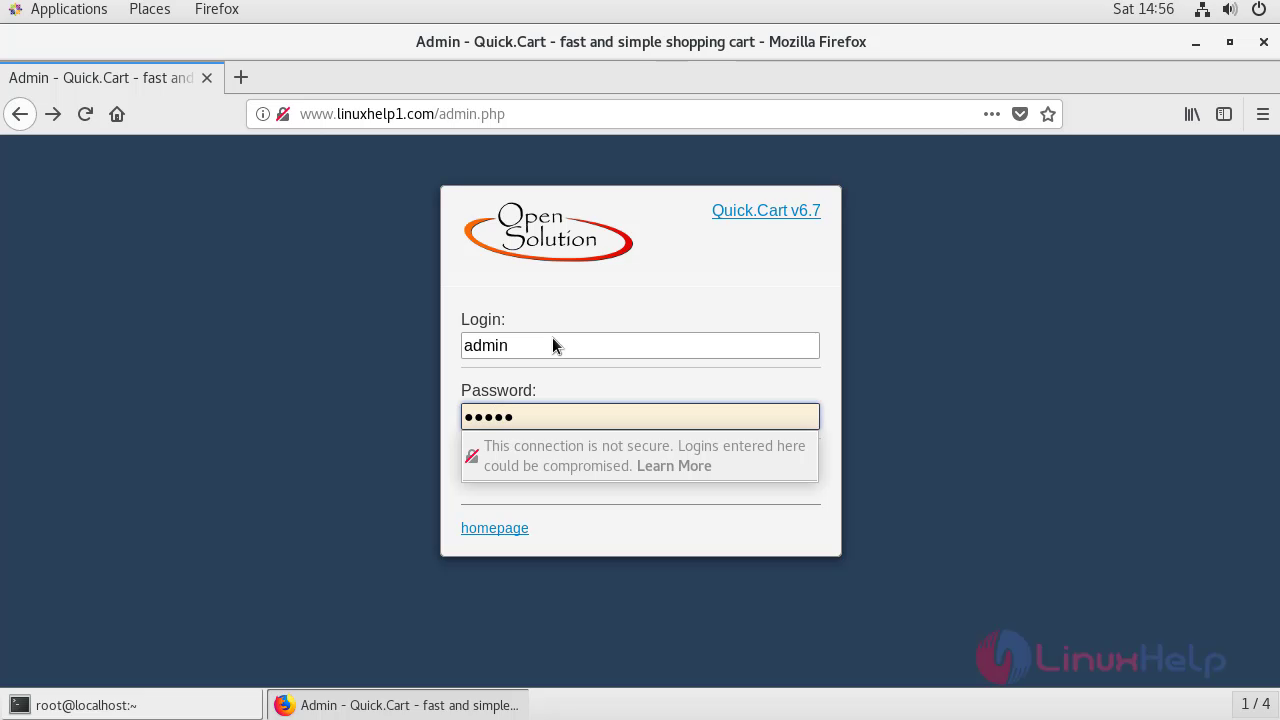
Enter your admin credentials for login in Quick Cart.
 This is the dashboard of Quick Cart.
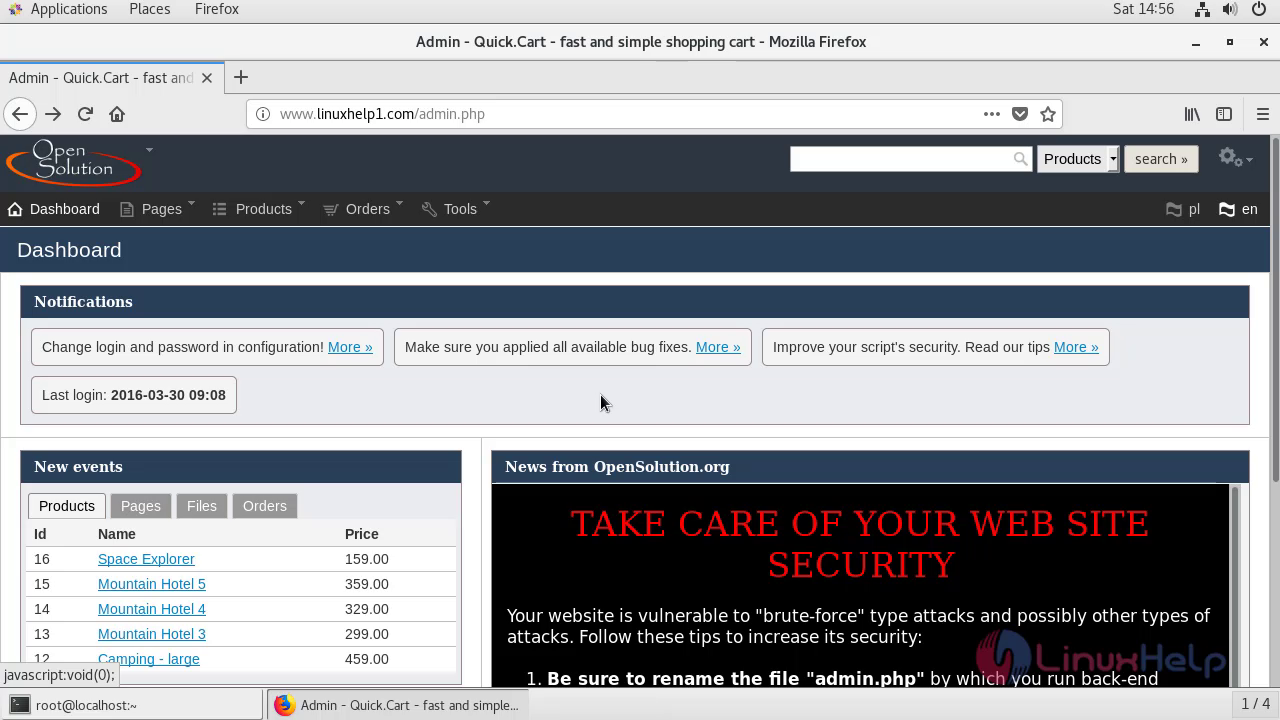 With this, the method to install Quick Cart on Centos 7.6 comes to an end.
Comments ( 0 )
No comments available