How to install QuiteRSS on Debian 9.0
To install QuiteRSS on Debian 9.0
QuiteRSS is an open-source and cross platform RSS reader, written on Qt and C++. It is very simple to use software, and its installation is as simple as its functionality. In this tutorial, you will be briefed about the installation process involved with QuiteRSS on Debian 9.0
Installing QuiteRSS
Before installation, make sure that you add the necessary repo in your sources.list configuration file. Use the nano command to open the file as follows.
root@debian:~# nano /etc/apt/sources.list
Now add these lines at end of the file. Save and exit from the file.
deb http://deb.debian.org/debian/ stable main contrib non-free
deb-src http://deb.debian.org/debian/ stable main contrib non-free
Once the repo added, update the apt sources.list file as follows.
root@debian:~# apt-get update
Hit:1 http://deb.debian.org/debian stable-updates InRelease
Hit:2 http://ftp.debian.org/debian stretch-backports InRelease
Hit:3 http://deb.debian.org/debian-security stable/updates InRelease
Ign:4 http://deb.debian.org/debian stable InRelease
Get:5 http://deb.debian.org/debian stable Release [118 kB]
Get:6 http://deb.debian.org/debian stable Release.gpg [2,479 B]
Get:7 http://deb.debian.org/debian stable/non-free Sources [79.7 kB]
Get:8 http://deb.debian.org/debian stable/main Sources [6,754 kB]
Get:9 http://deb.debian.org/debian stable/contrib Sources [44.7 kB]
Get:10 http://deb.debian.org/debian stable/main amd64 Packages [7,097 kB]
.
.
Reading package lists... Done
Now is the time to install the package. Run the following command which triggers the installation process.
root@debian:~# apt-get install quiterss
Reading package lists... Done
Building dependency tree
Reading state information... Done
The following packages were automatically installed and are no longer required:
libjavascriptcoregtk-3.0-0 libwebkitgtk-3.0-0
Use ' apt autoremove'  to remove them.
The following additional packages will be installed:
libdouble-conversion1 libpcre16-3 libqt5core5a libqt5dbus5 libqt5gui5 libqt5multimedia5
libqt5network5 libqt5opengl5 libqt5printsupport5 libqt5qml5 libqt5quick5 libqt5sql5
libqt5sql5-sqlite libqt5svg5 libqt5webkit5 libqt5widgets5 libqt5xml5 libxcb-xinerama0 mesa-utils
qt5-gtk-platformtheme qttranslations5-l10n
Suggested packages:
qt5-image-formats-plugins qtwayland5 qt5-qmltooling-plugins
.
.
Setting up quiterss (0.18.4+dfsg-2) ...
Processing triggers for libc-bin (2.24-11+deb9u1) ...
The application is installed. You can launch it from your activities search field.
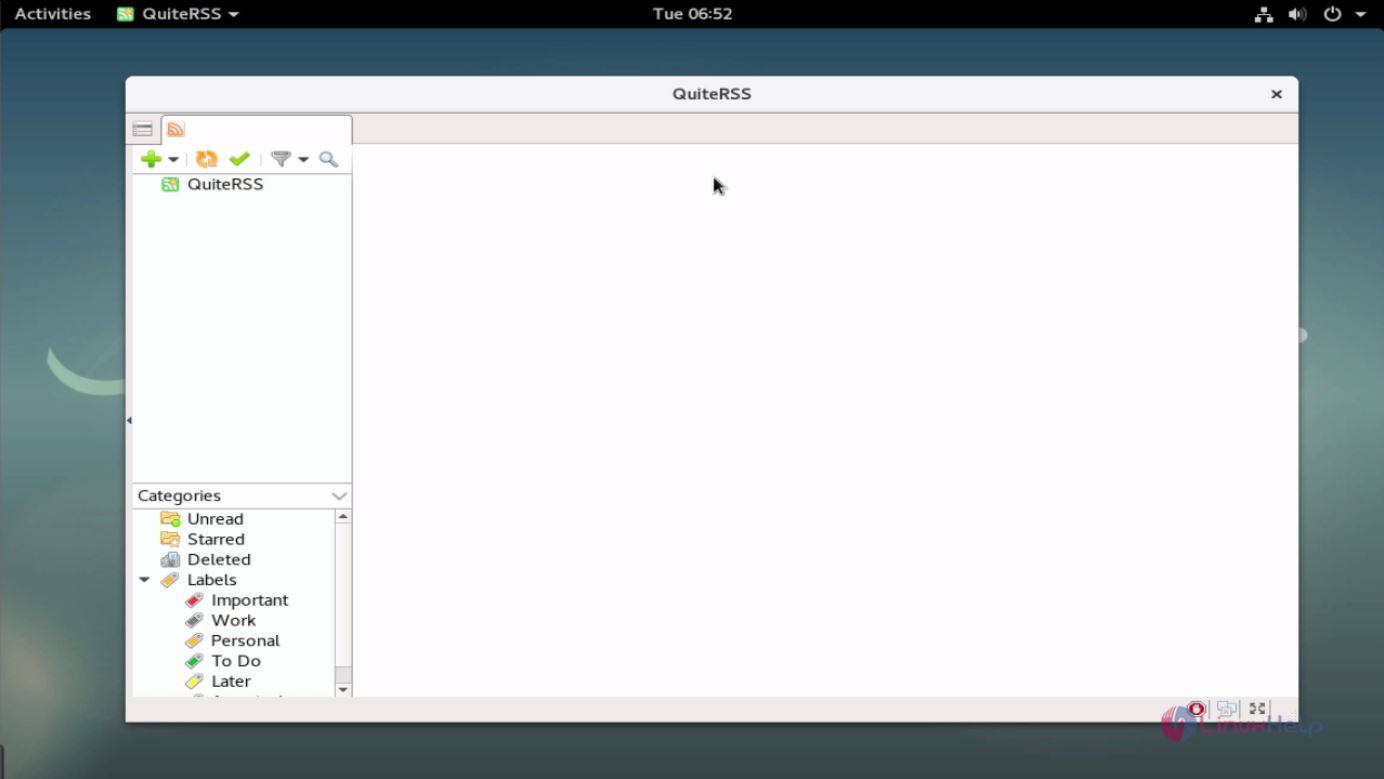
With this, the installation of QuiteRSS on Debian 9.0 comes to an end.
Comments ( 0 )
No comments available