How to Install RamBox on Linux Mint 20
How to install RamBox on Linux Mint 20
Introduction: Rambox is a free and open-source messaging and emailing application that allows you to bring together the most commonly used web allocation all in one place.it is particularly designed for users to work with various services for business and private accounts. This will cover the installation of Rambox on Linux Mint 20.
Installation Procedure:
First check the version of the linux Mint OS
root@LinuxHelp:~# lsb_release -a
No LSB modules are available.
Distributor ID:	Linuxmint
Description:	Linux Mint 20
Release:	20
Codename:	ulyana
Now download the RamBox software by using the wget command
root@LinuxHelp:~# wget https://github.com/ramboxapp/community-edition/releases/download/0.6.8/Rambox-0.6.8-linux-amd64.deb
--2020-12-21 17:20:29--  https://github.com/ramboxapp/community-edition/releases/download/0.6.8/Rambox-0.6.8-linux-amd64.deb
Resolving github.com (github.com)... 13.234.176.102
Connecting to github.com (github.com)|13.234.176.102|:443... connected.
.
.
.
Rambox-0.6.8-linux-amd64.deb   100%[==================================================>]  56.15M   865KB/s    in 3m 31s

2020-12-21 17:24:01 (273 KB/s) - ‘Rambox-0.6.8-linux-amd64.deb’ saved [58880790/58880790]
List the files from the directory by using the following command
root@LinuxHelp:~# ls -la
total 57540
drwx------  4 root root     4096 Dec 21 17:24 .
drwxr-xr-x 23 root root     4096 Dec 12 09:31 ..
drwx------  2 root root     4096 Jun 25 00:19 .aptitude
-rw-------  1 root root       58 Dec 16 17:31 .bash_history
-rw-r--r--  1 root root     3106 Dec  5  2019 .bashrc
drwx------  3 root root     4096 Jun 25 00:12 .cache
-rw-r--r--  1 root root      161 Dec  5  2019 .profile
-rw-r--r--  1 root root 58880790 Jun 12  2019 Rambox-0.6.8-linux-amd64.deb
-rw-------  1 root root     1188 Dec 16 17:43 .viminfo
-rw-r--r--  1 root root      165 Dec 21 17:24 .wget-hsts
Once the Download is completed then install the RamBox application by using the following command
root@LinuxHelp:~# gdebi Rambox-0.6.8-linux-amd64.deb
Reading package lists... Done
Building dependency tree
Reading state information... Done
Reading state information... Done
Requires the installation of the following packages: gconf-service gconf-service-backend gconf2 gconf2-common libappindicator1 libdbusmenu-gtk4 libgconf-2-4

Free and Open Source messaging and emailing app that combines common web applications into one.
Do you want to install the software package? [y/N]:y
Get:1 http://archive.ubuntu.com/ubuntu focal/universe amd64 gconf2-common all 3.2.6-6ubuntu1 [698 kB]
.
.
.
Processing triggers for desktop-file-utils (0.24+linuxmint1) ...
Processing triggers for mime-support (3.64ubuntu1) ...
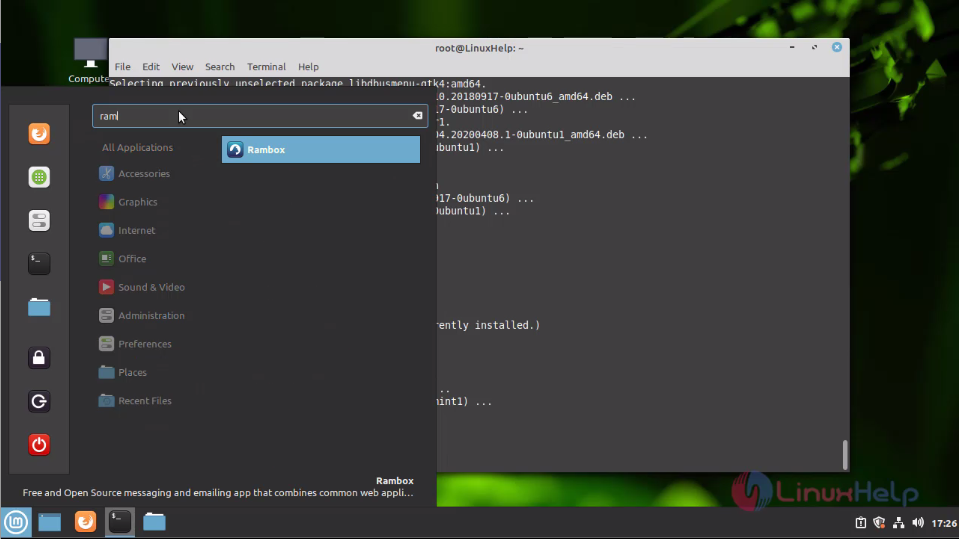
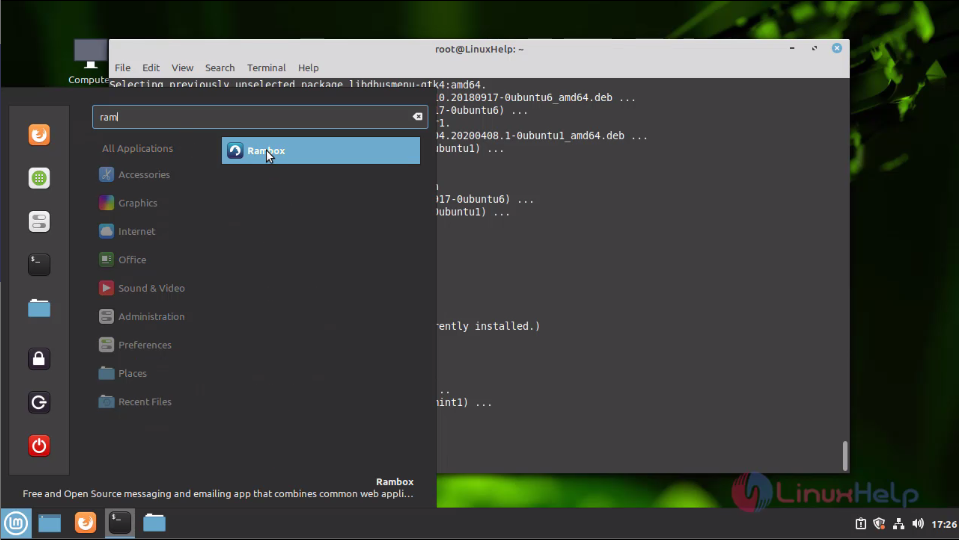
Now search RamBox on your menu bar Snap1: Open RamBox application
This is the console of the RamBox application
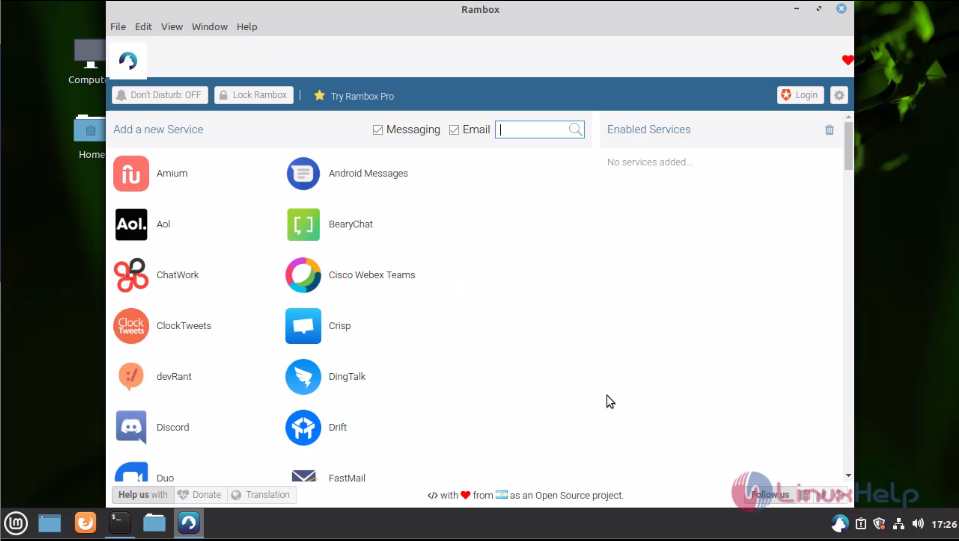
With this method, the installation of RamBox on Linux Mint 20 is comes to an end.
Comments ( 0 )
No comments available