• Categories
    Category
    {{ postCtrl.tags }}
    • {{ category.tag_type }}

      • {{tag.tag_name}}
      • View more
  • Categories
    Category
    {{ postCtrl.tags }}
    • {{ category.tag_type }}

      • {{tag.tag_name}}
      • View more
  • News
  • Tutorials
  • Forums
  • Tags
  • Users
Tutorial News Comments FAQ Related Articles

How to install Rawtherapee 5 on Ubuntu 16.04

{{postValue.id}}

To install RawTherapee 5 on Ubuntu 16.04

RawTherapee is an open-source raw image processor is used for designing and developing raw photos which includes unusual ones like those from cameras using Foveon and X-Trans sensors. It also processes non-raw photos. It uses mostly used formats such as JPEG, PNG, and TIFF as the output format for the processed photos. Installation of RawTherapee in Ubuntu is explained in this tutorial.

Features

  • Monitor profile and rendering intent support.
  • Print soft-proofing support.
  • Automatic chroma noise reduction, manual luminance noise reduction using sliders and curves.
  • rayscale JPEG and TIFF images are now supported.
  • 32-bit TIFF files are supported.

Installing RawTherapee

Initiate the installation of RawTherapee by adding its package into repository via ppa.

root@linuxhelpubnt:~# add-apt-repository ppa:dhor/myway
Press [ENTER] to continue or ctrl-c to cancel adding it
gpg: keyring `/tmp/tmps5nn98ko/secring.gpg'  created
gpg: keyring `/tmp/tmps5nn98ko/pubring.gpg'  created
.
.
.
gpg: key 93330B78: public key " Launchpad PPA for Dariusz Duma"  imported
gpg: Total number processed: 1
gpg:               imported: 1  (RSA: 1)
OK

Once the repository is added, update the machine by invoking the following command.

root@linuxhelpubnt:~# apt-get update
Get:1 http://ppa.launchpad.net/dhor/myway/ubuntu xenial InRelease [17.5 kB]
Hit:2 http://in.archive.ubuntu.com/ubuntu xenial InRelease
Get:3 http://in.archive.ubuntu.com/ubuntu xenial-updates InRelease [102 kB]         
.
.
.
Get:8 http://in.archive.ubuntu.com/ubuntu xenial-backports InRelease [102 kB]               
Fetched 250 kB in 2s (98.2 kB/s)   
Reading package lists... Done

Now is the time to install the RawTherapee package. Use the following command for the same purpose.

root@linuxhelpubnt:~# apt-get install rawtherapee
Reading package lists... Done
Building dependency tree       
Reading state information... Done
The following packages were automatically installed and are no longer required:
  libpango1.0-0 libpangox-1.0-0
.
.
.
Setting up libiptcdata0 (1.0.4-4ubuntu1) ...
Setting up rawtherapee (5.0.1-1dhor~xenial) ...
Processing triggers for libc-bin (2.23-0ubuntu5) ...

RawTherapee is now installed. Launch it using Ubuntu dashboard.
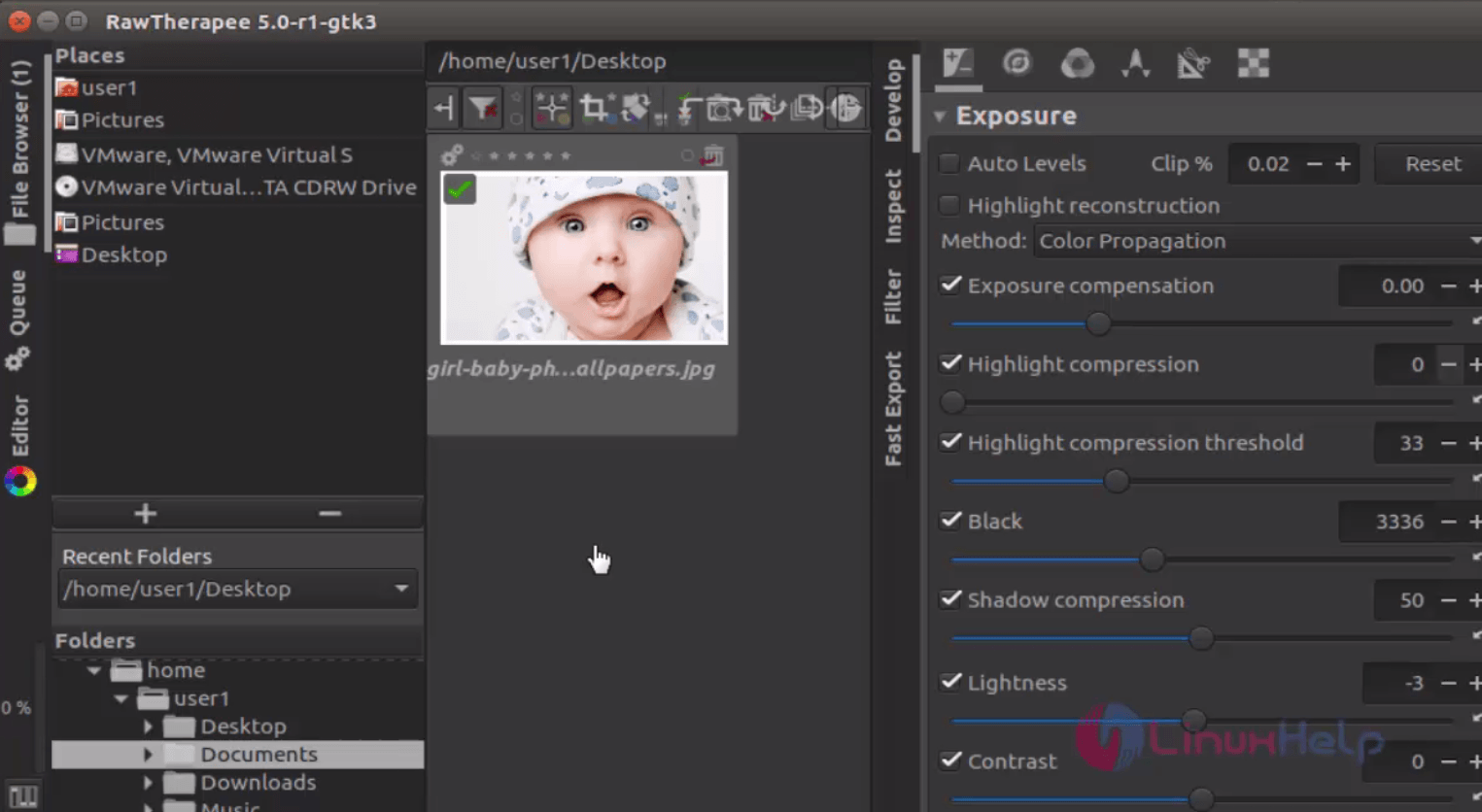
Rawtherapee

Enjoy editing your images with RawTherapee .
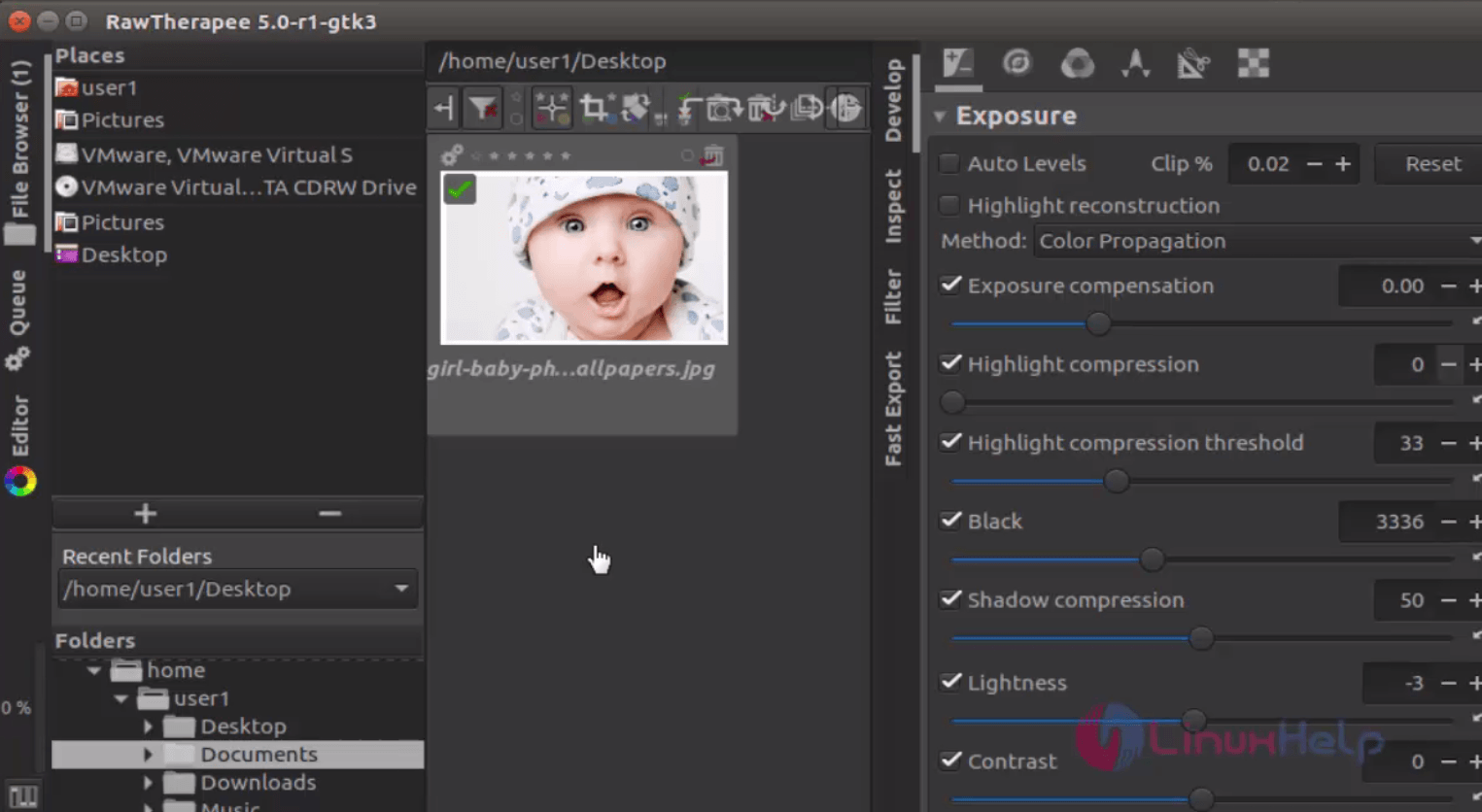
edit_image_Rawtherapee


Rawtherapee_image

Tags:
noah
Author: 

Comments ( 0 )

No comments available

Add a comment
{{postCtrl.cmtErrMsg}}

Frequently asked questions ( 5 )

Q

What is Rawthetapee 5?

A

RawTherapee is an open-source raw image processor is used for designing and developing raw photos which includes unusual ones like those from cameras using Foveon and X-Trans sensors. It also processes non-raw photos. It uses mostly used formats such as JPEG, PNG, and TIFF as the output format for the processed photos.

Q

How to install the RawTherapee package on Ubuntu?

A

Use the following command for the same purpose:
# apt-get install rawtherapee

Q

can it support for multi-platform?

A

yes it can support for Multi-Platform Operating Systems

Q

I need more tools like this ?

A

Similarly try Darktable, Polarr, photivo , LightZone, Corel AfterShot Pro

Q

How to update the Rawtherapee 5 on Ubuntu?

A

Once the repository is added, update the machine by invoking the following command:
# apt-get update

Back To Top!
Rank
User
Points

Top Contributers

userNamenaveelansari
135850

Top Contributers

userNameayanbhatti
92510

Top Contributers

userNamehamzaahmed
32150

Top Contributers

1
userNamelinuxhelp
31040

Top Contributers

userNamemuhammadali
24500
Can you help keel johnston ?
Unhide the folders on windows Explorer

Give any solutions to unhide folder using command prompt?

forum3

Networking
  • Routing
  • trunk
  • Netmask
  • Packet Capture
  • domain
  • HTTP Proxy
Server Setup
  • NFS
  • KVM
  • Memory
  • Sendmail
  • WebDAV
  • LXC
Shell Commands
  • Cloud commander
  • Command line archive tools
  • last command
  • Shell
  • terminal
  • Throttle
Desktop Application
  • Linux app
  • Pithos
  • Retrospect
  • Scribe
  • TortoiseHg
  • 4Images
Monitoring Tool
  • Monit
  • Apache Server Monitoring
  • EtherApe 
  • Arpwatch Tool
  • Auditd
  • Barman
Web Application
  • Nutch
  • Amazon VPC
  • FarmWarDeployer
  • Rukovoditel
  • Mirror site
  • Chef
Contact Us | Terms of Use| Privacy Policy| Disclaimer
© 2025 LinuxHelp.com All rights reserved. Linux™ is the registered trademark of Linus Torvalds. This site is not affiliated with linus torvalds in any way.