How to install Red5 Media server on CentOS 7
To install Red5 Media server on CentOS 7
Red5 is an open source media server for live streaming solutions of all kinds. It is designed to be flexible with a simple plugin architecture that allows for customization of virtually any VOD and live streaming scenario.
Installing Red5 Media server
First, let’ s start the procedure by ensuring your system is up-to-date and for that make use of the following command.
[root@linuxhelp ~]# yum clean  all
Loaded plugins: fastestmirror, langpacks
Cleaning repos: base extras updates
Cleaning up everything
Maybe you want: rm -rf /var/cache/yum, to also free up space taken by orphaned data from disabled or removed repos
Cleaning up list of fastest mirrors
Also, make sure your system is updated.
[root@linuxhelp ~]# yum -y update
Loaded plugins: fastestmirror, langpacks
base                                                                                                                 | 3.6 kB  00:00:00
extras                                                                                                               | 3.4 kB  00:00:00
updates                                                                                                              | 3.4 kB  00:00:00
(1/4): base/7/x86_64/group_gz                                                                                        | 156 kB  00:00:00
(2/4): extras/7/x86_64/primary_db                                                                                    | 166 kB  00:00:00
(3/4): updates/7/x86_64/primary_db                                                                                   | 6.0 MB  00:00:13
(4/4): base/7/x86_64/primary_db                                                                                      | 5.7 MB  00:00:14
Determining fastest mirrors
 * base: mirror.dhakacom.com
 * extras: mirror.dhakacom.com
 * updates: mirror.dhakacom.com
No packages marked for update
Ensure that you have Java installed in your system.
You shall now proceed with the installation of red by making use of the following command.
[root@linuxhelp ~]# wget https://github.com/Red5/red5-server/releases/download/v1.0.10-M4/red5-server-1.0.10-M4.tar.gz
.
.
-2018-02-22 19:19:16--  https://github.com/Red5/red5-server/releases/download/v1.0.10-M4/red5-server-1.0.10-M4.tar.gz
Resolving github.com (github.com)... 13.229.188.59, 13.250.177.223, 52.74.223.119
Connecting to github.com (github.com)|13.229.188.59|:443... connected.
HTTP request sent, awaiting response... 302 Found
Location: https://github-production-release-asset-2e65be.s3.amazonaws.com/14514767/58d9b50e-7dd5-11e7-8427-3c3efa537c72?X-Amz-Algorithm=AWS4-HMAC-SHA256& X-Amz-Credential=AKIAIWNJYAX4CSVEH53A%2F20180222%2Fus-east-1%2Fs3%2Faws4_request& X-Amz-Date=20180222T134929Z& X-Amz-Expires=300& X-Amz-Signature=5a919ac5a82ab7161345e46964010293fefbf0c8c152cdc11e5b700bb3aea13b& X-Amz-SignedHeaders=host& actor_id=0& response-content-disposition=attachment%3B%20filename%3Dred5-server-1.0.10-M4.tar.gz& response-content-type=application%2Foctet-stream [following]
--2018-02-22 19:19:16--  https://github-production-release-asset-2e65be.s3.amazonaws.com/14514767/58d9b50e-7dd5-11e7-8427-3c3efa537c72?X-Amz-Algorithm=AWS4-HMAC-SHA256& X-Amz-Credential=AKIAIWNJYAX4CSVEH53A%2F20180222%2Fus-east-1%2Fs3%2Faws4_request& X-Amz-Date=20180222T134929Z& X-Amz-Expires=300& X-Amz-Signature=5a919ac5a82ab7161345e46964010293fefbf0c8c152cdc11e5b700bb3aea13b& X-Amz-SignedHeaders=host& actor_id=0& response-content-disposition=attachment%3B%20filename%3Dred5-server-1.0.10-M4.tar.gz& response-content-type=application%2Foctet-stream
.
.
Length: 41430006 (40M) [application/octet-stream]
Saving to: ‘ red5-server-1.0.10-M4.tar.gz’

100%[==================================================================================================> ] 4,14,30,006  495KB/s   in 83s

2018-02-22 19:20:40 (488 KB/s) - ‘ red5-server-1.0.10-M4.tar.gz’  saved [41430006/41430006]

[root@linuxhelp ~]# tar xvf red5-server-1.0.10-M4.tar.gz
red5-server/red5-server.jar
red5-server/license.txt
red5-server/
red5-server/uninstall-service.bat
red5-server/commons-daemon-1.0.15.jar
red5-server/red5
red5-server/red5-service.jar
.
.
red5-server/webapps/chat/WEB-INF/classes/org/red5/demos/chat/Router$SOListener.class
red5-server/webapps/chat/WEB-INF/classes/org/red5/demos/chat/Application.class
red5-server/webapps/chat/WEB-INF/red5-web.properties
red5-server/webapps/chat/WEB-INF/web.xml

 [root@linuxhelp ~]# cd red5-server/
Run the following script to start the Red 5 server.
[root@linuxhelp red5-server]# ./red5.sh
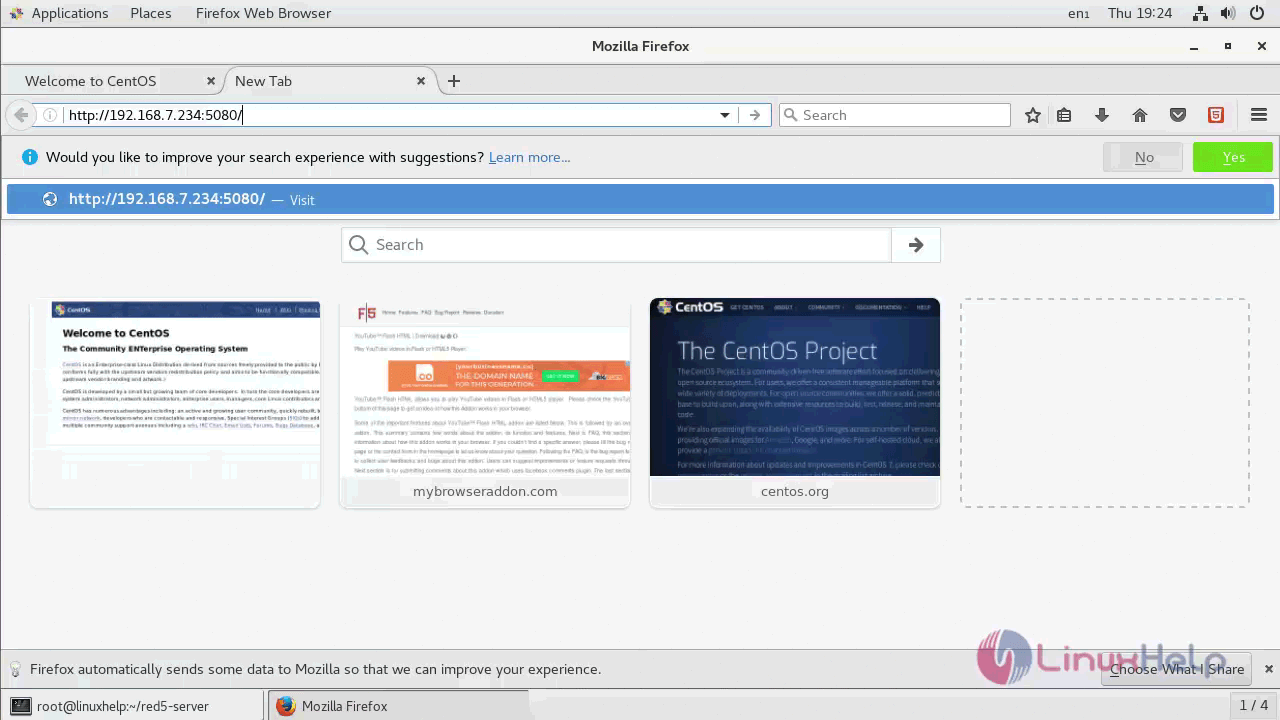
You can now access your browser. The Red5 demo pages and application can be accessed on port 5080 like http://your-server-ip:5080/
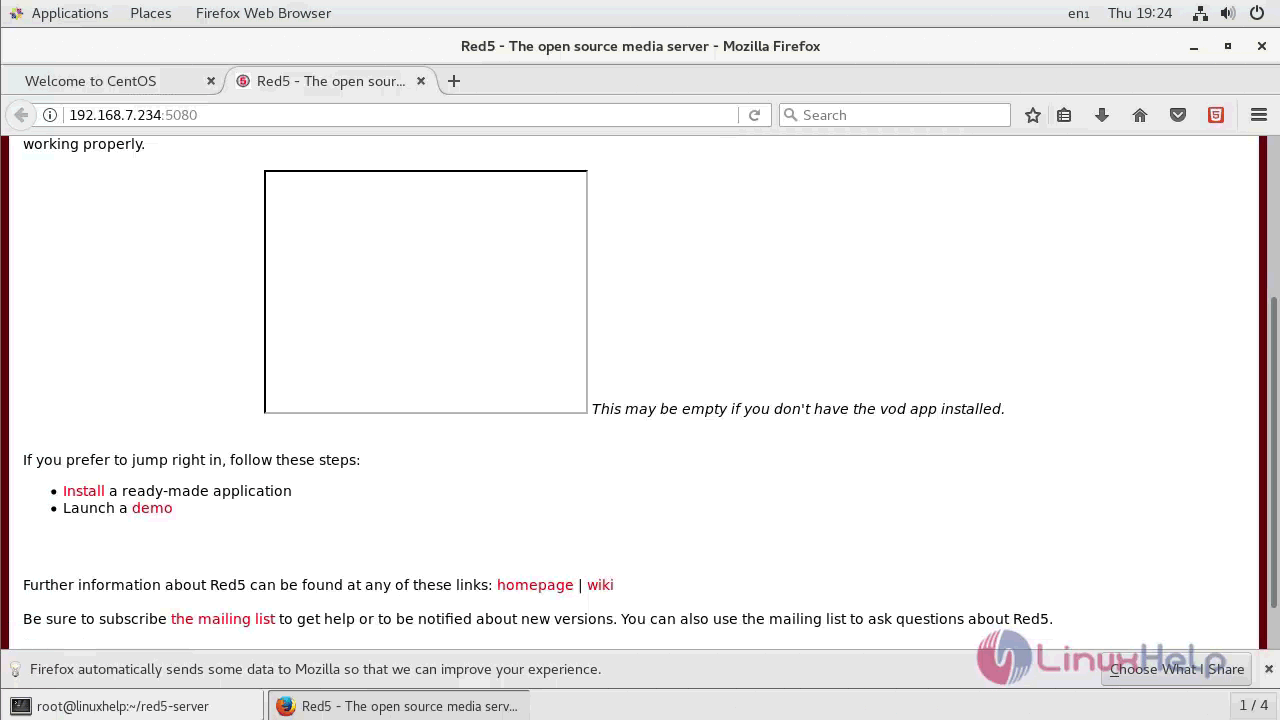
You will be taken to the Launch Demo. If you see this page, it means your installation was successful.
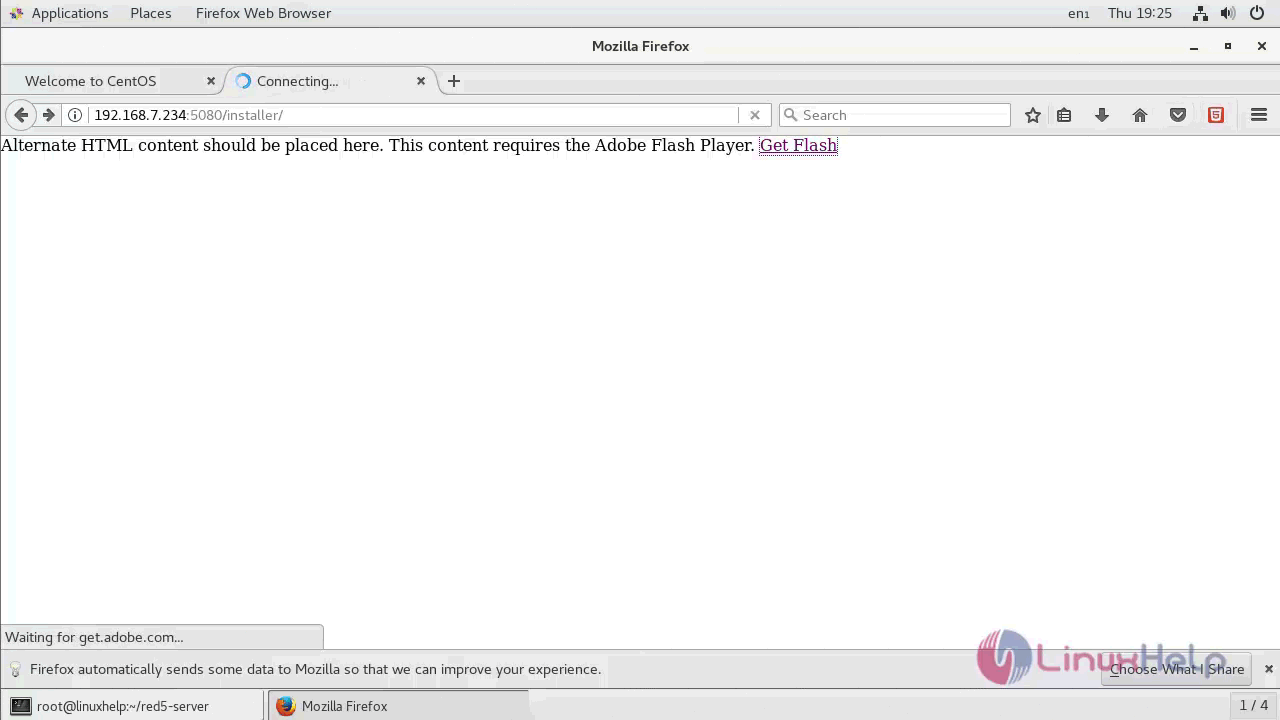
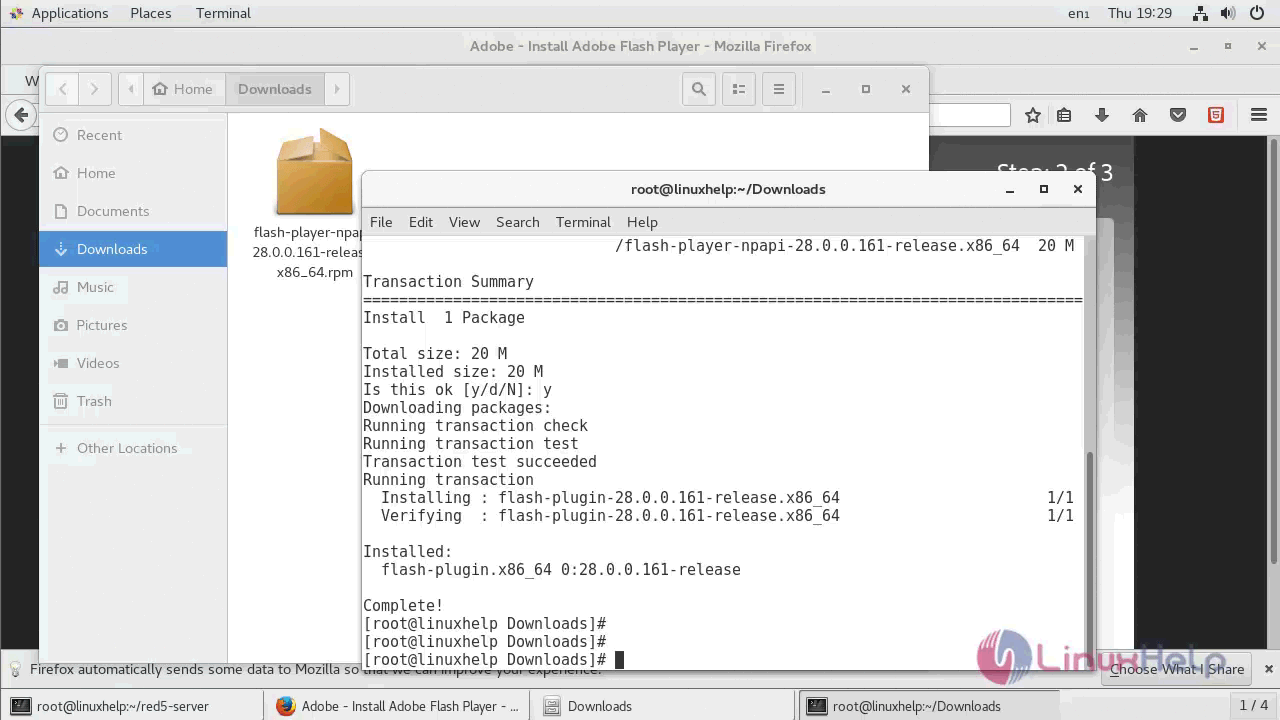
You may be asked to install flash, so make sure you do that.
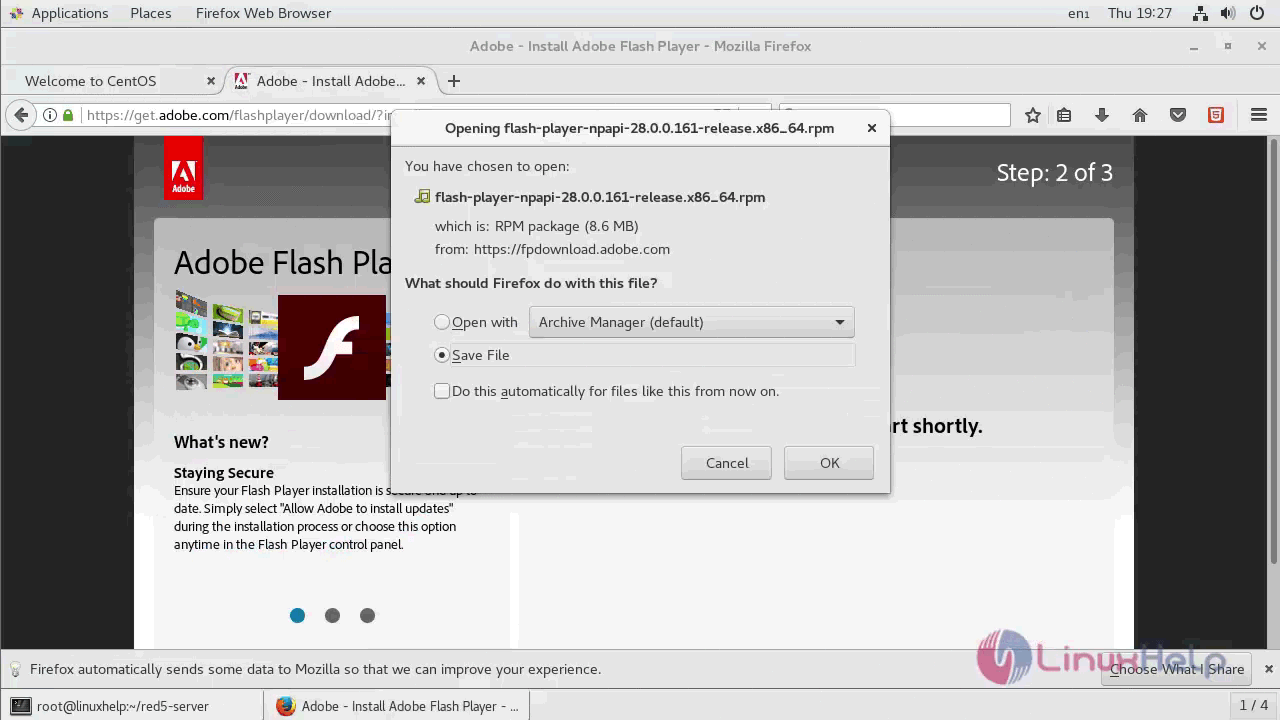
Once Flash is installed, open browser again.
And install the application.
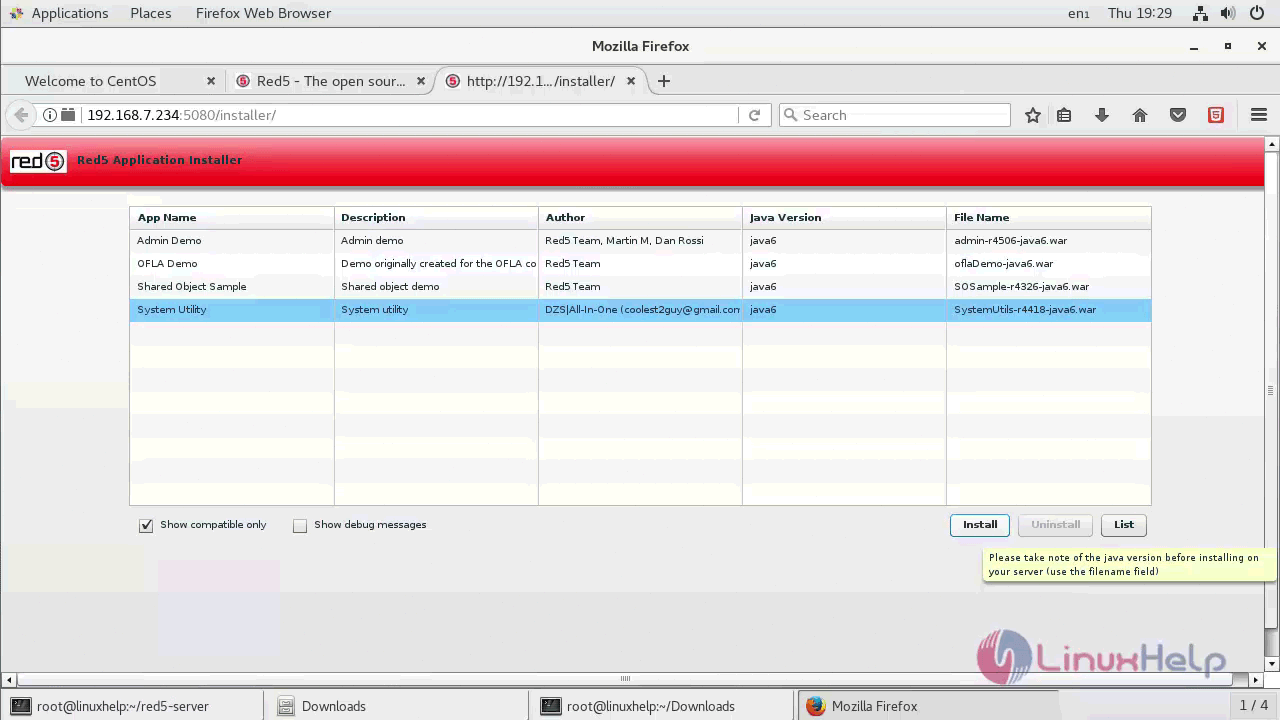
With this, the installation of Red5 Media server on CentOS 7
Comments ( 0 )
No comments available