How to install Scribus on Debian 8.3
How to install Scribus on Debian 8.3
Scribus is a freeware, multi-platform publishing program for all platforms and it provides color separation, ICC color management and PDF creation. This tutorial explains the installation of scribus in Debian.
Installation procedure
To start the installation procedure, first add the repo using the nano command.
root@linuxhelp:~# nano /etc/apt/sources.list
A source file opens add these lines in the file. Save and exit from the file.
deb http://ftp.debian.org/debian/ stable main contrib non-free
deb http://ftp.de.debian.org/debian jessie main
Next update the apt source by entering the following command.
root@linuxhelp:~# apt-get update
Get:1 http://ftp.debian.org jessie-updates InRelease [145 kB]
Ign http://ftp.de.debian.org jessie InRelease
Get:2 http://ftp.de.debian.org jessie Release.gpg [2,373 B]
Get:3 http://ftp.de.debian.org jessie Release [148 kB]
Get:4 http://ftp.de.debian.org jessie/main amd64 Packages [6,776 kB]
Ign http://ftp.debian.org stable InRelease
Get:5 http://ftp.debian.org jessie-updates/main Sources [15.5 kB]
Get:6 http://ftp.debian.org jessie-updates/contrib Sources [32 B]
Get:7 http://ftp.debian.org jessie-updates/main amd64 Packages/DiffIndex [7,408 B]
Get:8 http://ftp.debian.org jessie-updates/contrib amd64 Packages [32 B]
Get:9 http://ftp.debian.org jessie-updates/contrib Translation-en [14 B]
Get:10 http://ftp.debian.org jessie-updates/main Translation-en/DiffIndex [2,704 B]
Get:11 http://ftp.debian.org stable Release.gpg [2,373 B]
Get:12 http://ftp.debian.org jessie-updates/main amd64 2017-03-14-2025.02.pdiff [526 B]
Get:13 http://ftp.debian.org jessie-updates/main amd64 2017-03-14-2025.02.pdiff [526 B]
Get:14 http://ftp.debian.org stable Release [148 kB]
.
.
Fetched 23.4 MB in 3min 7s (125 kB/s)
Reading package lists... Done
Now run the command to install the required scribus package and press y to continue with the installation.
root@linuxhelp:~# apt-get install scribus
Reading package lists... Done
Building dependency tree
Reading state information... Done
The following extra packages will be installed:
  blt hyphen-sh icc-profiles-free libpodofo0.9.0 libqt4-network python-tk tk8.6-blt2.5
  ttf-bitstream-vera
Suggested packages:
  blt-demo tix python-tk-dbg icc-profiles scribus-doc scribus-template
  texlive-latex-recommended
Recommended packages:
  hyphen-hyphenation-patterns
The following NEW packages will be installed:
  blt hyphen-sh icc-profiles-free libpodofo0.9.0 libqt4-network python-tk scribus
  tk8.6-blt2.5 ttf-bitstream-vera
0 upgraded, 9 newly installed, 0 to remove and 264 not upgraded.
Need to get 21.9 MB of archives.
After this operation, 63.1 MB of additional disk space will be used.
Do you want to continue? [Y/n] y
.
.
Setting up ttf-bitstream-vera (1.10-8) ...
Processing triggers for libc-bin (2.19-18+deb8u2) ...
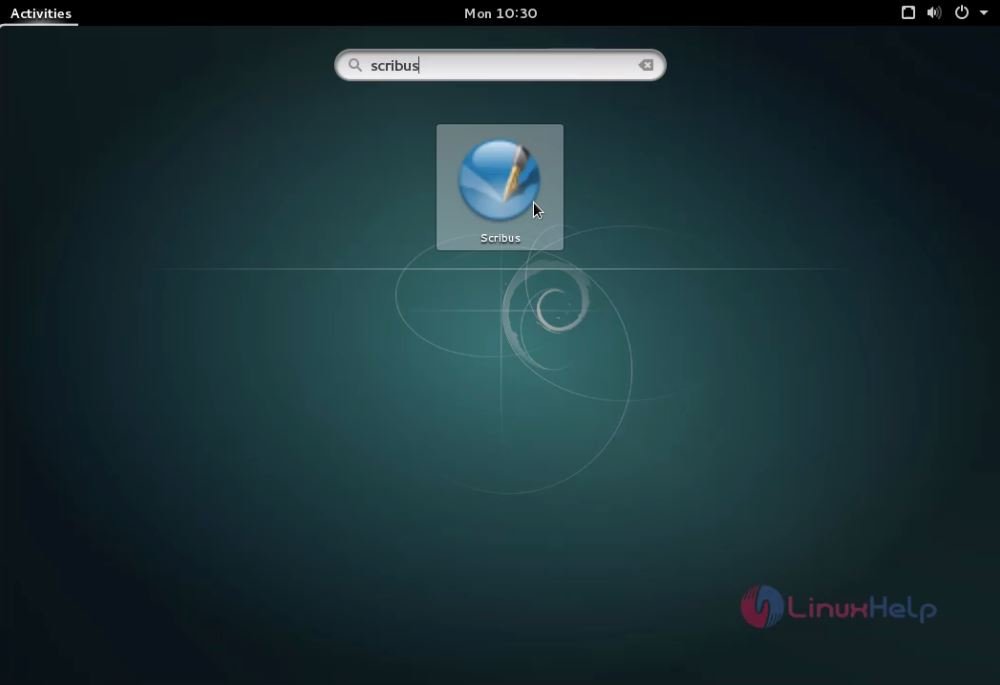
Once the package is installed, click the activities window and type the scribus package and run the application.
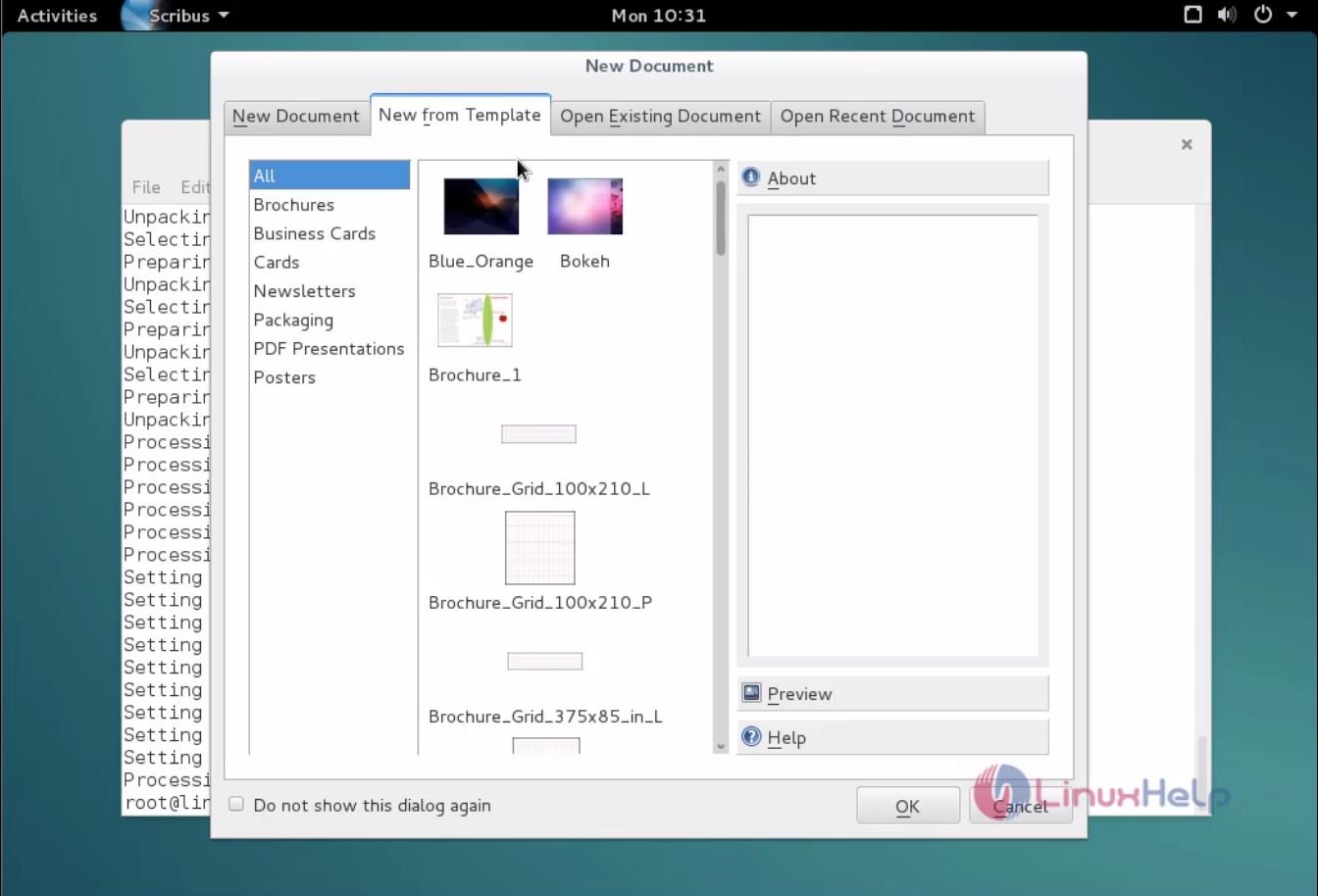
Now Scribus is running. You can use it for various publishing and other works.
Wasn' t that an easy installation procedure? Scribus is a user-friendly that allows the use to publish their work more effectively.
Comments ( 0 )
No comments available