How to install Scrivener 1.9.0 on Solus 3
To install Scrivener 1.9.0 on Solus 3
Scrivener is a word-processing program and outliner designed specifically for authors as it provides a management system for documents, notes and metadata. So, a user of Scrivener can organize notes, concepts, research and whole documents for easy access and reference. Scrivener offers templates for screenplays, fiction, and non-fiction manuscripts. After writing a text, the user may export it for final formatting to a standard word processor, screenwriting software, desktop publishing software, or TeX.
Installing Scrivener 1.9.0
First, make sure you update the system by making use of the following command.
root@linuxhelp1 ~ # eopkg update-repo
Updating repository: Solus
eopkg-index.xml.xz.sha1sum     (40.0  B)100%    630.15 KB/s [00:00:00] [complete]
eopkg-index.xml.xz             (1.7 MB)100%    719.91 KB/s [00:00:00] [complete]
No signature found for https://packages.solus-project.com/shannon/eopkg-index.xml.xz
Package database updated.
And then, you need to download the installation package with the help of the following command.
root@linuxhelp1 ~ # eopkg bi --ignore-safety https://raw.githubusercontent.com/solus-project/3rd-party/master/office/scrivener/pspec.xml
pspec.xml                      (1.0 KB)100%     33.98 MB/s [00:00:00] [complete]
actions.py                     (611.0  B)100%      7.57 MB/s [00:00:00] [complete]
DEBUG: InstallDB initialized in 0.043212890625.
DEBUG: RepoDB initialized in 0.000164985656738.
Building source package: scrivener
component.xml                  (38.0  B)100%    688.71 KB/s [00:00:00] [complete]
Fetching source from: http://www.literatureandlatte.com/scrivenerforlinux/scrivener-1.9.0.1-amd64.deb
scrivener-1.9.0.1-amd64.deb    (61.3 MB)100%    471.96 KB/s [00:00:00] [complete]
Source archive is stored: /var/cache/eopkg/archives/scrivener-1.9.0.1-amd64.deb
Unpacking archive(s)...
 unpacked (/var/eopkg/scrivener-1.9.0.1-2/work)
Setting up source...
/var/eopkg/scrivener-1.9.0.1-2/work
DEBUG: return value for " pwd"  is 0
DEBUG: return value for " ar xf scrivener-1.9.0.1-amd64.deb"  is 0
DEBUG: return value for " tar xf data.tar.gz"  is 0
DEBUG: return value for " mkdir usr/share/icons/hicolor"  is 0
.
.
DEBUG: return value for " LC_ALL=C /usr/bin/readelf -d /var/eopkg/scrivener-1.9.0.1-2/install/usr/share/scrivener/lib/libQtGui.so.4.8.5"  is 0
DEBUG: return value for " LC_ALL=C /usr/bin/readelf -d /var/eopkg/scrivener-1.9.0.1-2/install/usr/share/scrivener/lib/libQtMultimedia.so.4.8.5"  is 0
DEBUG: return value for " LC_ALL=C /usr/bin/readelf -d /var/eopkg/scrivener-1.9.0.1-2/install/usr/share/scrivener/lib/libScrText.so.1.0.0"  is 0
DEBUG: return value for " LC_ALL=C /usr/bin/readelf -d /var/eopkg/scrivener-1.9.0.1-2/install/usr/share/scrivener/lib/libQtTest.so.4.8.5"  is 0
DEBUG: return value for " LC_ALL=C /usr/bin/readelf -d /var/eopkg/scrivener-1.9.0.1-2/install/usr/share/scrivener/lib/libQtCore.so.4.8.5"  is 0
DEBUG: return value for " LC_ALL=C /usr/bin/readelf -d /var/eopkg/scrivener-1.9.0.1-2/install/usr/share/scrivener/lib/libQtScriptTools.so.4.8.5"  is 0
DEBUG: return value for " LC_ALL=C /usr/bin/readelf -d /var/eopkg/scrivener-1.9.0.1-2/install/usr/share/scrivener/lib/libScrAspell.so.1.0.0"  is 0
Including directory ' /var/eopkg/scrivener-1.9.0.1-2/install/usr/share/scrivener/translations'
Building package: scrivener
Creating scrivener-1.9.0.1-2-1-x86_64.eopkg...
Keeping build directory
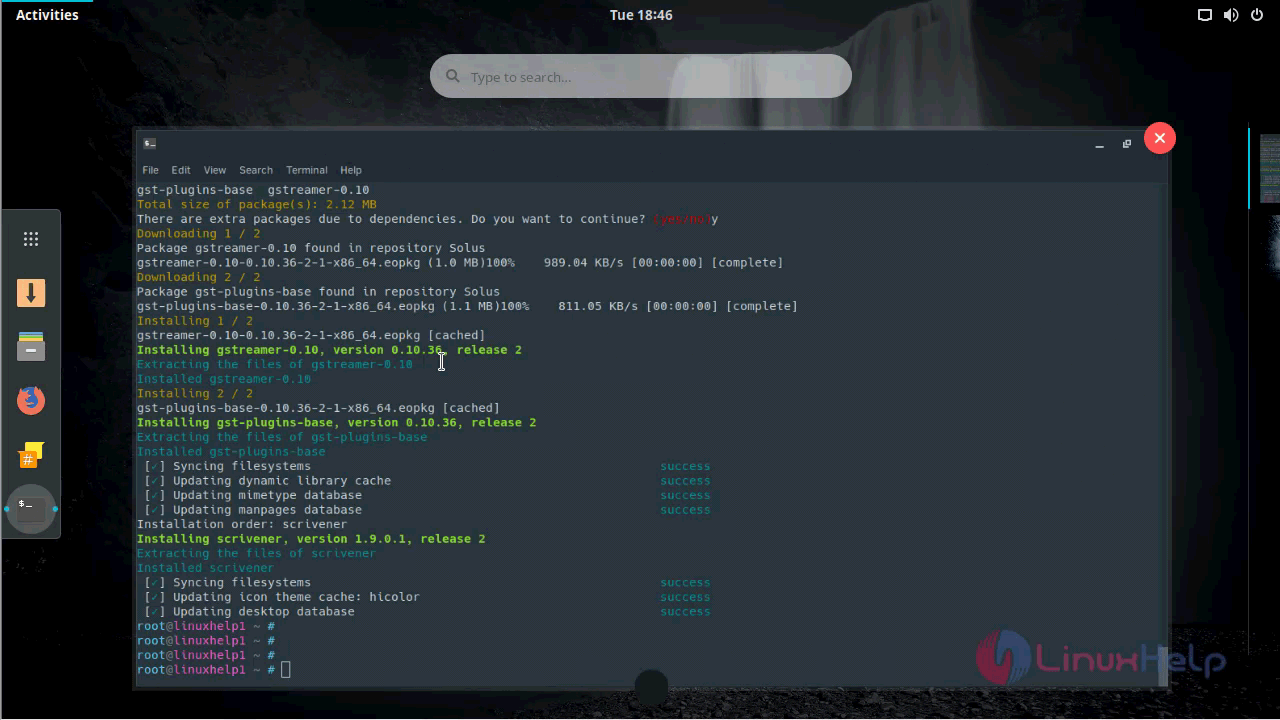
Once the package is downloaded, you shall proceed with the installation of Scrivener by triggering the following command.
root@linuxhelp1 ~ # eopkg it scrivener*.eopkg
The following packages will be installed in order to satisfy dependencies:
gst-plugins-base
Do you want to continue? (yes/no)y
Following packages will be installed:
gst-plugins-base  gstreamer-0.10
Total size of package(s): 2.12 MB
There are extra packages due to dependencies. Do you want to continue? (yes/no)y
.
.
Extracting the files of gst-plugins-base
Installed gst-plugins-base
 [✓] Syncing filesystems                                                success
 [✓] Updating dynamic library cache                                     success
 [✓] Updating mimetype database                                         success
 [✓] Updating manpages database                                         success
Installation order: scrivener
Installing scrivener, version 1.9.0.1, release 2
Extracting the files of scrivener
Installed scrivener
 [✓] Syncing filesystems                                                success
 [✓] Updating icon theme cache: hicolor                                 success
 [✓] Updating desktop database                                          success
Scrivener has been installed you shall now open the application through your search-field.
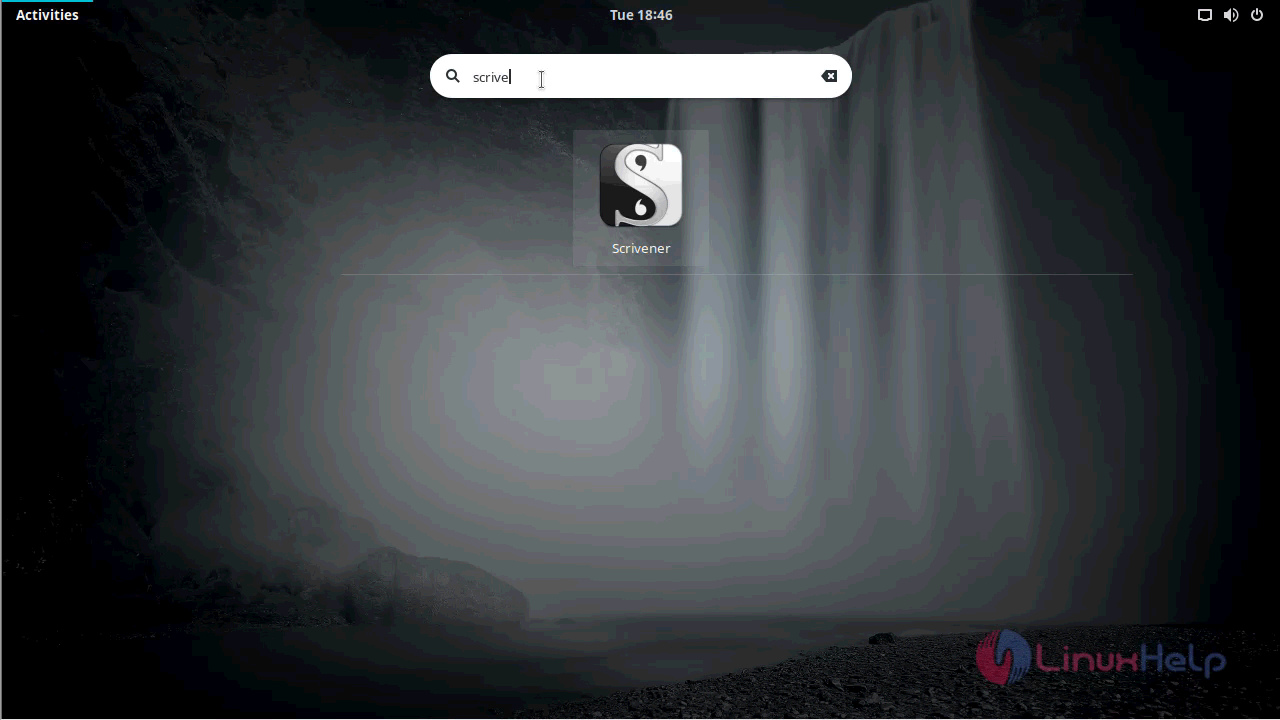
You shall type the name of Scrivener on Solus’ s search-field.
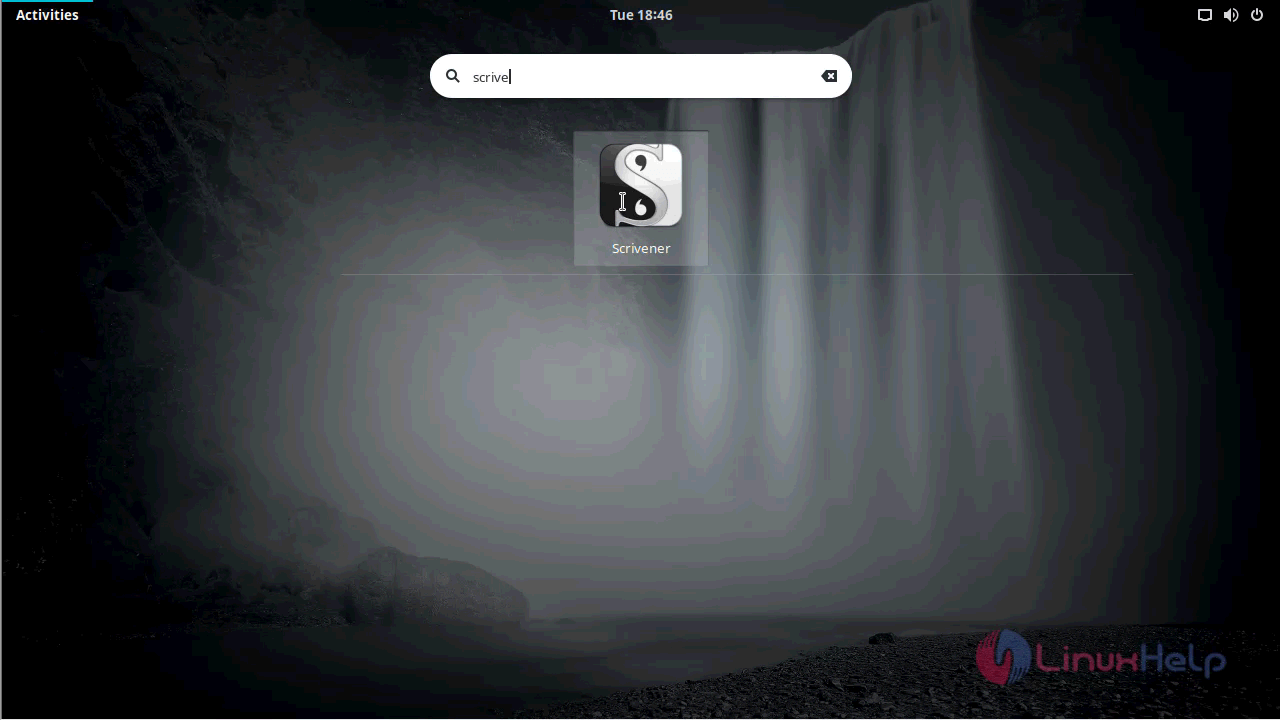
When the application icon appears, you need to click on it to open that.
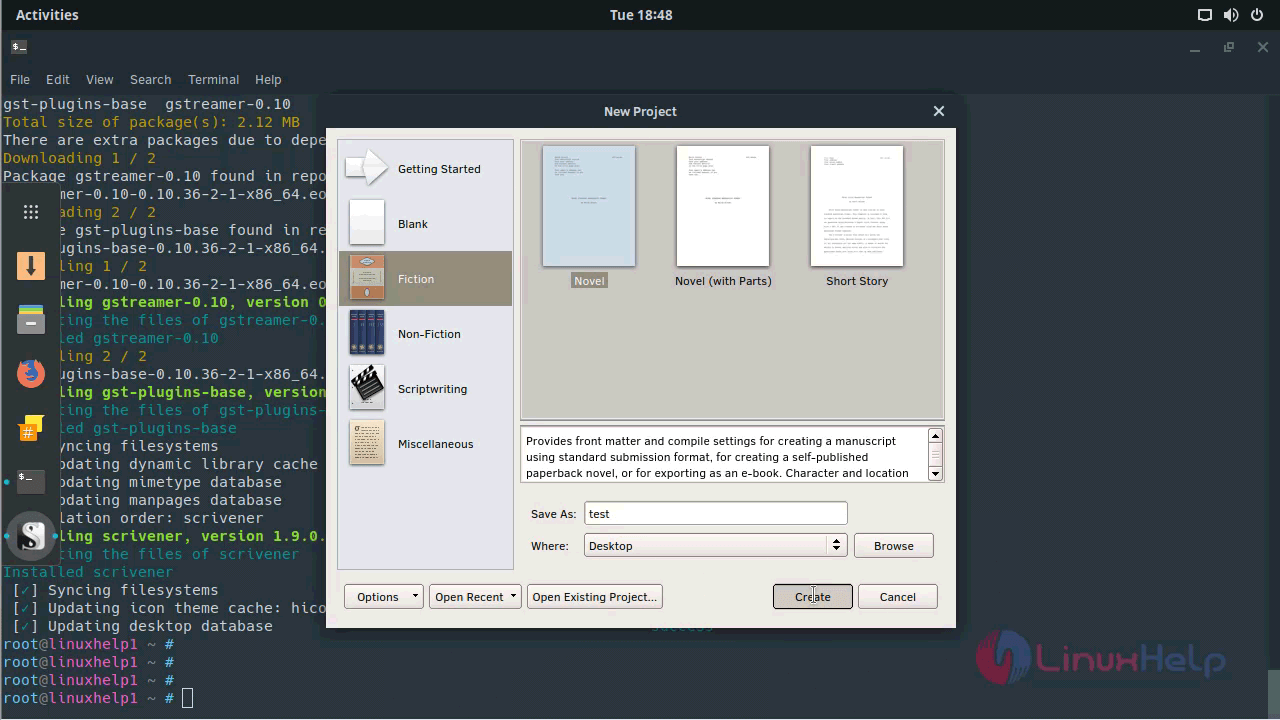
The New Project window appears with several options for you to get started.
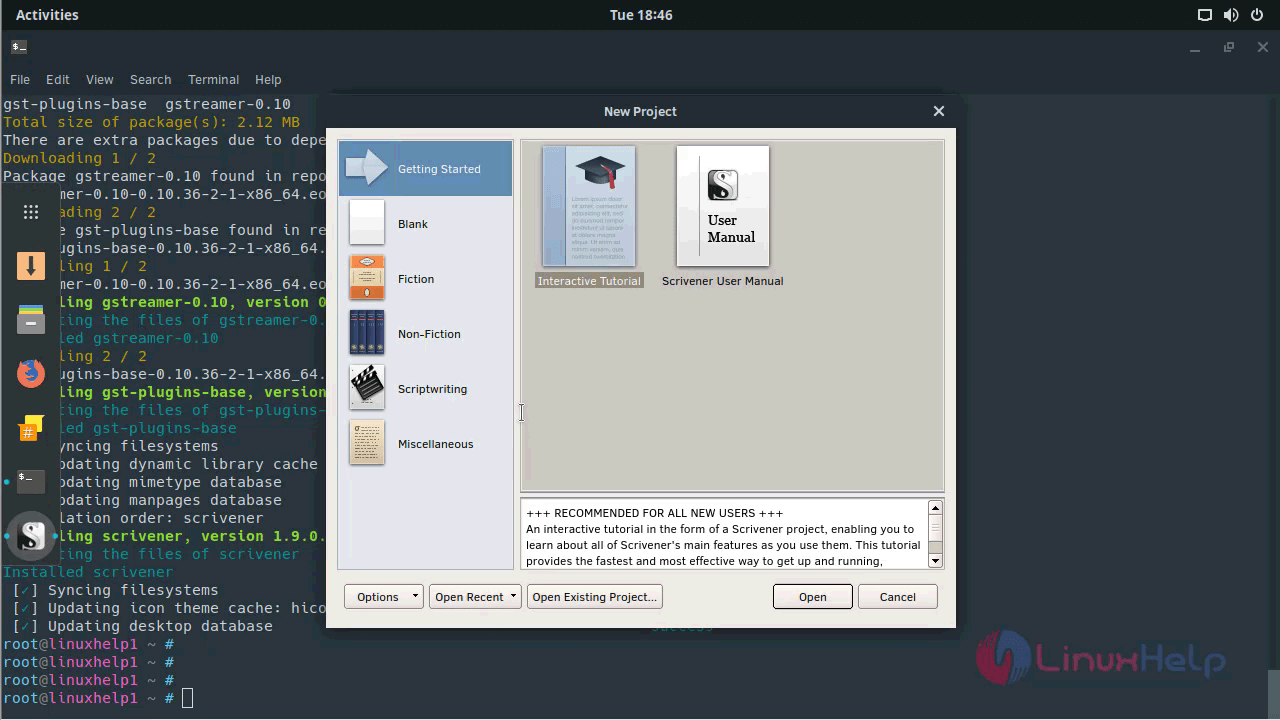
You can choose a Template of your choice to proceed with it.
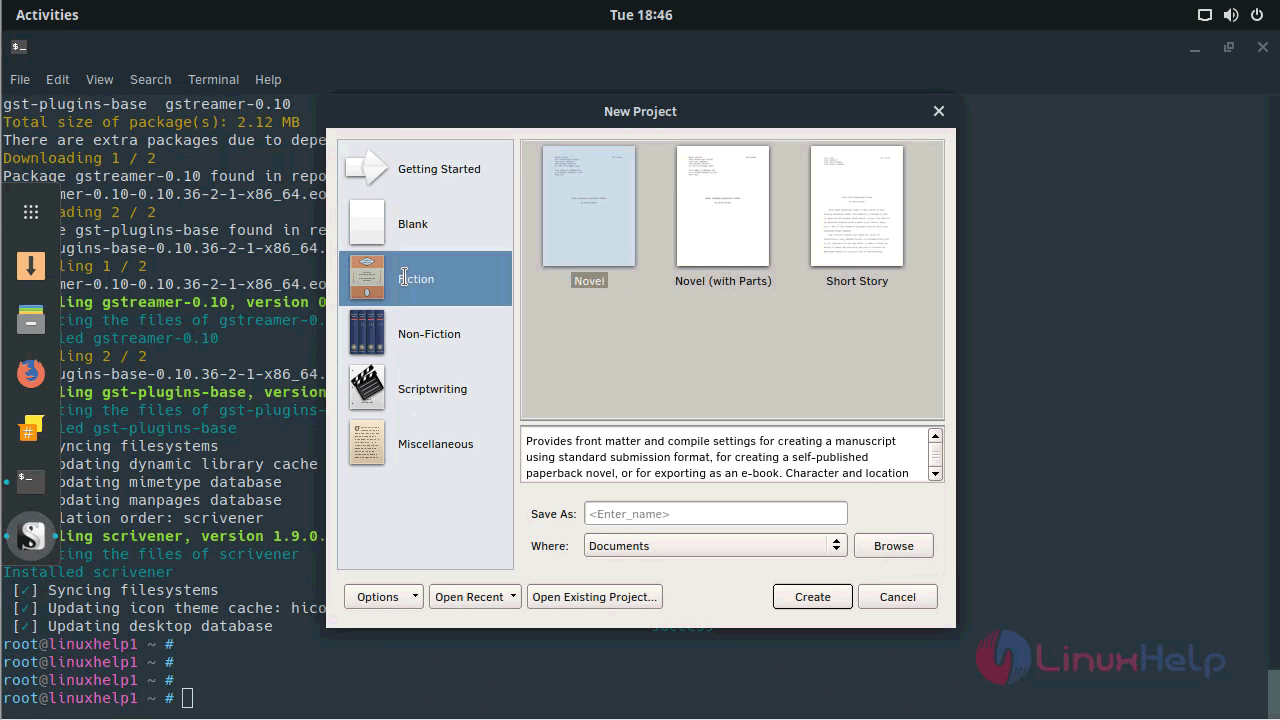
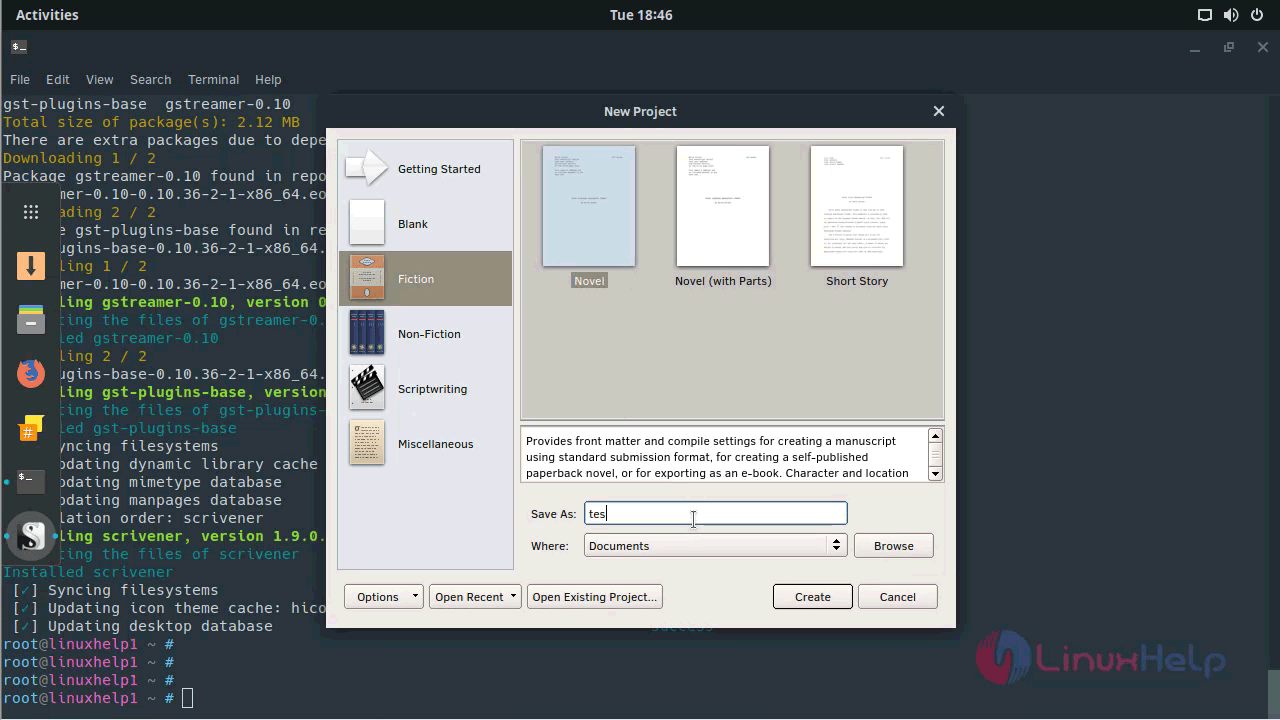
And then, choose your file name.
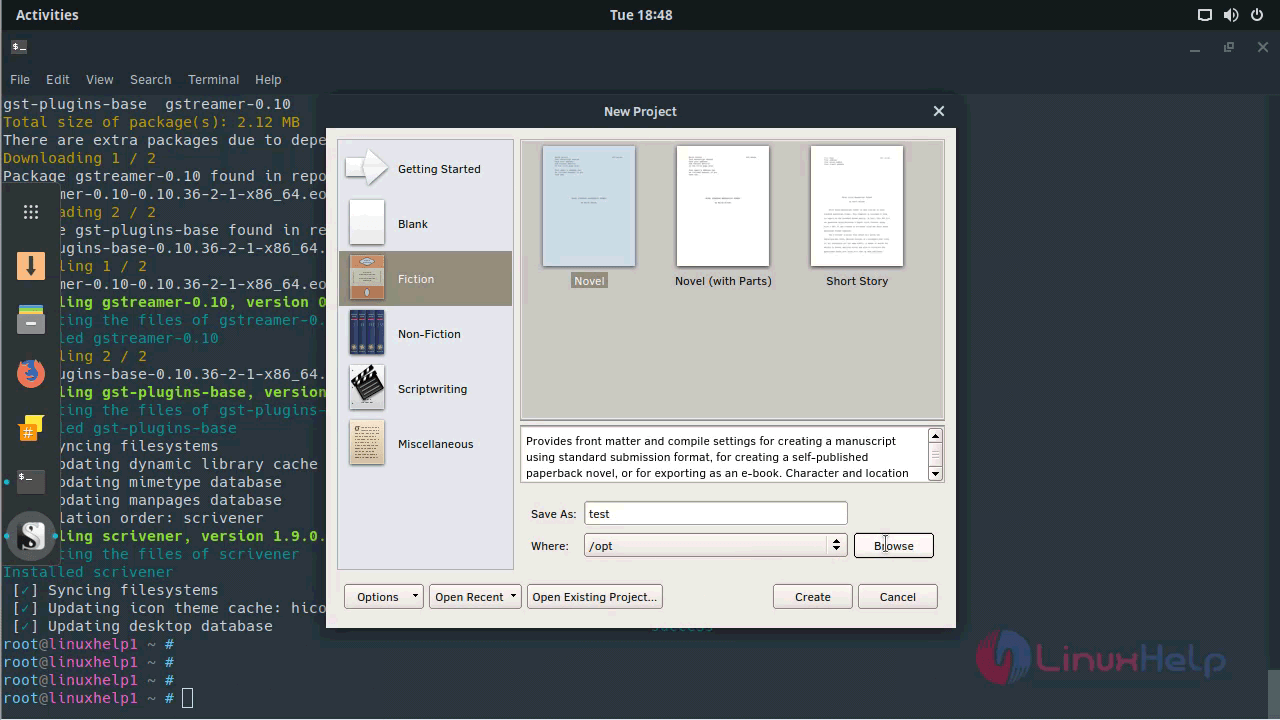
After that, you need to choose your saving file path
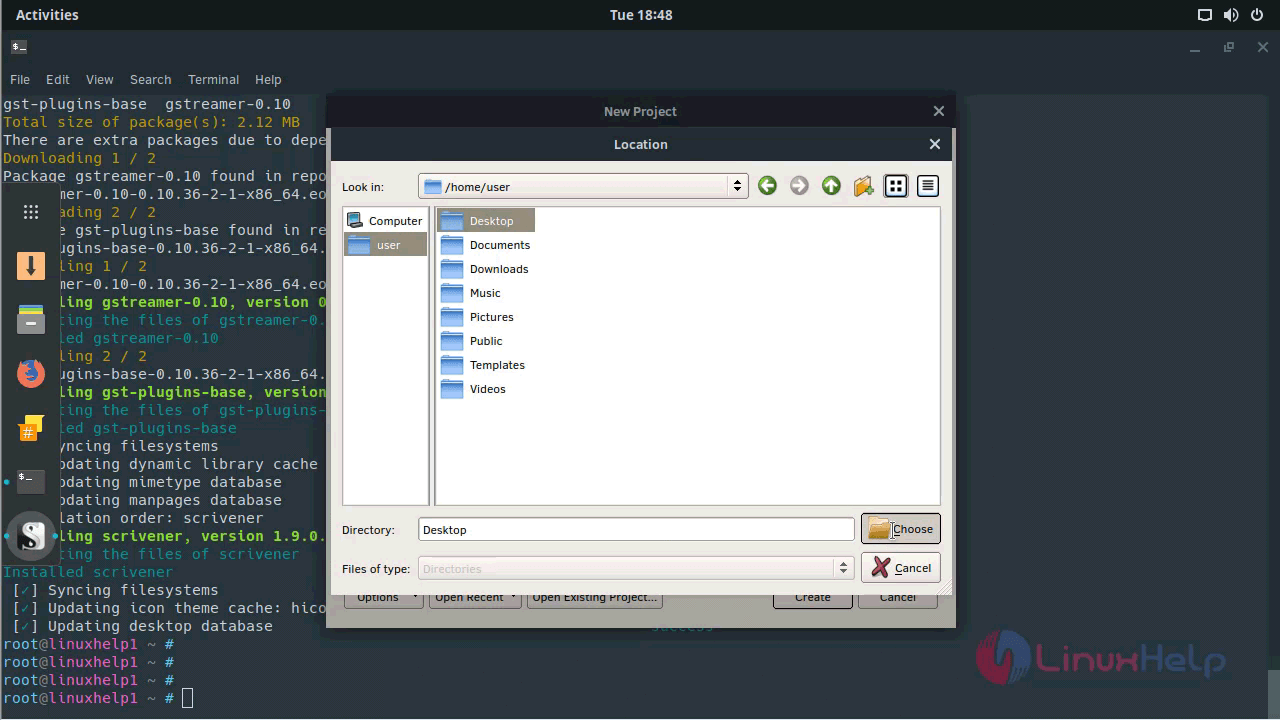
Now, click on the Create button.
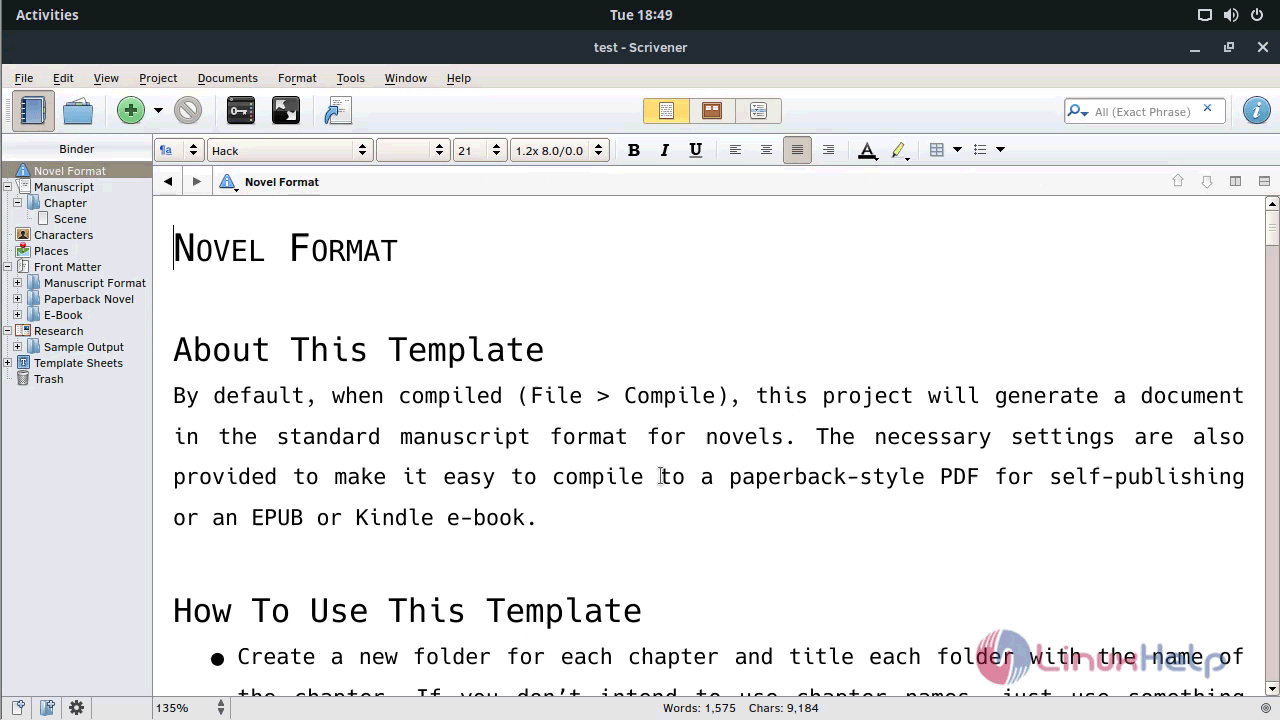
Here a new Novel document is created.
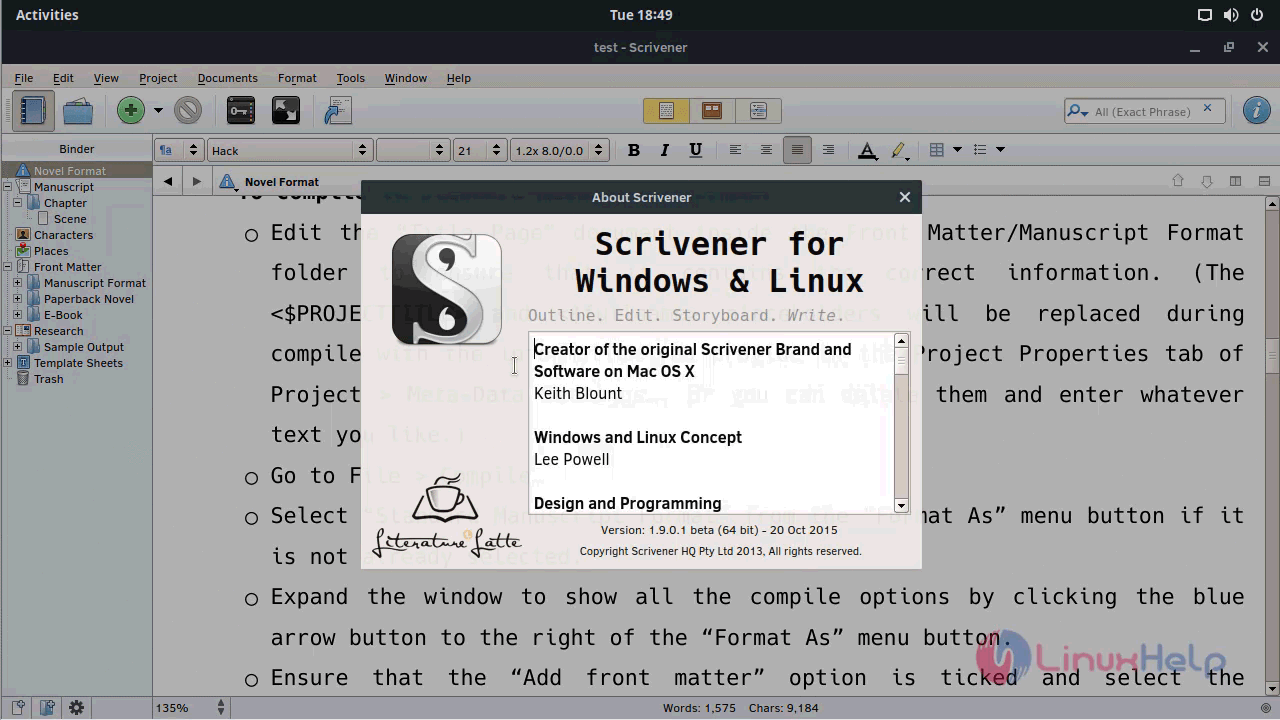
You can look at the version.
With this, the tutorial on the installation of Scrivener 1.9.0 on Solus 3 comes to an end.
Comments ( 0 )
No comments available