How To Install Shotwell On Popos
{{postValue.id}}
To Install Shotwell On PopOS
Shotwell is the default digital photo manager on Ubuntu and Fedora. You can import all your photos directly from your disk or camera. You can organize your images through keywords and events, view them in full-screen mode, and also share them through social media. In this tutorial, we will cover the installation process of Shotwell on PopOS.
Installation
First, add a repository which contains Shotwell application.
root@linuxhelp:~#  add-apt-repository ppa:yg-jensge/shotwell
This PPA contains packages for the stable Shotwell releases.
You can file bugs against Shotwell from this PPA using the upstream GNOME bug tracker at https://bugzilla.gnome.org/enter_bug.cgi?product=Shotwell

If you want to try the current development version of Shotwell, you can use the unstable PPA at https://launchpad.net/~yg-jensge/+archive/ubuntu/shotwell-unstable
 More info: https://launchpad.net/~yg-jensge/+archive/ubuntu/shotwell
Press [ENTER] to continue or Ctrl-c to cancel adding it.

gpg: keybox ' /tmp/tmpmv12fsjp/pubring.gpg'  created
gpg: /tmp/tmpmv12fsjp/trustdb.gpg: trustdb created
gpg: key 7FECA026B84401E3: public key " Launchpad PPA for Jens Georg"  imported
gpg: Total number processed: 1
gpg:               imported: 1
OK
After adding the repo, update the system repository package as follows.
root@linuxhelp:~# apt-get update
Hit:1 http://ppa.launchpad.net/eugenesan/ppa/ubuntu artful InRelease
Hit:2 http://us.archive.ubuntu.com/ubuntu artful InRelease
Hit:3 http://security.ubuntu.com/ubuntu artful-security InRelease
Hit:4 http://ppa.launchpad.net/system76/pop/ubuntu artful InRelease
Hit:5 http://us.archive.ubuntu.com/ubuntu artful-updates InRelease
Hit:6 http://us.archive.ubuntu.com/ubuntu artful-backports InRelease
Get:7 http://ppa.launchpad.net/yg-jensge/shotwell/ubuntu artful InRelease [20.8 kB]
Get:8 http://ppa.launchpad.net/yg-jensge/shotwell/ubuntu artful/main amd64 Packages [916 B]
Get:9 http://ppa.launchpad.net/yg-jensge/shotwell/ubuntu artful/main i386 Packages [920 B]
Get:10 http://ppa.launchpad.net/yg-jensge/shotwell/ubuntu artful/main Translation-en [488 B]
Fetched 23.1 kB in 4s (4,732 B/s)
Reading package lists... Done
Now you can install the Shotwell application using the following command.
root@linuxhelp:~# apt-get install shotwell
Reading package lists... Done
Building dependency tree
Reading state information... Done

The following packages were automatically installed and are no longer required:

  linux-headers-4.13.0-25 linux-headers-4.13.0-25-generic
  linux-image-4.13.0-25-generic
  linux-image-extra-4.13.0-25-generic
Use ' apt autoremove'  to remove them.

The following additional packages will be installed:

  dconf-editor dconf-tools libexiv2-14 libgexiv2-2 libraw16
Suggested packages:
  exiv2

The following NEW packages will be installed:

  dconf-editor dconf-tools libexiv2-14 libgexiv2-2 libraw16
  shotwell
0 upgraded, 6 newly installed, 0 to remove and 141 not upgraded.
Need to get 4,289 kB of archives.
.
.
.
.
Processing triggers for hicolor-icon-theme (0.17-1) ...
Setting up libraw16:amd64 (0.18.2-2ubuntu0.3) ...
Setting up dconf-tools (0.26.0-2) ...
Setting up shotwell (0.28.3-0~jensge1~artful2) ...
Processing triggers for libc-bin (2.26-0ubuntu2.1) ...
You can access the application from the menu as follows.
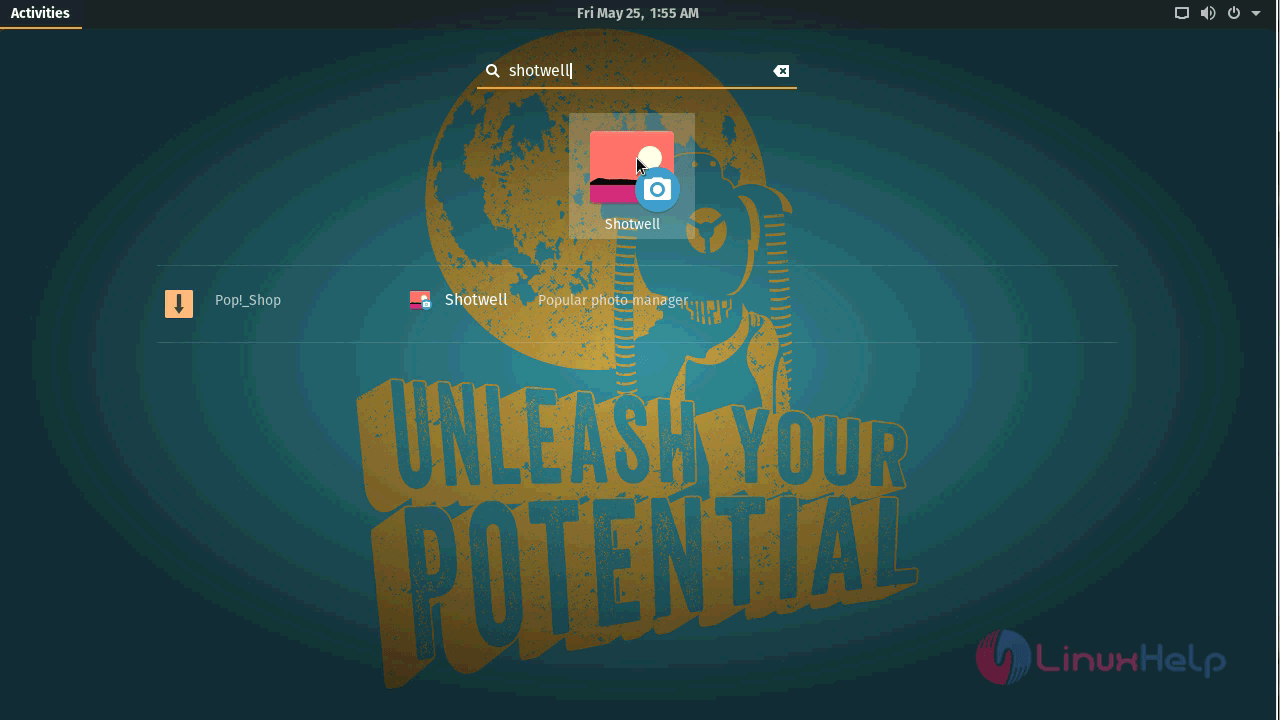
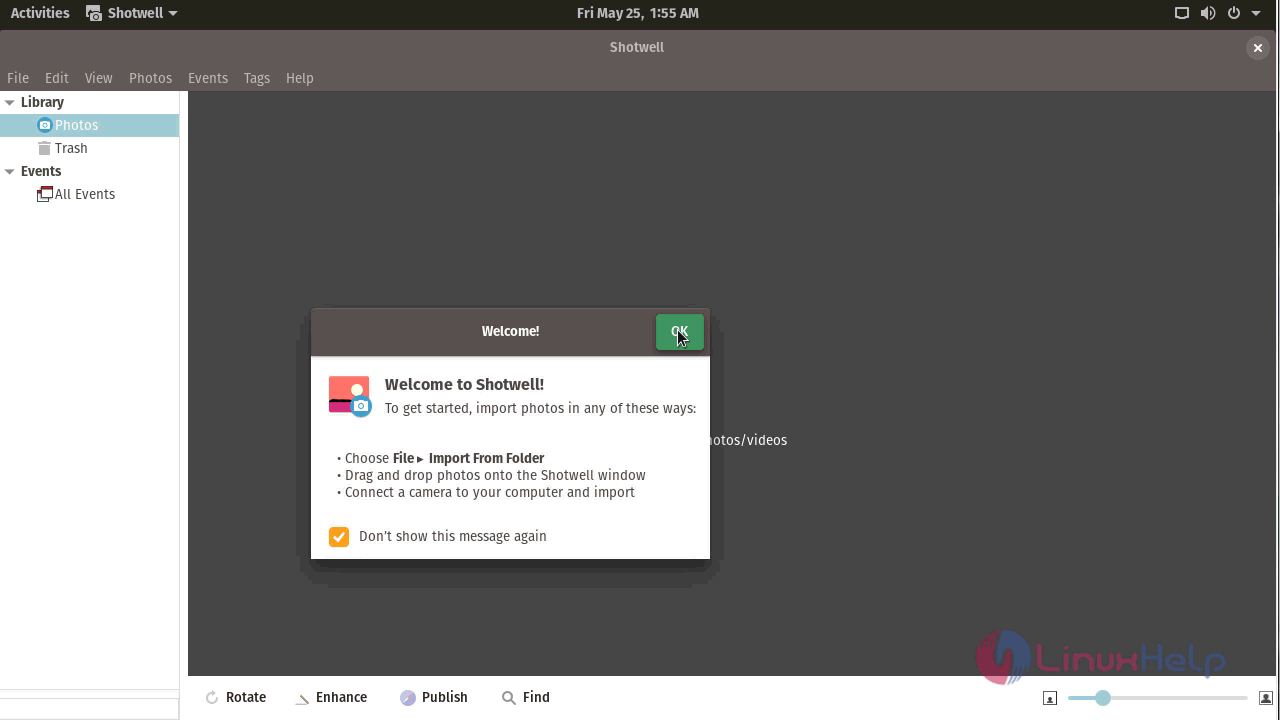
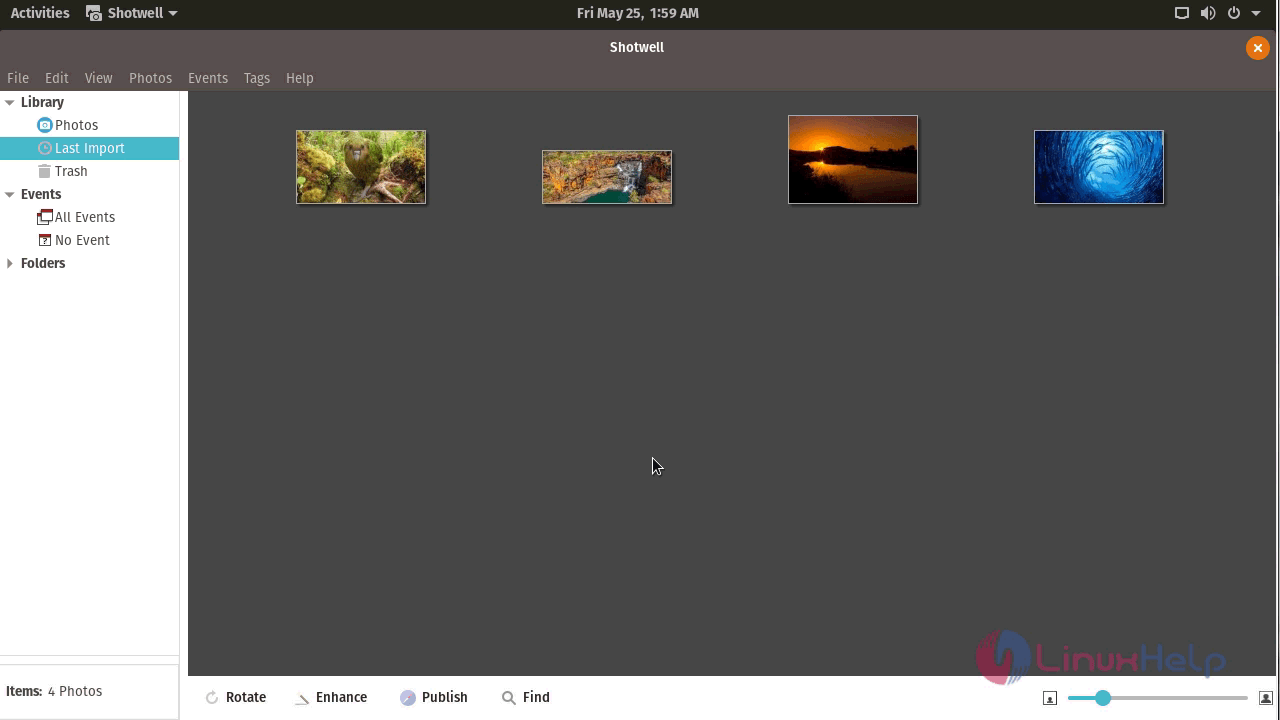
With this, the method to install Shotwell on PopOS comes to an end.
Comments ( 0 )
No comments available