How to Install SilverStripe CMS on CentOS 7.6
- 00:40 rpm -q centos-release
- 01:02 mysql -u root -p
- 02:26 unzip SilverStripe-cms-v4.3.3.zip -d sliverstripe
- 02:46 mv sliverstripe /var/www/
- 02:59 chown -R apache:apache /var/www/sliverstripe
- 03:14 chmod -R 755 /var/www/sliverstripe
- 03:28 vim /etc/httpd/conf.d/sliverstripe.conf
- 04:43 vim /etc/php.ini
- 05:08 systemctl restart httpd
To Install SilverStripe CMS On CentOS 7.6
Requirements for SilverStripe CMS:
Apache
Mariadb
Php and Its modules
php php-xml php-mysql php-mbstring php-zip php-soap php-curl php-gd php-ldap php-imap php-common php-mcrypt
Installation procedure
Check the Centos version by using the following command
[root@linuxhelp ~]# rpm -q centos-release
centos-release-7-6.1810.2.el7.centos.x86_64
Configure the MySQL database. Log into MySQL as a root user and make the necessary settings.
[root@linuxhelp ~]# mysql -u root -p
Enter password:
Welcome to the MariaDB monitor.  Commands end with ; or \g.
Your MariaDB connection id is 11
Server version: 5.5.60-MariaDB MariaDB Server

Copyright (c) 2000, 2018, Oracle, MariaDB Corporation Ab and others.

Type 'help;' or '\h' for help. Type '\c' to clear the current input statement.

MariaDB [(none)]> create database ssdb;
Query OK, 1 row affected (0.00 sec)

MariaDB [(none)]> create user 'ssuser'@localhost identified by 'Linuxc#4';
Query OK, 0 rows affected (0.02 sec)

MariaDB [(none)]> grant all privileges on ssdb.* to 'ssuser'@localhost;
Query OK, 0 rows affected (0.02 sec)

MariaDB [(none)]> flush privileges;
Query OK, 0 rows affected (0.00 sec)

MariaDB [(none)]> Ctrl-C -- exit!
Aborted
Previously download the SilverStripe installation package
[root@linuxhelp ~]# cd Downloads
[root@linuxhelp Downloads]# ll
total 350312
-rwx------ 1 1002 513 358718630 May 22 00:02 SilverStripe-CMS-v4.3.3.zip
Extract the downloaded package using unzip command
[root@linuxhelp Downloads]# unzip SilverStripe-CMS-v4.3.3.zip -d SilverStripe
Archive:  SilverStripe-CMS-v4.3.3.zip
  inflating: SilverStripe/composer.lock
  inflating: SilverStripe/composer.phar
   creating: SilverStripe/app/
  inflating: SilverStripe/app/_config.php
   creating: SilverStripe/app/_config/
.
.
 inflating: SilverStripe/vendor/symfony/translation/.git/objects/pack/pack-858ba734a2e94002da4edc43902cddcc7dc56476.idx
  inflating: SilverStripe/vendor/symfony/translation/.git/objects/pack/pack-858ba734a2e94002da4edc43902cddcc7dc56476.pack
  inflating: SilverStripe/vendor/symfony/config/.git/objects/pack/pack-818008b85ec396cd1ff2b0bc92c53a41ec11cec0.idx
  inflating: SilverStripe/vendor/symfony/config/.git/objects/pack/pack-818008b85ec396cd1ff2b0bc92c53a41ec11cec0.pack
Move the SilverStripe directory to apache root directory
[root@linuxhelp Downloads]# mv SilverStripe /var/www/
Set the ownership and permission for SilverStripe by using the following command
 [root@linuxhelp Downloads]# chown -R apache:apache /var/www/SilverStripe
 [root@linuxhelp Downloads]# chmod -R 755 /var/www/SilverStripe
Configure the virtualhost for accessing the SilverStripe
[root@linuxhelp Downloads]# vim /etc/httpd/conf.d/SilverStripe.conf
<Virtualhost *:80>
        Servername www.linuxhelp1.com
        documentroot /var/www/SilverStripe
<directory /var/www/SilverStripe>
allowoverride all
allow from all
</directory>
</virtualhost>
Configure the php.ini file
 [root@linuxhelp Downloads]# vim /etc/php.ini
date.timezone = Asia/Kolkata
Restart the apache service by using the following command
[root@linuxhelp Downloads]# systemctl restart httpd
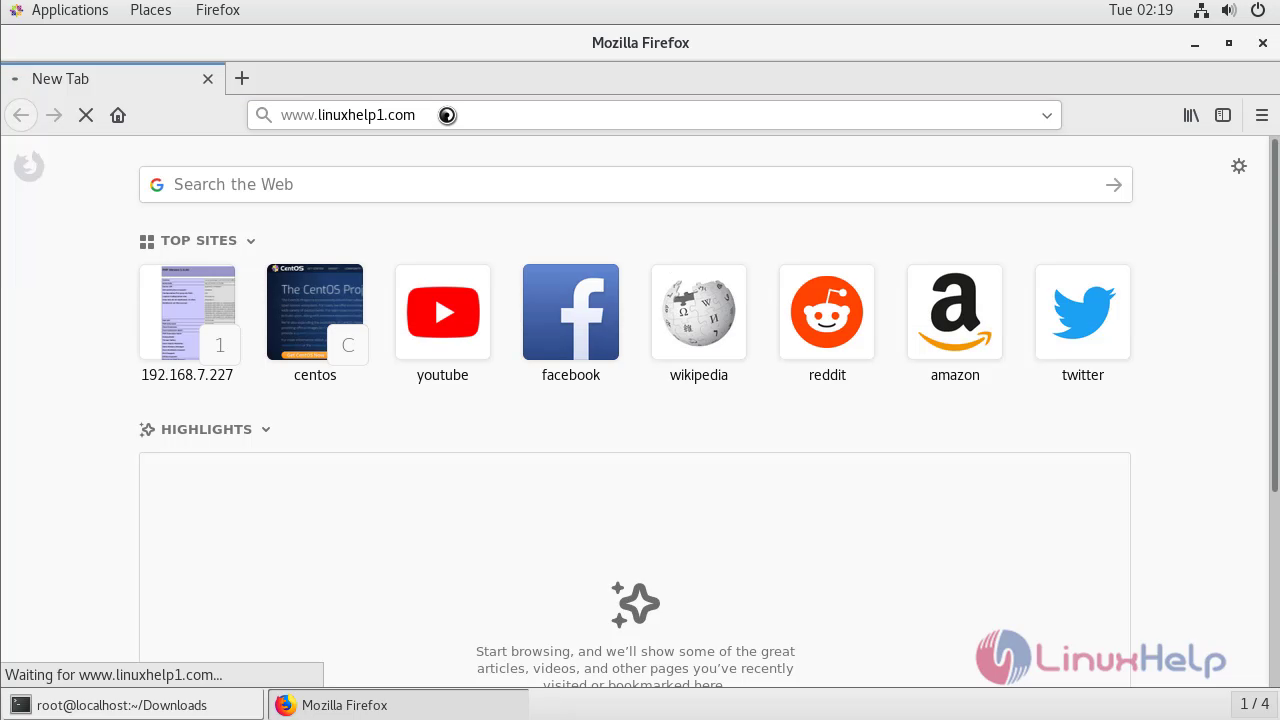
Switch to your browser and enter the domain name
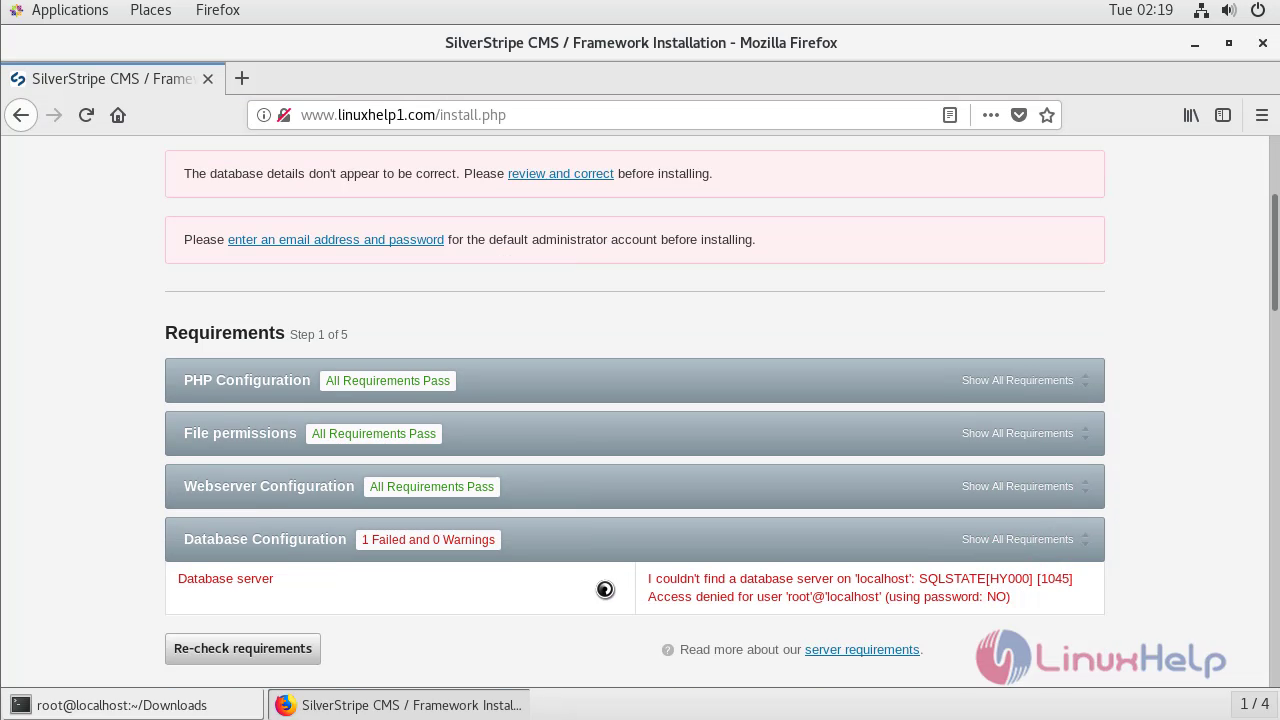
 Check the requirements
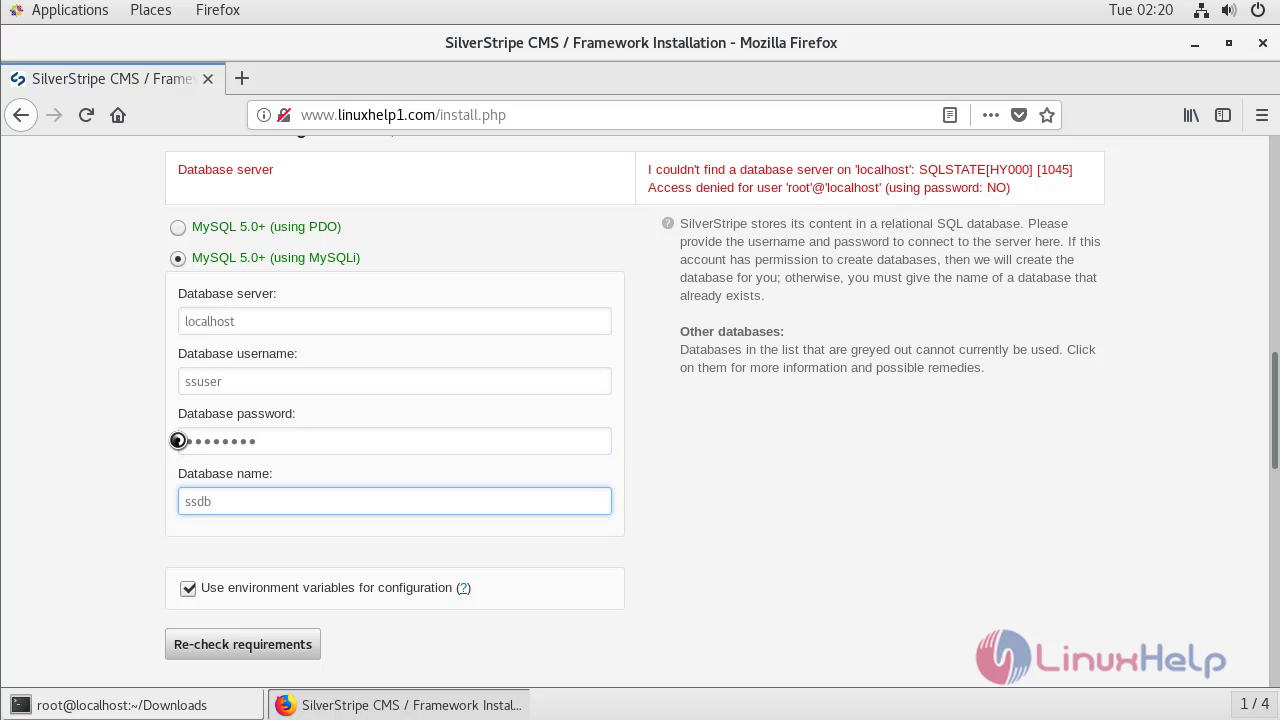
 Configure the database details
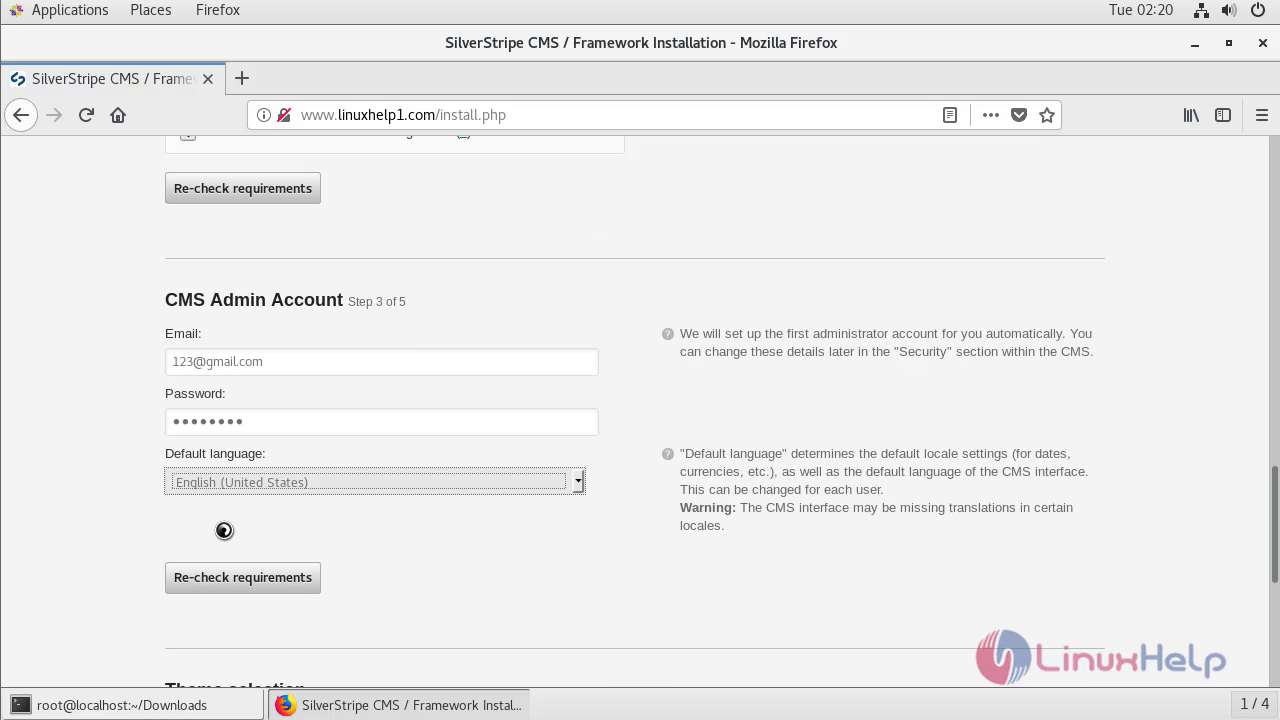
 Create your admin credentials
 Click the installation button
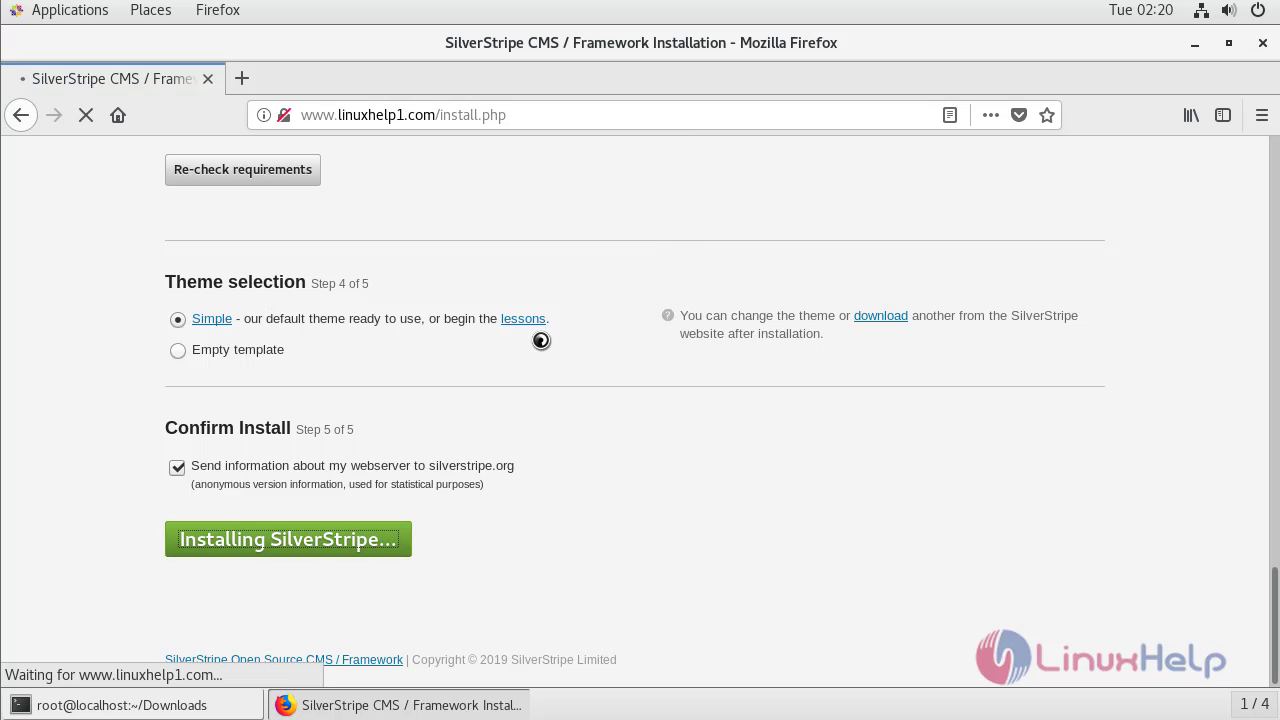 Installation is in process
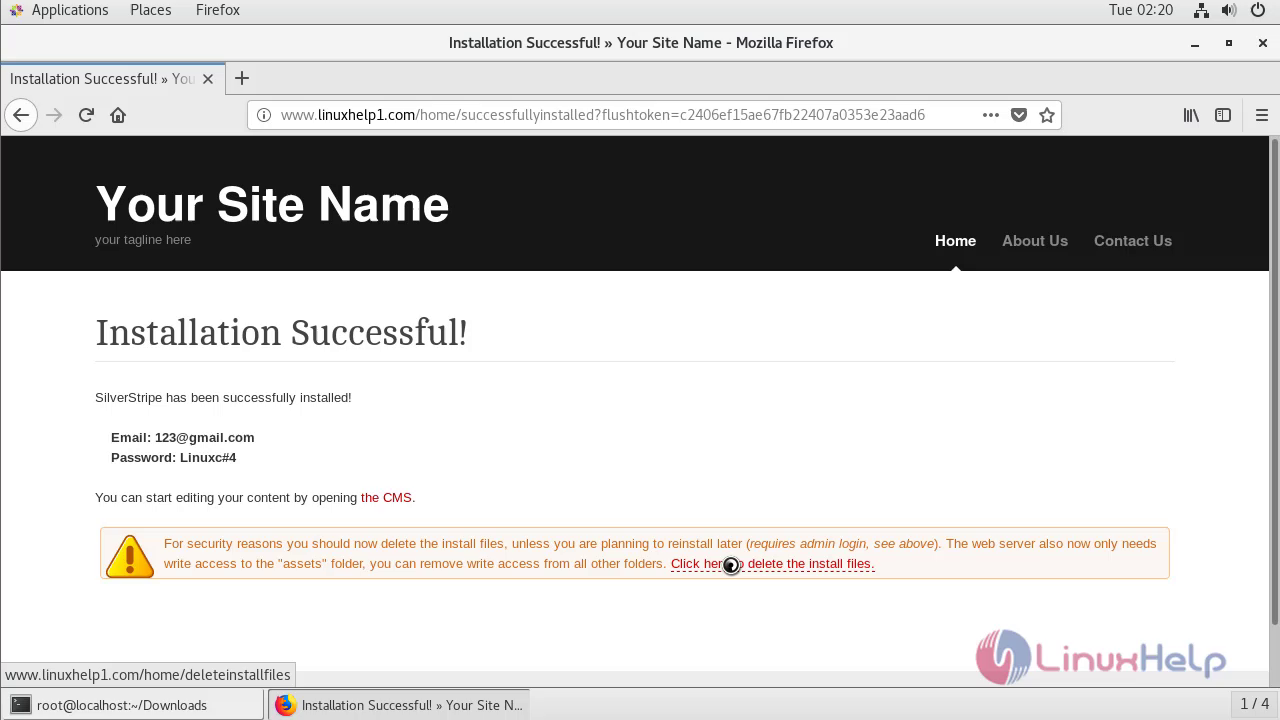
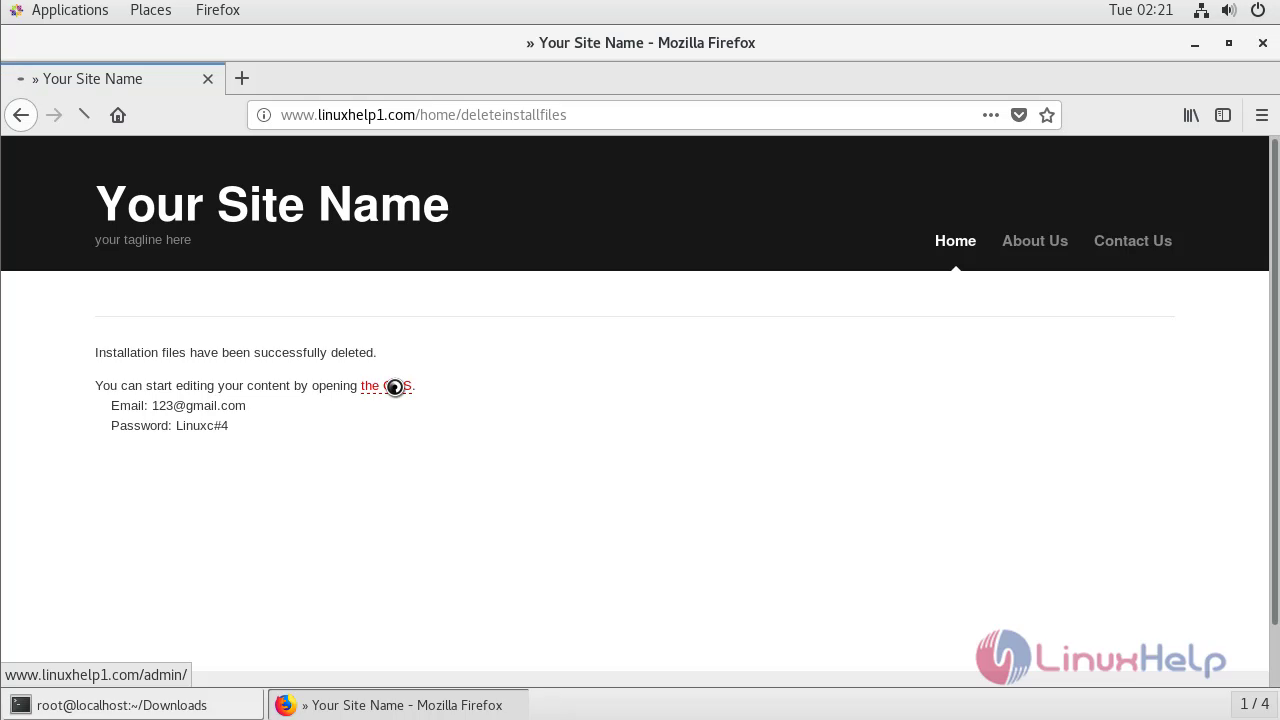
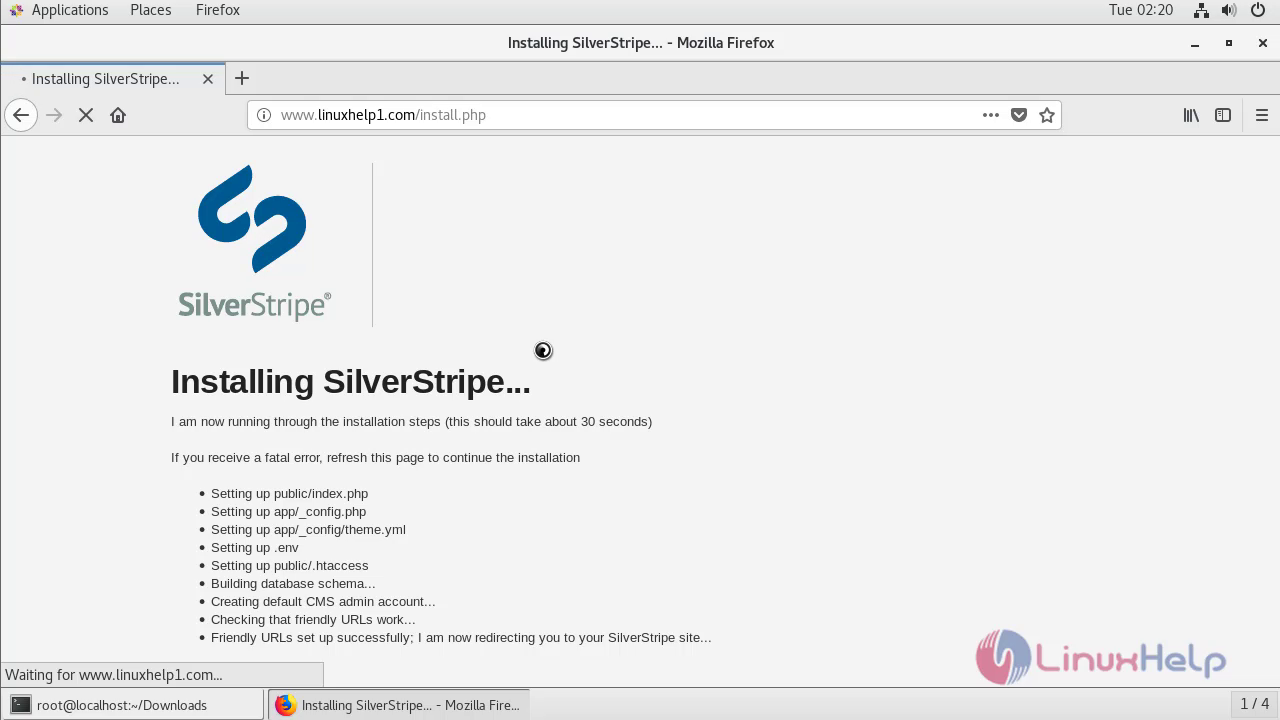 After the installation you will see the following page
 Enter your admin credentials to login SilverStripe CMS
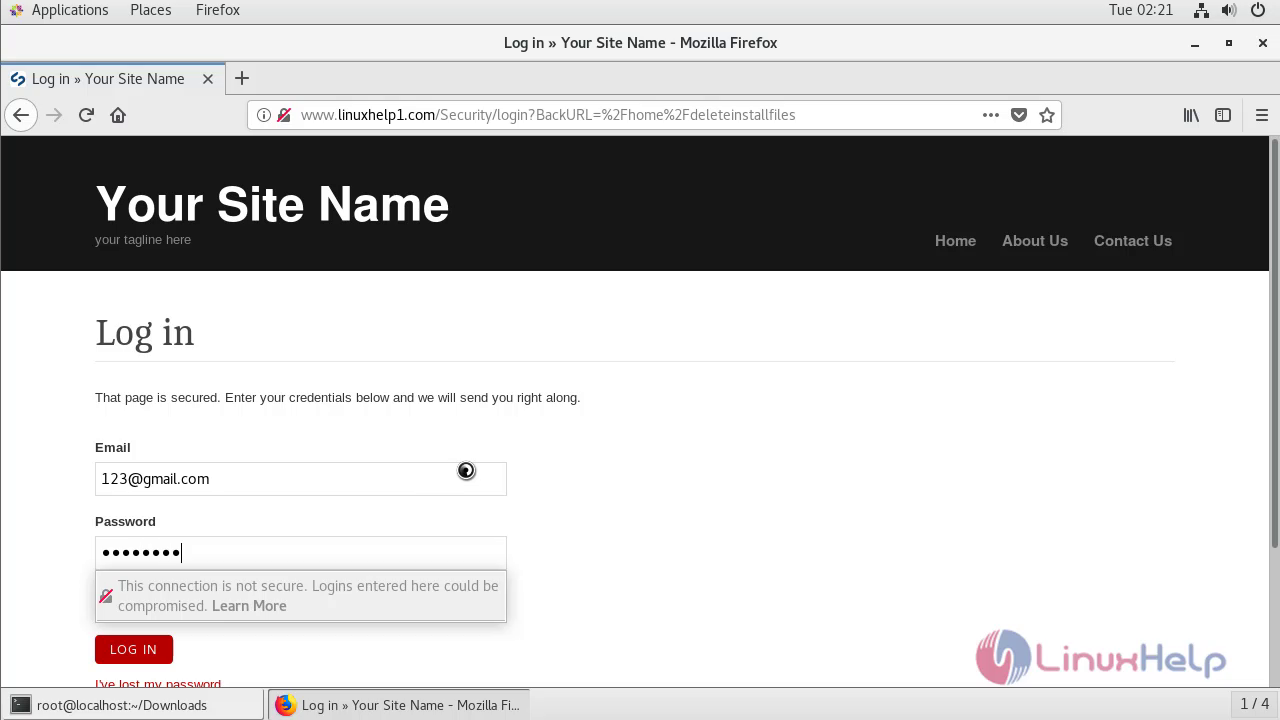 Click to CMS to login the admin page
 This is the dashboard of SilverStripe CMS
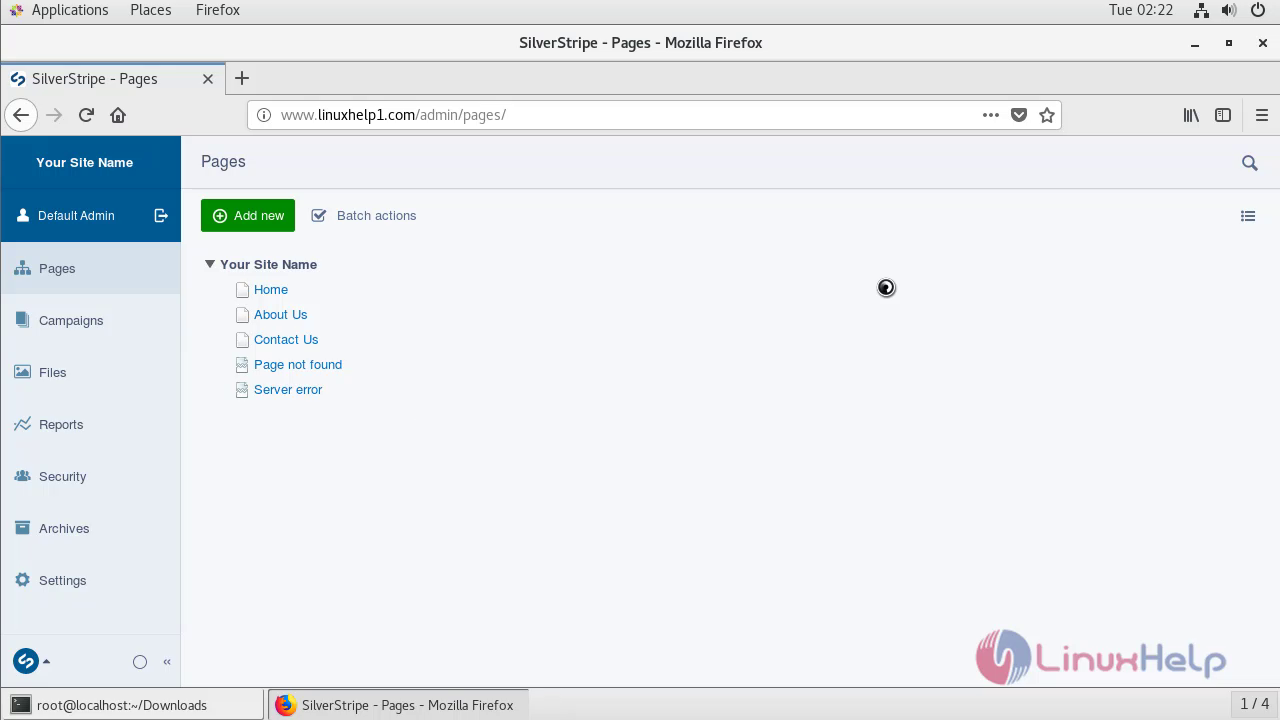 With this, the method to install silver stripe on Centos 7.6 comes to an end.
Comments ( 0 )
No comments available