• Categories
    Category
    {{ postCtrl.tags }}
    • {{ category.tag_type }}

      • {{tag.tag_name}}
      • View more
  • Categories
    Category
    {{ postCtrl.tags }}
    • {{ category.tag_type }}

      • {{tag.tag_name}}
      • View more
  • News
  • Tutorials
  • Forums
  • Tags
  • Users
Tutorial News Comments FAQ Related Articles

How to Install Simple Screen Recorder in Ubuntu

{{postValue.id}}

To Install Simple Screen Recorder in Ubuntu

Simple Screen Recorder is an open source application that allows the users to record your system’ s screen in an efficient way. It enables the users to start and stop recording at any time and supports various file formats and codecs. In this tutorial we going to show the installation process of simple screen recorder in Ubuntu.

Features

  • Multi-threaded
  • Capable for Live streaming of videos
  • Supports various formats
  • Graphical user interface
  • Directly records OpenGL applications

Installation of Simple Screen Recorder

First you need to add the simple screen recorder repo file.

root@linuxhelp:/home/user1# add-apt-repository ppa:maarten-baert/simplescreenrecorder
SimpleScreenRecorder is a feature-rich screen recorder that supports X11 and Op
.
.
.
gpg: key 283EC8CD: public key " Launchpad PPA for Maarten Baert"  imported
gpg: Total number processed: 1
gpg: imported: 1 (RSA: 1)
OK


Update the repository with the following command.

root@linuxhelp:/home/user1# apt-get update
Hit http://security.ubuntu.com wily-security InRelease
Get:1 http://ppa.launchpad.net wily InRelease [15.5 kB]
Hit http://in.archive.ubuntu.com wily InRelease
Hit http://in.archive.ubuntu.com wily-updates InRelease
Hit http://security.ubuntu.com wily-security/main Sources
.
.
.
Hit http://in.archive.ubuntu.com wily-backports/multiverse i386 Packages
Hit http://in.archive.ubuntu.com wily-backports/main Translation-en
Hit http://in.archive.ubuntu.com wily-backports/multiverse Translation-en
Hit http://in.archive.ubuntu.com wily-backports/restricted Translation-en
Hit http://in.archive.ubuntu.com wily-backports/universe Translation-en
Fetched 17.9 kB in 13s (1,303 B/s)
Reading package lists... Done


Now its time to install the simple screen recorder package.

root@linuxhelp:/home/user1# apt-get install simplescreenrecorder
Reading package lists... Done
Building dependency tree
Reading state information... Done
The following extra packages will be installed:
i965-va-driver libaacs0 libavcodec-ffmpeg56 libavformat-ffmpeg56
libavutil-ffmpeg54 libbdplus0 libbluray1 libcrystalhd3 libgme0 libgsm1
.
.
.
Setting up simplescreenrecorder (0.3.8+1~ppa1~wily1) ...
Setting up simplescreenrecorder-lib:amd64 (0.3.8+1~ppa1~wily1) ...
Setting up i965-va-driver:amd64 (1.6.0-1) ...
Setting up va-driver-all:amd64 (1.6.0-1) ...
Processing triggers for libc-bin (2.21-0ubuntu4) ...


Once the above process is completed, launch the Simple Screen Recorder via command prompt.

root@linuxhelp:/home/user1# simplescreenrecorder


Click on continue option to start SSR.
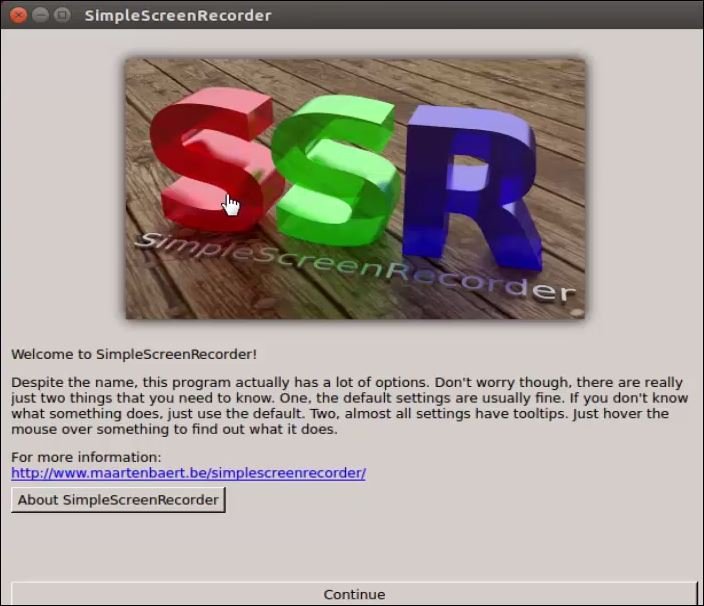
start SSR

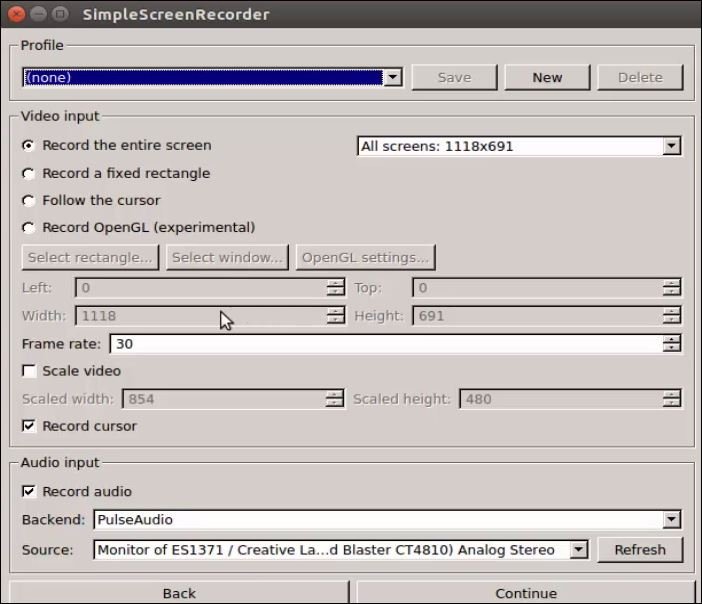
Here you need to configure SSR.

configure SSR

Set location path to save file and manage other settings on this screen.
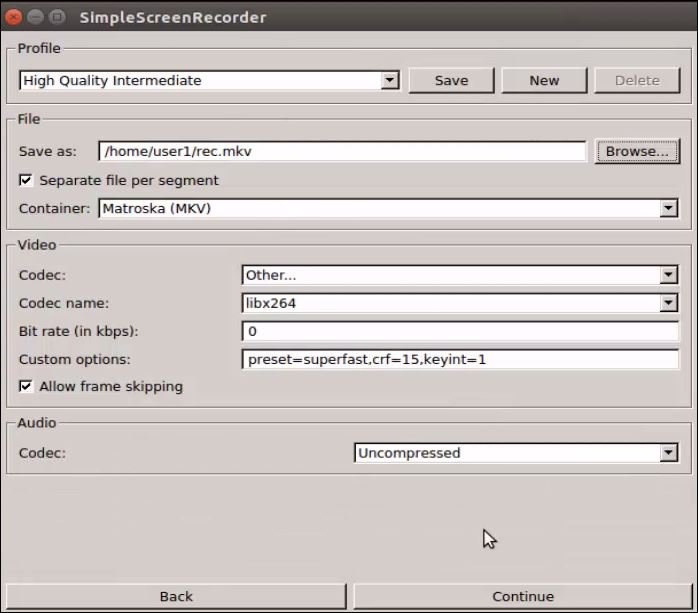
location path

Click on start recording to start the process.
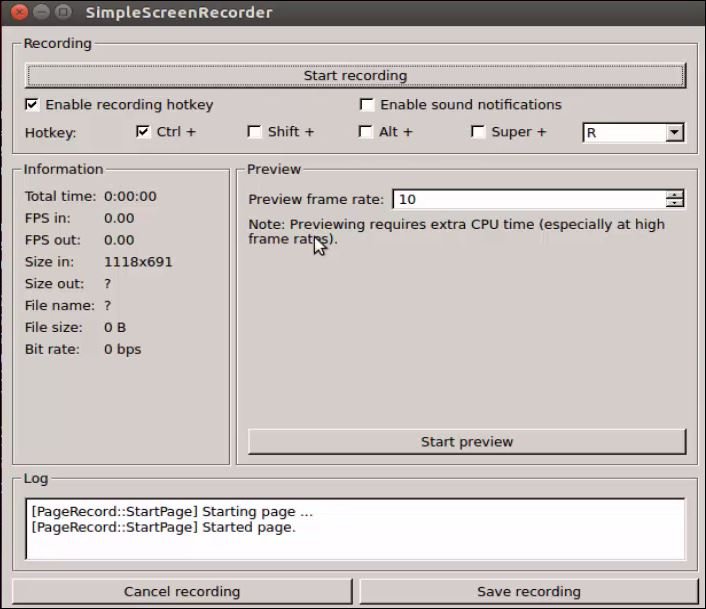
start recording

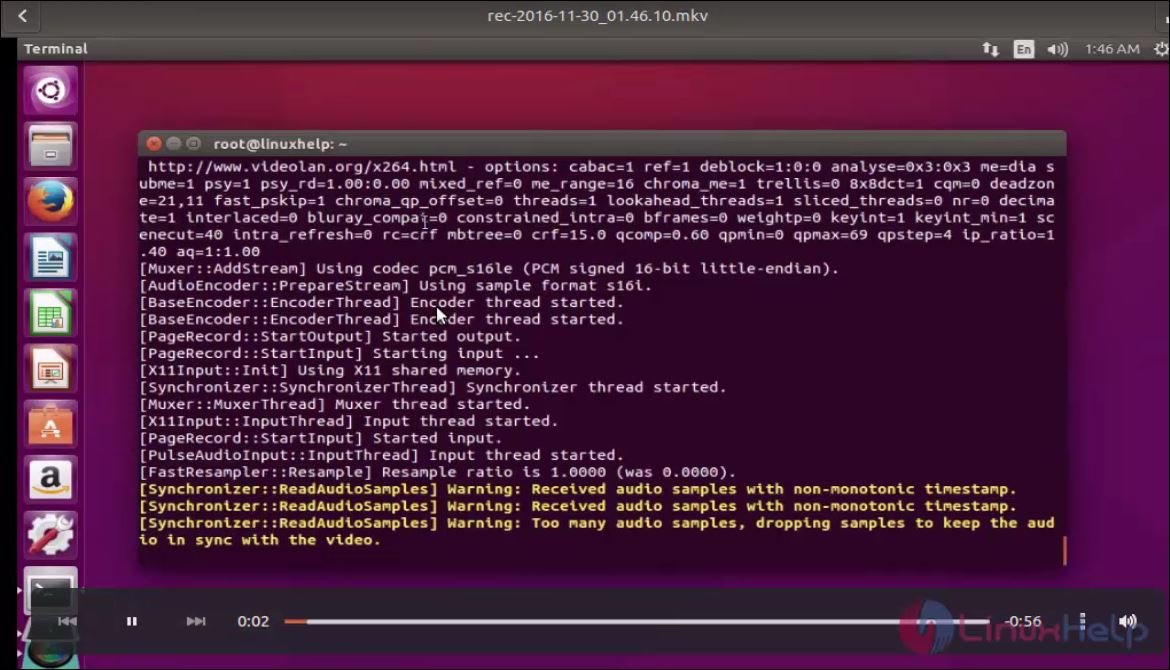
Open the video file from the respective location.
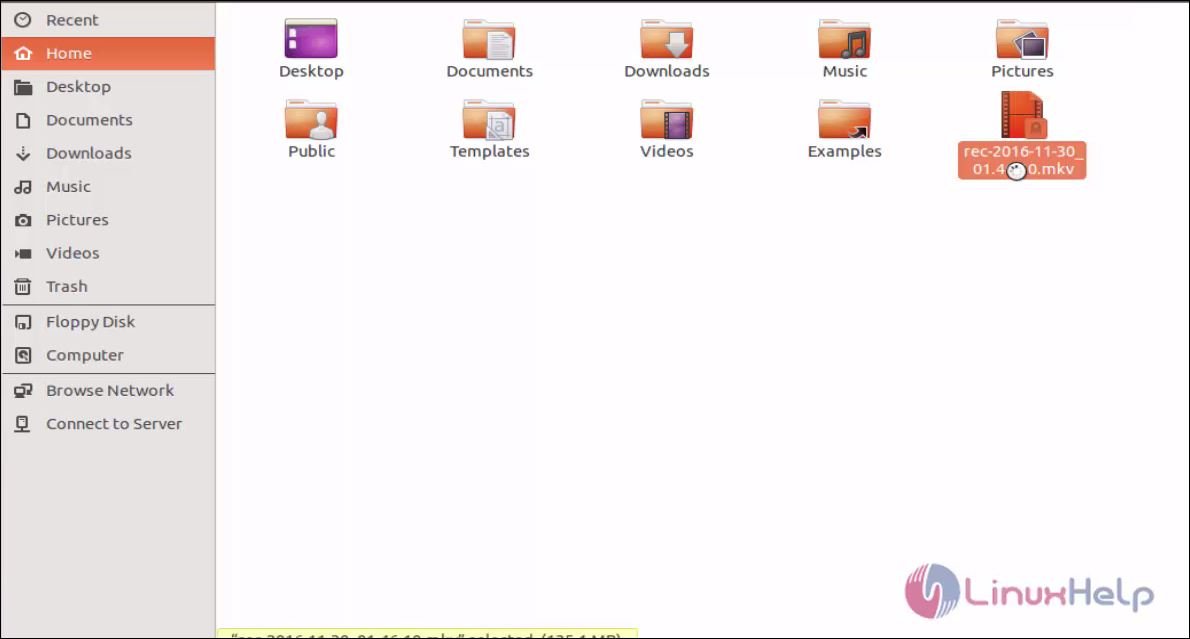
location.

recording

Tags:
grayson
Author: 

Comments ( 0 )

No comments available

Add a comment
{{postCtrl.cmtErrMsg}}

Frequently asked questions ( 5 )

Q

How to resolve the below error "Error: don’t run this script as root, this will mess up file permissions"

A

Please log in as a normal user and execute the build command, it will work without any errors…
or
run the follow this method: # sudo apt-get install simple screen recorder

Q

is there any alternative of simple screen recorder?

A

Alternative of simple screen recorder is kazam screen recorder, use the following this link for installing it
https://www.linuxhelp.com/how-to-install-kazam-screen-recorder-1-4-5-on-linux-mint-18-3/

Q

how to install simple screen recorder on debian package?

A

To install Simple Screen Recorder on Debian use the following repositories,
64-bit
https://launchpad.net/~maarten-baert/+a ... _amd64.deb

https://launchpad.net/~maarten-baert/+a ... _amd64.deb

Q

What is Simple Screen Recorder?

A

Simple Screen Recorder is an open source application that allows the users to record your system&rsquo s screen in an efficient way. It enables users to start and stop recording at any time and supports various file formats and codecs.

Q

Does this Simple Screen Recorder support Live streaming?

A

Simple Screen Recorder is capable for Live streaming of videos

Back To Top!
Rank
User
Points

Top Contributers

userNamenaveelansari
135850

Top Contributers

userNameayanbhatti
92510

Top Contributers

userNamehamzaahmed
32150

Top Contributers

1
userNamelinuxhelp
31040

Top Contributers

userNamemuhammadali
24500
Can you help Isaac ?
How to run windows application in linux

I need to run the windows application in my Linux machine, instead of installing from yum repo or any other repos. How to do that..??

Networking
  • Routing
  • trunk
  • Netmask
  • Packet Capture
  • domain
  • HTTP Proxy
Server Setup
  • NFS
  • KVM
  • Memory
  • Sendmail
  • WebDAV
  • LXC
Shell Commands
  • Cloud commander
  • Command line archive tools
  • last command
  • Shell
  • terminal
  • Throttle
Desktop Application
  • Linux app
  • Pithos
  • Retrospect
  • Scribe
  • TortoiseHg
  • 4Images
Monitoring Tool
  • Monit
  • Apache Server Monitoring
  • EtherApe 
  • Arpwatch Tool
  • Auditd
  • Barman
Web Application
  • Nutch
  • Amazon VPC
  • FarmWarDeployer
  • Rukovoditel
  • Mirror site
  • Chef
Contact Us | Terms of Use| Privacy Policy| Disclaimer
© 2025 LinuxHelp.com All rights reserved. Linux™ is the registered trademark of Linus Torvalds. This site is not affiliated with linus torvalds in any way.