How to install simple wallpaper randomizer on Ubuntu 17.04
To Install Simple Wallpaper Randomizer on Ubuntu 17.04
Simple Wallpaper Randomizer is a free, open-source software used for changing the desktop wallpapers. With Simple Wallpaper Randomizer, you shall set a wallpaper either during the start-up or at a specified time interval. It is really so simple to install Simple Wallpaper Randomizer on Ubuntu 17.04 and this tutorial covers the ground on the same process.
Installing Simple Wallpaper Randomizer
First, you need to add the necessary repository before you begin the installation process.
root@linuxhelp:~# add-apt-repository ppa:atareao/wallpapers

 More info: https://launchpad.net/~atareao/+archive/ubuntu/wallpapers
Press [ENTER] to continue or ctrl-c to cancel adding it

gpg: keybox ' /tmp/tmpv_kd7w99/pubring.gpg'  created
gpg: /tmp/tmpv_kd7w99/trustdb.gpg: trustdb created
gpg: key 6A9653F936FD5529: public key " Launchpad PPA for atareao"  imported
gpg: Total number processed: 1
gpg:               imported: 1
OK
Once it is done, you need to update your system by making use of the following command.
root@linuxhelp:~# apt-get update
Hit:1 http://security.ubuntu.com/ubuntu zesty-security InRelease
Hit:2 http://in.archive.ubuntu.com/ubuntu zesty InRelease
Get:3 http://ppa.launchpad.net/atareao/wallpapers/ubuntu zesty InRelease [15.4 kB]
Hit:4 http://in.archive.ubuntu.com/ubuntu zesty-updates InRelease
Hit:5 http://in.archive.ubuntu.com/ubuntu zesty-backports InRelease
Hit:6 http://ppa.launchpad.net/js-reynaud/kicad-4/ubuntu zesty InRelease
Get:7 http://ppa.launchpad.net/atareao/wallpapers/ubuntu zesty/main amd64 Packages [2,144 B]
Get:8 http://ppa.launchpad.net/atareao/wallpapers/ubuntu zesty/main i386 Packages [2,144 B]
Get:9 http://ppa.launchpad.net/atareao/wallpapers/ubuntu zesty/main Translation-en [816 B]
Fetched 20.5 kB in 3s (6,680 B/s)
Reading package lists... Done
And once it is done, you need to install the application by making use of the following command.
root@linuxhelp:~# apt-get install simple-wallpaper-randomizer
Reading package lists... Done
Building dependency tree
Reading state information... Done
The following additional packages will be installed:
  python3-croniter python3-crontab python3-dateutil python3-tz
The following NEW packages will be installed:
  python3-croniter python3-crontab python3-dateutil python3-tz
  simple-wallpaper-randomizer
0 upgraded, 5 newly installed, 0 to remove and 312 not upgraded.
Need to get 169 kB of archives.
After this operation, 614 kB of additional disk space will be used.
Do you want to continue? [Y/n] y
Get:1 http://ppa.launchpad.net/atareao/wallpapers/ubuntu zesty/main amd64 simple-wallpaper-randomizer all 0.6.1-0extras17.10.2 [72.3 kB]
Get:2 http://in.archive.ubuntu.com/ubuntu zesty/universe amd64 python3-dateutil all 2.5.3-2 [45.0 kB]
Get:3 http://in.archive.ubuntu.com/ubuntu zesty/main amd64 python3-tz all 2014.10~dfsg1-0ubuntu2 [24.6 kB]
Get:4 http://in.archive.ubuntu.com/ubuntu zesty/universe amd64 python3-croniter all 0.3.12-2 [12.0 kB]
Get:5 http://in.archive.ubuntu.com/ubuntu zesty/universe amd64 python3-crontab all 1.9.3-2 [15.1 kB]
Fetched 169 kB in 1s (92.5 kB/s)
Selecting previously unselected package python3-dateutil.
(Reading database ... 189306 files and directories currently installed.)
Preparing to unpack .../python3-dateutil_2.5.3-2_all.deb ...
Unpacking python3-dateutil (2.5.3-2) ...
Selecting previously unselected package python3-tz.
Preparing to unpack .../python3-tz_2014.10~dfsg1-0ubuntu2_all.deb ...
Unpacking python3-tz (2014.10~dfsg1-0ubuntu2) ...
Selecting previously unselected package python3-croniter.
Preparing to unpack .../python3-croniter_0.3.12-2_all.deb ...
Unpacking python3-croniter (0.3.12-2) ...
Selecting previously unselected package python3-crontab.
Preparing to unpack .../python3-crontab_1.9.3-2_all.deb ...
Unpacking python3-crontab (1.9.3-2) ...
Selecting previously unselected package simple-wallpaper-randomizer.
Preparing to unpack .../simple-wallpaper-randomizer_0.6.1-0extras17.10.2_all.deb ...
Unpacking simple-wallpaper-randomizer (0.6.1-0extras17.10.2) ...
Processing triggers for mime-support (3.60ubuntu1) ...
Processing triggers for desktop-file-utils (0.23-1ubuntu2) ...
Processing triggers for bamfdaemon (0.5.3+17.04.20170406-0ubuntu1) ...
Rebuilding /usr/share/applications/bamf-2.index...
Processing triggers for gnome-menus (3.13.3-6ubuntu5) ...
Processing triggers for hicolor-icon-theme (0.15-1) ...
Setting up python3-tz (2014.10~dfsg1-0ubuntu2) ...
Setting up python3-dateutil (2.5.3-2) ...
Setting up python3-croniter (0.3.12-2) ...
Setting up python3-crontab (1.9.3-2) ...
Setting up simple-wallpaper-randomizer (0.6.1-0extras17.10.2) ...
You can open the application after its installation through your Ubuntu search-field.
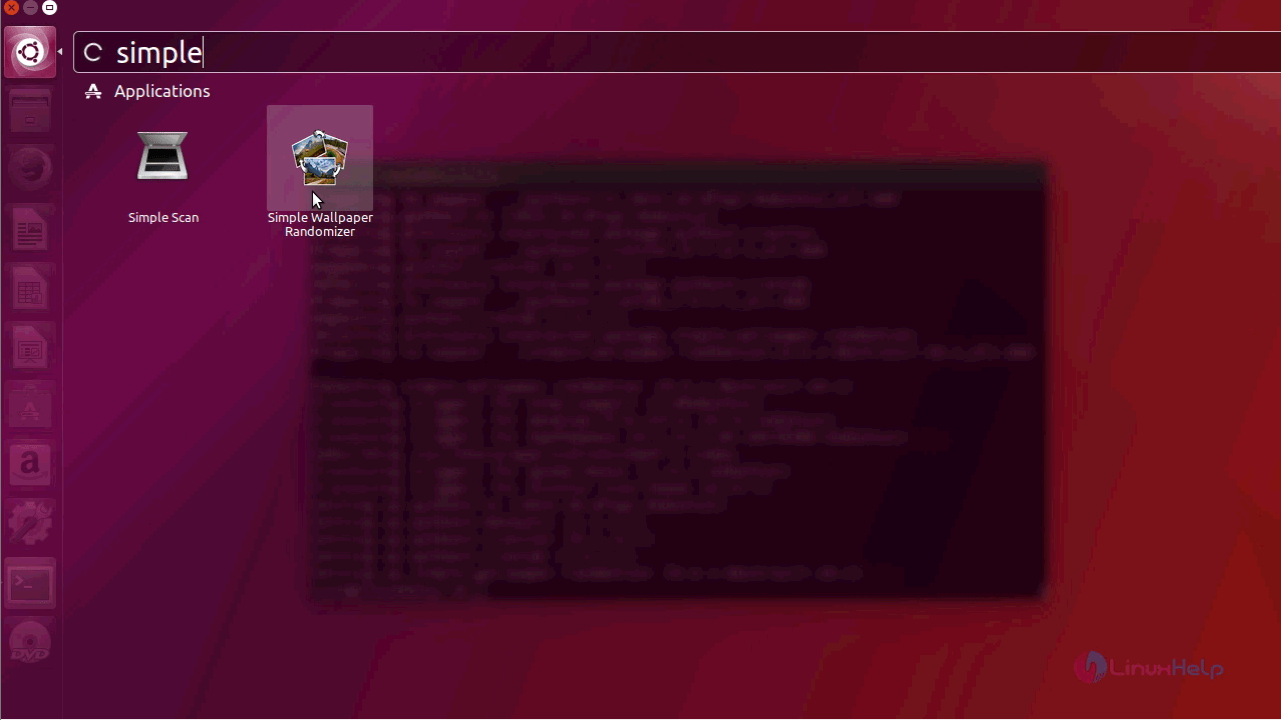
Your Simple Wallpaper Randomizer application will look like the one in the following image.
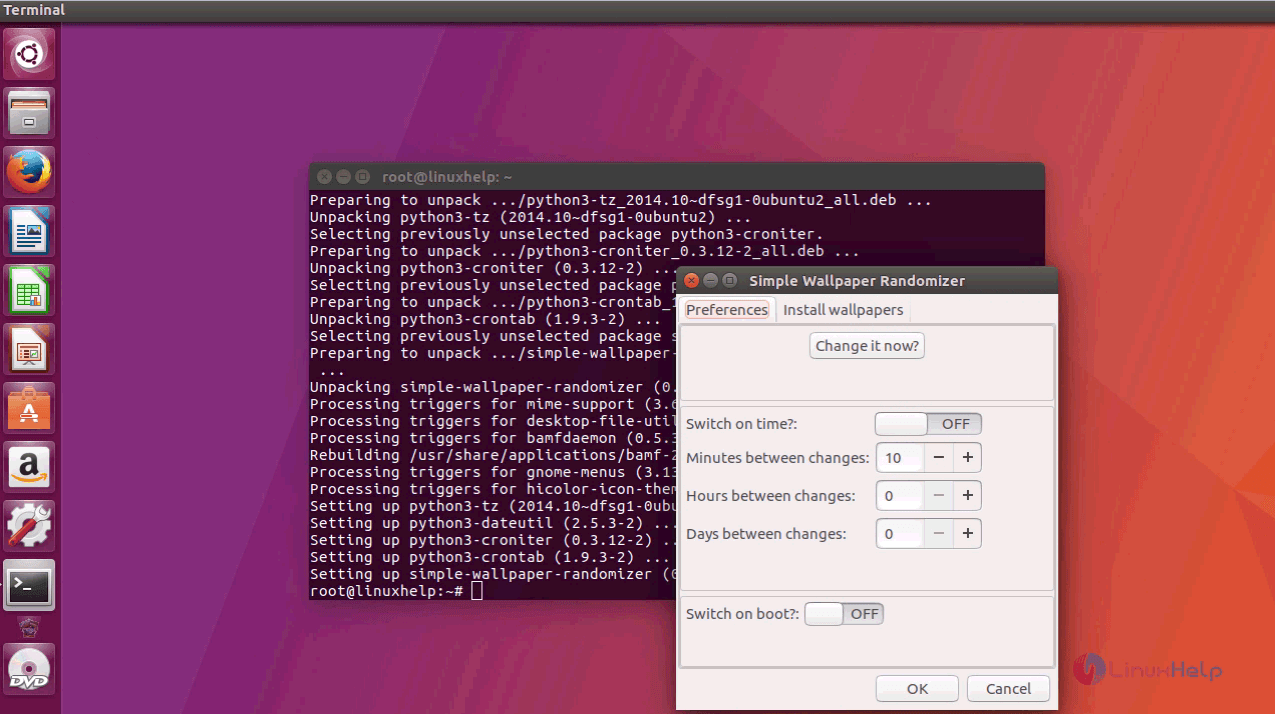
You can see that there are wallpaper options for different distributions. You can apply any of them.

A confirmation popup will now appear on the screen.
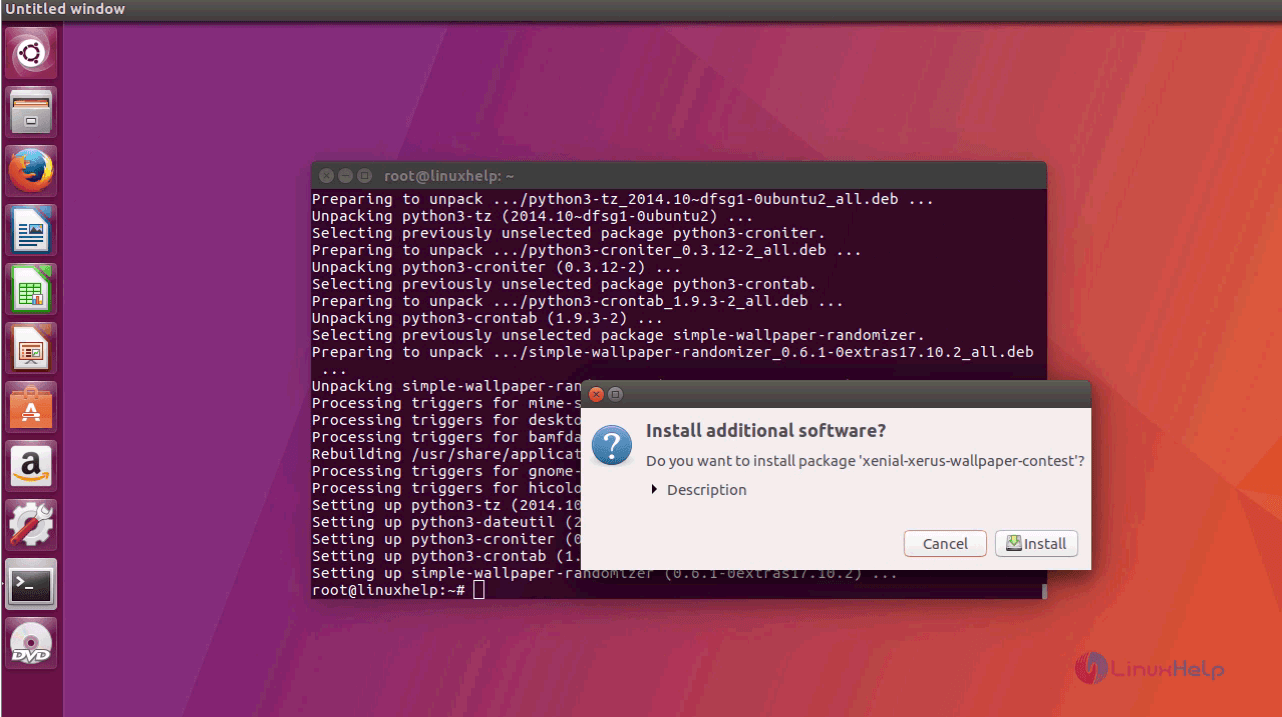
You will be asked to give your password.

The changes are now being applied.

You can now see that the wallpaper has been changed.
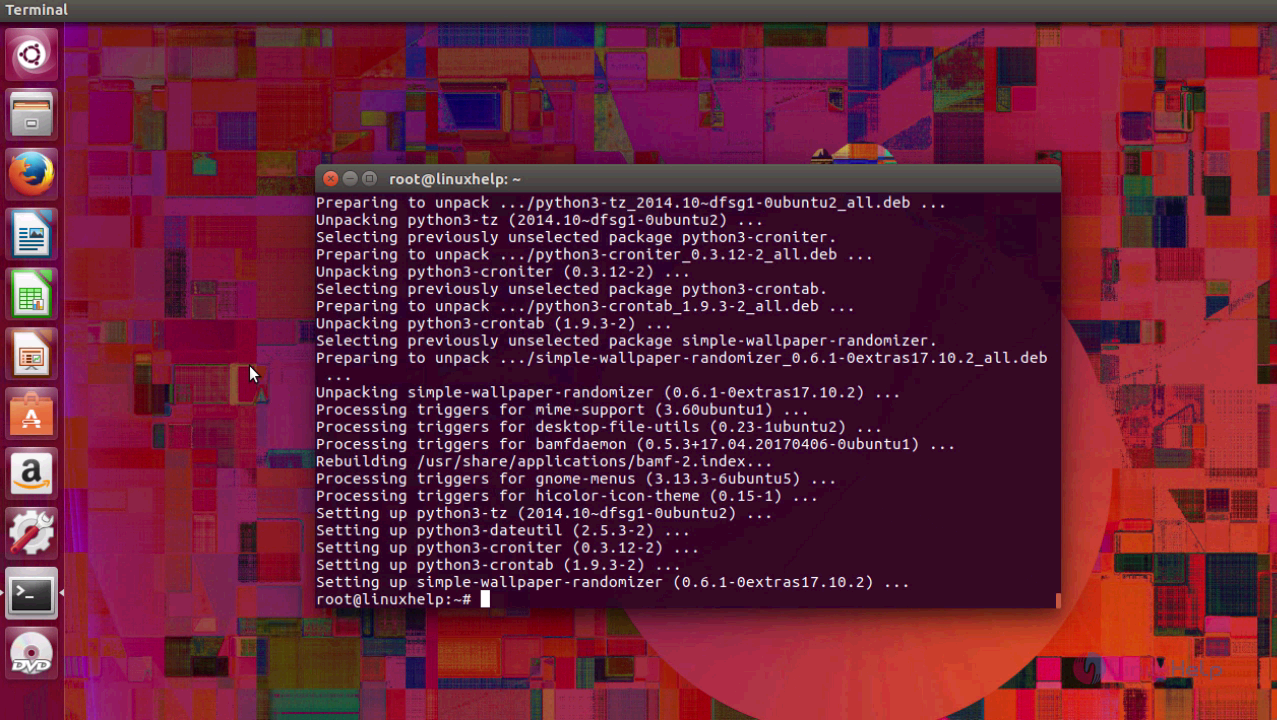
With this, the installation of Simple Wallpaper Randomizer comes to an end.
Comments ( 0 )
No comments available