• Categories
    Category
    {{ postCtrl.tags }}
    • {{ category.tag_type }}

      • {{tag.tag_name}}
      • View more
  • Categories
    Category
    {{ postCtrl.tags }}
    • {{ category.tag_type }}

      • {{tag.tag_name}}
      • View more
  • News
  • Tutorials
  • Forums
  • Tags
  • Users
Tutorial News Comments FAQ Related Articles

How to Install Simplenote 1.1.3 on Linux Mint 18.3

{{postValue.id}}

To Install Simplenote 1.1.3 on Linux Mint 18.3

Simplenote is alight, clean, and free note taking application. It is now available for iOS, Android, Mac, Windows, Linux, and the web. The app was originally built for iOS and it has since been expanded to include Android, Mac OS X, and now Windows and Linux. It is so simple to install Simple Note 1.1.3 on Linux Mint 18.3.

Installing Simplenote

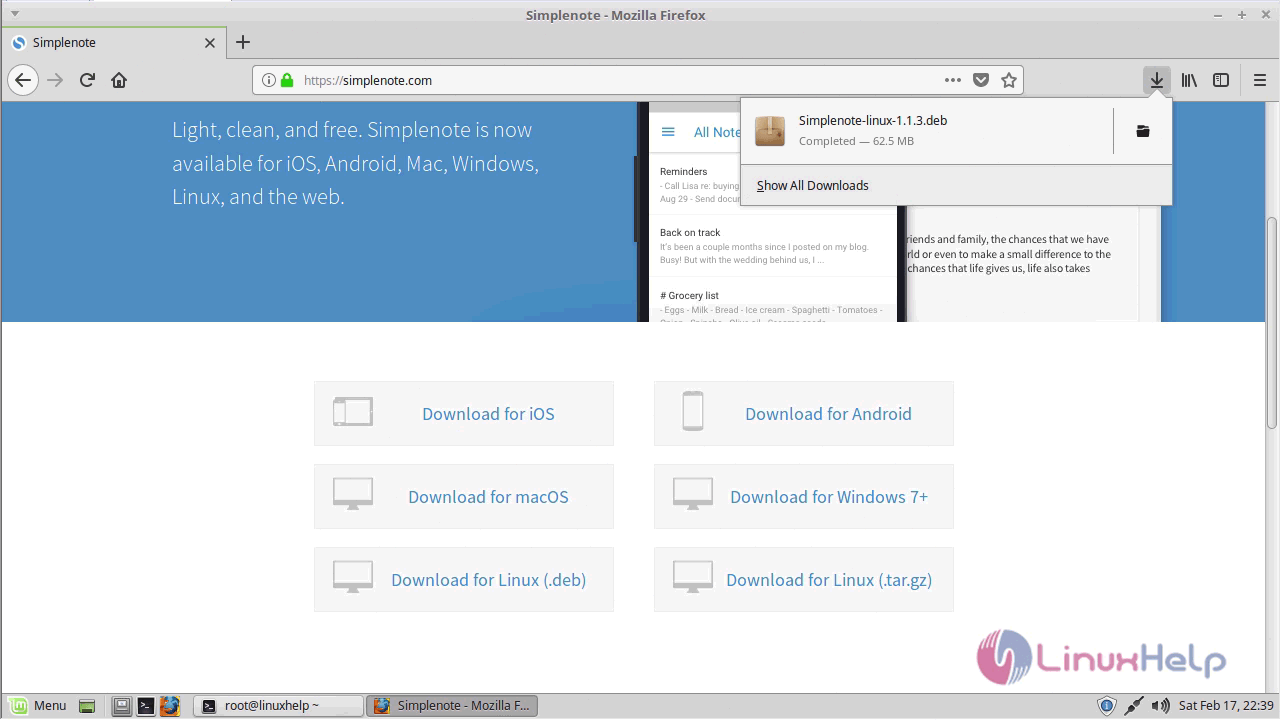
First, download the latest version of Simplenote, you need to go to official site https://simplenote.com/
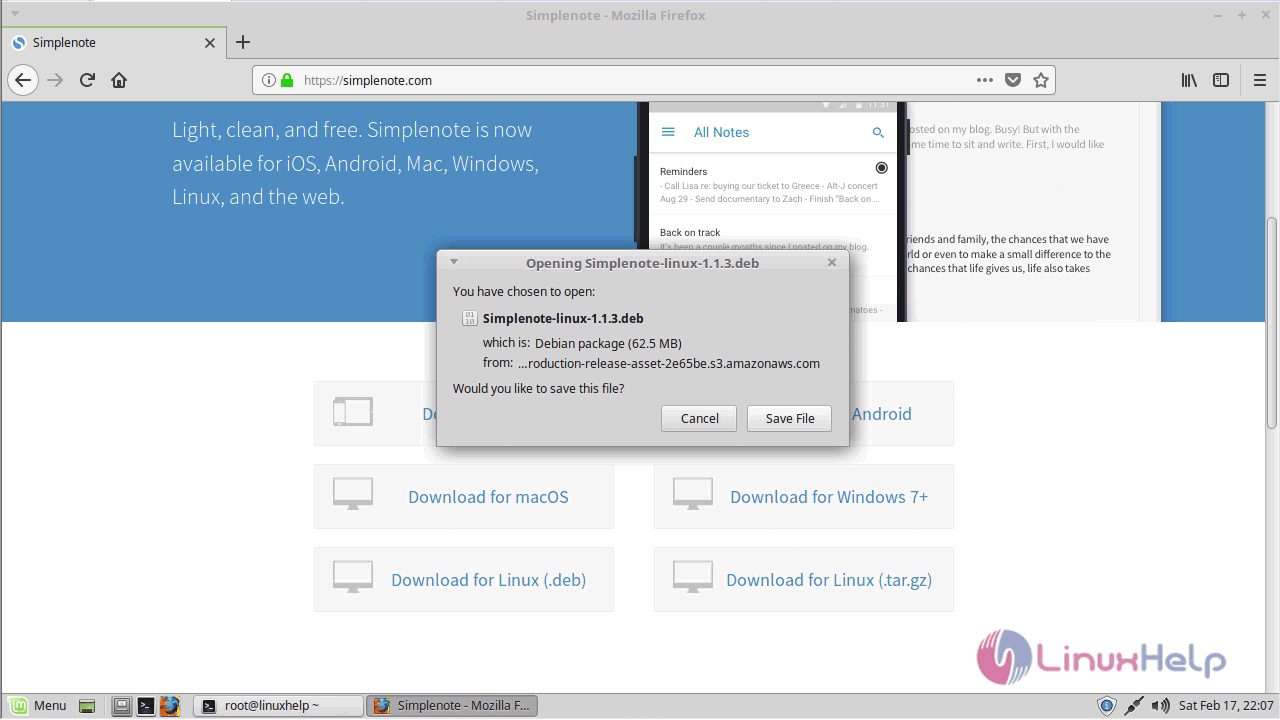
download
downloaded

After the download gets completed, navigate to the download location.

linuxhelp ~ # cd /home/user/Downloads/


You shall now install it using the following command.

linuxhelp Downloads # dpkg -i Simplenote-linux-1.1.3.deb 
Selecting previously unselected package simplenote.
(Reading database ... 223888 files and directories currently installed.)
Preparing to unpack Simplenote-linux-1.1.3.deb ...
Unpacking simplenote (1.1.3) ...
Setting up simplenote (1.1.3) ...
Processing triggers for desktop-file-utils (0.22+linuxmint1) ...
Processing triggers for mime-support (3.59ubuntu1) ...


Simplenote has been installed, you need to open the application through the Linux Mint menu > search field > and type Simple note.
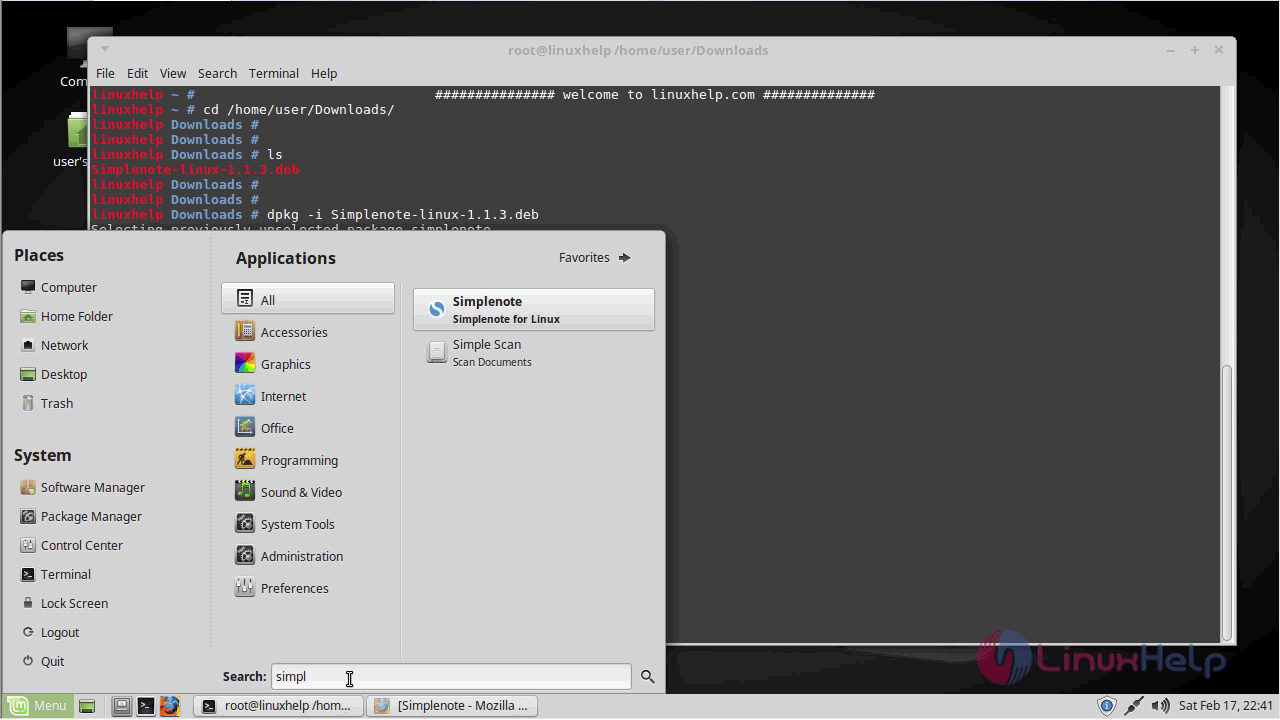
simplenote

Log in to the Simplenote application. If you don' t have an account, you can Sign up.
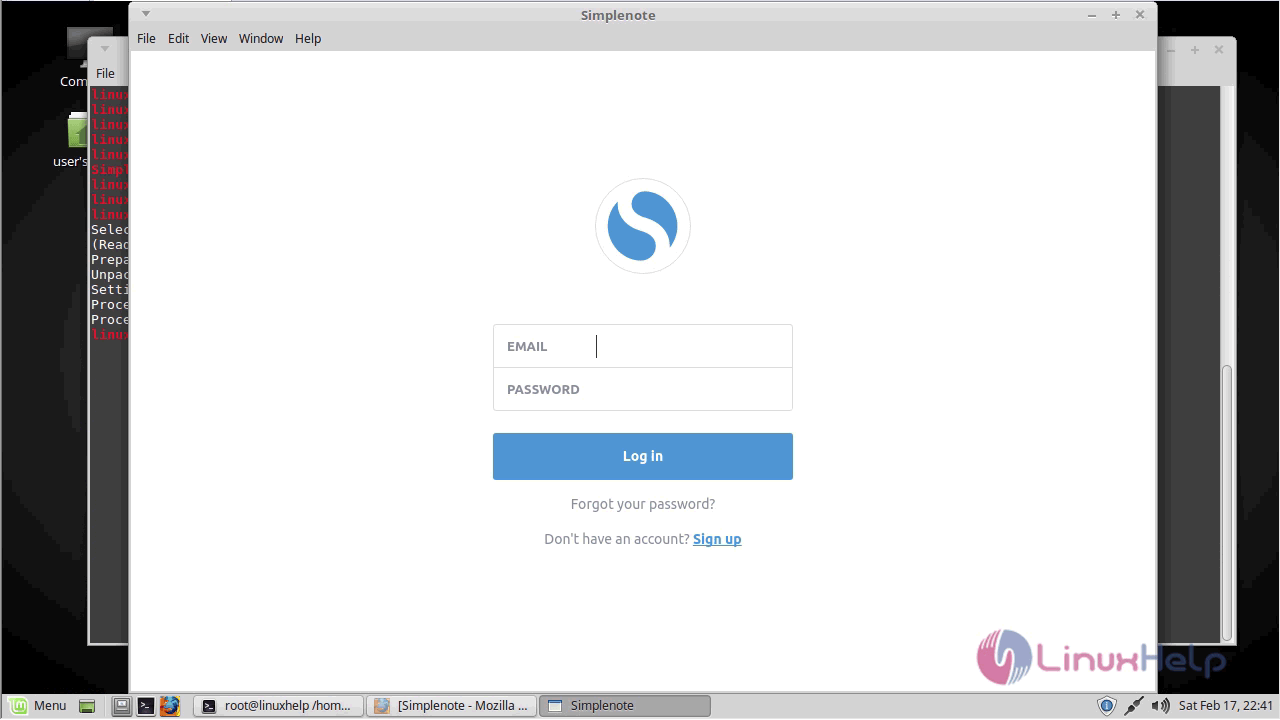
opne

The Simplenote application is now ready to use.
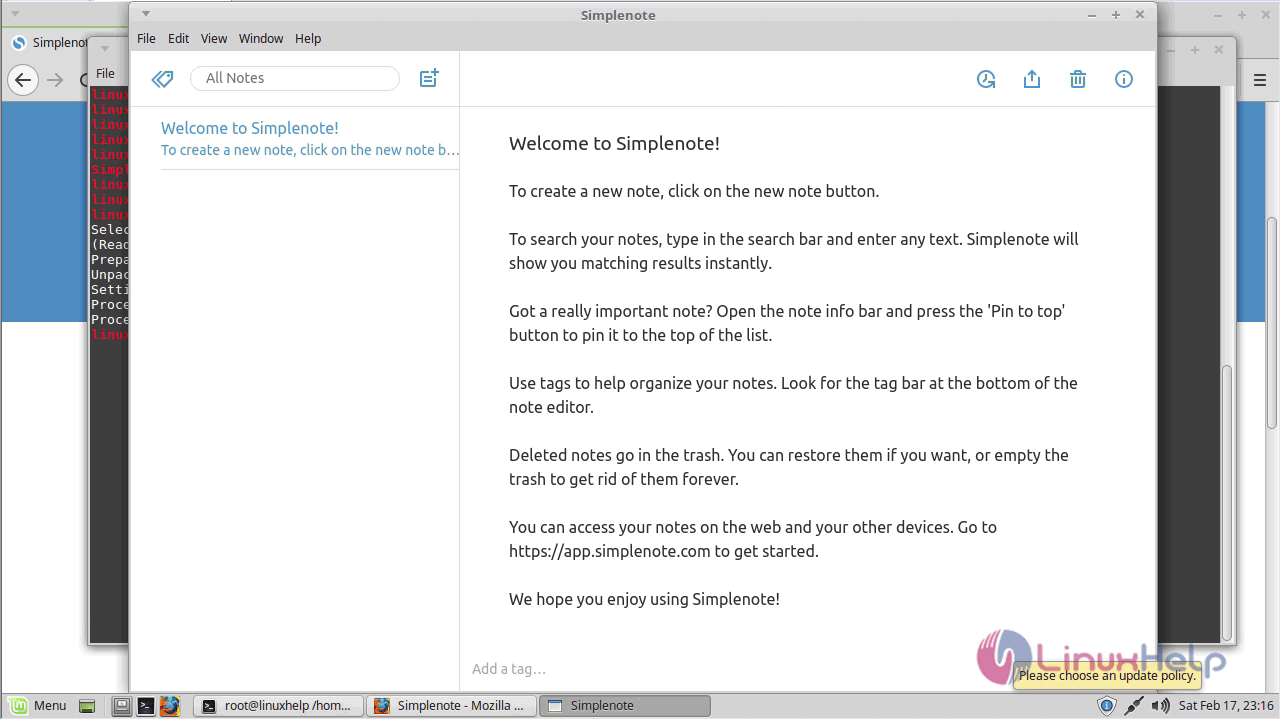
Simplenote

With this, the installation of Simple Note 1.1.3 on Linux Mint 18.3 comes to an end.

Tags:
jackson
Author: 

Comments ( 0 )

No comments available

Add a comment
{{postCtrl.cmtErrMsg}}

Frequently asked questions ( 5 )

Q

How does syncing work in Simplenote?

A

All notes are synced between your device, the web app, and any supported desktop apps that you might have downloaded. When you create, edit, or delete notes in any of these locations, they automatically and wirelessly synced to the other locations as well as soon as you open the app.

Q

How to install Simplenote on Debian?

A

For the installation Simplenote on Debian, use the following link as given below "https://www.linuxhelp.com/how-to-install-simplenote-on-debian-9/"

Q

How to install Simplenote on Ubuntu?

A

For the installation of the Simplenote, use the following link as given below "https://www.linuxhelp.com/how-to-install-simplenote-on-ubuntu-17-04/"

Q

What’s the maximum length of a note in Simplenote?

A

You can create very long notes if you absolutely have to, but we don’t recommend making notes longer than several thousand words. Huge notes can take a long time to process both in the web app and on your device.

Q

How many notes can I make in Simplenote?

A

We don’t currently place any restrictions on the number of notes you can make, as long as you’re not abusing the system.

Back To Top!
Rank
User
Points

Top Contributers

userNamenaveelansari
135850

Top Contributers

userNameayanbhatti
92510

Top Contributers

userNamehamzaahmed
32150

Top Contributers

1
userNamelinuxhelp
31040

Top Contributers

userNamemuhammadali
24500
Can you help Ganesh Konka ?
Zentya 6.1 http proxy configuration

please send link for creating zentyal 6.1 for http proxy and firewall as gateway.

Networking
  • Routing
  • trunk
  • Netmask
  • Packet Capture
  • domain
  • HTTP Proxy
Server Setup
  • NFS
  • KVM
  • Memory
  • Sendmail
  • WebDAV
  • LXC
Shell Commands
  • Cloud commander
  • Command line archive tools
  • last command
  • Shell
  • terminal
  • Throttle
Desktop Application
  • Linux app
  • Pithos
  • Retrospect
  • Scribe
  • TortoiseHg
  • 4Images
Monitoring Tool
  • Monit
  • Apache Server Monitoring
  • EtherApe 
  • Arpwatch Tool
  • Auditd
  • Barman
Web Application
  • Nutch
  • Amazon VPC
  • FarmWarDeployer
  • Rukovoditel
  • Mirror site
  • Chef
Contact Us | Terms of Use| Privacy Policy| Disclaimer
© 2025 LinuxHelp.com All rights reserved. Linux™ is the registered trademark of Linus Torvalds. This site is not affiliated with linus torvalds in any way.