How to install Simplenote on Ubuntu 17.04
To install Simplenote on Ubuntu 17.04
Simplenote is a light, clean, and open source alternative application to evernote. Although initially built for iOS, this notetaking application is now available also for Android, Mac, Windows, Linux, and the web. This tutorial covers the installation procedure of Simplenote on Ubuntu 17.04.
Installation procedure
Before proceeding with the installation procedure, install the gdebi installer before installing your simplenote application.
root@linuxhelp:~# apt-get install gdebi
Reading package lists... Done
Building dependency tree
Reading state information... Done
The following additional packages will be installed:
  gconf-service gconf-service-backend gconf2 gconf2-common gdebi-core gksu
  gnome-icon-theme libgconf-2-4 libgksu2-0
Suggested packages:
  gconf-defaults-service
The following NEW packages will be installed:
  gconf-service gconf-service-backend gconf2 gconf2-common gdebi gdebi-core
  gksu gnome-icon-theme libgconf-2-4 libgksu2-0
.
.
.
.
update-alternatives: using /usr/share/libgksu/debian/gconf-defaults.libgksu-sudo to provide /usr/share/gconf/defaults/10_libgksu (libgksu-gconf-defaults) in auto mode
Processing triggers for gconf2 (3.2.6-3ubuntu7) ...
Setting up gksu (2.0.2-9ubuntu1) ...
Setting up gdebi (0.9.5.7+nmu1) ...
Processing triggers for libc-bin (2.24-9ubuntu2) ...
The gdebi installer is installed in your system. Go to its official website and download the latest version by executing the wget command followed by the download link.
root@linuxhelp:~# wget https://github.com/Automattic/simplenote-electron/releases/download/v1.0.8/simplenote-1.0.8.deb
--2017-09-05 13:06:21--  https://github.com/Automattic/simplenote-electron/releases/download/v1.0.8/simplenote-1.0.8.deb
Resolving github.com (github.com)... 192.30.255.112, 192.30.255.113
Connecting to github.com (github.com)|192.30.255.112|:443... connected.
.
.
.
Resolving github-production-release-asset-2e65be.s3.amazonaws.com (github-production-release-asset-2e65be.s3.amazonaws.com)... 54.231.112.152
Connecting to github-production-release-asset-2e65be.s3.amazonaws.com (github-production-release-asset-2e65be.s3.amazonaws.com)|54.231.112.152|:443... connected.
HTTP request sent, awaiting response... 200 OK
Length: 52290092 (50M) [application/octet-stream]
Saving to: ‘ simplenote-1.0.8.deb.2’
simplenote-1.0.8.de 100%[===================> ]  49.87M   439KB/s    in 94s
2017-09-05 13:07:59 (543 KB/s) - ‘ simplenote-1.0.8.deb.2’  saved [52290092/52290092]
The package has been downloaded in the system. Next install the Simplenote application by running the following command.
root@linuxhelp:~# gdebi simplenote-1.0.8.deb.2
Reading package lists... Done
Building dependency tree
Reading state information... Done
 ^CTraceback (most recent call last):
  File " /usr/lib/python3/dist-packages/apt/cache.py" , line 194, in __getitem__
    return self._weakref[key]
  File " /usr/lib/python3.5/weakref.py" , line 137, in __getitem__
    o = self.data[key]()
KeyError: ' libgnuradio-fcd3.7.10'
.
.
.
Processing triggers for bamfdaemon (0.5.3+17.04.20170406-0ubuntu1) ...
Rebuilding /usr/share/applications/bamf-2.index...
Processing triggers for gnome-menus (3.13.3-6ubuntu5) ...
Processing triggers for desktop-file-utils (0.23-1ubuntu2) ...
Processing triggers for mime-support (3.60ubuntu1) ...
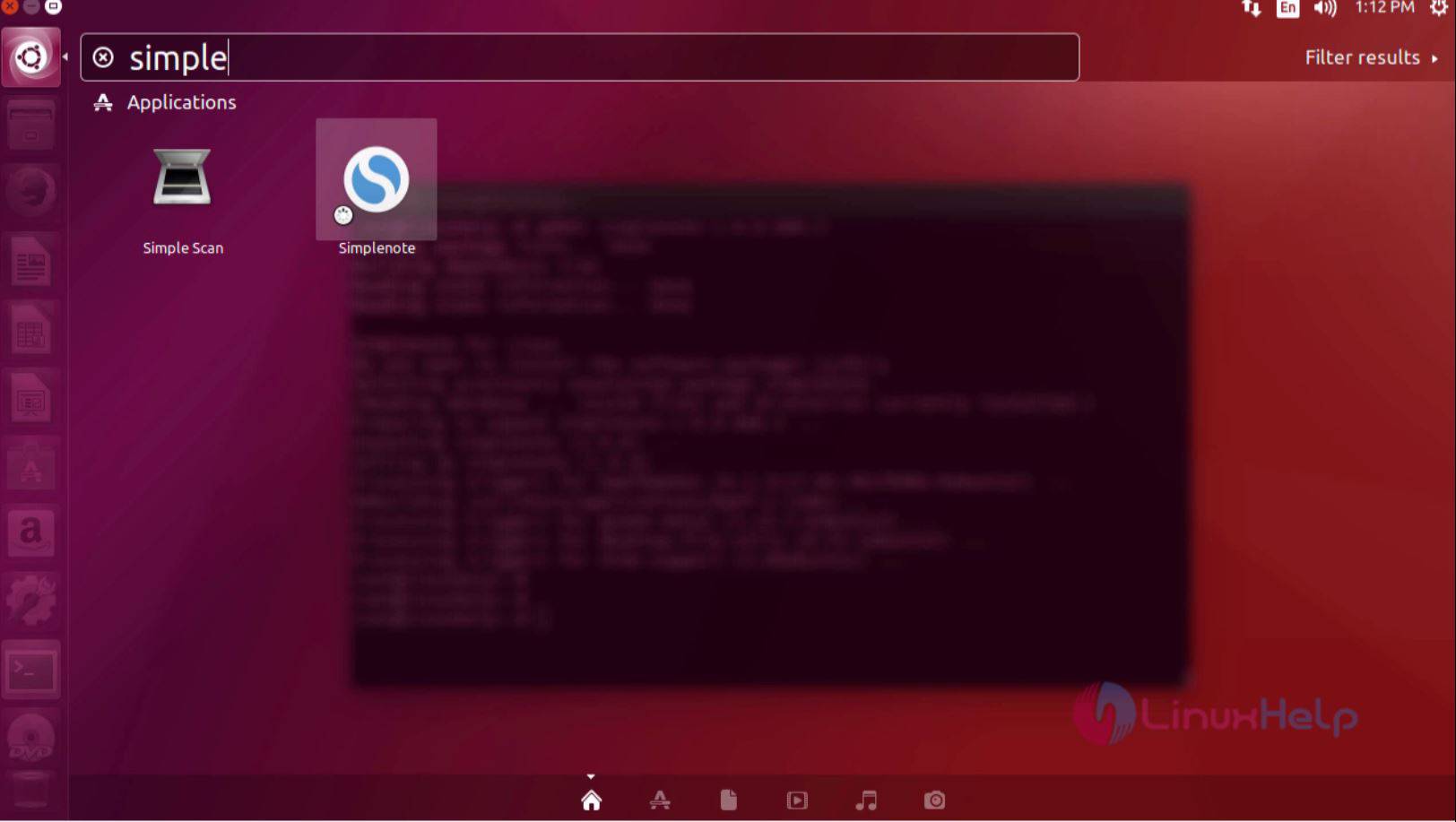
The Simplenote is installed in the system. To open your application, type the application name in the Ubuntu dashboard and click on the icon to run the application.
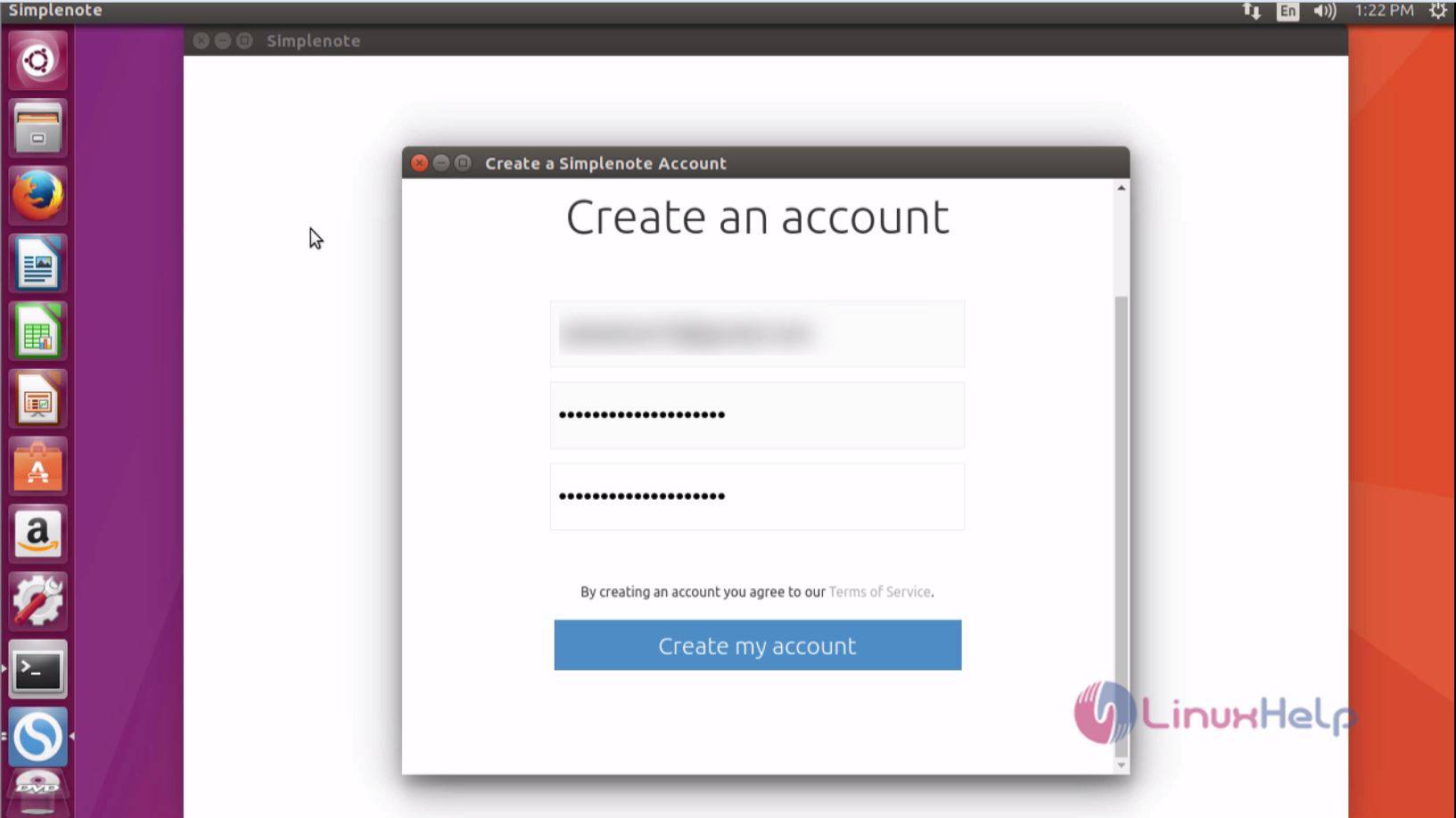
A window appears on the screen to create an account in Simplenote.
The account is created on the Simplenote and now you can use Simplenote application.
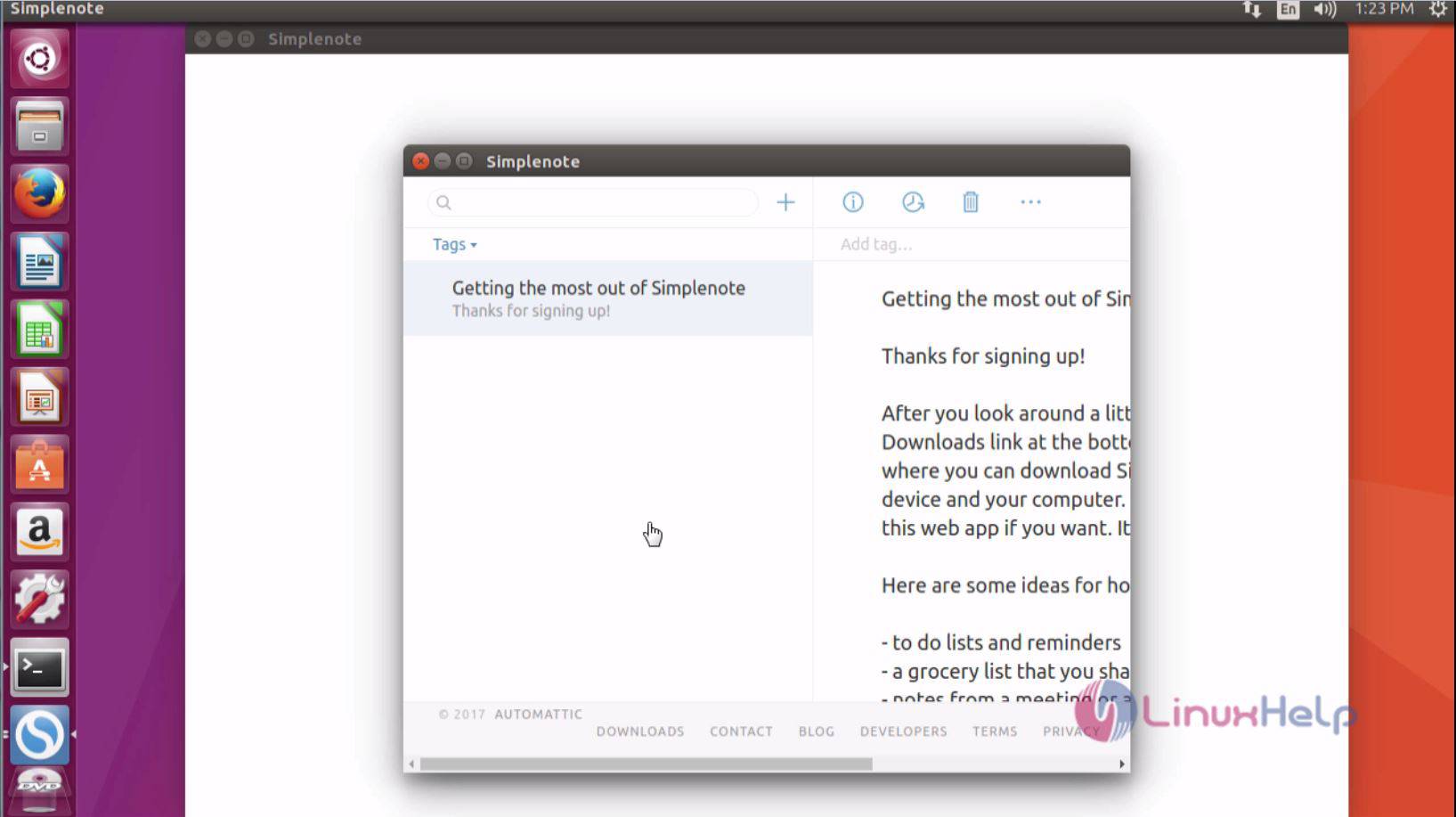
The Simplenote application is installed successfully.
Comments ( 0 )
No comments available