How to install SmartGit 18.1 on Ubuntu 18.04
To install SmartGit 18.1 on Ubuntu 18.04
SmartGit is an open-source, cross-platform, graphical client version control manager. It is designed for Git and Mercurial with SVN repositories. It contains features such as downloading a repository from the web repository, create a new repo from scratch, create a local version control and much more configuration are available there. In this tutorial, we will cover the installation of SmartGit 18.1 on Ubuntu 18.04
Installation
We are going to install smart git using gdebi package so first install gdebi as follows.
root@linuxhelp1:~# apt-get install gdebi -y
Reading package lists... Done
Building dependency tree
Reading state information... Done

The following packages were automatically installed and are no longer required:

apache2-bin apache2-data apache2-utils libapr1 libaprutil1 libaprutil1-dbd-sqlite3
  libaprutil1-ldap

Use ' sudo apt autoremove'  to remove them.

The following additional packages will be installed:

.
.
Setting up gdebi-core (0.9.5.7+nmu2) ...
Setting up gnome-icon-theme (3.12.0-3) ...
update-alternatives: using /usr/share/icons/gnome/scalable/places/debian-swirl.svg to provide /usr/share/icons/gnome/scalable/places/start-here.svg (start-here.svg) in auto mode
Processing triggers for man-db (2.8.3-2) ...
Processing triggers for gnome-menus (3.13.3-11ubuntu1) ...
Setting up libpango-perl (1.227-2build1) ...
Setting up gdebi (0.9.5.7+nmu2) ...
Setting up libgtk2-perl (2:1.24992-1build1) ...
Now we have to download a Smartgit application package From terminal using wget command.
root@linuxhelp1:~# wget https://www.syntevo.com/downloads/smartgit/smartgit-18_1_1.deb
--2018-05-15 17:33:16--  https://www.syntevo.com/downloads/smartgit/smartgit-18_1_1.deb
Resolving www.syntevo.com (www.syntevo.com)... 104.25.201.15, 104.25.200.15, 2400:cb00:2048:1::6819:c90f, ...
Connecting to www.syntevo.com (www.syntevo.com)|104.25.201.15|:443... connected.
HTTP request sent, awaiting response... 200 OK
Length: 68024270 (65M) [application/x-debian-package]
Saving to: ‘ smartgit-18_1_1.deb’

smartgit-18_1_1.deb     100%[==============================> ]  64.87M   645KB/s    in 1m 58s

2018-05-15 17:35:15 (563 KB/s) - ‘ smartgit-18_1_1.deb’  saved [68024270/68024270]
Next, Install Smartgit with help of Gdebi command as follows.
root@linuxhelp1:~# gdebi smartgit-18_1_1.deb
Reading package lists... Done
Building dependency tree
Reading state information... Done
Reading state information... Done
Requires the installation of the following packages: git git-man liberror-perl

Graphical Git client
 SmartGit is a Git client. The Git commandline tools are required.
.
.
Selecting previously unselected package smartgit.
(Reading database ... 174568 files and directories currently installed.)
Preparing to unpack smartgit-18_1_1.deb ...
Unpacking smartgit (18.1.1) ...
Setting up smartgit (18.1.1) ...
Processing triggers for gnome-menus (3.13.3-11ubuntu1) ...
Processing triggers for desktop-file-utils (0.23-1ubuntu3) ...
Processing triggers for mime-support (3.60ubuntu1) ...
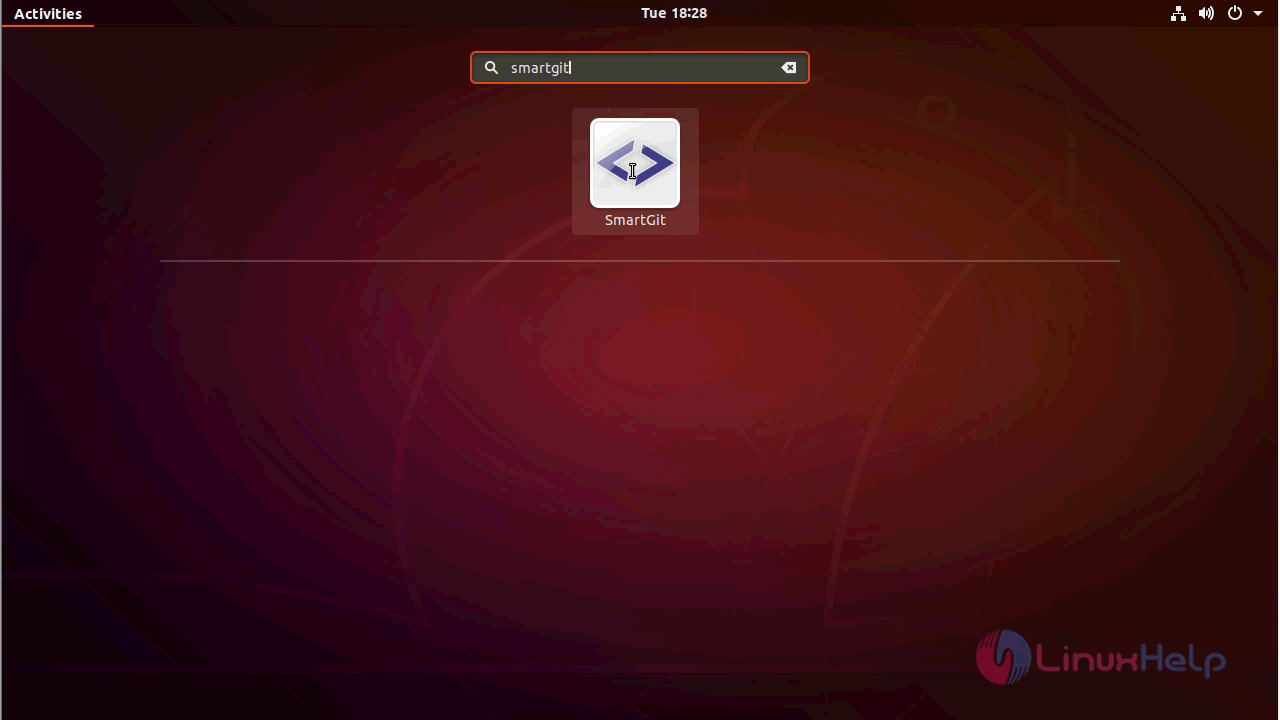
After installation, you can access the application from the activity menu.
Accept the license terms and condition to start using the smart git application.

Configure the user account setup in the following manner.
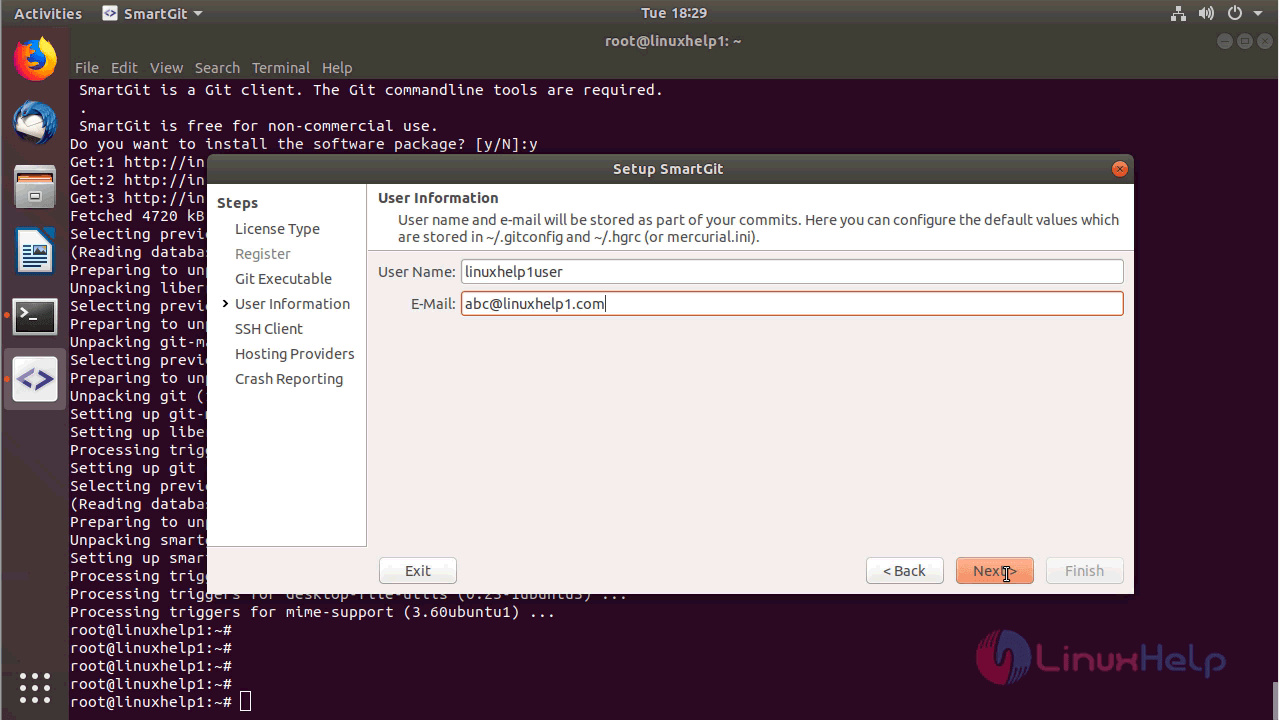
And then you have to configure the ssh client for setting up the smart git so choose the option use smart git as SSH client, click Next.

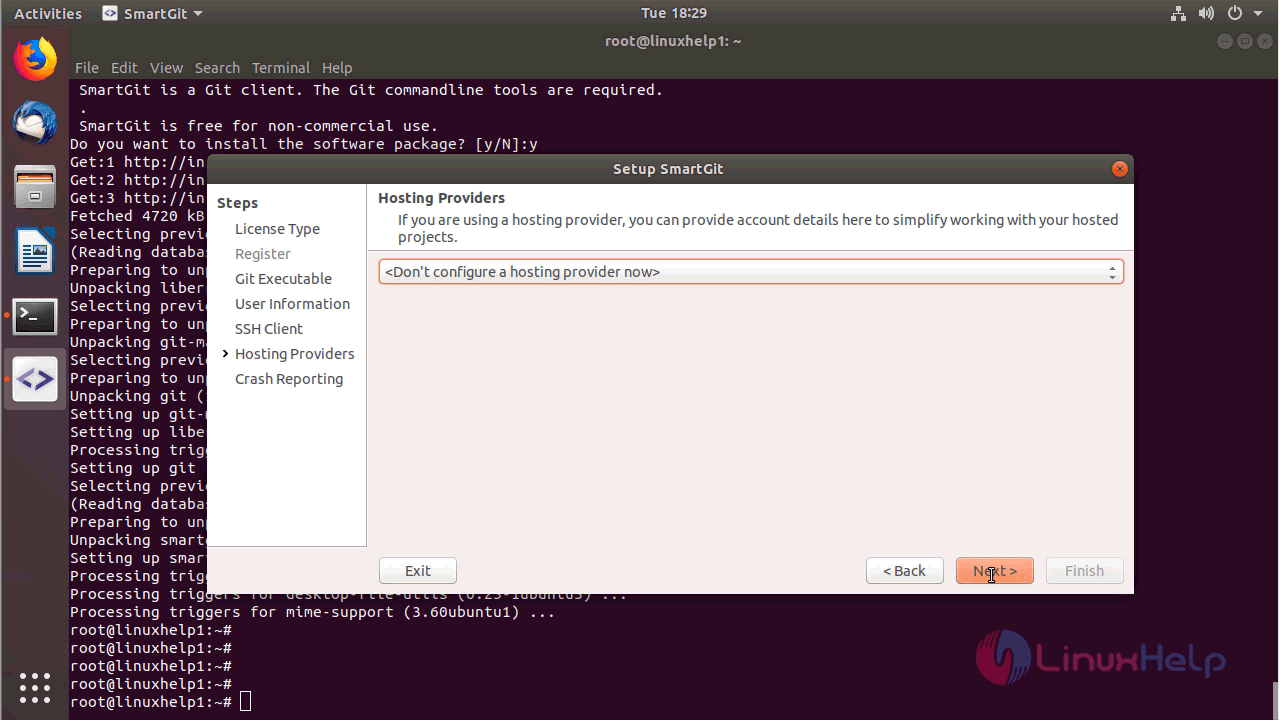
Choose the Hosting provider and click on Next.
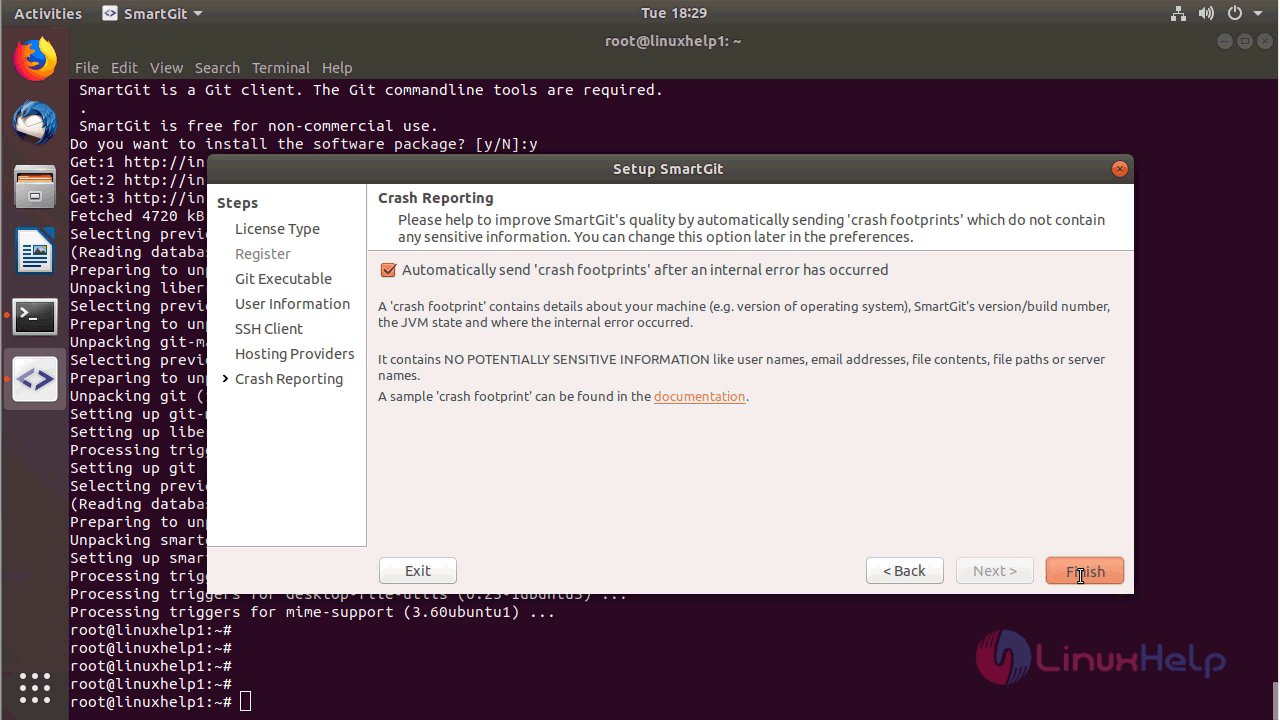
Setup the Crash reporting for smart git and click finish.
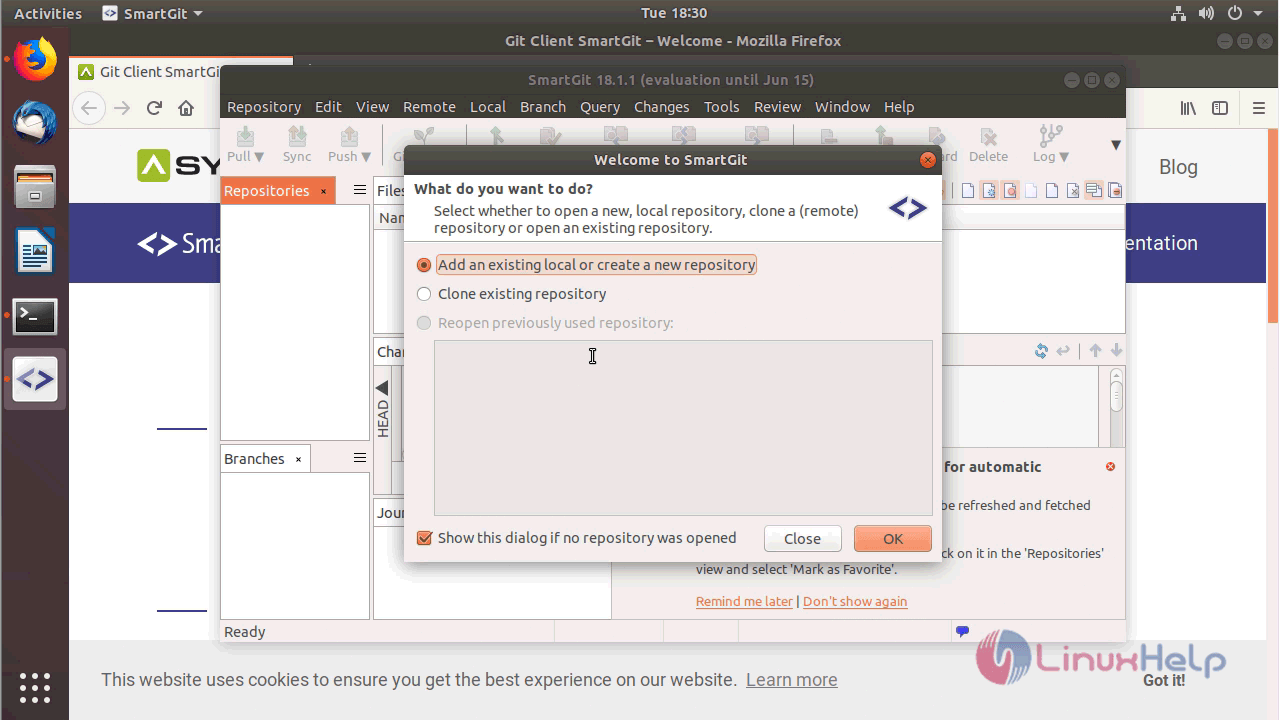
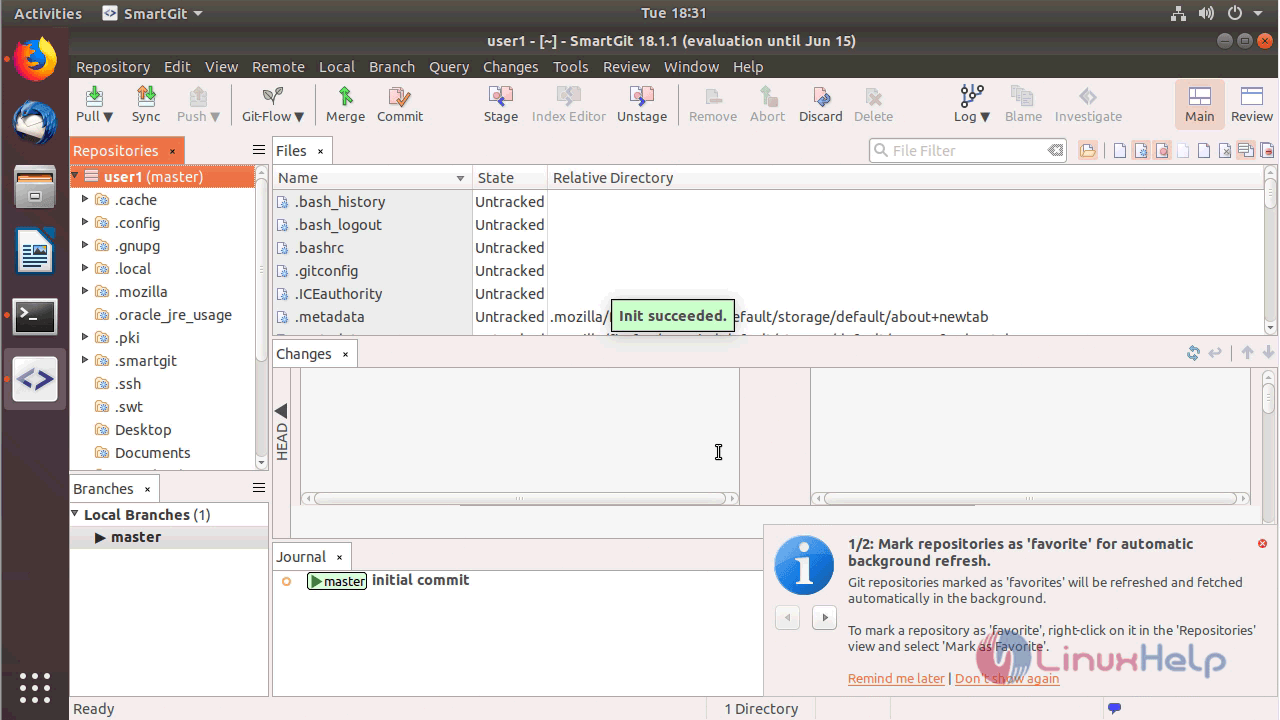
After configuration setup you will see the welcome page of Smart git application
With this, the method to install SmartGit 18.1 18.04 comes to an end.
Comments ( 0 )
No comments available