How to install Sonic visualizer on Ubuntu
To install Sonic Visualiser on Ubuntu
Sonic Visualiser is a free and cross-platform tool used for visualizing, analyzing and to annotate audio files. Sonic Visualiser is an easy-to-install tool, and this article explains the installation of Sonic Visualiser on Ubuntu.
To install Sonic visualise
You need to download the Sonic Visualiser package. Use the following command which has the download link to Sonic visualize installation package.
root@localhost:/home/user1/Desktop# wget -c code.soundsoftware.ac.uk/attachments/download/909/sonic-visualiser_2.3cc-1_amd64.deb
--2017-03-04 06:58:29--  http://code.soundsoftware.ac.uk/attachments/download/909/sonic-visualiser_2.3cc-1_amd64.deb
Resolving code.soundsoftware.ac.uk (code.soundsoftware.ac.uk)... 138.37.95.198
Connecting to code.soundsoftware.ac.uk (code.soundsoftware.ac.uk)|138.37.95.198|:80... connected.
HTTP request sent, awaiting response... 303 See Other
Location: https://code.soundsoftware.ac.uk/attachments/download/909/sonic-visualiser_2.3cc-1_amd64.deb [following]
--2017-03-04 06:58:29--  https://code.soundsoftware.ac.uk/attachments/download/909/sonic-visualiser_2.3cc-1_amd64.deb
Connecting to code.soundsoftware.ac.uk (code.soundsoftware.ac.uk)|138.37.95.198|:443... connected.
HTTP request sent, awaiting response... 200 OK
Length: unspecified [application/x-debian-package]
Saving to: ‘ sonic-visualiser_2.3cc-1_amd64.deb’
    [                                                                                < =>                                                            ] 59,82,222    371KB/s   in 24s
2017-03-04 06:58:54 (245 KB/s) - ‘ sonic-visualiser_2.3cc-1_amd64.deb’  saved [5982222]
Once the file is downloaded, you can install it by running the following command.
root@localhost:/home/user1/Desktop# dpkg -i sonic-visualiser_2.3cc-1_amd64.deb
Selecting previously unselected package sonic-visualiser.
(Reading database ... 164677 files and directories currently installed.)
Preparing to unpack sonic-visualiser_2.3cc-1_amd64.deb ...
Unpacking sonic-visualiser (2.3cc-1) ...
Setting up sonic-visualiser (2.3cc-1) ...
Processing triggers for gnome-menus (3.10.1-0ubuntu2) ...
Processing triggers for desktop-file-utils (0.22-1ubuntu1) ...
Processing triggers for bamfdaemon (0.5.1+14.04.20140409-0ubuntu1) ...
Rebuilding /usr/share/applications/bamf-2.index...
Processing triggers for mime-support (3.54ubuntu1.1) ...
Sonic Visualiser has been installed, use the following command to open it.
root@localhost:/home/user1/Desktop# sonic-visualiser
The Sonic Visualiser welcome screen appears as soon as it is launched. 
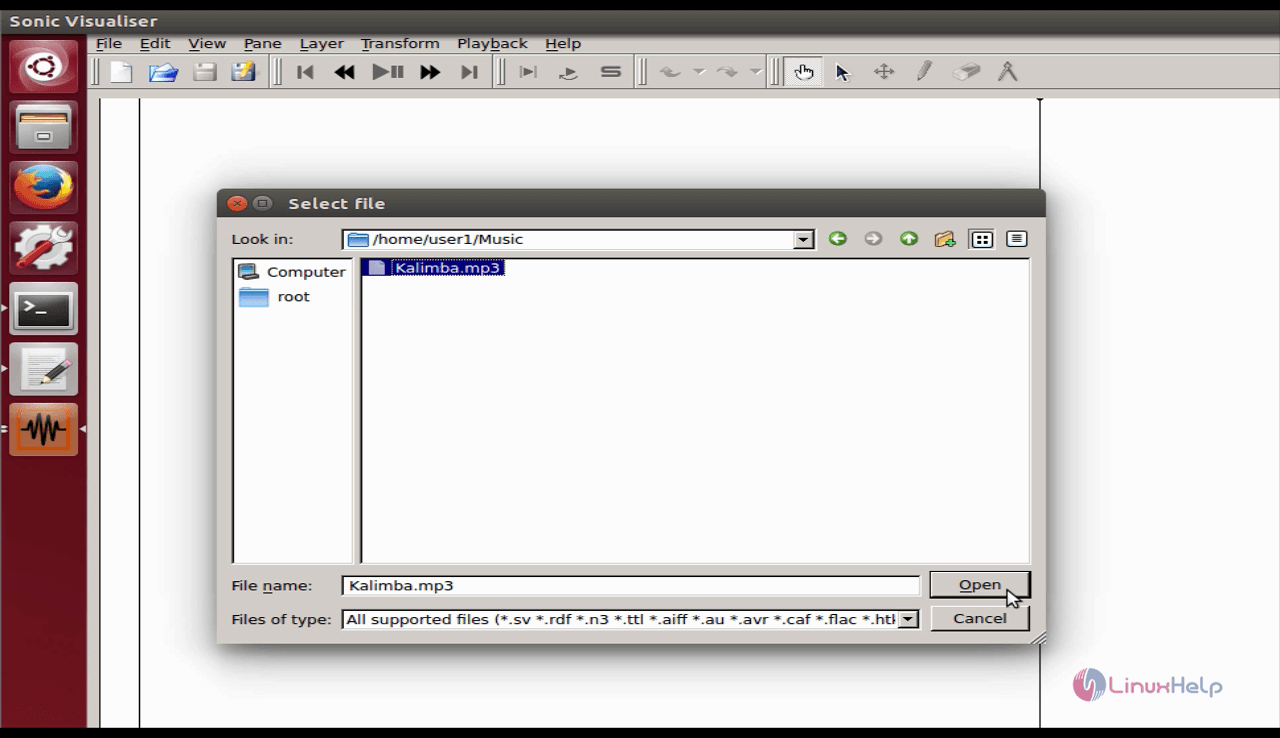
You can analyze your audio files by opening them as follows.
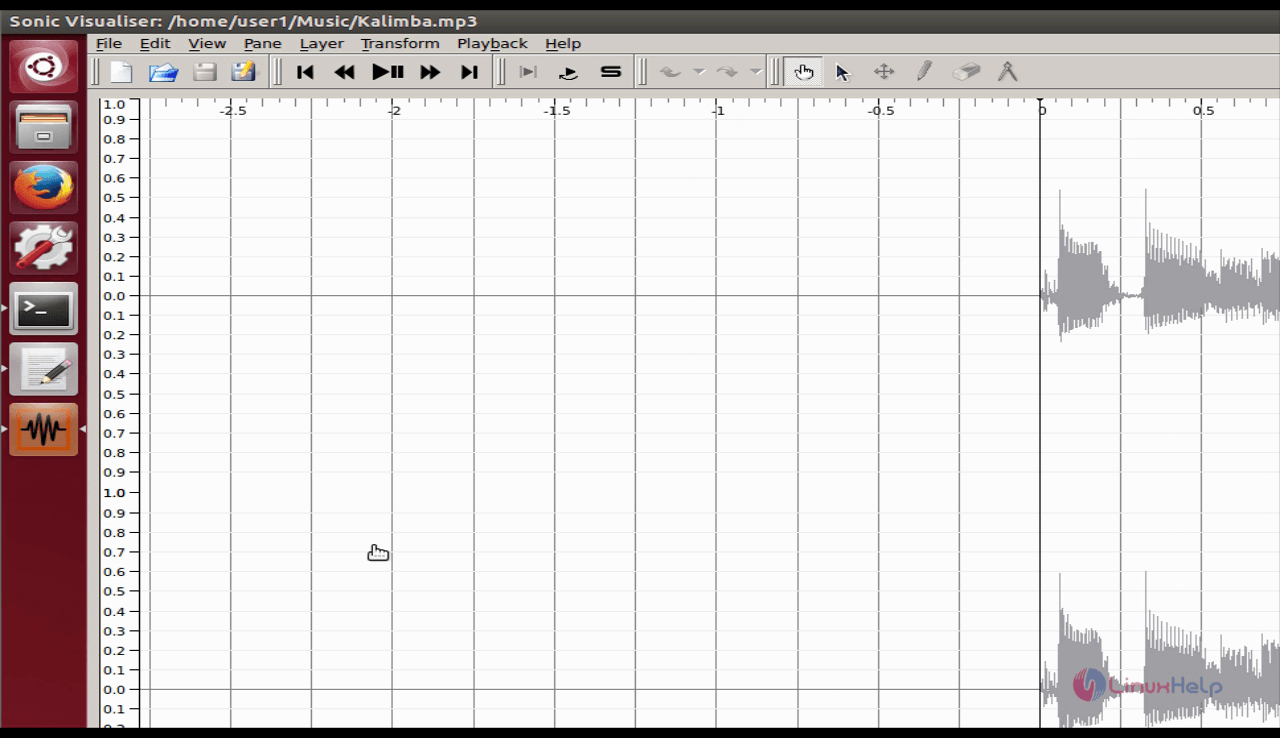
Here the audio file has been added.
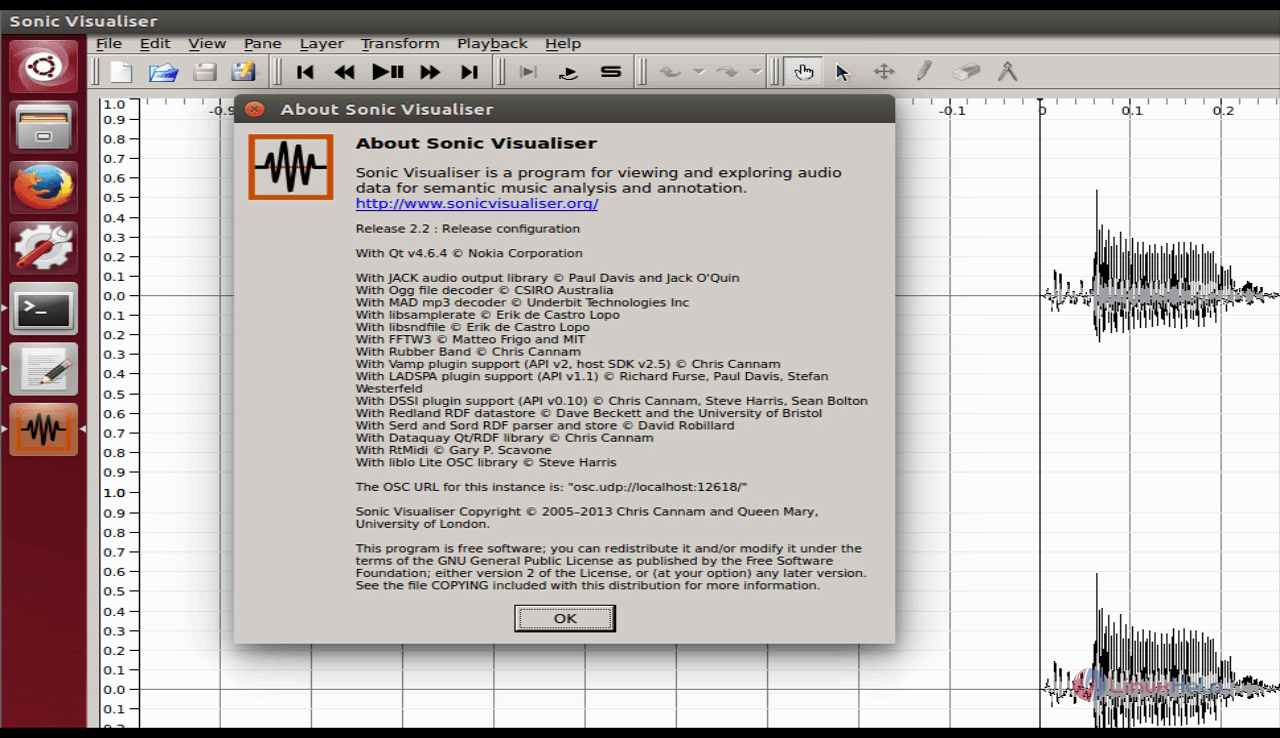
You can learn more about Sonic Visualiser from the application.
Sonic Visualiser is not a simple audio application, as it is a tool to study an audio recording rather than simply listening to it. It supports almost all the most popular audio formats such as WAV, OGG, MP3, etc. Also, it has intuitive interface as it enables its users to drag and drop files to be analyzed. Its interface also allows the users to rewind, fast forward, rewind to start, fast forward to end etc. Have a good music learning experience with Sonic Visualiser.
Comments ( 0 )
No comments available