How to install Splunk on Linuxmint 18.03
Splunk Installation on Linuxmint 18.03
Splunk is the most powerful tool for exploring and searching data from real time applications, web servers, databases, server platforms, cloud networks etc. Splunk makes the search simple by collecting, analyzing and to broach the value of massive data generated by any business applications, which in turn gives you performance of the business result. This tutorial explains the installation procedure of Splunk on CentOS 7.
Installation
download a Splunk package by using wget command.
linuxhelp ~ # wget https://download.splunk.com/products/splunk/releases/7.1.1/linux/splunk-7.1.1-8f0ead9ec3db-linux-2.6-amd64.deb
--2018-11-03 04:23:20--  https://download.splunk.com/products/splunk/releases/7.1.1/linux/splunk-7.1.1-8f0ead9ec3db-linux-2.6-amd64.deb
Resolving download.splunk.com (download.splunk.com)... 52.222.133.71, 52.222.133.82, 52.222.133.116, ...
Connecting to download.splunk.com (download.splunk.com)|52.222.133.71|:443... connected.
HTTP request sent, awaiting response... 200 OK
Length: 263297630 (251M) [application/octet-stream]
Saving to: ‘splunk-7.1.1-8f0ead9ec3db-linux-2.6-amd64.deb’

splunk-7.1.1-8f0ead 100%[===================>] 251.10M   524KB/s    in 22m 45s

2018-11-03 04:46:07 (188 KB/s) - ‘splunk-7.1.1-8f0ead9ec3db-linux-2.6-amd64.deb’ saved [263297630/263297630]
After downloaded install the splunk package by using gdebi command.
linuxhelp ~ # gdebi splunk-7.1.1-8f0ead9ec3db-linux-2.6-amd64.deb
Reading package lists... Done
Building dependency tree
Reading state information... Done
Reading state information... Done

Splunk The platform for machine data.
Do you want to install the software package? [y/N]:y
Selecting previously unselected package splunk.
(Reading database ... 220633 files and directories currently installed.)
Preparing to unpack splunk-7.1.1-8f0ead9ec3db-linux-2.6-amd64.deb ...
Unpacking splunk (7.1.1) ...
Setting up splunk (7.1.1) ...
Completed.
Change the the Splunk directory and run the splunk executable with the below arguments.
linuxhelp ~ # /opt/splunk/bin/splunk enable boot-start
SPLUNK SOFTWARE LICENSE AGREEMENT

THIS SPLUNK SOFTWARE LICENSE AGREEMENT ("AGREEMENT") GOVERNS THE LICENSING,
INSTALLATION AND USE OF SPLUNK SOFTWARE. BY DOWNLOADING AND/OR INSTALLING SPLUNK
SOFTWARE: (A) YOU ARE INDICATING THAT YOU HAVE READ AND UNDERSTAND THIS
AGREEMENT, AND AGREE TO BE LEGALLY BOUND BY IT ON BEHALF OF THE COMPANY,
GOVERNMENT, OR OTHER ENTITY FOR WHICH YOU ARE ACTING (FOR EXAMPLE, AS AN
.
.
.
its performance under these Terms and Conditions due to causes beyond its
reasonable control, including, but not limited to, labor disputes, strikes,
lockouts, shortages of or inability to obtain labor, energy, raw materials or
supplies, war, acts of terror, riot, acts of God or governmental action.
Splunk Software License Agreement 04.24.2018
Do you agree with this license? [y/n]: y
This appears to be your first time running this version of Splunk.

An Admin password must be set before installation proceeds.
Password must contain at least:
   * 8 total printable ASCII character(s).
Please enter a new password:
Please confirm new password:
Copying '/opt/splunk/etc/openldap/ldap.conf.default' to '/opt/splunk/etc/openldap/ldap.conf'.
Generating RSA private key, 2048 bit long modulus
....................+++
....+++
e is 65537 (0x10001)
writing RSA key

Generating RSA private key, 2048 bit long modulus
.........+++
..................+++
e is 65537 (0x10001)
writing RSA key

Moving '/opt/splunk/share/splunk/search_mrsparkle/modules.new' to '/opt/splunk/share/splunk/search_mrsparkle/modules'.
Init script installed at /etc/init.d/splunk.
Init script is configured to run at boot.
Start Splunk with the service command
linuxhelp ~ # systemctl start splunk
Make an entry to the host file as follows
linuxhelp sites-available # vim /etc/hosts
<your ip address>     <your domain name>
Now access the browser with the following URL of http://local IP (or ) domain name
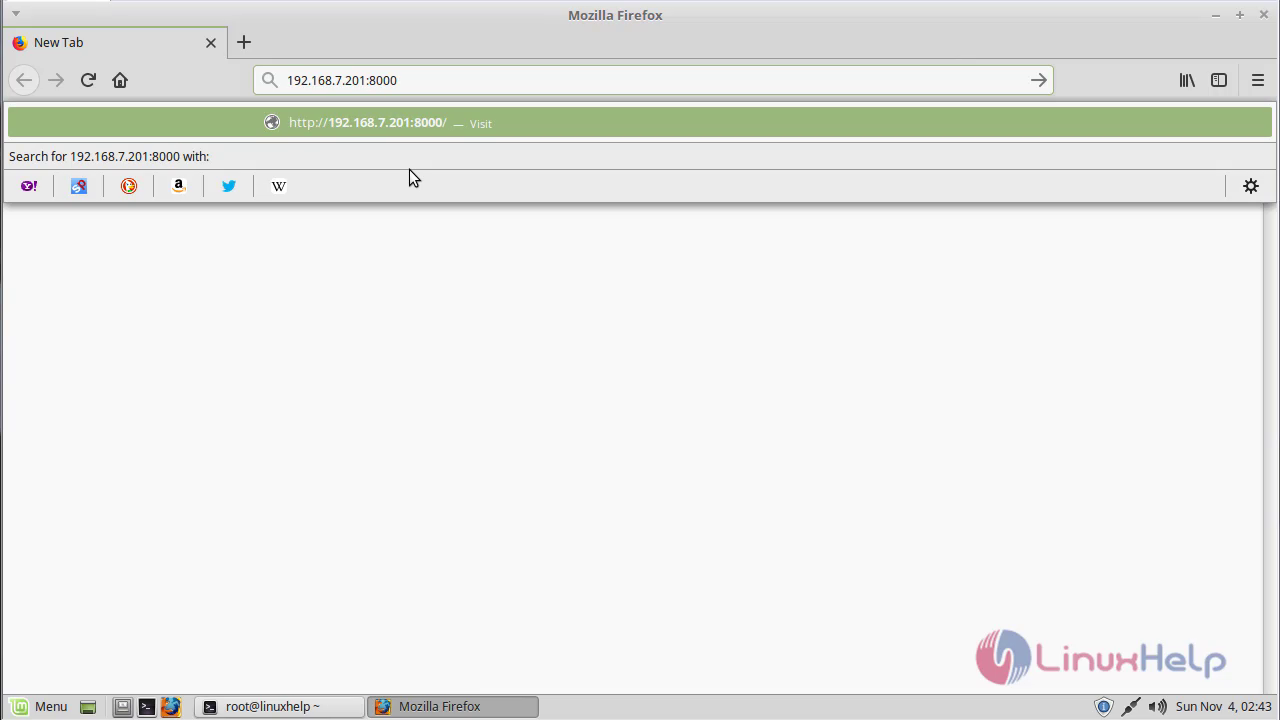 Splunk application will be on the screen, now you can login your splunk credentails
 Access the splunk application
 With this, the method to install Splunk on Linuxmint 18.03 comes to an end
Comments ( 0 )
No comments available