How to install Stellarium in Ubuntu
{{postValue.id}}
To install Stellarium in Ubuntu
Stellarium is a free open source realistic planetarium whihc shows the sky in 3D. The sky seen through Stellarium seems similar to the sky seen with the naked eye, binoculars or a telescope. It is being used in planetarium projectors. With appropriate co-ordinates you can view realistic sky in 3D.
To install Stellarium
First add the PPA repository to your system and update the local repository index.
root@linuxhelp1:/home/user1# add-apt-repository ppa:stellarium/stellarium-releases
 This archive contains packages for the officially released, stable versions of Stellarium.
The packages are created by the Stellarium developers team and are not official Ubuntu packages.
For source packages and installers for other operating systems, please visit Stellarium' s website:
http://stellarium.org/
 More info: https://launchpad.net/~stellarium/+archive/ubuntu/stellarium-releases
Press [ENTER] to continue or ctrl-c to cancel adding it
gpg: keyring `/tmp/tmpvu41i1z0/secring.gpg'  created
gpg: keyring `/tmp/tmpvu41i1z0/pubring.gpg'  created
gpg: requesting key C68D72A5 from hkp server keyserver.ubuntu.com
gpg: /tmp/tmpvu41i1z0/trustdb.gpg: trustdb created
gpg: key C68D72A5: public key " Launchpad Stellarium Test Builds"  imported
gpg: Total number processed: 1
gpg:               imported: 1  (RSA: 1)
OK
Then run the apt-get update command.
root@linuxhelp1:/home/user1# apt-get update
Get:1 http://security.ubuntu.com/ubuntu xenial-security InRelease [102 kB]
Hit:2 http://in.archive.ubuntu.com/ubuntu xenial InRelease
Get:3 http://ppa.launchpad.net/stellarium/stellarium-releases/ubuntu xenial InRelease [17.6 kB]
Get:4 http://in.archive.ubuntu.com/ubuntu xenial-updates InRelease [102 kB]
Get:5 http://ppa.launchpad.net/stellarium/stellarium-releases/ubuntu xenial/main amd64 Packages [840 B]
Get:6 http://ppa.launchpad.net/stellarium/stellarium-releases/ubuntu xenial/main i386 Packages [840 B]
Get:7 http://ppa.launchpad.net/stellarium/stellarium-releases/ubuntu xenial/main Translation-en [1,032 B]
Get:8 http://in.archive.ubuntu.com/ubuntu xenial-backports InRelease [102 kB]
Fetched 327 kB in 4s (71.9 kB/s)
Reading package lists... Done
Now install Stellarium.
root@linuxhelp1:/home/user1# apt-get install stellarium
Reading package lists... Done
Building dependency tree
Reading state information... Done
&hellip
&hellip
Setting up stellarium-data (0.15.1-1ubuntu1~ppa1~ubuntu16.04.1) ...
Setting up stellarium (0.15.1-1ubuntu1~ppa1~ubuntu16.04.1) ...
Processing triggers for libc-bin (2.23-0ubuntu3) ...
To open Stellarium application.
root@linuxhelp1:/home/user1# stellarium
User config directory does not exist:  " /root/.stellarium"
Creating directory  " /root/.stellarium"
QProcess: Destroyed while process (" lspci" ) is still running.
 -------------------------------------------------------
[ This is Stellarium 0.15.1 - http://www.stellarium.org ]
[ Copyright (C) 2000-2016 Fabien Chereau et al.         ]
 -------------------------------------------------------
Writing log file to: " /root/.stellarium/log.txt"
&hellip
&hellip
&hellip
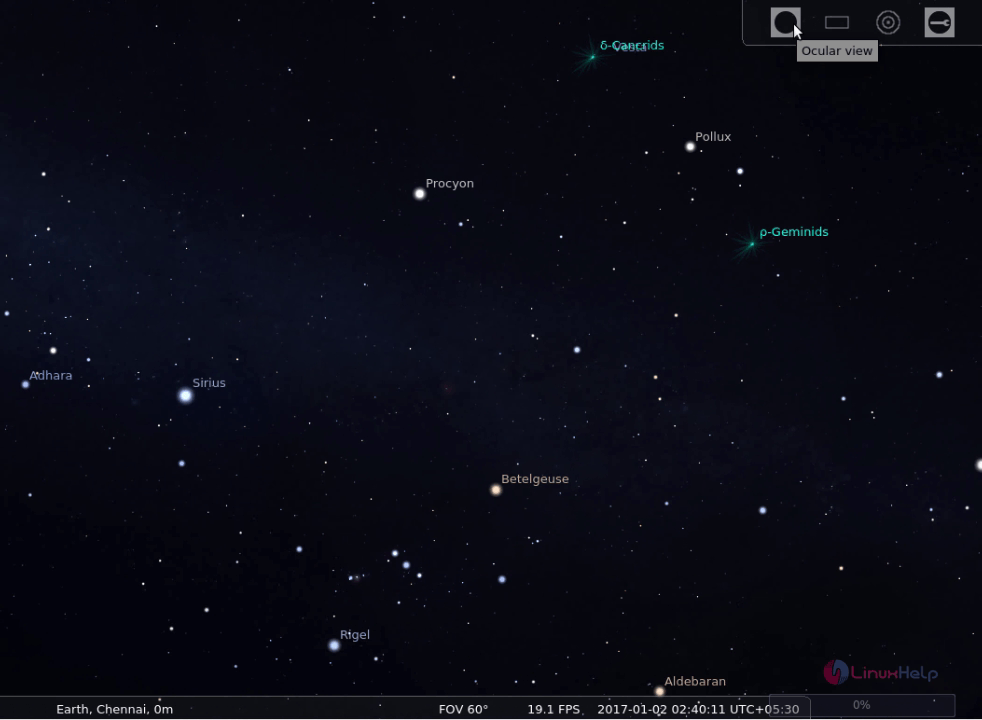
Stellarium 3D sky view
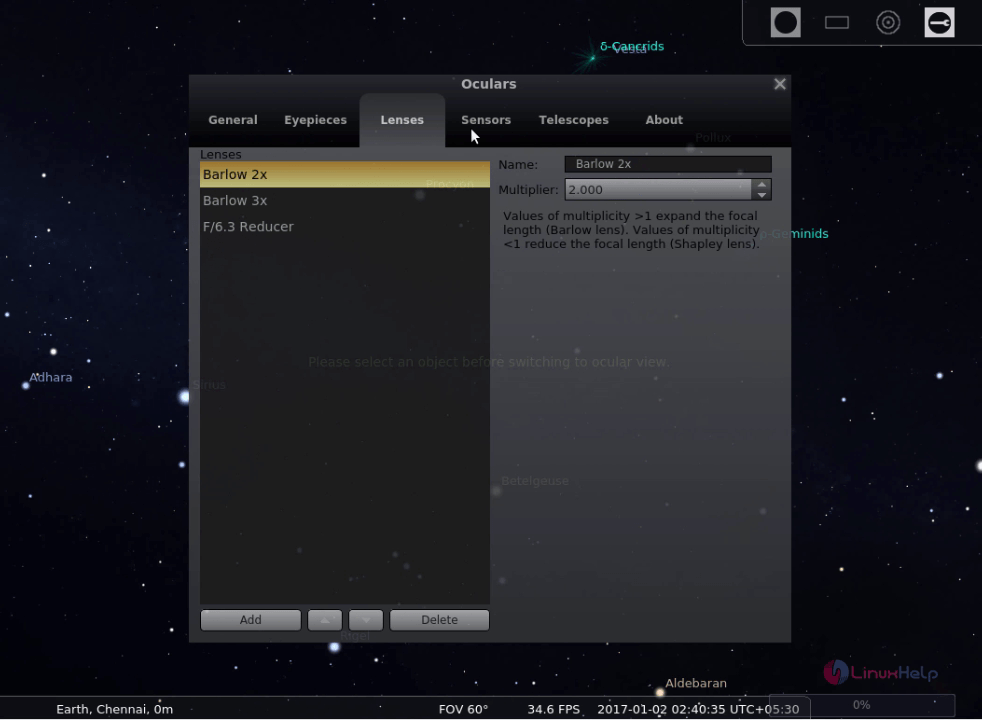
Stellarium configurations.
Comments ( 0 )
No comments available