How to install Subrion cms on Linux mint 18.03
To install Subrion cms on Linux mint 18.03
Subrion is a user-friendly, open source content management system and framework application. It is based on php and uses MySQL Database. That allows you to build websites and create and manage your content on every device. In this tutorial, we will see the installation of subrion cms on Linux mint-18.3.
Prerequisites
To install LAMP(Apache, MariaDB, and php7.0)
In MariaDB (create database and user and give privileges to that user )
Php installation with required following modules
add-apt-repository ppa:ondrej/php
apt-get update
apt-get install php7.0 php7.0-mysql php7.0-curl php7.0-json php7.0-cgi libapache2-mod-php7.0 php7.0-mcrypt php7.0-xmlrpc php7.0-gd php7.0-mbstring php7.0
php7.0-common  php7.0-xmlrpc php7.0-soap  php7.0-xml php7.0-intl  php7.0-cli  php7.0-ldap php7.0-zip php7.0-readline php7.0-imap php7.0-tidy php7.0-recode php7.0-sq php7.0-intl
Installation
Download a subrion cms package by using wget command
linuxhelp ~ # wget https://tools.subrion.org/get/latest.zip
--2018-06-28 00:33:22--  https://tools.subrion.org/get/latest.zip
Resolving tools.subrion.org (tools.subrion.org)... 209.188.7.184
Connecting to tools.subrion.org (tools.subrion.org)|209.188.7.184|:443... connected.
HTTP request sent, awaiting response... 200 OK
Length: 11694952 (11M) [application/zip]
Saving to: ‘;latest.zip’;

latest.zip                 100%[======================================>]  11.15M  1.09MB/s    in 14s

2018-06-28 00:33:37 (821 KB/s) - ‘;latest.zip’; saved [11694952/11694952]
After Downloading extract the downloaded package then, rename the extracted directory
linuxhelp ~ # unzip latest.zip -d subrion
Archive:  latest.zip
   creating: subrion/admin/
  inflating: subrion/admin/actions.php
  inflating: subrion/admin/adminer.php
  inflating: subrion/admin/blocks.php
  inflating: subrion/admin/configuration.php
  inflating: subrion/admin/currencies.php
  inflating: subrion/admin/database.php
.
.
.
inflating: subrion/.htaccess
  inflating: subrion/changelog.txt
  inflating: subrion/composer.json
  inflating: subrion/CONTRIBUTING.md
  inflating: subrion/favicon.ico
  inflating: subrion/index.php
  inflating: subrion/license.txt
  inflating: subrion/README.md
  inflating: subrion/robots.txt
Change ownership and permission of the as Subrion follows
linuxhelp ~ # chown -R www-data:www-data subrion/
linuxhelp ~ # chmod -R 775 subrion/
Navigate to the Apache document root directory.
linuxhelp ~ # mv subrion/ /var/www/html/
Create a new virtual host configuration for accessing the subrion cms.
linuxhelp ~ # cd /etc/apache2/sites-available/
linuxhelp sites-available # vim subrion.conf
<VirtualHost *:80>
ServerName www.linuxhelp1.com
DocumentRoot /var/www/html/subrion/
<Directory /var/www/html/subrion/>
AllowOverride All
allow from all
</Directory>
</VirtualHost>
Enable the site access
linuxhelp sites-available # a2ensite subrion.conf
Enabling site subrion.
To activate the new configuration, you need to run:
  service apache2 reload
Enable the rewrite modules.
linuxhelp sites-available # a2enmod rewrite
Enabling module rewrite.
To activate the new configuration, you need to run:
  service apache2 restart
Entry to the host file
linuxhelp sites-available # vim /etc/hosts
<your ip address>     <your domain name>
Then we need to restart the apache2 service
linuxhelp sites-available # systemctl restart apache2.service
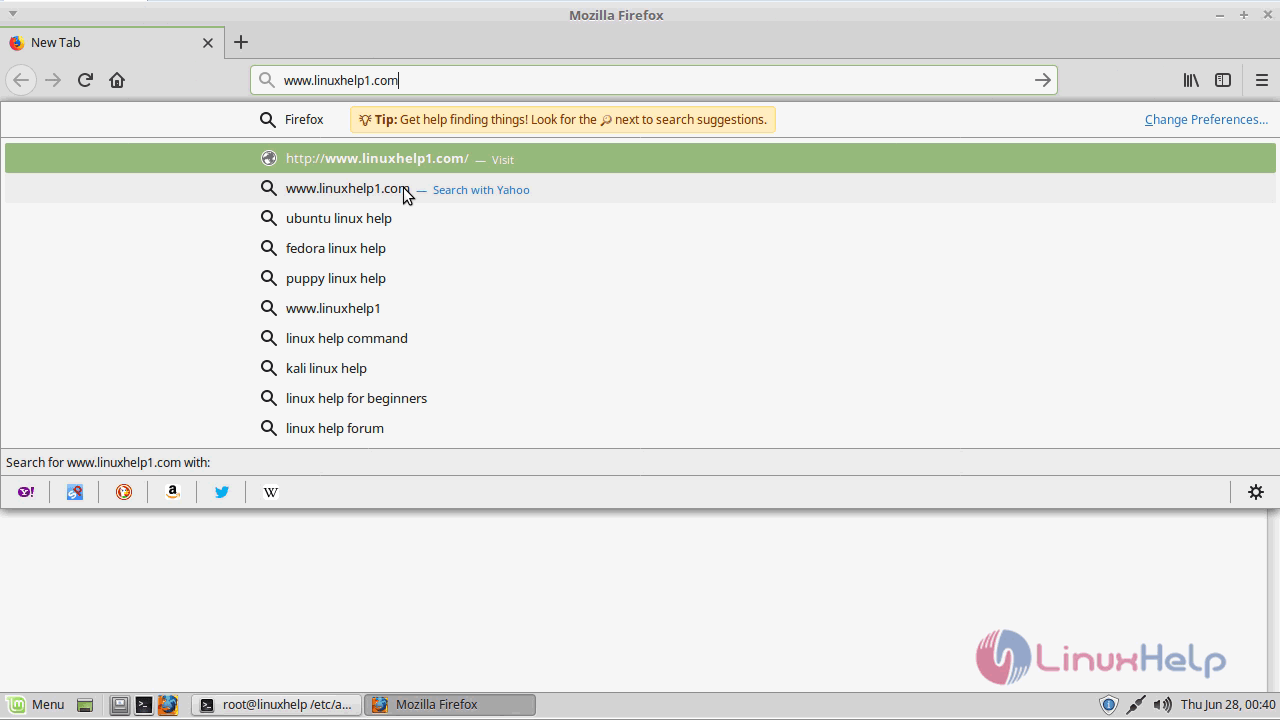
Now we have to open a browser and type the following URL of http://local IP (or ) domain name
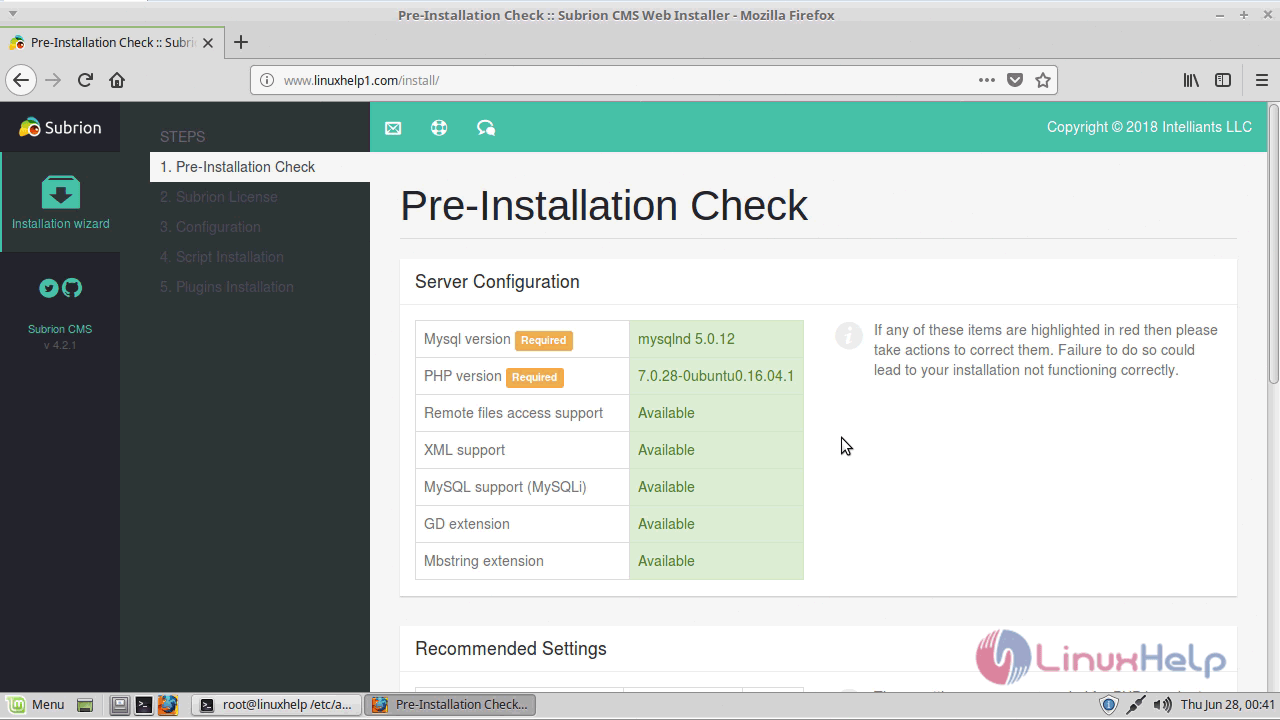
Check the system pre-requirement then click ‘;Next’;.
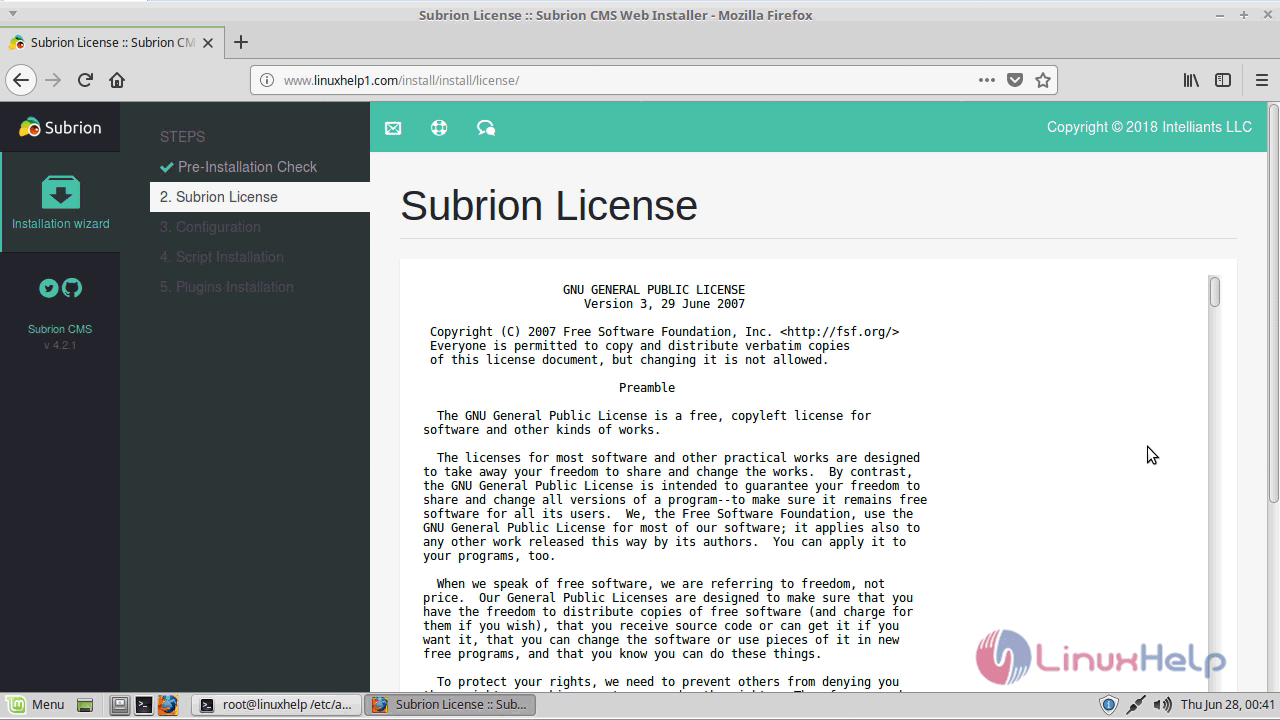
Here accept license agreement then click ‘;Next’;.
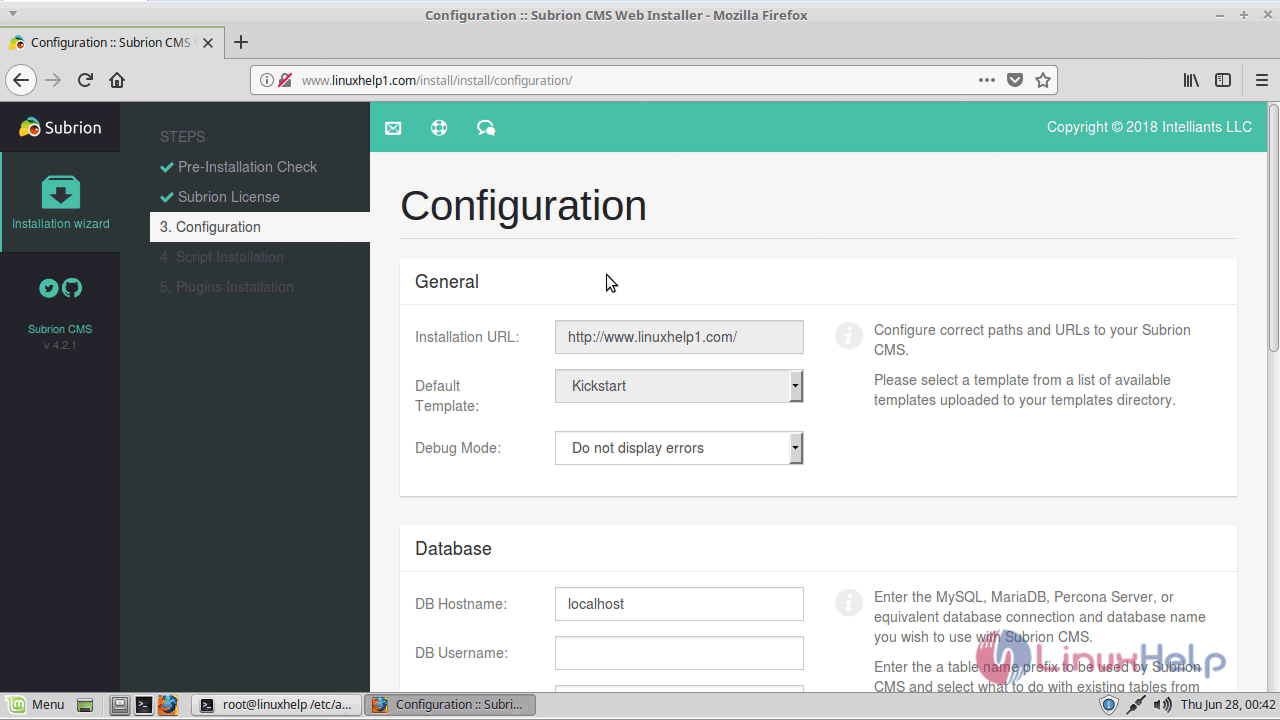
Configure the general setting, database setup and admin user setting as follows. Then click ‘;Install’;.
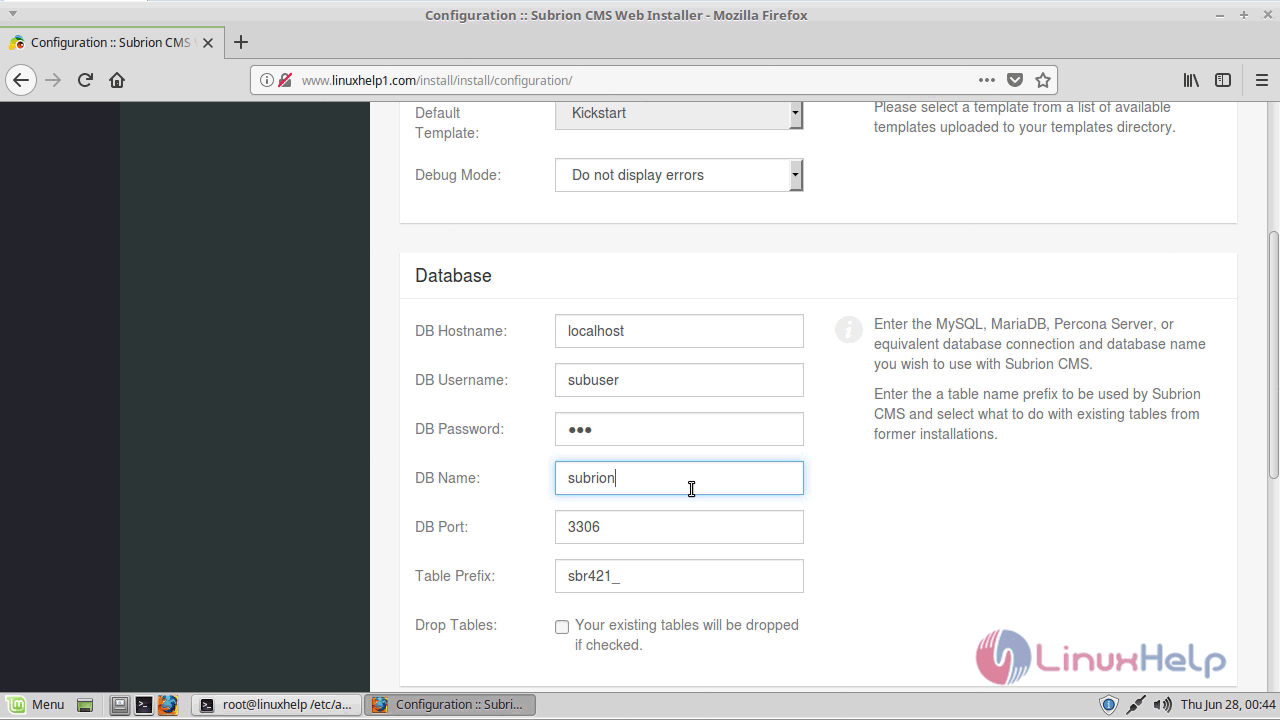
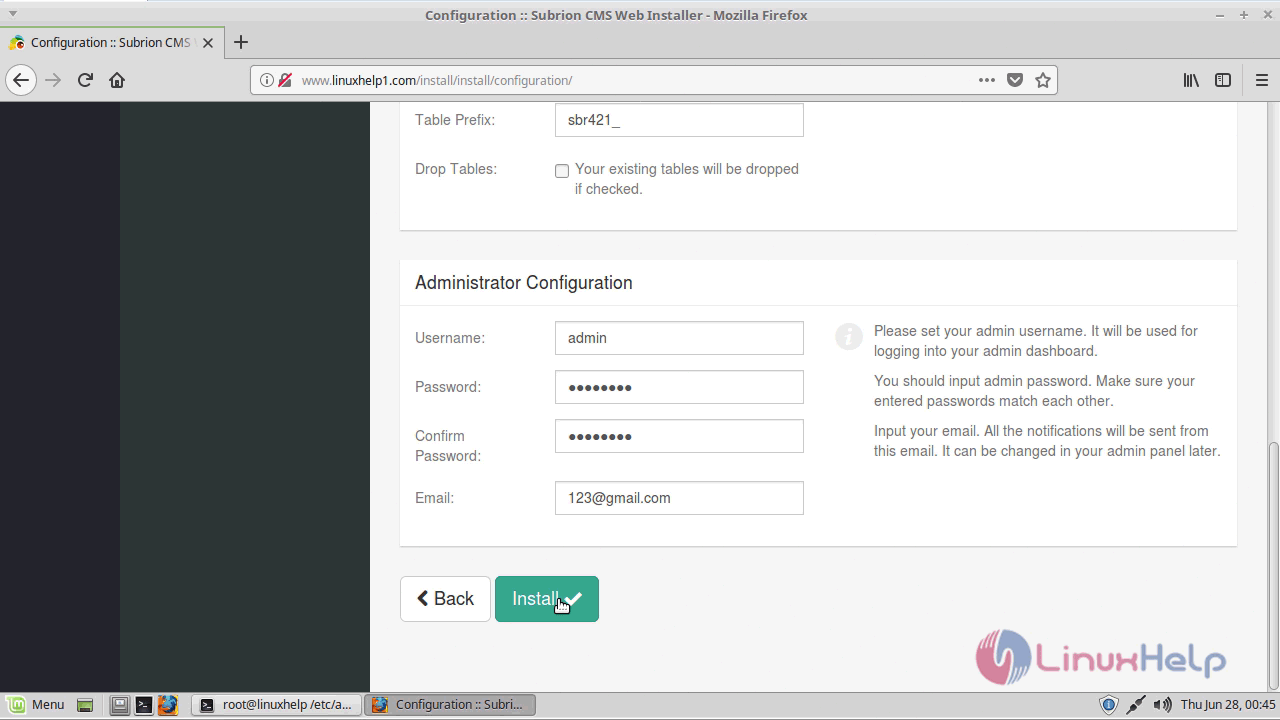
After entering the info above, click Finish installation to install the CMS. Then click to ‘;Admin panel’;.
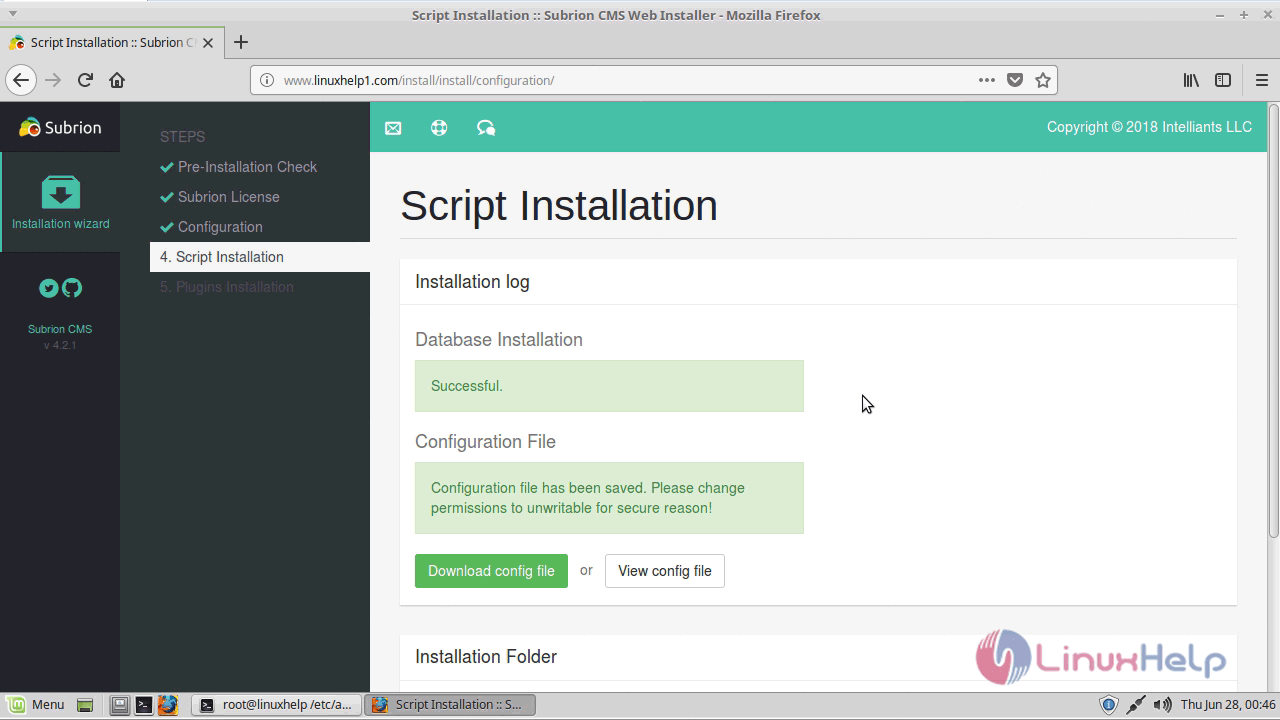
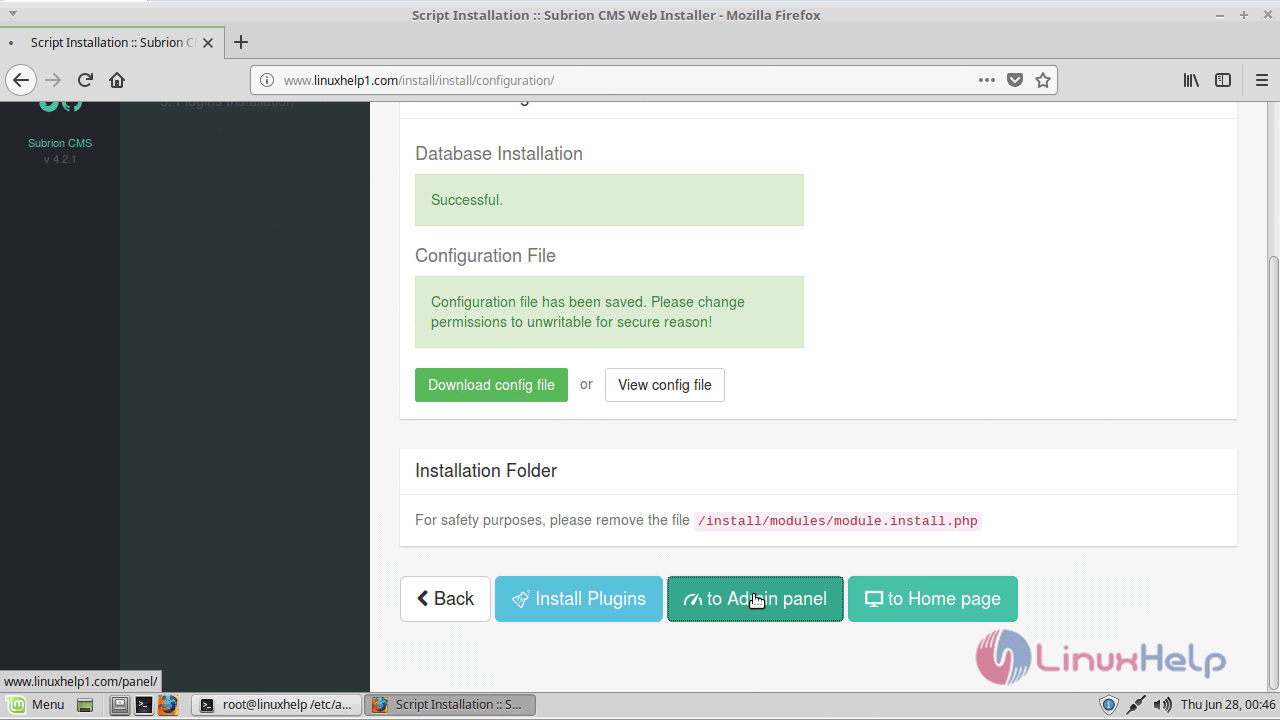
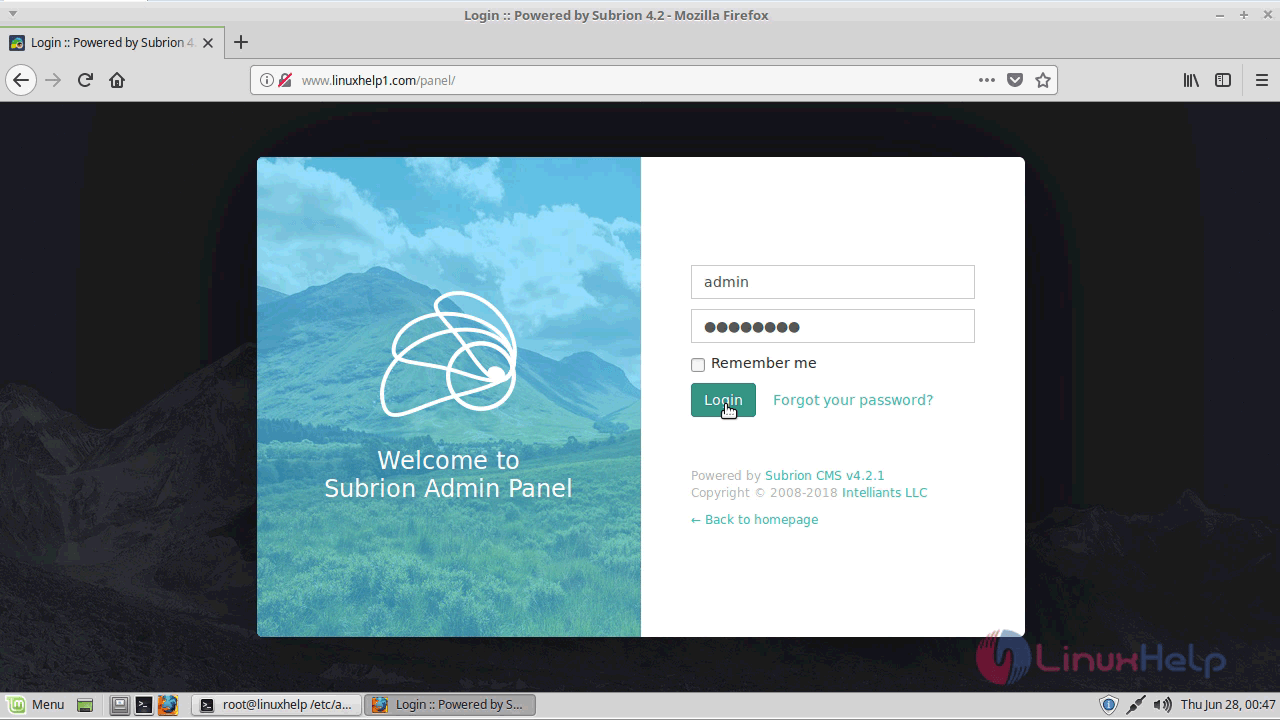
Login page of subrion cms appears now.
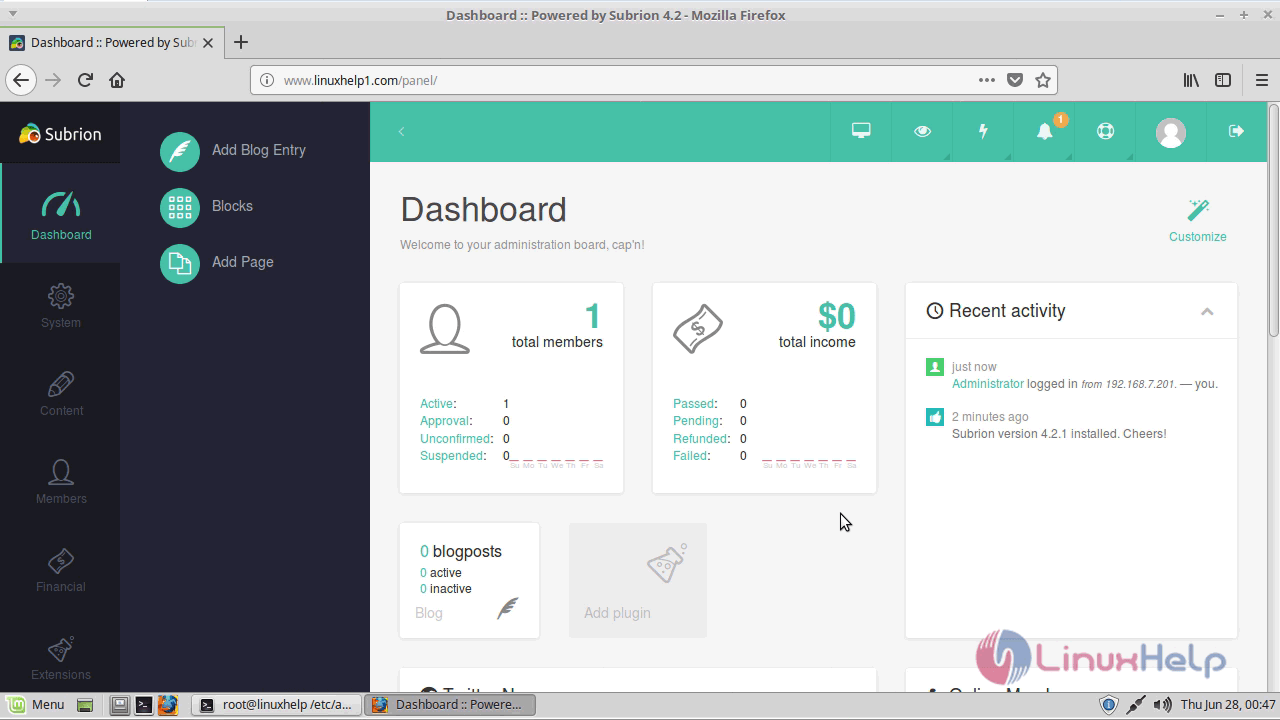
Admin page of subrion cms appears now.
With this, the method to install Subrion CMS on linuxmint-18.03 comes to an end
Comments ( 0 )
No comments available