How to install Subsonic on centos 7
To install Subsonic on centos 7
Subsonic is a media server for Streaming Media files over Network. It is a web-based music streamer, podcast receiver, and jukebox that is used to enjoy music from anywhere. It also provides a facility to share music files and folders. In this tutorial, we will cover the installation of subsonic on centos 7.
Pre-requirements
Install apache and java
For JAVA installation
yum install java-1.8.0-openjdk-devel
Download the subsonic rpm package by using wget command.
\[root@linuxhelp1 ~\]# wget https://s3-eu-west-1.amazonaws.com/subsonic-public/download/subsonic-6.1.3.rpm
\--2018-09-04 02:46:46--  https://s3-eu-west-1.amazonaws.com/subsonic-public/download/subsonic-6.1.3.rpm
Resolving s3-eu-west-1.amazonaws.com (s3-eu-west-1.amazonaws.com)... 52.218.80.146
Connecting to s3-eu-west-1.amazonaws.com (s3-eu-west-1.amazonaws.com)|52.218.80.146|:443... connected.
HTTP request sent, awaiting response... 200 OK
Length: 62785948 (60M) \[application/x-redhat-package-manager\]
Saving to: ‘subsonic-6.1.3.rpm’
100%\[============================================================>\] 62,785,948   816KB/s   in 67s
2018-09-04 02:47:53 (920 KB/s) - ‘subsonic-6.1.3.rpm’ saved \[62785948/62785948\]
Install the subsonic package run the following command.
\[root@linuxhelp1 ~\]# yum install subsonic-6.1.3.rpm
Loaded plugins: fastestmirror, langpacks
Examining subsonic-6.1.3.rpm: subsonic-6.1.3-e408c9.i386
Marking subsonic-6.1.3.rpm to be installed
Resolving Dependencies
--> Running transaction check
---> Package subsonic.i386 0:6.1.3-e408c9 will be installed
--> Finished Dependency Resolution
.
.
.
  Installing : subsonic-6.1.3-e408c9.i386                                                         1/1
Starting subsonic (via systemctl):  \[  OK  \]
  Verifying  : subsonic-6.1.3-e408c9.i386                                                         1/1
Installed:
  subsonic.i386 0:6.1.3-e408c9
Complete!
Check the status of subsonic run the following command.
\[root@linuxhelp1 ~\]# systemctl status subsonic.service
subsonic.service - LSB: Subsonic daemon
   Loaded: loaded (/etc/rc.d/init.d/subsonic; bad; vendor preset: disabled)
   Active: active (exited) since Tue 2018-09-04 02:50:38 IST; 35s ago
     Docs: man:systemd-sysv-generator(8)
  Process: 51022 ExecStart=/etc/rc.d/init.d/subsonic start (code=exited, status=0/SUCCESS)
Sep 04 02:50:37 linuxhelp1 systemd\[1\]: Starting LSB: Subsonic daemon...
Sep 04 02:50:37 linuxhelp1 subsonic\[51022\]: Starting subsonic ...
Sep 04 02:50:38 linuxhelp1 su\[51028\]: (to root) root on none
Sep 04 02:50:38 linuxhelp1 subsonic\[51022\]: Started Subsonic \[PID 51037, /var/subsonic/subsonic\_...og\]
Sep 04 02:50:38 linuxhelp1 systemd\[1\]: Started LSB: Subsonic daemon.
Hint: Some lines were ellipsized, use -l to show in full.
Entry to the host file.
\[root@linuxhelp1 ~\]# vim /etc/hosts
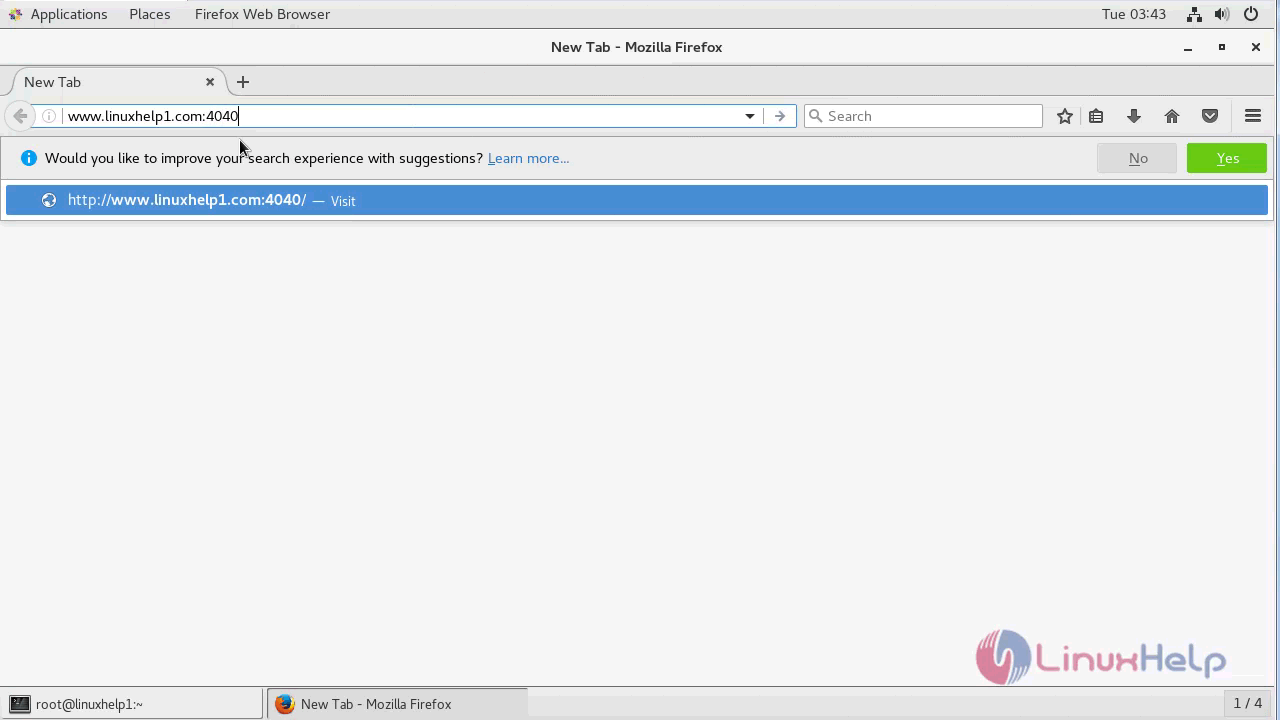
Open a browser and type your server IP address or hostname. URL http://www.linuxhelp1.com:4040
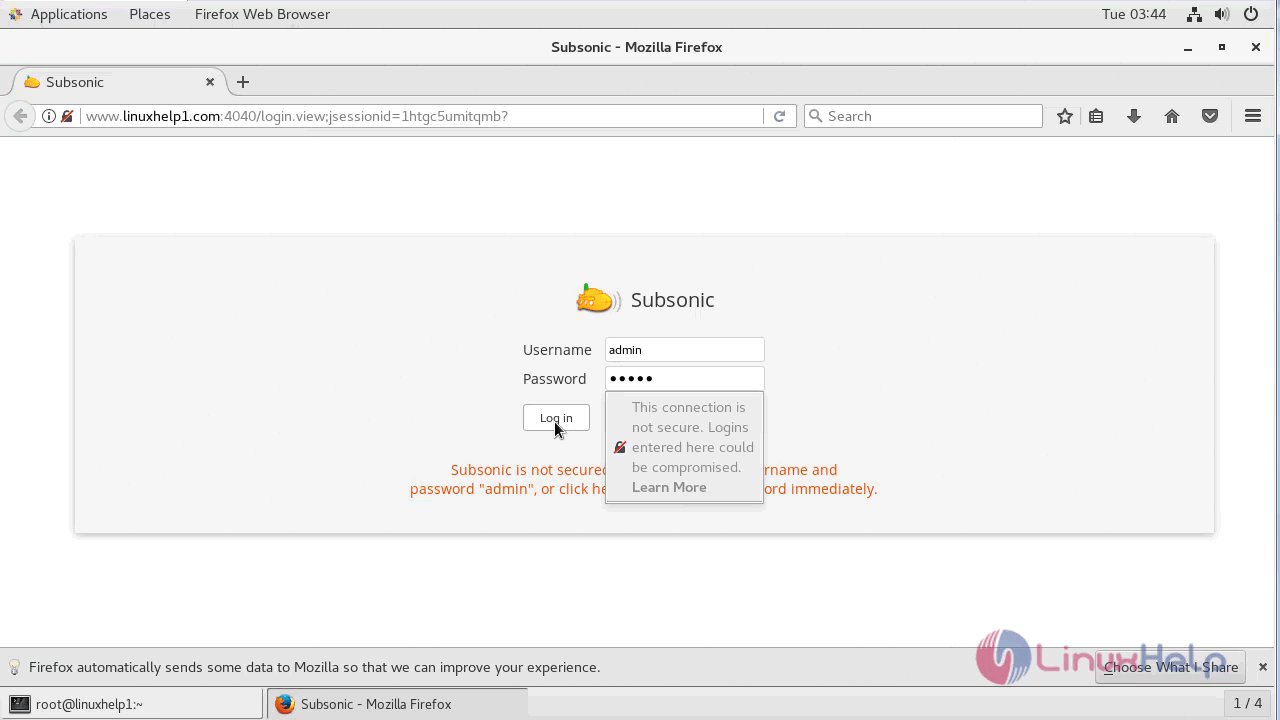
Login page of subsonic. Here the default username and password “admin”.
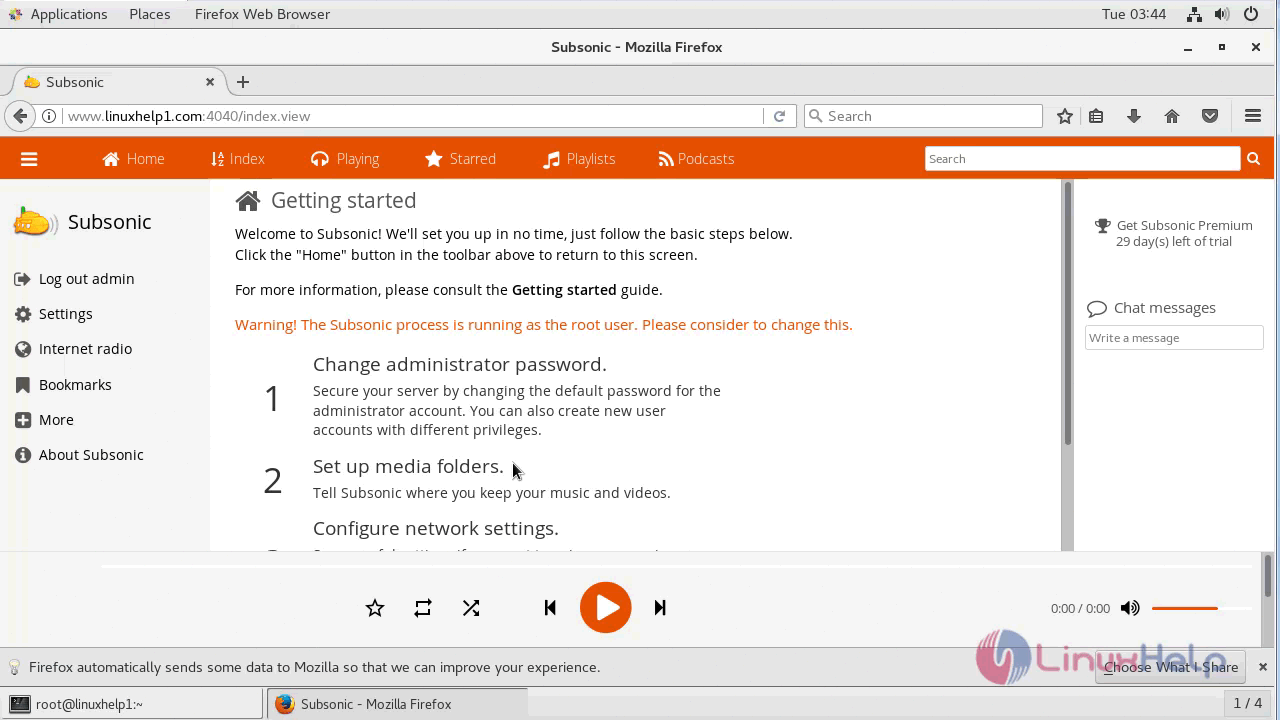
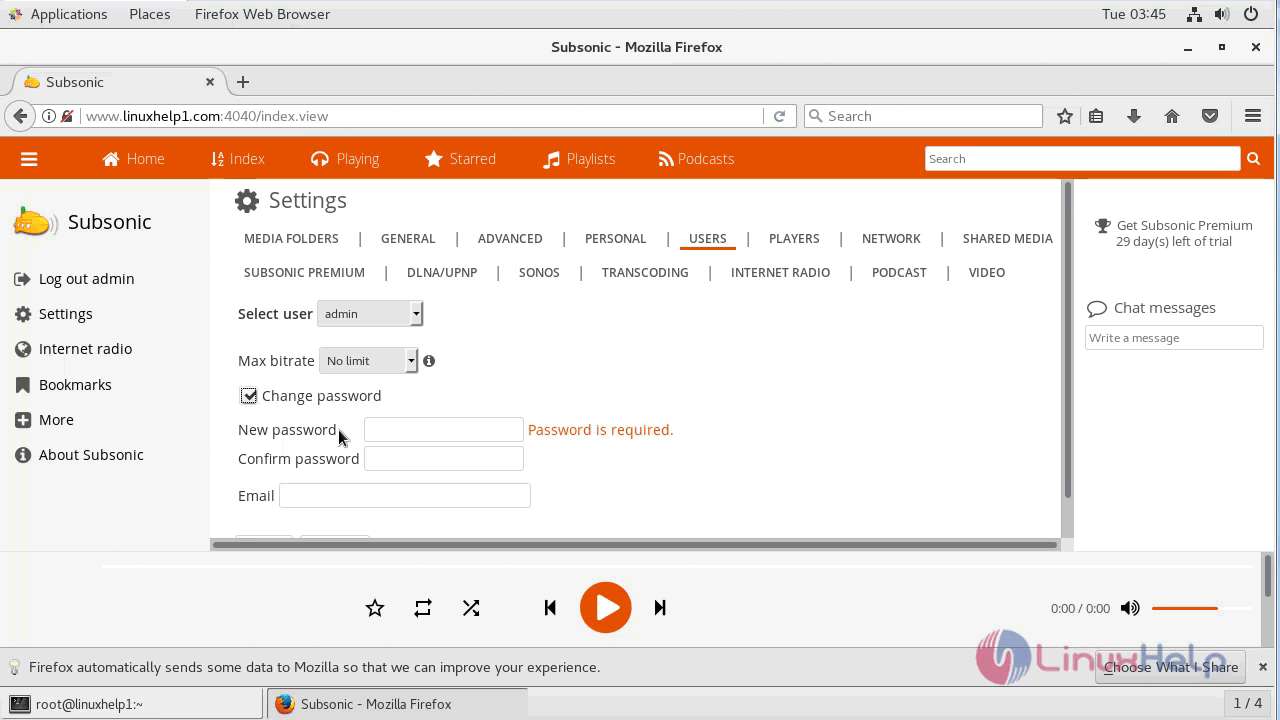
The subsonic application has been launched. If you want to change the password just clicks change administrator password.
With this, the method to install Subsonic on Centos 7 comes to an end.
Comments ( 0 )
No comments available