How to install Subsonic on Linux mint -18.03
To install Subsonic on Linux mint -18.03
Subsonic is a media server for Streaming Media files over Network. It is a web-based music streamer, podcast receiver, and jukebox that is used to enjoy music from anywhere. It also provides a facility to share music files and folders. In this tutorial, we will see the installation of subsonic on Linux mint 18.3.
Pre-requirements
Install apache and java
For PHP installation.
add-apt-repository ppa:webupd8team/java
apt-get update
apt-get install oracle-java8-installer
apt install oracle-java8-set-default
Download the subsonic package by using wget command.
linuxhelp ~ # wget https://s3-eu-west-1.amazonaws.com/subsonic-public/download/subsonic-6.1.3.deb
--2018-06-30 02:52:46--  https://s3-eu-west-1.amazonaws.com/subsonic-public/download/subsonic-6.1.3.deb
Resolving s3-eu-west-1.amazonaws.com (s3-eu-west-1.amazonaws.com)... 52.218.104.186
Connecting to s3-eu-west-1.amazonaws.com (s3-eu-west-1.amazonaws.com)|52.218.104.186|:443... connected.
HTTP request sent, awaiting response... 200 OK
Length: 61541550 (59M) [application/x-debian-package]
Saving to: ‘;subsonic-6.1.3.deb’;

subsonic-6.1.3.deb         100%[======================================>]  58.69M  1.10MB/s    in 54s

2018-06-30 02:53:41 (1.08 MB/s) - ‘;subsonic-6.1.3.deb’; saved [61541550/61541550]
Install the subsonic package by using a gdebi command.
linuxhelp ~ # gdebi subsonic-6.1.3.deb
Reading package lists... Done
Building dependency tree
Reading state information... Done
Reading state information... Done

A web-based music streamer, jukebox and Podcast receiver
 Subsonic is a web-based music streamer, jukebox and Podcast receiver,
 providing access to your music collection wherever you are. Use it
 to share your music with friends, or to listen to your music while away
 from home.
 .
 Apps for Android, iPhone and Windows Phone are also available.
 .
 Java 1.6 or higher is required to run Subsonic.
 .
 Subsonic can be found at http://subsonic.org
Do you want to install the software package? [y/N]:y
Selecting previously unselected package subsonic.
(Reading database ... 224696 files and directories currently installed.)
Preparing to unpack subsonic-6.1.3.deb ...
Unpacking subsonic (6.1.3) ...
Setting up subsonic (6.1.3) ...
Processing triggers for systemd (229-4ubuntu21) ...
Processing triggers for ureadahead (0.100.0-19) ...
Check the status of subsonic.
linuxhelp ~ # systemctl status subsonic.service
● subsonic.service - LSB: Subsonic daemon
   Loaded: loaded (/etc/init.d/subsonic; bad; vendor preset: enabled)
   Active: active (running) since Sat 2018-06-30 02:55:12 IST; 2min 16s ago
     Docs: man:systemd-sysv-generator(8)
   CGroup: /system.slice/subsonic.service
           └─7928 java -Xmx150m -Dsubsonic.home=/var/subsonic -Dsubsonic.host=0.0.0.0 -Dsubsonic.port=4040

Jun 30 02:55:12 linuxhelp systemd[1]: Starting LSB: Subsonic daemon...
Jun 30 02:55:12 linuxhelp subsonic[7913]: Started Subsonic [PID 7928, /var/subsonic/subsonic_sh.log]
Jun 30 02:55:12 linuxhelp systemd[1]: Started LSB: Subsonic daemon.
lines 1-10/10 (END)
Entry to the host file.
linuxhelp ~ # vim /etc/hosts
<Give your ip >    < Give your domain>
Restart the subsonic service.
linuxhelp ~ # systemctl restart subsonic.service
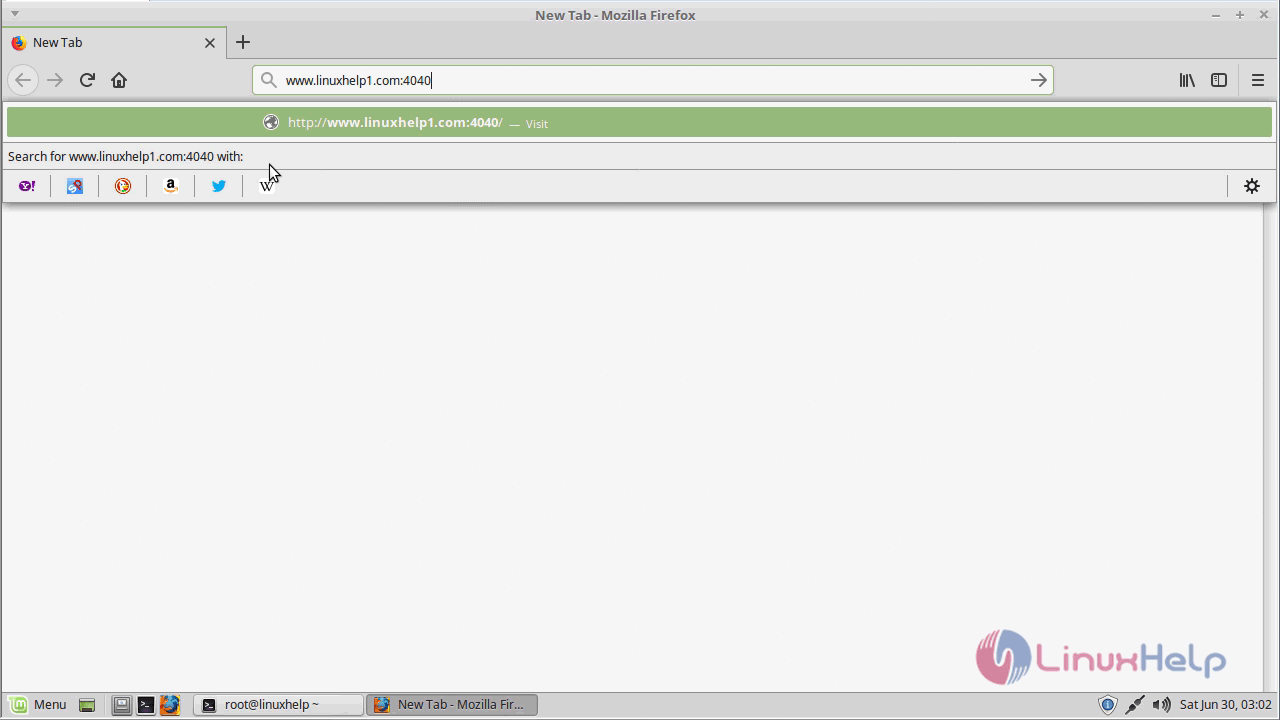
Open a browser and type your server IP address or hostname. http://www.linuxhelp1.com:4040
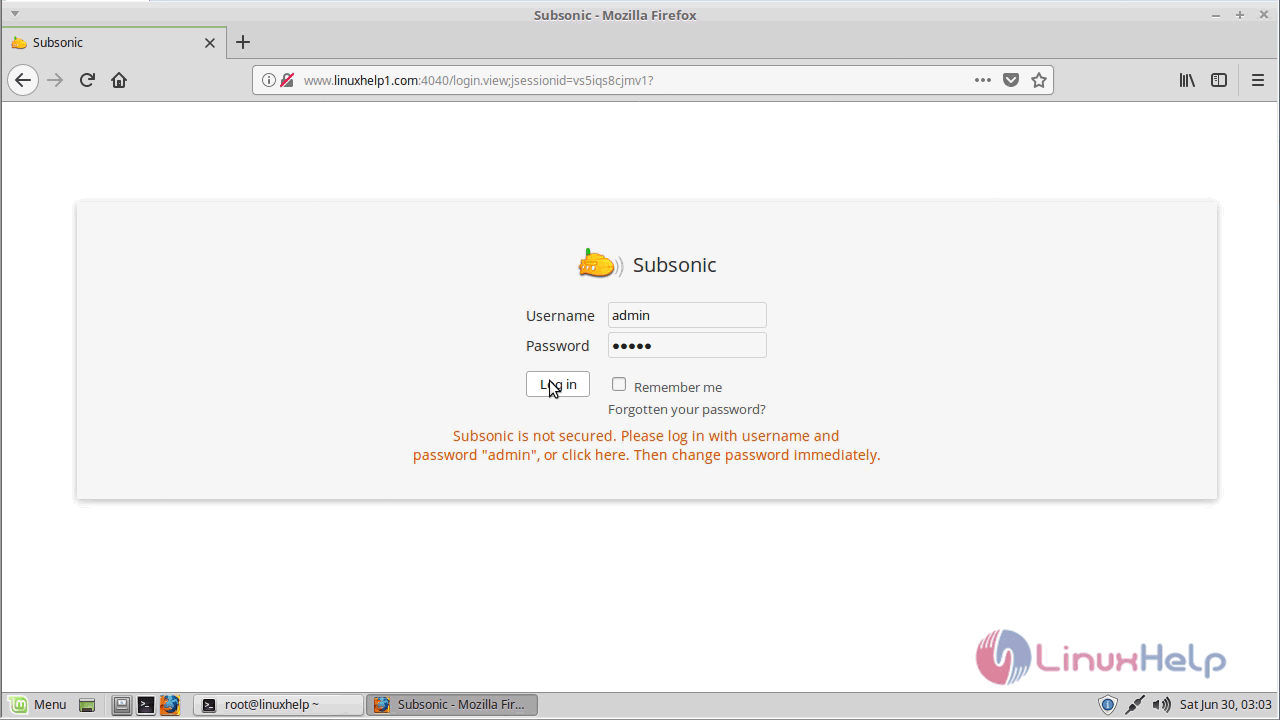
Login page of subsonic. Here the default username and password “;admin”;.
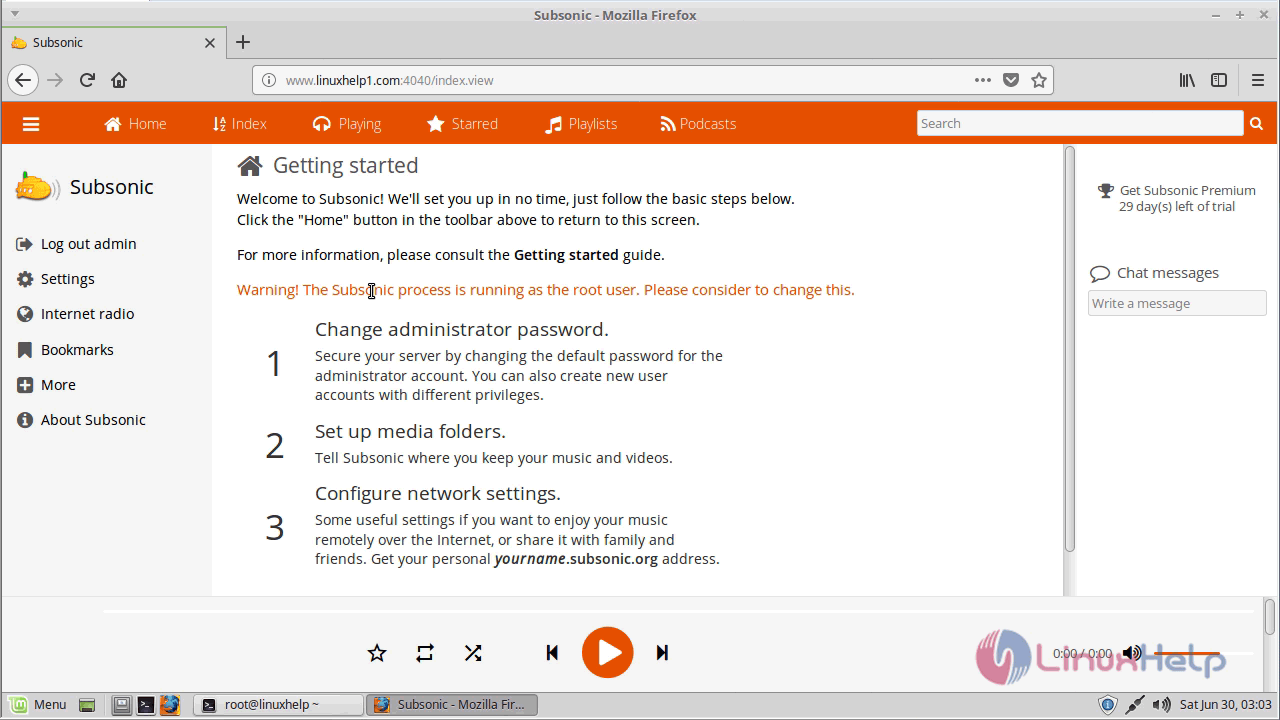
The subsonic application has been launched. If you want to change the password just clicks change administrator password.
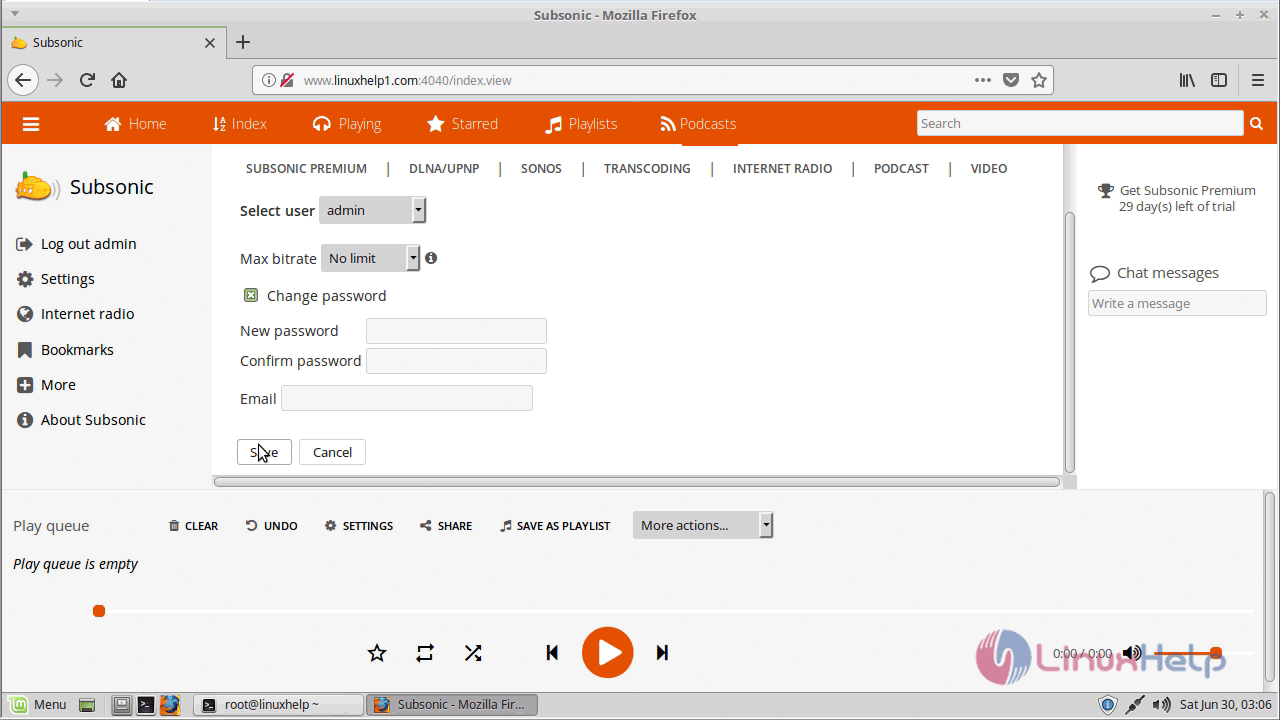
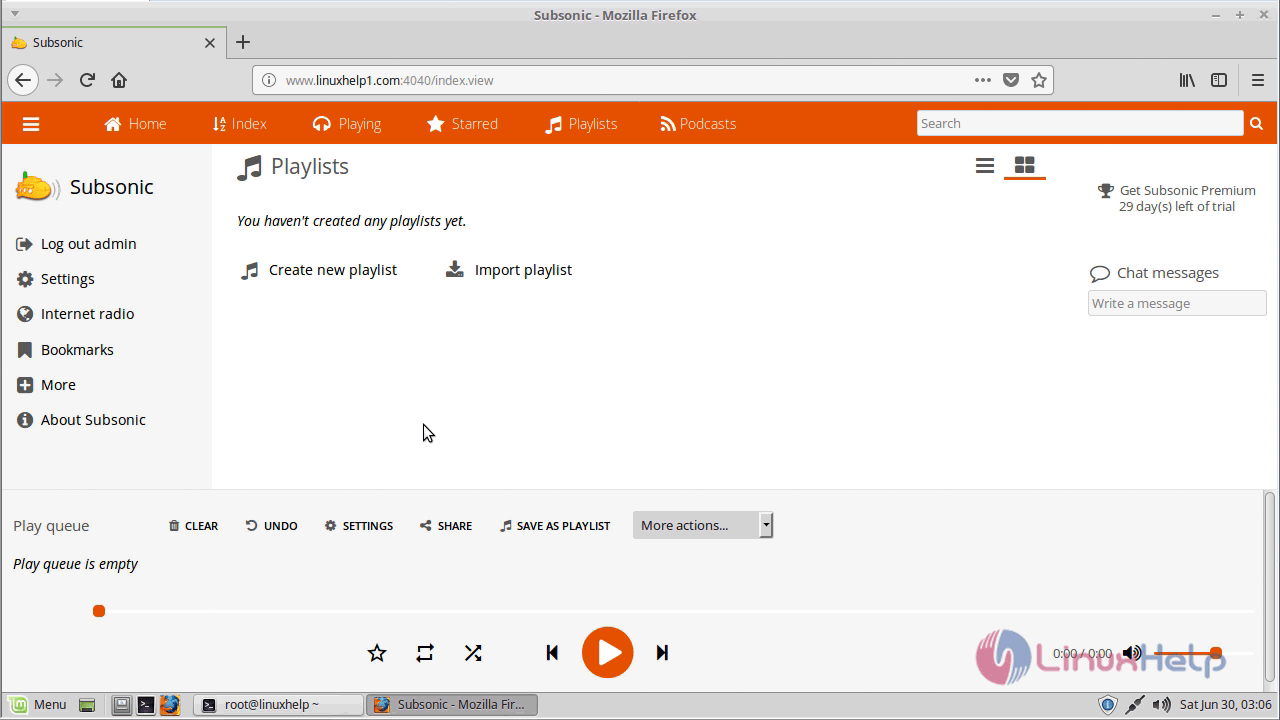
With this, the method to install subsonic on linuxmint-18.03 comes to an end
Comments ( 0 )
No comments available