How to install SuiteCRM on CentOS 6.9
To install SuiteCRM on CentOS 6.9
SuiteCRM is an open source Customer Relationship Management system based on SugarCRM. It is featured with rich, powerful, flexible and user-friendly.It consists of a few modules such as products, quotes, contracts, invocies, PDF templates, Events, Portal, outlook plugins and much more. This tutorial covers the installation procedure of SuiteCRM on CentOS 6.9.
Pre- Requisite
Before beginning the installation procedure, Check whether the LAMP environment is set in the target system. Create a MySQL database for the SuiteCRM to work on and create a user in the database and grant all privileges to the user.
Installation procedure
Before proceeding with the installation process, install the Git tool in the target system by running the following command and execute it.
[root@linuxhelp1 ~]#  yum -y install git
Loaded plugins: fastestmirror, refresh-packagekit, security
Setting up Install Process
Loading mirror speeds from cached hostfile
 * base: mirror.onet.vn
.
.
Dependency Installed:
  perl-Error.noarch 1:0.17015-4.el6       perl-Git.noarch 0:1.7.1-9.el6_9

Complete!
Enter into HTML location by running the cd command.
[root@linuxhelp1 ~]# cd /var/www/html
Download the SuiteCRM package using git clone command.
[root@linuxhelp1 html]# git clone https://github.com/salesagility/SuiteCRM.git
Initialized empty Git repository in /var/www/html/SuiteCRM/.git/
remote: Counting objects: 84705, done.
remote: Compressing objects: 100% (12/12), done.
remote: Total 84705 (delta 2), reused 0 (delta 0), pack-reused 84693
Receiving objects: 100% (84705/84705), 74.84 MiB | 225 KiB/s, done.
Resolving deltas: 100% (52500/52500), done.
Change the ownership of downloaded file by running the following command.
[root@linuxhelp1 html]# chown -R apache:apache SuiteCRM/
Change the permission of downloaded file by running the chmod command as follows.
[root@linuxhelp1 html]# chmod -R 755 SuiteCRM/
Restart the Apache service.
[root@linuxhelp1 html]# service httpd restart
Stopping httpd:                                            [  OK  ]
Starting httpd:                                            [  OK  ]
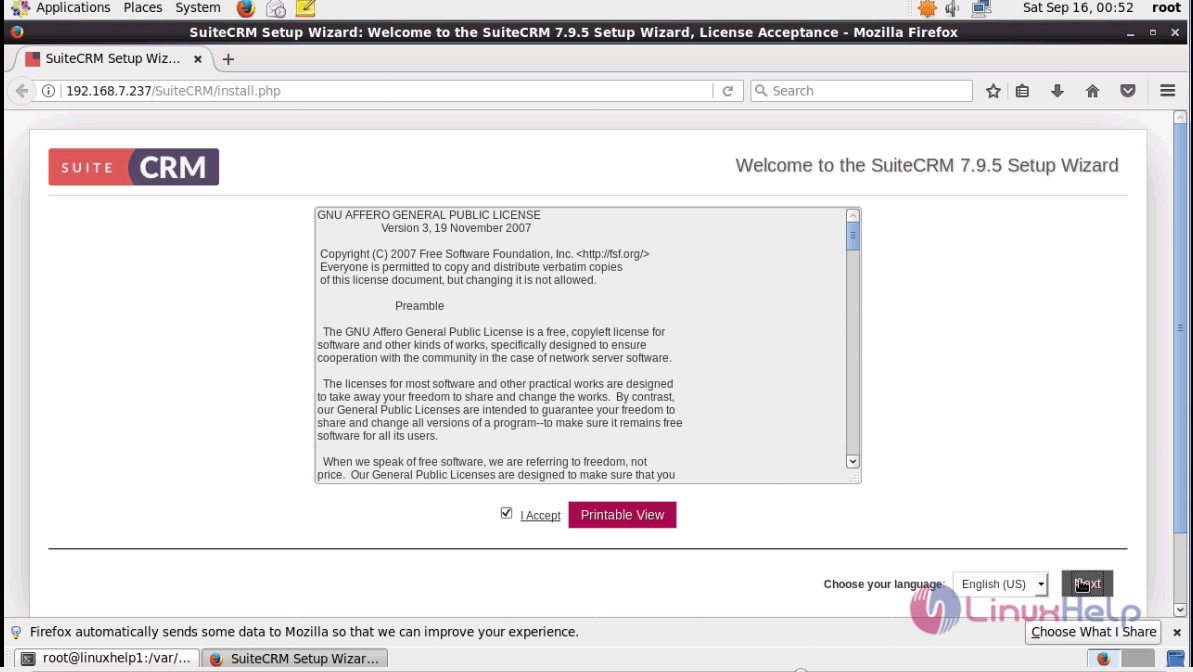
Switch over to the browser and enter the URL as http://machineip /SuiteCRM. The page leads to the license agreement page of SuiteCRM. Click " I Accept" option and click next.
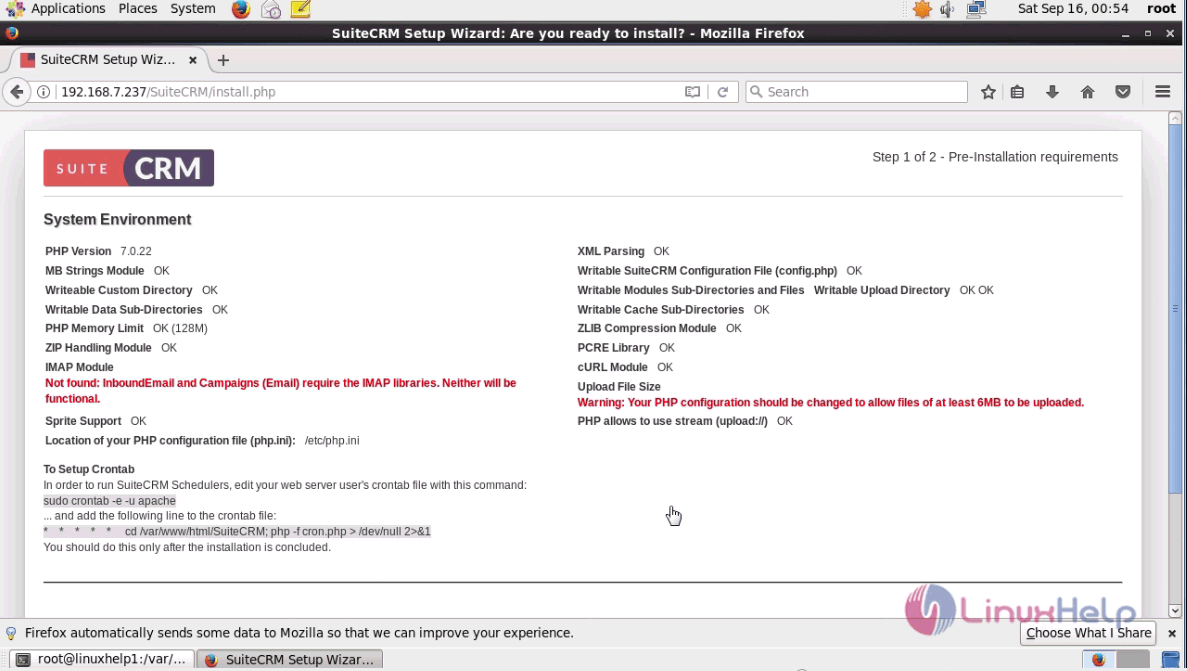
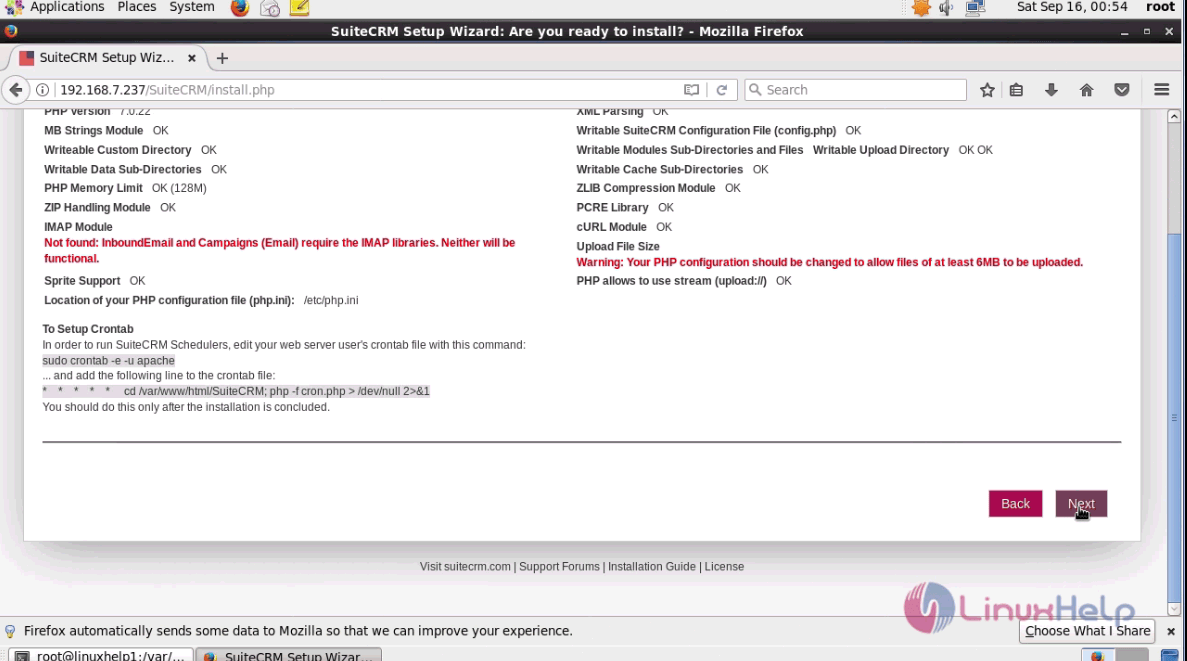
The next window contains a list of System environment checks and click next.
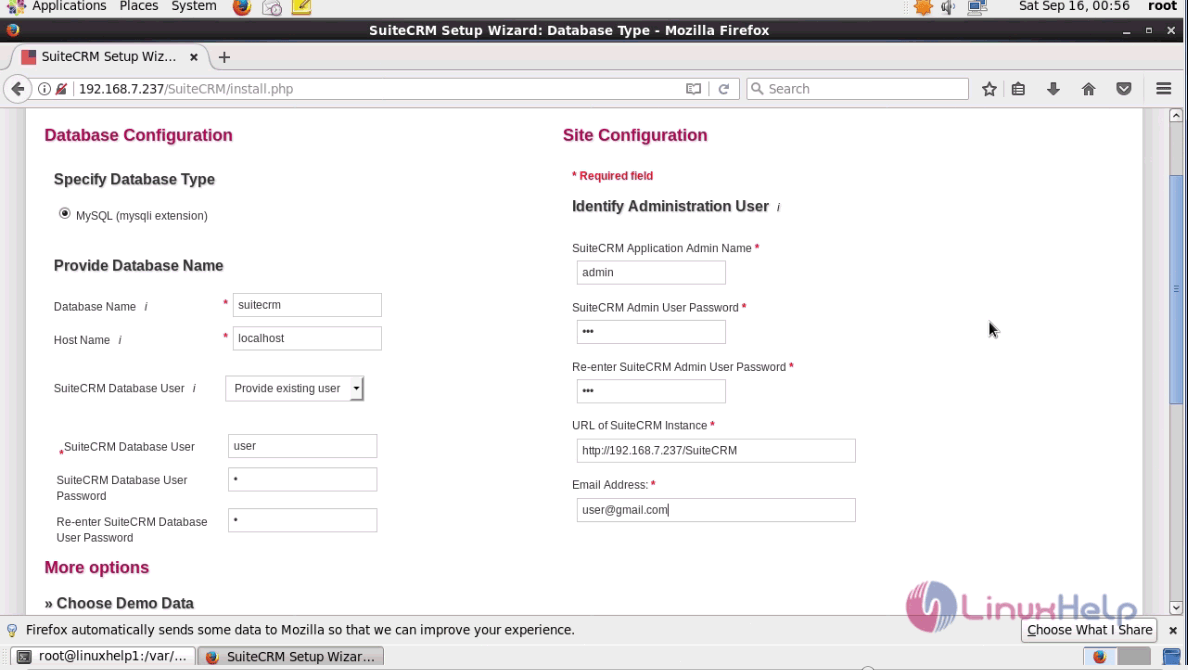
Next enter the database details and click next.
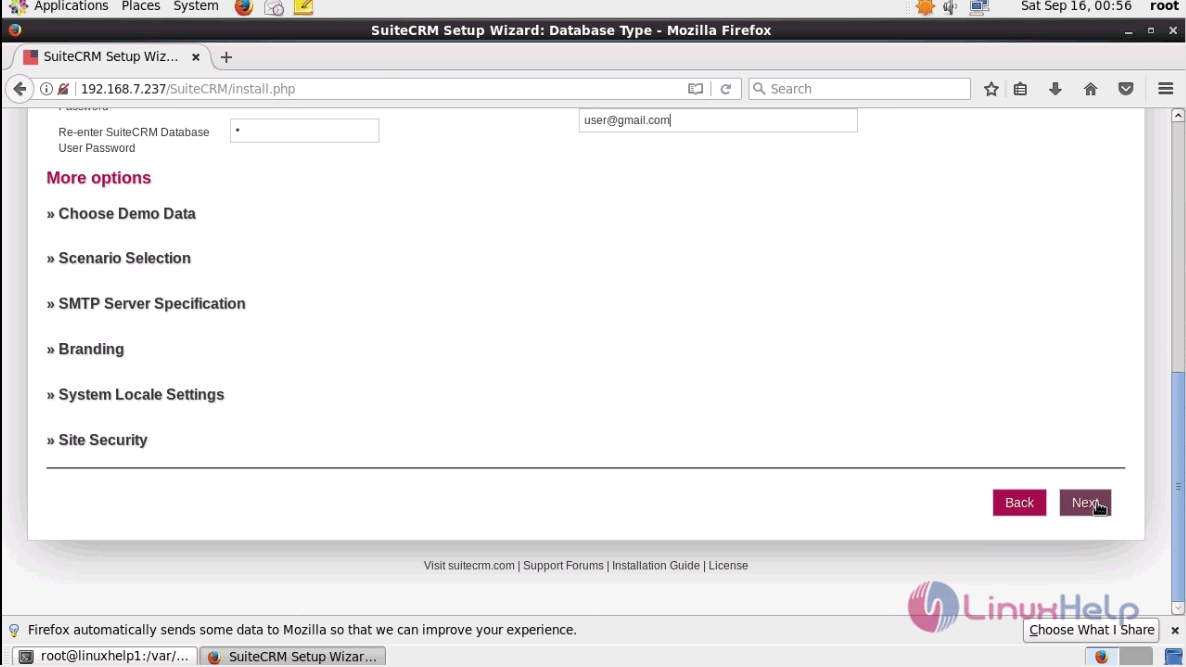
You can also choose to configure more options as shown below and click next.
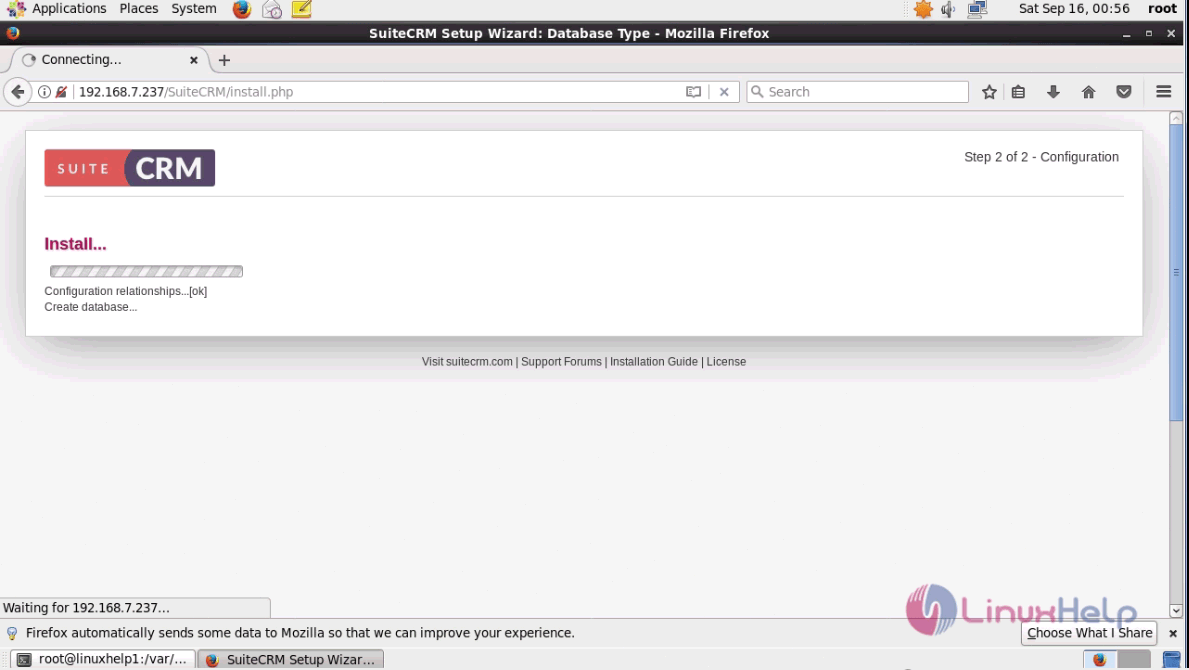
The installation is in progress and the user has to wait for the installation to complete.
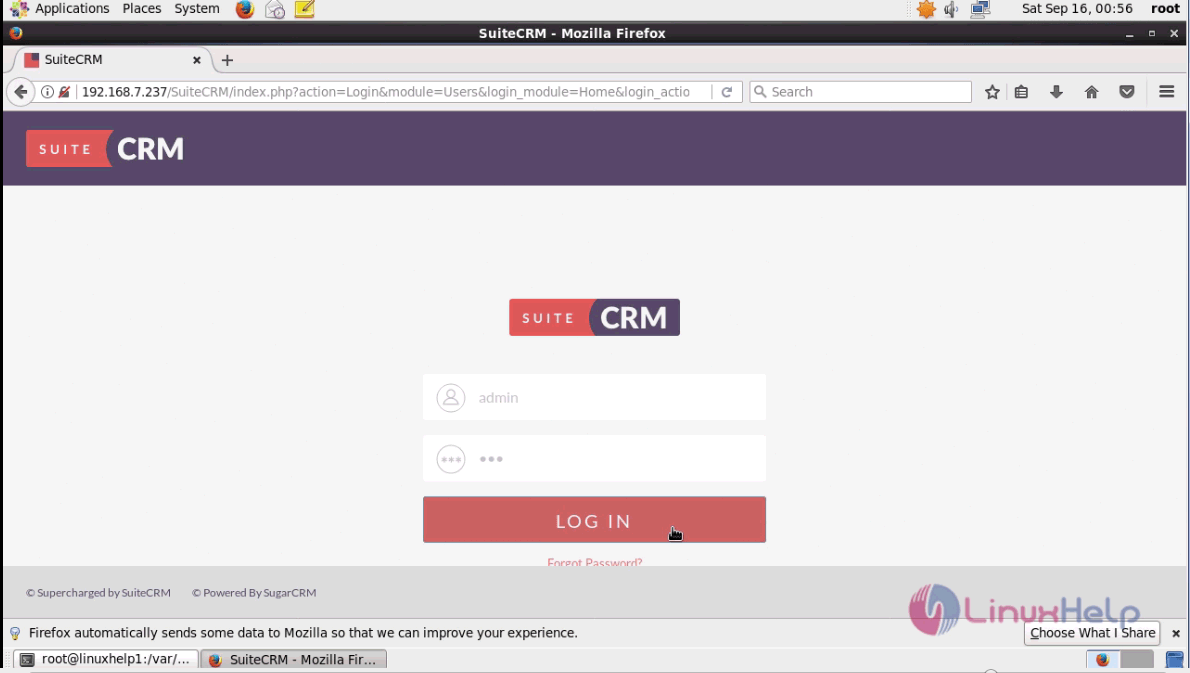
The admin login page of the SuiteCRM is opened. Enter the admin credentials and click login.
The Admin page and dashboard of SuiteCRM is shown as below.
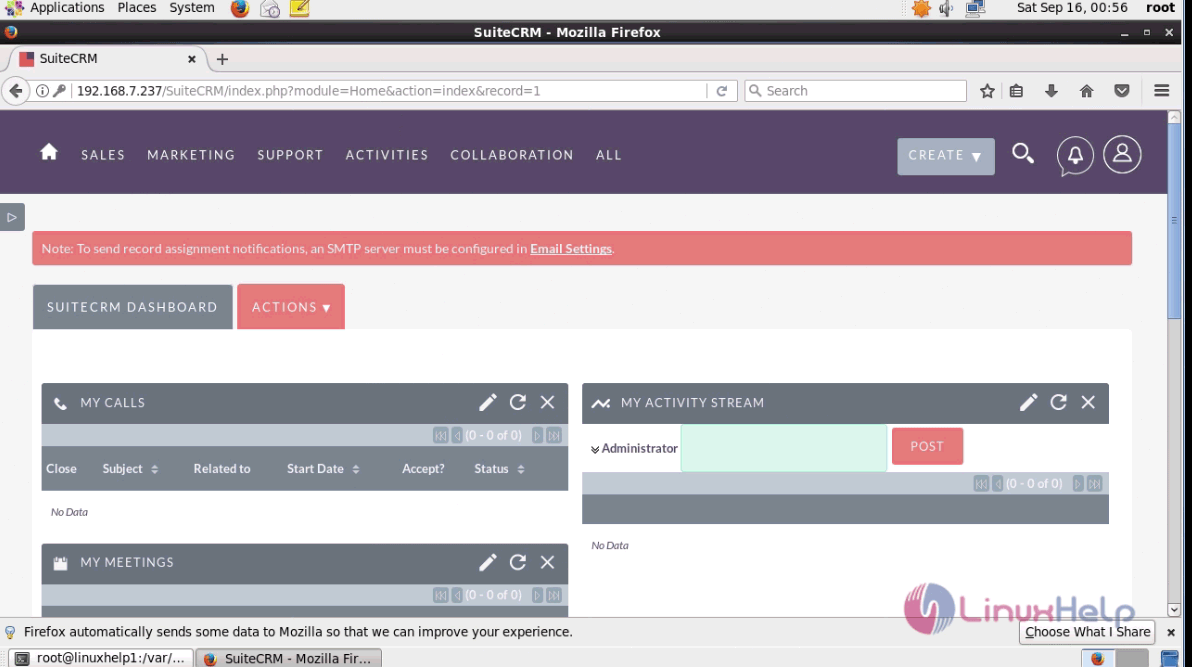
The installation procedure of SuiteCRM on CentOS 6.9 is done successfully.
Comments ( 0 )
No comments available