How To Install Tea Editor on ubuntu 17.04
To Install Tea Editor on Ubuntu 17.04
Tea is open source application software, which is written in C++ programming language. Its Graphical User Interface is developed in QT. As a text editor and word processor for both Linux and Windows platforms. It is really so simple to install Tea Editor and this tutorial covers the method to install Tea Editor on Ubuntu 17.04
Features
- Small and Light weight.
- Checks spelling mistakes.
- Inbuilt calendar and organizer.
- Inbuilt zip or unzip.
- Supports different kinds of image formats.
- Inbuilt Image converter and resizer.
- Drag-and-Drop supported for files.
- Syntax of various programming languages are highlighted.
Installing Tea Editor
Before you begin with the installation process, you need to add the essential repository in your machine by making use of the following command.
root@linuxhelp11:~# apt-get update
Hit:1 http://us.archive.ubuntu.com/ubuntu zesty InRelease
Get:2 http://security.ubuntu.com/ubuntu zesty-security InRelease [89.2 kB]
Get:3 http://us.archive.ubuntu.com/ubuntu zesty-updates InRelease [89.2 kB]
Get:4 http://us.archive.ubuntu.com/ubuntu zesty-backports InRelease [89.2 kB]
Fetched 268 kB in 2s (93.2 kB/s)
Reading package lists... Done
After that, you shall proceed with the installation of Tea editor by running the following command.
root@linuxhelp11:~# apt-get install tea-data -y
Reading package lists... Done
Building dependency tree
Reading state information... Done
The following additional packages will be installed:
  tea
The following NEW packages will be installed:
  tea tea-data
0 upgraded, 2 newly installed, 0 to remove and 134 not upgraded.
Need to get 0 B/582 kB of archives.
After this operation, 1,641 kB of additional disk space will be used.
Selecting previously unselected package tea-data.
(Reading database ... 211197 files and directories currently installed.)
Preparing to unpack .../tea-data_43.1.0-1_all.deb ...
Unpacking tea-data (43.1.0-1) ...
Selecting previously unselected package tea.
Preparing to unpack .../tea_43.1.0-1_amd64.deb ...
Unpacking tea (43.1.0-1) ...
Processing triggers for mime-support (3.60ubuntu1) ...
Processing triggers for desktop-file-utils (0.23-1ubuntu2) ...
Processing triggers for bamfdaemon (0.5.3+17.04.20170406-0ubuntu1) ...
Rebuilding /usr/share/applications/bamf-2.index...
Setting up tea-data (43.1.0-1) ...
Processing triggers for doc-base (0.10.7) ...
Processing 2 added doc-base files...
Processing triggers for man-db (2.7.6.1-2) ...
Processing triggers for gnome-menus (3.13.3-6ubuntu5) ...
Processing triggers for hicolor-icon-theme (0.15-1) ...
Setting up tea (43.1.0-1) ...
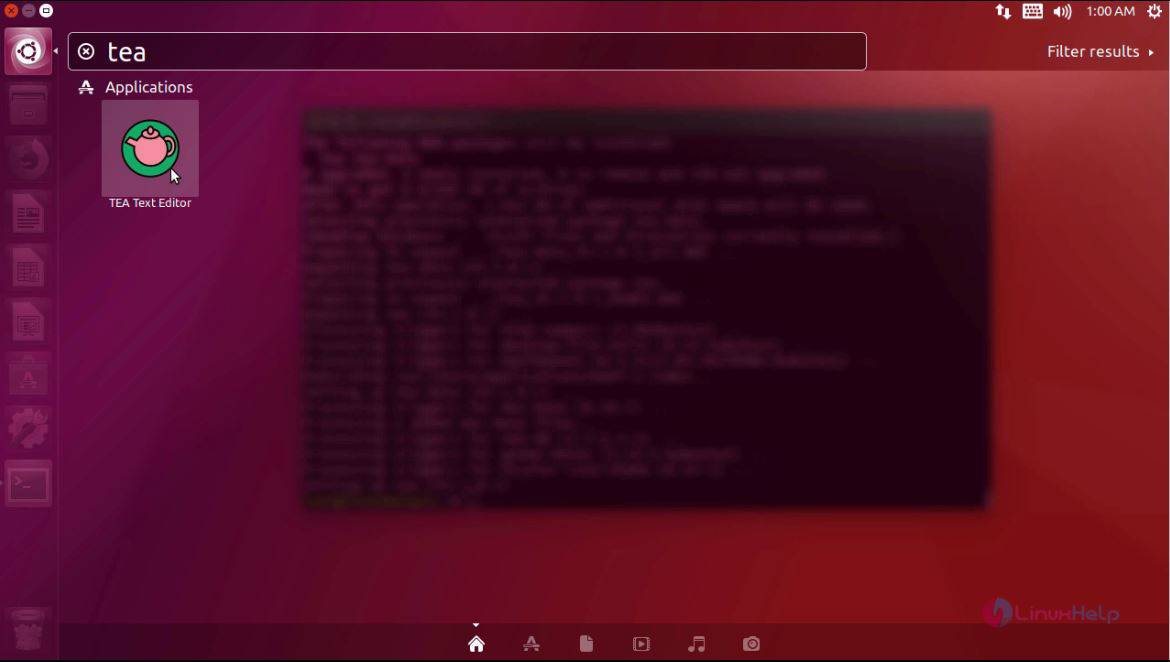
After the installation of Tea Editor, you shall launch it from your Ubuntu dash board. Search Tea in your Ubuntu search field and launch the application.
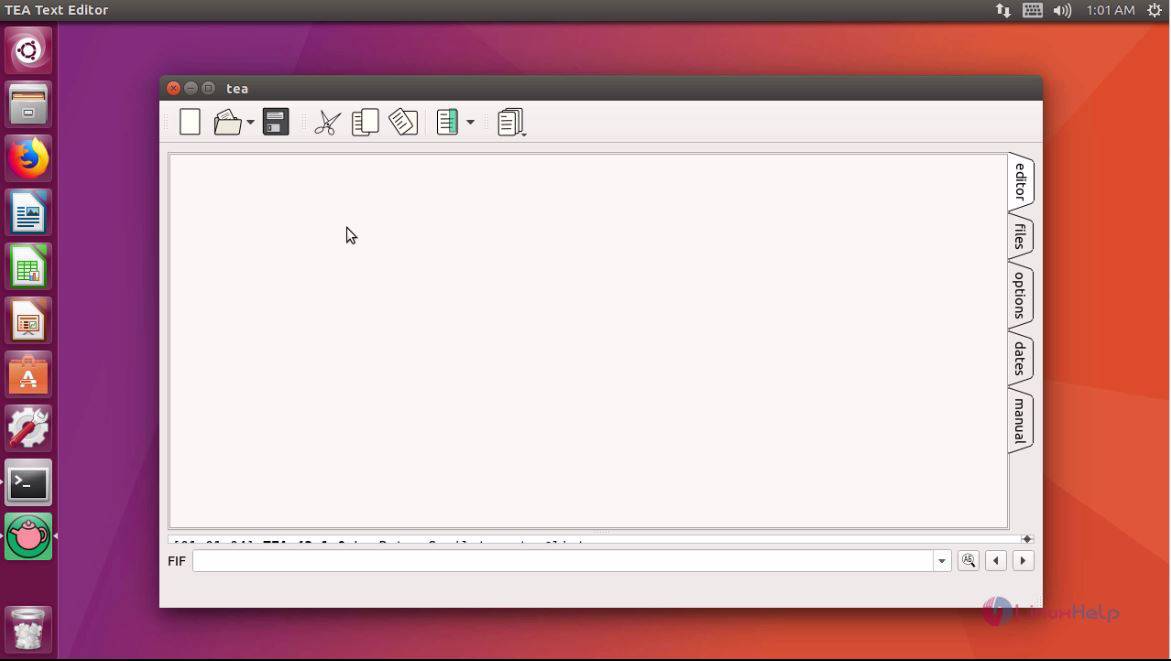
The application is now open. The editor looks like the one displayed in the following image.
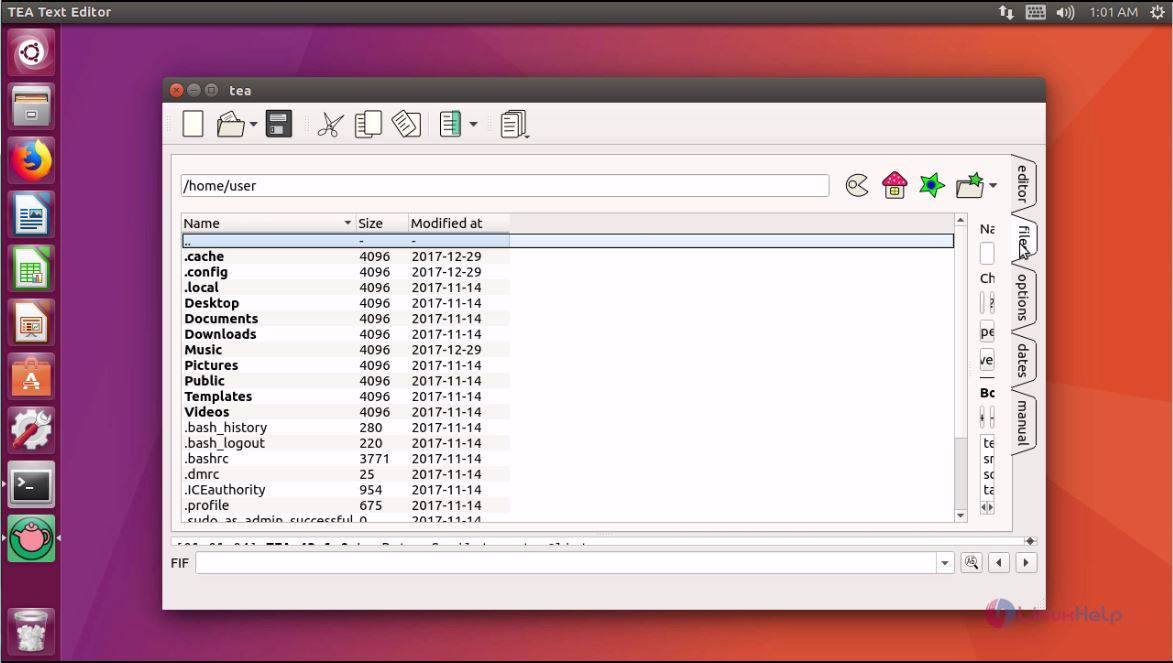
You can also check out the files you want to edit.
With this, the installation of Tea Editor comes to an end.
Comments ( 0 )
No comments available