How to install Tea editor on Ubuntu 18.04
To install Tea Editor on Ubuntu-18.04
Tea is open source application written in C++ programming language and its GUI is developed in QT. It works on both Windows and Linux platforms. TEA is compact, configurable and is packed with so many handy features, and it consumes only about 500KB of memory. Some of the features of Tea editor is covered below.
Features
&bull Small and Lightweight.
&bull Checks spelling mistakes.
&bull Inbuilt calendar and organizer.
&bull Inbuilt zip or unzip.
&bull Supports different kinds of image formats.
Installation
Before starting your installation you should update system repository.
root@linuxhelp1:~# apt-get update
Hit:1 http://in.archive.ubuntu.com/ubuntu bionic InRelease
Get:2 http://in.archive.ubuntu.com/ubuntu bionic-updates InRelease [65.4 kB]
Hit:3 http://in.archive.ubuntu.com/ubuntu bionic-backports InRelease
Get:4 http://in.archive.ubuntu.com/ubuntu bionic-updates/main amd64 Packages [23.1 kB]
Get:5 http://in.archive.ubuntu.com/ubuntu bionic-updates/main i386 Packages [22.6 kB]

.
.
.
Get:10        http://in.archive.ubuntu.com/ubuntu bionic-updates/mai amd64 Packages [22.7 kB]
Get:11 http://in.archive.ubuntu.com/ubuntu bionic-updates/universe Translation-en [3,280 B]
Get:12 http://in.archive.ubuntu.com/ubuntu bionic-updates/main i386 Packages [22.2 kB]
Get:13 http://in.archive.ubuntu.com/ubuntu bionic-updates/main Translation-en [8,228 B]
Fetched 255 kB in 3s (86.7 kB/s)
Reading package lists... Done
As tea editor is available in default Ubuntu repository/ you can directly make install as follows.
root@linuxhelp1:~# apt-get install tea-data
Reading package lists... Done
Building dependency tree
Reading state information... Done

The following packages were automatically installed and are no longer required

  apache2-bin apache2-data apache2-utils libapr1 libaprutil1 libaprutil1-dbd-sqlite3
  libaprutil1-ldap

Use ' sudo apt autoremove'  to remove them.

The following additional packages will be installed

  antiword libdouble-conversion1 libpoppler-qt5-1 libqt5core5a libqt5dbus5 libqt5gui5
  libqt5network5 libqt5printsupport5 libqt5qml5 libqt5quick5 libqt5svg5 libqt5widgets5
  libqt5xml5 libxcb-xinerama0 qt5-gtk-platformtheme qttranslations5-l10n tea
Suggested packages:
  qt5-image-formats-plugins qtwayland5 qt5-qmltooling-plugins

The following NEW packages will be installed

  antiword libdouble-conversion1 libpoppler-qt5-1 libqt5core5a libqt5dbus5 libqt5gui5
  libqt5network5 libqt5printsupport5 libqt5qml5 libqt5quick5 libqt5svg5 libqt5widgets5
  libqt5xml5 libxcb-xinerama0 qt5-gtk-platformtheme qttranslations5-l10n tea tea-data
0 upgraded, 18 newly installed, 0 to remove and 17 not upgraded.

Need to get 13.0 MB of archives.
After this operation, 54.4 MB of additional disk space will be used.

Do you want to continue? [Y/n] y
Get:1 http://in.archive.ubuntu.com/ubuntu bionic/main amd64 libdouble-conversion1 amd64 2.0.1-4ubuntu1 [33.0 kB]
Get:2 http://in.archive.ubuntu.com/ubuntu bionic/main amd64 libqt5core5a amd64 5.9.5+dfsg-0ubun
.
.
.
Setting up libqt5quick5:amd64 (5.9.5-0ubuntu1) ...
Setting up libqt5widgets5:amd64 (5.9.5+dfsg-0ubuntu1) ...
Setting up libpoppler-qt5-1:amd64 (0.62.0-2ubuntu2) ...
Setting up libqt5printsupport5:amd64 (5.9.5+dfsg-0ubuntu1) ...
Setting up libqt5svg5:amd64 (5.9.5-0ubuntu1) ...
Setting up tea (44.1.1-2) ...
Processing triggers for libc-bin (2.27-3ubuntu1) ...
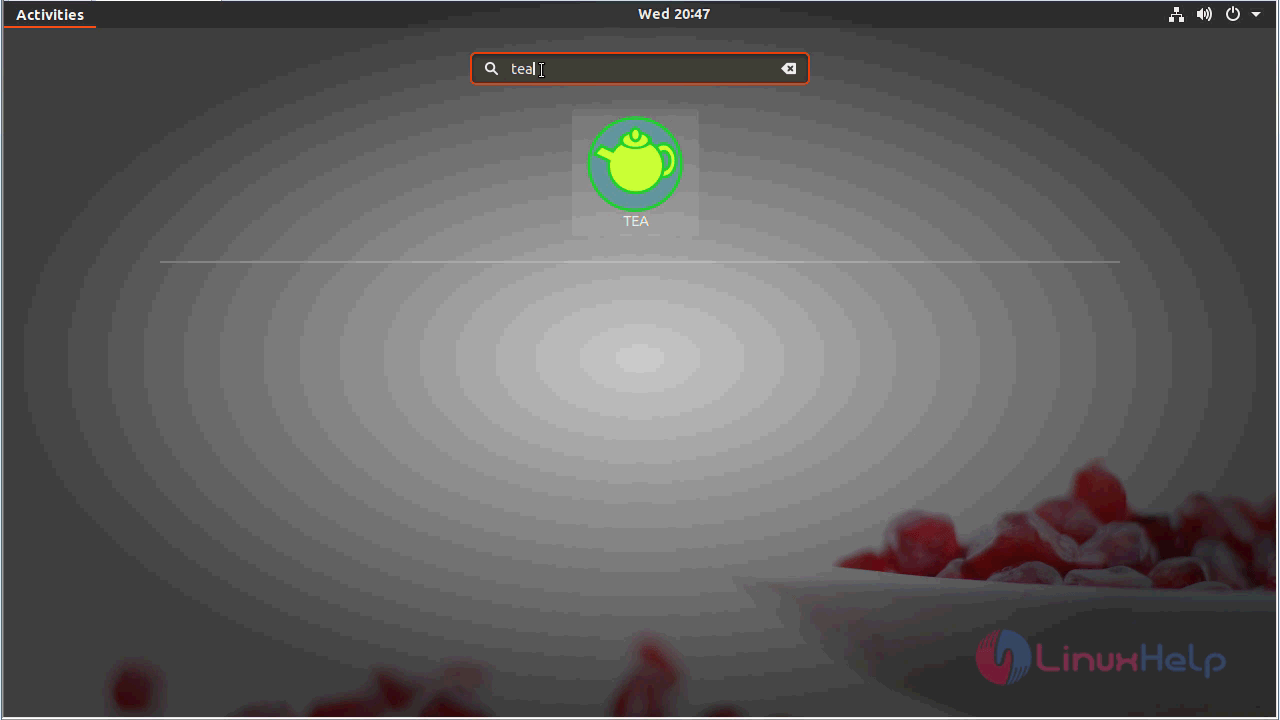
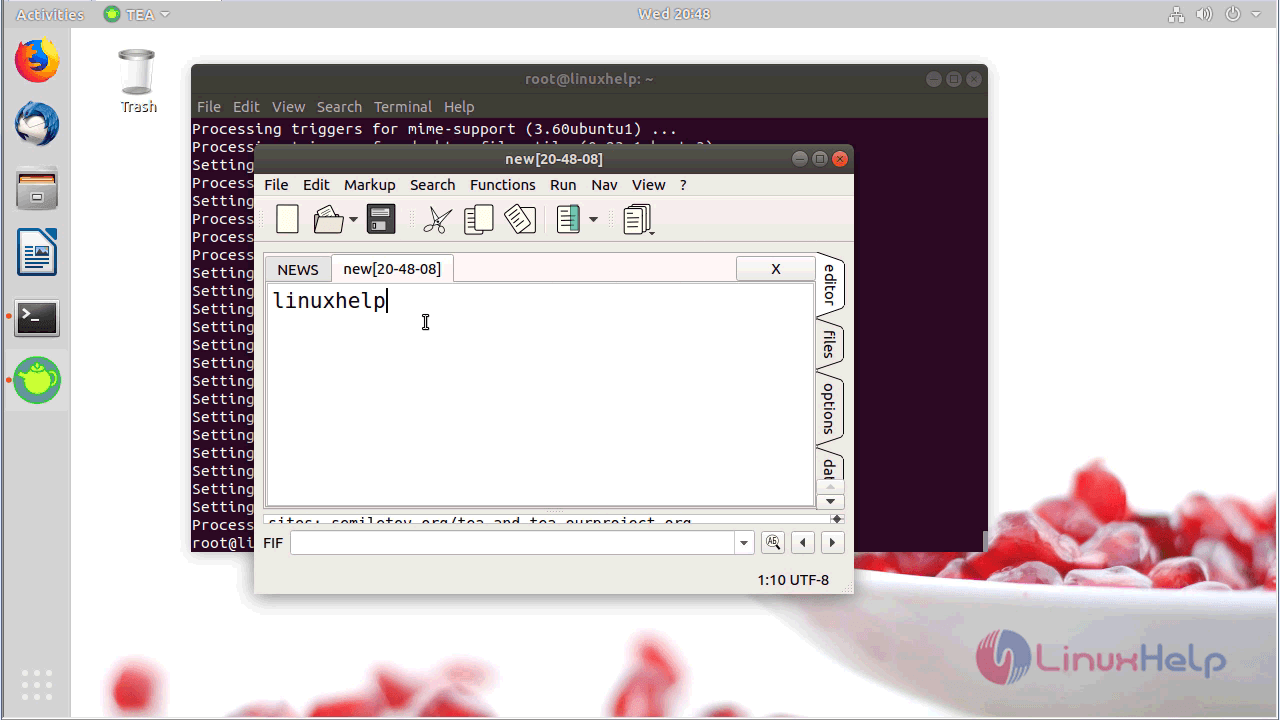
After the installation, you can access the application from the Ubuntu activity menu.
With this, the method to install tea editor on Ubuntu 18.04 comes to an end.
Comments ( 0 )
No comments available