How to install TextPattern CMS on CentOS 6.9
To install TextPattern CMS on CentOS 6.9
Textpattern CMS is especially designed for web developers, designers and bloggers. It allows the users to publish their content with the easy interface. The textpattern tool is developed with advanced features to create, edit and publish content in the websites. It contains features like conversion of plain text to XHTML code, tag-based template system, built-in site statistics and seperation of content from presentation. This tutorial covers the installation procedure of Textpattern CMS on CentOS 6.9.
Installation procedure
To proceed with the installation procedure, download the Textpattern package by running the wget command followed by the download link.
[root@linuxhelp1 ~]#  wget https://textpattern.com/file_download/75/textpattern-4.6.2.zip
--2017-09-17 00:18:27--  https://textpattern.com/file_download/75/textpattern-4.6.2.zip
Resolving textpattern.com... 37.153.96.164
Connecting to textpattern.com|37.153.96.164|:443... connected.
HTTP request sent, awaiting response... 200 OK
Length: 1657031 (1.6M) [application/octet-stream]
Saving to: “ textpattern-4.6.2.zip”

100%[======================================> ] 1,657,031    350K/s   in 4.6s

2017-09-17 00:18:33 (350 KB/s) - “ textpattern-4.6.2.zip”  saved [1657031/1657031]
Extract the downloaded package by running the unzip command.
[root@linuxhelp1 ~]# unzip textpattern-4.6.2.zip
Archive:  textpattern-4.6.2.zip
   creating: textpattern-4.6.2/
  inflating: textpattern-4.6.2/.htaccess
  inflating: textpattern-4.6.2/css.php
.
.
inflating: textpattern-4.6.2/textpattern/vendors/Textpattern/Validator/Validator.php
  inflating: textpattern-4.6.2/textpattern/vendors/Txp.php
Move the Textpattern to HTML location.
[root@linuxhelp1 ~]# mv textpattern-4.6.2/textpattern/ /var/www/html/
Change the ownership of file HTML location.
[root@linuxhelp1 ~]# chown -R apache.apache /var/www/html
Change the permission of file in HTML location.
[root@linuxhelp1 ~]# chmod -R 755 /var/www/html
Resart the Apache service.
[root@linuxhelp1 ~]# service httpd restart
Stopping httpd:                                            [  OK  ]
Starting httpd:                                            [  OK  ]
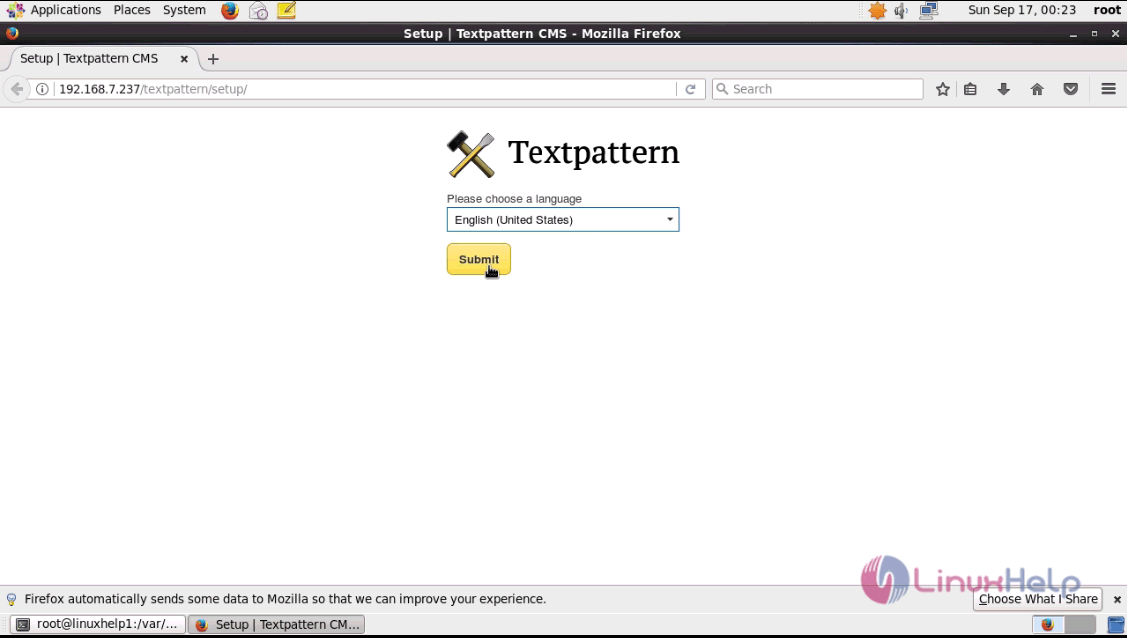
Switch over to the browser and give the URL as http://machineip/textpattern/setup. It will lead to the setup starts, choose the required language and click submit.
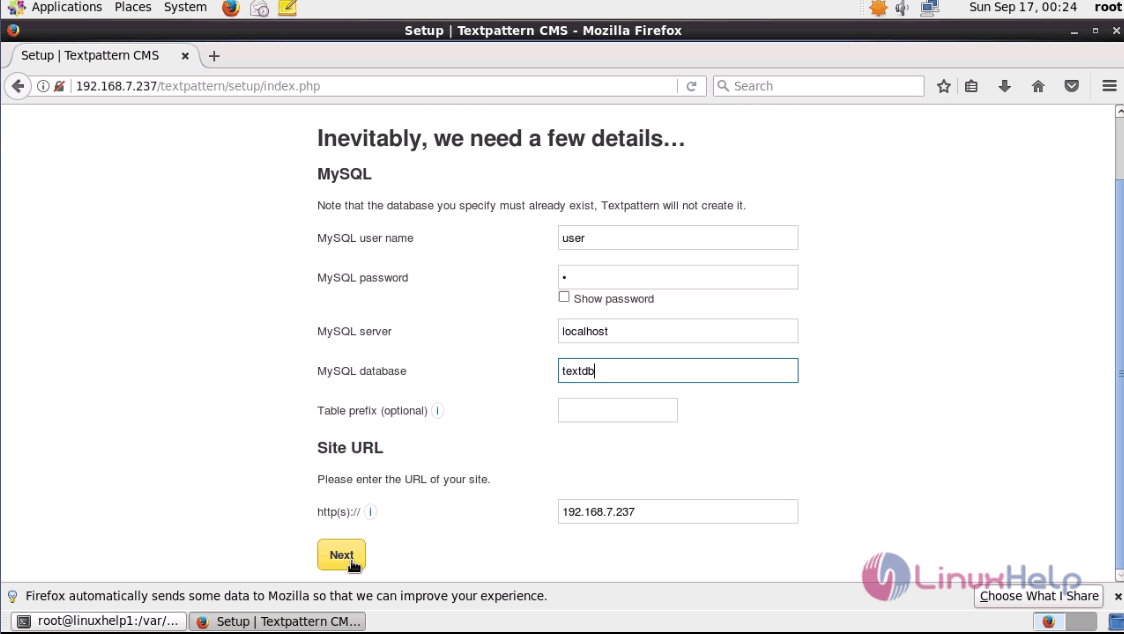
Enter the required database details and click next.
A configuration file is prompted to the user to enter into the Textpattern directory.
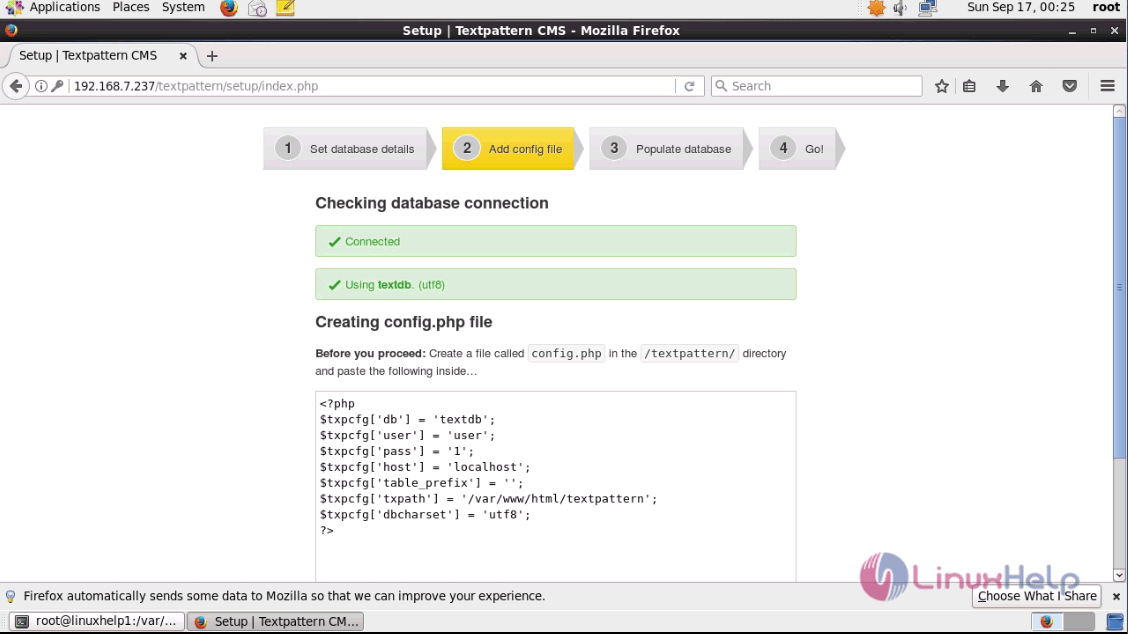
Open the terminal and add the above configuration file content in the file. Save and exit the file.
[root@linuxhelp1 textpattern]# vim config.php
< ?php
$txpcfg[' db' ] = ' textdb'
$txpcfg[' user' ] = ' user'
$txpcfg[' pass' ] = ' 1'
$txpcfg[' host' ] = ' localhost'
$txpcfg[' table_prefix' ] = ' '
$txpcfg[' txpath' ] = ' /var/www/html/textpattern'
$txpcfg[' dbcharset' ] = ' utf8'
?>
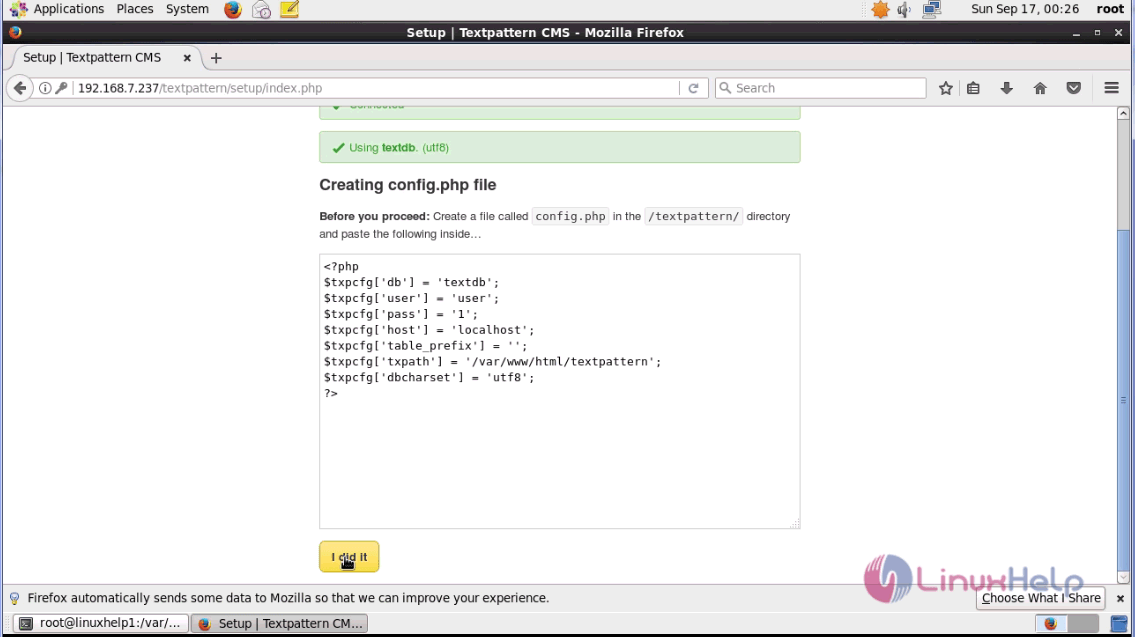
Switch over to the browser after adding the configuration file and click " I did it" option.
Enter the database tables details and click next.
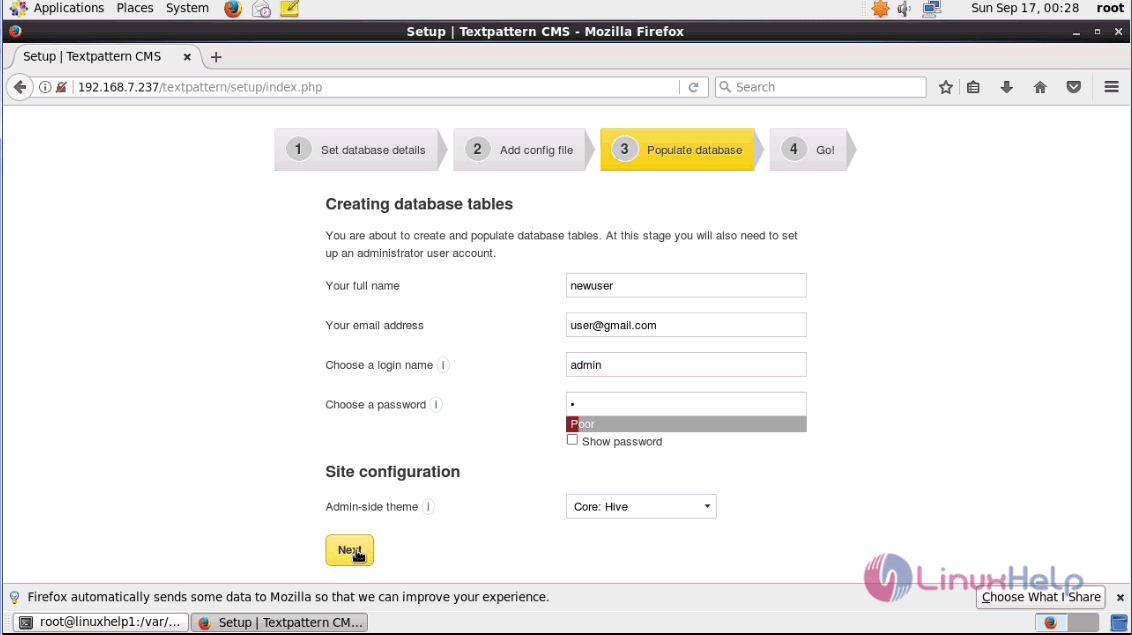
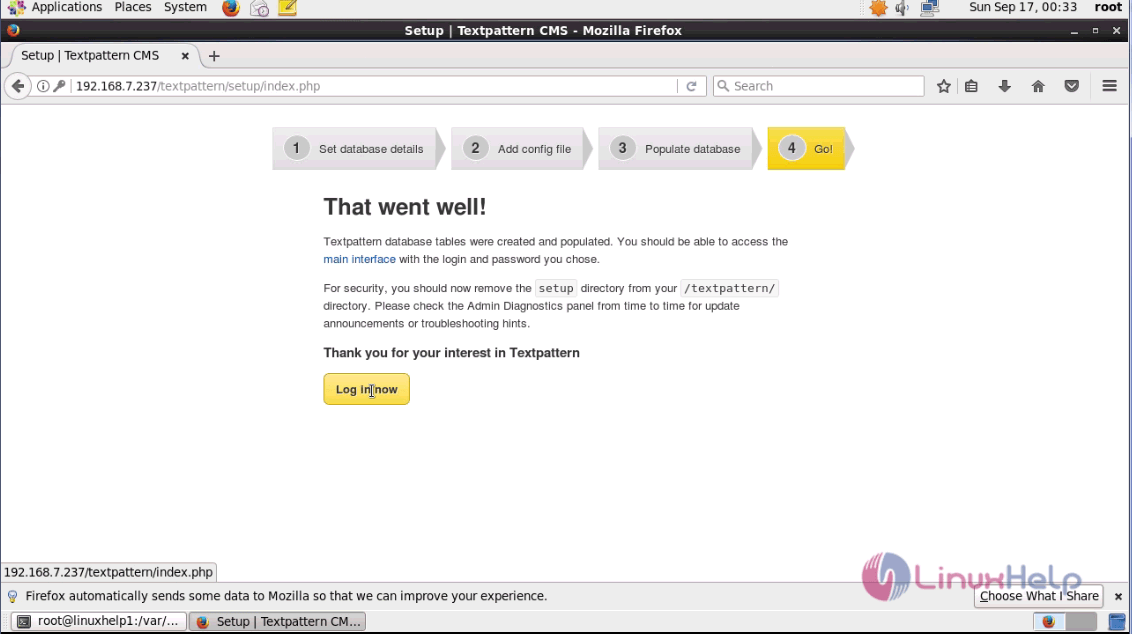
The installation is complete. Click login now option.
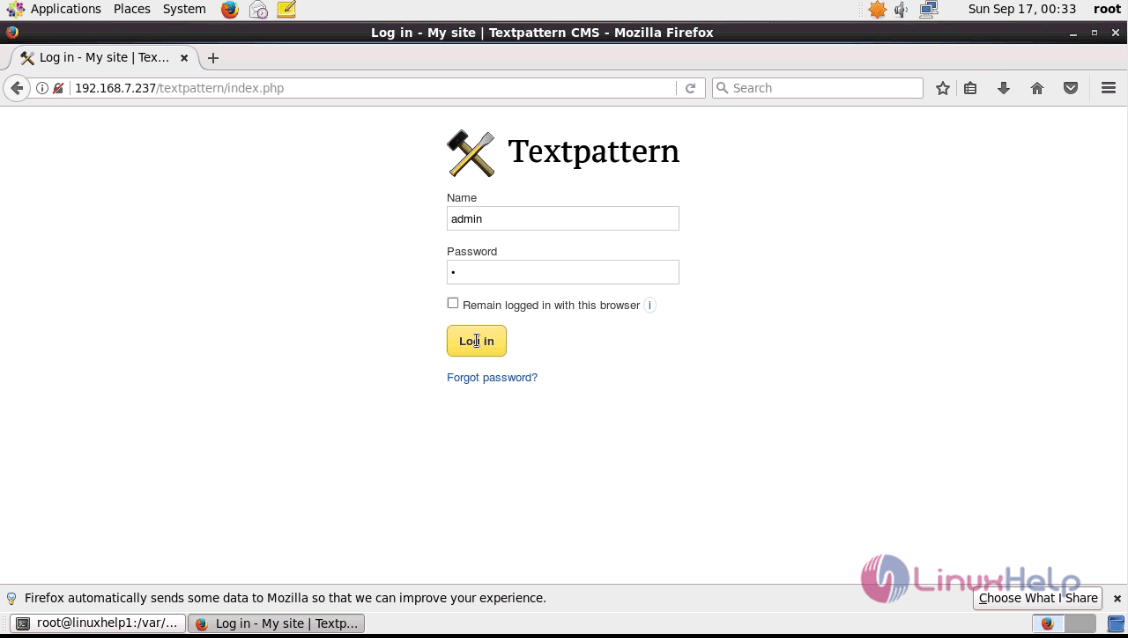
The login page appears on the screen. Enter the admin credentials and login.
The admin page of Textpattern appears on the screen.
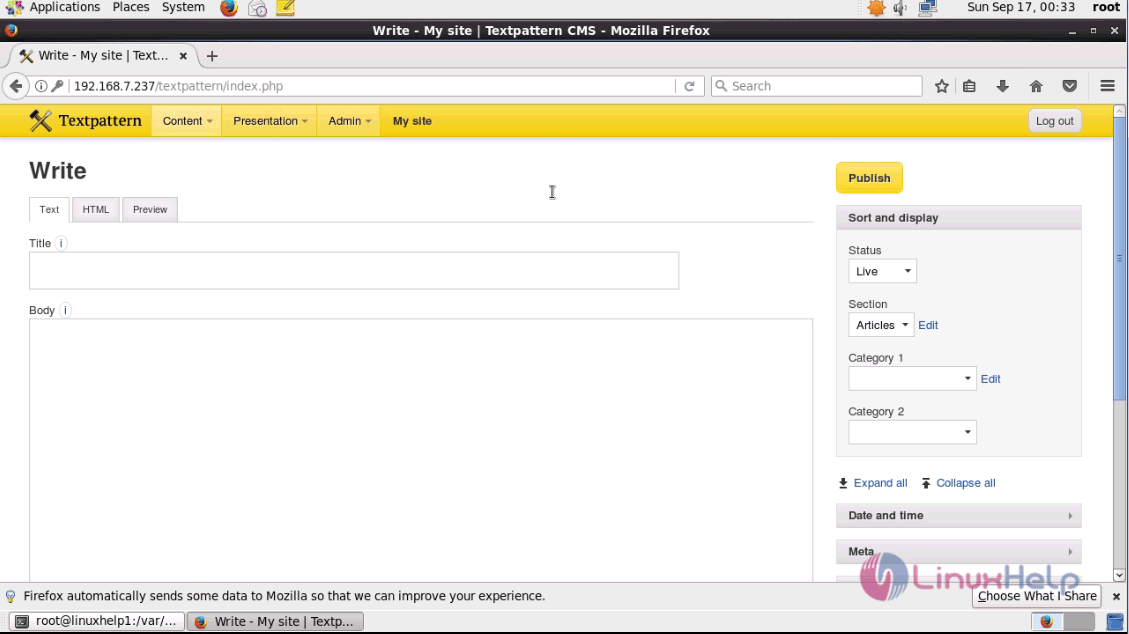
The installation procedure of Textpattern CMS on CentOS 6.9 is done without any glitches.
Comments ( 0 )
No comments available