How to install Ubuntu Cleaner
To install Ubuntu Cleaner
Ubuntu Cleaner is an open-source graphical cleaner application for Ubuntu and other Ubuntu based operating systems. It can be used to clean all temporary files and caches so that your system performance can be boosted. Installing Ubuntu Cleaner is as simple as it sounds. In this tutorial, you will be briefed about the installation procedure involved with Ubuntu Cleaner.
Installing Ubuntu Cleaner
Since Ubuntu Cleaner is not available on Ubuntu’ s default repository, we should add a third party repository in order to install it on your Ubuntu machine. Use the following command to add the repository.
root@linuxhelp1:~# add-apt-repository ppa:gerardpuig/ppa
 Official Ubuntu Cleaner stable repository
 More info: https://launchpad.net/~gerardpuig/+archive/ubuntu/ppa
Press [ENTER] to continue or ctrl-c to cancel adding it

gpg: keyring `/tmp/tmp22kex5fh/secring.gpg'  created
gpg: keyring `/tmp/tmp22kex5fh/pubring.gpg'  created
gpg: requesting key A892A73C from hkp server keyserver.ubuntu.com
gpg: /tmp/tmp22kex5fh/trustdb.gpg: trustdb created
gpg: key A892A73C: public key " Launchpad PPA for Gerard Puig"  imported
gpg: Total number processed: 1
gpg:               imported: 1  (RSA: 1)
OK
Once the repository is added to your system, update your system repository as follows.
root@linuxhelp1:~# apt-get update
Get:1 http://security.ubuntu.com/ubuntu xenial-security InRelease [102 kB]
Hit:2 http://in.archive.ubuntu.com/ubuntu xenial InRelease
Get:3 http://ppa.launchpad.net/gerardpuig/ppa/ubuntu xenial InRelease [18.1 kB]
Get:4 http://in.archive.ubuntu.com/ubuntu xenial-updates InRelease [102 kB]
Get:5 http://ppa.launchpad.net/gerardpuig/ppa/ubuntu xenial/main amd64 Packages [520 B]
Get:6 http://ppa.launchpad.net/gerardpuig/ppa/ubuntu xenial/main i386 Packages [520 B]
Get:7 http://ppa.launchpad.net/gerardpuig/ppa/ubuntu xenial/main Translation-en [188 B]
Get:8 http://in.archive.ubuntu.com/ubuntu xenial-backports InRelease [102 kB]
.
.
.
Setting up python-lxml (3.5.0-1build1) ...
Setting up python-defer (1.0.6-2build1) ...
Setting up python-aptdaemon (1.1.1+bzr982-0ubuntu14) ...
Setting up python-aptdaemon.gtk3widgets (1.1.1+bzr982-0ubuntu14) ...
Setting up ubuntu-cleaner (1.0.4-1) ...
Processing triggers for dbus (1.10.6-1ubuntu3) ...
Now is the time to install Ubuntu Cleaner. Use the following command for the same purpose.
root@linuxhelp1:~# apt-get install ubuntu-cleaner -y
Once it is installed, launch the application using the belwo command.
root@linuxhelp1:~# ubuntu-cleaner
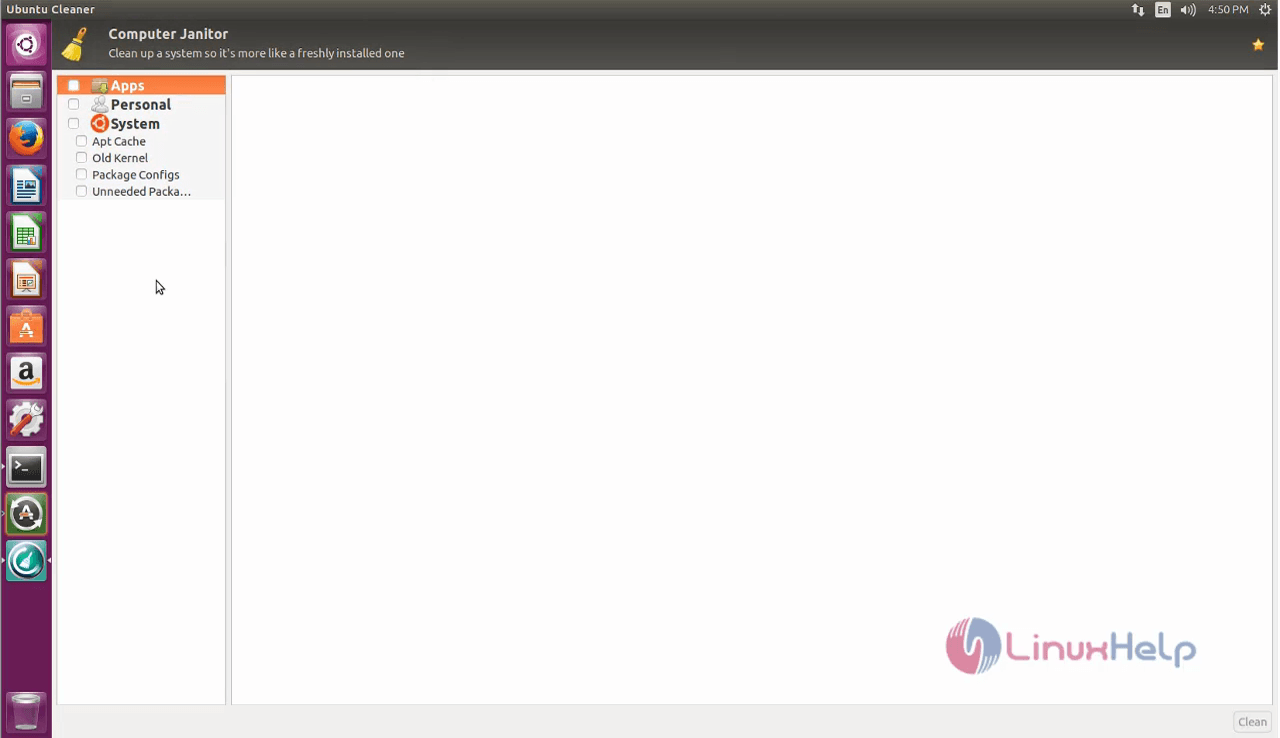
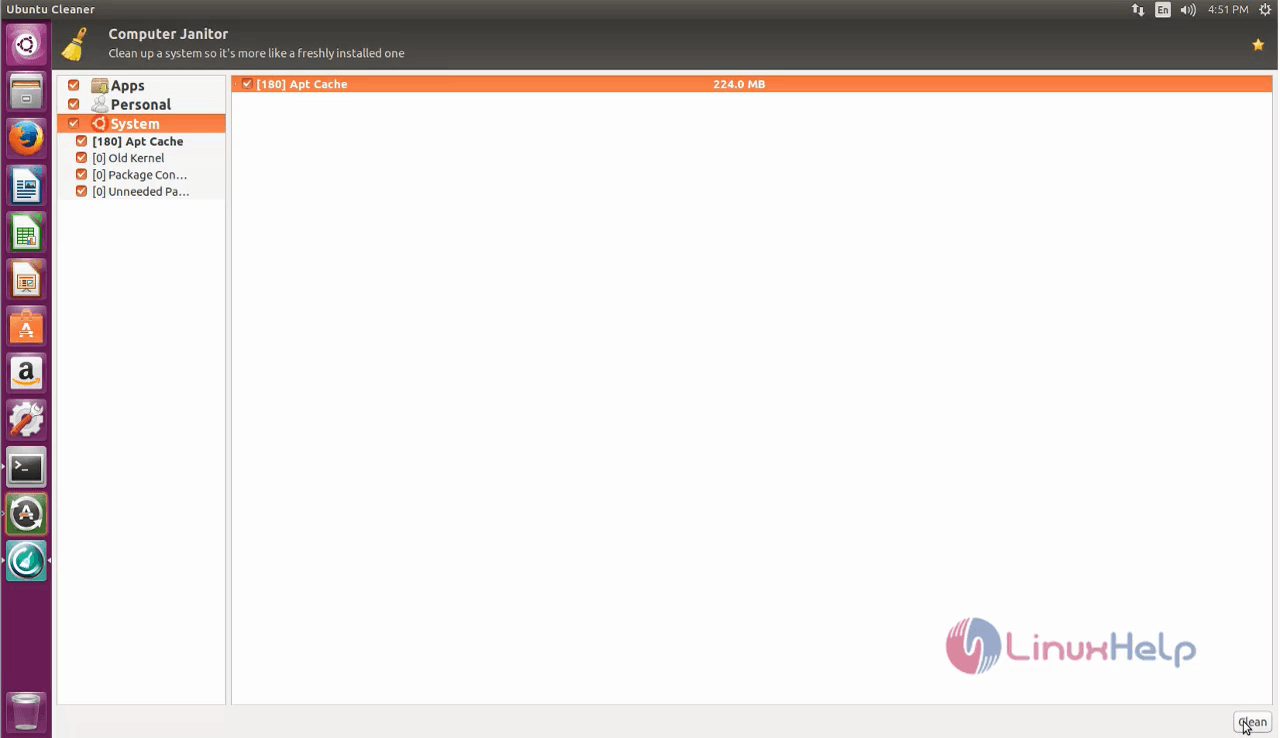
You can choose the items you want to scan and clean from the left panel and click on clean button present at the bottom left corner.
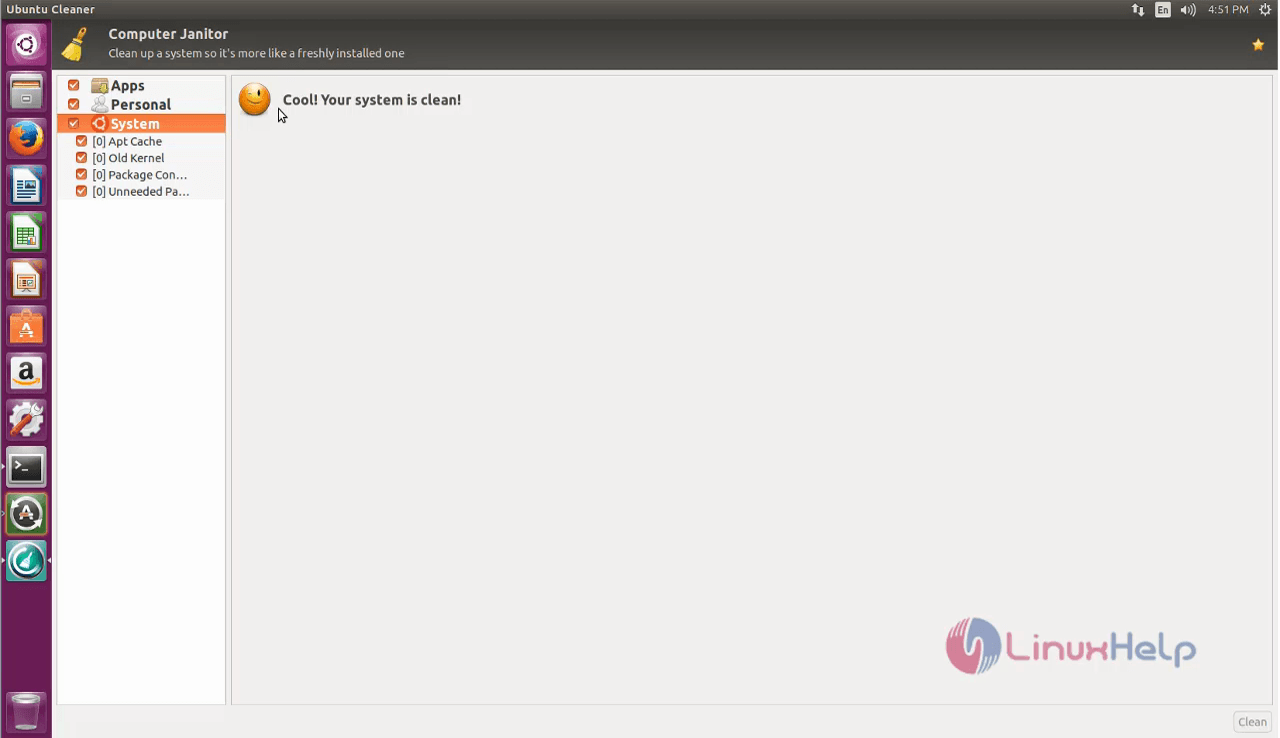
Once the process is completed, your system is considered to be clean.
Simple to install and use, wasn' t it? With the help of Ubuntu Cleaner, you can easily eliminate all the unwanted caches such as App caches, apt caches, and thumbnail caches. Also, you can clean on the package configs and get hold of your old kernel with Ubuntu Cleaner.
Comments ( 0 )
No comments available